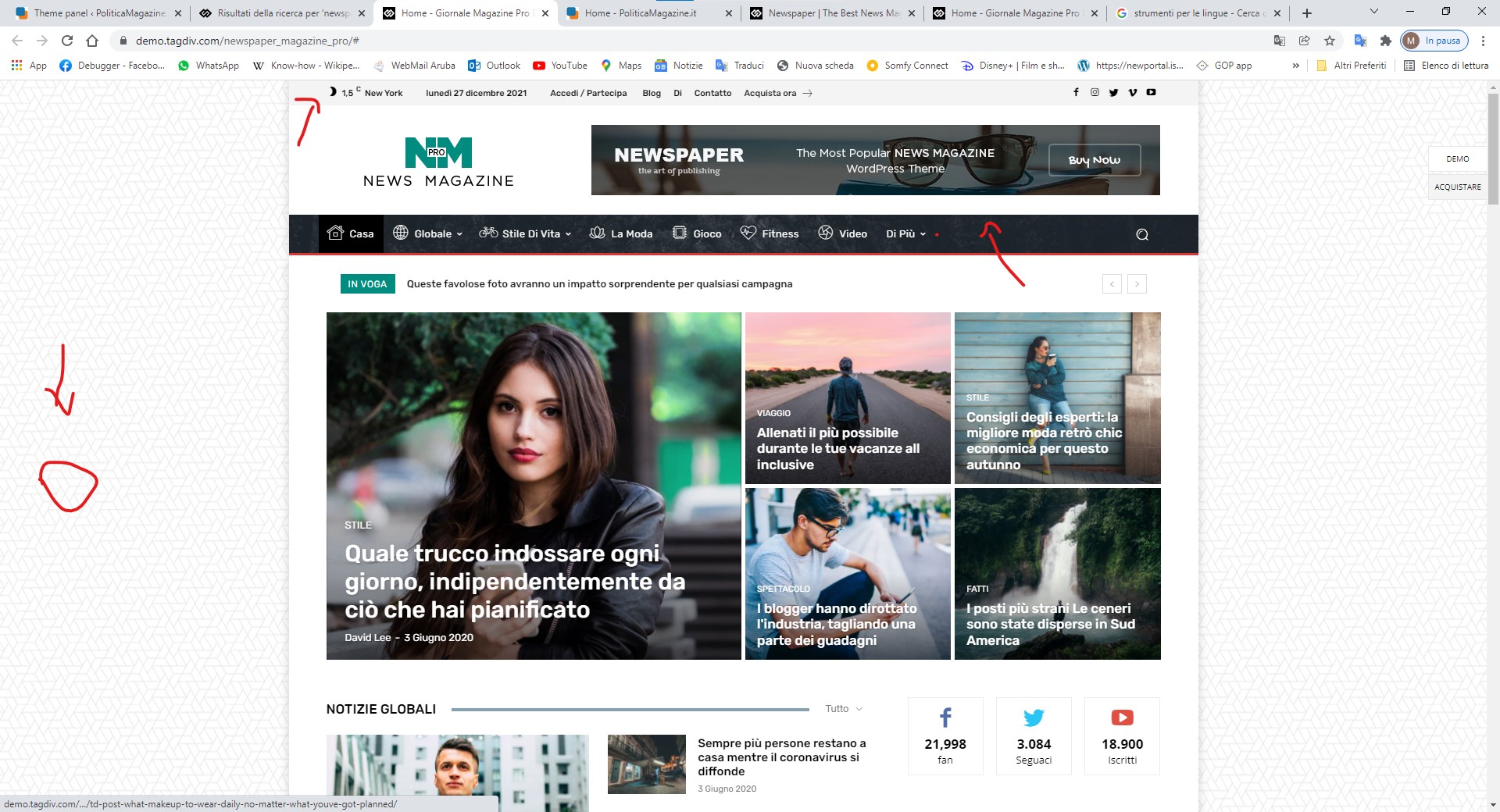
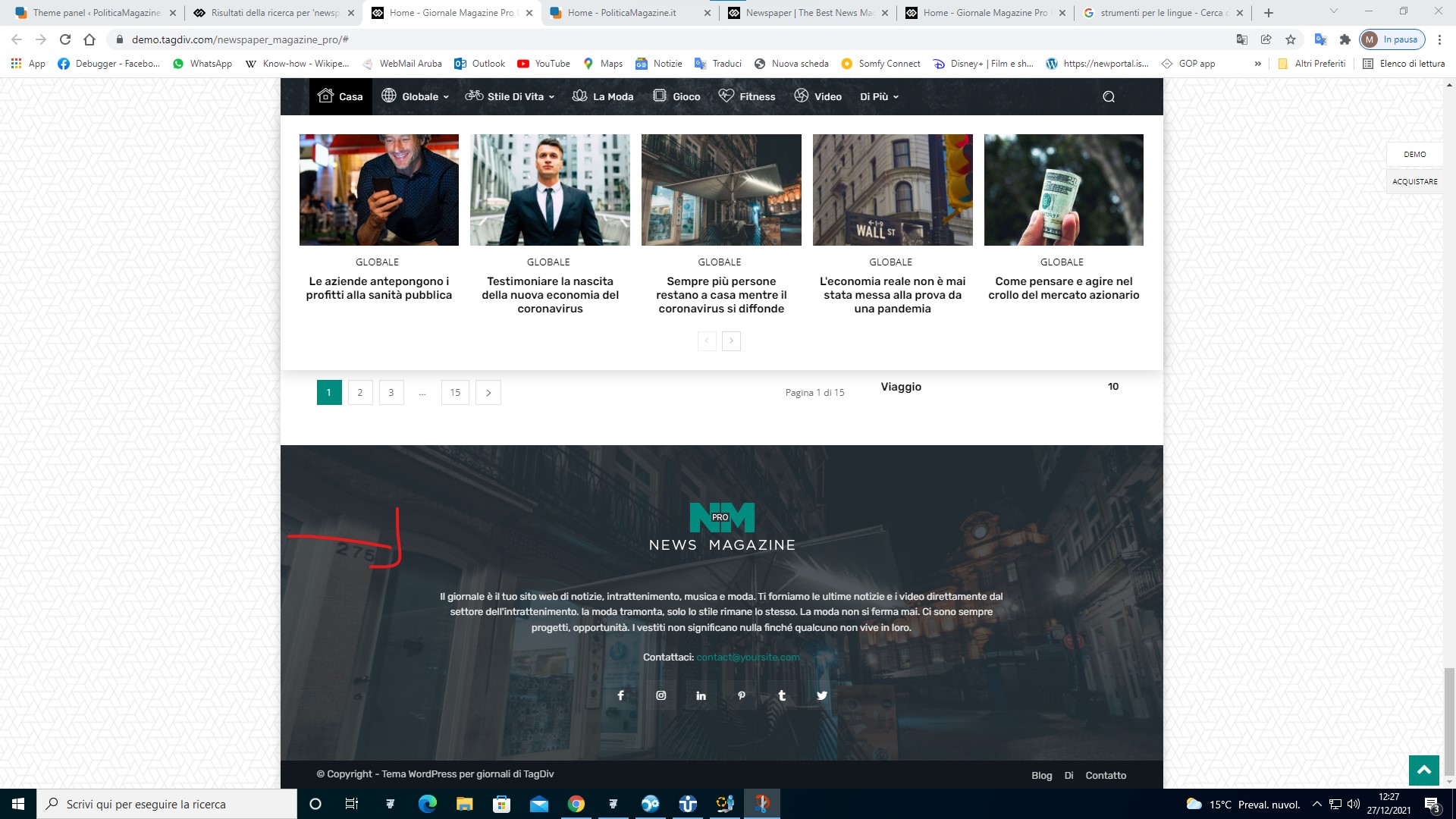
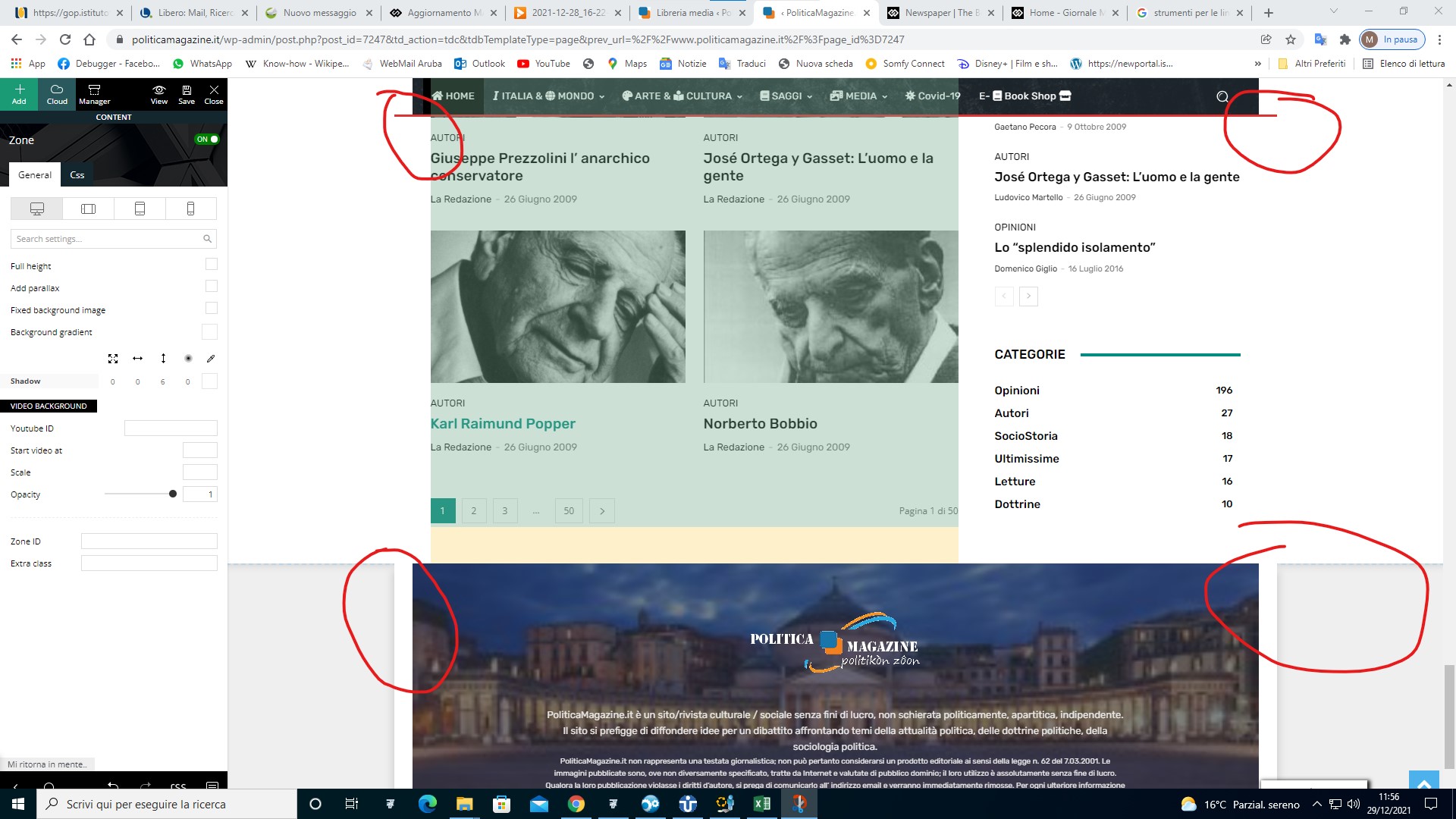
HI I AM UPDATING THE SITE FROM DEFAULT NEWSPAPER PRO TO MAGAZINE PRO YOU CAN INDICATE ME HOW TO SET THE HEAD AND FOOTER OF THE NEW THEME
https://www.politicamagazine.it/wp-content/uploads/2021/12/1.jpg
https://www.politicamagazine.it/wp-content/uploads/2021/12/2.jpg

Hello!
You can access the homepage and edit them with the TagDiv Composer(scroll till down for the footer). From the Website Manager, you can choose which footer and header to use if you have both templates installed. You have the possibility to assign a header for a page and other header for another page.
Documentation here:
– https://forum.tagdiv.com/cloud-library-templates/
– https://forum.tagdiv.com/design-post-pages-using-cloud-library-templates/
– https://forum.tagdiv.com/cloud-library-category-templates/
Check also our video tutorials here: https://www.youtube.com/c/tagdivThemes/videos
Hope that helps you!
Thank you!
Thanks I solved. But the side part with respect to the contents and the background is not the same color. How can I make the side background the same as yours or at least the same color in the Head, Content and footer price zone?

Hello,
You can import the footer and header template from tagDiv Cloud Library or this is the settings for menu and footer https://www.screencast.com/t/gvUKq9Ty
Thank you!
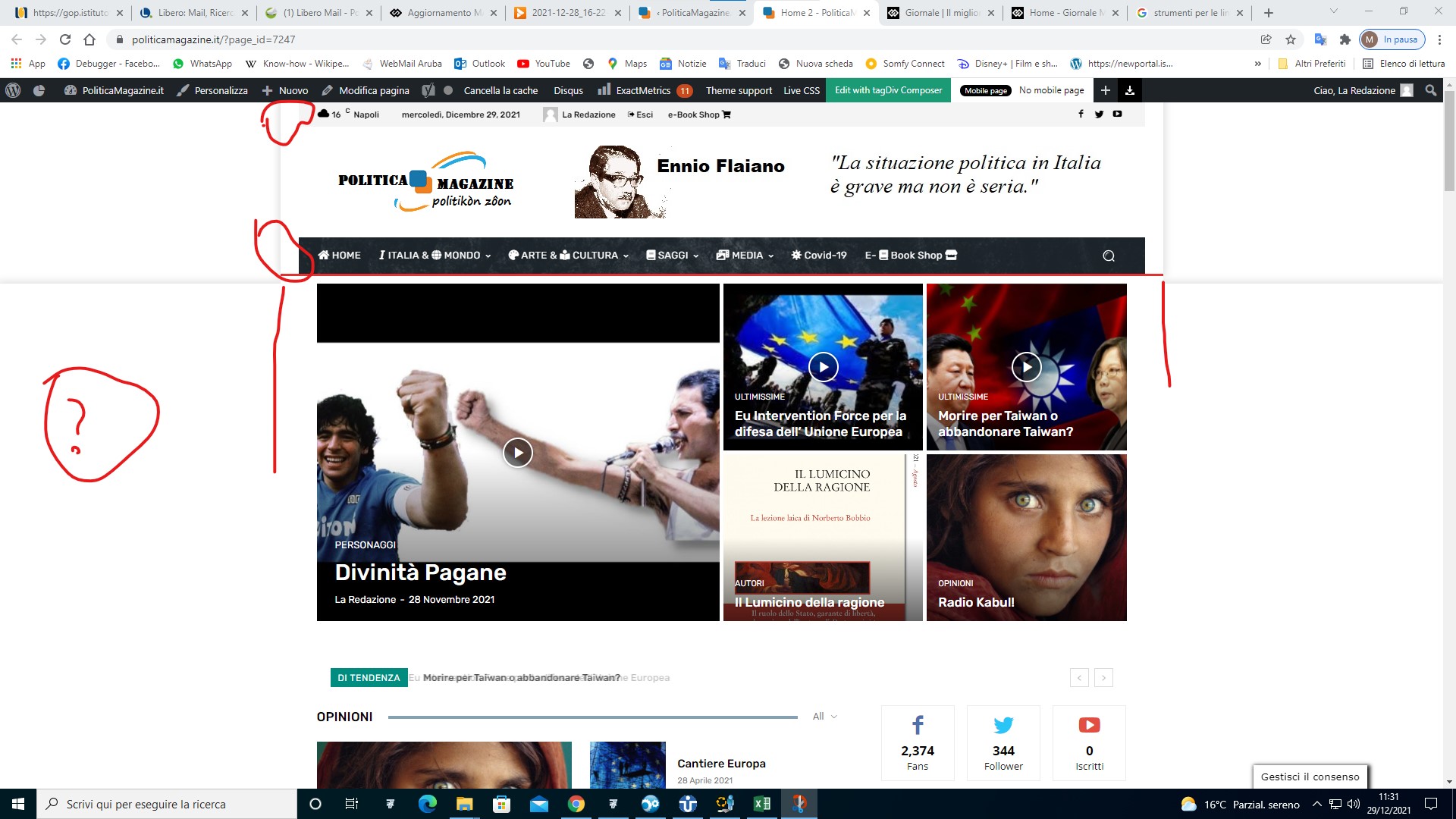
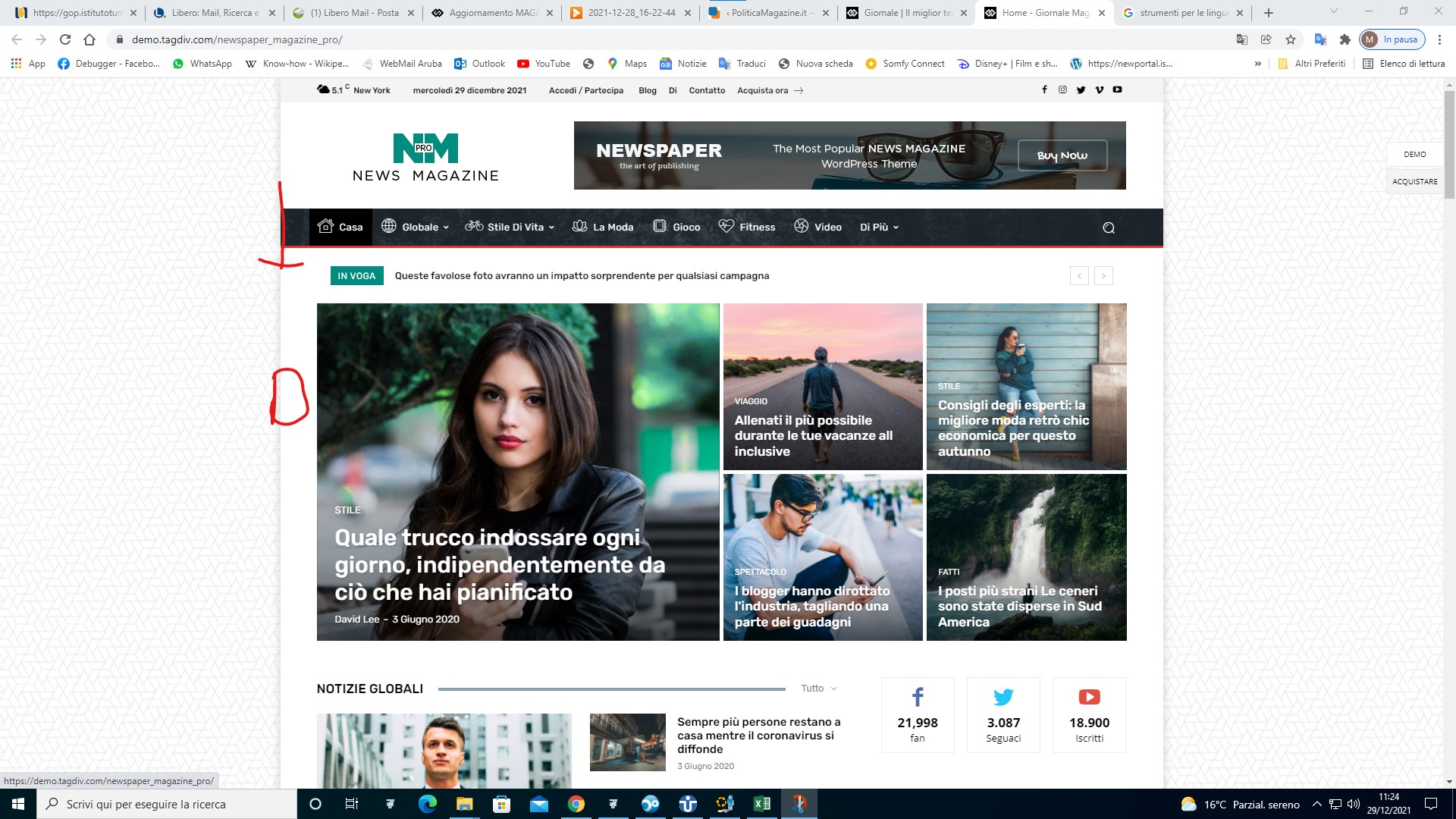
I can’t help aligning Head with the Content and the Footer. Also is it possible to have the side background of your demo? Also in your demo it looks like it is off the side
https://www.politicamagazine.it/wp-content/uploads/2021/12/4.jpg
https://www.politicamagazine.it/wp-content/uploads/2021/12/3.jpg
https://www.politicamagazine.it/wp-content/uploads/2021/12/5.jpg
Hello,
If you want to have a website like our demo, please set a background color or image and enable background boxed layout from Theme Panel -> Theme Colors -> General -> https://i.imgur.com/9usafCm.png -> https://i.imgur.com/Hj0qv7h.png
Also, yes, you can use our image for the background.
Thank you!