hi
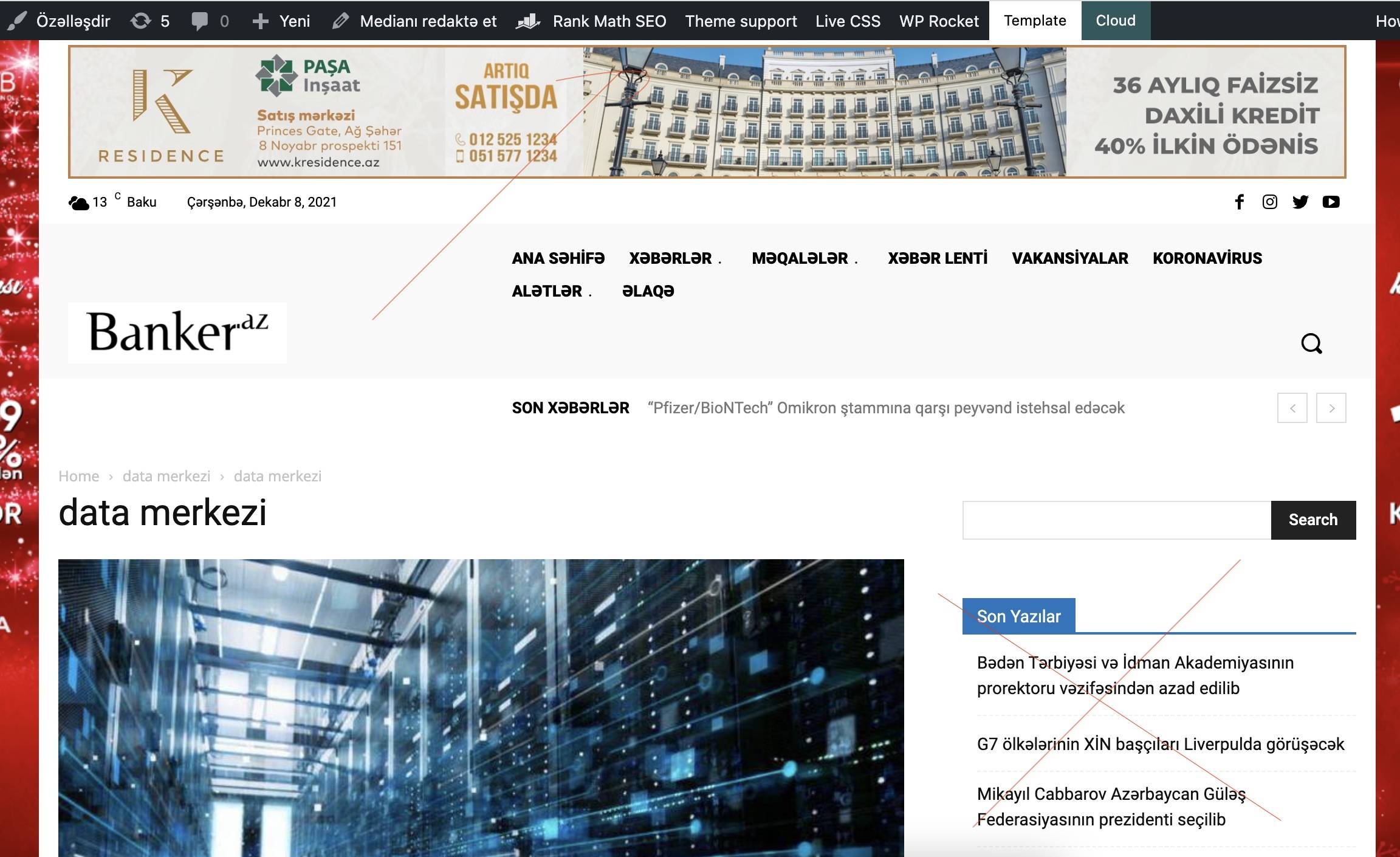
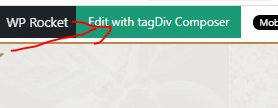
in some pages i don’t have that green button for page edit, that use tagdiv tools. how can i edit such pages header?
Also, how i can delete right sidebar (latest news and month categories)?
https://banker.az/wp-content/uploads/2021/12/Screen-Shot-2021-12-08-at-19.38.08.jpg

Hello @mastaliyev!
In order to edit the header with the TagDiv Composer you should have a cloud header template installed and assigned in the Website Manager -> Header. Please follow this video: https://www.screencast.com/t/hEAyf6TBTfo2
It is the same for categories and posts.
By editing a page with TagDiv Composer you could delete elements but also the row called “Empty column”.
You could try to delete it like this: select the row, press the button delete from your keyboard, then with your mouse select “YES”.
Also you have another option too, check this: https://www.screencast.com/t/pxuOzYIIpcG
There is actually a recycle bin basket for every element if you just look carefully: https://www.screencast.com/t/wFYdqgpo6pT
We recommend to use cloud/PRO templates in order to have the possibility to edit them with the TagDiv Composer which contains a lot of functions and features, please check our tutorial here: https://forum.tagdiv.com/tagdiv-composer-tutorial/
Documentation here:
– https://forum.tagdiv.com/cloud-library-templates/
– https://forum.tagdiv.com/design-post-pages-using-cloud-library-templates/
– https://forum.tagdiv.com/cloud-library-category-templates/
Check also our video tutorials here: https://www.youtube.com/c/tagdivThemes/videos
Hope that helps you!
Thank you!
Dear Bettina
thank you very much for such detailed answer.
i try to add cloud menu there, but can’t find way to call that tagdiv tools. because there is no page edit button like in other pages (see below what button i mean). https://banker.az/wp-content/uploads/2021/12/Capture-1.png
Hello @mastaliyev!
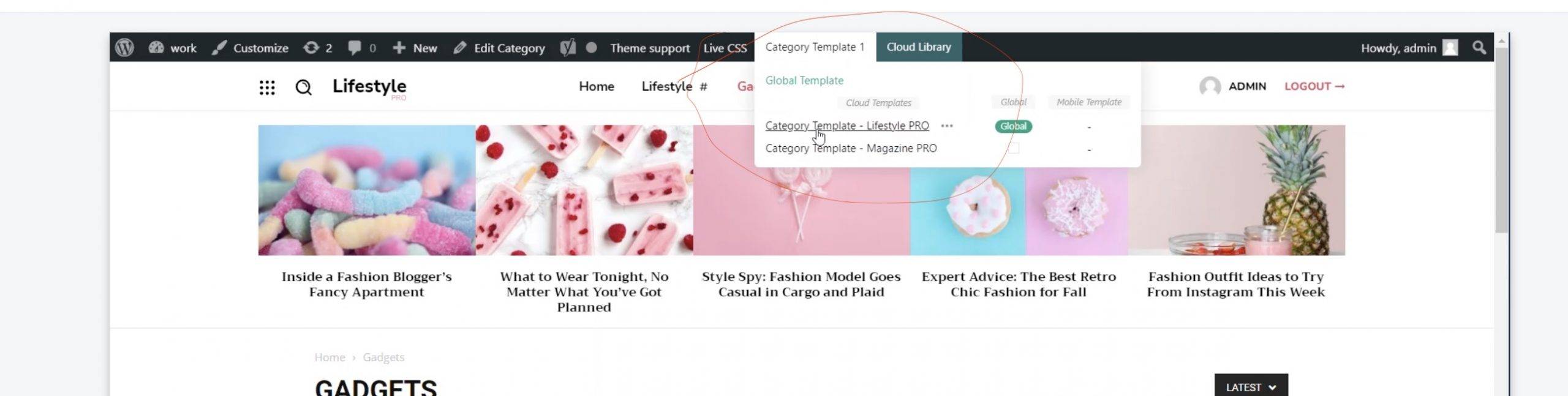
You should install a cloud template for that page and assign it. To assign the new cloud template you need to click on template and choose the cloud one.
For example, check this video: https://www.screencast.com/t/Ufid7bL3
Thank you!
but i don’t have menu like in that video to install that cloud header (https://banker.az/wp-content/uploads/2021/12/Screen-Shot-2021-12-10-at-16.39.25-scaled.jpg)
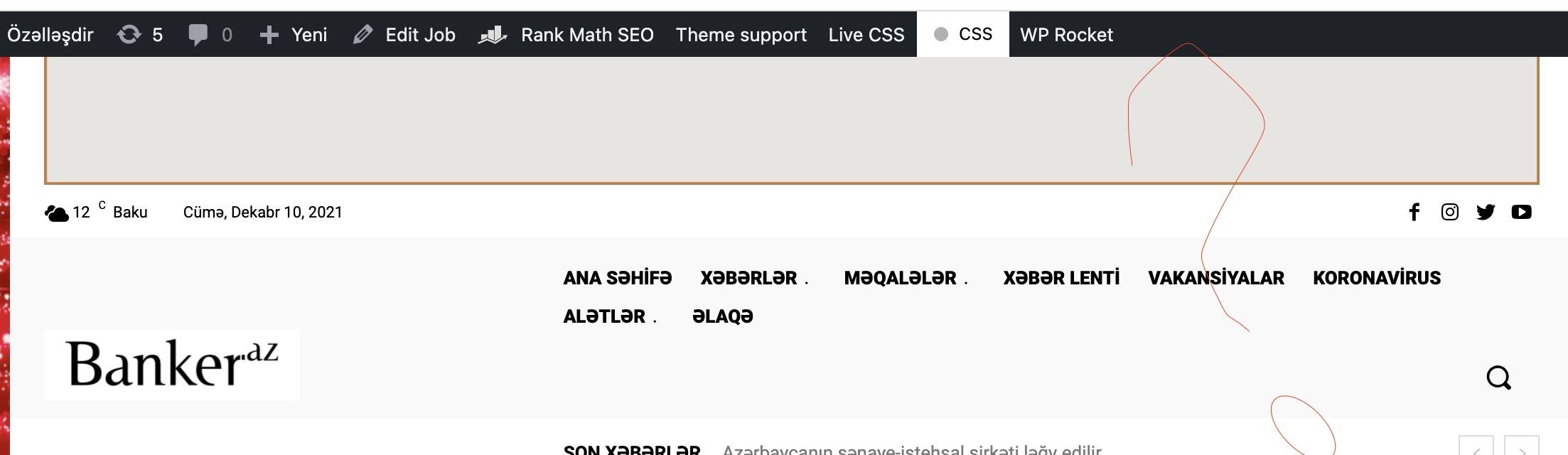
it’s like this in my page https://banker.az/wp-content/uploads/2021/12/Screen-Shot-2021-12-10-at-16.40.04.jpg
Hello @mastaliyev!
Yes, click on the first global one: https://banker.az/wp-content/uploads/2021/12/Screen-Shot-2021-12-10-at-16.39.25-scaled.jpg and let me know the results!
Thank you!
Hi Bettina,
but there is no such option in this picture or i’m understanding wrong? i can’t find that on my side.
https://banker.az/wp-content/uploads/2021/12/Screen-Shot-2021-12-10-at-16.40.04.jpg
Hello @mastaliyev!
Please send an email at contact@tagdiv.com and provide wp-admin, so we can investigate the issue. Also paste a link to this topic so we can easily identify you. Let us know and we will gladly assist you.
Thank you!