AhoraRoma
 Thanks for the answer!! Theme is updated to 4.9.6, plugins are off and i have try the jquery migrate but still the link to the ticker doesnt work as you can check at ahoraroma.com
AhoraRoma Hi there, now the ticker is published again but still the link to the post doesnt work. You can check it at the home page of ahoraroma.com
thanks!!
AhoraRoma And how its posibble to set up a specific country? italy for example
AhoraRoma Well, the problem is that i CAN’T edit the page at all. You are right, long time ago i saved the page with my mobile, just changing the code. Now i can’t edit it at all. What can i do?
AhoraRoma AhoraRoma Sorry, but its not there
https://ahoraroma.com/wp-content/uploads/2019/04/Captura-de-pantalla-2019-04-02-a-las-12.35.34.png
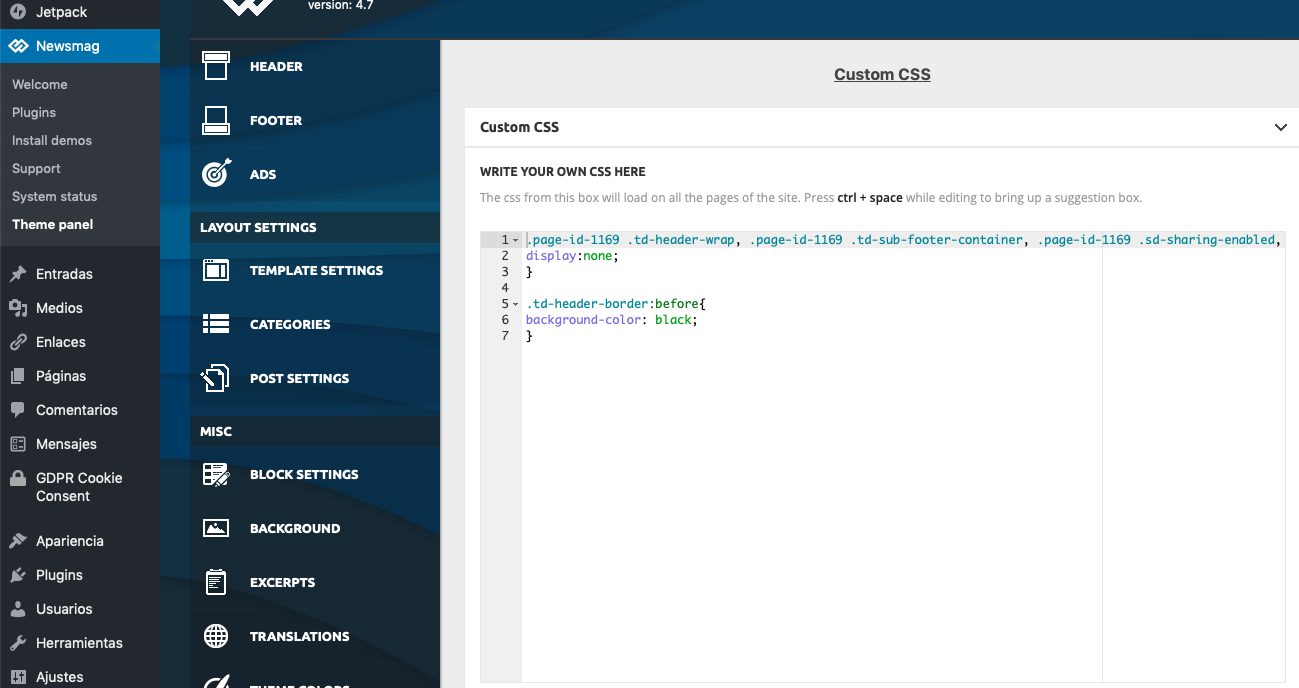
AhoraRoma The problem is that the code is not there, see printsrceen
https://ahoraroma.com/wp-content/uploads/2019/04/Captura-de-pantalla-2019-04-02-a-las-12.34.49.png
nor here:
https://ahoraroma.com/wp-content/uploads/2019/04/Captura-de-pantalla-2019-04-02-a-las-12.35.34.png
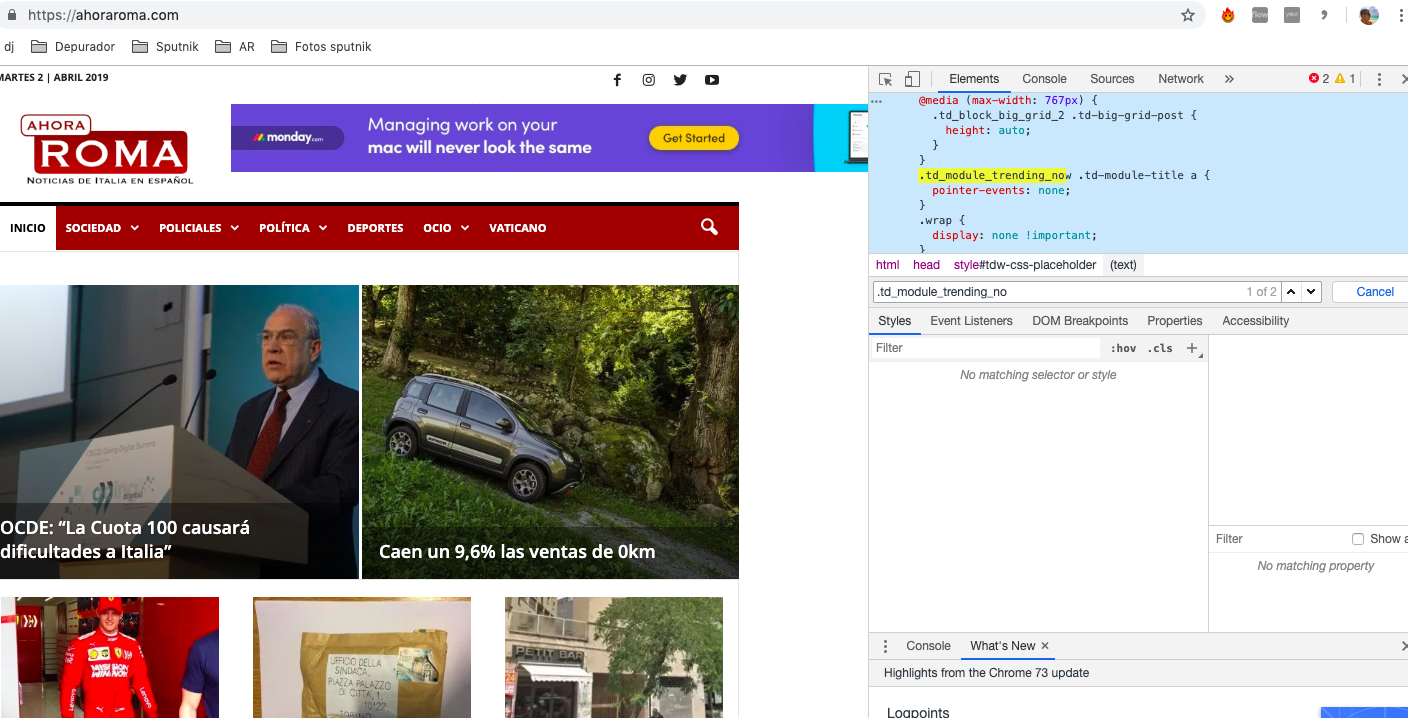
But YES, the code is in the code, its active and online:
https://ahoraroma.com/wp-content/uploads/2019/04/Captura-de-pantalla-2019-04-02-a-las-12.44.39.png
So the only way where i suppose i can find it and delete it, i guess, is here, but i just dont know in which file (right columm) it is:
https://ahoraroma.com/wp-content/uploads/2019/04/Captura-de-pantalla-2019-04-02-a-las-12.41.15.png
AhoraRoma I mean, at the editor. In which file should be that code?
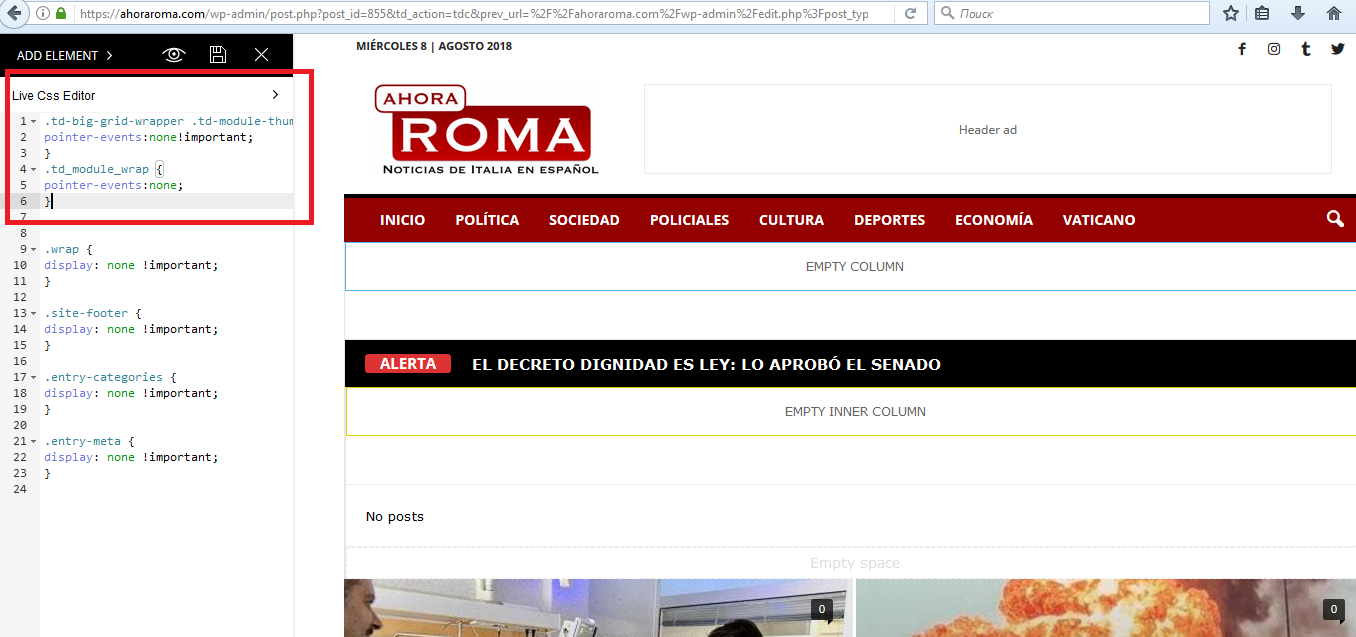
AhoraRoma Hi! is the ohter way. I’ve disabled the click effect time ago with that code.
Now i want to enable it but i dont know where is the code to delete it
AhoraRoma Hi, im sorry but still not working
AhoraRoma AhoraRoma Amazing! It works
I’ve been trying to fix this for weeks.
Thanks a lot!
AhoraRoma Thanks!
1) perfect!
2) I paste that code, but again. All links at https://ahoraroma.com/news dissapears. I only need to afect the ticker
screenshot https://ahoraroma.com/wp-content/uploads/2018/08/captura2.png
AhoraRoma Hi! this is the screenshot
https://ahoraroma.com/wp-content/uploads/2018/08/PRINTSCREEN.png
And the website is ahoraroma.com/news
1) I want to change the ticker tittle from “MAS POPULARES AHORA” to “ALERTA”
2) I add the Custom CSS and it works, but it disable the link effect in every single post of every block on that page. I just want to erase the link effect in the post of the ticker
AhoraRoma Solved! thankks
AhoraRoma Hi, thanks for the answer! i’ve pasted the code but the color doesnt change
https://ahoraroma.com/wp-content/uploads/2018/07/Captura-de-pantalla-2018-07-12-a-las-10.54.00.png
AhoraRoma Thanks! Yeap, true finally i managed to add it. Do you have any idea how can i do not to link to the post but only display the tittle? thanks!
this is the code
[breaking_news_ticker id=”1″ t_length=”35″ bnt_cat=”602924120″ post_type=”post” title=”ALERTA” show_posts=”5″ tbgcolor=”000000″ bgcolor=”FF0000″ bnt_speed=”300″ bnt_direction=”up” bnt_interval=”3000″ border_width=”0″ border_color=”222222″ border_style=”solid” border_radius=”0″ show_date=”hide” date_color=”b23737″ controls_btn_bg=”dd3333″ bnt_buttons=”off”]
AhoraRoma Soory!! i’ve already solved it. Thanks
AhoraRoma Solved!!! Thanks for the tip!! (by the way i think you couldnt access because you type wwww. instead of www.)
AhoraRoma Done it! Thanks a lot!!! 😉
AhoraRoma Hi! Im traying my best but couldnt fix it so far. The page i want to set up as the home page is this one https://ahoraroma.com/prueba4/
Should I write down that code on the TAGDIV composer? (CSS?)
Thanks again!
AhoraRoma Hi! Thanks for your answer. The URL is ahoraroma.com I just need a welcome front page like this https://ahoraroma.com/wp-content/uploads/2018/05/Captura-de-pantalla-2018-05-10-a-las-12.38.13.png while im working on the website