

 bluedot
 Hi Calin,
That’s great to hear. Unfortunately it’s still not working for anyone on our team (tested on Chrome and Safari both desktop and mobile).
bluedot Hello! This issue had previously resolved on its own but now it has resurfaced. We are using a custom ad placement through Advanced Ads. However, the same thing happens to the menu when we add or remove one of the green buttons in the row of four. Here are some screenshots to demonstrate.
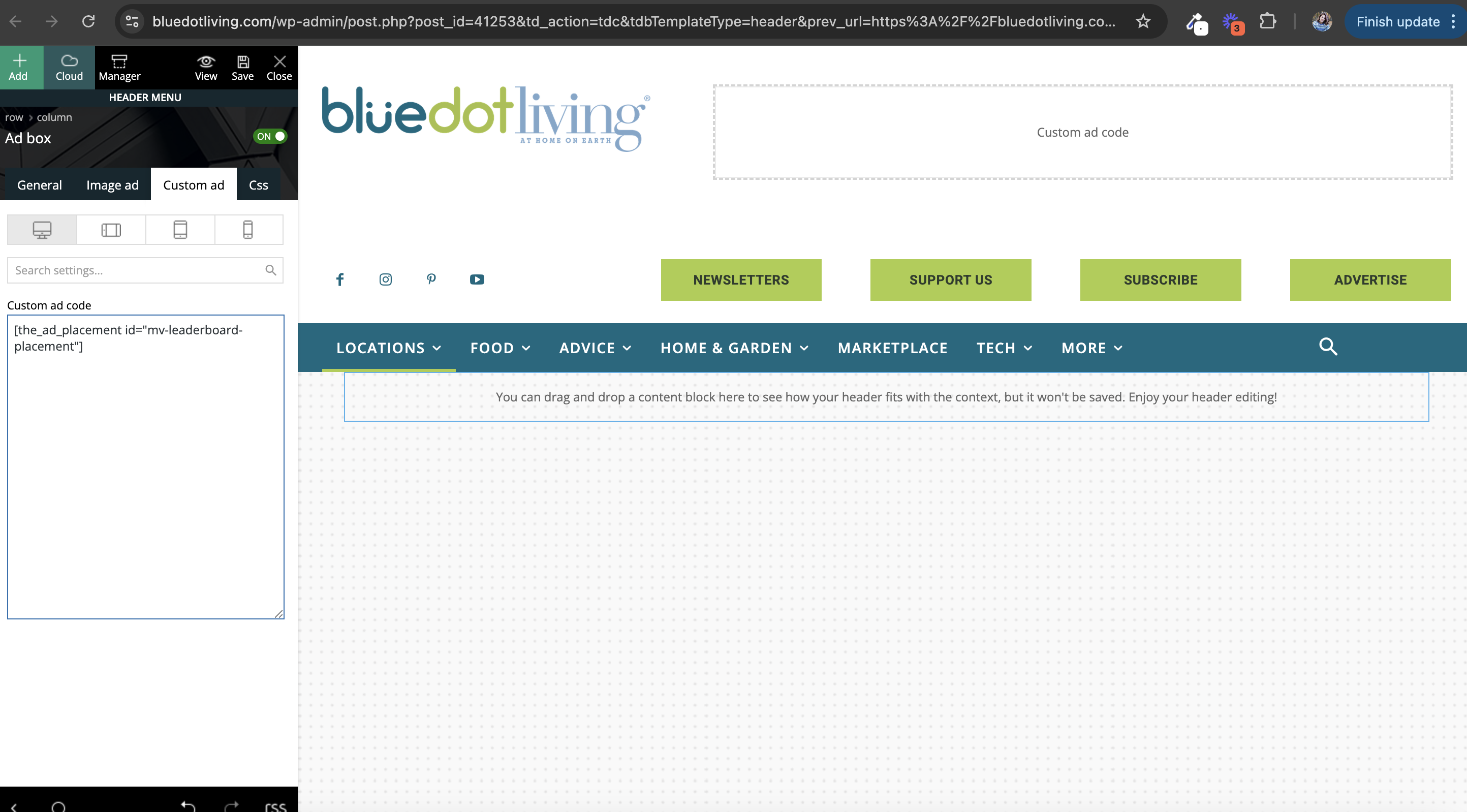
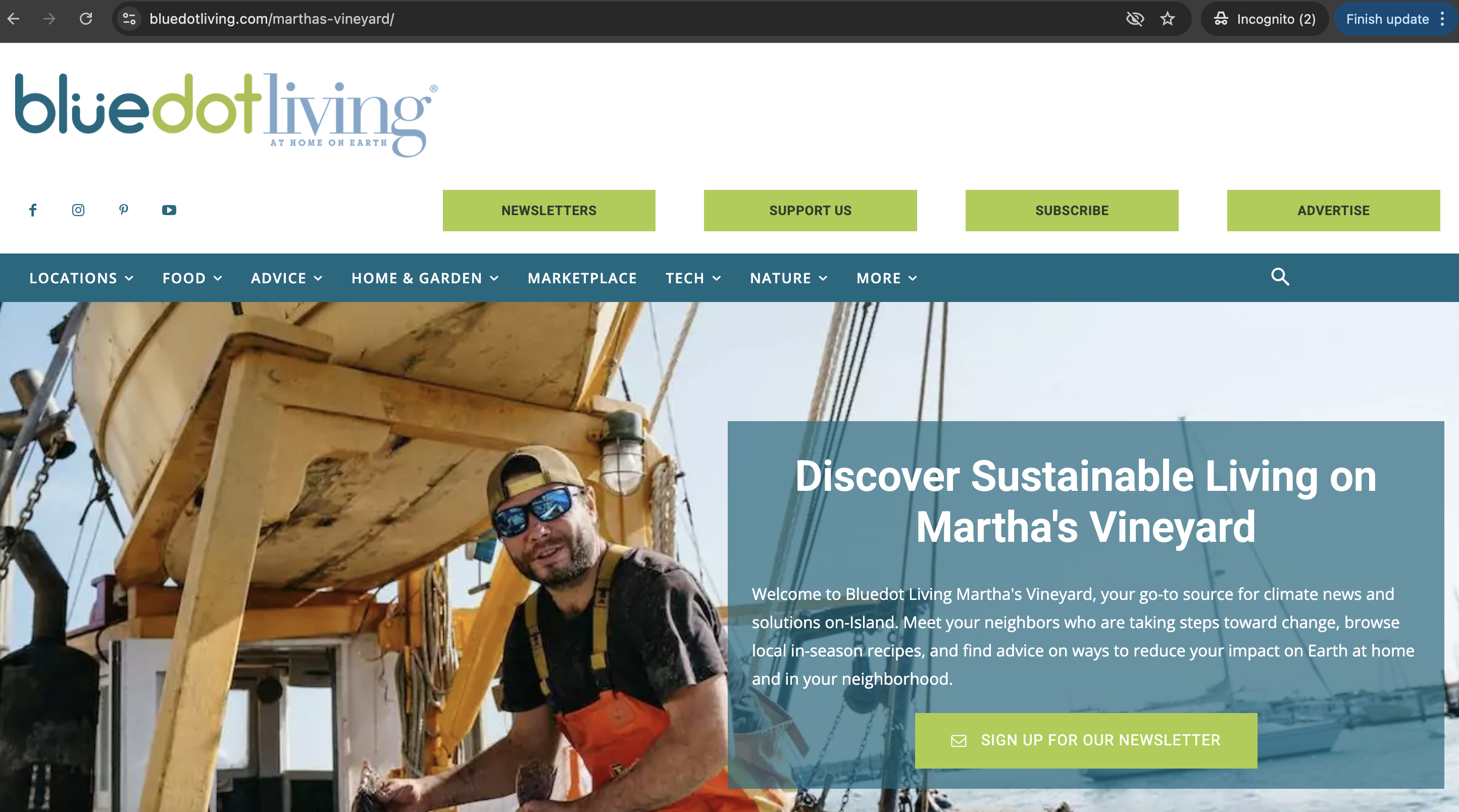
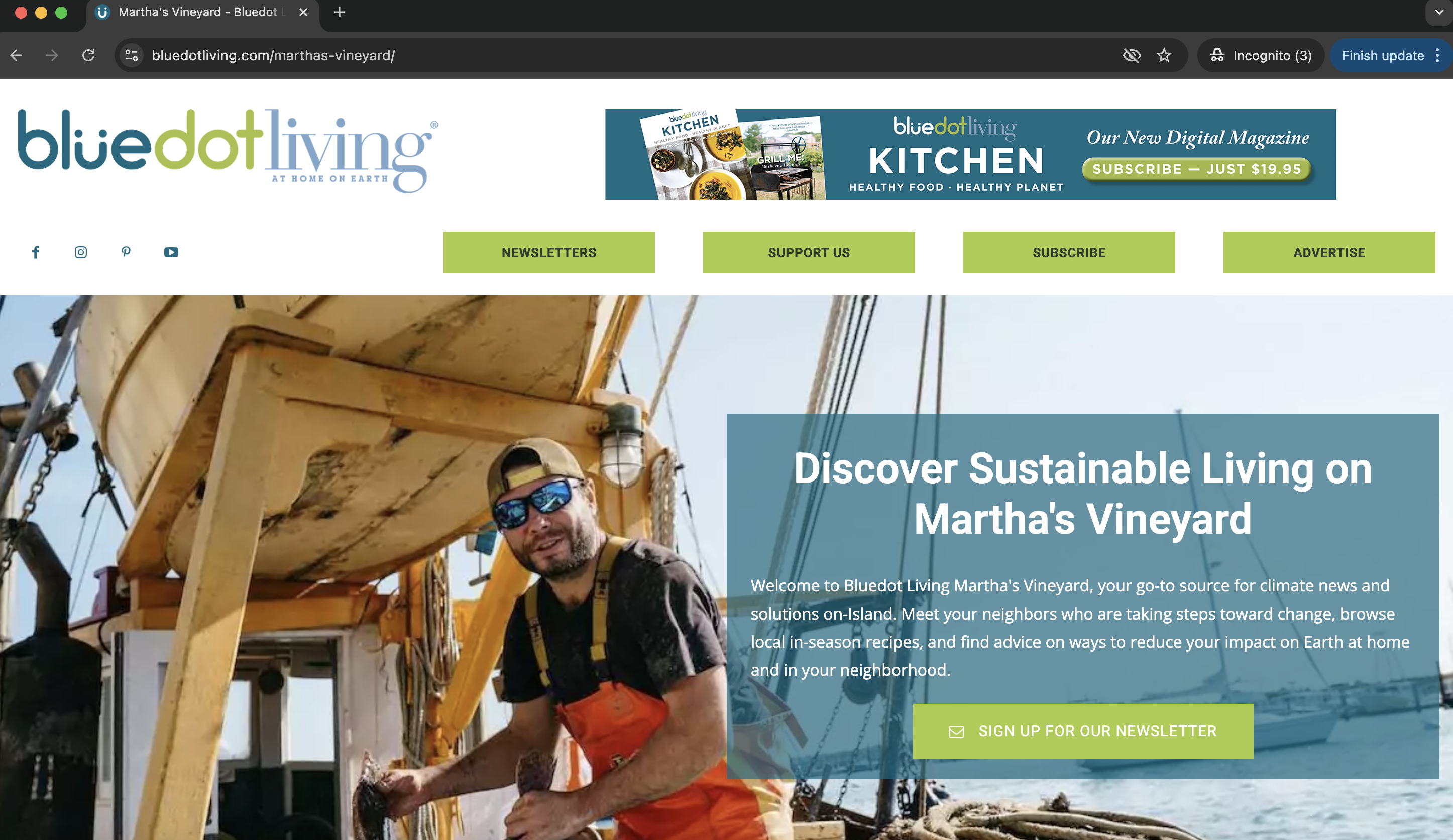
bluedot Thank you Anamaria! This is a taxonomy so that solution worked 🙂
bluedot Hello again, one of our subsites recently reverted its td_011_settings to use the wrong GA4 tag again. Is there a way to ensure all subsites have the correct tags to prevent this from happening?
bluedot Hello, following up on this with some more information and a request.
We’ve identified sub-sites where the GA4 tag in the Theme Panel is incorrect, and have since corrected them.
On our main site, there is still a remnant of the incorrect tag. Inspecting the WordPress database (wp_options table), the main site shows the correct tag in the td_011 option and the incorrect tag in the td_011_settings option. Everything in the Theme Panel appears to be using the correct tag as of right now. How do we correct the mismatch in tags seen in the database?
bluedot Is there a plugin you would recommend for seeing where changes in the theme panel originate?
bluedot Hi Anamaria, I’d like to add a few details to this, with some odd behavior we’ve seen recently. As I mentioned, we’ve seen the analytics code change, after having been in place on each sub-site for awhile. Recently, we also noticed the following:
– An ActiveCampaign tracking script (also deployed via the JS/Code injection in the theme panel) disappeared.
– The default post template for the main site turned off.
All of these changes seem to be occurring in the theme panel. Is there an audit log for changes in the theme panel that would help identify any humans, plugins, or processes that might be changing these settings?
bluedot We do have a different tag on each sub-site. The issue is that it seems to change on its own periodically, we suspect after theme and plugin updates have been applied.
bluedot Hello, sorry I’m not entirely sure what you mean. I do see the Analytics tags present on the pages of those sites.
bluedot Certainly, below are the main site:
and two sub-sites that are misfiring:
https://santabarbara.bluedotliving.com/
https://brooklyn.bluedotliving.com/
bluedot Hi Anamaria, yes – the code is added separately for each subsite in the theme panel.
bluedot I’ll have to give it a try with caching plugins disabled. The lazy loading feature is enabled in the theme panel, but the flex block 1 in the footer does not lazy load the post thumbnails.
bluedot To clarify: are you suggesting that if we use the image hover effects on a flex block 1, it should lazy load images? Or that there is no option to lazy load images in a flex block 1?
bluedot Hi Bettina, thanks for the response. We do have the image animation enabled in the theme panel settings, but images in the footer (flex block 1) are not being lazy loaded.
There are no lazy loading settings in the flex block 1 that I can see. Are you saying that the shadow setting you sent a screenshot of controls lazy loading? The settings I am seeing look different: https://prnt.sc/vLYXQrpvvOPu
bluedot Hi Anamaria, we are still waiting on an answer from tagDiv support 🙂
bluedot Thank you for the quick reply and alternative solution! Setting the templates from the theme panel worked just fine.
Best,
Bluedot
