

 BuddhaNET777
 I don’t know what happened but it worked that time and showed up. I got it updated. Thank you for your help.
BuddhaNET777 Please provide photos because when I edit the template with the tagdiv editor the ad doesnt appear and the only ad tab that appears when selecting any element is the main and there are no ad codes or ads there. The side bar element has no options for ads and the ad is only visible when on the post page not when in the tagdiv editor
BuddhaNET777 I am having the same issue it would be great if you guys would implement this fix in an update.. there is no reason anyone would want a txt url as the description.. it looks terrible..
//to make matters worse, if I write a description and place it under the embed the txt url displays as the description… forcing me to have to put text above video embeds… PLEASE fix this in an update.
-
This reply was modified 6 years by
BuddhaNET777.
-
This reply was modified 6 years by
BuddhaNET777 Awesome, Thanks Vlad.
BuddhaNET777 also is there a way to activate the hashtags in post text to be sitewide links for indexing and navigation? plugin?
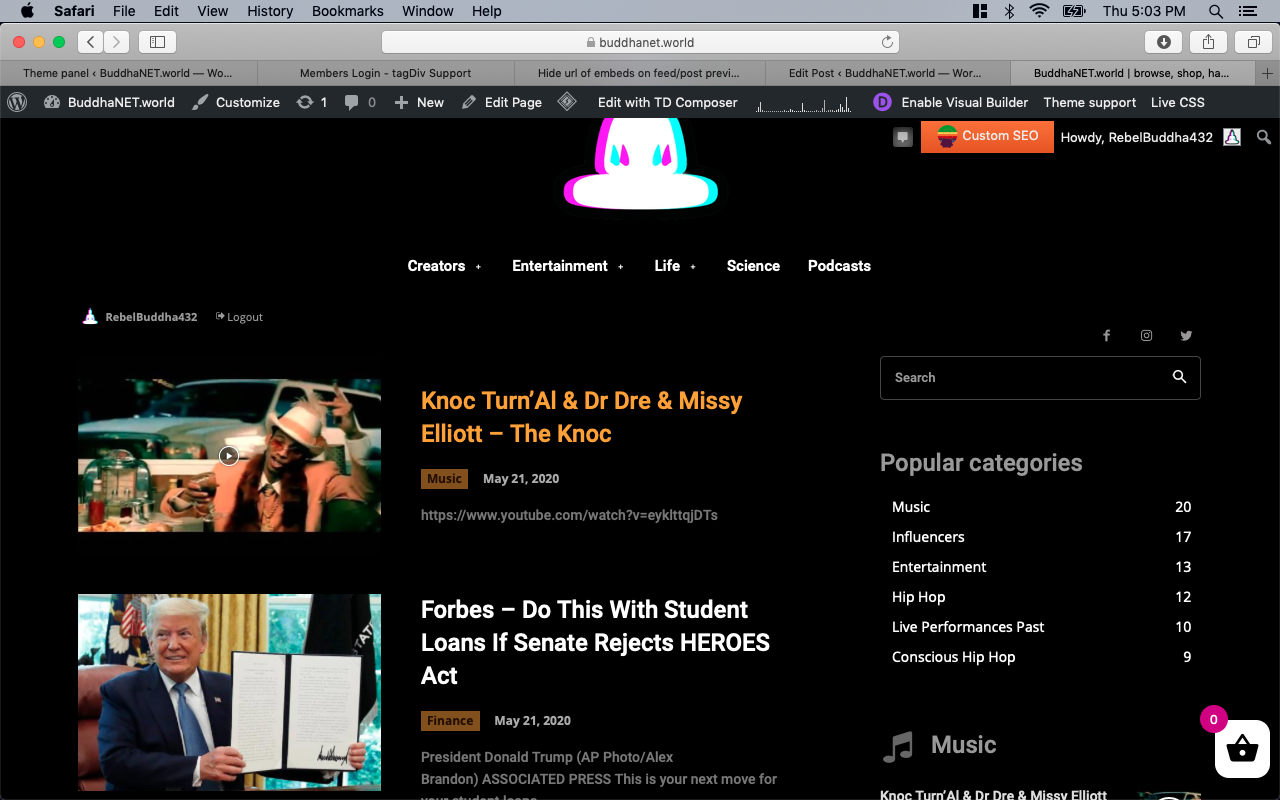
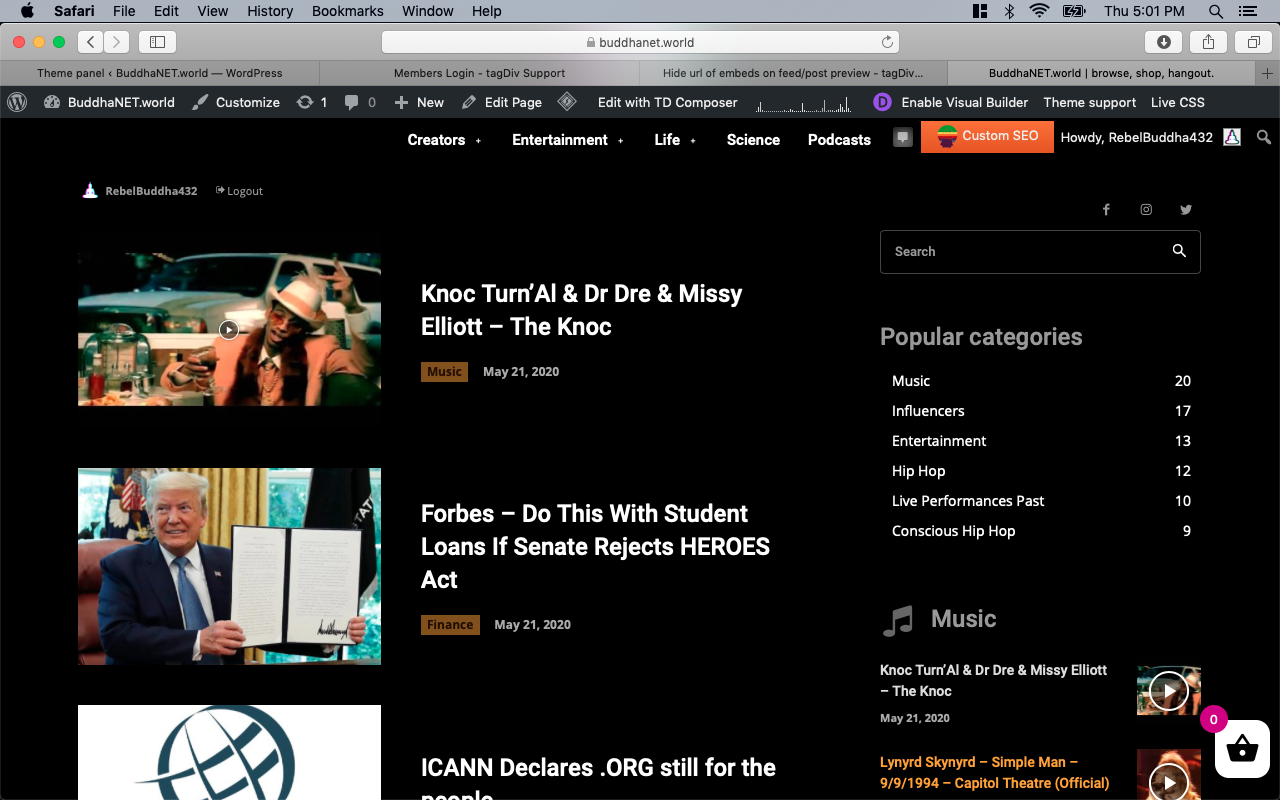
BuddhaNET777 this code you have given me hides the entire description, I would like to keep the description visible but by default make it not include the embed url when there is no description written on the post… please advise, thanks
Example without your code and without a text description input for post, displays the embed url as description
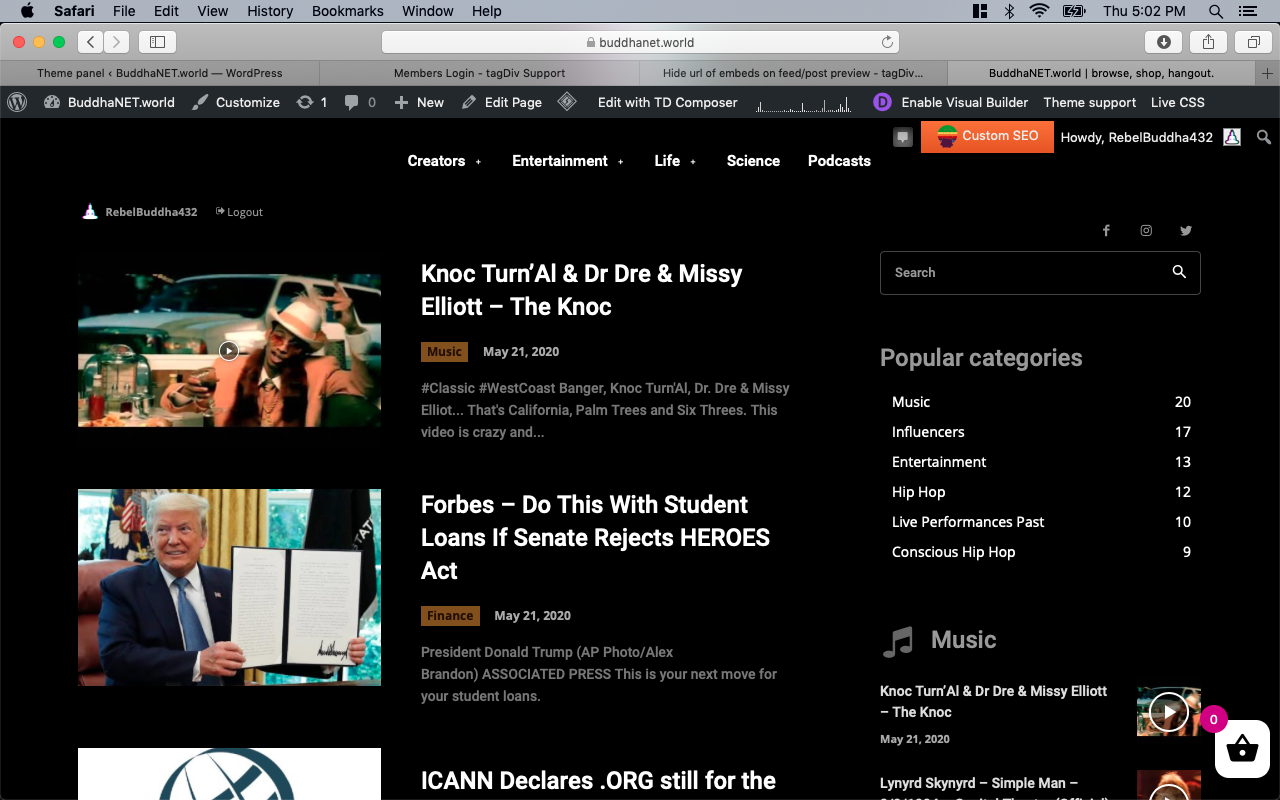
Example without your code with description written proper length hides url
Example with your code, no description display
-
This reply was modified 6 years by
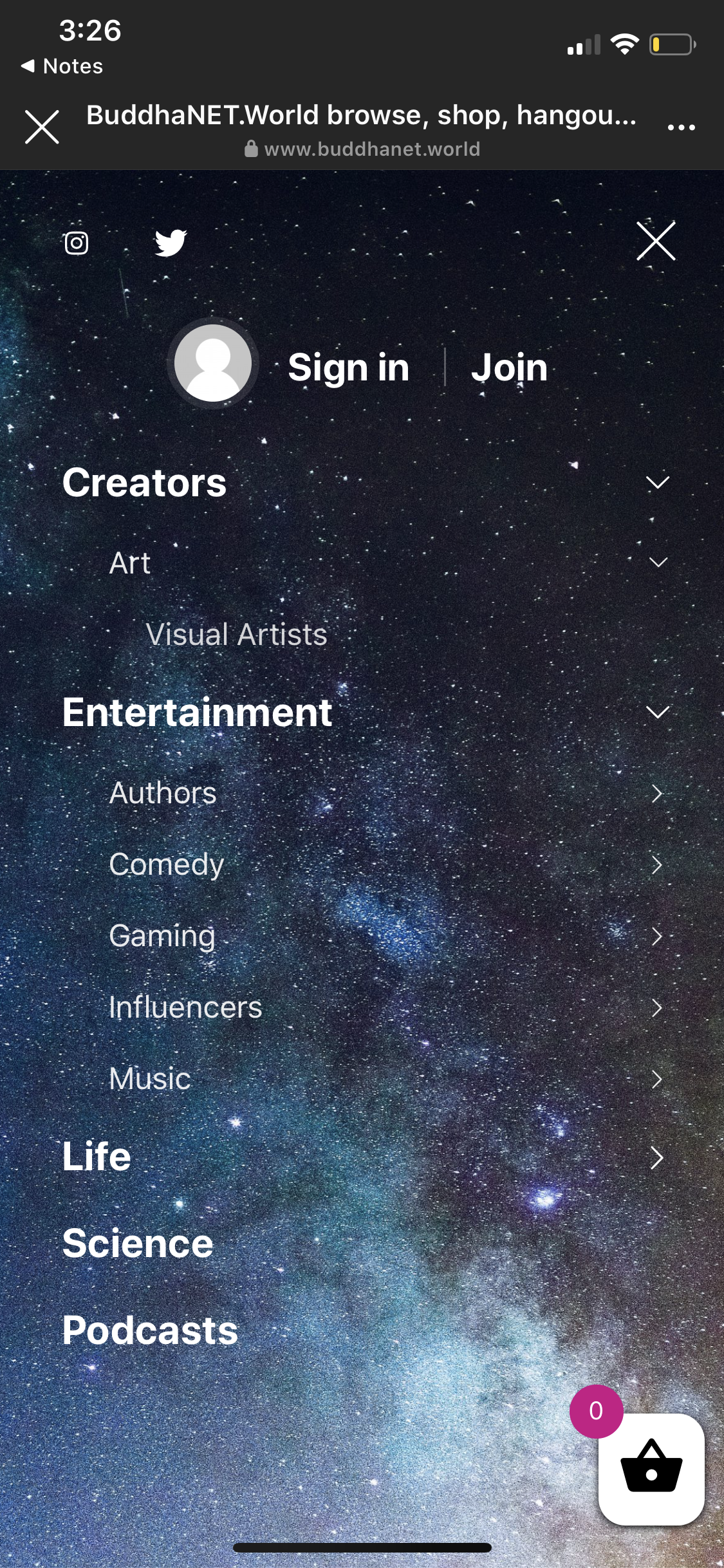
BuddhaNET777 I now am on the computer and here is the photo after being air dropped and uploaded after having to login etc…simple 10 sec process that now has taken me…5 minutes to accomplish visual for you.. see what I mean 😮
BuddhaNET777 Thanks. it’s worth noting for anyone else you must reduce the opacity on the colors for the gradient to 0 for both colors to be able to see the image. The image is super blown up right now, will play with settings for better result. thanks
-
This reply was modified 6 years by
BuddhaNET777 .thanks
-
This reply was modified 6 years by
BuddhaNET777 from my experience with the forum, i would say make sure the question is super clear and all details included because with the time zone difference it can definitely delay the process. In most cases i end up figuring the problem out myself by google/youtube and looking through this forum. They have however been very helpful on some occasions. Cheers.
BuddhaNET777 I have fixed this issue, the code is proper. It was a caching issue, the issue was resolved by purging all cache with plugin “LiteSpeed Cache” would highly recommend this for people experiencing issues with theme not updating properly.
BuddhaNET777 bump.
BuddhaNET777 bump.
BuddhaNET777 I have sent email with requested details.
BuddhaNET777 no reply or email back. I have sent a second request
BuddhaNET777 i was able to resolve this issue, the problem was that i only edited the header view in desktop mode and not mobile within tagdiv. cheers
BuddhaNET777 I have emailed the requested information to the email. thanks in advance.
BuddhaNET777 It doesn’t work for me?
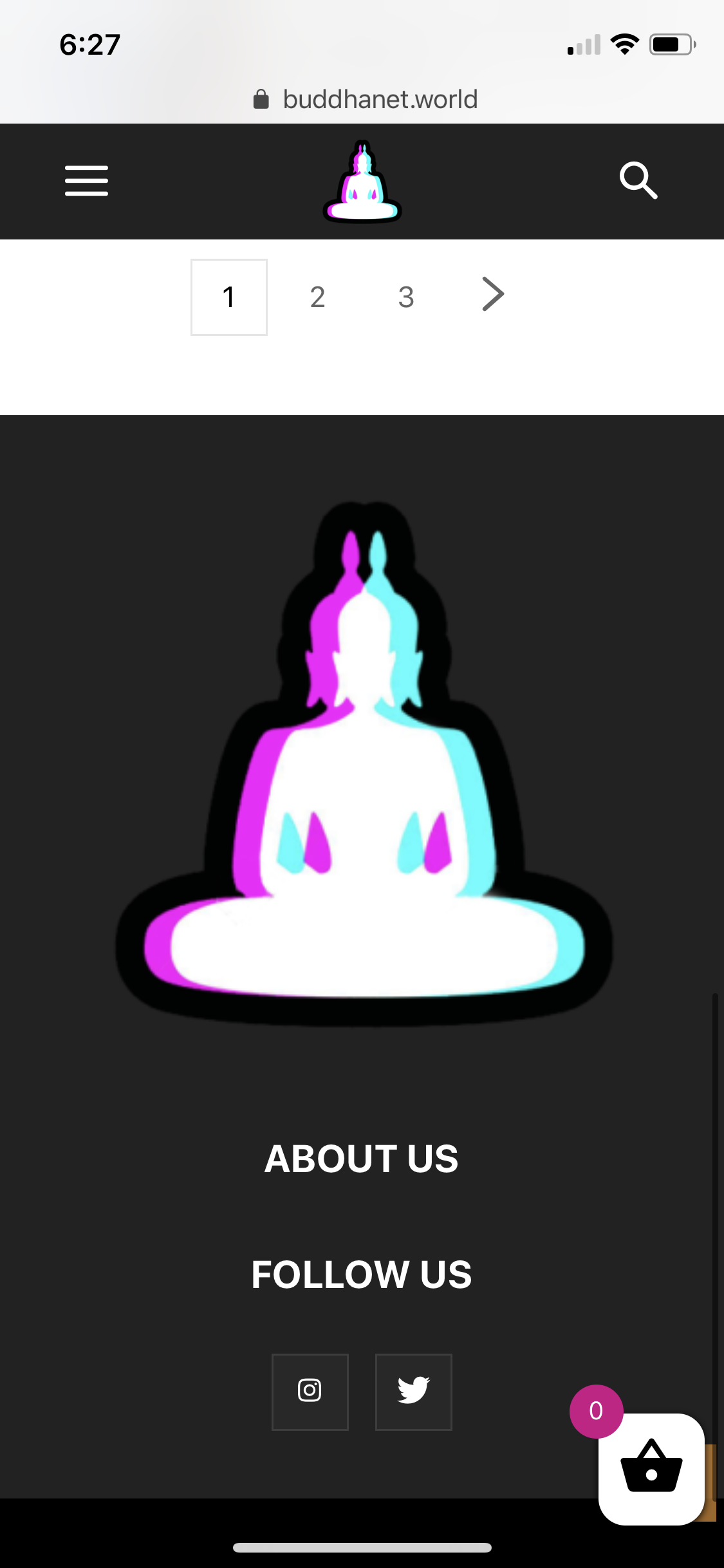
BuddhaNET777 thats not wht im asking.. before adding the desktop header black pro it would show the mobile theme when resizing on desktop to smaller window.. i would like it to do that with the desktop header set to the blackpro.. please advise
BuddhaNET777 you can see what i mean here it doesnt have any selection only the objects around it will highlight.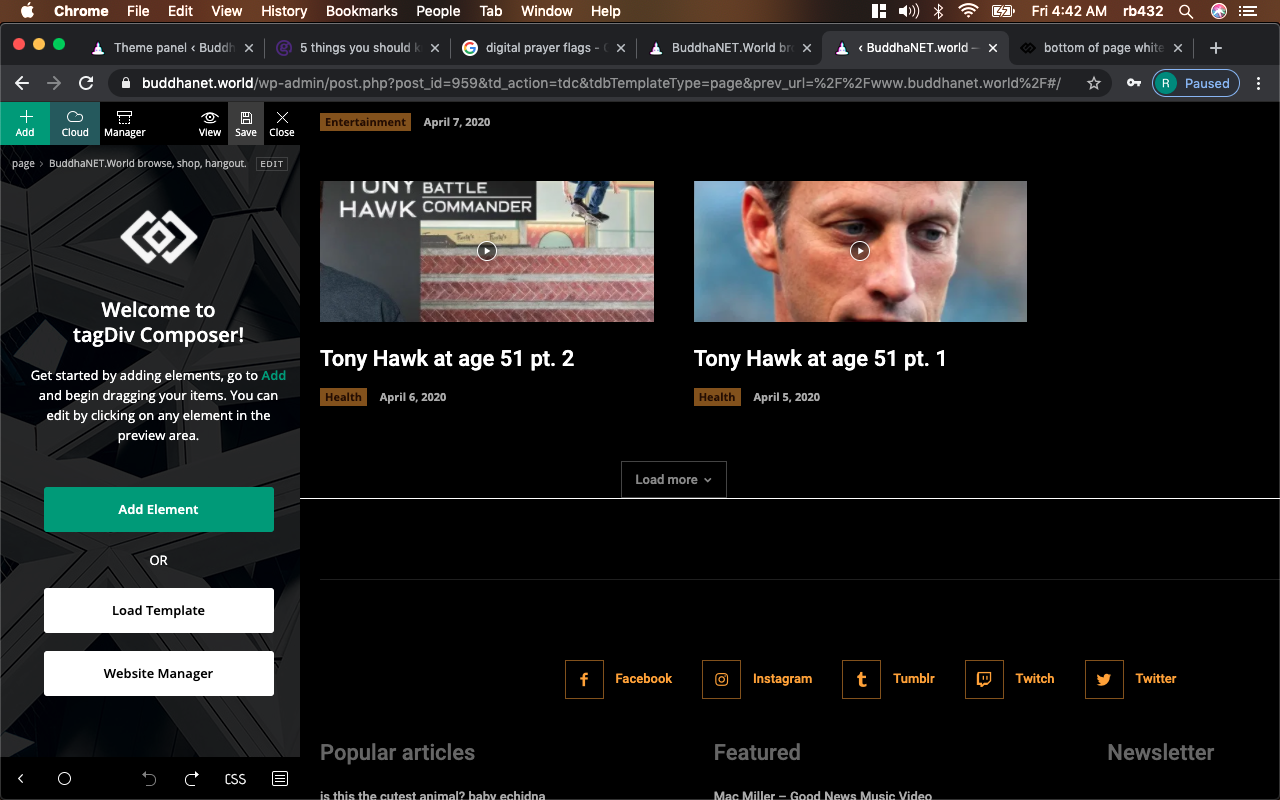
the mouse doesnt display in my screenshot but it is positioned on the white line
-
This reply was modified 6 years by
BuddhaNET777 hello so far as i can tell there is no empty row or empty box in the tagdiv being displayed.. or able to access/highlight it all.. its just a random line
BuddhaNET777 perfect!!! thank you so much. this was what i needed~!!!
BuddhaNET777 ive input the code as directed and the button shows up but is behind the shopping cart button. ive tried adjusting the pixel for bottom but it doesnt adjust it and higher or lower on the mobile. (i was able to edit this field on desktop to achieve exact location.
please advise, thanks
BuddhaNET777 i fixed this issue in mobile theme, theme colors if anyone else is looking.
BuddhaNET777 i was able to correct the catergory tags via tagdiv composer but please advise on moving the menu social icons to the left (right pad)
