jects
jects Thanks it works.
jects jects Hi Simion here why I am like to create custom ad size.

Take a look at the Ads its already overlap the title and the article, how i can fixed this?
Ad Sense setup

-
This reply was modified 4 months by
jects.
jects Can I resize the 930×180 – Regional ad sizes to my custom size?, I have an old support ticket from when I first started using the Newspaper theme. Back then, a support agent sent me instructions on where to edit this setting. However, I can no longer access or find that ticket—possibly because my support license has expired. Could you please guide me on where to make this change?
jects My plan is i put 2-5 [ID] of map codes in one company post that’s why i want to create a tabs.
Example.
Tab 1: Amazon Asia [wpgmza id=”1″]
Tab 2: Amazon USA [wpgmza id=”2″]
Tab 3: Amazon Europe [wpgmza id=”3″]
Tab 4: Amazon Data Center [wpgmza id=”4″]
Because many maps locations one id [wpgmza id=”1″] are hard for visitor to navigate.
if you look in this https://headquartersoffice.com/att/ its too slow.
Thanks
jects How I could set it on each company?
Thanks.
jects Yes it works.
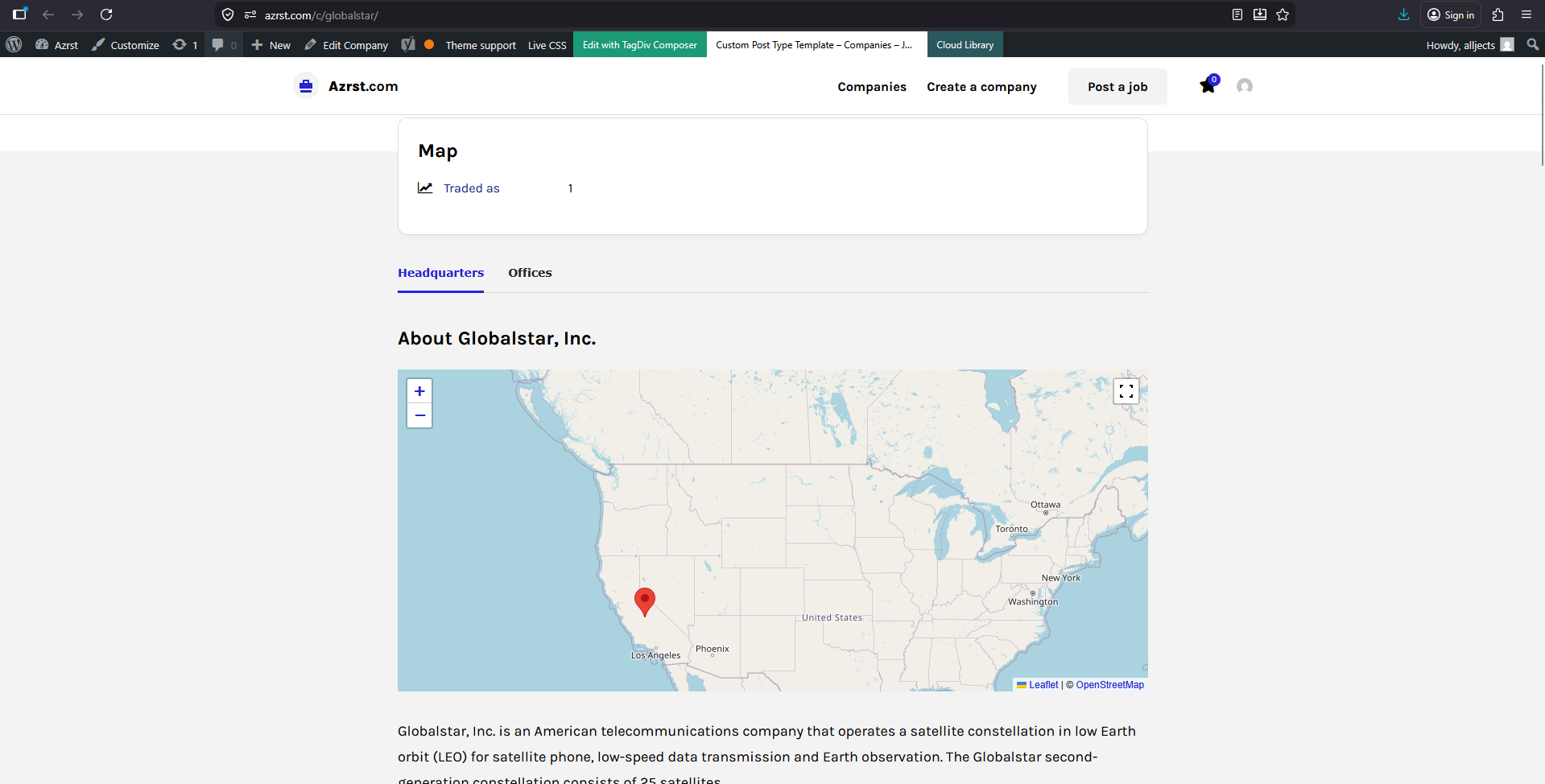
Heare are my questions
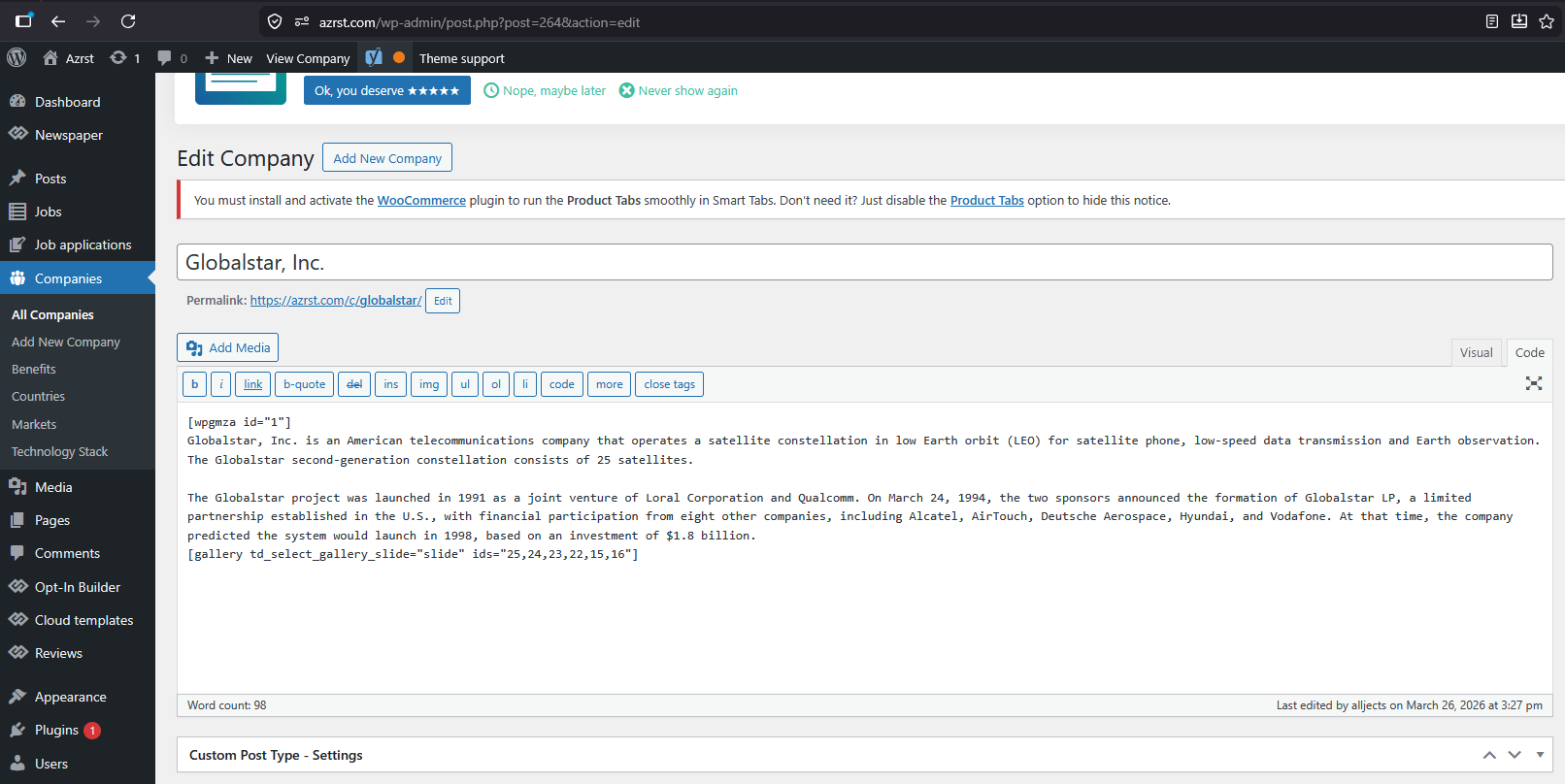
1. How i can change the mapcode [wpgmza id=”1″] example I have many companies?
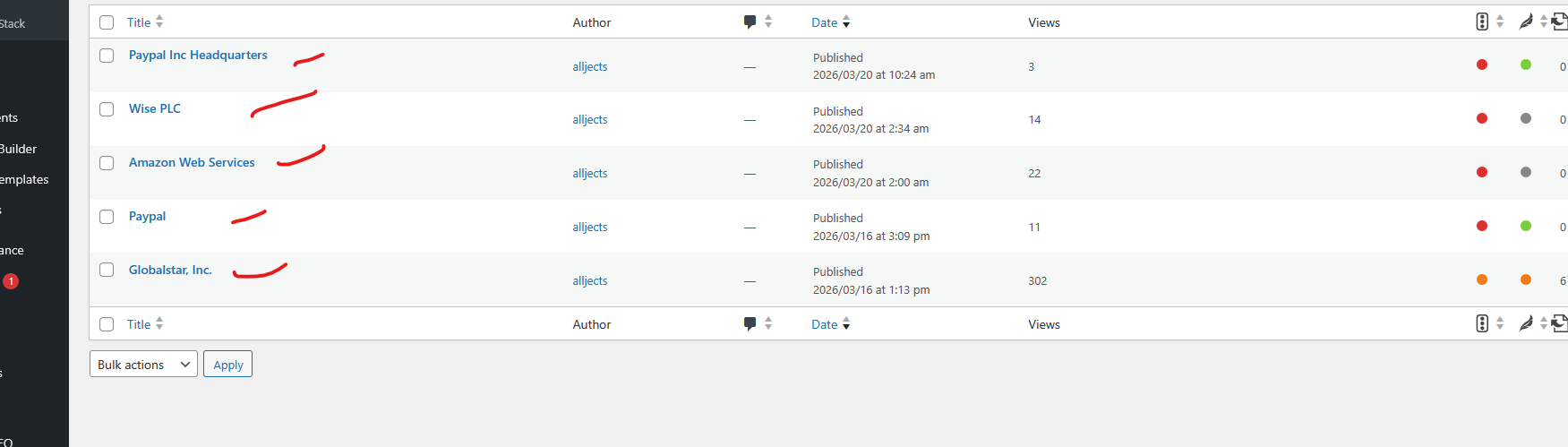
2. Could I add the code via each companies back-end?
Thanks.
jects 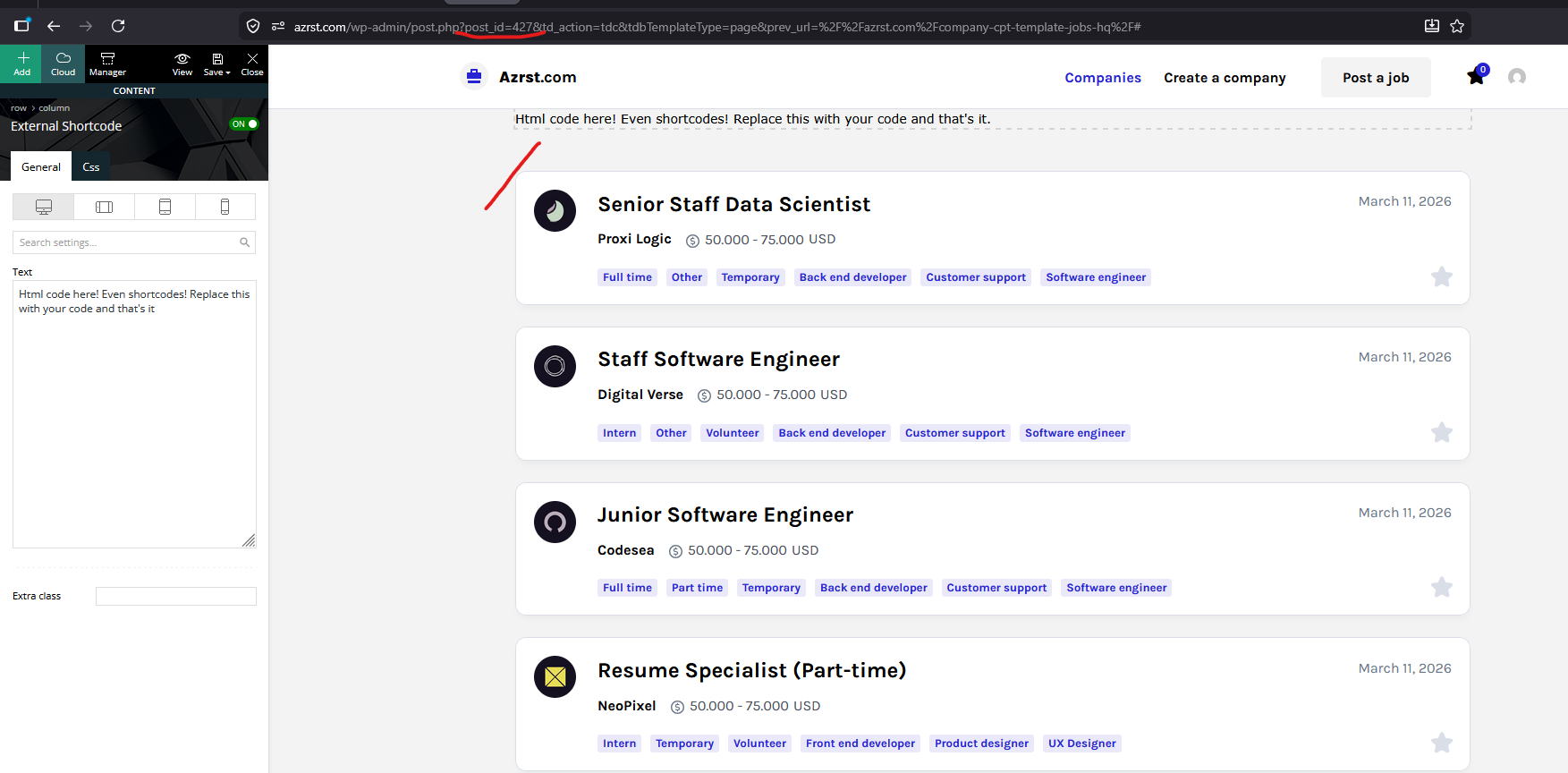
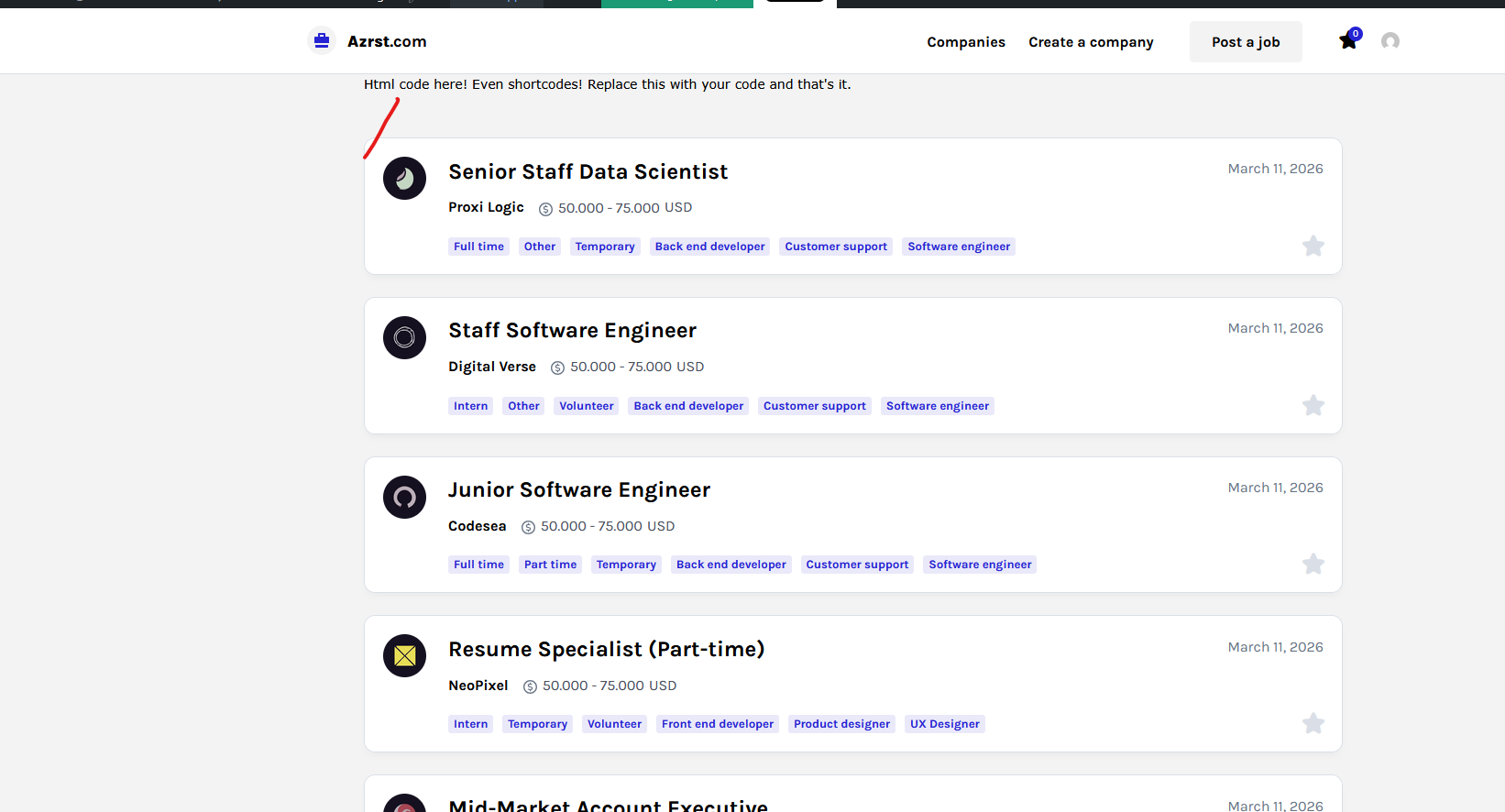 jects
jects 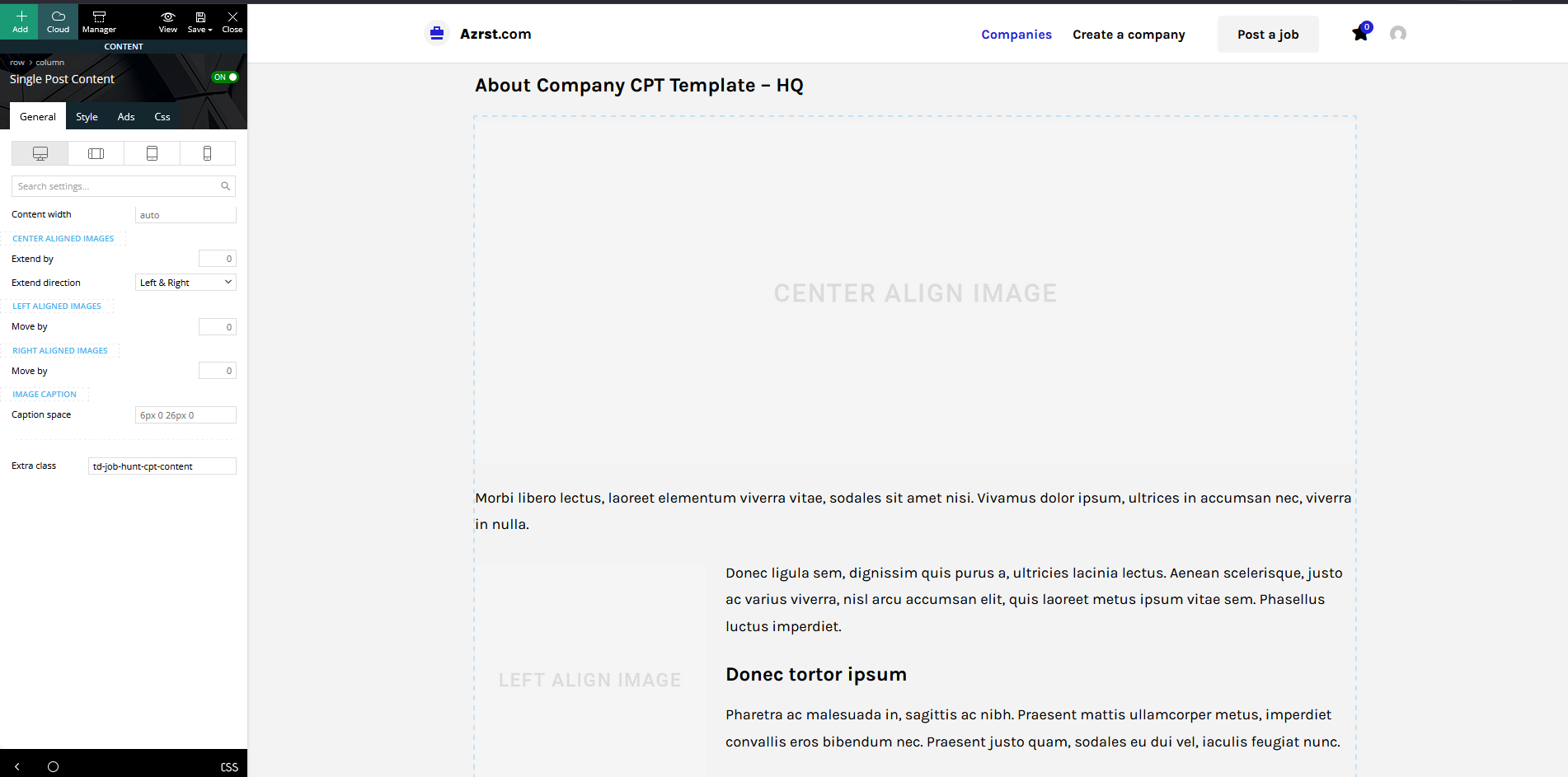
What element should I add in this page 399 and 404 to display the map and where i locate the back-end to post put this code [wpgmza id=”432″]
Thanks
-
This reply was modified 6 months by
jects Okay.
Example for this.
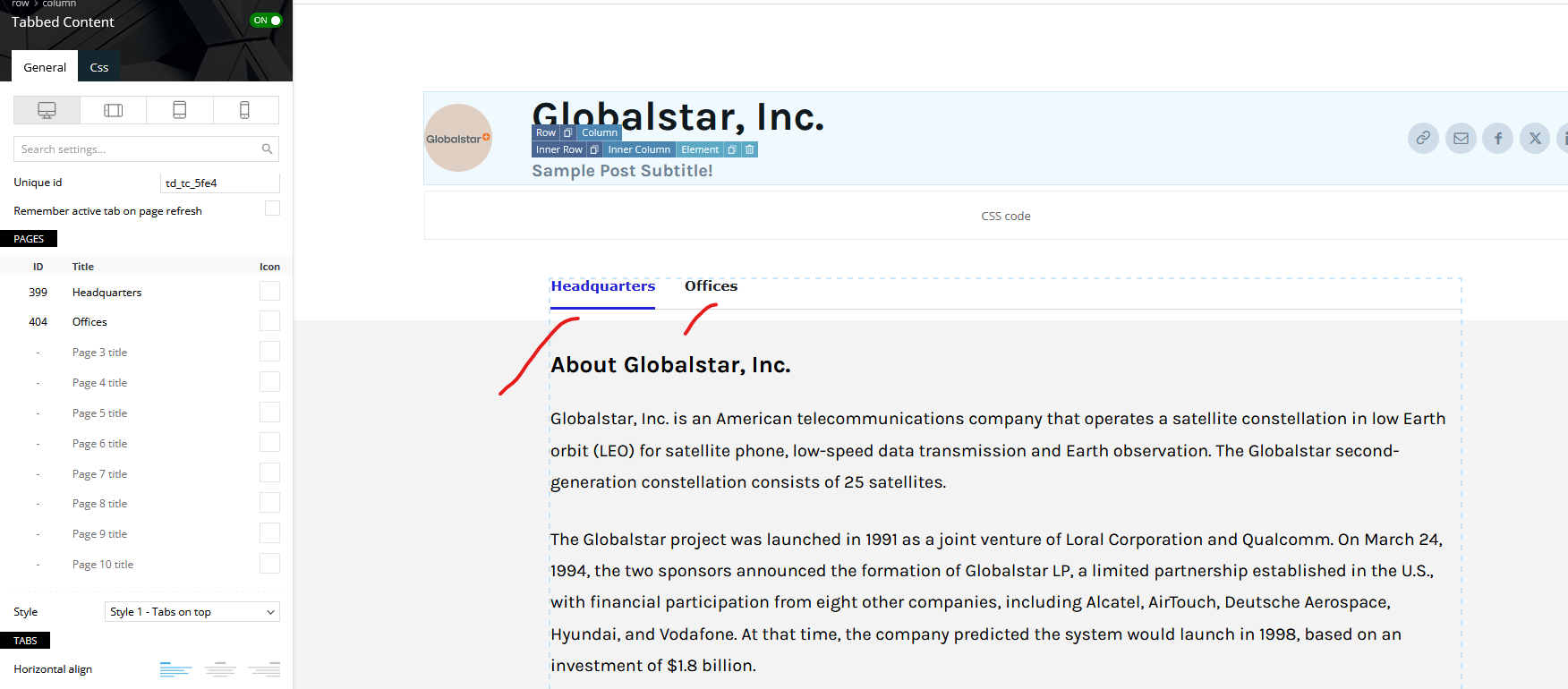
Note: I just try to copy the overview on the page.
My question is how i can add a code of the map Example for Headquarters and offices tab.
Thanks.
jects The wpgmaps output is like this [wpgmza id=”432″].
1. What I going to achieve is how put the wpgmaps code on the back-end similar to arrangement of Company info
Yes I can be add direct on the body.
2. I want to achieve it also with tabs and position before the Title Post.
Example [tab 1 I will put only Headquarters [wpgmza id=”432″] and on [tab 2 I will put only offices]
I want my visitor to easy manage the map, because if to many maps on one tab its like crowded see this ATT
Thanks
jects 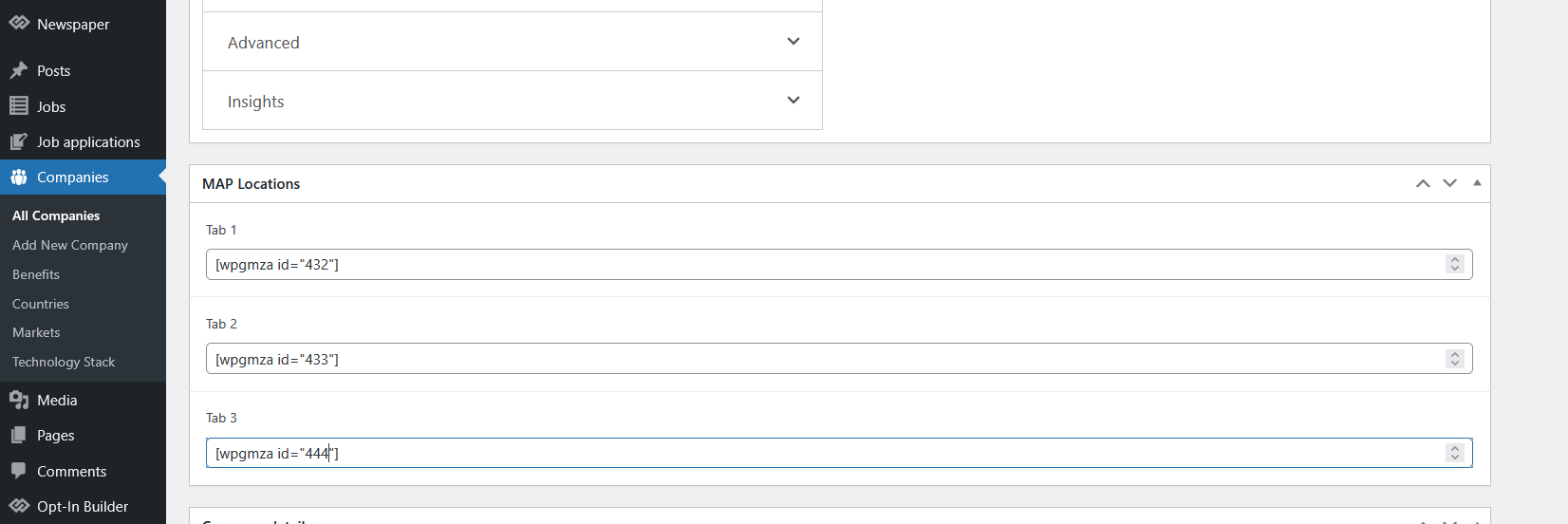
jects Hi,
This is my proposed front-end design
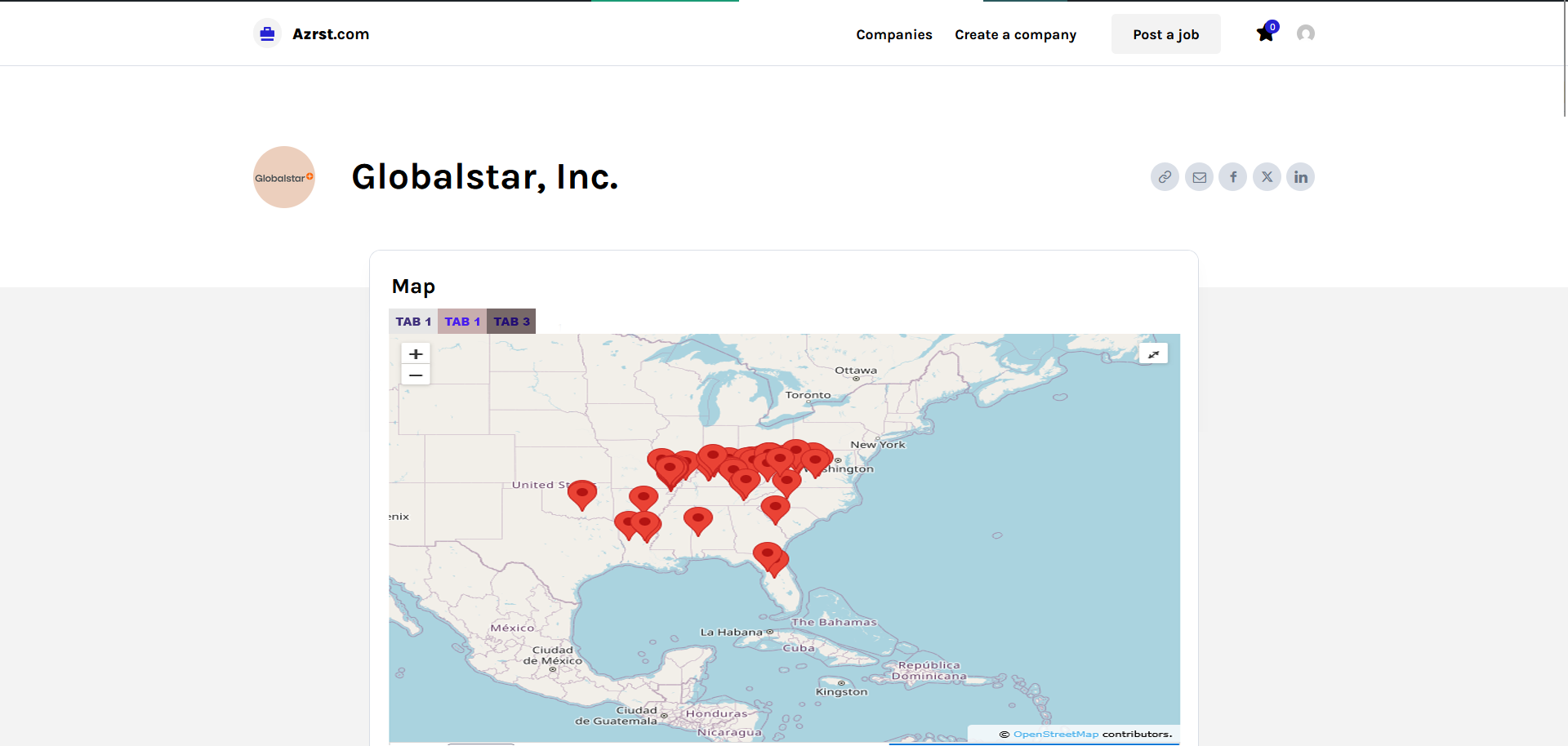
and for the back-end.
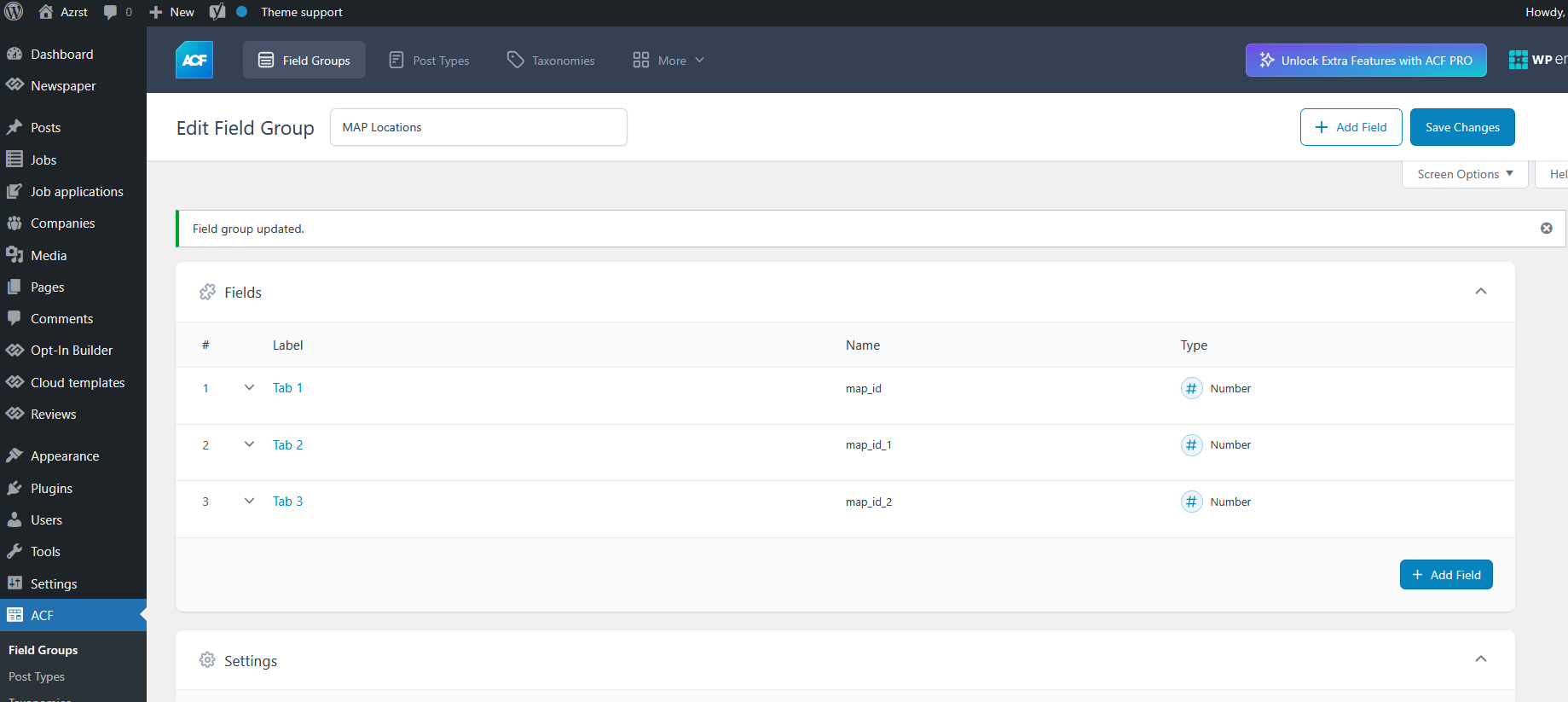
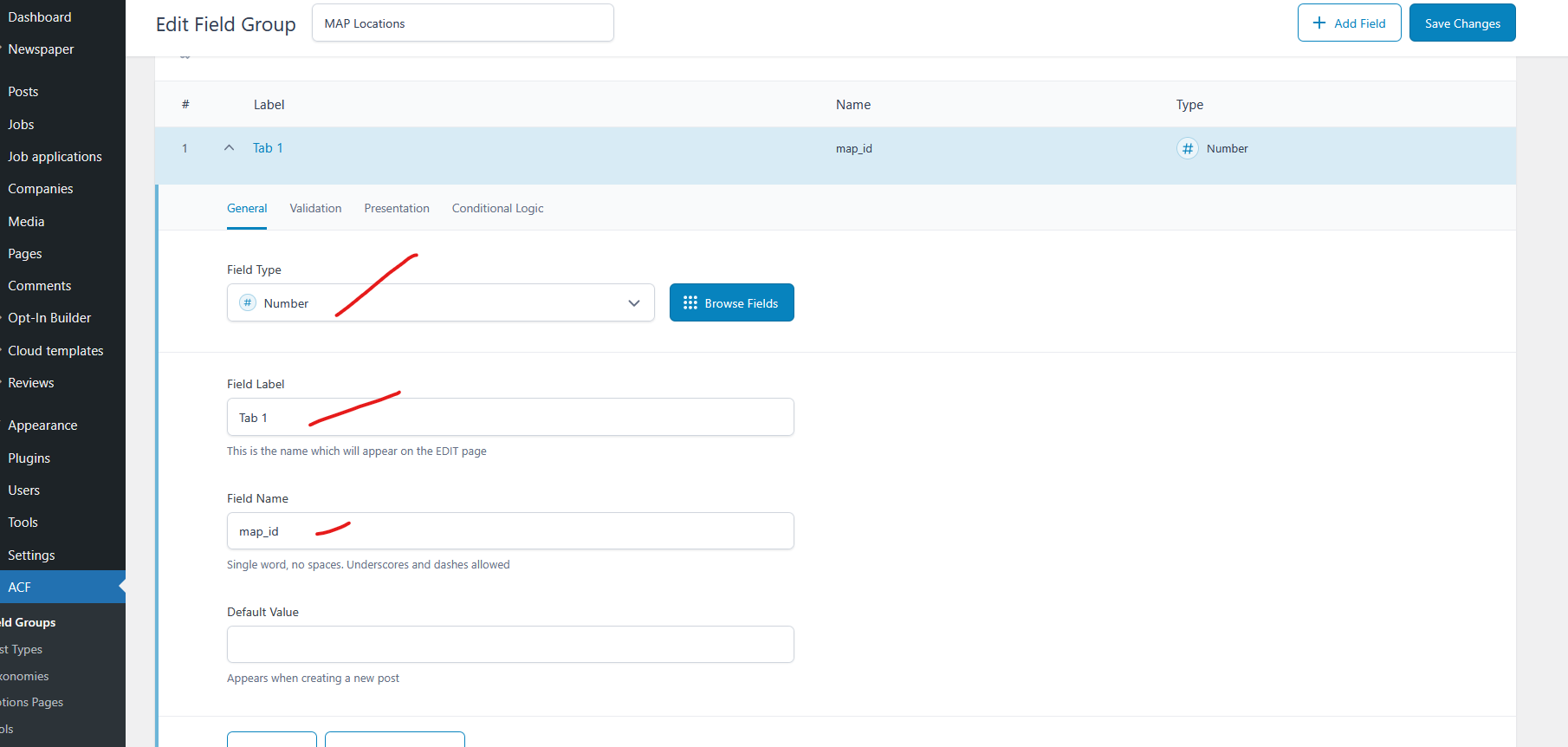
Field Type is just a concept I just show only how I will input the map code on every company post. Are this possible?
Thanks.
-
This reply was modified 6 months by
jects Hi Nice it works.
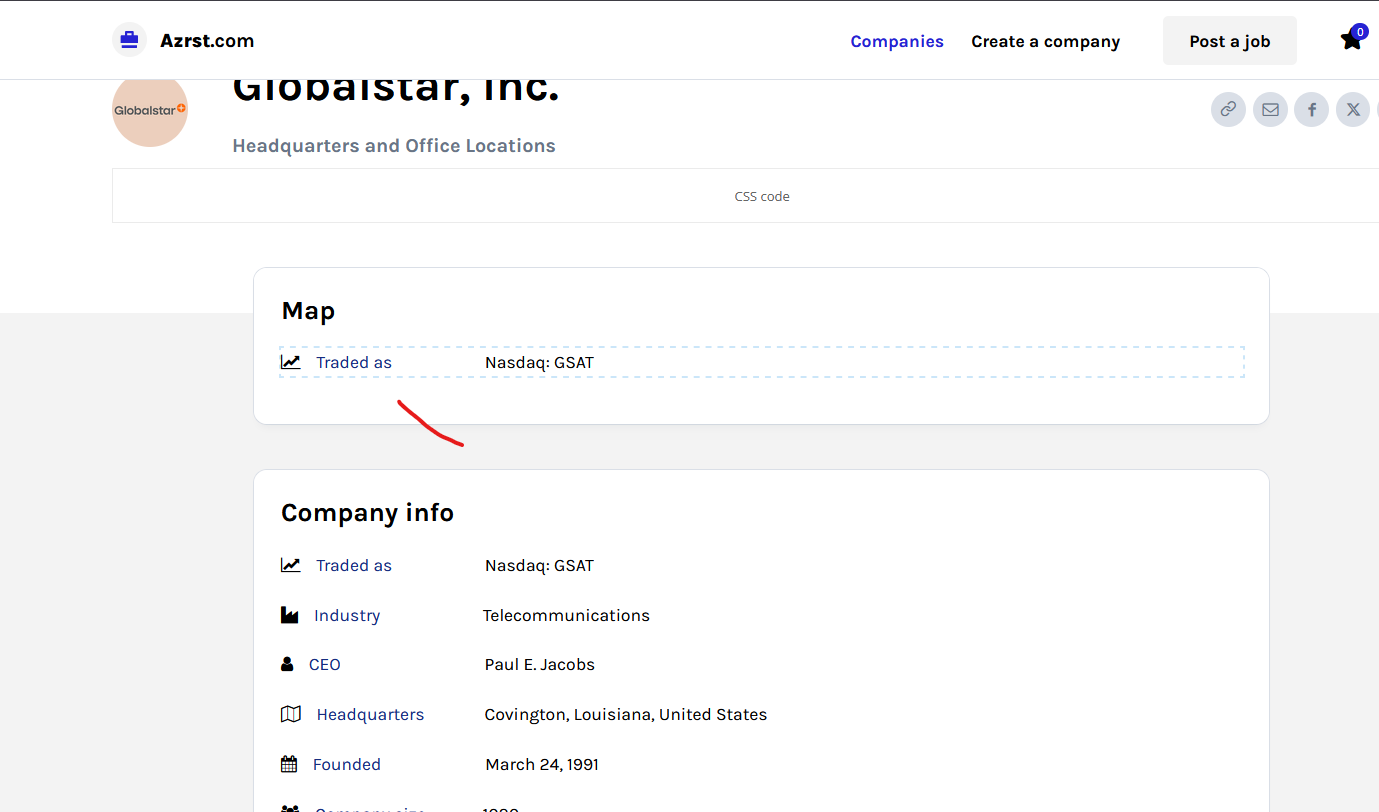
What AFC Field I use because I will install this wpgmaps.com plugin and I will be put this map codes [wpgmza id=”432″]
Thanks.
-
This reply was modified 6 months by
jects I want to duplicate the rectangular white background with rectangular border so that i can add element.
jects Hi Thanks it works.
jects Hi,
It works.
I have additional question.
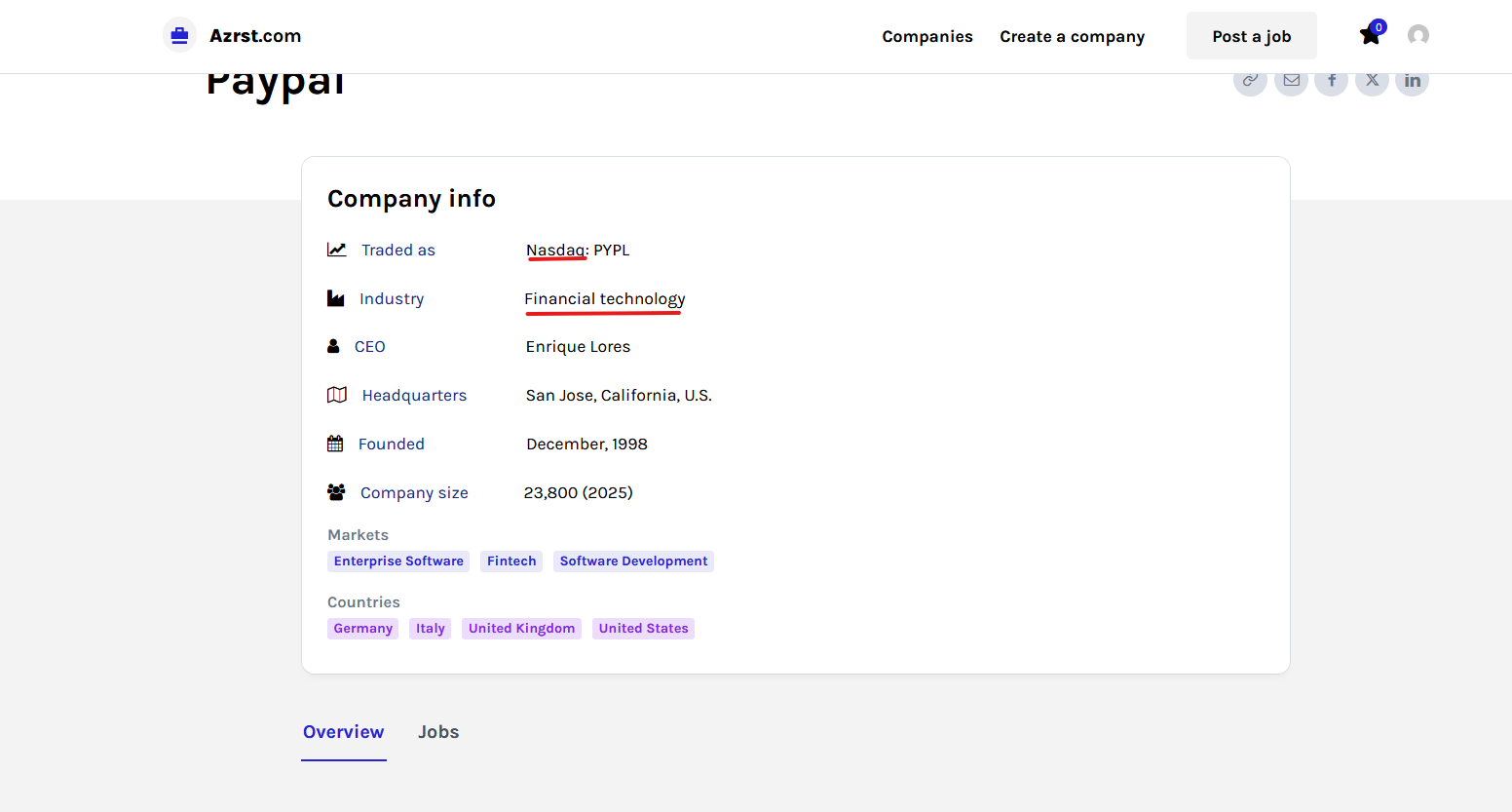
Can I add Links on Field Type example on the text with red lines.
Thanks
jects Hi, It works thank you.
jects Hi,
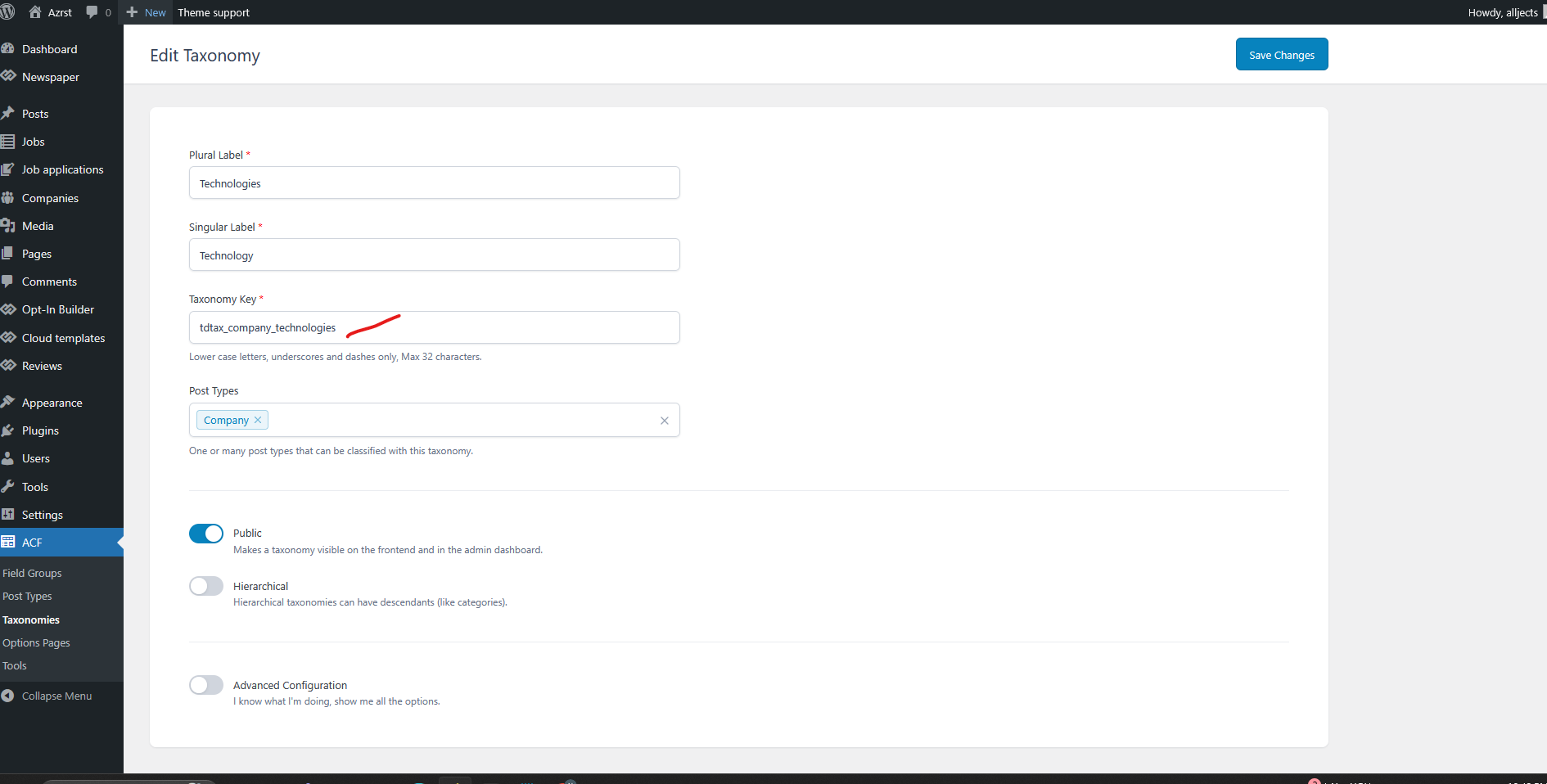
It works on Company info i need to edit taxonomies on element.
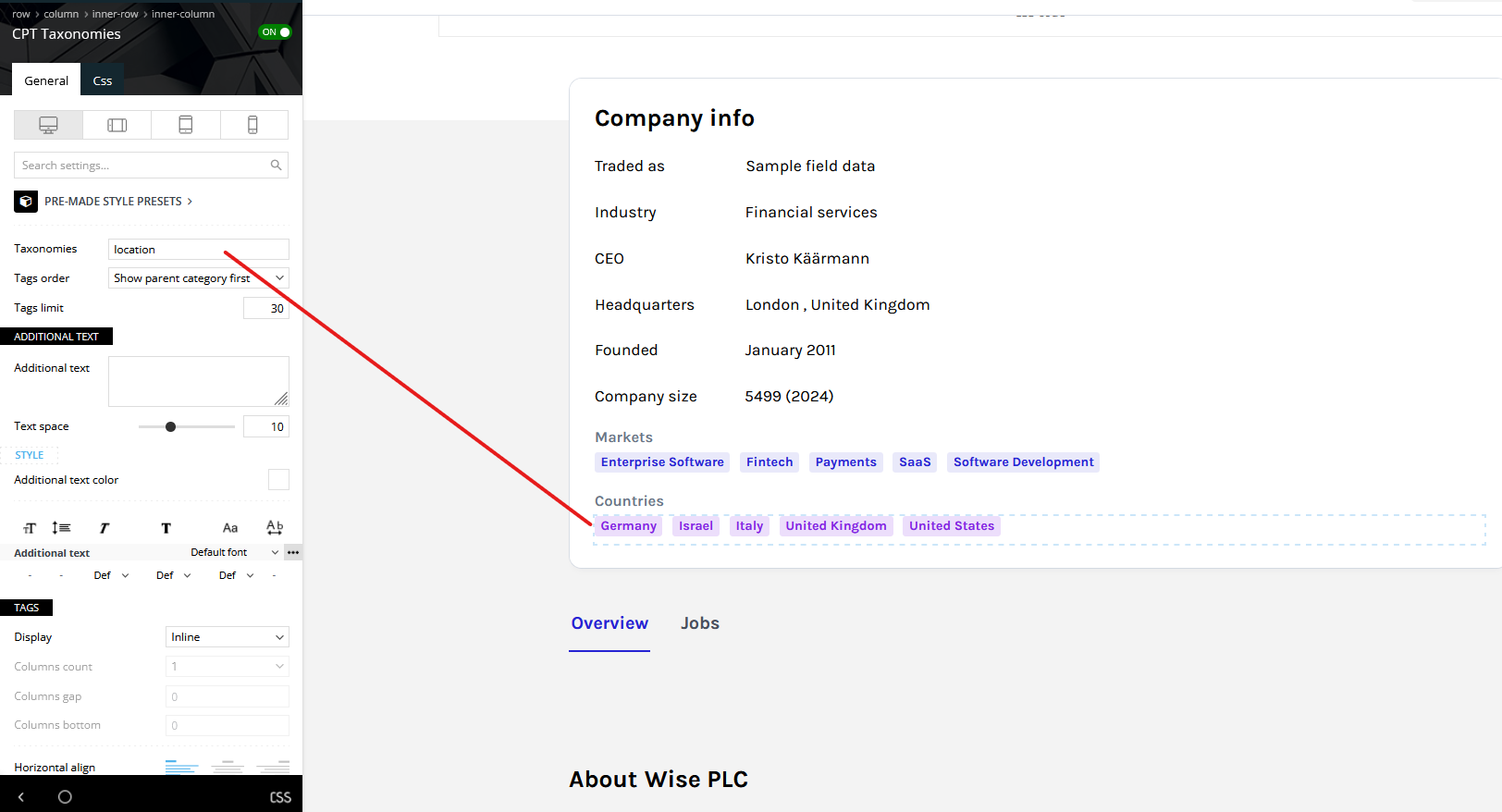
For the Technologies
I have a question, for the Technologies i need to edit the taxonomies element (which i did on the Company info).
How to edit Technologies element?
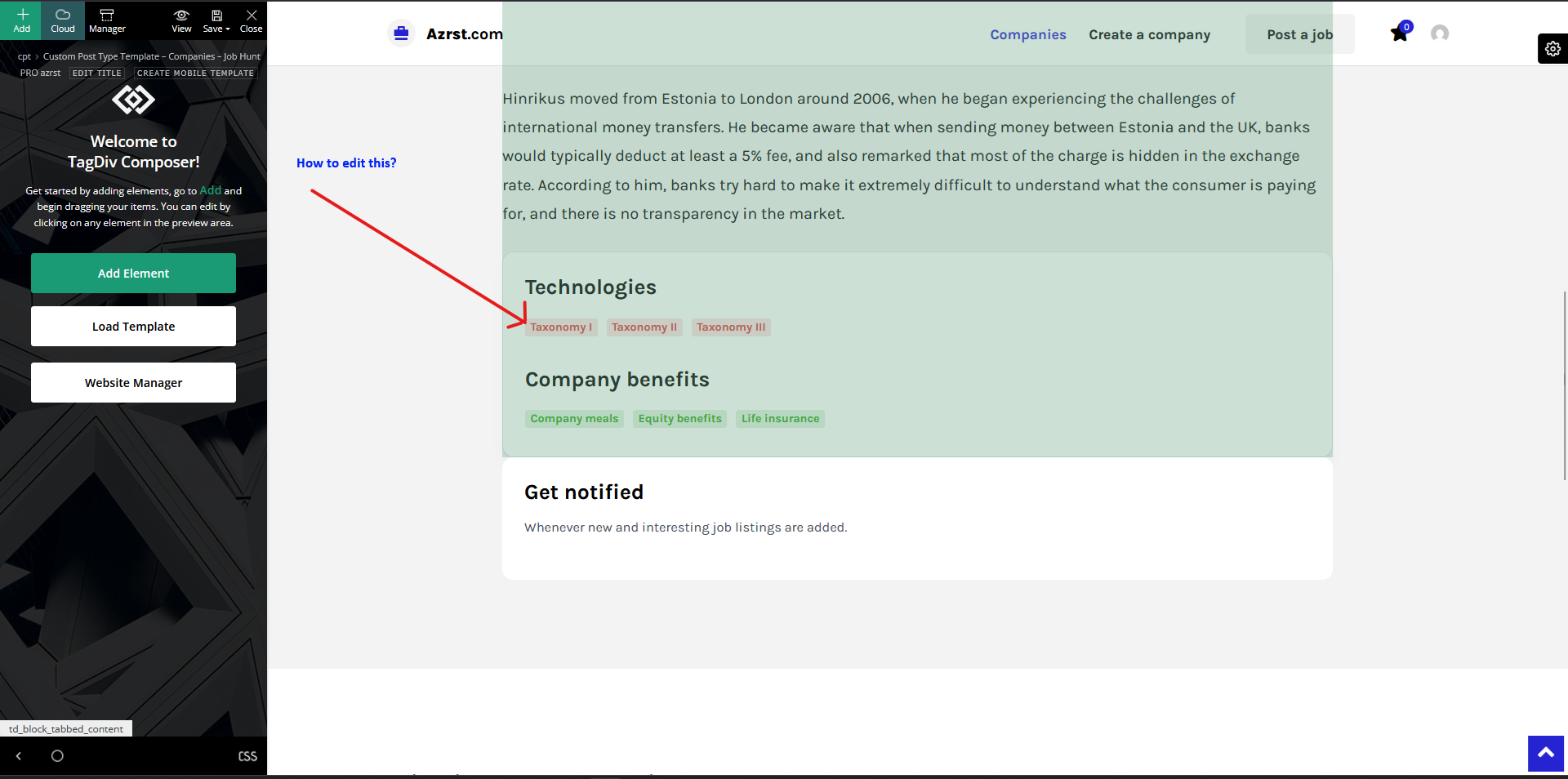
Thanks
jects Thanks it works.
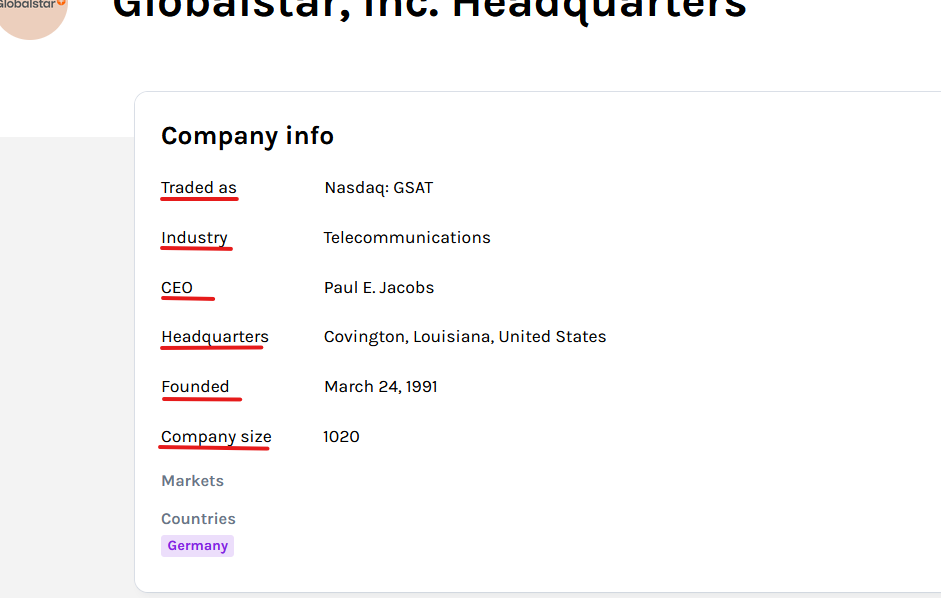
Additional question on this.
1. Can I change the font text color of the text with red line?
2. Can I add a icon beside the text?
Thanks
jects Hi I just follow your screenshots but still it did not show the technologies.
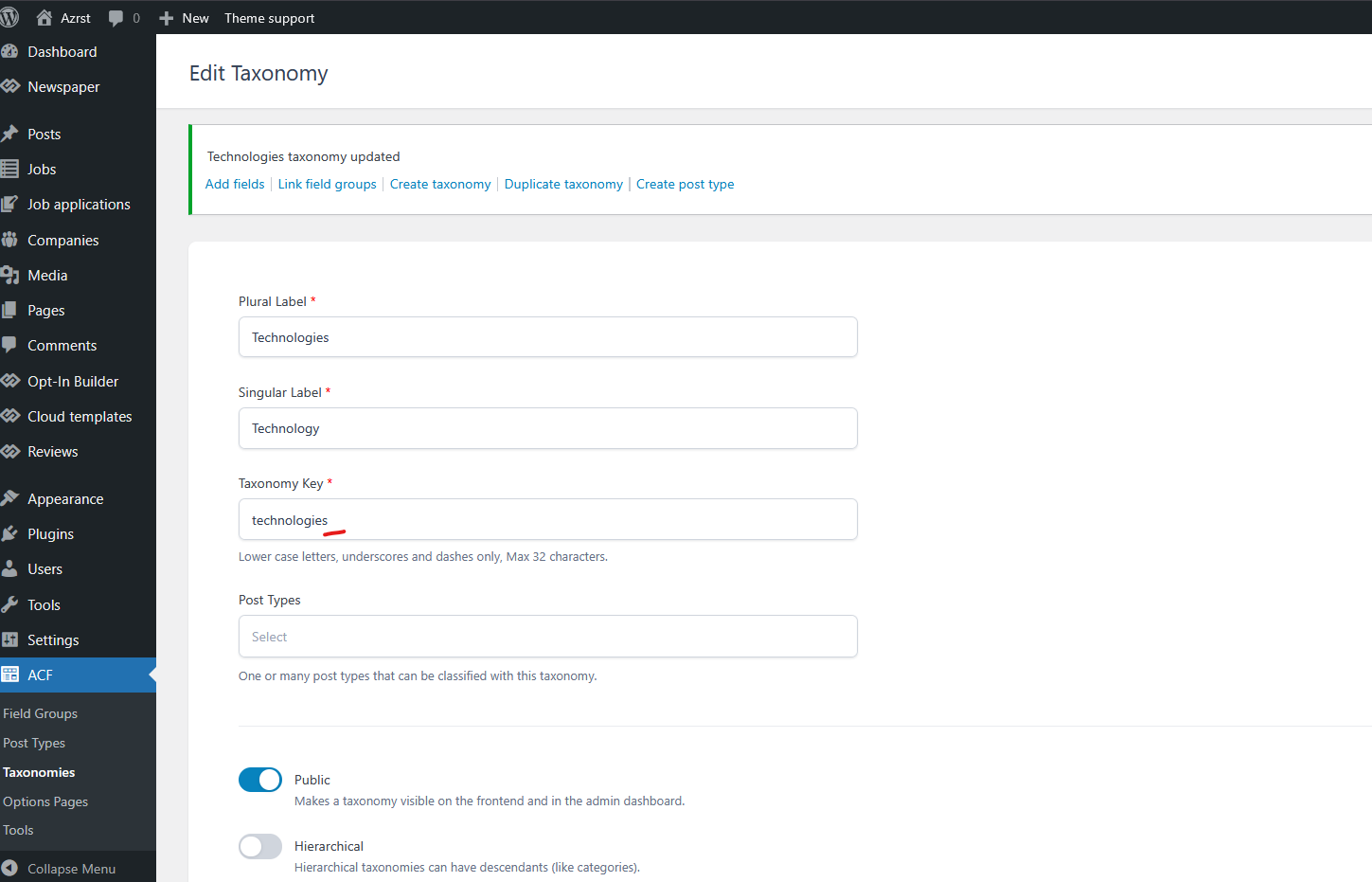
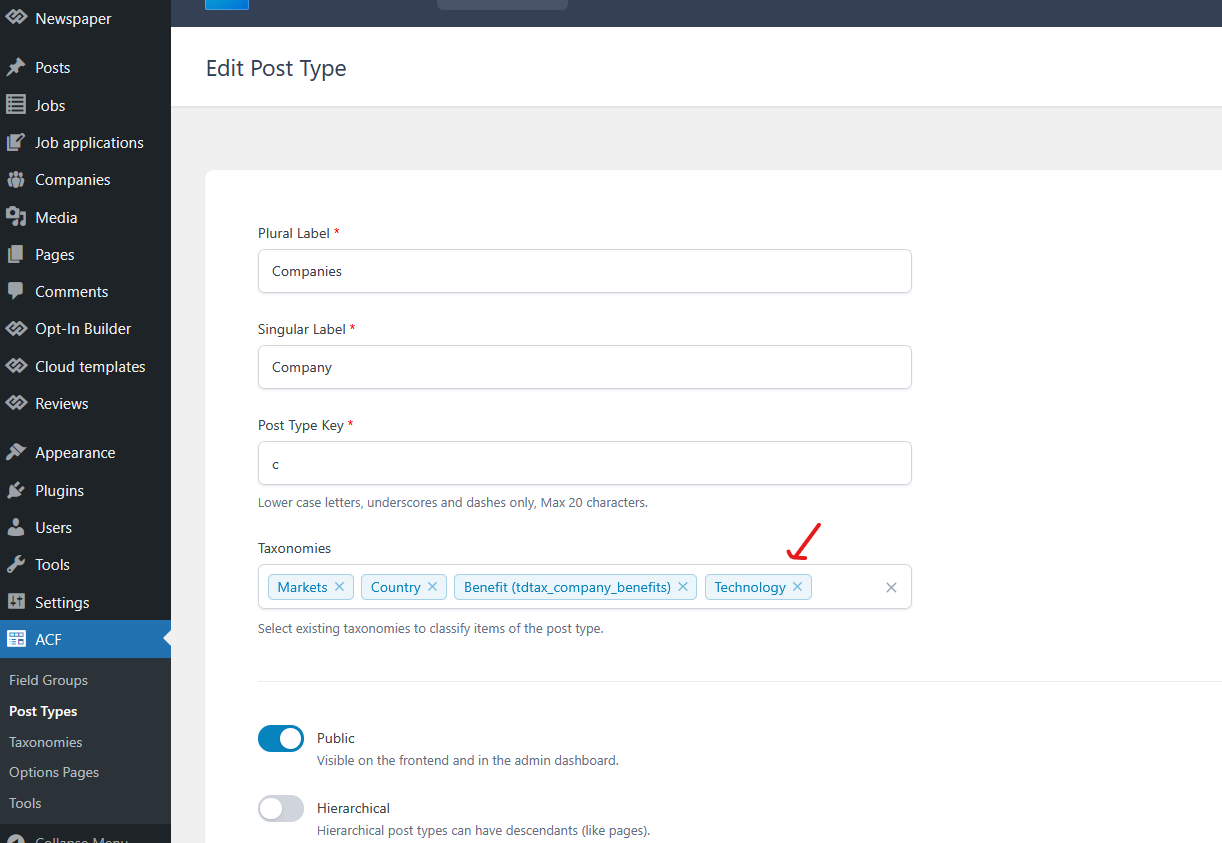
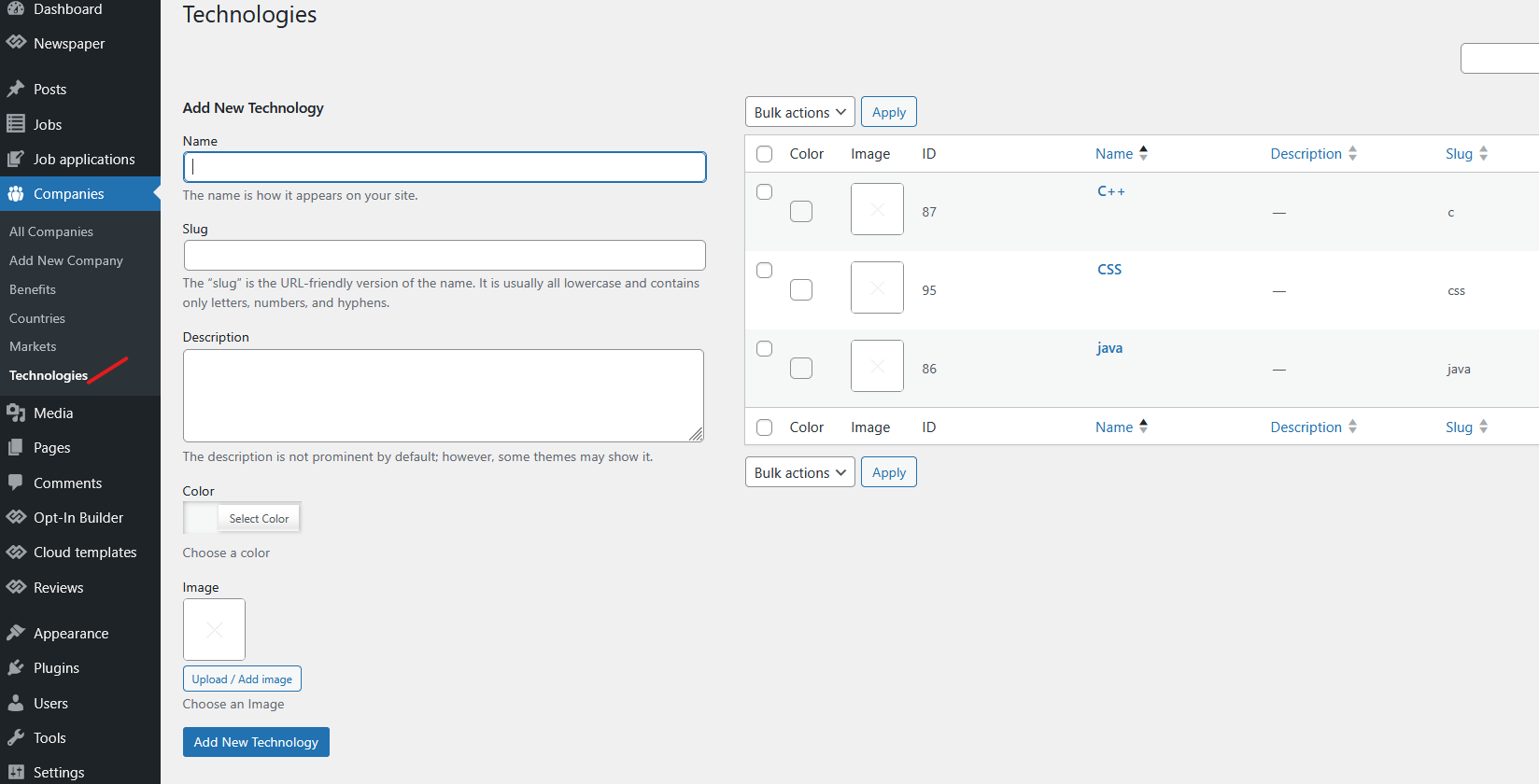
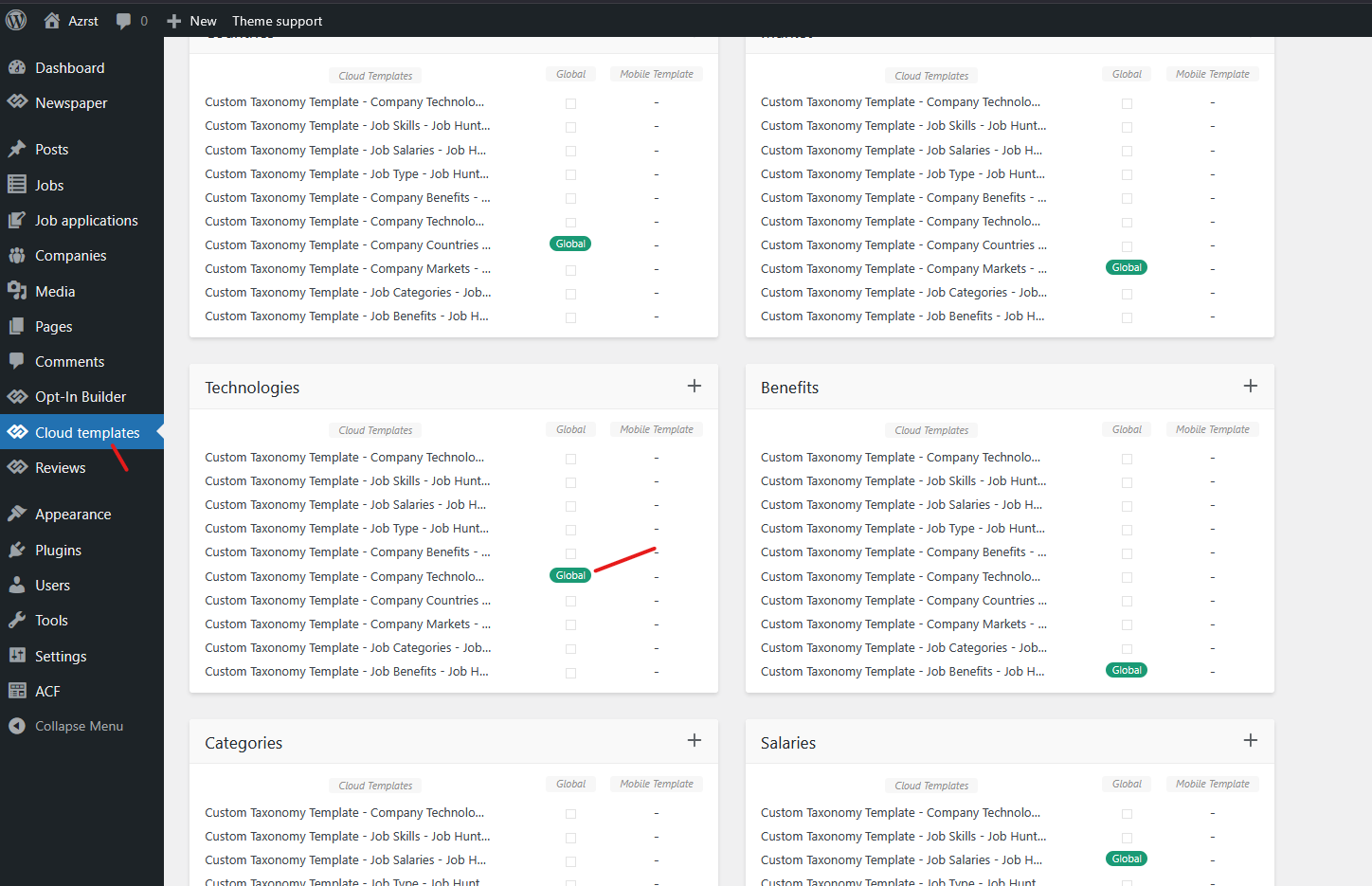
The result.
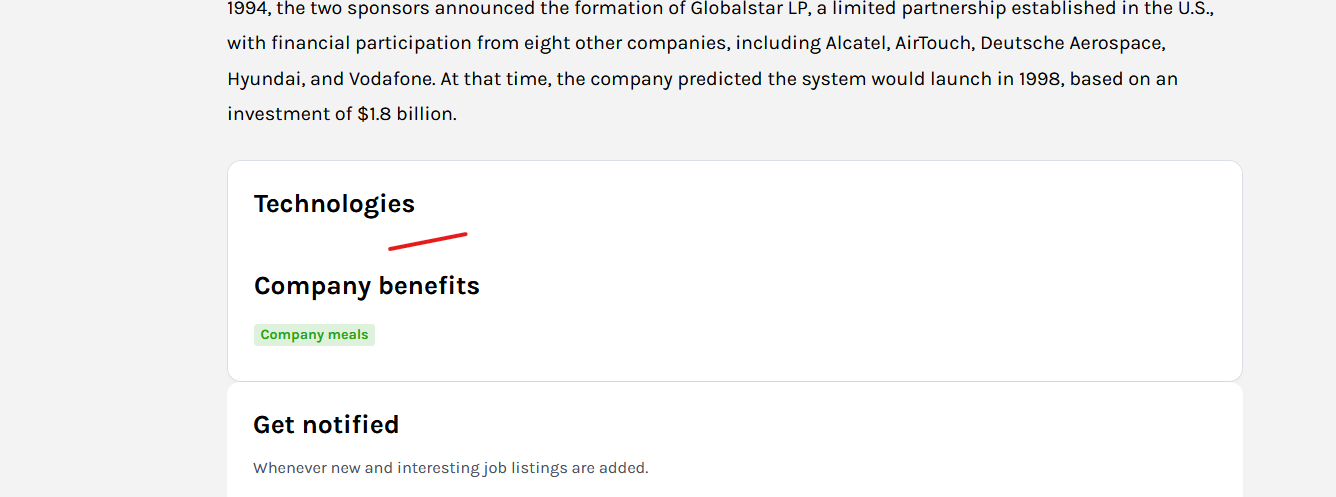
Thanks
-
This reply was modified 6 months by
jects How did you make this two?
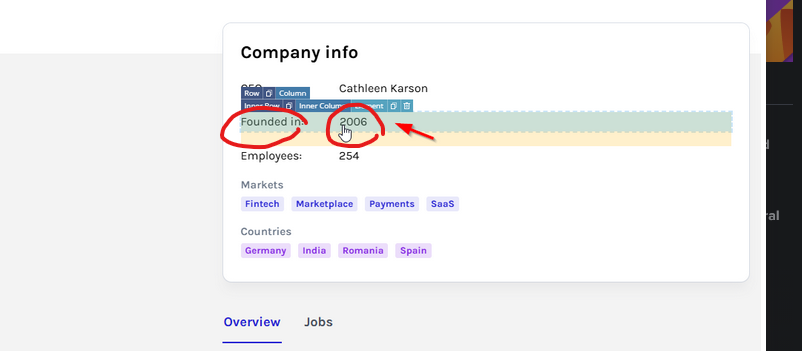
This is look like in my end.
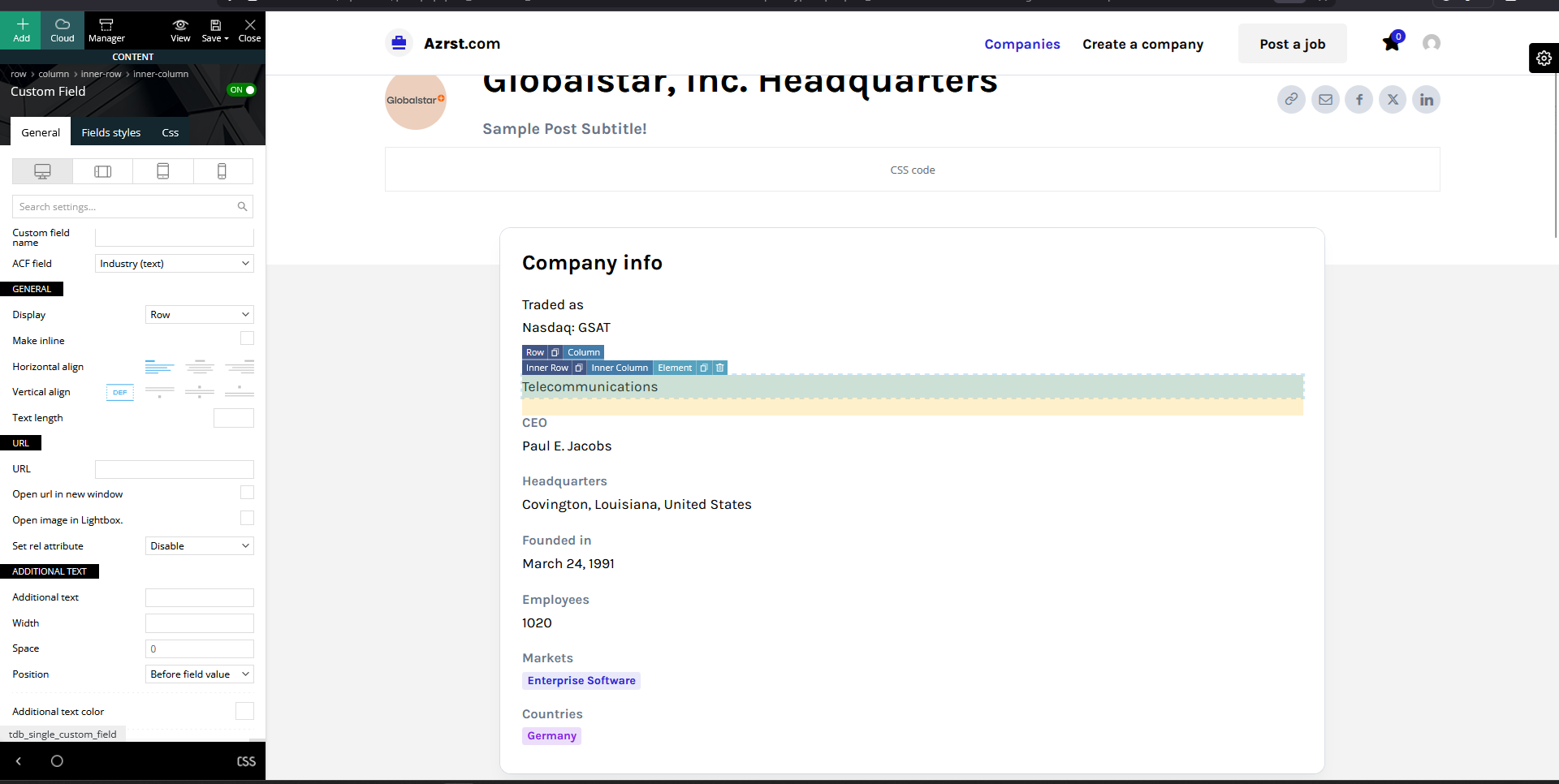
Thanks
jects Nice, can you give on how to make separate element? Thanks.
jects Hi can I align the field labels and add space of Field Group Company details.
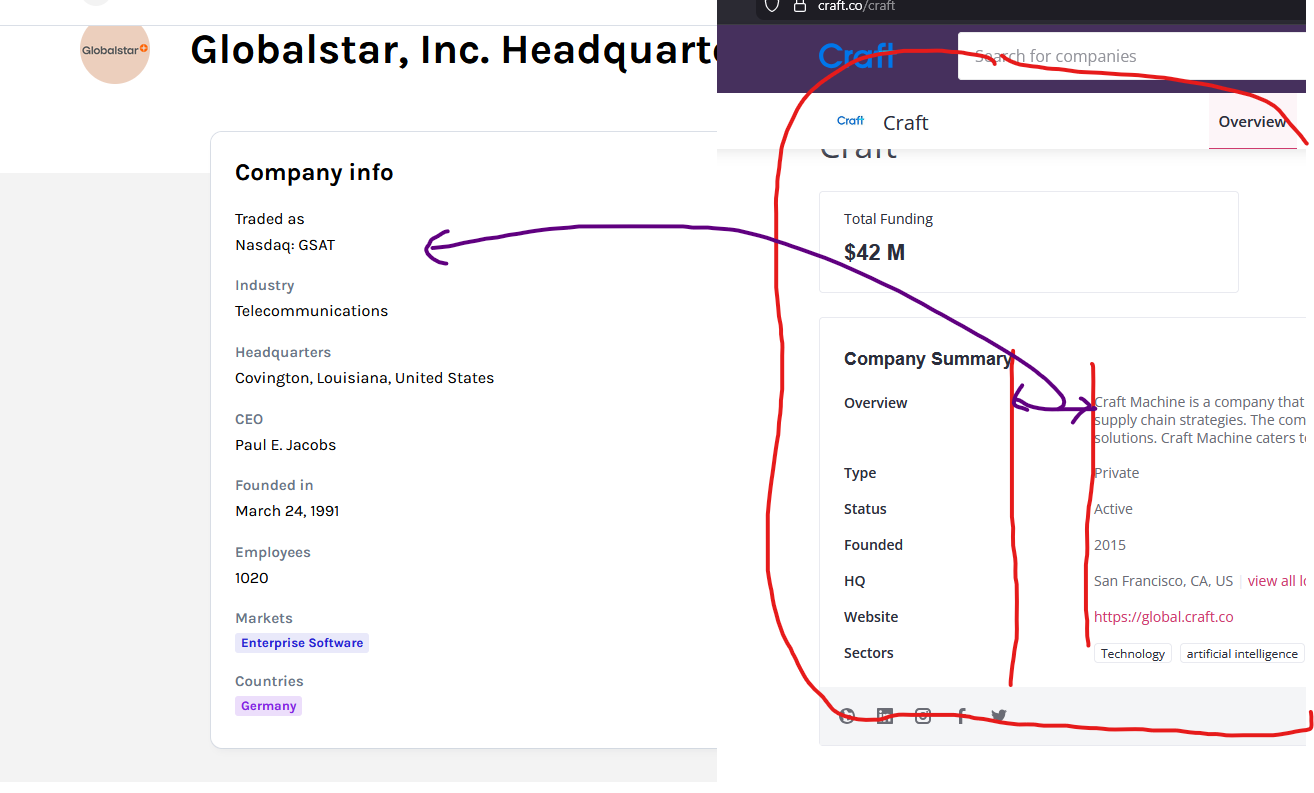
Thanks
jects