

 Kaino
Kaino Found the reason, with every update it disables the plugins.
-
This reply was modified 11 months by
Kaino.
Kaino Nvm, figured it out. Bit complicate at the beginning with rows, inner rows etc but getting there 😛
Kaino Ok, I imported the standard header and copy the search from the doctor template, how do I get it in the same row and the menu, for the past 30 min try to get it there but can’t figure it out
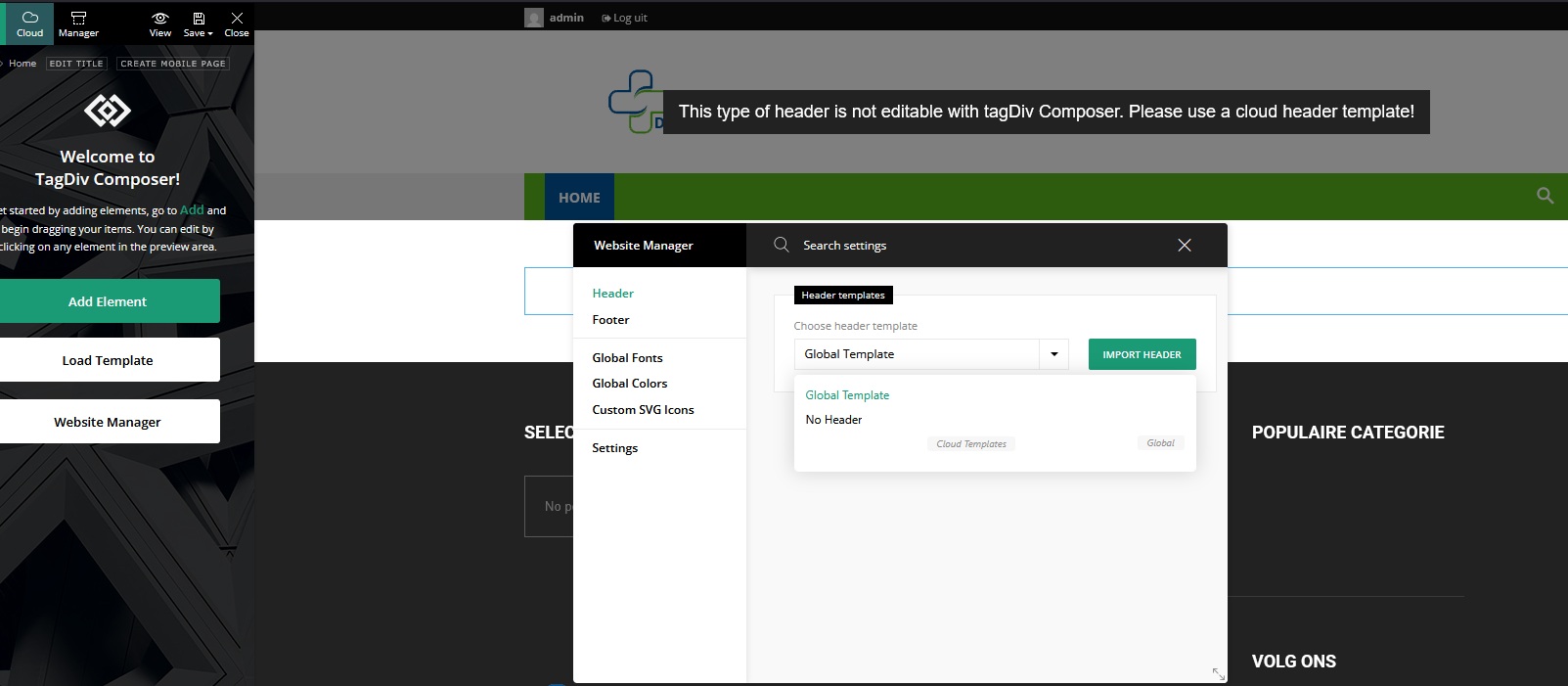
Kaino Hmmm I’m not getting it because I can’t adjust my header in the composer though, I know how to import the doctor header but how do I paste it in mine? I need it instead of the magnify glass in my green bar.
Cheers
Kaino And today had it again, ugh!!
Kaino You can’t change the default topheader with composer and I don’t want to make use of templates.
Kaino Also, the cloud way. I have 2 fields, 1 text and one with the date picker. I can only choose one, it does not show the second field, the date-picker.
Kaino As said, I already did it like that but I don’t want another block, I want to keep the default instead of configuring and redesigning or adjust a new post template. I want the code snippet for the single.php like it normally goes.
Cheers
Kaino I tried to code it like how you guys did it by putting under:
'title' => get_the_title(),

'region' => get_field(),
and the ACF snippet like:
'title' => get_the_title(),

get_field( "region" );
but both don’t work 🙁
Kaino Can you tell me which plugin? Having a hard time to find a plugin what does this.
Cheers
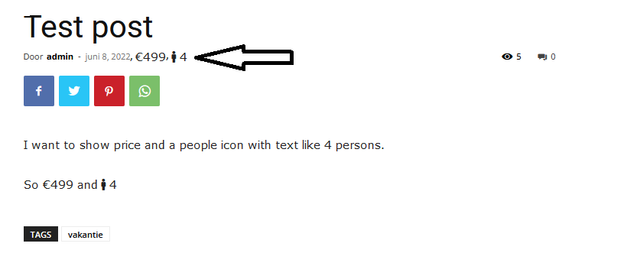
Kaino Very well, forgive my quick paint skills 😛
That this is in the same place as shown in the screen.
Kaino Ty for the reply but I explained it wrong I meant Post and Custom Post types.

Kaino 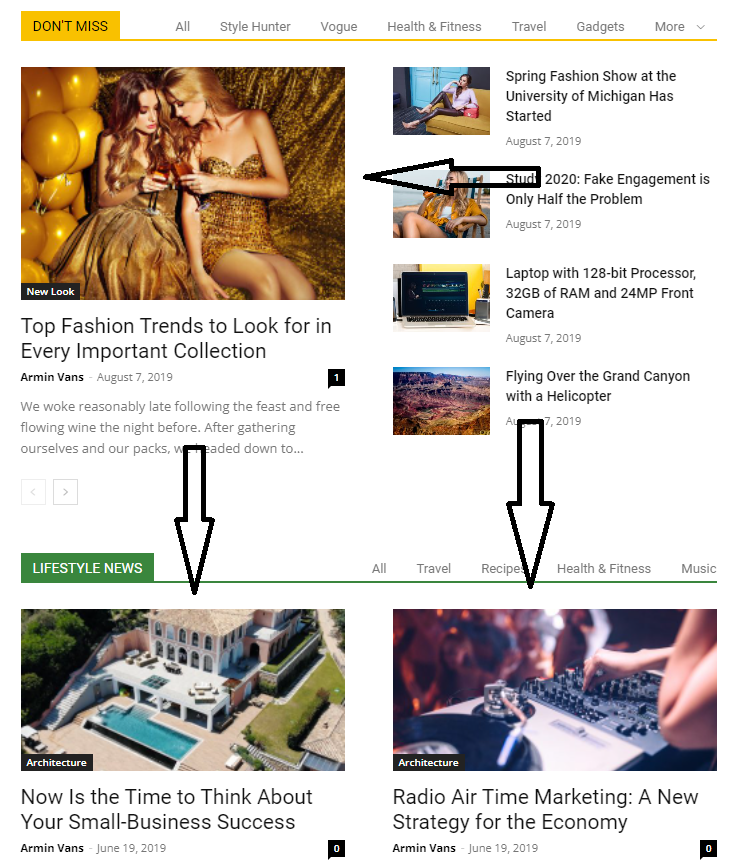 Kaino
Kaino I have all sizes activated, uploaded full image and regenerated the images and it’s still blurry on chrome.
I checked your demo https://demo.tagdiv.com/newspaper_pro/ on chrome, same issue, blurry images, this is a serious issue. On mobile it looks all fine.
Kaino Ahh,overthought the whole thing lol TY, worked.
Kaino Please delete this post. Found out it’s a plugin issue.
Kaino What was the resolution in your case? Because the mobile footer isnt working for me!
Kaino I cant edit the footer either, incredibly frustrating. Doesn’t matter if I select the romanianews template or add a custom template, it keeps showing the default mobile footer.
Kaino Ive created a mobile footer template and selected it in the mobile settings, it shows on my desktop but it’s not working on mobile in several browsers..
Kaino It sucks though you can’t disable NPX login to something else, I like the theme very much but I will have to change to astra theme and build it from scratch due the lack of some customization.
Kaino Actually scrap the above, got it all working properly however how can I add something? I need an age verification like they entering a date to verify they 18yo or older or a tickbox that is required with text they acknowledge they are 18y or older.
Kaino As stated in the OP, I don’t use cache plugins while developing but I do have CL connected, I’ll see if Purging makes a difference.
Kaino Hmm the footer on my phone doesnt show that, have to check my other phone then however the date is still stuck too close to the top.
Kaino Where there is space between it’s screenshots from the editor, with no margin are screenshots from my phone samsung S20 Ultra


website
https://wdnle.nl
-
This reply was modified 5 years by
Kaino And what about hosting, most likely you are on some budget hoster. You want a fast site, use cloud servers.
