marcorroma
 Not good for me.
marcorroma Hi, that’s not what I want.
Can you try setting a mobile menu in the desktop version, in the header, and a different mobile menu in the footer, in the desktop version?
You will not be able to create two mobile menus with different menus on the same page.
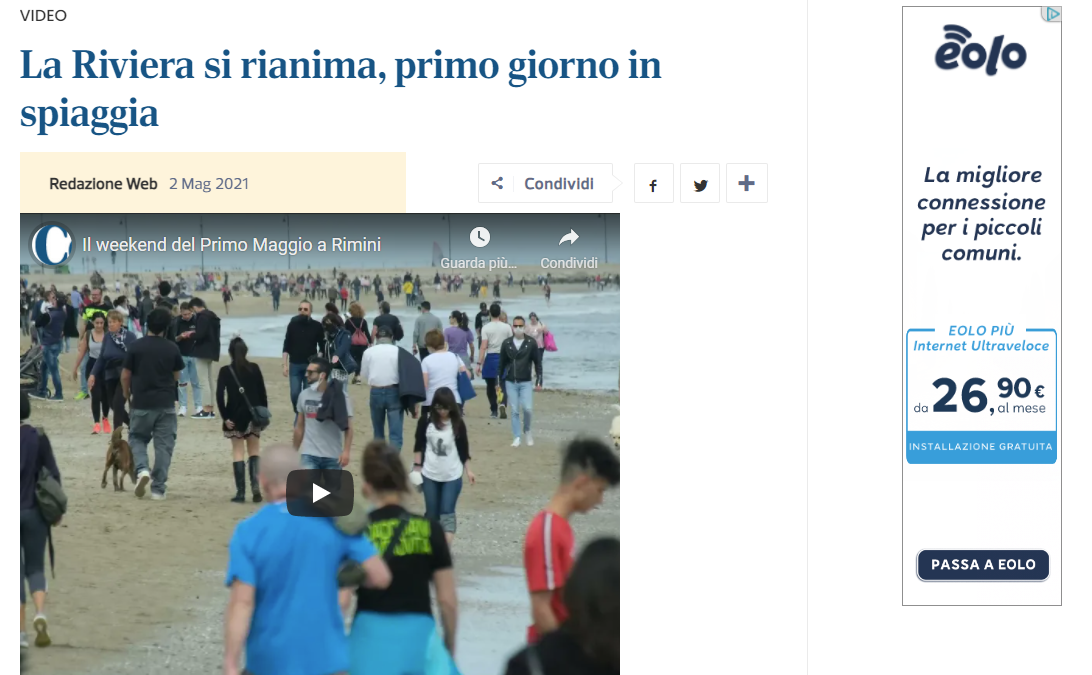
Here’s a video of what I mean:
marcorroma Hi, I would like to set up a floating menu in the header, and a different floating menu for the footer. Only visible for the desktop version.
On mobile I would like there to be another menu, only in the header.
It’s possible?
marcorroma Thank you!
marcorroma Thanks
marcorroma Thank you
marcorroma Hello, is there any news on this?
marcorroma Thank you
marcorroma Hi, I understand the problem.
It’s a bit complex, I hope to explain it well.
It seems that if the page loads in the background, the width of the youtube video script is not detected correctly.
I tried to load the post with the video in this way: I opened a random page of my site and accepted the cookies, I simulated a low or medium connection (on Chrome), I pasted the link of the post, clicked Enter and immediately after I changed the browser window . I waited for the upload to complete, went back to the browser window view with the post and this is what I get:
https://i.ibb.co/dpjFdfg/desk.png
https://i.ibb.co/HGq1Pzk/mob.png
I hope I was helpful in solving the problem.
marcorroma marcorroma Hi, I use a post layout created by me for the videos.
Sometimes it is displayed in the wrong size, especially on mobile. And there is always a bit of a jump from the youtube video player.
It is as if the youtube script were imported with default pixels, and then adapted to 100% of the column.
marcorroma Solved. Thank you!
marcorroma Hi, I re-open this topic.
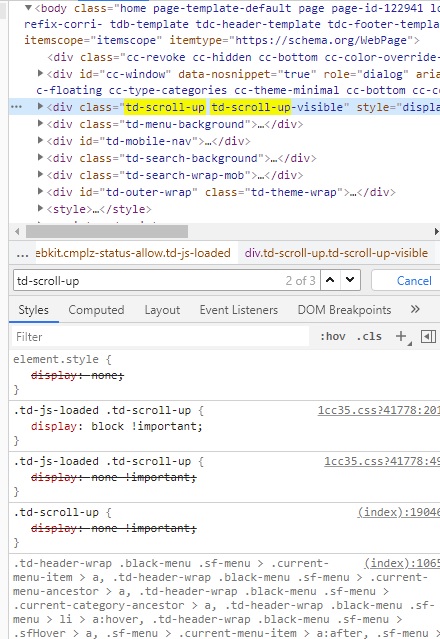
I have this problem: I can’t remove the “back up” button.
See the screenshot:
https://i.ibb.co/9gP1gLD/error11.jpg
I await support.
Thank you
marcorroma Thank you too
marcorroma Hi, that’s not how it works.
At the moment if I publish a post with video, the featured image is replaced with the preview of the video.
And after publication, the photo must be replaced by editor/admin.
It would take a php function with an “if” that, before creating the featured image from the video, checks if a featured image has already been added.
Thanks
marcorroma Thank you.
Contact that email.
marcorroma Hi, I have this problem again.
I set the wp memory limit to 1512MB, but that doesn’t solve the problem.
The wp memory limit is correctly recognized by your theme.
Screenshot:
https://i.ibb.co/mqzJjG6/clouderror.png
I await support
PS. I tried to disable all extensions of my browser (chrome 89.0)
-
This reply was modified 5 years by
marcorroma.
marcorroma Now it seems to work correctly.
I will evaluate the change, should the problem happen again.
marcorroma With OFF the lazyload is disabled … Thanks
marcorroma Thanks
marcorroma Hi, it seems to me that there is no plugin for managing links.
marcorroma Thank you. I’ll think about it (I already have other jobs with your team)
marcorroma Thank you!
marcorroma Hi, I wanted to point out that the CLS also increases when there are 2 columns, one column has “infinite load” pagination, and the other column is “sticky”.
As new posts are loaded, the “sticky” column jumps which creates an increase in CLS.
Thanks for your work
PS. There seems to be no problem on Chromium 91. I don’t know if it’s a bug with my PC / browser or something.
-
This reply was modified 5 years by
marcorroma Hi @jornalosaopaulo
Thanks for your advice!
In 2 weeks I will start optimizing my site and try to make it as fast as possible.
If you want we can hear from you via email or in the forum.
Let me know if you are interested in helping me and being helped.
PS. WPbakery has been optimized in many ways for about 6 months to be so speed.
Thanks for your support @Vlad S
-
This reply was modified 5 years by