marcorroma
 Thanks a lot for the solution.
You could implement an automatic solution in your theme that converts the wording “short” in the link to “watch”.
Thanks
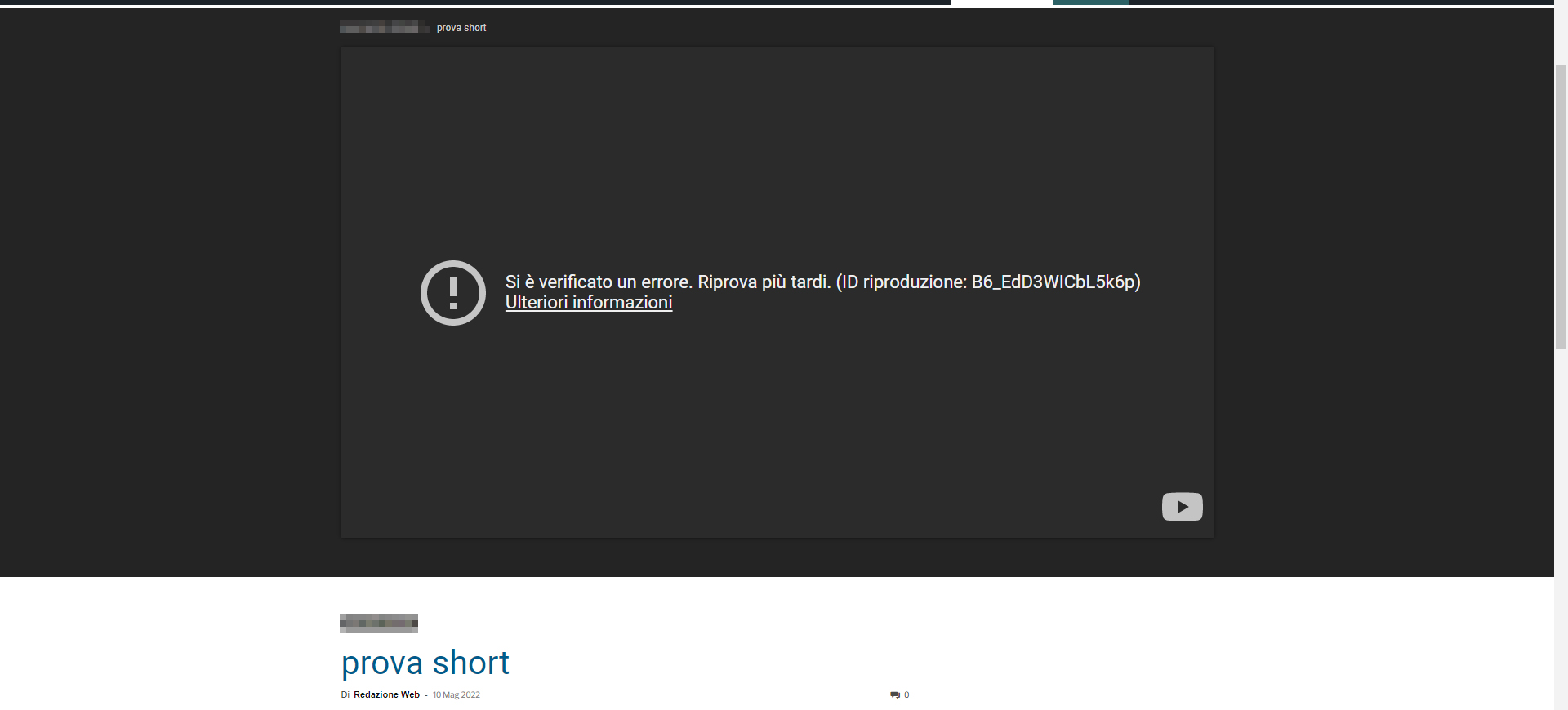
marcorroma Hi, I took two screenshots.
https://i.ibb.co/9YB9fdY/problem-1.jpg
https://i.ibb.co/DD2XzHq/problem-2.jpg
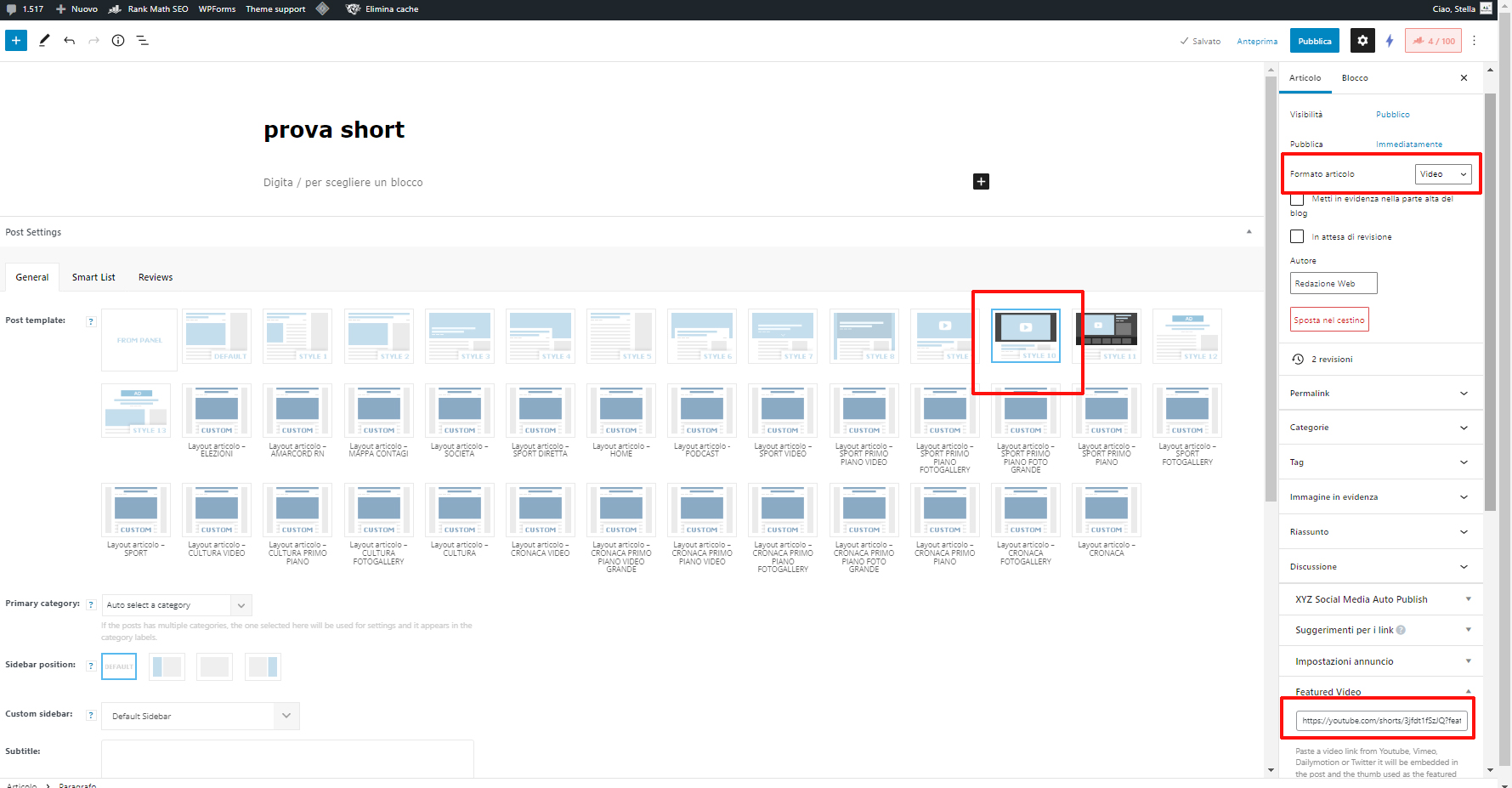
I need to make YouTube short videos available with your theme.
Thanks
marcorroma Hi, I have already selected the 696x0px image. The problem is that if I cut an image with the WordPress tool (cutter) the highlighted image 696x0px is not cropped. So I would like to set a default WordPress featured image.
I await a solution for this problem.
Thank you
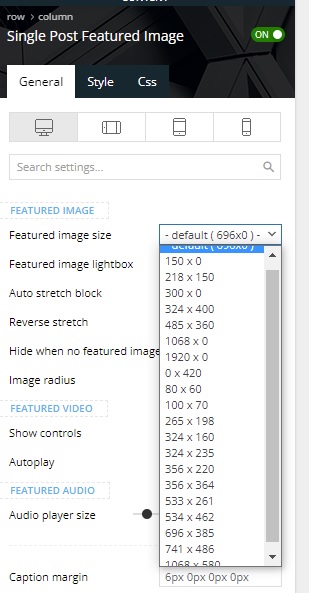
marcorroma Hi, to solve the problem I decided to change the featured image crop, and set the default one (large or medium) of WordPress.
In my post layout I would like to set a WordPress crop, but I can only view the crops created by Newspapers theme.
Screenshot:
https://i.ibb.co/CKtfdPM/sing-fea.jpg
I await support.
Thank you
marcorroma Sorry, I hadn’t seen it. Thanks so much for your work!
marcorroma Hi, do you have any news about this problem?
This is a very simple php function, I don’t understand why a year has passed since my request and no changes have been made on mobile devices.
marcorroma Thank you so much!!
marcorroma I am referring to “featured audio”, but it could be a function that you always want to integrate. I would activate it, to avoid “losing” a user who does not want to download the SoundCloud app.
Thank you
marcorroma Thanks for the reply. Hope it will be added in the next update.
marcorroma Hi, is there any news about it?
It is absurd that from mobile you cannot click on the “play” to listen to the podcast, but you have to ignore the screen that wants to download the Soundcloud app every time!
It would be enough to insert a function where you can disable this, I have also suggested the code to insert. It’s just the “show_teaser = false” line to add to the iframe
Thanks
marcorroma Thanks
marcorroma Hi, I have installed the latest update of your theme (11.4) but the cropping problem has not been solved.
It is currently impossible to crop an image and make it visible in a post.
I await support, thanks.
marcorroma Hello,
the crop of the featured image of the posts is set in the post layout.
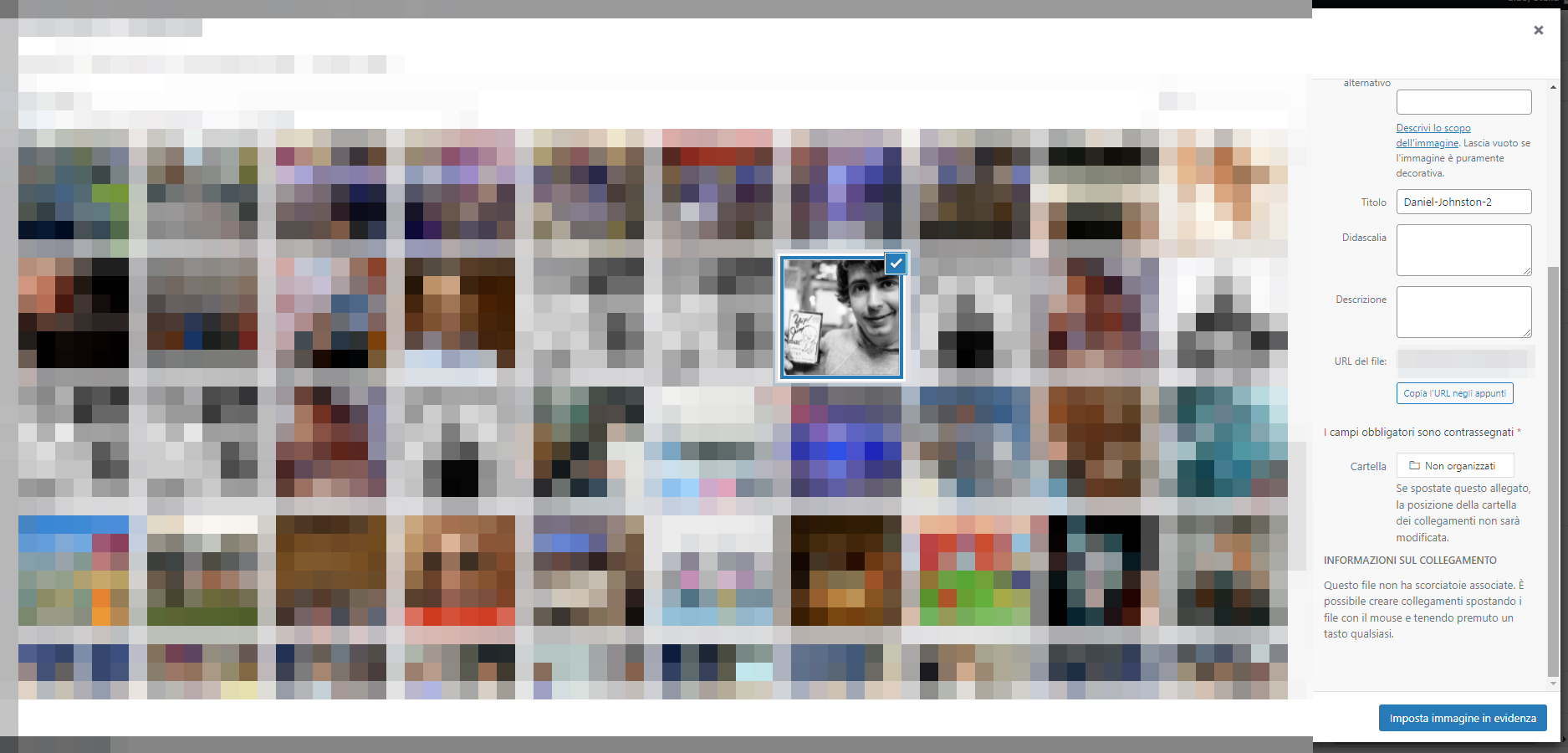
I don’t see the setting to choose the crop of the image, and I don’t want to set the crop for each published image (about 100 posts are published a day on my site, by at least 10 users).
Screenshot:
https://i.ibb.co/dbpS2YW/img-crop.jpg
I await support
marcorroma Correction: only for posts imported with WP All Import, and with crops of your theme.
On the other hand, if I use WP All import I have no problem with WordPress default crops
marcorroma thanks
marcorroma Hi, I have enabled “custom fields” (campi personalizzati), and I still have the same problem.
screenshot:
https://i.ibb.co/6bvKLG9/uh45458.jpg
I have this problem on all of my sites.
marcorroma Hi, I have disabled all plugins, I have removed all php functions in functions.php.
But the problem persists.
screenshot:
https://i.ibb.co/58wV5LT/43355334.jpg
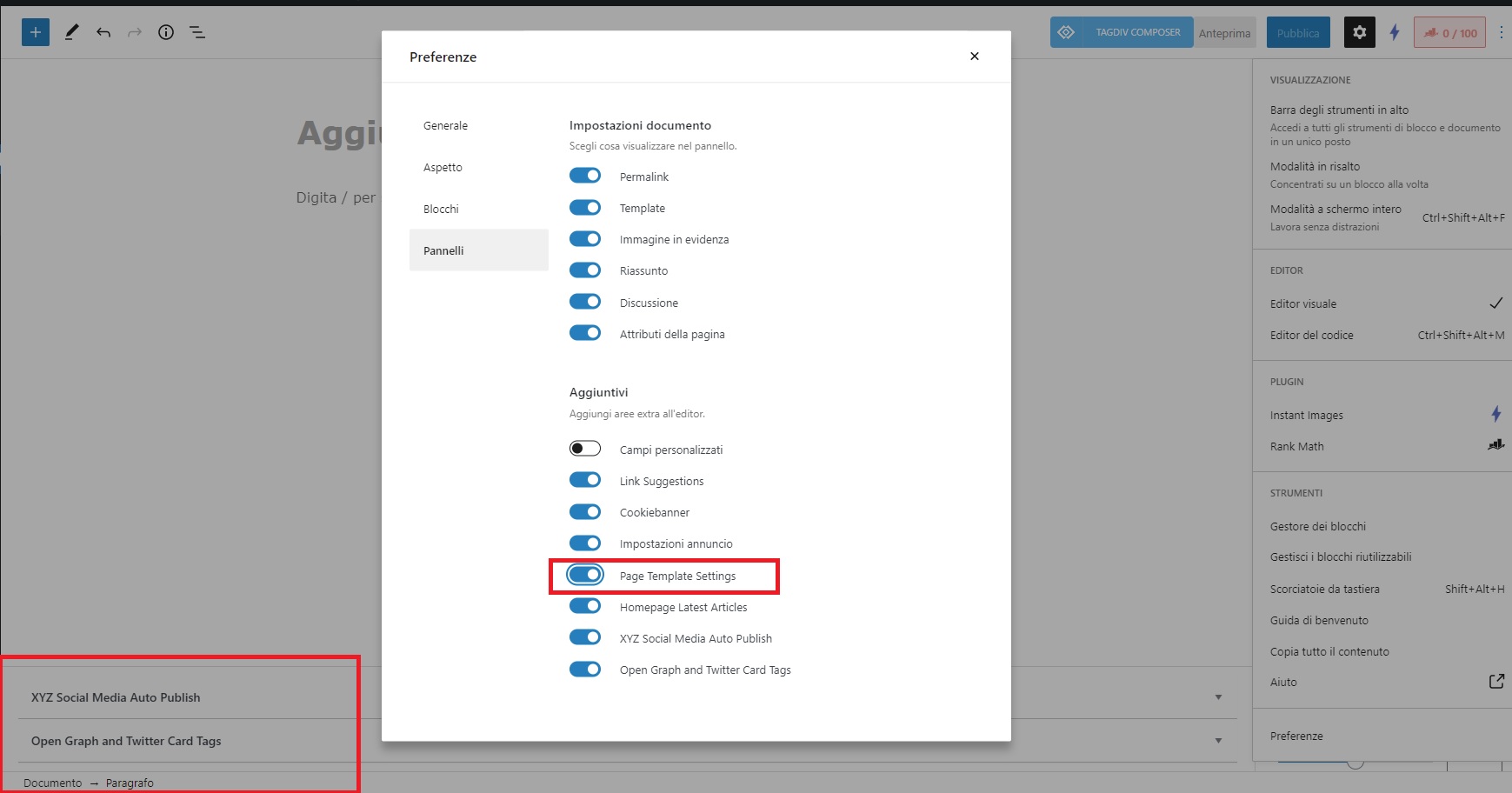
As I pointed out in the video, this function is not displayed in the page editor. I mean the Page Template Settings metabox.
Although in the panel I have marked the “Page Template Settings” function.
screenshot:
https://i.ibb.co/CnqQGTD/21122112.jpg
Are you sure you have the latest version of the theme and WordPress installed?
marcorroma I have no problem with posts.
The problem is with the pages!
Can you try to display the function to avoid duplicate posts on post block pages?
Previously this function was available under the text of a page, during editing.
But now it’s gone!
I add that the “Page Template Settings” option in the pages is active, screenshot:
https://i.ibb.co/vDvZBJQ/err-avoid.jpg
But it is not displayed.
Thanks for support
marcorroma Exactly.
The function you indicated is not present in my edit page.
Why?
marcorroma Hi, I created a video with one page edit, and the lack of the function to avoid duplicates.
Link:
https://www.loom.com/share/107545c3401e4f95940ac20475e410f1
marcorroma Thank you
marcorroma Capture here:
https://www.loom.com/share/7358f8b99e184ad384b8d0f02d9d2cc4
It appears that two files are created, an original file and a file with the cropped image.
But the original image is inserted into the post, and not the cropped one.
Thanks for support
marcorroma Hi, my site is quite heavy, due to the page builder plugin.
From desktop, image loading is fast. But from mobile, the upload is not in line with Google’s guidelines for Web Vitals.
I know how to load images quickly. By activating a lazy load plugin, excluding the first image class, and excluding the lazy load plugin .js from delayed loading.
But it appears that the images are not loaded unless all the combined and minified .js is loaded.
Probably why are the images in the “span” tag? And the page dom completes after loading the .js?
marcorroma Sure.
http://www.corriereromagna.it
Thank you
marcorroma Hi, with the clean installation of WordPress, with the theme and plugins mentioned, the error is encountered.