

 RobertCFP
 It worked, thanks!
RobertCFP Sadly, the solution did not last long. The missing thumbnails error is back 🙁
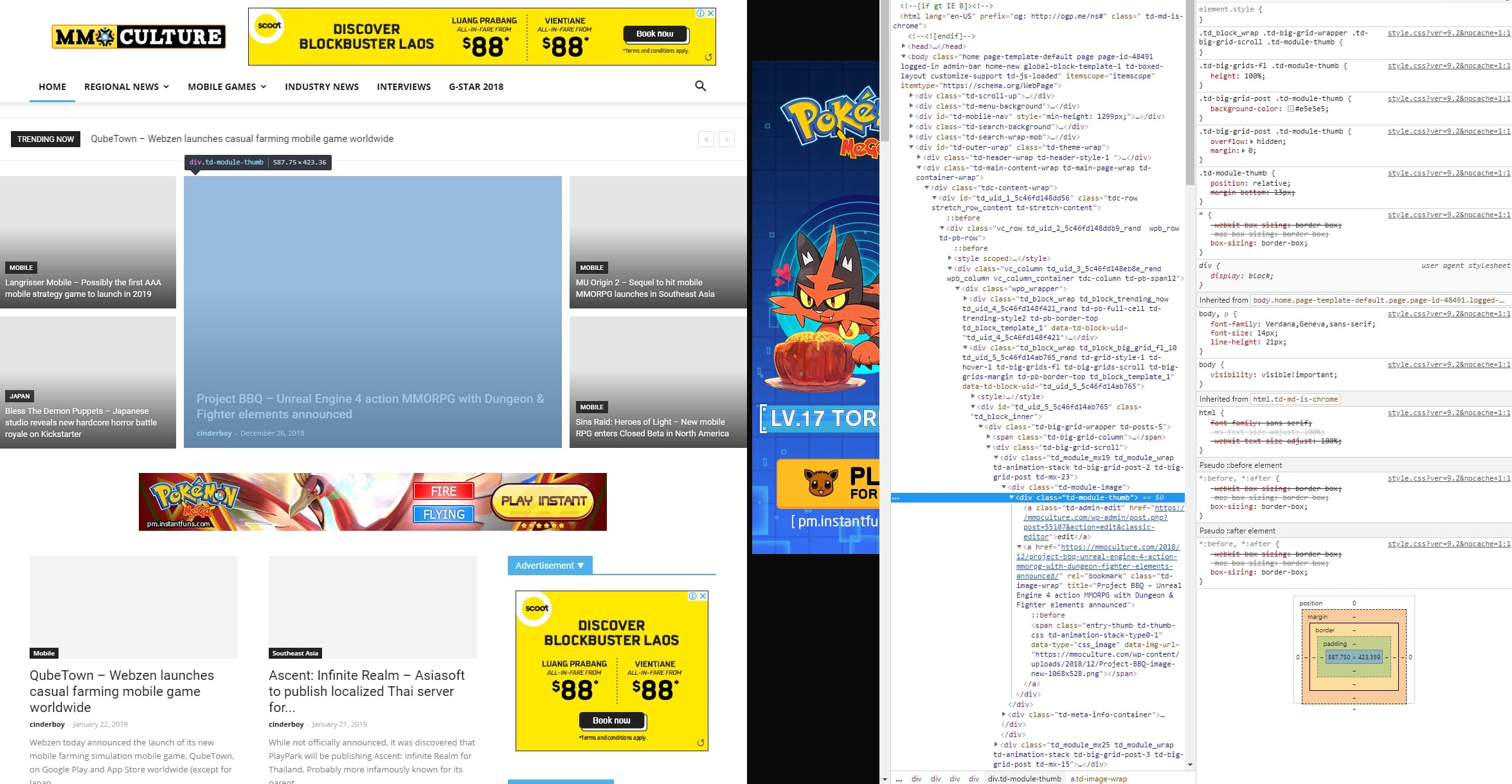
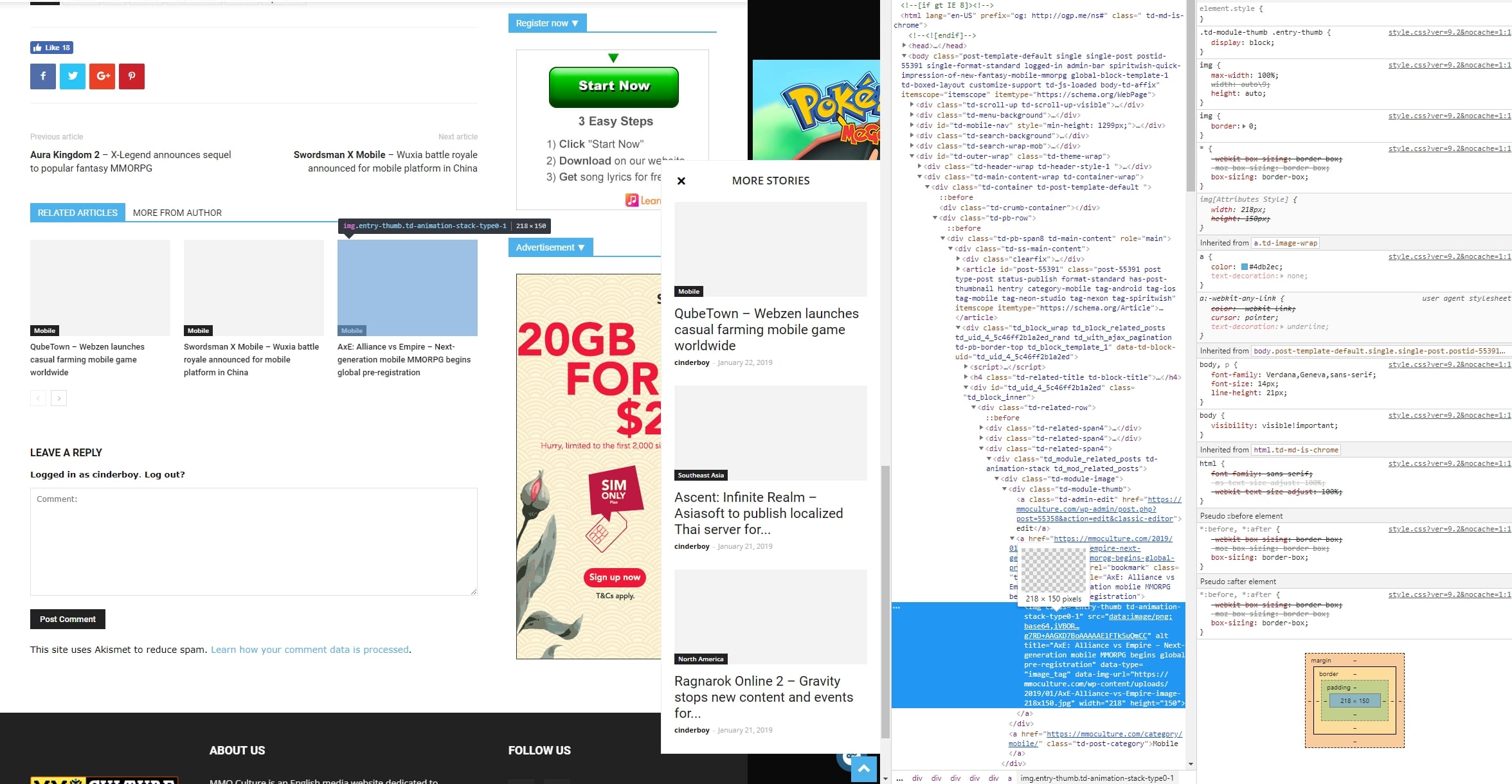
Any advise please, coding experts?
Thanks!
-
This reply was modified 7 years by
RobertCFP.
RobertCFP After testing for a couple of hours, it seems that the Disqus plugin was causing this issue. Really weird. I will update again if there are any more issues, for now everything seems fine!
RobertCFP Hi, thanks for the advise thus far. I am trying to turn off all plugins and see which one is causing this issue.
But I am perplexed why it happens on and off. 50% of the time the thumbnails come out just fine…
RobertCFP Hello,
Thanks for the suggestion. I have spent the last 4 hours regenerating the thumbnails and clearing cache. However, the issue still persists on the side-bar thumbnails and the ones below each post.
Image: https://imgur.com/a/zyLdxCJ
Please advice and thank you.
RobertCFP Issue resolved for missing homepage content!
1. Deactivate TD Composer in plugins section
2. Uninstall TD Composer in plugins section
3. Download the latest Newspaper 8.7 version from ThemeForest
4. Extract out the content
5. Go to Theme –> Newspaper –> includes –> plugins
6. Locate the zipped td-composer file in the plugins folder
7. Head back to WordPress, install td-composer as a new plugin
RobertCFP Thanks epickenyan, this worked!
RobertCFP Where do you get the older version?
RobertCFP Also, I have tried uninstalling the plugins and reinstalling. Same issues as shown in the pictures here: https://imgur.com/a/MyylY
RobertCFP Hi there,
1. No I don’t use WP Super Cache.
2. I don’t use SEO by Yoast.
3. I have only been using TD composer since I got this theme back in September last year.
I have some screenshots to better show the error: https://imgur.com/a/MyylY
RobertCFP Just a note, I have been using the composer all along.
RobertCFP Hi there, I have seen changed to a module with thumbnail size which is closer to what I had on my former theme.
Can I make a suggestion? Currently none of the thumbnail size is friendly when an article is pasted on Facebook. Some parts of the image will be cut off.
Please consider having the article featured images and thumbnails in the ratio of 62:35.
RobertCFP Hi there, I understand the new way of adding videos in this theme.
What I mean is, is there any way I can convert those previously embedded videos to show up? Or do I have to do in article by article and insert the video link again?
Hope you understand as well.
Thanks!
RobertCFP Hello Catalin,
So here are 3 different screenshots of the issue:
1. From actual article view: https://i.imgur.com/R0FUa14.png
2. From visual editor: https://i.imgur.com/Mi75aHI.png
3. From text editor: https://i.imgur.com/Wst1Sqy.png
I am just looking forward to get this one issue fixed before the new theme goes from staging to live.
Thanks!
-
This reply was modified 9 years by



