

 snovosel
 Hello Calin, thank you for the directions, I downloaded/installed/activated WP Super Cache and the date function issue has been corrected.
Best regards,
Steve
snovosel Hello Calin, thank you for getting back to me so quickly. I very much appreciate that!
I made a mistake. I am using Newspaper, not Newsmag. Does that change your advice?
Either way, it’s unclear how your suggestions would resolve my issue. I don’t have a problem displaying the date (in any format). My issue is getting the current correct date to display on any device.
So, for example, today (U.S.) is Monday, March 22 and yet http://www.touchlesstech.com displays “Friday, March 19, 2021”. FYI, all local cache has been cleared on all tested devices.
Kindly advise.
Best regards,
Steve Novosel
snovosel Or, is the “Previous article” and “Next article” text supposed to be greyed, and not clicked on?
snovosel However, unfortunately, now there is a new problem.
Now, as you can see, there is no active ability to navigate “Previous article” or “Next Article”. Both options are greyed out.
How to resolve?
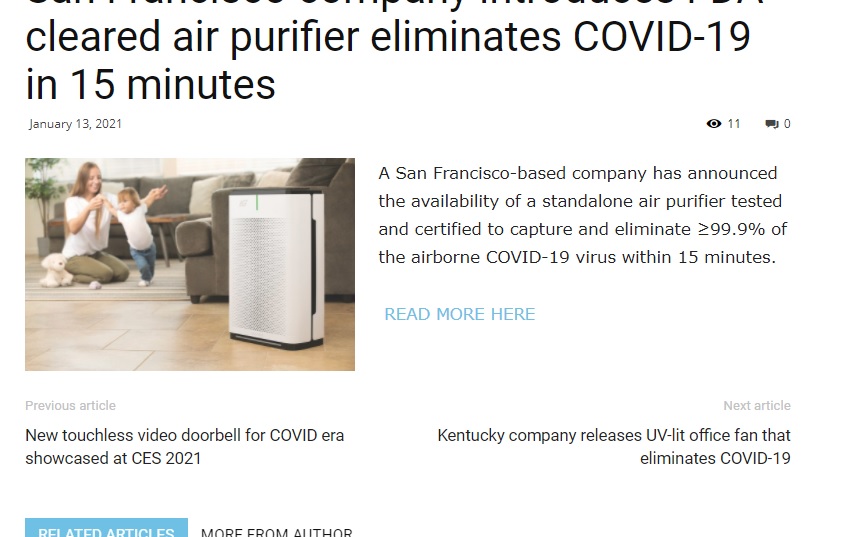
snovosel Ok, I figured out and solved the problem.
Within the Newspaper/Theme Panel/Post Settings/Sharing/Bottom Article Sharing — Hide “Bottom Article Sharing”
Still, this begs the question, how did that Sharing button default to “Show”?
snovosel Also, is there a “sharing” button via tagDev/Newspaper that I can turn off?
snovosel 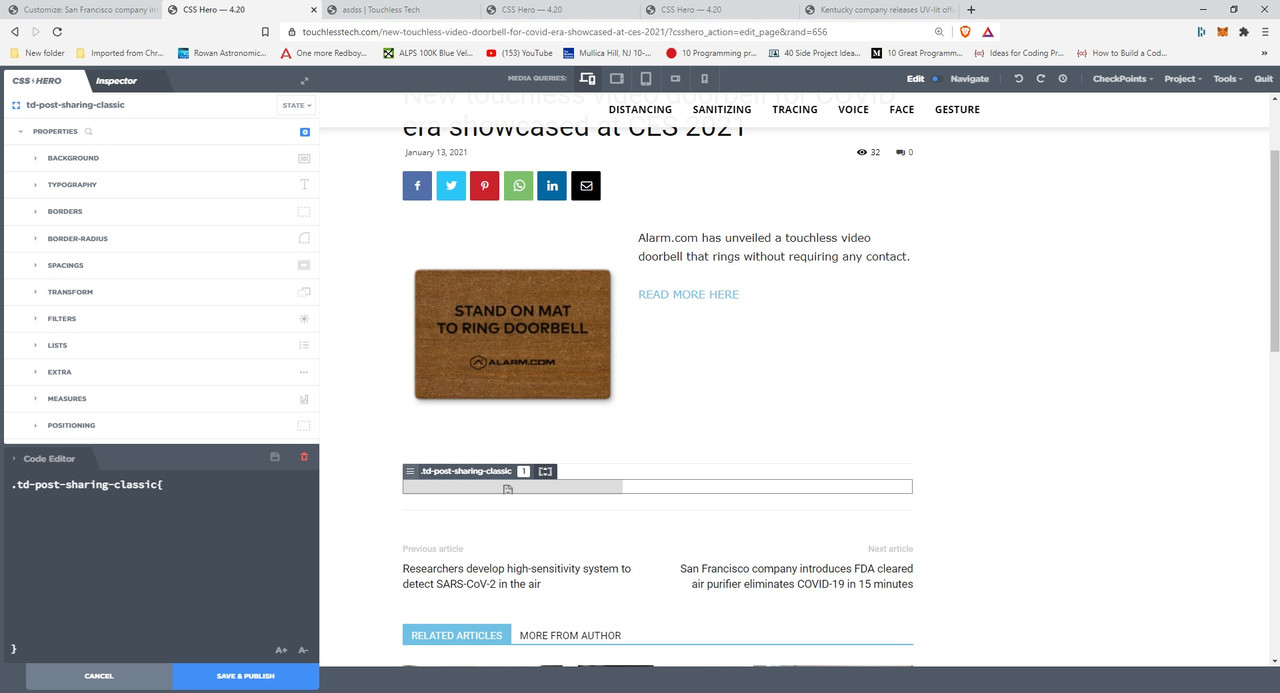
Vlad, please see the above image. It shows that the element is .td-post-sharing-classic.
How to remove it?
Is this element embedded somewhere in a template that affects the entire site Posts?
snovosel This issue seems related to a template, no?
I am not using a “plugin” for the “Read More.
This issue suddenly appeared during the past two weeks.
This looks as though a block has been inserted into the page template, no?
snovosel Hello,
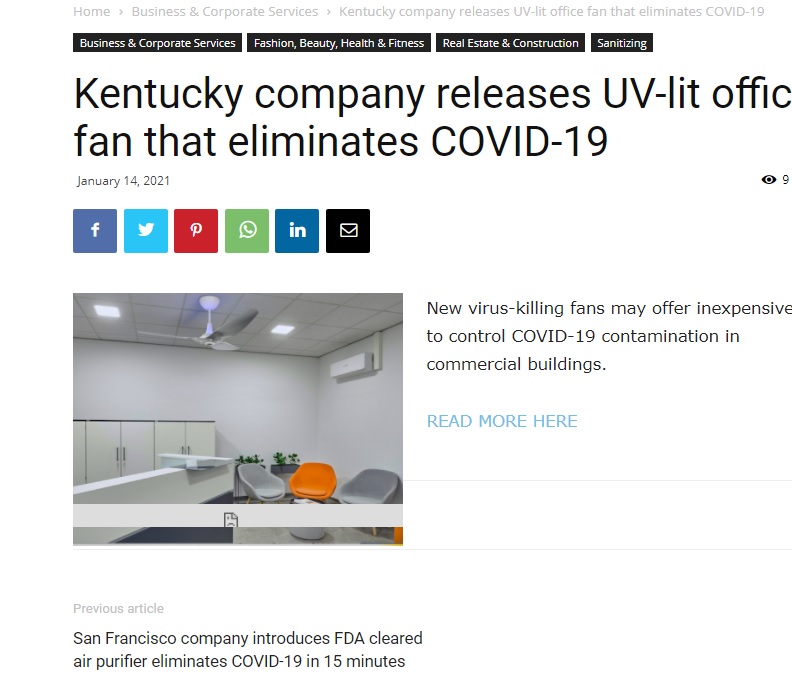
Your recommendation does not work. See attached image. Now the icon/grey bar has moved up into the image on the post.
Help me understand exactly what you mean when you say, “It looks like you are using a plugin for read more option.” Which plugin are you referring to? If it is a plugin, why wouldn’t we simply focus on that instead of CSS?
 Best regards,
Stephen
snovosel Hello Vlad,
Let me know if this link works for you.
Best regards,
Stephen
snovosel Hello Vlad, thank you for your assistance.
Here’s the link: http://www.touchlesstech.com
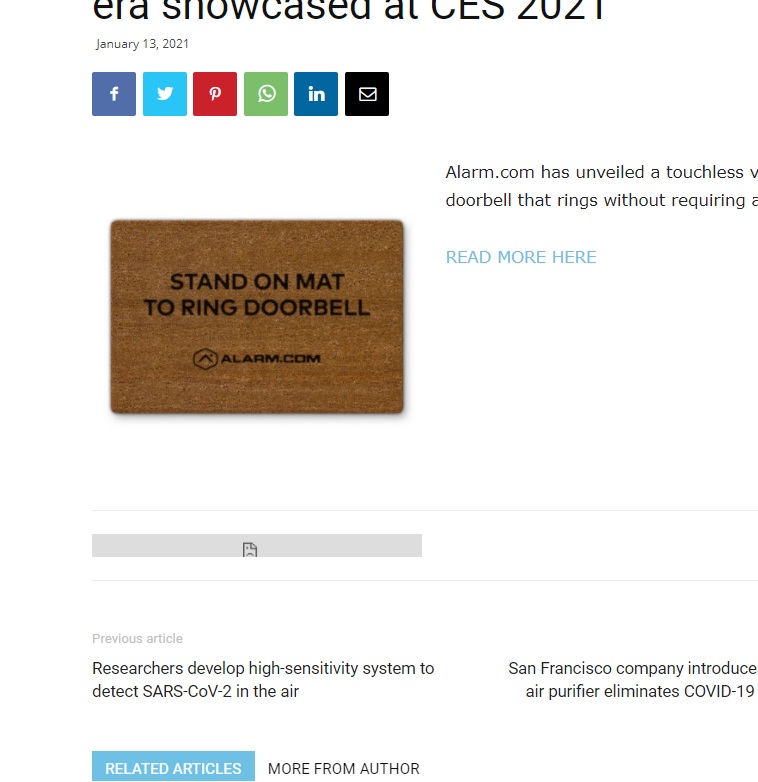
Take a look at any post and you will see the grey bar (along with the paper icon in its center).
How do I provide you with a screen shot?
Best regards,
Steve Novosel
snovosel and, when I press “Click here”, I get forwarded to the Word Press login screen.
snovosel So I was able to resolve this without Support assistance.
What I did was to ensure that the Cloud Library Template for footers is set to No Template, and to ensure that in the Website Manager/Footer section is set to Global Template.
snovosel What would be ideal is a plugin (preferably free) that functions seamlessly with the tagDiv TD Composer so that I can simply drag and drop and configure.
snovosel Phoenix, YES! (Why didn’t I think of that? Duh!)
A thousand thanks from your colleague in arms!!
snovosel Vlad,
Just tell us what the process is, instead of seeking to login yourself. We’re smart, we can follow directions.
So, according to your comment, the first thing to do is to deactivate all plugins? Okay.
But if that doesn’t resolve the issue, what is Step 2?
snovosel Why do we have to supply you with our admin and cPanel credentials? I am not comfortable turning over my site to anyone much less share my login credentials. That’s not acceptable. Let’s come up with an alternate solution. Please advise.
snovosel What?! That link you provide leads to a 404 page. You call that a reply? What kind of support is this?
And, what about the 5% who correctly “complete the proper requirements”? Ignored, is that your solution?
snovosel Is there a reason that this error cannot be diagnosed in the Forum so that many of the other users who encounter it can benefit from the advice given?
-
This reply was modified 6 years by
snovosel.
snovosel I’m using: Newspaper – Theme Panel; version 10.3.5
snovosel RESOLVED. I deleted all other themes from the Theme Editor.
snovosel RESOLVED. I deleted all other themes from the Theme Editor.
snovosel Hello Vlad, how do I know if I am using a child theme or cache plugin, and if so, how do I clear all cache per your recommendation above?
I just purchased, downloaded, installed and activated Newspaper. When I try to add any template or page/post element I get the dreaded: Error at zones: 6(models) : 1(dom). The model does not match the content Current state has involved an issue. You could try an UNDO operation (CTRL+Z / CTRL+SHIFT+Z)
Under Cloud Templates there is an alert: Custom post type notice:
The theme you are using does not contain the “while () : … endwhile;” loop in the “single.php” file. To use custom templates the theme must have this “while” loop type in its “single.php” file.
Might that have some affect on what I am trying to do?
Best regards,
S-
-
This reply was modified 6 years by
