
- NewspaperWP Rocket and Newspaper Theme: Optimization Guide
- TutorialsFrom WPBakery to tagDiv Composer
- TutorialsOffset Feature
- TutorialsWhat is Ajax preloading?
 frankcf
 Here’s an example plug-in I found that may do the trick:
External Content
https://wordpress.org/plugins/external-content/
In addition, I think I can do the same thing as above using Types:
https://wp-types.com/home/types-manage-post-types-taxonomy-and-custom-fields/
 Simion C.
 So you have created sidebars like shown above, and they are not appearing in the widgets section.
I have tested this myself, first I created a sidebar here for example
– https://www.screencast.com/t/XU3aayWpTwn
This sidebar appears in widgets and I can add content to it
– https://www.screencast.com/t/a31c9syf
Now it can be selected in any place where you want it to display, for example in the composer
– https://www.screencast.com/t/bfkMNerAIx
When using the composer you can also simply split the row as you mention and the sidebar would be considered the 1/3 column. Then drag items in it. An advantage of having widget sidebars would be that you can simply select a predefined sidebar and use it multiple times.
If you already tried this and with no results, then there is a problem. The first step would be to deactivate all plugins except theme plugins. Usually plugins are causing issues. Then try again to create a sidebar and set it. Let us know the results.
Thanks
Simion C. Hi,
Looking at that example, there are similar modules but not quite the same. Such as these maybe
– https://demo.tagdiv.com/newspaper/block-7/
– https://demo.tagdiv.com/newspaper/block-8/
Those modules do not display excerpts, only title and thumbnail. Only thorough code modification they would display an excerpt, and only through additional CSS design they will look like the ones you mention.
All the modules are predefined in terms of how they look and what information they display. Try using one of the many blocks and grids available, surely there are some you can use by default
– https://demo.tagdiv.com/newspaper/block-1/
Thanks
Simion C. That is a normal page, you can edit it with the composer and place anything you like. Most contact form plugin have shortcodes that you can use as shown above. Check this article
– http://www.wpbeginner.com/plugins/5-best-contact-form-plugins-for-wordpress-compared/
– http://www.wpbeginner.com/beginners-guide/how-to-create-a-contact-form-in-wordpress/
For example the contact form used in this theme demo is created with WPForms plugin
– https://demo.tagdiv.com/newspaper_dentist/contact/
Thanks
 vasik
vasikHave Newsmag allows your visitors to comment, login and register with Social Networks like for example Facebook, Twitter, Google, LinkedIn, PayPal, LiveJournal, Instagram, Вконтакте or Yahoo amongst other. If not, what plug-in do you recommend?
 cantonjester
 https://cet.pairsite.com/product/smart-lamp-dawn-simulator/
As you can see, the right column contains a block, titled “Why Buy This Product?”, and it contains specific posts pertaining to that given product. It’s accomplished by dropping a Block 9 into a widget. I then map the posts to the block, and map the widget to the product.
The issue is that yes, the target=“blank” property isn’t set, so the customer actually leaves the product page in the current browser.
 nigelryans
So this is a really weird issue that I’m having:
I am attempting to embed a gleam.io giveaway into one of my WordPress posts, and the embedded widget itself is being forced to full-width.
Here is what I am talking about in action: https://www.jotaku.net/2018/02/06/jotaku-network-relaunch-giveaway/
Here is an example of how it is supposed to function once embedded: https://www.jlist.com/blog/contest/megumis-valentines-day-contest/
Any ideas on how I can fix this? I was previously having similar issues with images that have captions, but some other advice here on the forums solved that problem. It didn’t work in this case though.
Thanks!
Simion C. Hi,
I could give you a code for that, the result would be like this
– https://www.screencast.com/t/oqi6WX0hpX
This code can be modified if you wish different results, let us know. It can be entered in Theme panel->Custom CSS section.
.td_block_image_box .td-custom-title {

top:auto;

bottom:0;

transform: none;

-webkit-transform: none;

-moz-transform: none;

-ms-transform: none;

-o-transform: none;

}
This one will change the background color and text color, for style 2 box
– https://www.screencast.com/t/jcgZzdJIba1
.td_block_image_box.td-image-box-style-2 .entry-title a {

background-color: yellow;

color: red;

}
Or you could try other elements that can display images
– https://www.screencast.com/t/igLH59jS
For example the title over image element has options to position the text at the bottom
– https://www.screencast.com/t/o5LA8Xh4
Thanks
 ajwb
ajwbHello,
I have been looking around for a few days to add a star/lock/whatever sort of icon next to a post title if that post is in a certain category or has a specific tag (featured or premium, for instance). I found some examples, but could not get them to work. Does anybody have a suggestion or way to work around this?
Any tip is much appreciated!
 bdundar
 Injection ad in the Block posts
Example; i want add ad each 3 post one ad between Block3 posts
Simion C. Hi,
Demos may contain multi-purpose elements, these can only be edited or placed with the tagDiv composer. The dental demo is built with such elements, it cannot be edited with Visual composer, the shortcodes will not be interpreted by it.
The tagDiv composer is the main page builder in the theme. All the demos are built with it. The new multi-purpose plugin and elements can only be used with it. Coming updates will provide many more options and features specially for the tagDiv composer. That should be taken into consideration
– https://forum.tagdiv.com/tagdiv-composer-tutorial/
– https://www.youtube.com/watch?v=C0ARTSimnUY&index=4&t=43s&list=PL6CsDkMaejhr2ExZCO73U11SSVKB9r_NE
Thanks
 Catalin
 Hello ANM,
Please notice that our composer cannot be used for post pages, but only for pages. So, if you want to add the Call to action from each post pages without the author box, notice that you should do this from the code using the <?php echo do_shortcode ('your code here'); ?> method because another way of doing this does not exist, sorry! The code should have to be added to quotation mark should have to be taken from here -> https://www.screencast.com/t/qKWeLfGg -> https://www.screencast.com/t/DyEb0gJ9IYh -> https://www.screencast.com/t/tW8Vja2vx (example for post template style 1) and the result is here -> https://www.screencast.com/t/TOeFVx01Ob.
Thanks for the message!
Catalin Hello Positive Media,
> The Google Analytics code needs to be added to the script tags, like this -> https://www.screencast.com/t/0AnmyGNB
The example is below ->
<script>
your analytics code
</script>
>Notice that the YouTube videos should work as expected with the theme. Also, make sure that you have setup your video module according to our documentation from here -> https://forum.tagdiv.com/video-playlist-2/
>You should edit front page and add above the first Grid an Ad Box, like this -> https://www.screencast.com/t/3XMqP0Xp
Hope this helps!
Thanks for the message!
Catalin Hello,
Below I gave you a simple example of shadow for your menu items.
The code is ->
.menu-item{

color: white;

text-shadow: 4px 4px 6px #000000;

}
The result is here -> https://www.screencast.com/t/lg2ggEM3WXT
Thanks for your understanding!
Simion C. I have tested this and the solution works. Enter the code that is provided in that topic here in this file
– https://www.screencast.com/t/PXvipAgOl
Then the views have to be called in each module file that you are using> example for module 1
– https://www.screencast.com/t/8UMPo2c8n
<?php echo $this->get_views();?>
The views will show in the module – https://www.screencast.com/t/CeuSAQ4J
Now apply some styling, the one provided in that topic will make the views look like this
– https://www.screencast.com/t/qHYMP4GLP
But you can style them further with CSS code if needed
– https://forum.tagdiv.com/create-custom-code-using-the-browsers-inspector/
 MrKeerthan
 robsabo10
I don’t know where this issue popped up from, but I noticed it yesterday. We’ve added some code by way of speeding up the site while deleting many plugins. Already troubleshooted by disabling every plugin on the site and removing any code that was added.
On every TAG page, our images display the WORDPRESS CAPTION CODE for some strange reason. Never has this happened over two years prior to yesterday.
example of tag: elitesportsny.com/tag/greg-bird
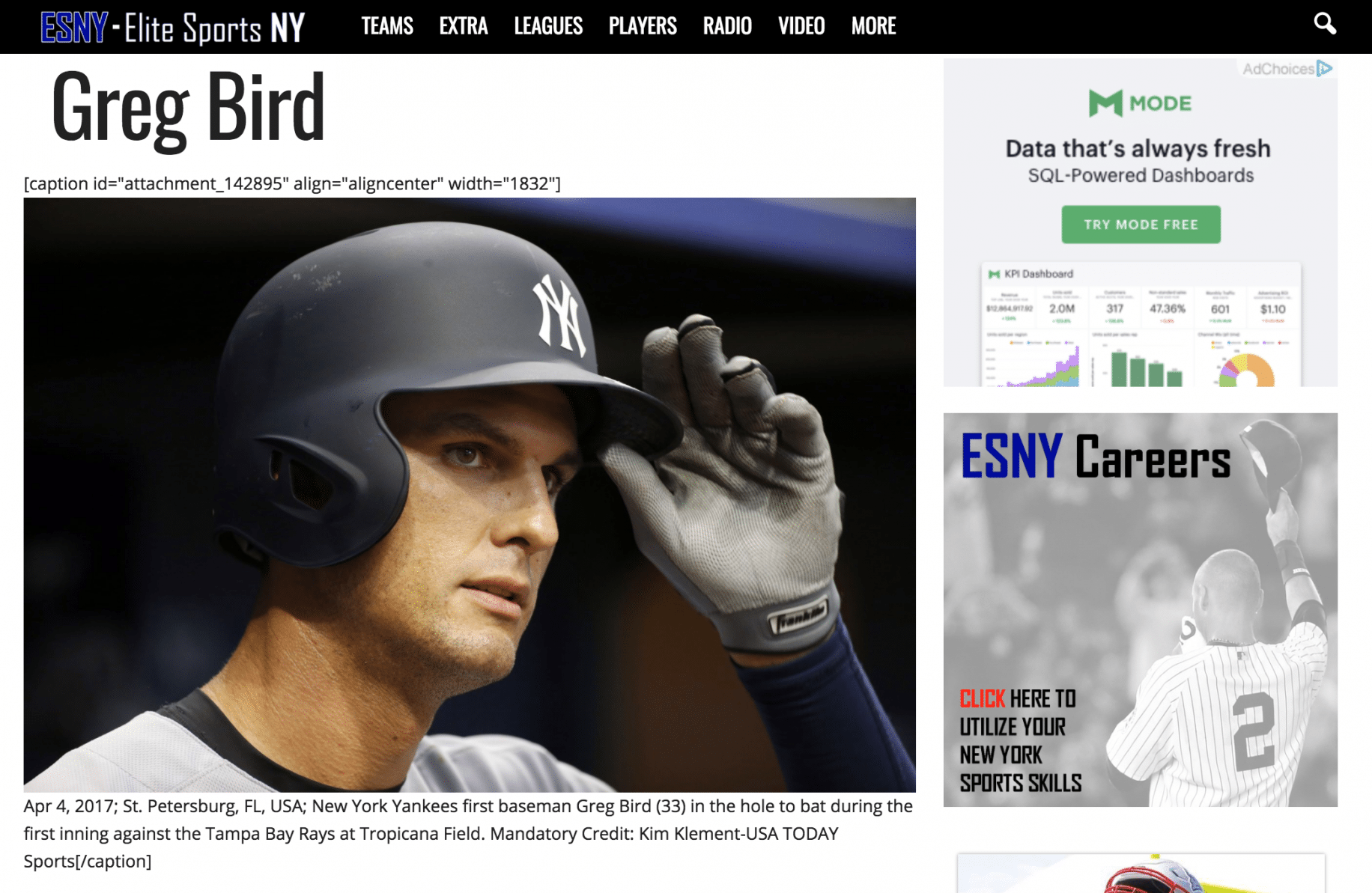
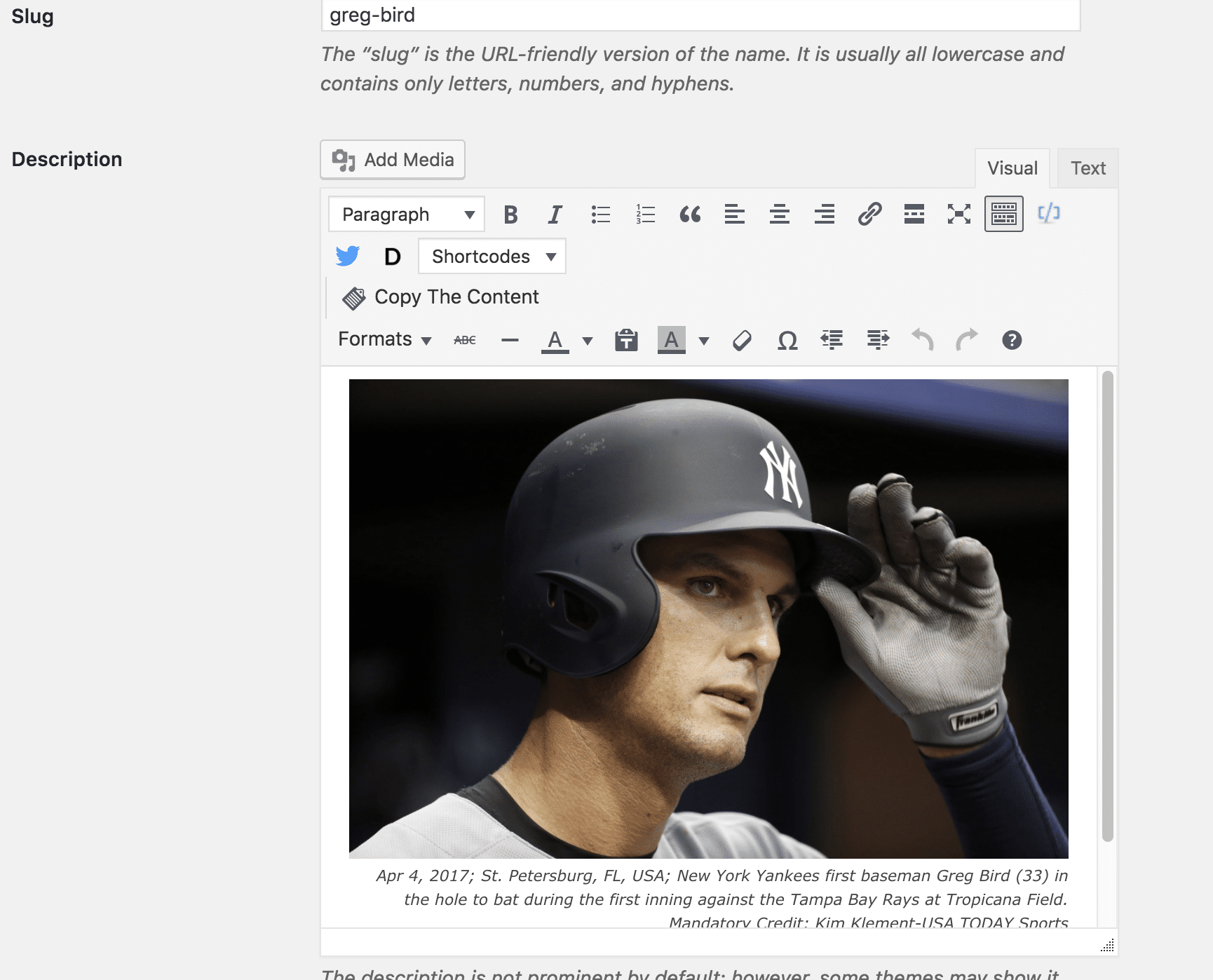
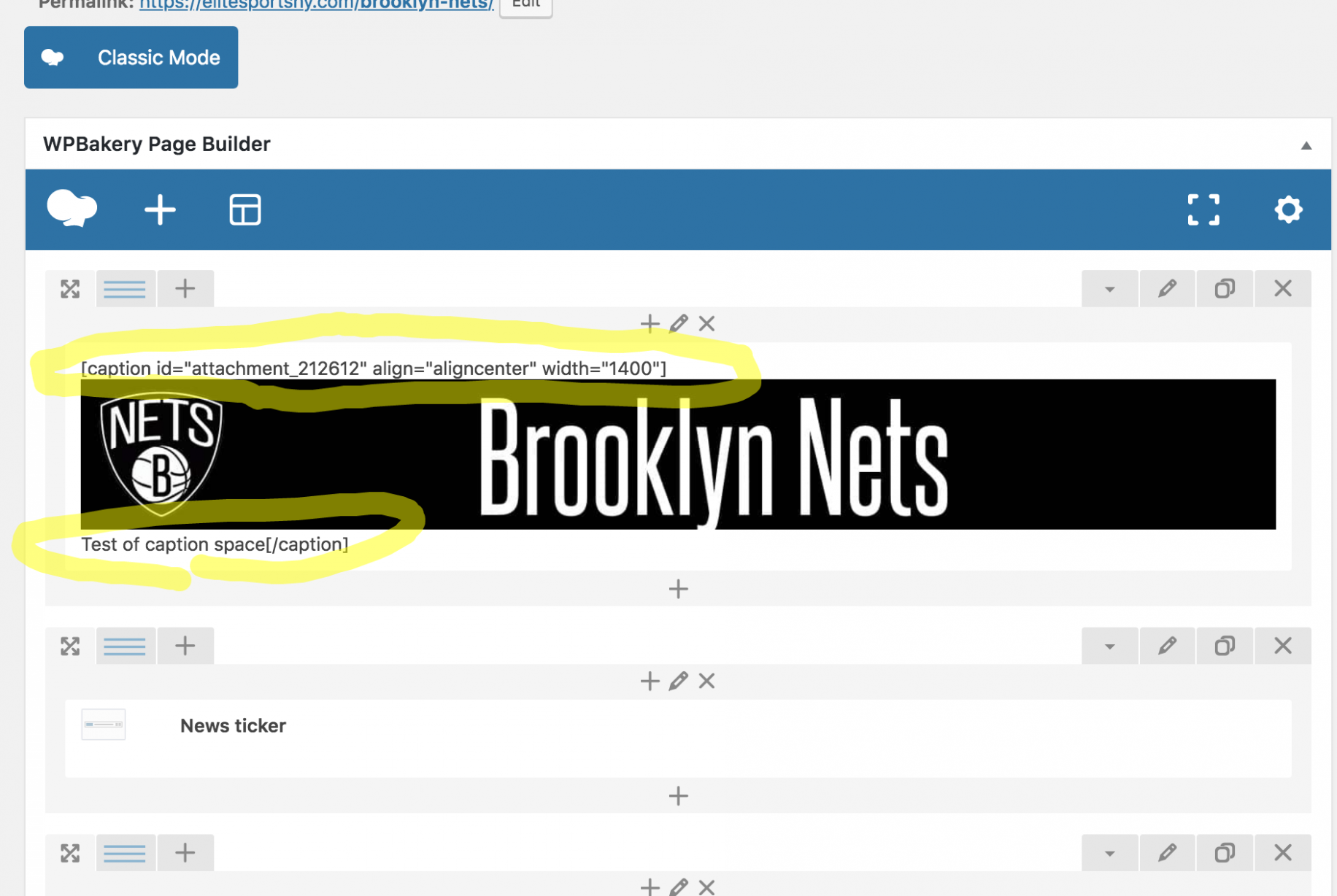
So the backend of the tag and post shows fine, yet the Tag shows up completely screwed up. The backend of the Page is messed up, yet shows up on the front end as perfectly fine. It feels like a Visual Composer issue, but I’ve always used the regular version coming with the theme. (Just updated it tonight out of desperation in looking to fix the issue.)
Definitely need help here. Thanks.
 meri
meriHi,
I don’t understand the benefit of having the 3 last articles on top of the mobile theme and then all the latest articles (and so the 3 same ones on top, again).
Is there a way to customise the mobile theme?
For example, would it be possible to show the 3 most popular of 7 days + latest articles?
Or other options?
Thanks
 Javier100
Hello
Could you tell me where can I find Woocommerce & Newspaper 8.5 tutorial to ask the visitor for payment for reading article in my magazine?
Thanks
 cezarsg
Hi, I’m missing a detailed tutorial for Newspaper Theme. Is there something? I have made many searchs and I’ve found only small vídeos with 3 minutes introducing the theme. The tutoriais in documentation covers some funcionalitys but is not detailed like I need. I wanted something showing how the templates were made, for example, like a recipe.
If already exists something, please, give the links. Text or vídeos is great!
 dylanswims
Hi, I recently upgraded to Newspaper 8.5 and started using the new TD Composer. I really like it, however I’m not sure if all the features are working. When I go to put in an icon for example the default icon appears, however then when I go to change the icons nothing appears under any of the icon styles. It’s just blank
 jigstuff
 Hi Simion C,
Thank you for the reply. my website is http://www.thewinin.com/
Yes you are right mobile page displays it as simple post content text. my developer said API is integrate properly and problem is not there.
Please if you or tagdiv developer can help me and tell me what is the issue than i will ask me developer to look into that.
Btw any update on this news https://tagdiv.com/amp-newspaper-theme/
love to get amp support and would defnately pay extra to get it.
Anyways thanks once again
 notageek4u
Hi gang! Me again.
I’ve been editing a page with the composer and making it look all nice, and all that jazz; however, whenever I go back into my recently updated & saved page to add another element into it…the code is all gone, and I have go to my WP revisions to copy and paste the code all over again…
Is this normal to keep happening?
It saves it, but when I go back into tagdiv to edit it, all the code is gone.
Help please?
 drvarun5179
Hello developers,
I am trying to run a forum at my website, but there were difficulties with BBPress. Initially, i didn’t want to abandon Mobile Theme (super speed) for the sake of forum. I had previously asked questions about BBP compatibility but there were no solutions. However, i have made a simple solution: by directing new users (unlogged) to register/login page using the following code:
/**

* Redirect bbPress pages to registration page

*/

function kleo_page_template_redirect()

{

    //if not logged in and on a bp page except registration or activation

    if( ! is_user_logged_in() && is_bbpress() ) {

        wp_redirect( home_url( '/register/' ) );

        exit();

    }

}

add_action( 'template_redirect', 'kleo_page_template_redirect' );
Problem? The new users are stuck on the same register/login page. I have been trying to find a solution to redirect users to the same topic, but haven’t so far. For now, m relying on Peter’s Redirect Plugin to redirect user to forum main page, but that is just “harassing” users.
If there’s any solution to that, will be highly obliged. It will also help me set up a new thread for Beginners Forum Guide.
Regards
Dr.Varun
 Adcomm_Media
 Thanks Simon,
Someone helped me in the interim. but I still need the width and background hover to fill that line please?
Is there any way you can get the width to accommodate the full line of text perhaps? And the blue hover to fill the actual background please? So for example – Public relations needs to be in one line and Recently Featured News in one line and Snapper Display Systems in one line. With the blue filling the whole line where that text is? I hope that makes sense? I need it to look like this – http://adcomm.co.za please? Don’t may any attention to the different blues. I just need the menu to work the same please.
-
This reply was modified 8 years by
Adcomm_Media.
