- NewspaperWP Rocket and Newspaper Theme: Optimization Guide
- TutorialsFrom WPBakery to tagDiv Composer
- TutorialsOffset Feature
- TutorialsWhat is Ajax preloading?
 OneMileMedia
denisecullen.com.au Each time I try to install one of the social media templates, I get a message saying that the data cannot be retrieved even though I have connected them. This is happening for Instagram, Pinterest and other social media sites. See images at:https://www.dropbox.com/scl/fo/a94ugregnqblkyystrf4t/h?rlkey=3lc2xysemxc9dytpg7nfeivwu&dl=0 (one of them relates to an earlier query of mine). Appreciate your advice on this. Thank you.
 bhcrow
I need to use 7 days post sorting options in the theme. But 7 days post view counting is incorrect and showing some totally incorreect numbers like: 1699662509 where total view are around 1000.
I know that I can manually change this, but it is impossible to go and do that on every post where I have my website posting from year 2010.
On some posts I cant even see those custom fields to be able to edit them, I wanted to manually change some posts views so it is at least showing post I want to, not some random from few years before.
I have turned on option for AJAX VIEW COUNT and USE LAST 24/48 HOURS & 7 DAYS POST SORTING.
And, I know it is already discussed before (I found people asking for this option from 5-6 years ago), but pls add option to display and sort popular posts that are published only in last 7 days. I think it is much simpler soulution than this one we have now. You would need only one custom field “post_views” and in the module or block we should be able to filter posts published from 7 days before or maybe leave as option to enter number of days manually. Our database would be smaller and less busy, server too.
 Anamaria
 Hello,
Please let me know what theme version you have.
Please update the theme to the latest version 12.6.2.
This malware infects not only theme files but also WordPress files or other plugin files. This malware was not detected only in our theme but also in many other themes and plugins https://www.bleepingcomputer.com/news/security/massive-balada-injector-campaign-attacking-wordpress-sites-since-2017 / -> https://cybernews.com/security/wordpress-malware-epidemic-balada-injector/ -> https://www.geoedge.com/balda-injectors-2-0-evading-detection-gaining-persistence /
You could consider reinstalling the WordPress version, reinstalling the theme, and checking for this plugin wp-zexit.php. It might be wise to inspect via FTP if it doesn’t appear in the WordPress -> Plugins. Additionally, using Wordfence to scan the website and remove unknown users would be prudent.
Thank you!
Anamaria Hello,
Please let me know what theme version you have.
Please update the theme to the latest version 12.6.2.
This malware infects not only theme files but also WordPress files or other plugin files. This malware was not detected only in our theme but also in many other themes and plugins https://www.bleepingcomputer.com/news/security/massive-balada-injector-campaign-attacking-wordpress-sites-since-2017 / -> https://cybernews.com/security/wordpress-malware-epidemic-balada-injector/ -> https://www.geoedge.com/balda-injectors-2-0-evading-detection-gaining-persistence /
You could consider reinstalling the WordPress version, reinstalling the theme, and checking for this plugin wp-zexit.php. It might be wise to inspect via FTP if it doesn’t appear in the WordPress -> Plugins. Additionally, using Wordfence to scan the website and remove unknown users would be prudent.
Thank you!
Anamaria Hi,
Using our theme you can choose from 3 mobile versions
-> mobile responsive => https://www.screencast.com/t/oJ2ShOp47
-> mobile theme plugin => https://forum.tagdiv.com/the-mobile-theme/
-> mobile page => https://tagdiv.com/newspaper-10-3-7-update-brings-customizable-and-fast-mobile-pages/
If you created the mobile pages with tagDiv Composer, then when you install the Mobile Theme plugin, your pages will be overwritten by the plugin (the mobile theme comes with its templates for page, post, category, etc so your current templates from the desktop theme will get converted to the mobile theme layout, the page content is made without builders in mobile editor => https://www.screencast.com/t/xbgZG8kH also, the options that are provided to edit the mobile theme version are limited (this keeps the things simple)).
This is a video about Responsive Newspaper Theme, AMP & Mobile Theme, Mobile Pages & Templates -> https://www.youtube.com/watch?v=SpGkOnJeNZY
So, the mobile responsive is what you see when that you select the viewport on phone => https://www.screencast.com/t/matV17hH, so some settings may apply for each viewport(where is the border blue), and others are not(where the border is black).
The mobile page has the mobile templates from Cloud Library => https://www.screencast.com/t/YCcZ8rL8
The Mobile responsive version of the theme and the mobile page editor can be edit with tagDiv Composer, the mobile theme plugin cannot.
For example, you can have the mobile theme plugin activated and use the mobile page/mobile responsive version for the homepage/pages, but for the categories pages/404 page, you can’t use the mobile page/mobile responsive version if you have the mobile theme plugin activated.
So, if you want to design the pages with tagDiv Composer, you can use the mobile page or mobile responsive version.
Thank you!
 wmcoettc
 In telegram doesn’t show anything, only URL
Link notice of wp
Show that, link image
-
This reply was modified 2 years by
wmcoettc.
 Calin
Calin Hi,
To determine the formLocation for each of your two lead forms on a page, you need to customize your dataLayer push code appropriately for each form.
You need to identify the Forms. You can use different IDs, classes, or any other attributes that distinguish them.
Add dataLayer.push for Each Form: For each form, you’ll need to add a dataLayer.push event when the form is submitted. You can include the formLocation parameter in this push event to specify where the form was located. Here’s an example:
code – https://pastebin.com/XWmKnKHN
Do the same process for your second lead form (with a different ID or class) and set the appropriate formLocation value for it.
I hope this will help you!
-
This reply was modified 2 years by
 Calin.
wmcoettc In telegram doesn’t show anything, only URL
exampla: https://www.coettc.info/2020/06/02/ios-y-android-se-actualizan-para-facilitar-el-seguimiento-de-la-covid-19/
 ifamedev
I’m experiencing an SEO issue where the blog tags on our site are being excluded from Google’s index due to a ‘noindex’ tag set through Yoast SEO. While we want to keep the tags visible on the blog for users to follow, we need to ensure that they are marked as “nofollow” to avoid them being indexed. This should be a permanent change that remains intact even after theme updates or future site modifications. The current setting in Yoast marks them as “noindex,” but they still appear as “follow” links in the blog template. We need a solution to globally set these tags as “nofollow” without affecting their visibility or requiring changes with each site update. The issue can be observed in the blog article at “https://globalwarmingisreal.com/2023/10/19/geothermal-energy-africa-hidden-green-energy-gem/”.
3 screenshots for reference: https://www.dropbox.com/scl/fo/hg0g87wle5m9pnwt64kpy/h?rlkey=33gd5gpi7vwyd087ry4cf186d&dl=0
Ty for any help you can provide!
 JG2015
Beginner looking for help 🙂 I use the TagDiv composer and the Newspaper theme. According to plugins, the performance of my website should be very good, it actually runs well. My problem is, in many elements the images load with a delay of one to one and a half seconds, including for example the whole Big Grids, the Flex Blocks and “Text with image”. The same images in a “Fancy Text with image” element or a “Title over image” element, on the other hand, load instantly, with absolutely no delay. I am at a bit of a loss here. How can I get the images in the “Text with Image” or in the Big Grid elements to load just as quickly as in the “Title over Image” or the “Fancy Text with image” element? Thanks in advance.
Anamaria Hello,
Please deactivate, delete, and reinstall the tagDiv mobile theme from Newspaper plugins and clear all cache.
Also, please set the amp like in our guide https://forum.tagdiv.com/tagdiv-amp-plugin-tutorial/
Thank you!
 semi26550
 ubuntu 20.04, php 7.4.33 , wordpress 6.4.1 using.
tagDiv Cloud Library, tagDiv Composer. I disabled all plugins except these two.
TagDiv composer use same error. Uncaught URIError: URI malformed
please help me.

 nagi
nagi Hi,
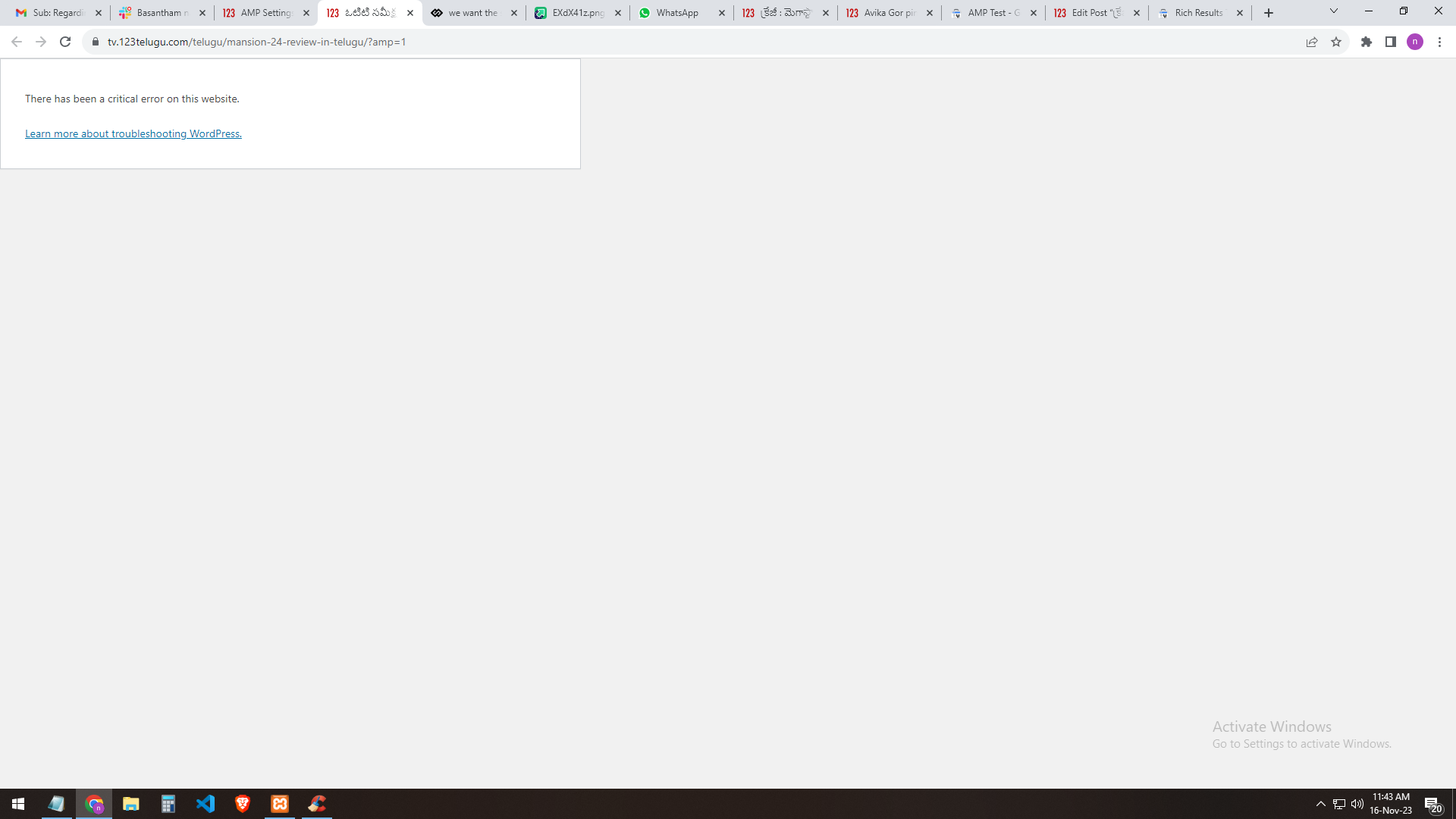
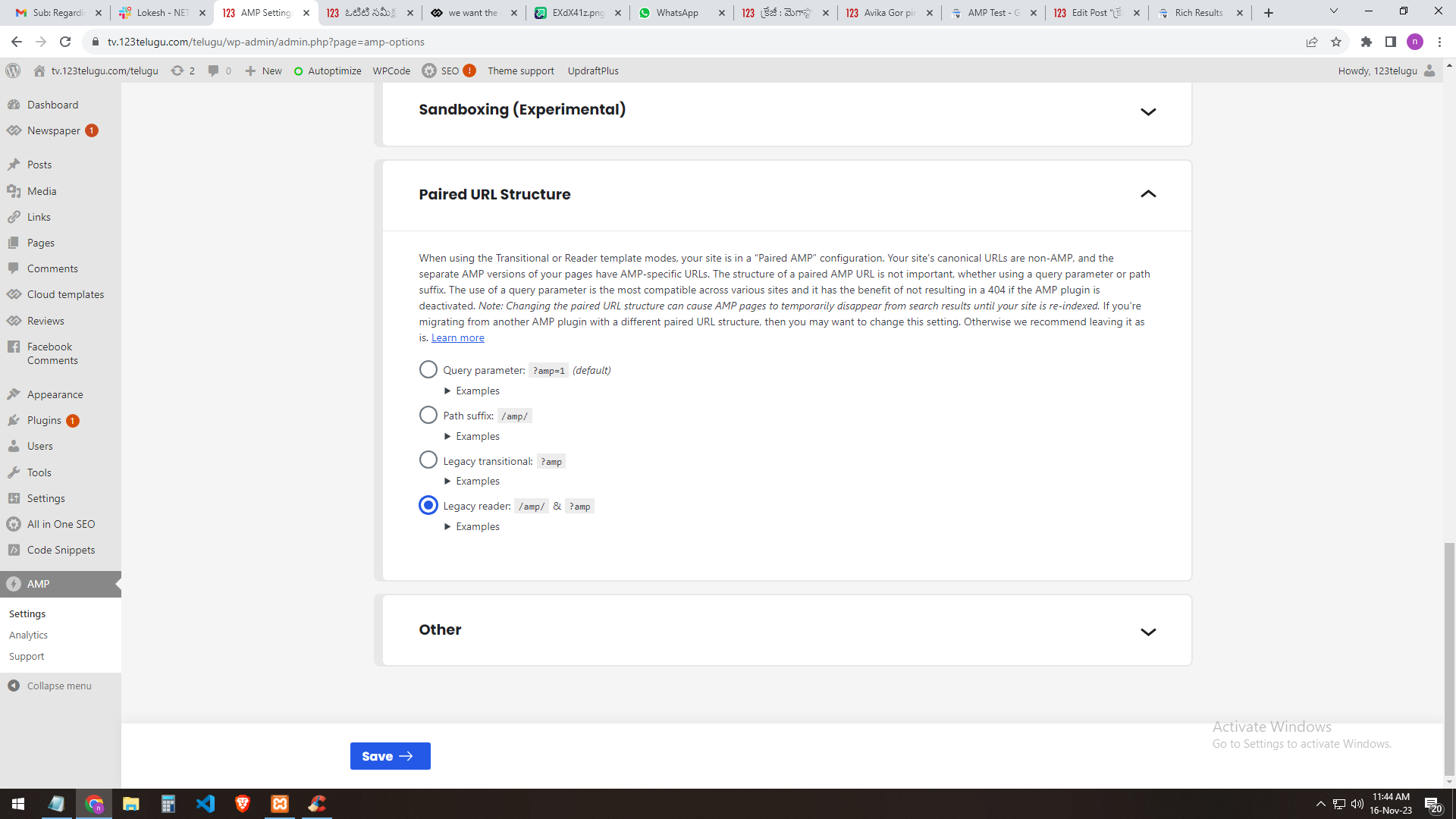
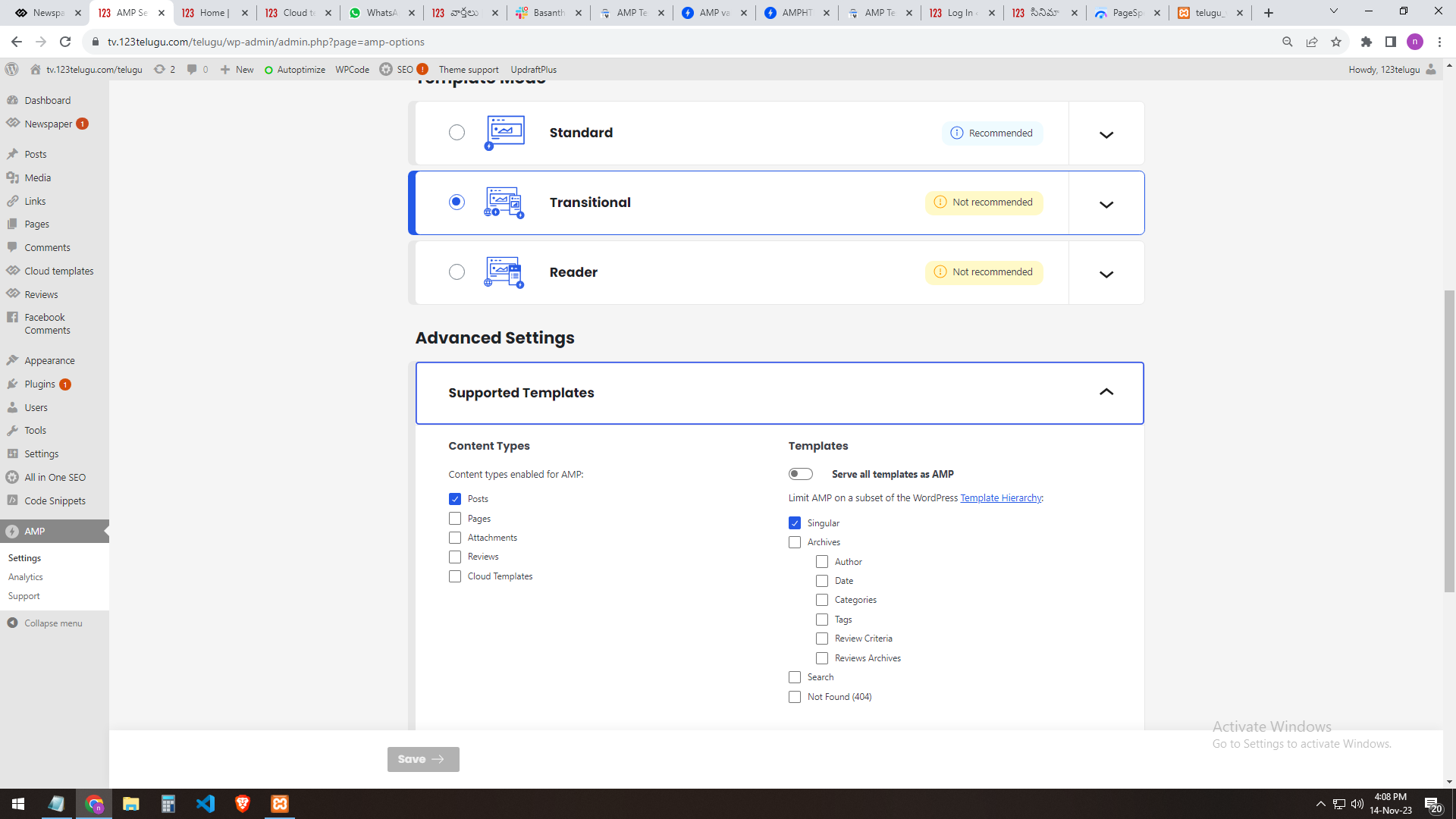
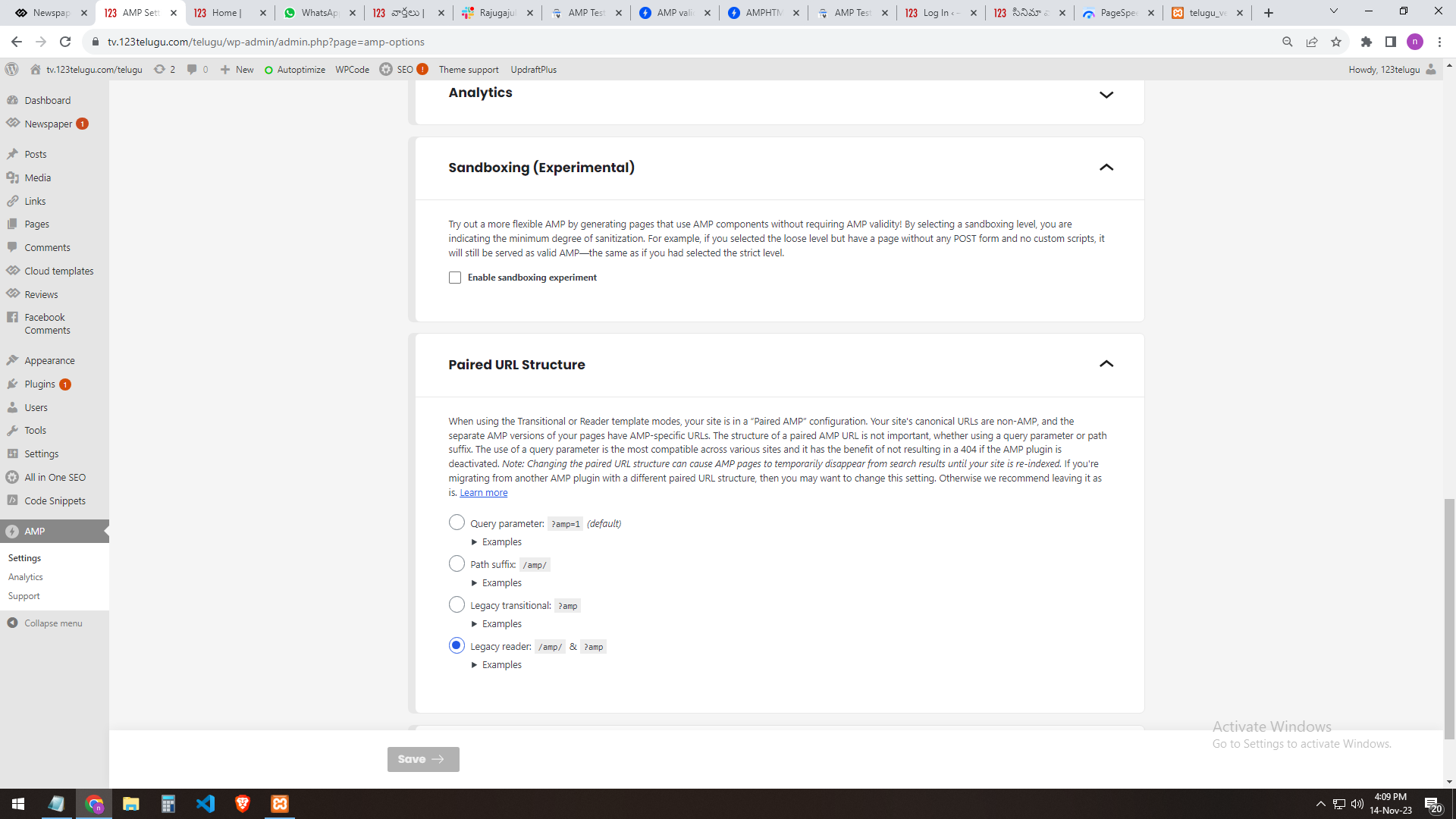
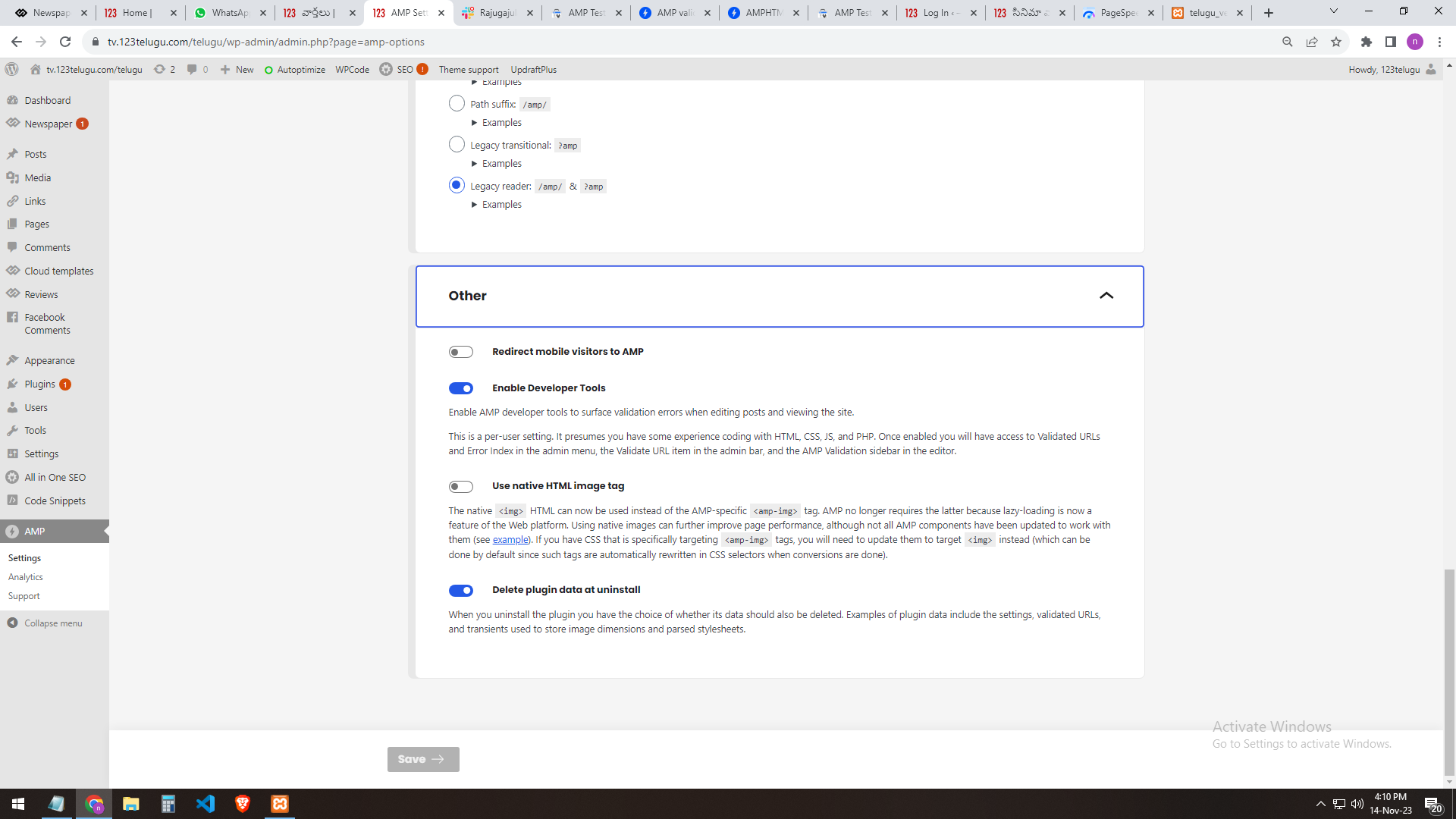
If I select the query parameter: ?amp=1 (default) the selection result shows me (this website has a critical error)
https://gallery.123telugu.com/images/theme_test/Narender12.png
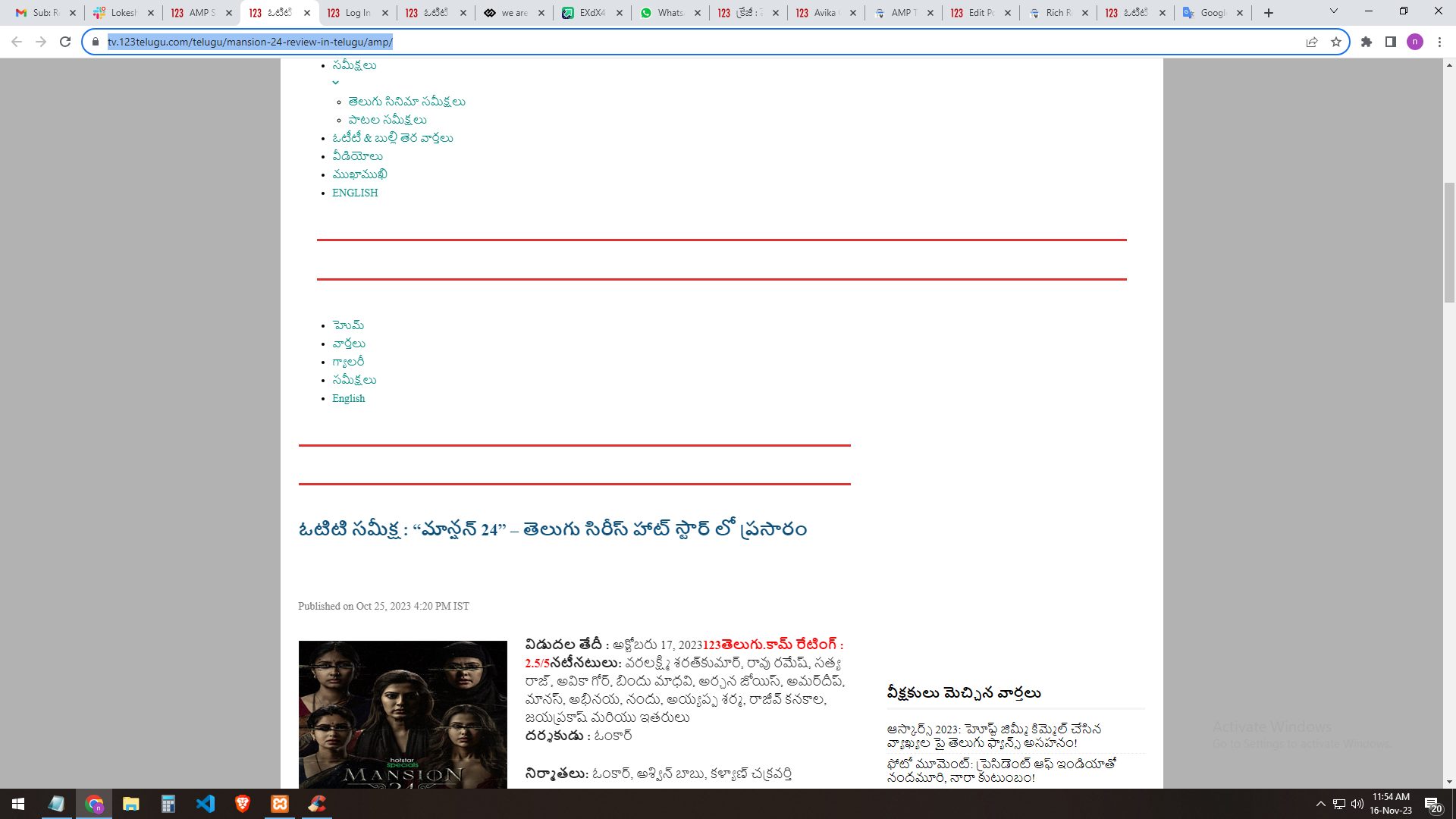
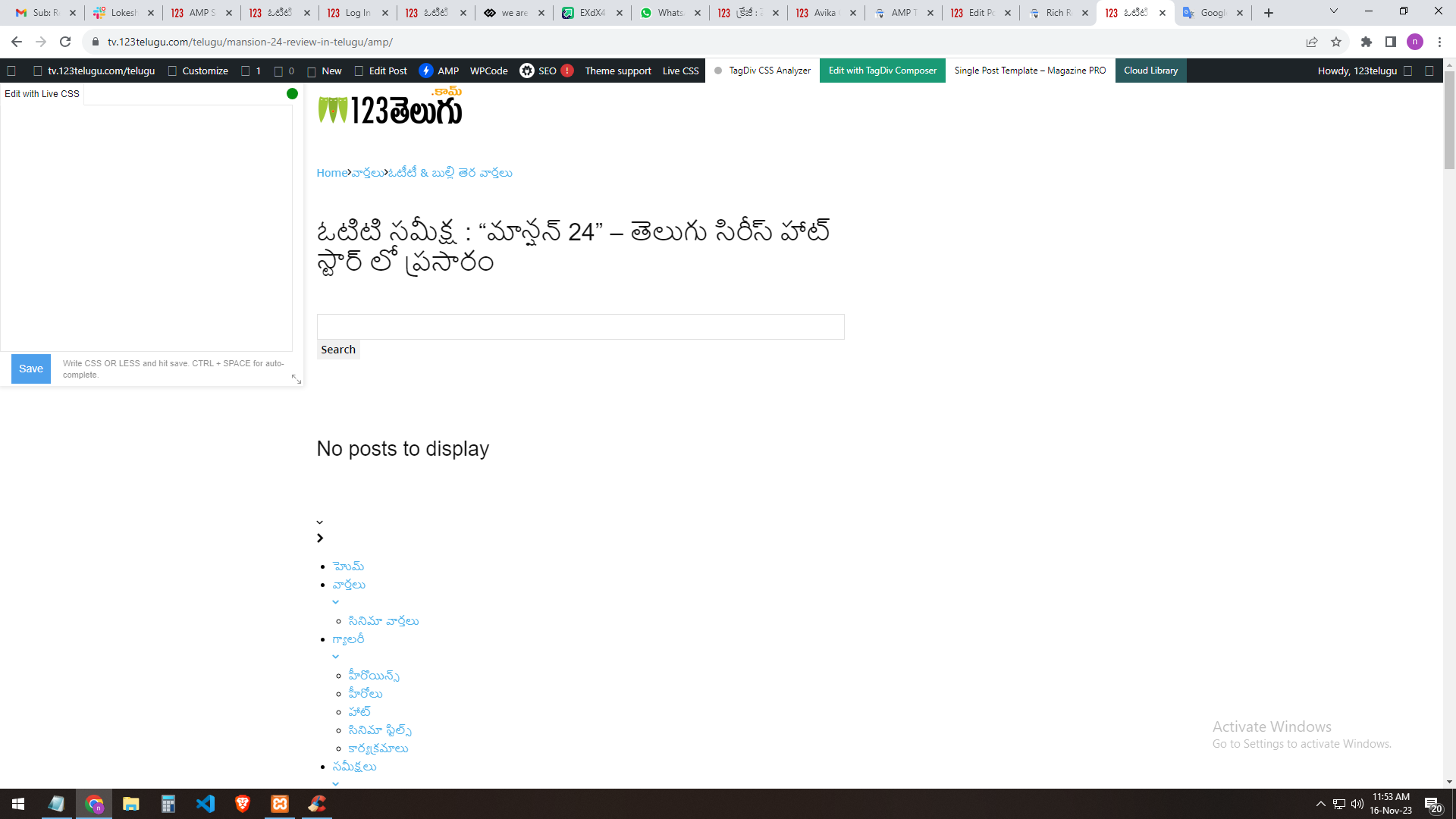
If I select [legacy reader]: the site will load but the header part error will occur
https://gallery.123telugu.com/images/theme_test/Narender13.png
https://gallery.123telugu.com/images/theme_test/Narender11.png
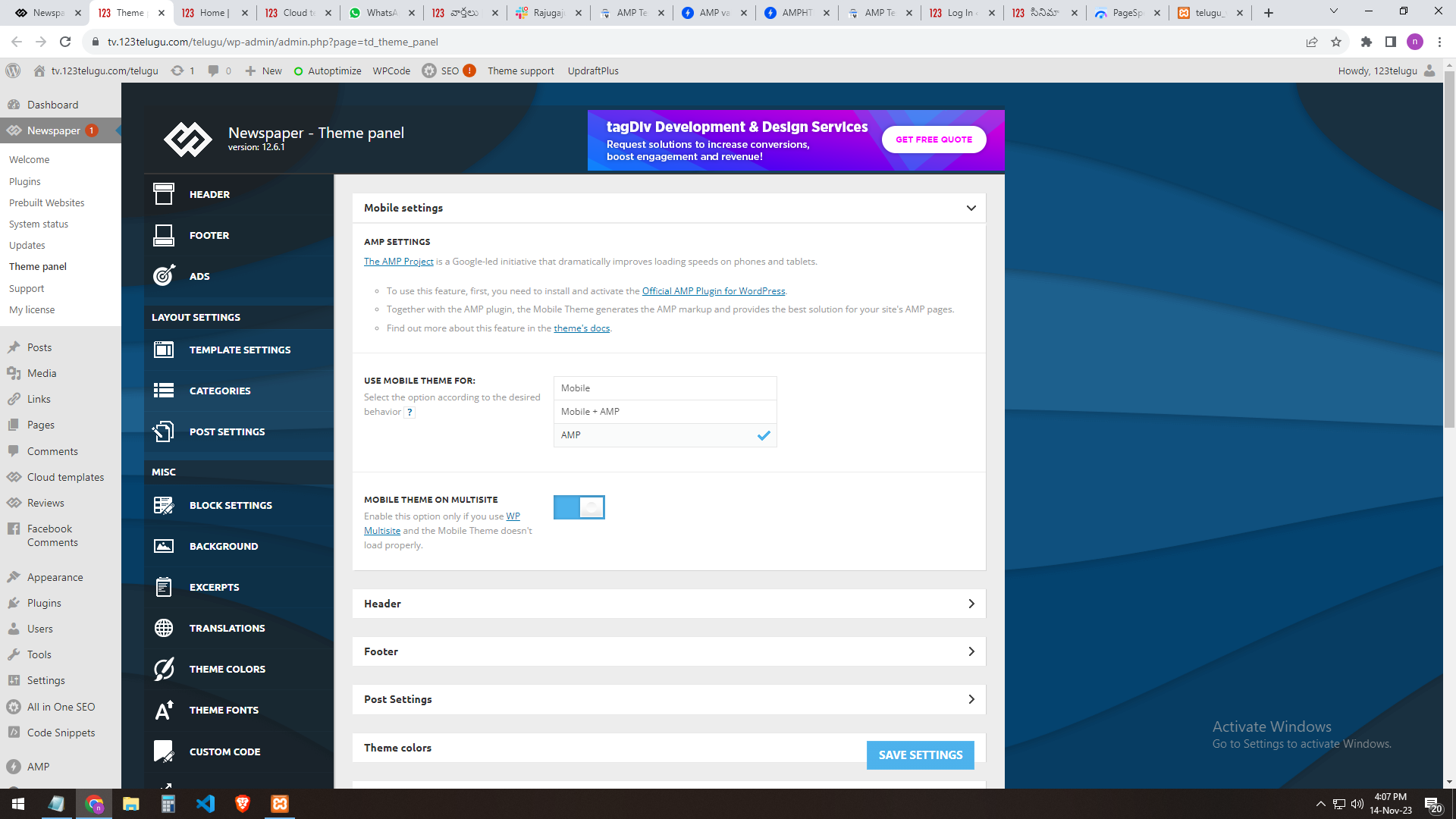
Can I customize the amp page? EDIT WITH DIV TAG COMPOSER Please let us know
how to sort out this issue.
https://gallery.123telugu.com/images/theme_test/Narender14.png
Anamaria Hello,
You have the mobile theme plugin activated.
When the mobile theme plugin is used you need to set for pages the page content in mobile editor using only the options from that editor – https://i.imgur.com/p8EqE1b.png also there is an option to disable the mobile theme from a page/post – https://i.imgur.com/d3kTBRf.png this option appears in Gutenberg editor.
Using our theme you can choose from 3 mobile versions
-> mobile responsive => https://www.screencast.com/t/oJ2ShOp47
-> mobile theme plugin => https://forum.tagdiv.com/the-mobile-theme/
-> mobile page => https://tagdiv.com/newspaper-10-3-7-update-brings-customizable-and-fast-mobile-pages/
If you created the mobile pages with tagDiv Composer, then when you install the Mobile Theme plugin, your pages will be overwritten by the plugin (the mobile theme comes with its templates for page, post, category, etc so your current templates from the desktop theme will get converted to the mobile theme layout, the page content is made without builders in mobile editor => https://www.screencast.com/t/xbgZG8kH also, the options that are provided to edit the mobile theme version are limited (this keeps the things simple)).
This is a video about Responsive Newspaper Theme, AMP & Mobile Theme, Mobile Pages & Templates -> https://www.youtube.com/watch?v=SpGkOnJeNZY
So, the mobile responsive is what you see when that you select the viewport on phone => https://www.screencast.com/t/matV17hH, so some settings may apply for each viewport(where is the border blue), and others are not(where the border is black).
The mobile page has the mobile templates from Cloud Library => https://www.screencast.com/t/YCcZ8rL8
The Mobile responsive version of the theme and the mobile page editor can be edit with tagDiv Composer, the mobile theme plugin cannot.
For example, you can have the mobile theme plugin activated and use the mobile page/mobile responsive version for the homepage/pages, but for the categories pages/404 page, you can’t use the mobile page/mobile responsive version if you have the mobile theme plugin activated.
So, if you want to design the pages with tagDiv Composer, you can use the mobile page or mobile responsive version.
Thank you!
 besthomegear
 Thx Calin
Since I don’t understand the comment “fixed by looking at console” then yes need help fixing it by email – whatever that entails.
Again I can easily provide you a temp password to gain access to the WordPress admin where you can see what I’m up against regarding Mobile theme (AMP) changes not working or updating properly.
Let me know & Thx again!
Kevin
wmcoettcHello
Since we updated the newspaper theme, the hit count line is displayed outside the model.
We attach image.
How can it be aligned with the web?
URL off image: https://drive.google.com/open?id=1FNtmHaRfpfflAAZIe9cTaxwUb981kTDx&authuser=jfcesquers%40gmail.com&usp=drive_fs
Thank you
wmcoettcHello
We have observed that when we send a news/website link from our website, generated in wordpress/newspaper/tagdiv to a WhatsApp group or friend, it ONLY sends a URL which is ugly, we would like it if, as happens on other websites, there would be a box with a photo and a few lines from the news/web header.
It seems to us it has to be a tagdib/newspapper problem.
Can you help us?
Example URL like appears in whatsapp now: https://www.coettc.info/2023/11/10/adolescencialliuremobil/
Thank you.
 mundgefuehl
Dear forum members,
I want to include a comment section on my single posts, with the commenting function only, and not showing the reviews & starts as these are already covered via my WP recipe maker plugin.
In tagdiv editor, there is no option to de-activate the reviews part.
Further, where would I be able to edit the standard text elements of the comment box, as I want to replace the standard wording?
My site is http://www.mundgefuehl.com.
Many thanks
Betty
Anamaria Hi,
Please check the suggestion from here https://forum.tagdiv.com/topic/we-are-facing-a-css-syntax-error-in-the-tag-style-amp-custom/
Thank you!
Anamaria Hi,
Check in the TagDiv Composer and disable the H1. For example, H1 from logo(header, footer, mobile, sticky): https://forum.tagdiv.com/topic/6-h1-tags-on-front-page-bing-have-deindexed-my-site/
Thank you!
 kaeferatwork
Hi,
this is the site URL: https://placebrandobserver.com/blogs/
On this page, I need to align the blog list in grid view is that possible how can I do it?
example got blog grid view:https://sustainability-leaders.com/blog/
nagi The slider issue is solved thank you
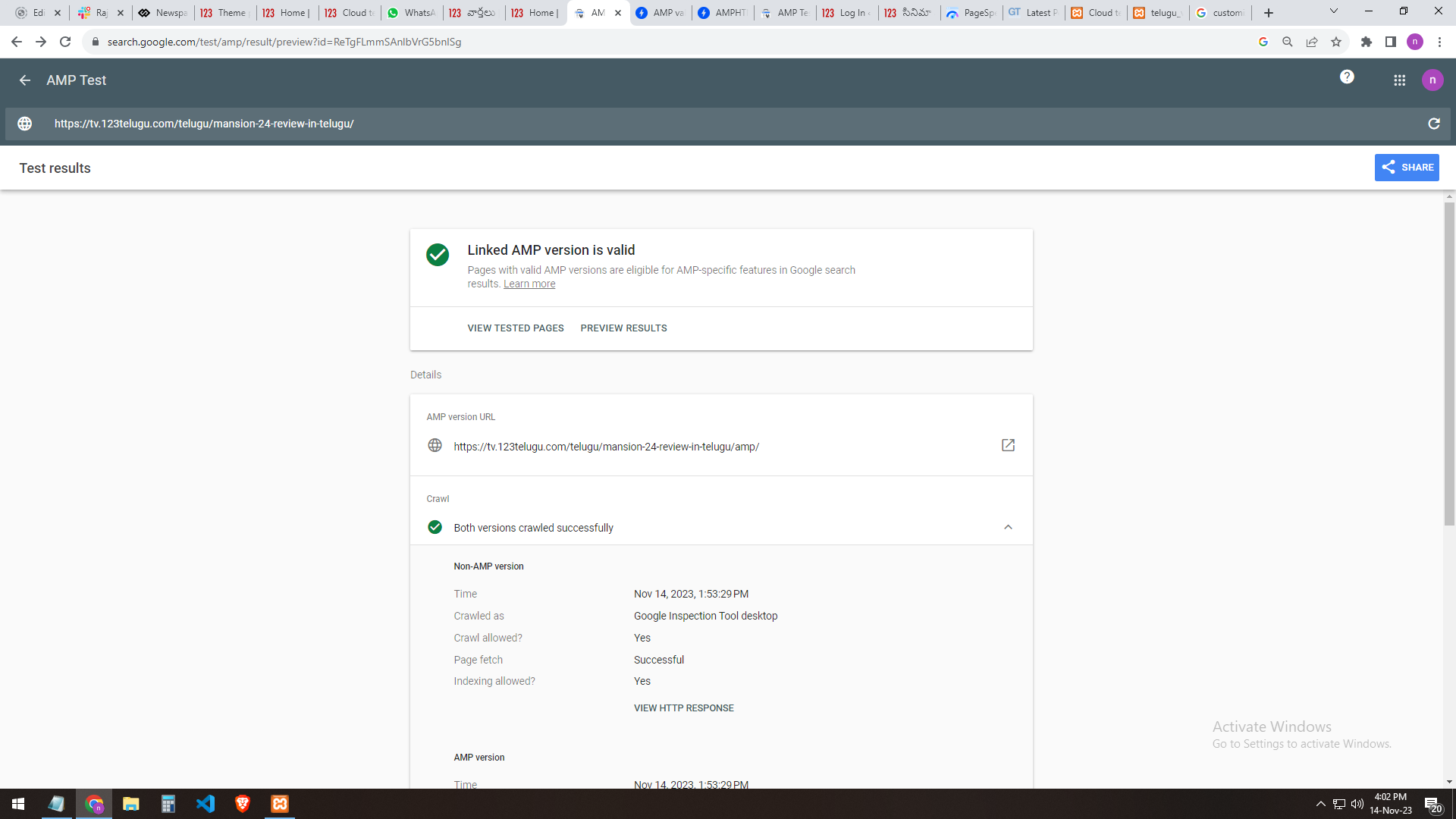
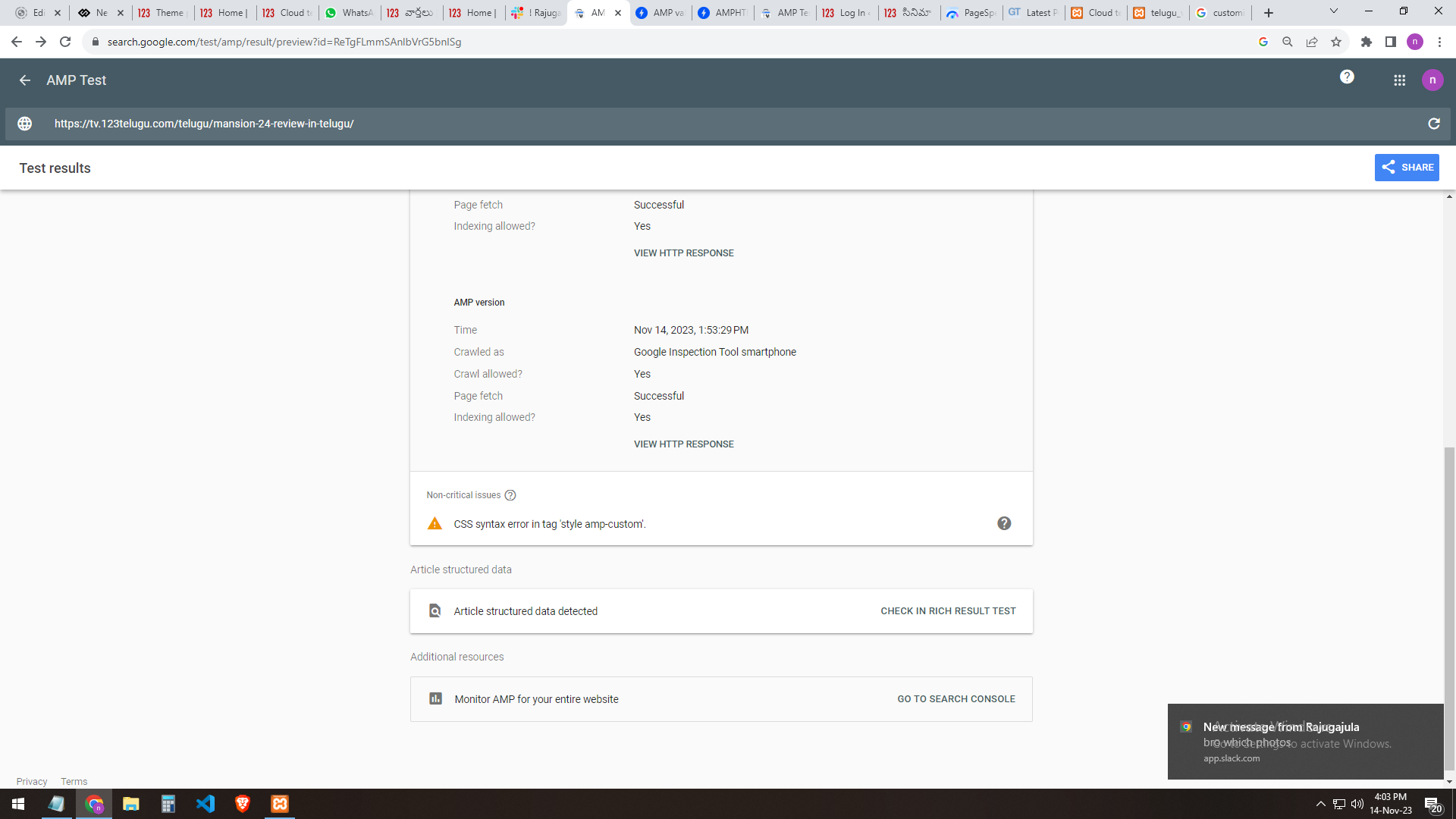
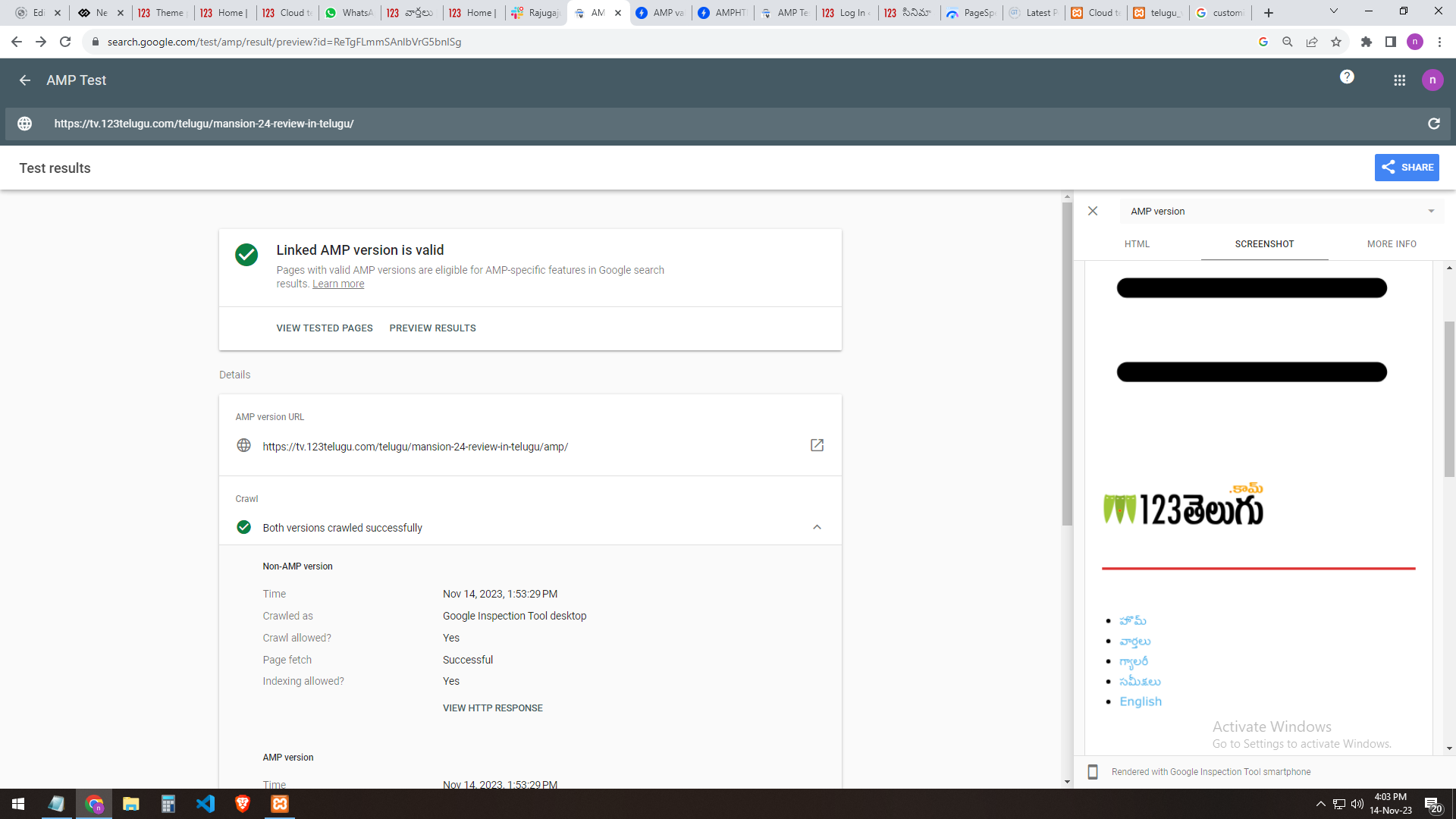
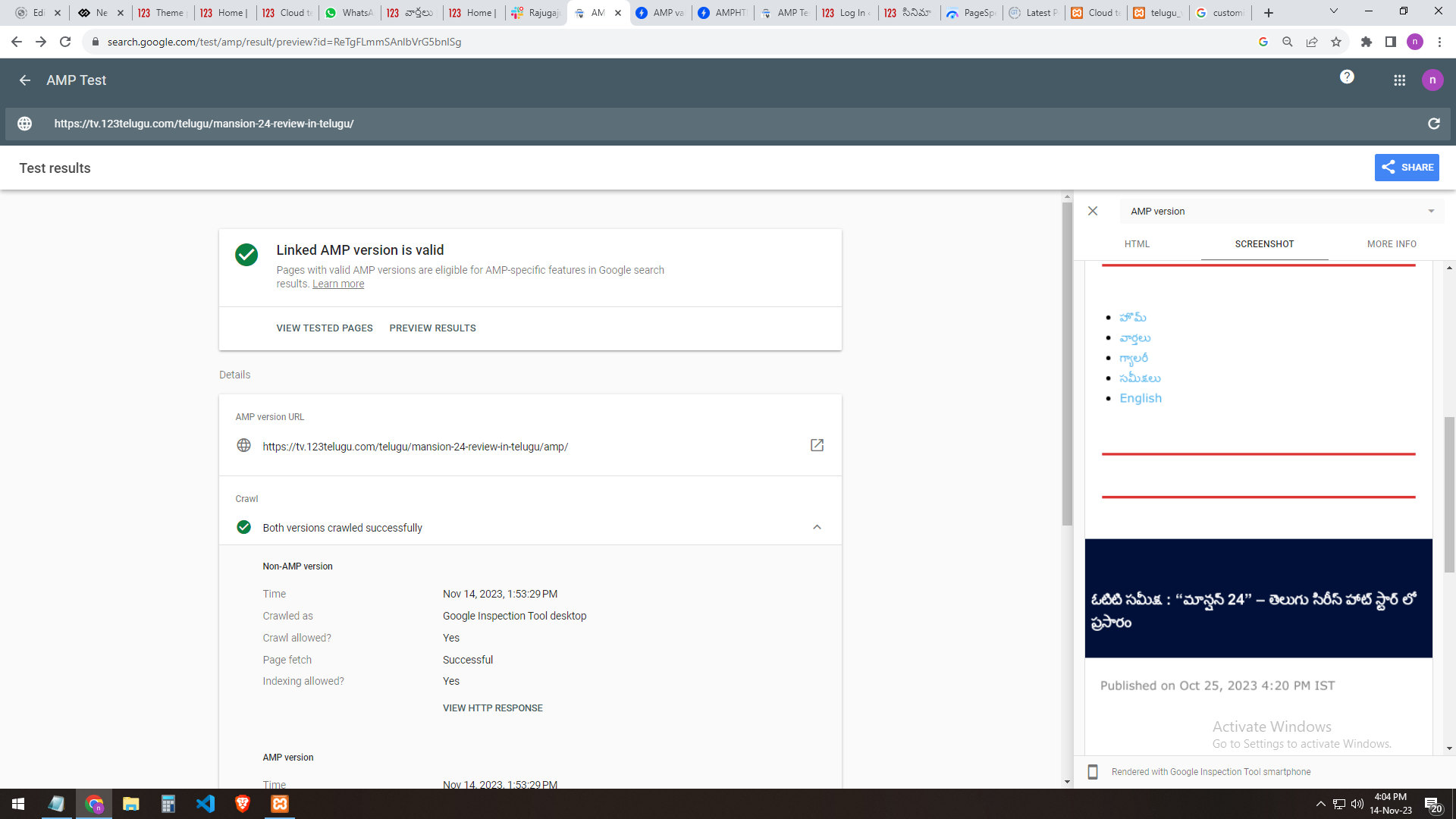
we are facing a CSS syntax error in the tag ‘style amp-custom’
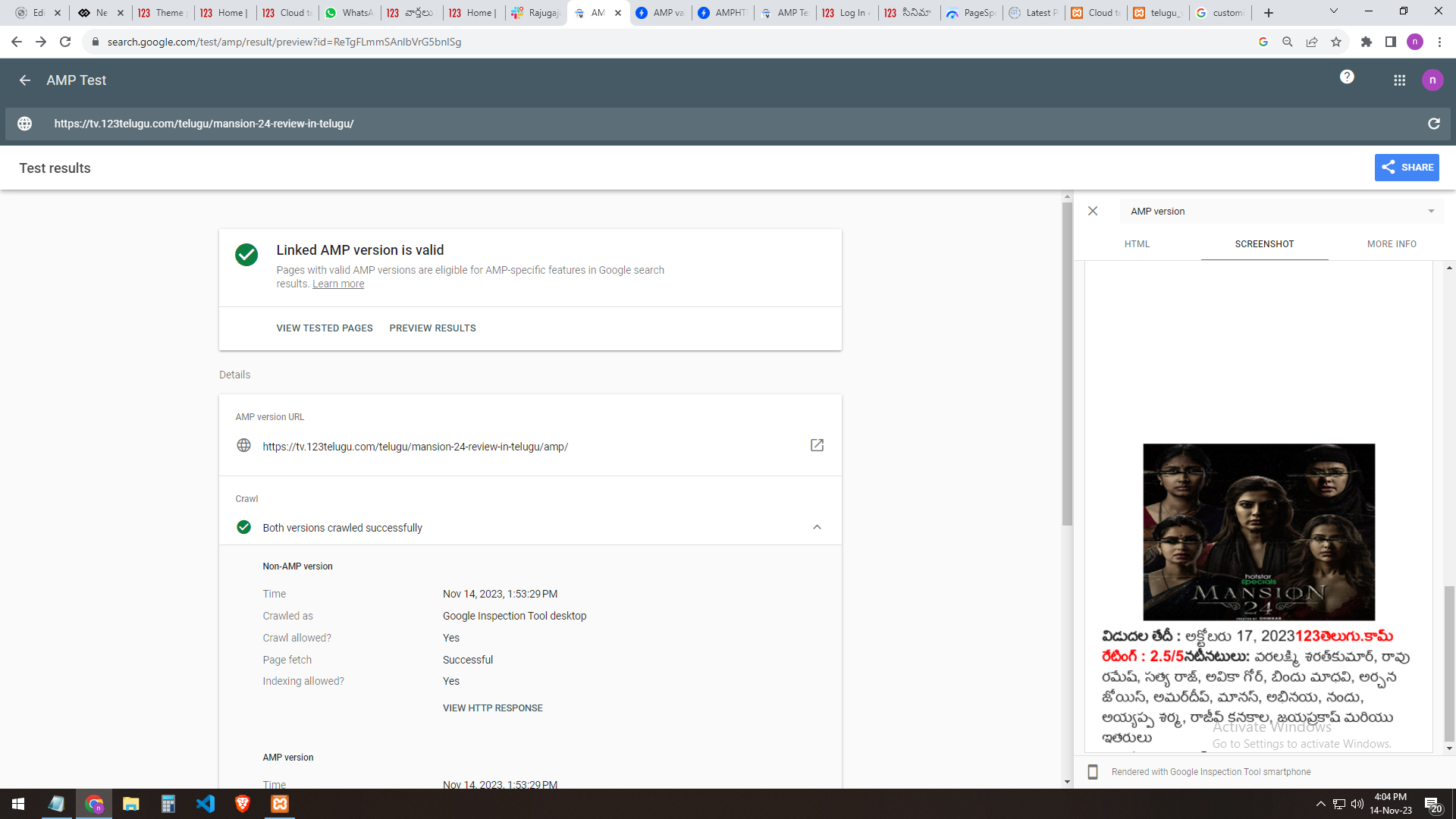
We have implemented AMP for our test website, https://tv.123telugu.com/telugu/, checking the URL with AMP validation, but we are facing a CSS syntax error in the tag
‘style amp-custom’. Please let us know how to sort out this issue.
my problem URLs
——-
https://gallery.123telugu.com/images/theme_test/banu2.png
https://gallery.123telugu.com/images/theme_test/banu3.png
https://gallery.123telugu.com/images/theme_test/banu4.png
https://gallery.123telugu.com/images/theme_test/banu5.png
https://gallery.123telugu.com/images/theme_test/banu6.png
our site AMP settings
———————
https://gallery.123telugu.com/images/theme_test/banu7.png
https://gallery.123telugu.com/images/theme_test/banu8.png
https://gallery.123telugu.com/images/theme_test/banu9.png
https://gallery.123telugu.com/images/theme_test/banu10.png
Calin Hi nycinsider,
What you need to do is to make sure that the columns width have in total 100% (please do not add borders or margins, just the width, also start with the smallest width, for example a column of 20% and after that set the biggest one 80%. If you want a fix width then you need to remove that width from the total width for the other column calc(100% - 348px)). Normally do not matter the style choose if you edit the column size.
– https://i.imgur.com/MEqe4Us.png
– https://i.imgur.com/UDbeaDo.png
Thank you!
 ApnaTime
 getting this warning
Warning: An unexpected error occurred. Something may be wrong with WordPress.org or this server’s configuration. If you continue to have problems, please try the support forums. (WordPress could not establish a secure connection to WordPress.org. Please contact your server administrator.) in C:\xampp\htdocs\apna\wp-includes\update.php on line 443
Anamaria Hi,
You need to test the link with the parameter/?amp in the link.
Also, please set the setting like this https://i.imgur.com/EXdX41z.png
Thank you!