- NewsmagtagDiv Composer Tutorial
- NewsmagBlock settings tutorial
- NewsmagLogo & Favicon
- NewsmagFooter templates
- NewsmagUsing other ads
- NewsmagUsing Typekit fonts
 Anamaria
 Hello,
Please try to use this code
.td-header-gradient:before

{

background:none;

}
Please set this code in the theme panel > custom code> custom css.
I hope this will help you!
Thank you!
Anamaria Hi,
Please check the suggestion from here https://forum.tagdiv.com/topic/we-are-facing-a-css-syntax-error-in-the-tag-style-amp-custom/
Thank you!
Anamaria Hi,
Please use this code .block-mega-child-cats .mega-menu-sub-cat-tdi_24#tdi_26 {
display: none;
}
Please set this code in the theme panel > custom code> custom css.
I hope this will help you!
Thank you!
Anamaria Hello,
If Drum & Bass is a subcategory of the primary category can be hidden with css, if you want, please provide the link to your website.
Thank you
 nagi
nagi The slider issue is solved thank you
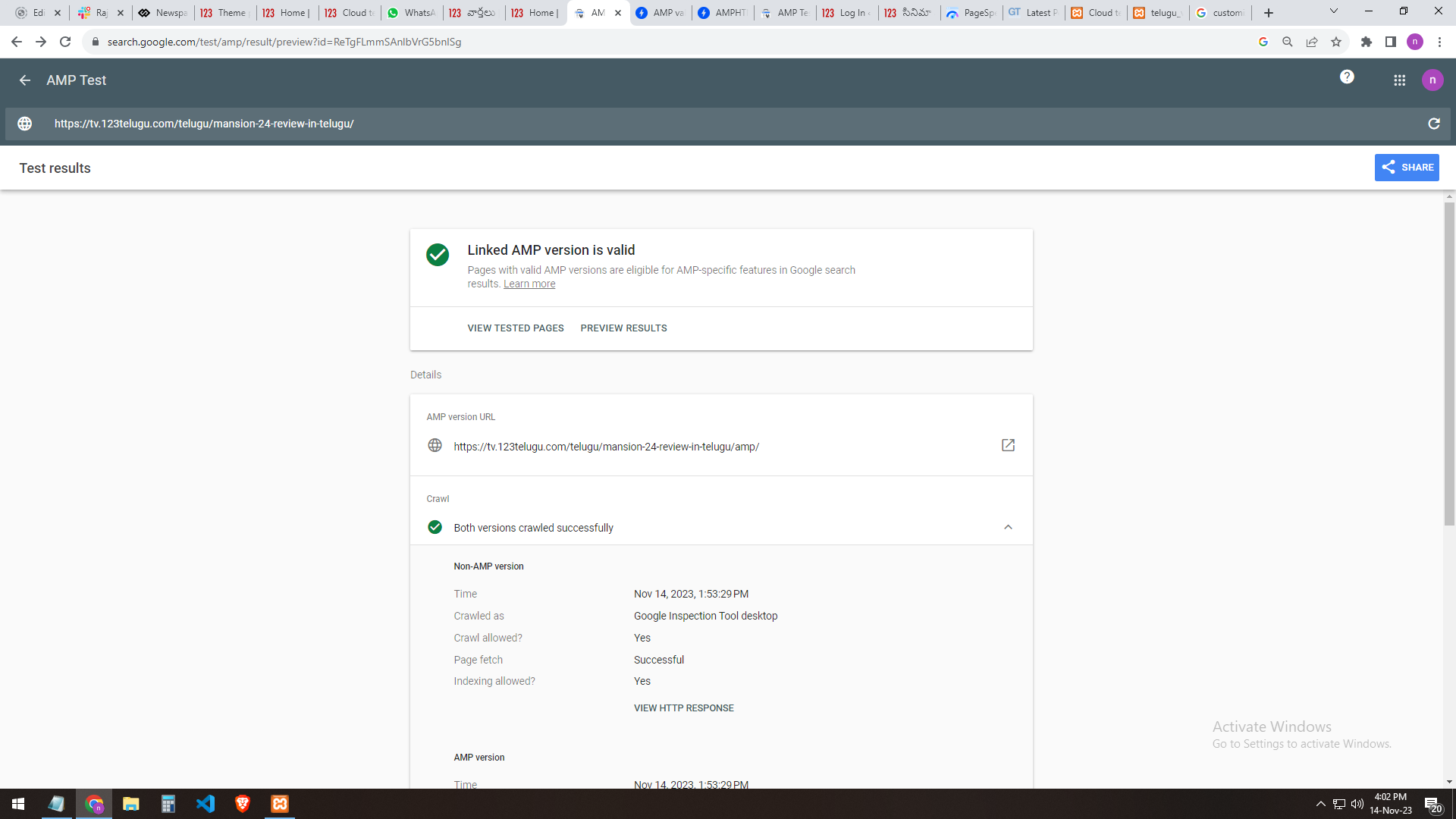
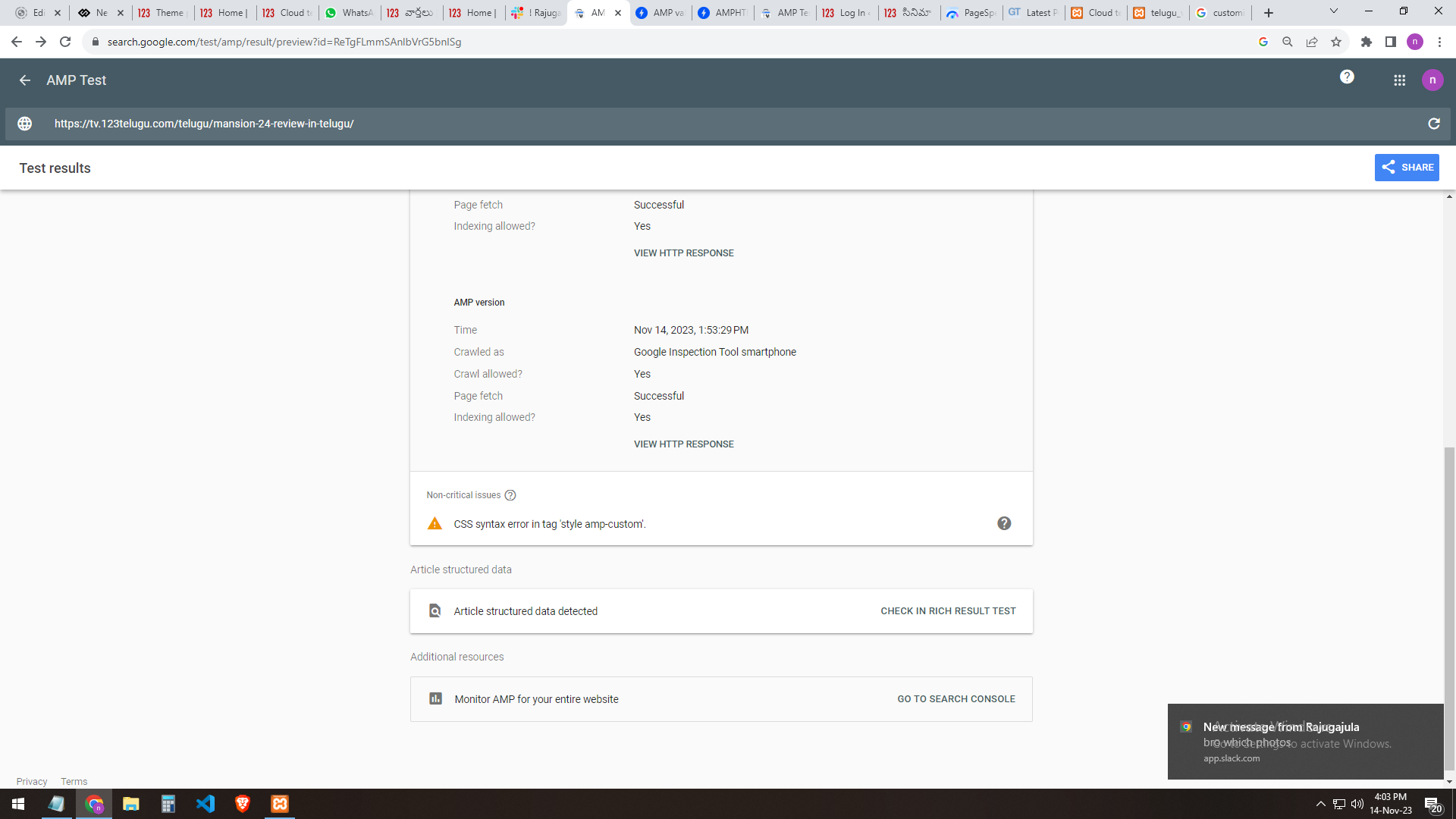
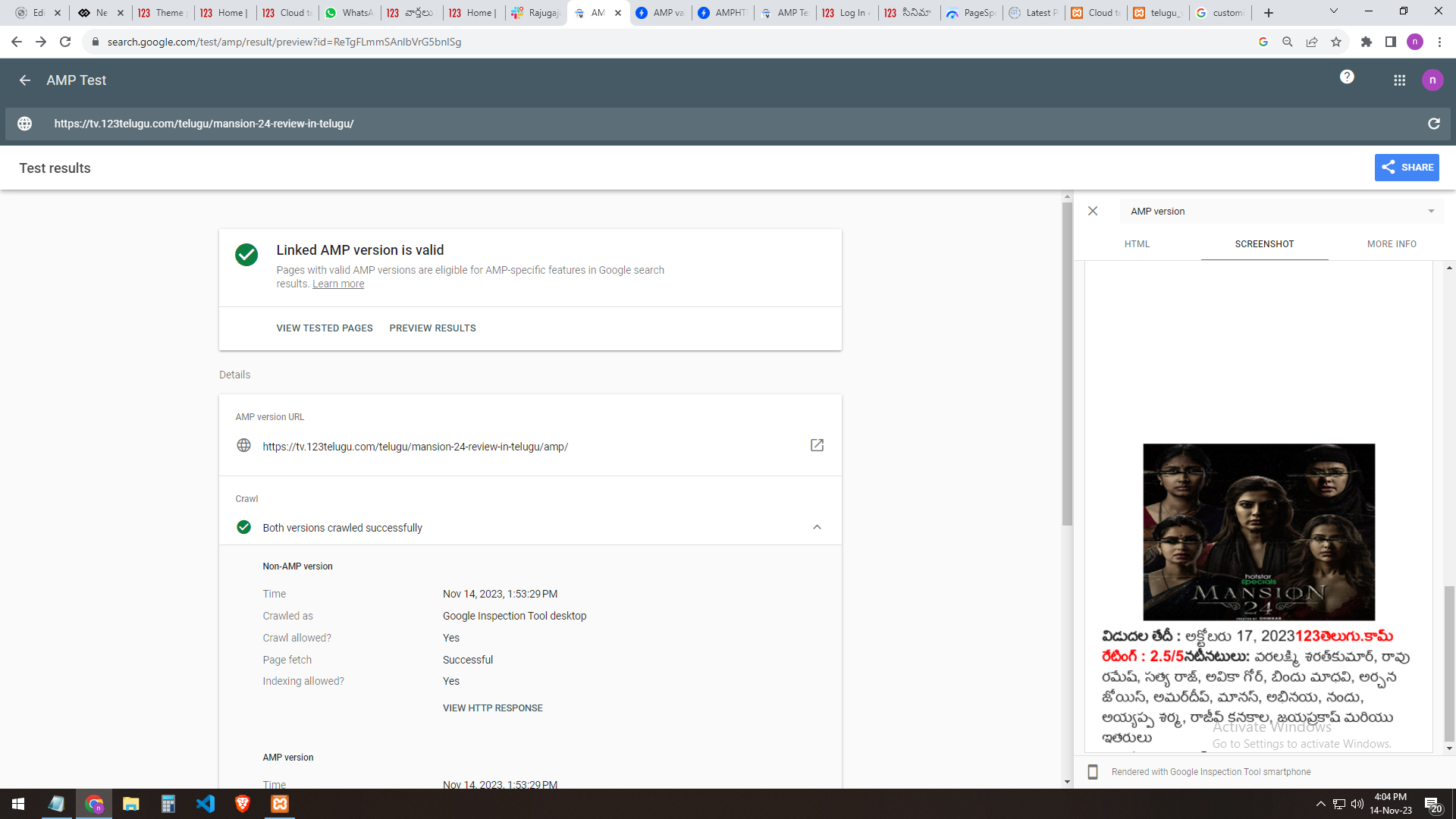
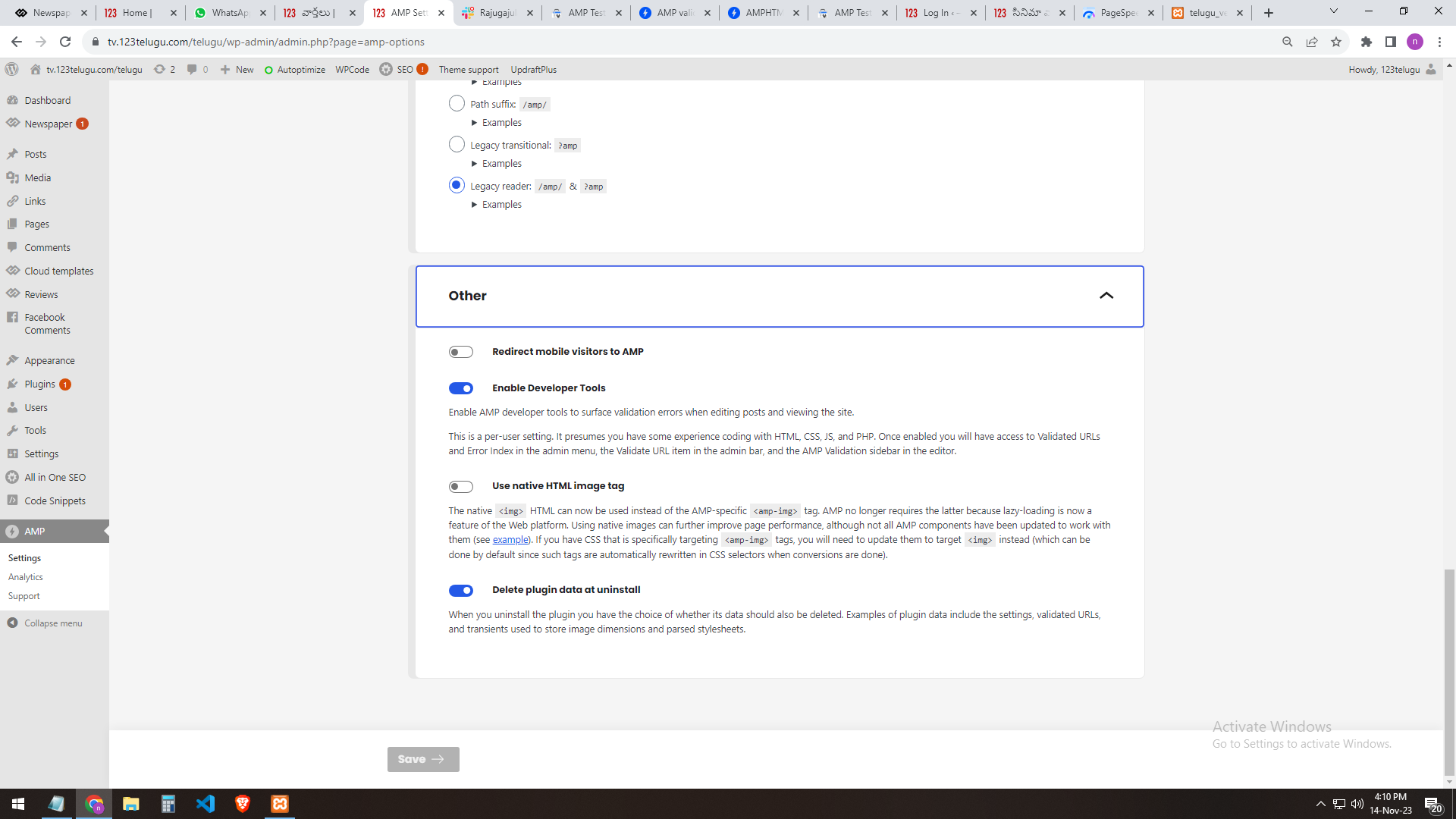
we are facing a CSS syntax error in the tag ‘style amp-custom’
We have implemented AMP for our test website, https://tv.123telugu.com/telugu/, checking the URL with AMP validation, but we are facing a CSS syntax error in the tag
‘style amp-custom’. Please let us know how to sort out this issue.
my problem URLs
——-
https://gallery.123telugu.com/images/theme_test/banu2.png
https://gallery.123telugu.com/images/theme_test/banu3.png
https://gallery.123telugu.com/images/theme_test/banu4.png
https://gallery.123telugu.com/images/theme_test/banu5.png
https://gallery.123telugu.com/images/theme_test/banu6.png
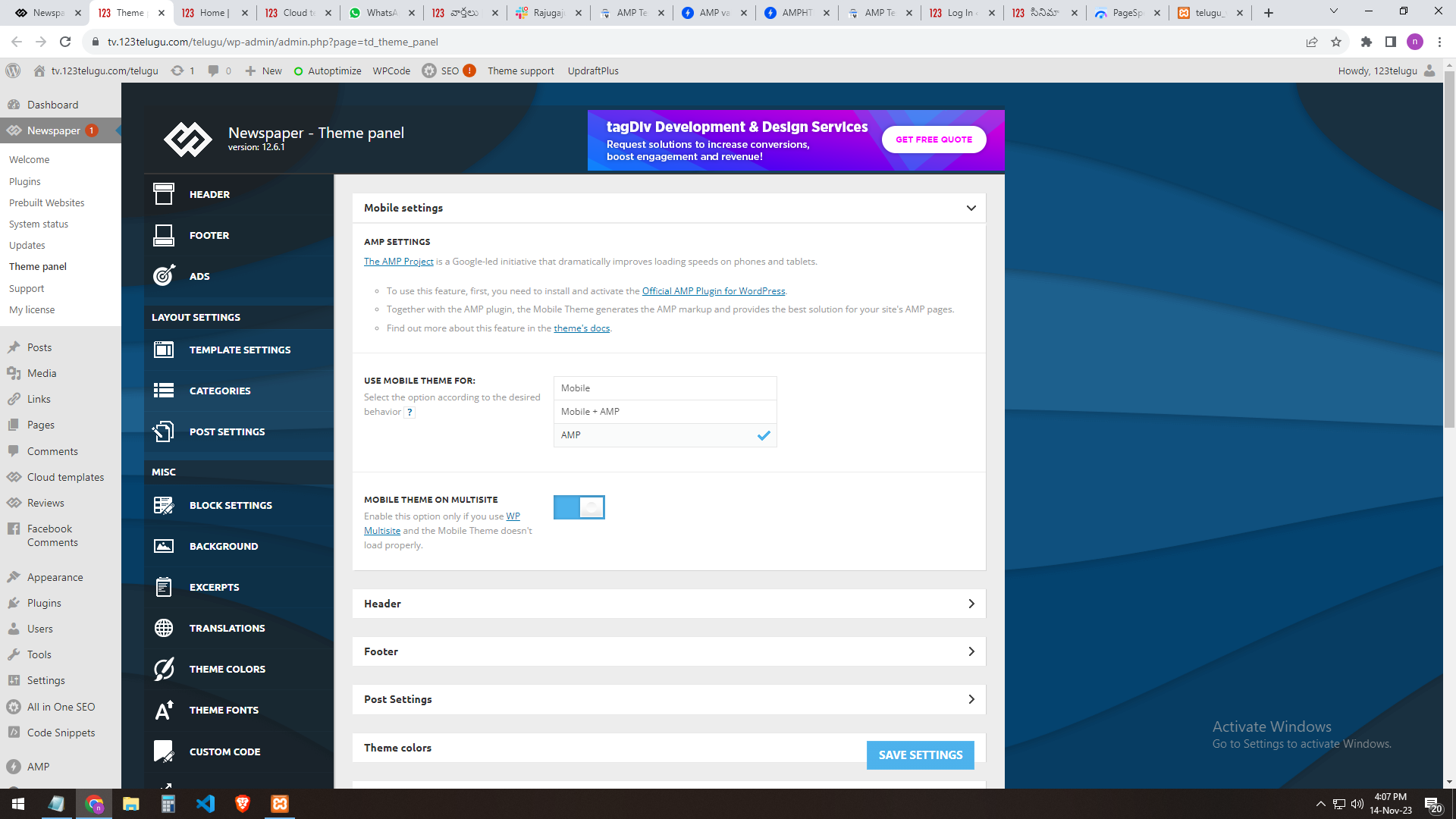
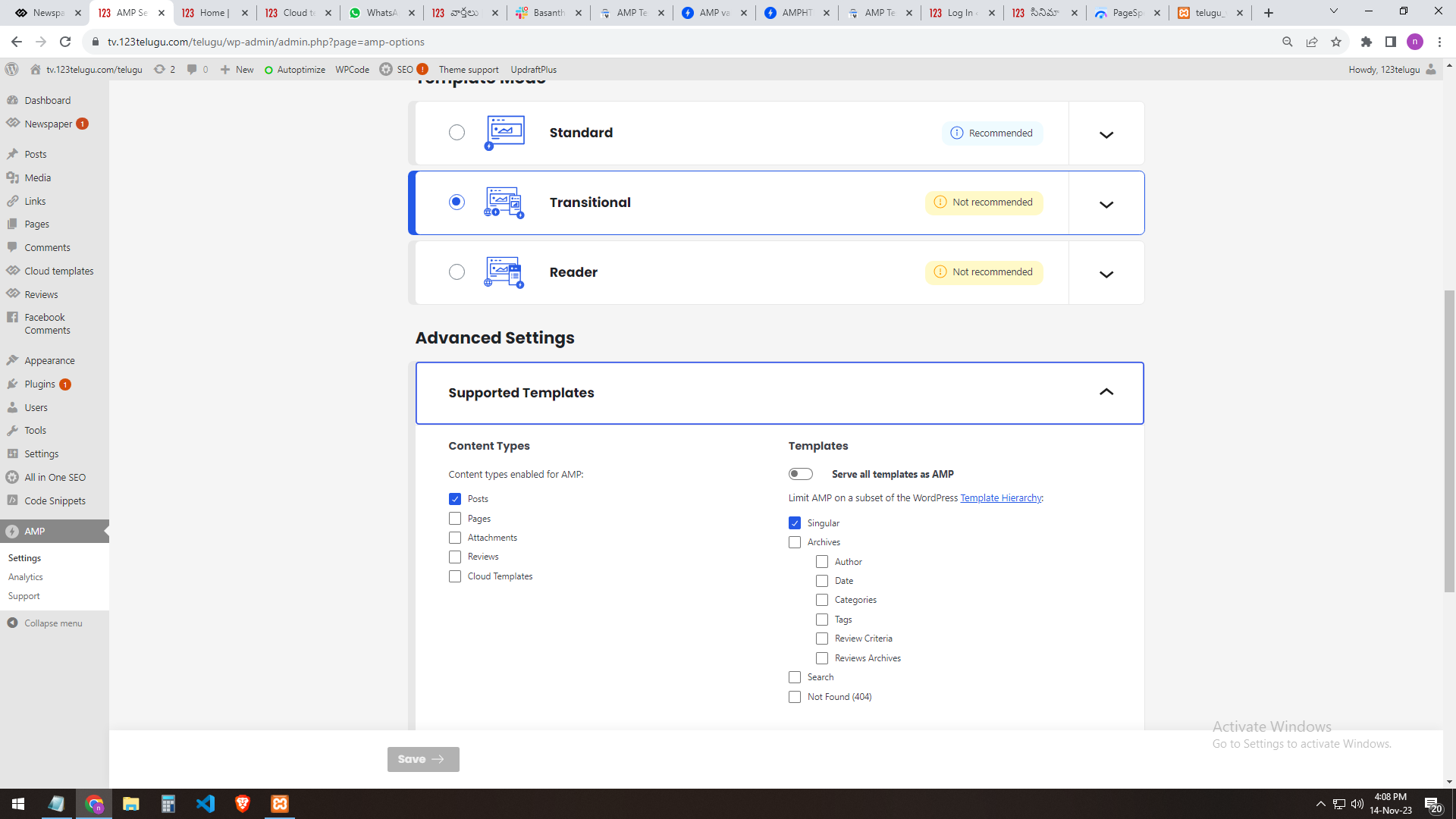
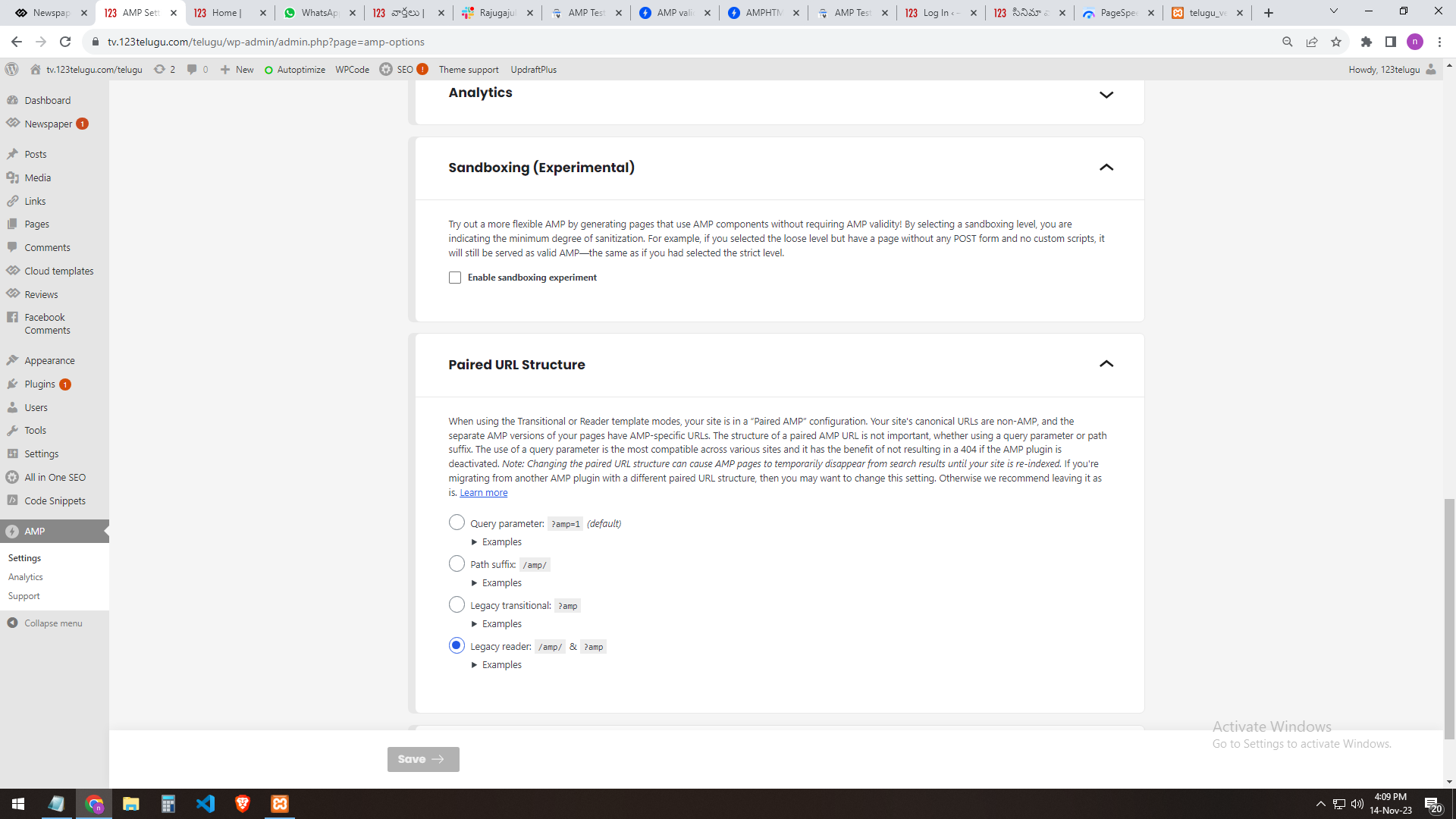
our site AMP settings
———————
https://gallery.123telugu.com/images/theme_test/banu7.png
https://gallery.123telugu.com/images/theme_test/banu8.png
https://gallery.123telugu.com/images/theme_test/banu9.png
https://gallery.123telugu.com/images/theme_test/banu10.png
 Calin
Calin Hi,
This is the closest I can do using the image as suggestion: – https://i.imgur.com/YpmpRW8.png
.single .tagdiv-type blockquote {

    background: #ececec;

    padding: 36px;

}

.post blockquote p {

    font-size: 17px;

    line-height: 28px;

    text-align: justify;

    color: #555;

}
The code an be adjusted and it needs to be set in the theme panel > custom code > custom css
I hope this will help you!
 Bettina
 Hello!
If you add the mobile menu to these viewports: https://prnt.sc/asgN1HJ4OVm3, then it won’t appear on the other previous viewports. If you add it also on the second viewport, then you can hide the element on desktop from the CSS tab: https://prnt.sc/N-__iflIt9po
Thank you!
Calin Hi,
This can be done only using a custom css like this one:
.td_block_slide .td-slide-nav {

opacity: 1;

}
Please set this code in the theme panel > custom code> custom css.
I hope this will help you!
Anamaria Hi,
You can do it with custom css.
Thank you!
Anamaria Hi,
You can hide one element on desktop and unhide it on mobile, for example -> https://imgur.com/GKIKvgt. Every element in the TagDiv Composer has a setting to make it invisible. This setting can be seen in the CSS tab of every element: [Display: HIDDEN]. You can also hide the entire row.
Thank you!
nagiRespected Sir/Mam,
I am a developer at Mallemaala Entertainments, located in Hyderabad. We have a few requirements for our movie review website, 123telugu.com. I am hereby mentioning our requirements.
We have implemented AMP for our test website, https://tv.123telugu.com/telugu/, checking the URL with AMP validation, but we are facing a CSS syntax error in the tag
‘style amp-custom’. Please let us know how to sort out this issue.
my problem URLs
——-
https://gallery.123telugu.com/images/theme_test/banu2.png
https://gallery.123telugu.com/images/theme_test/banu3.png
https://gallery.123telugu.com/images/theme_test/banu4.png
https://gallery.123telugu.com/images/theme_test/banu5.png
https://gallery.123telugu.com/images/theme_test/banu6.png
our site AMP settings
———————
https://gallery.123telugu.com/images/theme_test/banu7.png
https://gallery.123telugu.com/images/theme_test/banu8.png
https://gallery.123telugu.com/images/theme_test/banu9.png
https://gallery.123telugu.com/images/theme_test/banu10.png
Thanking you,
Regards,
Narendhar.
Calin Hi,
For that you need to use a custom css like this one:
.tds_my_account .tds-san-item-wrap:nth-child(3),

.tdw-wml-menu-list li:nth-child(3){

display: none;

}
Set the code in Theme Panel-> Custom Code -> Custom Css.
Thank you
 urbanreveal
I’m capable of using css to target the td-mobile-nav container but how do I edit/remove the social media icons from it?
Calin Hello,
Can you please provide a link where I can investigate this problem? I think that something is interfering with the theme css.
Thank you!
Calin Hello,
The “wp-json/tdw/save_css” I think it can be related to the bots that want to inject malwares in the theme live css, what I recommend is to install the Wordfence plugin and restrict that link and block the ip-s that attempt to inject those links.
I hope this will help you!
Thank you!
Calin Hi,
Those custom css are no longer working because the classes are now a little different.
You can try this custom css:
.tdb_single_featured_image {

display:none;

}
or
.category-video .tdb_single_featured_image{

display:none;

}
Also, this situation appears because the image/vide is set in post content and this is also set in featured image element, if you want you can use the tagDiv Composer and just remove the Single Post Featured Image to see if this is what you need. – https://i.imgur.com/5qrEciX.png
Thank you!
Calin Hello,
Initially that’s how they worked, but lately more and more users have requested that they be visible on the desktop as well because there are options for them as well.
Now the solution I can offer you is a custom css to hide these elements on the devices you don’t want to appear:
.single .td-social-whatsapp, .single .td-social-telegram {

display: none;

}
Please set the code in the theme panel > custom code> advance css – https://i.imgur.com/BOLeCit.png for those devices where you’ll lice to not be displayed.
Thank you!
Calin Hello,
Using the Newsmag theme this will not be easy to be done, you need to edit a template in child theme or use custom css. For this the Newspaper theme was a perfect choose because it’s allow you to edit the header and footer after your needs in tagDiv Composer.
Newspaper header styles – https://forum.tagdiv.com/newsmag-header-styles/
Can you please let me know header style you are using and if that logo is the same one from the example link, if not we’ll need to use the logo you have to make it look nice.
Thank you!
 mediax
Good day Support
After updating to the latest version of the Newspaper theme (12.6.2) the Mega menu is not showing the down arrow / or showing up on hover. When I inspect in the console, I can see the menu items.
Cache is cleared, I de activated any JS and CSS optimisation and still nothing showed up.
I do see a MIME issue in console but not sure if that is causing this. Please could you assist?
Website here: https://www.cbn.co.za
 Bezukhof
I’m experiencing near constant downtime on mymydiy.com and other sites. SiteGround is telling me that the requests on mymydiy are principally caused by: wp-json/tdw/save_css
They told me:
“If you know which plugin, script or setting is causing the numerous requests for “wp-json/tdw/save_css” to be made, I would recommend disabling it or consulting its creators on how to reduce the amount of requests.”
Top 10 requested URLs:
188046 /wp-json/tdw/save_css
68831
5074 /wp-json
1733 /feed
1455 /robots.txt
1051 /wp-includes/js/jquery/jquery.min.js?ver=3.7.1
952 /wp-includes/js/jquery/jquery-migrate.min.js?ver=3.4.1
926 /wp-includes/css/dist/block-library/style.min.css?ver=6.4.1
897 /wp-includes/js/comment-reply.min.js?ver=6.4.1
771 /wp-content/plugins/instagram-feed/css/sbi-styles.min.css?ver=6.2.5
These issues also seem to coincide with the WordPress 6.4.1 update that rolled out. Trying to figure out what to do- any insights since the excessive requests seem to be coming from Newspaper and its associated plugins.
 agencia_agos
We got hit by the Zexit hack. Removed scripts, infected files and folders, etc.
But I haven’t been able to update Newspaper. Would be given file permission errors.
I Chmoded the folder permissions, and now the theme’s not working, saying the stylesheet’s missing.
When I try to upload the theme from the zip file, I get the same error I would get when trying to update directly from the control panel:
“The update could not be installed because some files could not be copied. This is usually because of inconsistent file permissions. tagdiv-deploy-mode.php, font-newspaper.css, woocommerce, search.php, sidebar.php, comments.php, editor-style.css, style.css, archive.php, functions.php, translation, loop-single.php, style-buddypress.css, includes, single.php, style-bbpress.css, loop.php, index.php, loop-archive.php, style-woocommerce.css, header.php, page.php, tag.php, footer.php, attachment.php, bbpress.php, 404.php, screenshot.png, searchform.php, author.php, images, gutenberg-editor.css, category.php
Theme update failed.”
Calin Hello,
Please provide a link to the website where you want to adjust the blockquotes and please let me know how you’ll like to be. I will make a css for you.
Thank you!
 chrystelle
 Good morning,
When a man registers, he receives an email following an email address that I configured on the host.
A link from the email leads to a page (change of password which is already not normal). This page is the default WordPress page. The css cannot be modified via tagdiv and personally I do not master css enough to make custom css. Maybe use a plugin but it annoys me to add plugins in spades…
Calin Hi chrystelle,
“Yes but for the css given that this page is only accessible offline?” – can you please provide some more details? Unfortunately, I can not understand this question, is not related to the above questions.
A css can be set in the theme panel > custom code> custom css and should be always apply on website.
Thank you!
Calin Hello,
Unfortunately the Newsmag theme do not have an option for this, but it can be done using a custom css:
.td-icon-menu-right:before {

    content: '\e808';

}

.td-icon-menu-left:before {

    content: '\e807';

}
You need to replace the icon from inside the content using css. Also, you can add an extra class per element where you’ll like to replace the pagination icons.
Thank you!