- TutorialsDefault Block Settings Guide
 sar_news
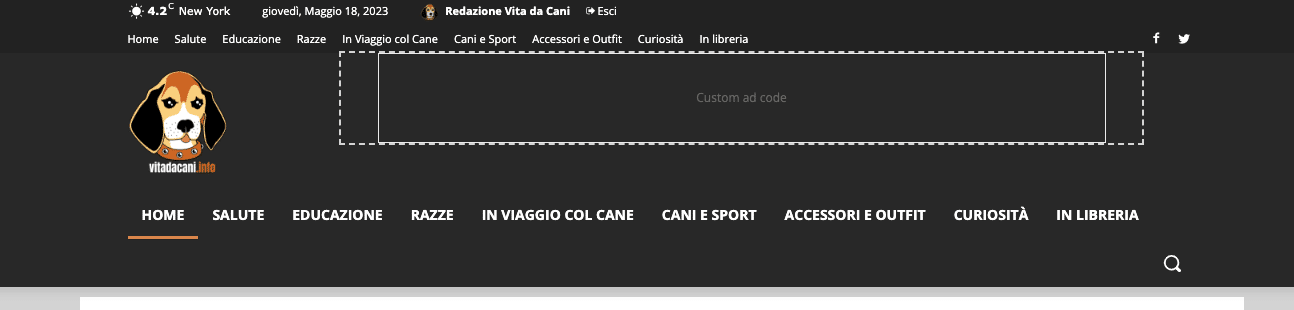
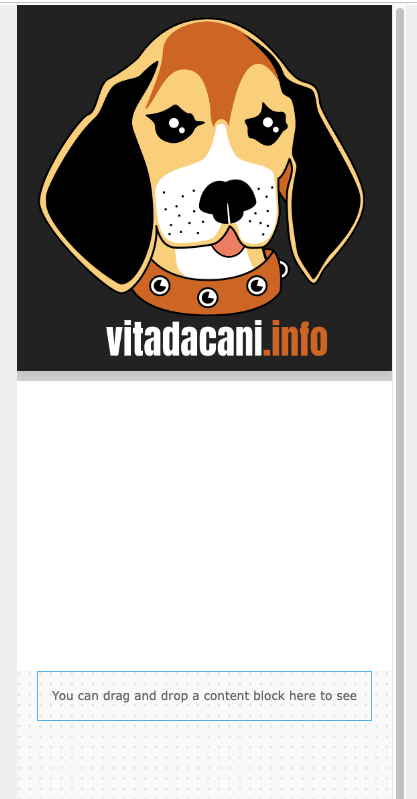
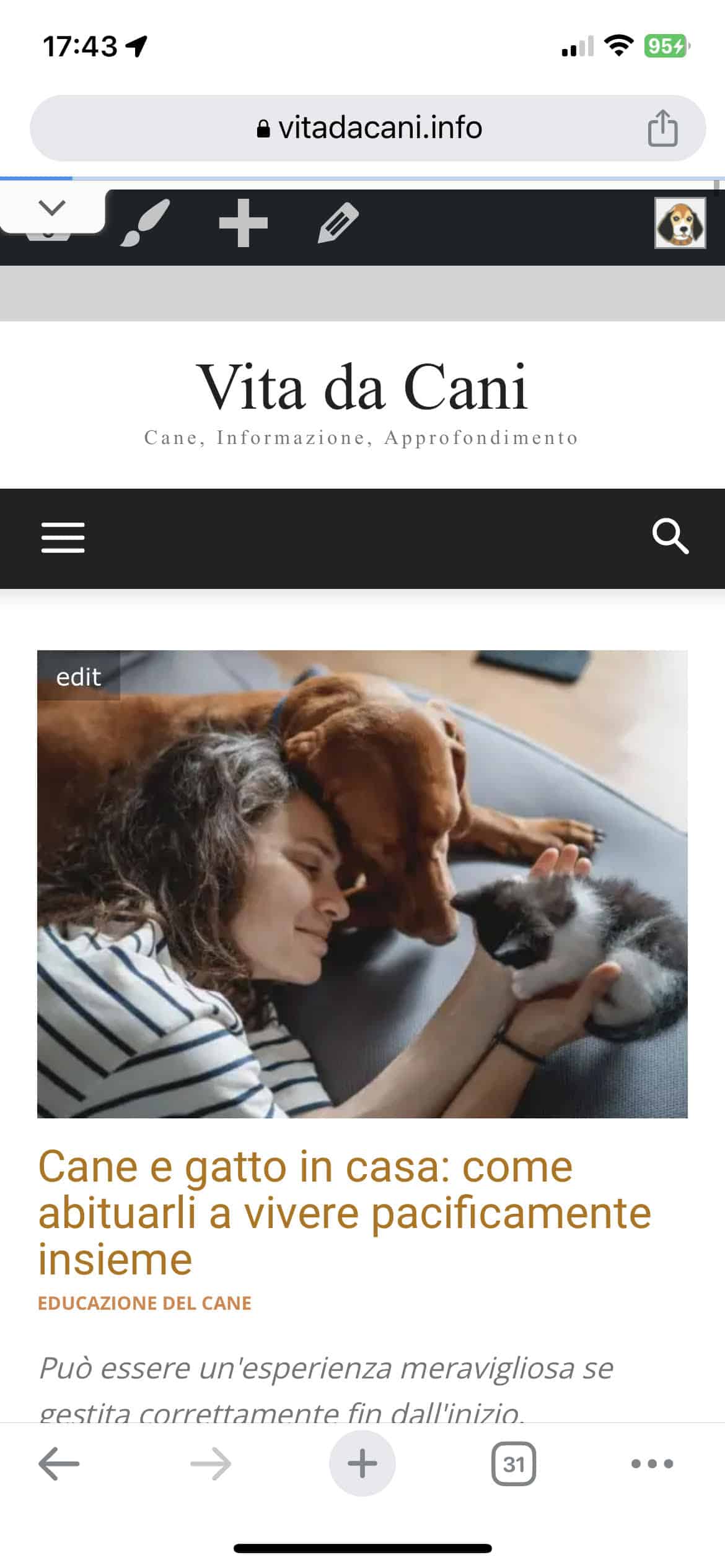
I have an issue with the mobile header configuration. In the mobile version, I am unable to see the logo. I am attaching the screenshots for your reference. Thank you very much.
Site URL: http://www.vitadacani.info
Desktop header https://vitadacani.info/wp-content/uploads/2023/05/Schermata-2023-05-18-alle-16.56.57.png
Mobile header configuration as I set it up https://vitadacani.info/wp-content/uploads/2023/05/Schermata-2023-05-18-alle-16.57.09.png
Mobile header as I actually see it https://vitadacani.info/wp-content/uploads/2023/05/mobile-header.jpeg
 volvano
Hi, i connected a new domain to my site, now a few items won’t load, social icons, weather icon and my account icons in the header. Social icons in the footer, dividers in the category menu on post page. Its been a few hours since connecting the domain so the loading is finished. https://imgur.com/a/DNIWBt8
 msproductions
Hello, I was hoping the installed Prebuilt Website of “Lifestyle Pro” would be set up differently from the demo but the menus are still off.
The Header Menu appears within the footer and the custom menu appears in the slide menu – I changed this within the customize section but there are no changes.
Also, the header menu appears at the top of the website within desktop but not within mobile at all – only as a footer menu.
Website link: https://viacolombia.com/
Demo link: https://demo.tagdiv.com/newspaper_lifestyle_pro/
 Anamaria
 Hi,
You can use flex block instead of posts loop. Explore the filters here: https://forum.tagdiv.com/flex-block-settings-guide/
Choose only one category from the filter settings and it will display the posts which have that category.
Also, to have a button please select header template 12 -> https://i.imgur.com/wIE3ghc.png
Thank you!
 herbal
Hello Support Team.
per Bogdan B Account Manager, this customization is not sizeable enough to charge for customization fee. He said I can replace the search shortcode in the header with the plugin shortcode. Currently, I have installed the WP Google Search plugin and also entered the Google Search Engine ID correctly. My website pagegoo.com has the element as raw html for search box and I entered “[wp_google_searchbox]” but it was not working. I think I need to find shortcode option somewhere to enter not raw html. Please help to make pagegoo.com google search box works properly.
Thank you,
Brandon
 themastrem
Buna,
Am si eu o problema privind centrarea logo-ului si a butonului de meniu si cautare pentru afisarea pe mobil.
Cum pot remedia? Va rog, ajutor, pentru http://www.ziarulincomod.ro
Multumesc.
Anamaria Hi,
If you want to have the header overly, then you need to select the header menu zone and change the display setting https://i.imgur.com/jbiRAi6.png
Thank you!
Anamaria Hi
Please select an element and after the viewport will be displayed -> https://i.imgur.com/CHMzFnZ.png
If you have made mobile pages, you must convert the header and footer -> https://www.screencast.com/t/HrjOBNayd please check this video https://www.youtube.com/watch?v=SpGkOnJeNZY
Thank you!
 T J
T J Hi Anamaria,
I’m using the Custom ad function within the Ad Box element. It doesn’t matter what kind of ad I use though (image, AdWords, custom, etc), nothing within that row in the header shows up on mobile.
Here’s a screenshot: https://u.pcloud.link/publink/show?code=XZbiL6VZEqGC8zHIM3ytG5YxPzEtXmcCuJKX
 alessandrogini1
 Ah one more thing,
my template at the moment is using an overlay header, anything I need to know in order to have my new header working correctly?
Like, do I have any specific setting to be sure to set or anything else?
Thanks again
 hiepmtr
Hi, I’m editing the Newspaper theme. It’s fun on desktop and I’ve been playing around with the theme, but I can’t understand how to edit the header and the footer in mobile view and how to set it as default.

Thanks for your help.
 zhangleji
Hi, does the header live search including the results from the ACF? I used header live search to allow users to search, but I noticed all the information created with ACF was not included in the search results. Only the taxonomies were included.
 libertylens
 Hi Bettina,
I understand, but I only want the menu sublink items to be clickable. The menu header itself does not have a corresponding page so it will not need a link. Mousing over it should just reveal the sub-menus. This brief video explains.
https://www.youtube.com/watch?v=4A65fU23uFM.
Thanks, Ken
 Prateek
Hi,
I’ve using this theme for about five years. No other news theme comes close to offering what you guys do and that too with great efficiency. I’ll be forever grateful.
From time to time, I like to make feature suggestions and recommendations. I’ve noted a few of them in my diary over the last couple weeks that I’d like to share.
Display all posts in a single line using flex block: Flex blocks offer great flexibility. So naturally it becomes first choice to display posts. It would be amazing to have a flex block that could display posts using slider. Something like choosing to display 12 posts in a single line, with only 3-4 displayed in the viewport; in mobile devices, just one. With the rest of them being accesible using slider. If you’re wondering, I am, indeed, familiar with the next/prev pagination but they’re not very intuitive and user-freindly for mobile devices because it stacks the articles over one another so if there are 4 articles visible on desktop, on mobile they stack up. So if a user has click on next, they would have to scroll down a bit to see the first article at the top. I am talking about something like the bottom row of Big Grid Flex 9, but with flex block’s customizability.
Menu specific module for popups: The introduction of popup to the theme has solved a lot of problems and has provided new oppurtunities. Having a stand-alone modal module for desktop/mobile hamburger menu will be greatly appreciated. For example, instead of button trigger, you can give a menu icon as trigger(without ability to change) that turns into(animated) a cross/close button when clicked, and can itself close the popup without requiring another close button on the popup, an option to set top offset relative to menu as in search feature so that it doesn’t cover the logo, etc.
Menu description: An option to add description to menu items(independent of category/tag descriptions) that would appear below menu and sub-menu items in various menu shortcodes like, header menu, mobile menu, list menu (extended shortcode), etc.
Limiting excerpts/title length using lines rather than words/character: Commonly, we use word or character limits to determine the length of excerpts/titles which often results in uneven display of modules because some excerpts/titles take up more space than others due to variation in word length or character width. So, number of lines limit can help achieve uniformity in the way modules look because all the excerpts/titles would take up the same amount of space, i.e. two lines, three lines, etc. I am not sure if it’s achievable, just suggesting.
You can ask for more details if need be.
Please bear in mind that these are mere recommendations — not demands.
Good day.
T JHi there,
Is it possible to have a banner ad that’s in the header appear on mobile. Currently I’ve got it showing on desktop and tablet but it disappears on mobile. Thoughts on how to make it appear on all devices?
Thanks,
T
Anamaria Hi Ian,
You can import a page, design it with tagdiv Composer, and you can disable the header and footer -> https://imgur.com/yWx8ZRR
Thank you!
 Dom
Dom How to change the background of the top header? I mean the pink leaves background of Free shipping on any purchase?
Thanks
 nyte2star
Hi,
I need to edit the background color of the Header Template – Real Estate PRO.
where can I change the background color?
 lrogacs
SOLVED. The content zone on my main page dissapeared. I can see and edit it through the admin panel and can edit it with tagdiv composer. But i got “oops, error 404. Sorry, but the page you are looking for doesnt exist” when i load it as a regual visitor. Header and footer is fine. I cleared cache. Nothing changed. Please help. http://www.6300.hu
 amritlawin
 Hi,
I tried to edit from the mobile view and other viewport but was still not able to remove the white spaces https://prnt.sc/7yunXuv_HxD3, Header menu (menu, search bar, date & logo) is not visible in the mobile https://prnt.sc/hzoAaMJrdBaQ, Footer section got messed up in desktop, portrait, landscape and mobile view https://prnt.sc/DRs_6JCPtotG, Post date and category in the single post section https://prnt.sc/jCLu9umxR-Ka. Kindly assist me how I fix this.
Thanks
libertylens I just noticed that, in the header menu, the “Resources” menu item does not work, and I cannot seem to fix it in Appearance –> Menus. It isn’t showing the pages defined in the menu.
 simchris
Hi, folks
after trying some normal debug stuff; a) disable any custom CSS; b) remove Google ads; c) disable some widgets; still having minor CSS issue cannot solve, as not sure if specific to me, or general element from composer plugin.
Specifically, on Chrome Desktop, Windows 11 Pro (all latest versions); latest version of Newsmag theme and composer plugin. No other composer plugins installed; have the default WordPress plugins to allow legacy widgets and post editor.
ISSUE: on home page, the ‘slider’ element, background gradient seems to run full width to the edge of the left column outside the slider element.
I am using simple grid layout as
[ row ]
inside row,
[ 2/3 col ] [ 1/3 col ]
in right col have the widget element and nothing else
You may be able to see the issue here:
NewYorkNetwire.com
and here is home page code elements from composer
[tdc_zone type="tdc_content"][vc_row][vc_column][/vc_column][/vc_row][vc_row][vc_column width="2/3"][td_block_slide title_tag="" ms_title_tag="h2" custom_title="FEATURED" limit="2" category_id="4048" header_color="#dd3333"][td_block_4 custom_title="NEW YORK BUSINESS NEWS" limit="2" category_id="4048" offset="2"][td_block_4 custom_title="NEW YORK BUSINESS NEWS" limit="2" category_id="4048" offset="4"][td_block_11 ajax_pagination="load_more" category_id="6" limit="6" offset="6"][td_block_4 custom_title="NEW YORK GOVERNMENT AND POLITICS" limit="2" category_id="10"][td_block_11 category_id="10" offset="2" ajax_pagination="load_more" limit="2"][vc_separator border_width="2"][td_block_8 custom_title="NATIONAL NEWSWIRE STORIES" header_color="#1e73be" limit="8" category_id="5" ajax_pagination="load_more"][/vc_column][vc_column width="1/3"][vc_widget_sidebar sidebar_id="td-homepager"][/vc_column][/vc_row][/tdc_zone]
This site was just migrated to v5 from v3. I delete old home page elements completely, but still same ‘page’ — started with fresh layout.
On my iPad it looked just fine; but not on PC desktop.
Thanks for help on this one 🙂
 iancollins
Hi
I wish to create a new page template that does not include a header or footer, just a blank page. When I try to do that it inherits the existing header and footer, which if i delete, delets for the entire site i.e. all pages. I note that the existing header and footer as set to global as we want all pages that use our default page template to have this header and footer. plse advise best way to create the required new template.
Thx
Ian
 ludyma
 Hello, that’s the problem, since I use the cloud modules, everything is slow, or it doesn’t come out correctly, in this case, as you can see, not even the photo, if it comes out and I send you a screenshot, no, it takes a long time to load the menus, these also module of the cloud. Now the authors, I don’t understand, in the end I’ll have to change the subject, how do I resolve that the photos don’t load in the author, but in the entries. How do I make the header load faster?
Anamaria Hi,
You can’t add the top bar in the mobile menu, only if you create a new page and set it it in a modal popup.
If you have a header template, then you can add the top bar in the mobile like this -> https://www.screencast.com/t/sMECJT6Pw
Thank you!