- TutorialsFrom WPBakery to tagDiv Composer
 thebookishelf
Is it possible to to insert one featured image for Homepage and different on the post?
 kewalsmulti
Hi,
I don’t understand how I can create a homepage, for example, using your cloud templates.
1) The PRO versions have pre-made style presets – can these be deleted? I don’t understand why we would want all those fonts if the goal is to trim the fat for performance.
2) You say you have recreated everything in the cloud templates, but I can’t find Block 11 that matches the Block 11 from the earlier versions. Same for Block 22.
3) I don’t understand this statement: “The complete list of templates influenced by the Standard Pack plugin:” – Influenced how? Does it mean you can’t turn the Standard plugin off if you are using those items?
4) Can we only build with items marked “PRO” in order to get rid of dependencies?
5) Is the objective to stop using the theme panel altogether?
6) Where is the best place to paste custom css?
I have a lot more questions, but I’ll leave it there for now. Thanks!
 Seashore
 I should add that the homepage is a static page, and that everything else are posts.
 Calin
Calin Hi eladoquintimes,
Make sure that all theme plugins are updated and activate -> https://i.imgur.com/0GKzPjd.png also another thing that it can be done is to set a revision of homepage -> https://www.templatemonster.com/help/wordpress-how-to-revert-the-last-changes-made-in-postspages-revisions-management.html
Let me know the results!
Thank you!
Calin Hi,
The option to be redirect to homepage when you click on login is set by default, only if you want to change the link and you are using a cloud header you can do it using tagDiv Composer this options -> https://i.imgur.com/YJidYVf.png
Thank you!
Calin Hi BruceInLouisville,
Indeed, now I see about what gap you are saying, also you are using standard post templates, that is way you can not edit theme with tagDiv Composer.
Please check to see if the footer template that you have set in theme panel -> https://i.imgur.com/h3EWLB1.png is the same with the one from homepage (it should be set on global footer) -> https://i.imgur.com/L4ODoRr.png
Let me know the results!
 Vlad S
 Hello !
1. As you can see here: https://www.screencast.com/t/WkqOj2R0x2nE in the cloud library you will find only the homepage for the Magazine Pro demo. The optimal image size which we recommend is 800×600 or HD – 1920x1080px.
2. That is a new feature implemented in the Newspaper Theme which allows you to create custom templates like the ones from desktop but custom made for your mobile viewport.
Find out more about it here:https://tagdiv.com/newspaper-10-3-7-update-brings-customizable-and-fast-mobile-pages/
Thank you !
SeashoreHi,
I created the footer template for our new website some time ago – and meanwhile am at a loss how I did this. When I look at my new homepage https://seashore.nl/nieuw/ you’ll see a white thin line under the social media icon on top of the footer. However, when you click through to any other links, that white line disappears.
Under all posts and pages I see that “global template” is selected, but I can’t find a ‘global template’ in the list of cloud templates. I do see the Footer – Medicine Pro template there, that looks like the global template, apart from the fact that the footer seems to duplicate itself there.
So, how can I make that thin white line visable on all post and pages?
Regards,
Martin.
 eladoquintimes
Hello.
My maintnance guy didnt update for quite some time our newspaper site and it just did an auto update with all the updates and it broke our homepage. We need help reinstating home page after updates. All other pages are fine.
 Rhonda
 Thank you. I was able to change the mobile logo, however, I do not see where to set the mobile logo so that when you click on the logo, it takes you to the homepage.
 chip303
Hello,
I have 2 questions:
1) I would like to change my homepage based on the demo “Magazine Pro” (currently still Default Pro) and adapt it accordingly. So far I’ve been very satisfied with Default Pro and the functions, but I find Magazine Pro more appealing.
Unfortunately, I can’t find any documentation about optimal image sizes for previews, contributions or highlights / highlighted posts / featured posts.
2) Since the update, my admin bar shows “Mobile Page / No Mobile Page”, with “Mobile Page” highlighted in black. What’s this? Is there just a mobile page on the desktop?
 Johnysko
Hello guys.
Iam having serious problem after mobile theme was set up. Sometimes mobile version is showed to desktop. Sometimes it shows normal. But I think it is caused by saving the tagdiv composed homepage and cache is cleared. After some time it is again showing mobile version stretched on my screen.
Can you please help me?
Thank you
 providencebusiness
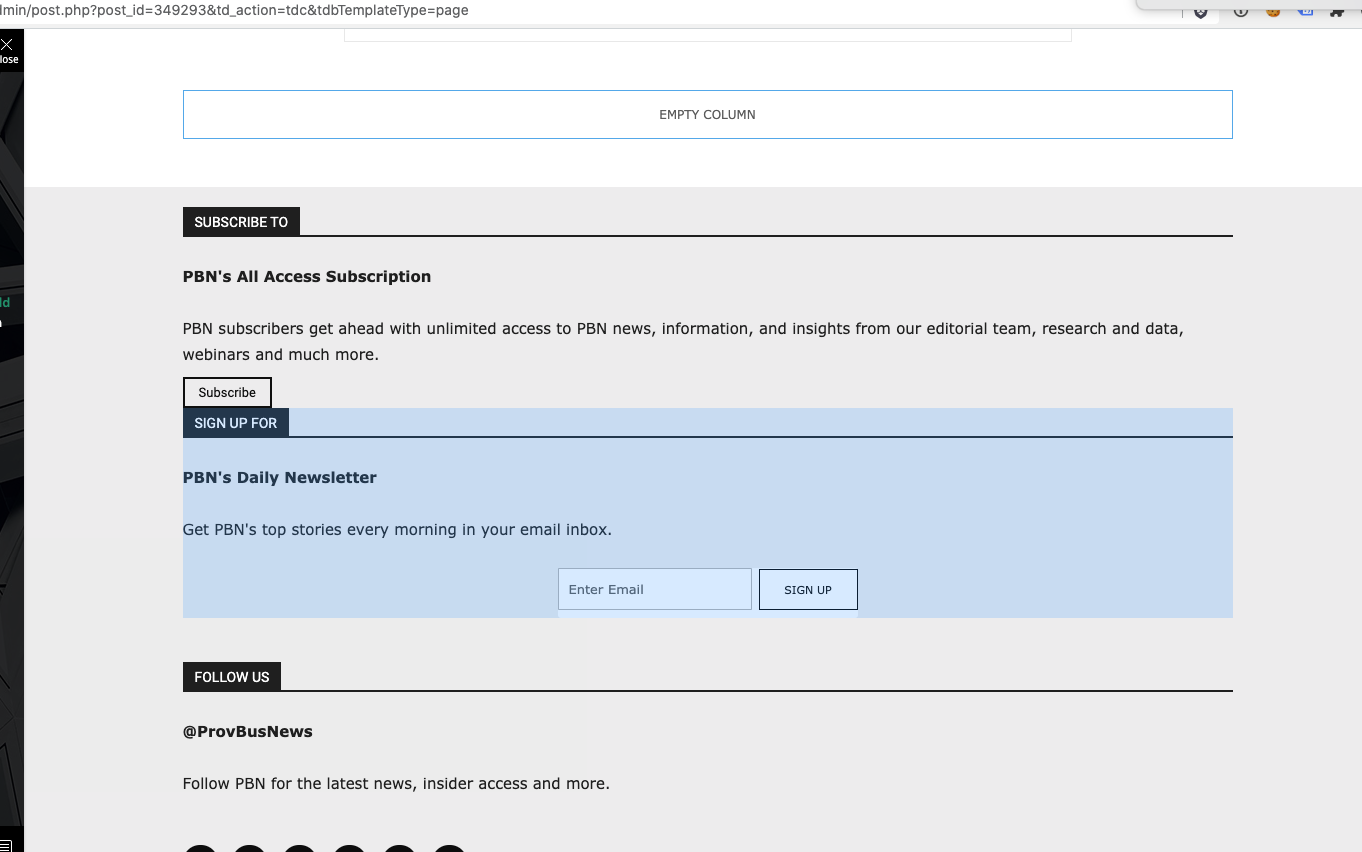
I have the latest version of the Newspaper theme, we are using a child theme with the Standard Pack plugin. I went and created a new footer template from a blank footer. In TD composer the column styles do not get injected on the live edit. See https://s3.amazonaws.com/pramadillo/_Providence_Business_News__WordPress_2020-10-26_11-41-42.png
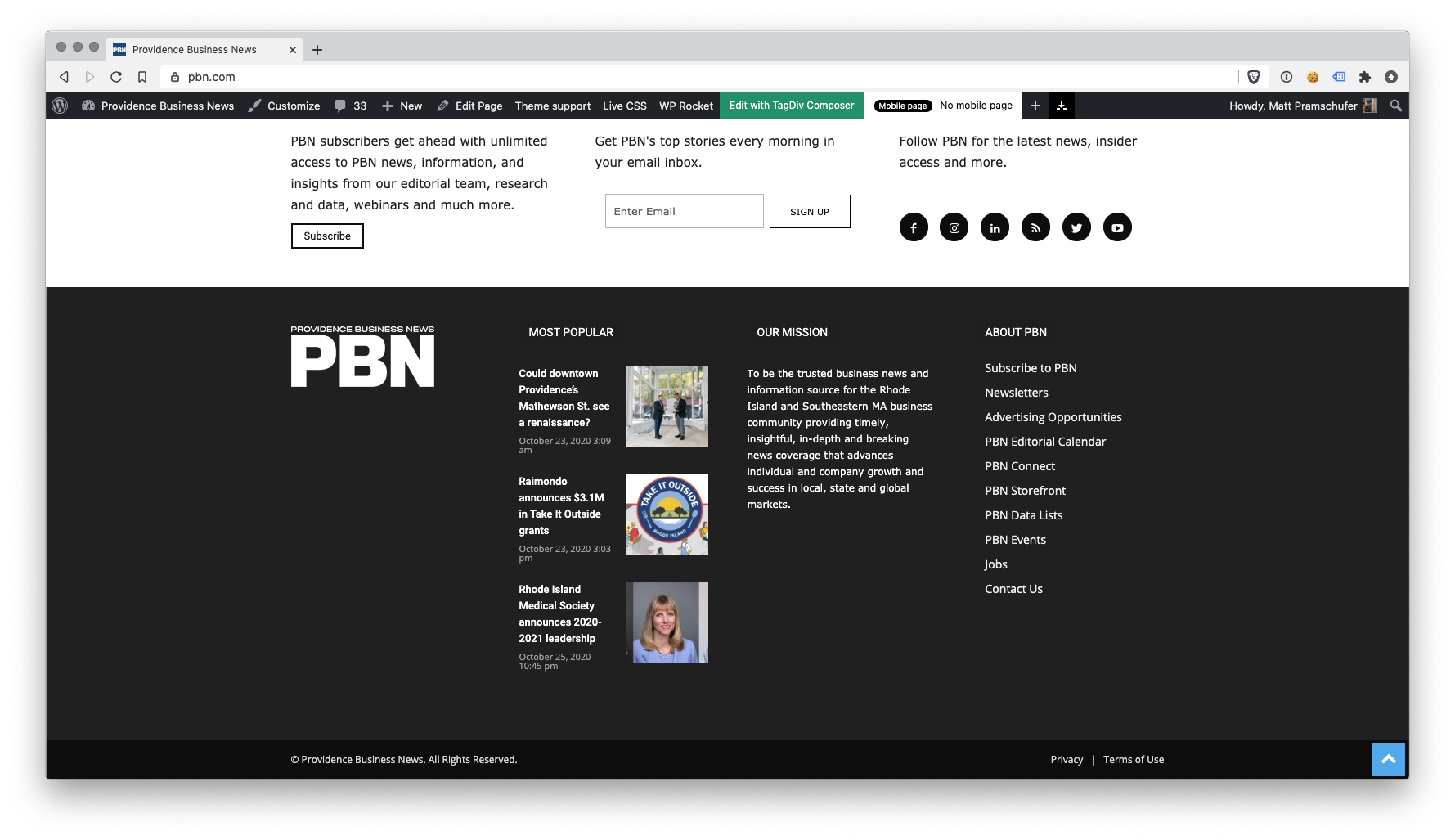
When I save the footer and assign it globally in Theme Panel, the footer column styles only appear on pages in which we build with Visual Composer.
Homepage Built with Visual Composer – https://s3.amazonaws.com/pramadillo/Providence_Business_News_2020-10-26_11-45-48.png
Individual Post Page without Visual Composer – https://s3.amazonaws.com/pramadillo/Could_downtown_Providences_Mathewson_St._see_a_renaissance_-_Providence_Business_News_2020-10-26_11-46-45.png
I have cleared cache and double checked everything and to no avail the css does not get included.
 tgrassey
 I just tried to use the jquery migrate helper plugin and after activating it, editing the homepage with the “Edit with TD Composer” button gives a 500 error. Is there anything else we can do in the meantime until we can get all of our custom templates and stuff working with the latest version of the theme?
 gumball44
 Could you add the suggestion to tagdiv development team ? It would be very useful in order to make a leighter homepage.
We could make sticky the left part.
-
This reply was modified 5 years by
gumball44.
RhondaI tried the mobile version, but decided not to use it. Now Tagdiv’s logo is appearing on my mobile device. I have uploaded my logo in every possible section on the Newspaper theme panel and also on the Homepage. Could you tell me how to change that out please at AltantaChristianvoice.com?
 adeel_s
Hi,
I have exact same layout at my homepage but i want the content to be single images and not posts. Atm every gridlayout shows posts. Is it possible to get empty layout so that i can put different images or other elements in there?

 TkLbIY
can’t click on mobile
homepage acting weird on desktop
trishintel.com
Calin Hi,
Using our theme the featured image need to be set as in our guide from here -> https://forum.tagdiv.com/featured-image-or-video/ also is possible that the theme that you used before to set as featured image the first image from article, our theme has other functions for this.
Also you can adjust the homepage sing tagDiv Composer -> https://tagdiv.com/tagdiv-composer-page-builder-basics/ -> https://i.imgur.com/If0fjWr.jpg -> https://i.imgur.com/zxI52ei.jpg you can use flex grids and flex blocks to display posts.
Hope this ill help you!
Thank you!
Vlad S Hello !
Unfortunately not. You can however to copy its content and or reproduce it on another homepage element using tagDiv Composer.
Thank you !
 apusika
Firstly I want know how to display all my categories on homepage and a few post.
Secondly,How I do make my old posts featured images to show because I just bought the newspaper x theme and installed but the images are not showing up.
 Amit
Amit Hi @chicky365
Sign in to your WordPress Dashboard and visit the homepage. Now you will see the Edit page option in the top bar. Refer – https://prnt.sc/v56ibg Click that option. It will take you to the normal WordPress editor. Now you can scroll down to the Yoast Section and change the SEO title as per your need. Refer – https://prnt.sc/v56kyf
I hope you will find this helpful.
 Yogesh1
 Hi Calin,
Mate, we both are on different track…So i did was added footer nomad
https://ibb.co/WBrZ3cx …Then I added blog block 9 (I just want is list simple list with seperator in middle..) Something like this https://ibb.co/sJhhY88
https://ibb.co/Fgw3nBJ What is best way to change footer like how to remove admin(1) how to remove dates(2) how to remove comments.
Because based on how you said earlier I will remove many other things like for all blocks on my homepage or side bar will be in effect…It has to be specific like out of two same block on side by side how to remove date/author/comments on left and right has all.(hope so i am good in communicating what i need)
(All links Image Deletes after 1 week)
 CostaVR
Hi,
The articles shown on the big grid flex have the sub-category shown but I want the main category to be shown.
Example:
I have an article in the category “news” and in the subcategory “leagues” because that’s where we post all the league news. But I want the category label to say “news” and not “leagues”.
Can someone help me?
 DKF Reisverhalen
 Hi Vlad,
Thanks for your reply. Website is http://www.reisverhalen.info
It’ son the homepage. For example this block: https://imgur.com/D63Ulfm
With these css settings: https://imgur.com/TjPFDvD