
No search results were found in Documentation!
 journalagency
how do I change the size of the logo in the header? It’s for some reason set to 300 by 20 which is way to small.
Also how do I delete rows and edit the things in the widget area? The things in the widget area are not in the widget menu. I am using Politics imported demo.
 Josef
JosefCan someone help where I can find option, how set for mobile main menu “logo in white color”?
When I open header 1, so here are only options for “normal logo” and “retina logo” but not exist field for “mobile logo”.
 meri
meri Hi Calin,
No, I’m not talking about the hover effect (blue underline). This one is fine.
I’m talking about the main menu that takes a long time to load. We can see it on your video, the logo and the search icon are loaded but not the menu. Why? How/where can I fix that?
Thanks
 Vlad S
 Hello !
On Cloud Templates you can edit the logo using the tagDiv Composer as you can see it here: https://www.screencast.com/t/wQGoiCkn4aW
Thank you !
 rhodezman
 I sent email to contact@tagdiv.com about this.
I noticed another problem also: now the sticky navigation has gone to some default setting: newspaper logo and nav items that don’t belong here: reviews, books etc. Sticky menu should be the same as main navigation. How can I get the main header as sticky nav bar?
Josef Hello Vlad,
Yes we have installed clean WordPress + clean Newspaper 10.x with demo DefaultPro (without data)
So for us is mainly set logo images in header and footer only via – cloud templates? ..and we not must set these logo images via theme panel? right?
 vituts
Hello!
can anyone tell me how to change logo of header from cloud template? i try to edit from header template but nothing change.
thank you!
JosefHi, on clean WordPress + clean Newspaper 10.x
where is from first time used Default PRO template,
can I change logo only in “Cloud templates, and footer in Pages”?
or I must set logo images in old “Newspaper Panel” too?
I asking, because in Default Pro template are all logo images set only via “Cloud templates, and footer in Pages”.
Changing logo via “Newspaper Panel” not have any effects.
 lanho
lanhoI’ve just installed theme Nemspaper 10.1, using default setting. I want to edit main menu. I open front page by TD Composer but it always notice ” The content hasn’t been created by TagDiv Composer ” and I don’t see any edit button for main menu
and logo.
Pls show me how to edit the theme header.
 Calin
Calin Hi,
If you are using the mobile theme plugin, this will appear instead the responsive version, so the changes made by you with tagDiv Composer will not be display.
In order to set a mobile logo please check this section -> http://prntscr.com/pxazfy -> the footer content can be edit from here -> http://prntscr.com/pxazqk also if you want to change the text from footer on mobile theme you ca do it using the Translations section from theme panel -> http://prntscr.com/pxb0lz -> http://prntscr.com/pxb0rp
Thank you!
 frankcf
 Thanks, but that’s not the point. The point is to create a site from 0 with a simple example checklist. In the past I created a setup checklist for Newspaper that looked like this:
1. Install Newspaper
2. Install X Plug-Ins (e.g. TD Composer)
3. Go Theme Menu
4. Select Header (e.g. Style 7)
5. Upload your logo and favicon
.. etc.
Would be great if you could walk people through creating a simple site without having to rely on a pre-canned demo. Either a blog post or quick video would be super helpful.
Thanks!
 usman
usmanHi, I am facing few issues with my header! When I open my website with desktop it shows mobile header for a while and same case in smartphone. It shows desktop header for a while!
Image attached: https://i.imgur.com/S50Yhnf.png
2. Another thing I am facing is that the sticky header, during the sticky part it is not showing my logo in smartphone version
 vv2005
 Also, How can I add a logo to the mobile theme?
I am using animals pro theme.
 Sibi Paul
 One More Info:
When I set AMP Only in the Mobile Theme Settings
Then, mobile Page Shows as the Previous Responsive Mobile Page.
When I Select Mobile Theme For Mobile Only
Then, I get the same error ( Menu Button goes Under Logo – and Logo is at Left side – No Serch box )
When I Select mobile + AMP
AMP Page shows as Good Layout.
Address Without AMP is Shows that Error.
So, I hope you got almost all info…
Thanks.
Sibi Paul to Know,
AMP + Mobile Theme Plugin Enable Just Now.
Ads Codes and Analytical Codes in AMP is Added.
—-
When I Checked the Same URL I’m Getting the Same Error
Test This URL in Validator it Gets Error ( AMP Enabled in the Post )
When I Enter This URL – https://www.universalnews.org/angelina-jolies-says-about-her-children-have-been-through-a-lot/?amp
Validator shows PASS
Same Happens in https://search.google.com/test/amp
Problem 1 – when I Vist AMP URL ex: https://www.universalnews.org/angelina-jolies-says-about-her-children-have-been-through-a-lot/?amp
it does not show in Google Analytics.
Problem 2 – Ads Not Displays even After I added the Ad Code in AMP
Problem 3 – https://gtmetrix.com/reports/www.universalnews.org/sKnyn1Ia
Identical Content in Two URL
Problem 4 – https://www.universalnews.org/?amp Layout in MObile is Good
Left Side Menu Button – Center is Logo – Search Box is at the Right side.
But,
when Visit https://www.universalnews.org/ in Mobile
that Layout is missing.
Search Box NOT Showing
Logo at the Left
Menu Button Inside the LOGO – Unable to Click on it.
Note: People Comes to the Site Directly, NOT Entering the AMP URL
They Just Types Domain in the Address bar.
Once they See this layout issue, and unable to click on the menu, then they will not come again.
Kindly Address them, and let me know asap.
Thanks.
 Jumich
 Thanks a lot guys for an e-mail with solution! That is support really worth to pay for! I deleted code and we’ll see how it goes.
Do you have any idea why social icons and menu icons ( near logo) on amp posts appears improperly?
ttps://prnt.sc/pvk677
Calin Hi,
1. This option can be enable and disable using tagDiv Composer according to our documentation -> https://tagdiv.com/infinite-loading-for-single-posts/ -> http://prntscr.com/pwrdab
2. You can change the sticky logo like this -> http://prntscr.com/pwrg41 -> http://prntscr.com/pwrhpk
Thank you!
 Duvelix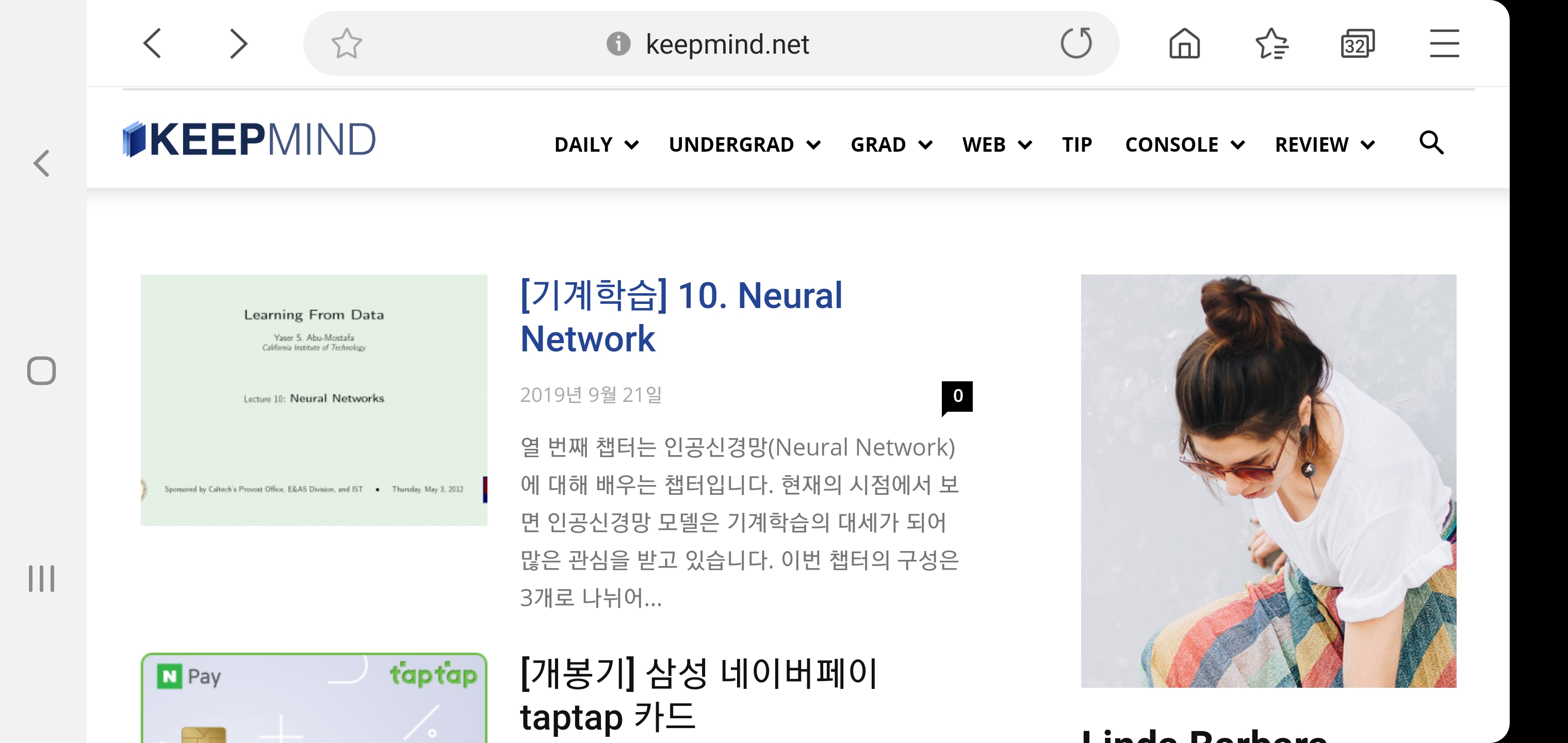

Hello, I have a problem with my blog’s logo, so I post in the forum.
I’m currently using a Journal skin in a Newspaper theme.
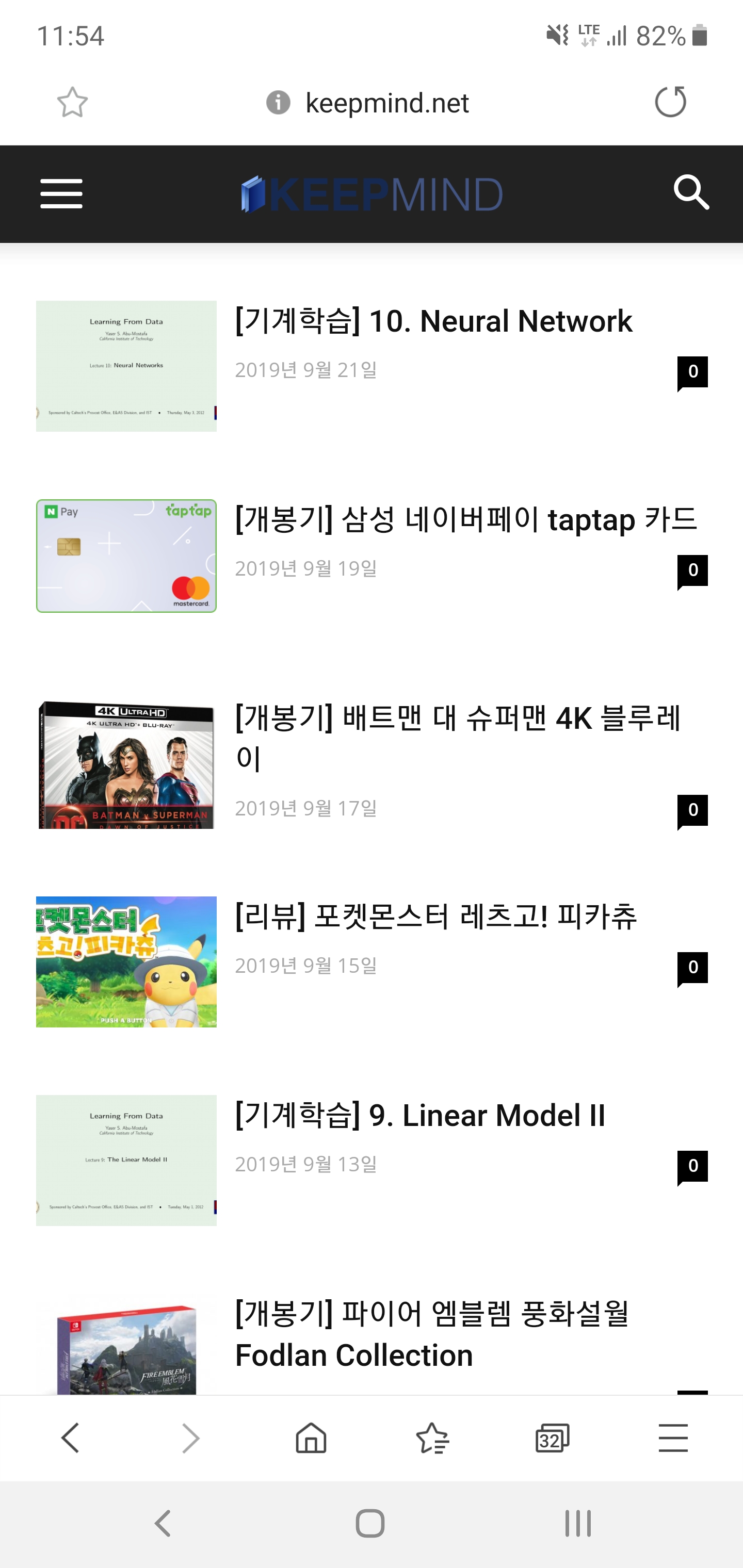
As you can see in the screenshot above, the background color is different on PC and mobile screens. So I have created both a regular and a dark version of my blog’s logo so that it looks good on both screens.
But there was one problem. When I click on the post on the mobile screen, the dark version of the logo appears properly. However, the general version of the logo is printed on the main page.
I want to print a dark version of the logo on the main page of the mobile screen. Can you tell me how to do it?
I’m not good at English so I hope my inquiry has been received properly.
Sibi PaulHello Dear TagDiv,
Currently, I’m working in One of My Clients Site https://www.universalnews.org/
in Desktop it’s Good
When Visiting From a Mobile Phone https://www.universalnews.org/?amp URL is Also Good.
But,
When We Enter Just https://www.universalnews.org/
Then, The MENU 3 Lines is Going Behind the LOGO.
Kindly Check it yourself, and Provide me a solution for this.
2 – I added the Analytics Script in the AMP section, also Added AMP Ads Code in AMP Ads Section ( both in Mobile Theme separately )
but Ads and Analytics Not Working.
Kindly Help me with This.
Thanks.
 gorgonfilm
 Hi, I have one more request about header, i dont know why but logo seems extra big now.
Normally it was like this: https://pasteboard.co/IGy4Kky.png
But now its like: https://pasteboard.co/IGy502Q.png
Could you please help me about a custom css code for keepinglogo smaller size. I’m having problem with macbook now because of 2880 x 1800 resolution. https://pasteboard.co/IGy3stY.jpg if logo can stay smaller menu wont go to next line.
Btw thanks for this usuful theme it has really great customize options. I can say only problematic side is its header. Waiting your response
 niklash
Hi,
Unfortunately I can not speak English so well and ask for your understanding.
And that’s about the top header of the logon function. I only see the profile picture and the logout button. Usually the user name is displayed in between.
Best regards
Niklas
 egypiana
 Thanks for the reply, I have fixed this error.
but I cant find some setting on the Fitness Pro Demo
1- I dont want to load the next article when scrol doewn on the single post, how can I change this option?
2- I cant change the logo text on the sticky top bar when scroll down on the page.
please check here:
viralrang.com
meri Hi,
Actually a code provided by Simion to someone else (made a search) was solving the problem:
.td-header-style-7 .td-header-sp-logo img {

max-height: 80px;

}
Regards
Vlad S Hello !
That means that is the CSS limit, you will have to upload a smaller logo for the Mobile header in the Theme Panel – Header – Logo for Mobile.
Thank you !
Vlad S Hello !
You can use this css:
.td-main-menu-logo img {

    max-height: 54px;

}
I hope this is helpfull !
Thank you !



