- ApiPractical example – How to add a new Block and Module
- ApiAPI – Smart Lists – Introduction
- ApiAPI – Category top section style – Introduction
- ApiAPI – Category top section template – Introduction
- Apitd_api_module::update
- Apitd_api_module::add
- ApiAPI – Modules – Introduction
- ApiUsing the Theme API in plugins
 iamkevalkaria
 Hello, I did that it appears on PC but not on Mobile devices
 Tom C
Tom C I fixed my issue by changing menu-mobile.php, under the ‘login/register,’ also making it ‘if else’ like the ‘login’ section of code a few paragraphs up. I wish this thread could be looked at by dev team before future updates to these plugins.
 Faba
FabaHi everyone,
I’ve looking for a solution to this problem, but without success, from the theme panel I have disabled the “sign in option’ although for the mobile version is still there, so I have installed the mobile version of the theme hoping to disable from there,but from there there is no option to disable it, additionally the theme home page doesn’t show the featured image, only if I click on the actual article then it shows it.
Unfortunately I cannot upload any screenshot here to show my real example problem.
Thank you for you support
Fab
 netclick
 Hi Anamaria
Its not working, unfortunately.
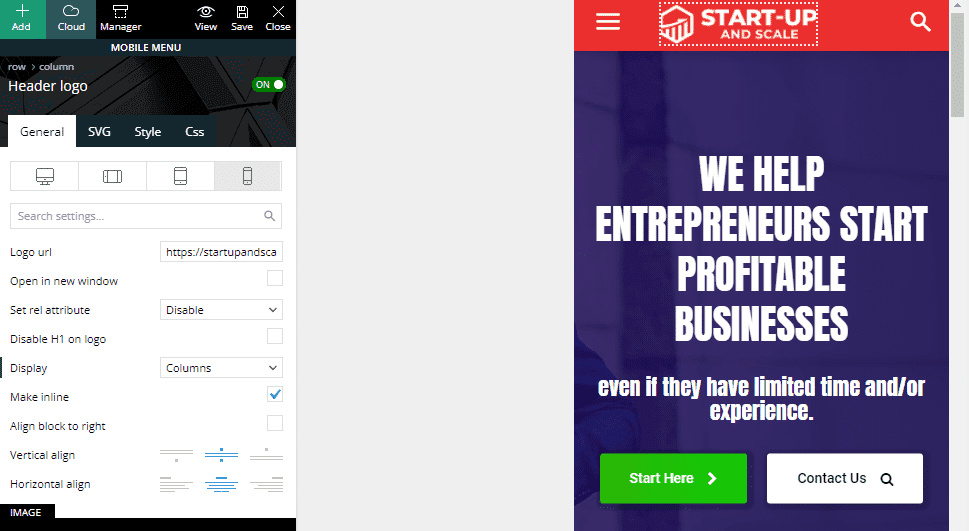
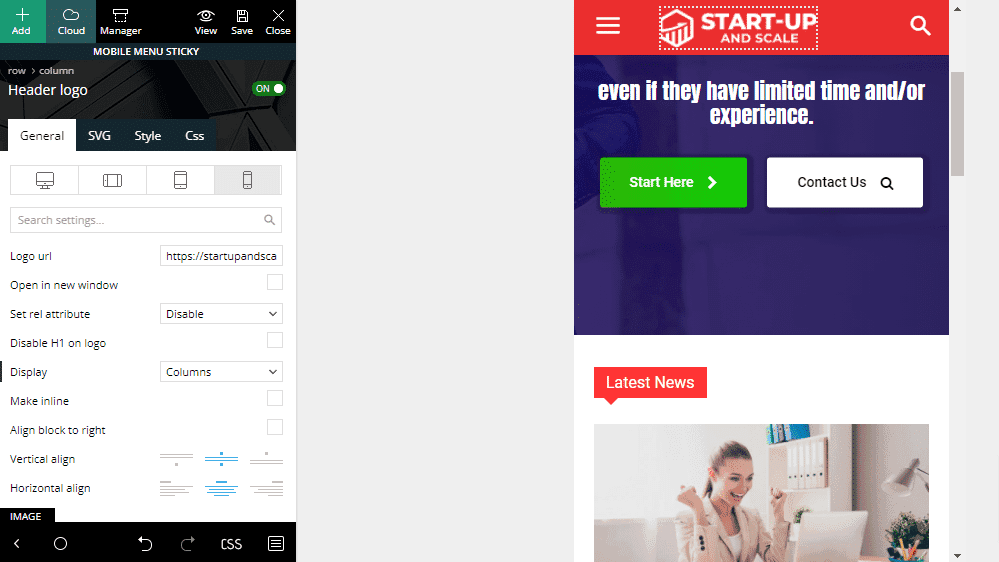
The logo is added to both sticky menu and mobile menu. it shows in ‘mobile view’ when editing. However, I can only see sticky menu on my phone browser, Android Chrome.
https://startupandscale.com/wp-content/uploads/2021/10/suas-mob.png
https://startupandscale.com/wp-content/uploads/2021/10/suas-mob-sticky.png
 Mark Gilbert
I activated AMP plugin and tried to activate tagDiv Mobile Theme and got this message:
“Fatal error: Cannot declare class Mobile_Detect, because the name is already in use in /homepages/24/d715855802/htdocs/jazzjournal/wp-content/plugins/td-mobile-plugin/Mobile_Detect.php on line 28”
What next?
Thanks
Mark GilbertHello – On advice of Google AdSense I activated AMP plugin (Version 2.1.4) and tried to activate tagDiv Mobile Theme (Version 1.3) but got this message:
“Fatal error: Cannot declare class Mobile_Detect, because the name is already in use in /homepages/24/d715855802/htdocs/jazzjournal/wp-content/plugins/td-mobile-plugin/Mobile_Detect.php on line 28”
What can I do?
Thanks
 Tughan
 My bad on amp issue, I forgot to type /?amp or /amp? at the end. All other problems still persist.
By the way, how can I eliminate the date published information on mobile?
 lpro
lproHi,
How i show grid 3 featured posts in the homepage mobile theme?
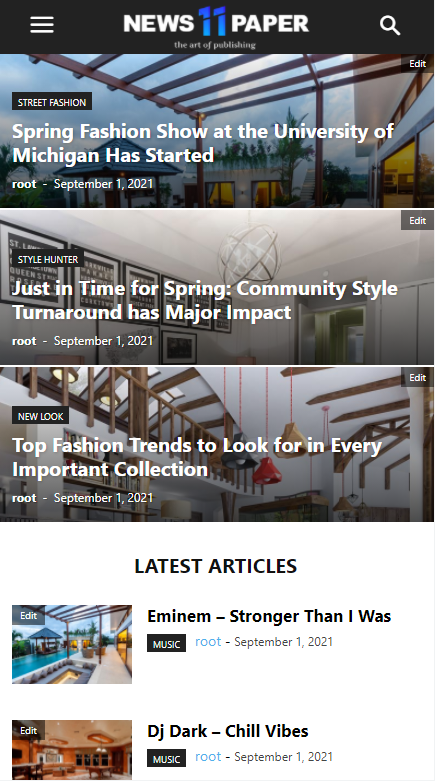
I have only latest articles…

Thx
 Bway83
My mobile site isn’t showing up properly. I keep getting an error Warning: Invalid argument supplied for foreach() in /home/cfkqq1oxic00/public_html/wp-content/plugins/td-composer/includes/tdc_mapper.php on line 42
Please help. website : http://www.waytoparentmagazine.com
TughanHeyo,
I bought the Newsletter theme a day ago. I’m all good and pleased with the theme. However, I cannot find enough resources on the internet about the problem I’m dealing with.
I have to versions of mobile theme. Although it perfectly works on my PC. It is broken in my mobile browser and Google does not recognize any AMP.
I checked Mobile + AMP from the Theme Options > Mobile Theme.
I followed the documentation to create a mobile version, I designed mobile header and footer. From tagDiv Composer, I also clicked Manager and set footer and header as the global.
The mobile version looks like this on pc
https://www.hizliresim.com/ahhhpoc
It looks like this on mobile
https://www.hizliresim.com/nnz1opd
I followed the AMP settings recommended on the documentation. Moreover, I found a link on the documentation to check the AMP, when I test my website, it tells
“Not an AMP page
The URL is not an AMP page, nor does it link to an AMP page”
Can someone help me about what I am missing?
 qwenmn
Hi,
I want to hide the sidebar when the size of the screen is small, I notice that the option is only available for elements such as ads. But not for other elements such as Flex Box.
The reason I’m not using the mobile theme is because I want infinite scroll for my mobile visits.
Is there a way I can hide side bar items when the screen is small without mobile theme or AMP?
 kunalaki
I have placed the ad codes and they are showing on desktop but not on mobile. Can you help me with that?
 melihkotbas
 Update: When I use the 1st option, when any module is changed, the desktop version is also broken. Although this option makes the desktop version responsive, it does not give freedom on the mobile side.
melihkotbas I know the first option but how can I set the module-ads to be seen on mobile only? When I delete any module in option 1, won’t that also affect the desktop version?
 aktall
 Thanks. The ad code is there (try inspect element), but will only show if there is an ad to serve. You may have to refresh the page a few times to see an ad. I have readded the code and it still does not show on mobile. This is not adsense code. Thanks
 Bettina
 Hello!
There is a huge configuration which is tested with our theme: https://forum.tagdiv.com/cache-plugin-install-and-configure/
Let me explain you which options of mobile versions are:
1. Responsive version: A responsive version of your website is looking similar like on desktop, edit the page with TagDiv Composer, click on the mobile viewport: https://www.screencast.com/t/XDQJedlggSB ; there you can see your mobile version and you can edit the elements there.
2. Mobile pages: https://tagdiv.com/newspaper-10-3-7-update-brings-customizable-and-fast-mobile-pages/
3. Mobile theme plugin: The Mobile Theme is a performance optimized theme included in the Newspaper main theme and it loads only for mobile devices. It comes with its own templates for page, post, category, etc so your current templates from the desktop theme will get converted to the mobile theme layout. For more details, please take a look here: https://forum.tagdiv.com/the-mobile-theme/ https://forum.tagdiv.com/the-mobile-theme/
A full explanation you can find here: https://www.youtube.com/watch?v=SpGkOnJeNZY
If you created the mobile pages with TagDiv Composer, then when you install Mobile Theme plugin, your pages will be overwritten (disappear) by the plugin.
This is how that element works there on the mobile version: https://www.screencast.com/t/tt0ZFk3XX5tT
Thank you!
 Redlemon
 Hey Bettina, I owe you a video showcasing the issue for mobile users. I hope this showcases enough of the issue. In the bottom left of the screen I have included a notepad where I am explaining what is going on as I am making the changes to the template. Please keep an eye on that too during this video. I will be looking forward to hearing back from you. Thank you.
melihkotbas I made this option for “experimental” purposes only. I did the same document you normally send. I noticed one more thing. The same issue occurs when I cache pages in WP Super Cache plugin. In short; I cannot use any of these plugins as the mobile pages created are gone.
Wp Super Cache;

Broken

Bettina Hello Anne!
Unfortunately, we do not have such an option to exclude mobile pages from the search results.
For customization and other services you can contact our custom work team here and they can help you: https://tagdiv.com/premium-customization-services/
Thank you!
Bettina Hello Tamsin!
In order to have different elements inside for every post, you need to have different template for each post. You can install many cloud post templates and you can see them in a list here when you access a post: https://www.screencast.com/t/9mY3SZgZn
In this case, Global means that the template it’s set up for all posts by default. But, for example, you can have a post with different template and without Global. This you can do by accessing the post you want to choose other template, select from the list the template you need, that’s all. You can see how they are looking by select other template for example. The settings will be different because it’s other template, but when you assign/select the global template again you will have the same settings and you won’t lose it.
Could you explain in detail about Mobile Theme and the Standard Pack suggestion?
For more details, please take a look here: https://forum.tagdiv.com/mobile-theme-introduction/
Hope that is more understandable now!
Thank you!
 malletanne
 Hi Bettina,
Thank you. I desinstalled the plugin to use Posts Loop with the “Exclude Post IDs” option.
That works fine in the search results Page.
But i still have the mobile page that i want to exluded that apperas in the magnifying glass (the loupe search). As in the screenshot i sent you.
Could you help me to exlcud Mobile Page from the magnifying glass results please ?
Anne
melihkotbas Hello Bettina; I also tried the solution suggested in the link you provided. As soon as you compress the js code, the mobile page disappears. I also tried the other links you mentioned below. I’ve been dealing with these for a week. They will work if the homepage does not have a mobile version. But if it has a mobile page, it gets corrupted.
https://www.screencast.com/t/Vc6GqYxtJ Is this a mobile page? Or is it responsive design?
Redlemon We will be looking forward to hearing back from you soon. Same problem as reported here: https://forum.tagdiv.com/topic/single-post-inline-ads-mobile-hiding-parts-of-articles/#post-421261
 Anamaria
 Hello,
Theme Panel interface was not designed to be used on mobile.
Thank you!
Redlemon Hey,
Thanks for your input. You do realize that not all posts are of equal lengths though, right? Nor is it practical to create one template for every number of paragraphs.
I followed the links in the link you shared, and I quickly ended up in this post ( https://forum.tagdiv.com/topic/single-post-content-ad-paragraph-setting/ ) where the user chrisebejermt showcased the actual problem with the behavior of the ads, and this is just for the desktop version ( https://www.screencast.com/t/GYLcHbNP ). In mobile there are equally as many issues, yet some different ones. Like I explained, and you can test this yourself if you’d like, when the number of paragraphs in the article is not exactly the number of paragraphs in the template, it is not impossible that ads are causing paragraphs to go missing. You asked for a video, and I’ll make sure to share one soon. But bear in mind that for the time being I have to manage to find a solution for my client, who needs ads easily inserted in articles, which I clearly can’t give him with Newspaper theme out of the box. And that’s a bummer.