Googles PageSpeed used to have a 50-50 chance of either pulling desktop or mobile theme version of the site for both of its tests (desktop and mobile). But it would always use the same version in both tests. If it used the mobile version, both scores would be great, but if desktop, mobile score would suck.
But I’ve noticed lately it always tests only desktop site (meaning it pulls resposnive desktop site in mobile view instead of mobile theme). This is only a Google issue. It works fine for real mobile users.
Is there any way to force Googles PageSpeed to load mobile theme version of the site?
If any of it matters, I’m using vps, cloudflare, fvm, supercache, mobile theme, no standard pack, followed all your optimization guides.

Thank you Bettina,
Site: https://www.student.si/
PS: https://developers.google.com/speed/pagespeed/insights/?url=https%3A%2F%2Fwww.student.si%2F
Notice on mobile PS it mostly pulls desktop view (big grid: 1 large article + 3 in row bellow) instead of mobile theme (1 banner + grid: 3 articles in a colum) resulting in huge LCP as it renders desktop size images.
Relevant settings screenshots:
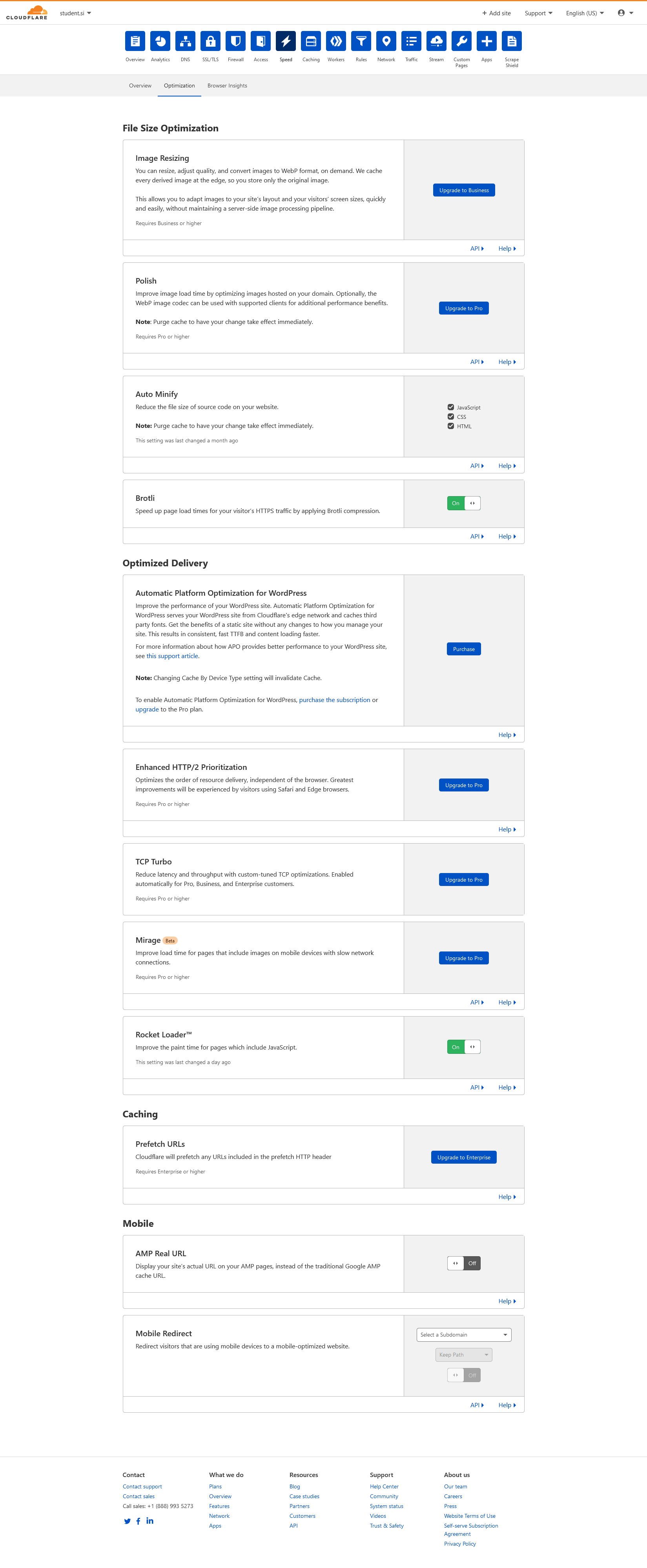
Cloudflare: https://student.si/wp-content/uploads/cloudflare-st.png
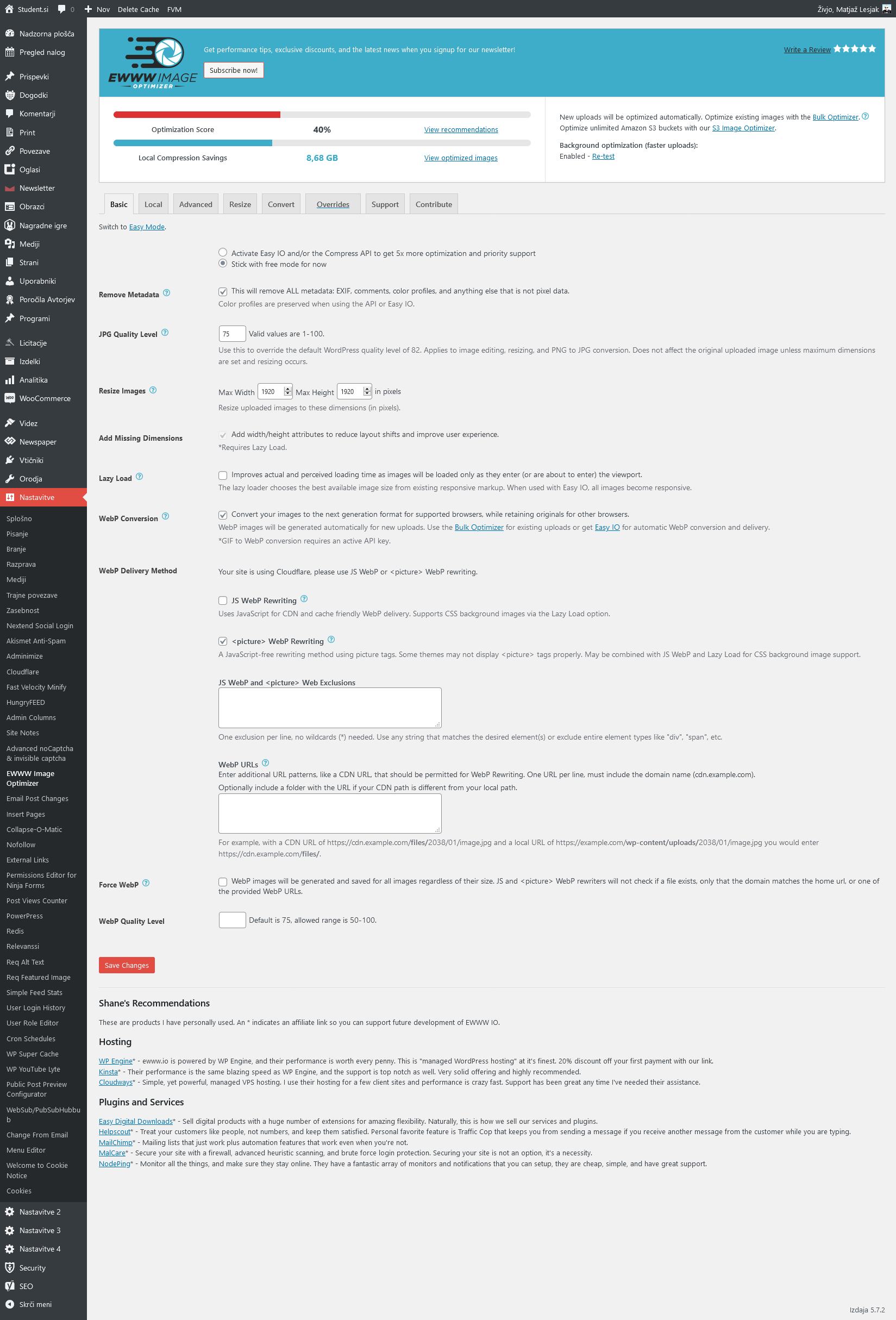
Ewww: https://student.si/wp-content/uploads/ewww-st.png
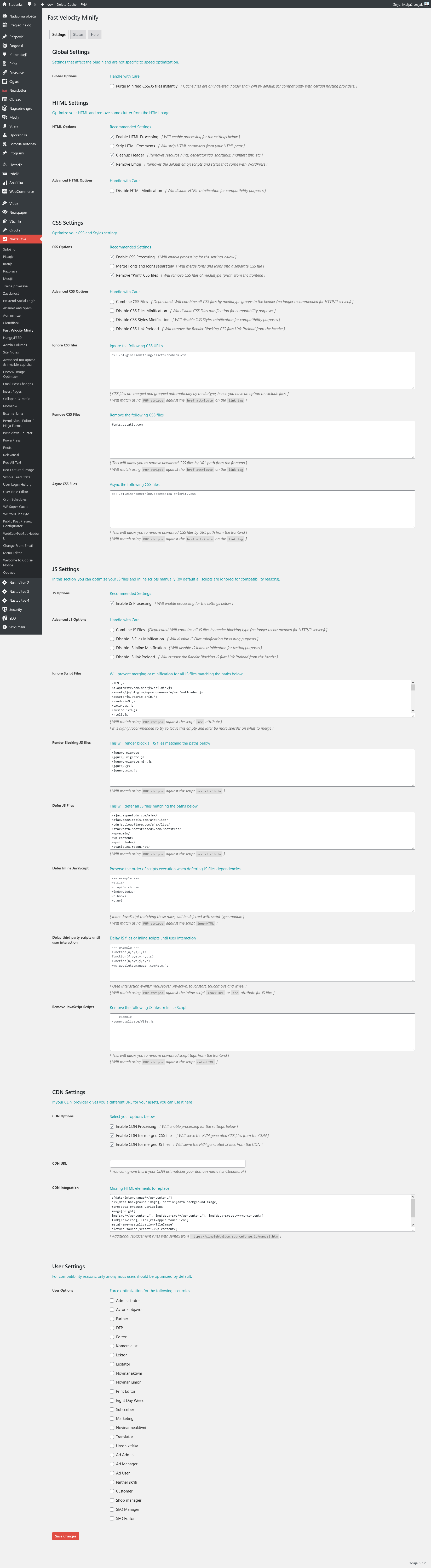
FVM: https://student.si/wp-content/uploads/fvm-st.png
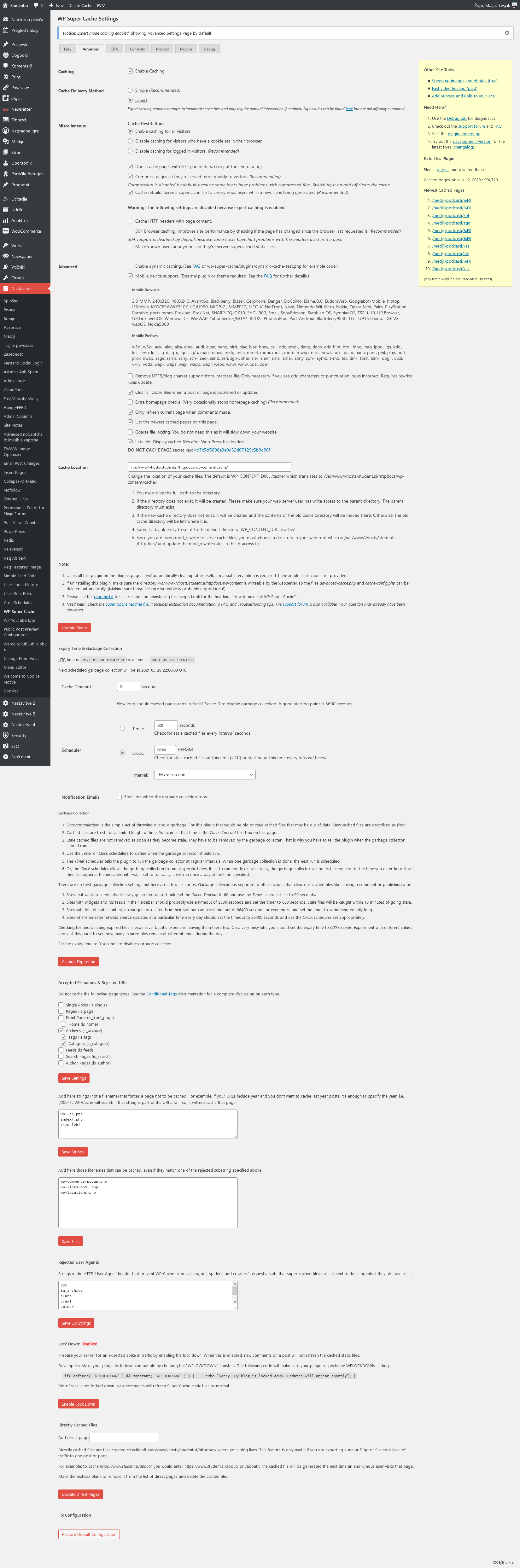
Supercache: https://student.si/wp-content/uploads/supercache-st.png
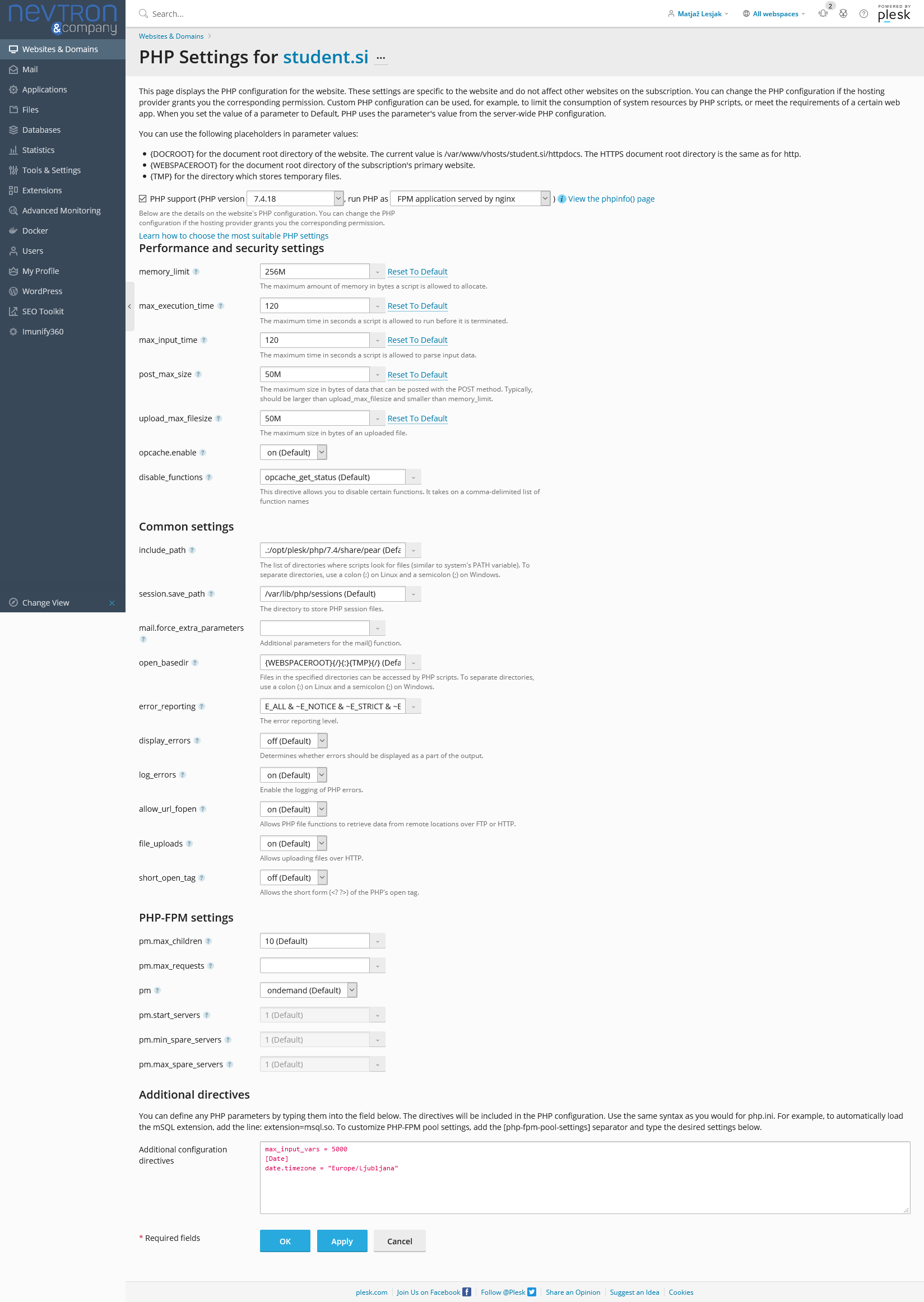
Php: https://student.si/wp-content/uploads/php-settings.png
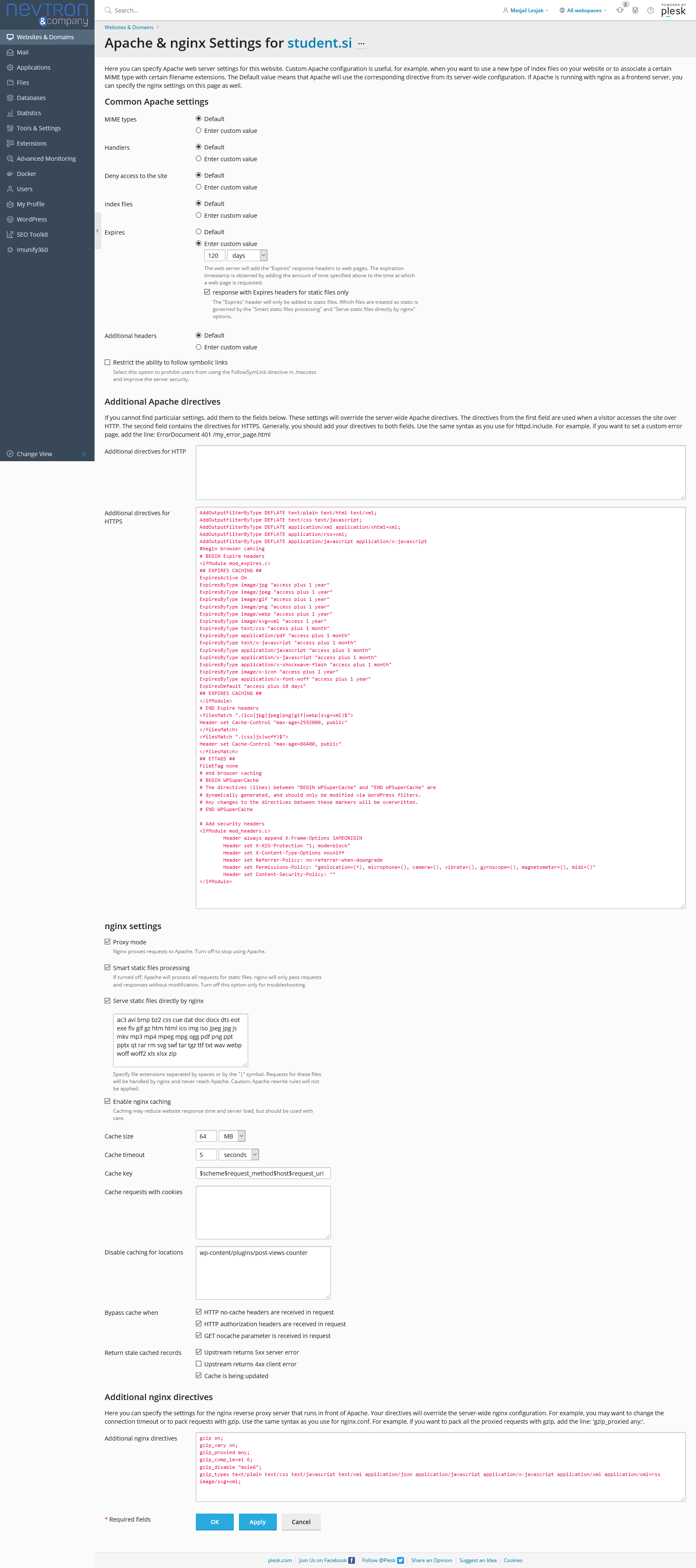
Apace & Nginx: https://student.si/wp-content/uploads/apache-nginx.png
-
This reply was modified 5 years by
xxxLesy.
Hello!
If you follow the steps which are presented in this tutorial here: https://tagdiv.com/how-to-increase-page-loading-speed/ you’ll be able to increase the speed of your website.
Also, to increase the page speed you can check these similar topics for more solutions:
– https://forum.tagdiv.com/topic/optimize-script-to-improve-site-speed/
– https://forum.tagdiv.com/topic/a-few-tips-for-newspaper-x-speed-high-cpu-usage-issues/
– https://tagdiv.com/how-to-increase-page-loading-speed/
– https://developers.google.com/speed/docs/insights/v5/about
– https://forum.tagdiv.com/topic/score-100100-pagespeed-with-newspaper-wordpress-theme/
– https://forum.tagdiv.com/topic/newspaper-theme-speedify-your-website/
Please note that page speed is not covered by the support team: https://forum.tagdiv.com/newspaper-theme-support/
Please give it a try and follow the steps which I presented above about page speed.
Also, check our guide from here: https://forum.tagdiv.com/how-to-make-the-site-faster/
Please make sure to use our newest tool called tagDiv CSS Analyzer which comes in handy to resolve some of your issues. Take a look at the video guide here: https://www.youtube.com/watch?v=tnkVapqhIHc
“This custom tool performs an automatic test to find missing CSS rules applied by user interaction. Moreover, you can manually interact with a chosen section/component from the page while the tool records all the involved CSS. It will generate the final CSS file for this page and also will split the rules in Critical CSS to be loaded in the website’s header.” ( https://tagdiv.com/whats-new-in-the-newspaper-theme-10-4-update/ )
We tested our tool on our demos, and we have such great results!
Take a look in this topic because it could help you: https://forum.tagdiv.com/topic/css-analyzer-step-by-step-and-doubts/
Let me know the results!
Thank you!
I think we’re misunderstand each other. I don’t need help speeding up my site. I did all those guides and speed is fine. I’m saying Google PageSpeed mobile tests desktop site instead of mobile, as it should.
Fortunately I have 2 sites with identical setups and was able to test more. I narrowed the issue down to Cloudflare. As soon as I put my site behind Cloudflare, PageSpeed no longer loads the mobile version of the site. I have Rocket loader off (as well as Brotli), as all the guides suggest. I see Cloudflare has a Mobile Redirect option under speed. Is there any way to use this to redirect PageSpeed to the proper mobile site?
Let me repeat that this only happens for PageSpeed. Actual users see the mobile theme version of the site, as they should.

Sounds like a problem with header not being submitted correctly from cloudflare in combination with super cache mobile device support.
If you are using cloudflare plugin you should disable rocket loader in cf dashboard.
If you are using wordfence:
Please set Wordfence —> All Options —> „Use the Cloudflare “CF-Connecting-IP” HTTP header to get a visitor IP.
Give it a try.
Tnx topmagazin. Rocket loader was disabled and I dont use Wordfence (iThemes security has no http header settings). I kept playing with Cloudflare settings and nothing made a difference. Than 1 week later it just magically fixed itself ?
So for anyone potantially getting this issue, the correct Cloudflare settings are:
– auto minify everything
– brotli on
– rocket loader off
Consider this issue resolved.
After much more testing I found the culprit:
In Plesk under Apache & nginx Settings for each site you have to disable “Enable nginx caching”.
It doesn’t seem to negatively effect speed results and Google PageSpeed now always pulls the correct version of the site for each mobile and desktop test.