chaywood0896
 Thanks. Unfortunately, this did not work. Nor did excluding all .js from the cache. Purging the cache entirely solves the problem temporarily, however. What else can I do? Thanks.
chaywood0896 Thanks. Unlikely, given the other problems I’ve had with your theme, which you can see in the log, and which I had to solve myself, all of which were problems with your theme (such as it breaking when an tag was included in the title attribute).
1) Please answer my question about what you mean by “have a 403 error displaying in the console.”
2) How did you “give me the steps necessary to look into,” when none of those did anything?
3) What is your reasoning for it not being on your end, other than you seem unable to figure out what the problem is?
chaywood0896 Thanks. I hardly think it’s appropriate to provide all that, which wouldn’t work anyway, since all the logins have two-factor authentication. I’ve described the problem in detail. You didn’t answer my question about what does “have a 403 error displaying in the console” mean. If there is something that needs to be looked at in cpanel (which does not including all the PHP and .htaccess modifications, all of which have been done), please let me know.
chaywood0896 Thanks. I’m not sure what “have a 403 error displaying in the console” means; I see no errors. Can you expand? As to the other steps, it’s not clear what steps you’re talking about in the multiple links, each of which contains discussion of multiple items, none of which talk at all about the problem at hand. But all stated requirements for the theme are in place and there are none of the listed problem interferences. The problem is still there.
chaywood0896 There is a Single Post Template. Within that option, there is a Mobile Template (and only one). It is the Mobile Template that works most of, but not all of, the time. There appears to be an option to not have a separate Mobile Template for posts, but to have a mobile version of the Single Post Template (this is not currently used). Is that a better option that might avoid this problem.
chaywood0896 Please (a) review my screenshots and (b) try the same thing yourself on multiple mobile devices, so you understand what the problem is. Thank you.
chaywood0896 The issue is extensively detailed above. I will not provide cpanel access unless you can provide a very specific reason why what would be necessary. The first step should be for you to review all the details I have provided and see the problem for yourself on your own mobile device. Once you have confirmed we agree on the problem, and you still cannot tell why your theme is doing this without direct access to the website, then I will consider providing access the WordPress instance. Thanks.
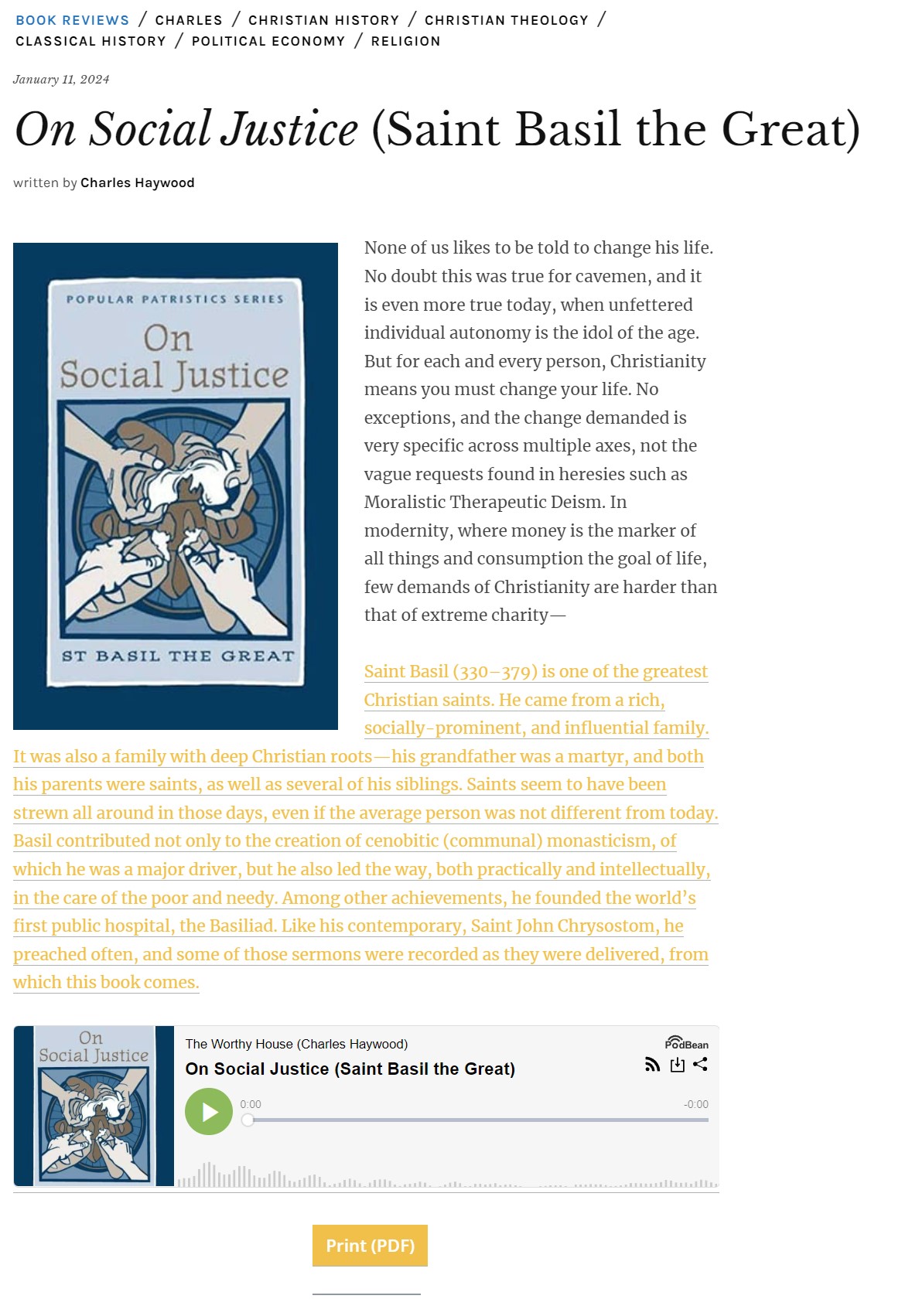
To recap (although I have provided screenshots above), sometimes when viewing a page on mobile, on different browsers, the formatting is wrong (it extends beyond the edge of the page). This does not occur on all pages. It is usually, though not always, fixed by a refresh. It happens to pages that have just been published, so therefore there is no caching problem. Pages revert to this problem later. I use CloudFlare, but it is not a caching problem there either; I regularly purge the entire cache.
chaywood0896 How long will that take? I’m skeptical why I would have to do this at all; it seems very risky. I’ve clearly identified the problem, which you can duplicate on your own by trying.
chaywood0896 Thanks. The admin url for the WordPress instance? You couldn’t login to cpanel; it has 2FA.
chaywood0896 This is still happening. It has nothing to do with caching or plugins. It is solely due to your theme. Please fix it.
For example, a TOTALLY NEW POST THAT COULD NEVER HAVE BEEN CACHED, ALWAYS SHOWS LIKE THIS INITIALLY. Then, after multiple refreshes, eventually it looks correct. By that time, of course, the reader has long since gone away. This is totally unacceptable and again, is not due to some caching problem.
-
This reply was modified 2 years by
chaywood0896.
chaywood0896 I have done this. It does not help. I am using CloudFlare, but that only serves the pages from the main server. The problem usually resolves upon a refresh, but not always.
chaywood0896 I believe I have figured out the focus of the problem. WordPress at some point changed the link insertion popup to allow “ADD TITLE ATTRIBUTE TO LINK.” This field auto-fills, but it can be blanked out. Thus, title attributes are now usual for any link, taken from the link. My internal links usually have an “em” coding in their titles (they are book titles). This is what your theme chokes on; it appears related to the theme sometimes changing the “em” to an “>.” If the title attribute is removed, or does not contain “em” coding, the problem does not occur. I would focus on this for your future changes.
chaywood0896 I am not using any cache plugins.
chaywood0896 How can it be a caching issue? That would imply that at some point a misformatted post is being served to a cache. When all caches are cleared, the problem continues to reoccur randomly. It sometimes fixes itself when the page is refreshed; sometimes not. It’s obvious the theme is serving a misformatted page at random times, or (even if it is in the cache) the page would always be formatted correctly. How can that be stopped? Thanks.
chaywood0896 Thanks. What does “correctly” mean? The images are precisely the same size in every post. How could that help, given that this problem only shows up sometimes, on some posts? No individual edits have been made to any mobile page, yet the problem shows up unpredictably.
chaywood0896 Also, please do not tell me it is my plugins. I have already deactivated plugins, and the problem persists.
chaywood0896 What “credentials”? As I say, I have tested this with all plugins deactivated, and it still occurs, in the specific HTML code modifications your theme makes to the code, which then present as a broken post.
chaywood0896 I did not send an email. As you can see in the earlier posts, as requested, I sent links to numerous screenshots and data files, showing in detail aspects of the problem. There will not be a separate email. Please respond to the data I submitted as requested. Thanks.
chaywood0896 I have (and had) already done all these things; they are obvious. Please respond to the detailed screenshots and code I sent you as requested, not with vague generic recommendations. Thanks.
chaywood0896 It appears that if I manually remove the title attribute from the a tag, the problem does not occur.
chaywood0896 What appears to be happening is that your theme is making changes to em tags, or more precisely the open or ending carats for em tags, in internal links in the HTML code. Thus, if I have an internal link with an em tag, your theme sometimes changes one of the carats to an > (as shown in more detail in the linked Word document; I can’t post code here), and this sometimes breaks the presentation of links in the post, as shown in the earlier screenshots.
https://theworthyhouse.com/wp-content/uploads/2024/01/HTML-Examples.docx
-
This reply was modified 2 years by
chaywood0896 No, nothing of the sort is obvious. As I said, it has nothing to do with the plugin. The same thing happens when all the plugins are deactivated, and also when they are not deactivated, but that plugin is not used in the post. Please pay attention to what I am saying. And I just said “It is now doing the same thing with no buttons being added,” whether WP native buttons or from the plugin. It has nothing to do with the plugin. It is your theme.
Here is a link to a file that shows screenshots of “before” and “after,” and also the HTML code difference that your theme randomly seems to interpret differently. It seems like your theme cannot deal correctly, but only sometimes, with “em” in internal links. Please address. Thanks.
https://theworthyhouse.com/wp-content/uploads/2024/01/Files.zip
chaywood0896 It is now doing the same thing even with no buttons being added. In Preview, there were no problems. Then, when published, the same problem showed up. In other words, any internal links destroy a published piece. Please advise.
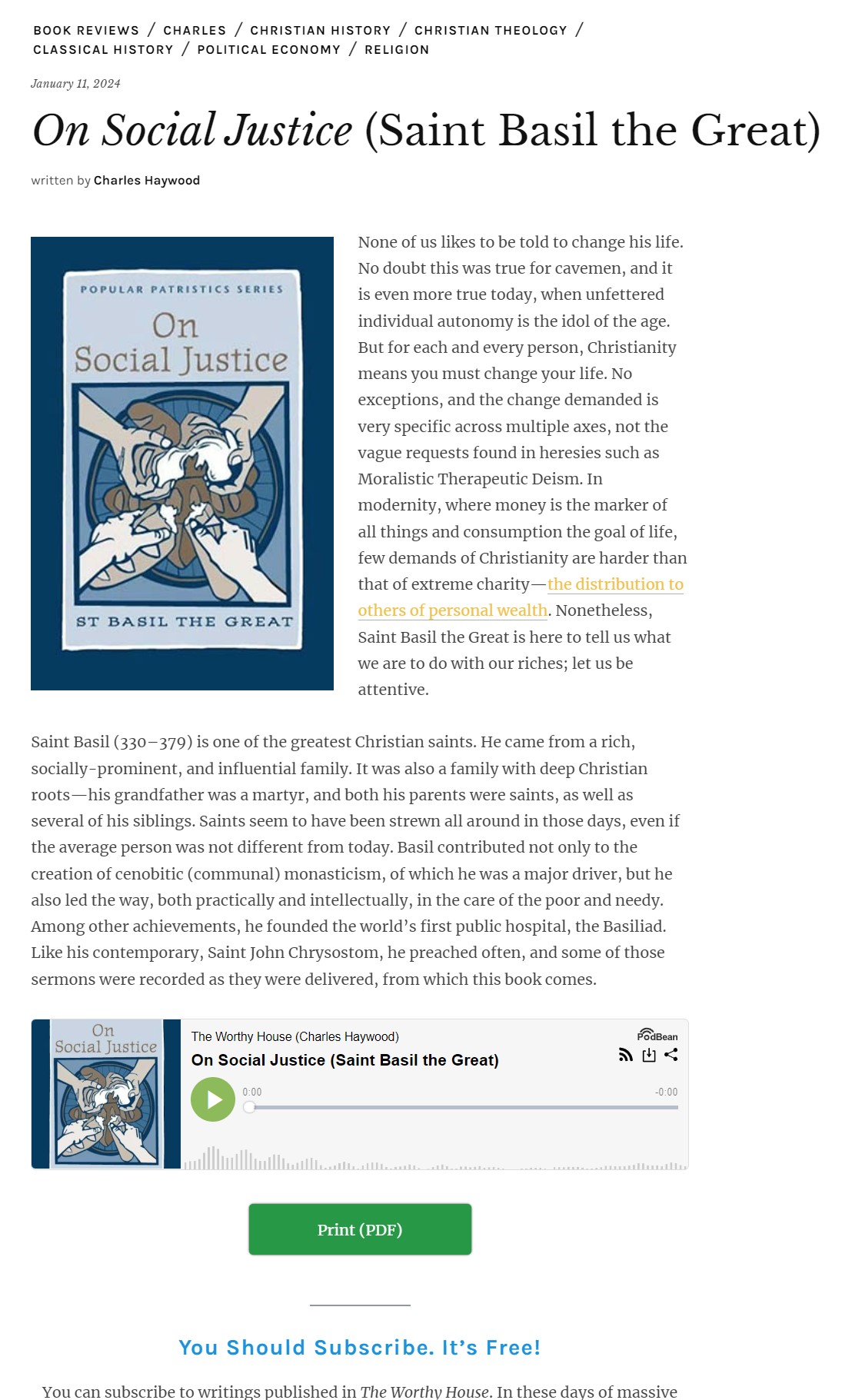
chaywood0896 Here are links to before and after screenshots. The first is with a link in the body of the post, before a button is added (in this case, the native WordPress button, not MaxButtons). The second is when a button is added. As you can see, the addition of the button deletes some text and then makes other text the hyperlink. The HTML code is not affected and is precisely correct for the internal link. The HTML code does not reflect the “After” screenshot at all. Thanks.
https://theworthyhouse.com/wp-content/uploads/2024/01/Screenshot-Before.jpg
https://theworthyhouse.com/wp-content/uploads/2024/01/Screenshot-After.jpg
-
This reply was modified 2 years by
-
This reply was modified 2 years by
chaywood0896 No, how could I solve the issue? I identified that the solutions did not work and gave extensive additional detail about the problem, and am waiting for you to provide a solution. Thanks.