

 random123
 If it’s depreciated then why are you sending me the video about it?
I don’t mind getting someone to fix the cache, I’d just like to understand why the newspaper theme is so low in terms of google speed score when no cache is enabled.
random123 I understand that this isn’t part of the support as it’s part of the services you sell, but I’d still have liked to have some documentation related to the litespeed cache extension.
As for your video on the CSS analyzer, I don’t have it in my menu. Is this normal?
I don’t understand why when I disable the cache, the speed score is so bad. It’s below 70. How can this be? Why is the mobile theme so slow?
thank you
random123 To be clearer, sometimes it’s not the mobile version configured in the newspaper theme that is displayed but the responsive version of the web version. And that’s why I think my score is poor. I can’t get the mobile version I created to load first.
random123 Thank you for your help, I already use litespeedcache, is the plugin you recommend better?
Also, if you go to my site on the mobile version, you’ll see that there’s almost nothing on the home page, which is why I can’t figure out how to fix my DOM problem. Is it a theme problem? The cache?
It seems that when the page loads, the elements are displayed incorrectly. Thanks for your help!
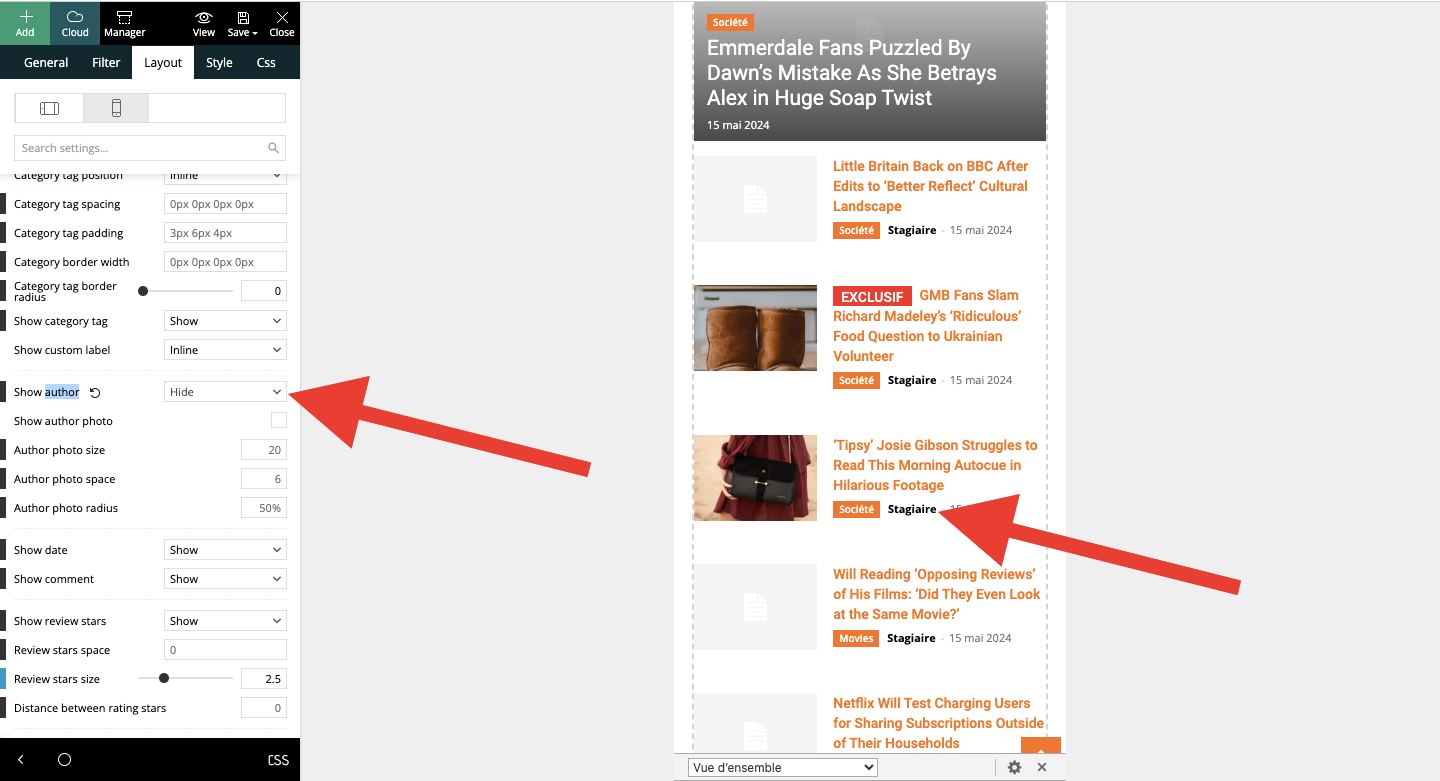
random123 That’s what I’m already doing in the video I just sent you. I’ve just tried again and the author’s name won’t disappear. I press “hide” for both modules, but nothing happens on the second one, even when I click on “save”.
random123 Hello, sorry for the delay.
No matter what I do, the author’s name won’t remove itself. When I activate the “hide” option, the name remains, even if I save.
Can you please do something? Is this a bug?
Here’s a video of the problem:
https://www.awesomescreenshot.com/video/28055611?key=721f908c050529f2fc08305888ac28eb
random123 I’ve got it! You had to use a color and make the transparency as transparent as possible. Doing “clear” defaulted to black. 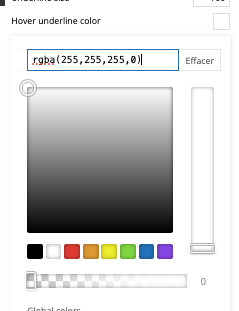
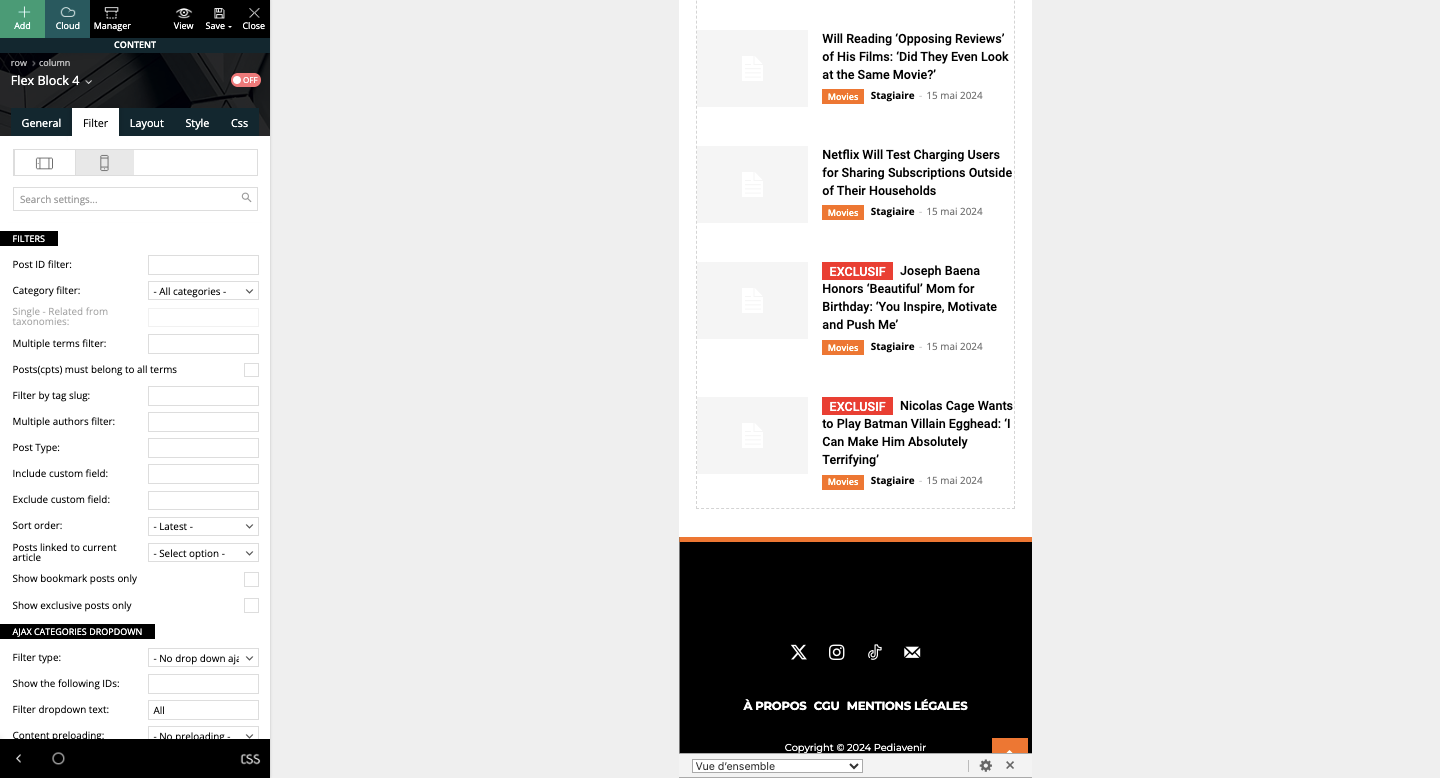
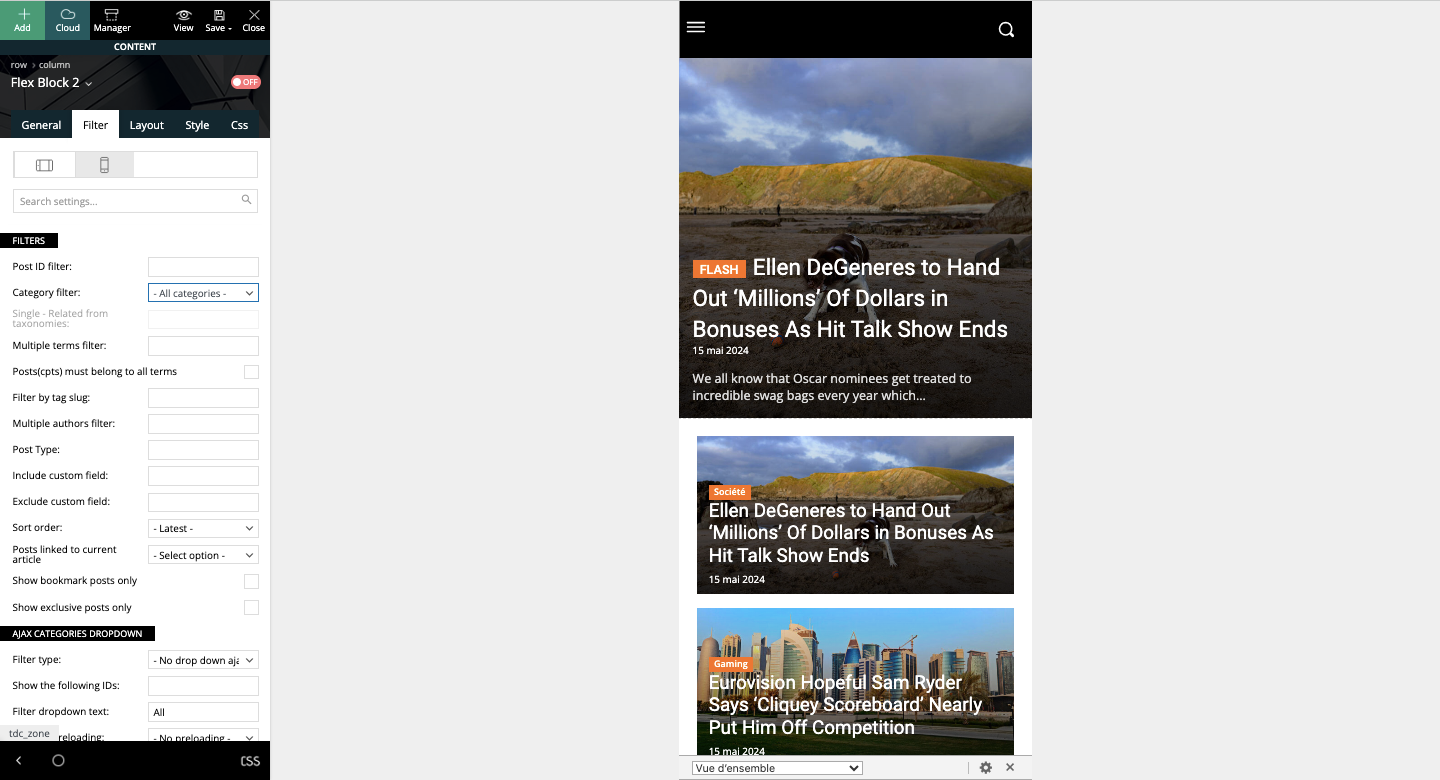
I have another question, please. On mobile, on the article template, I put “hide author’s name” in module 2 of Flex block 4. This doesn’t work. When I activate the “hide name” option, nothing happens. Same thing when I save. What can I do?
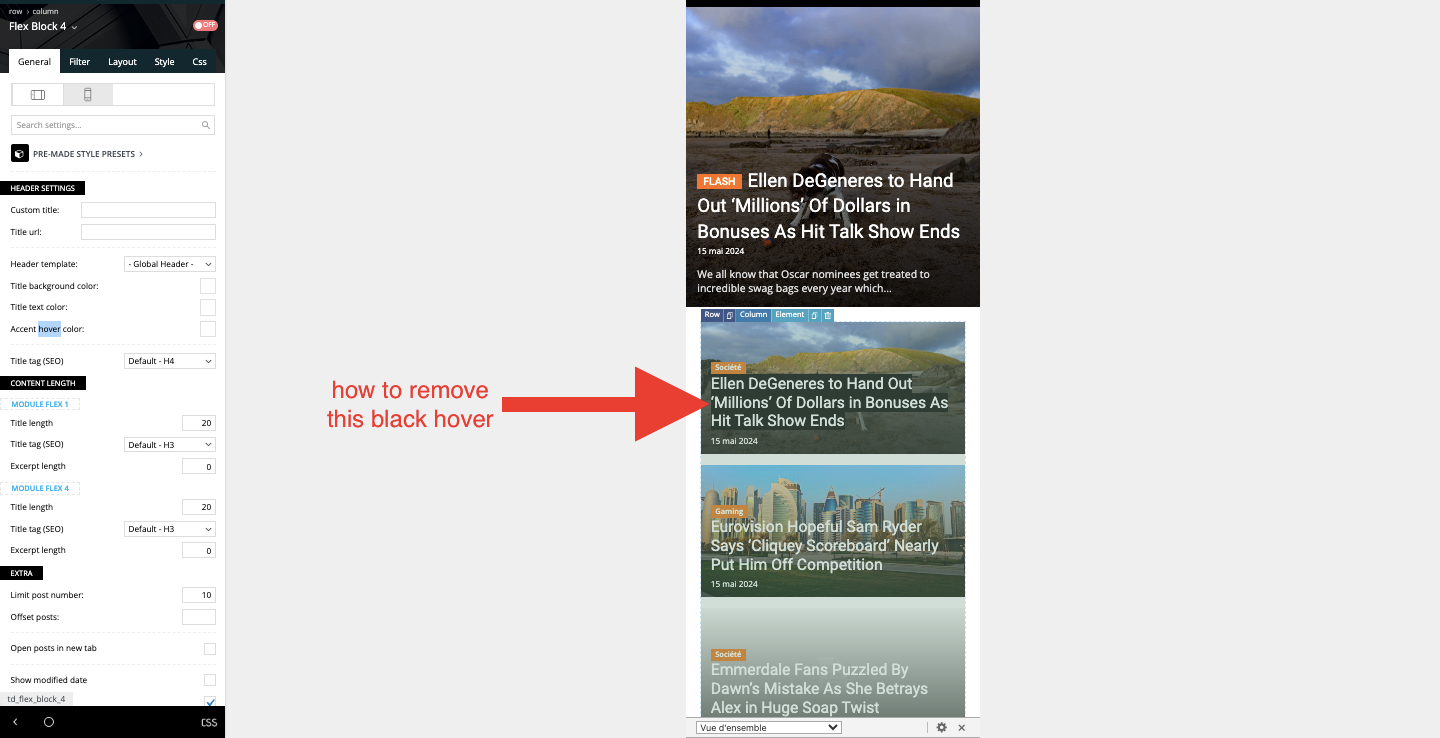
random123 No, if you look at the block above, there’s no black effect.
random123 Hello Anamaria,
Thank you for your help. I have one more question. Can you tell me how to remove the black background that appears on the mobile template? It appears when clicked on mobile, which is not very aesthetic.
Thanks for your help!
-
This reply was modified 2 years by
random123.
random123 Can you tell me what this element is and why it’s not showing up on my page please? thanks 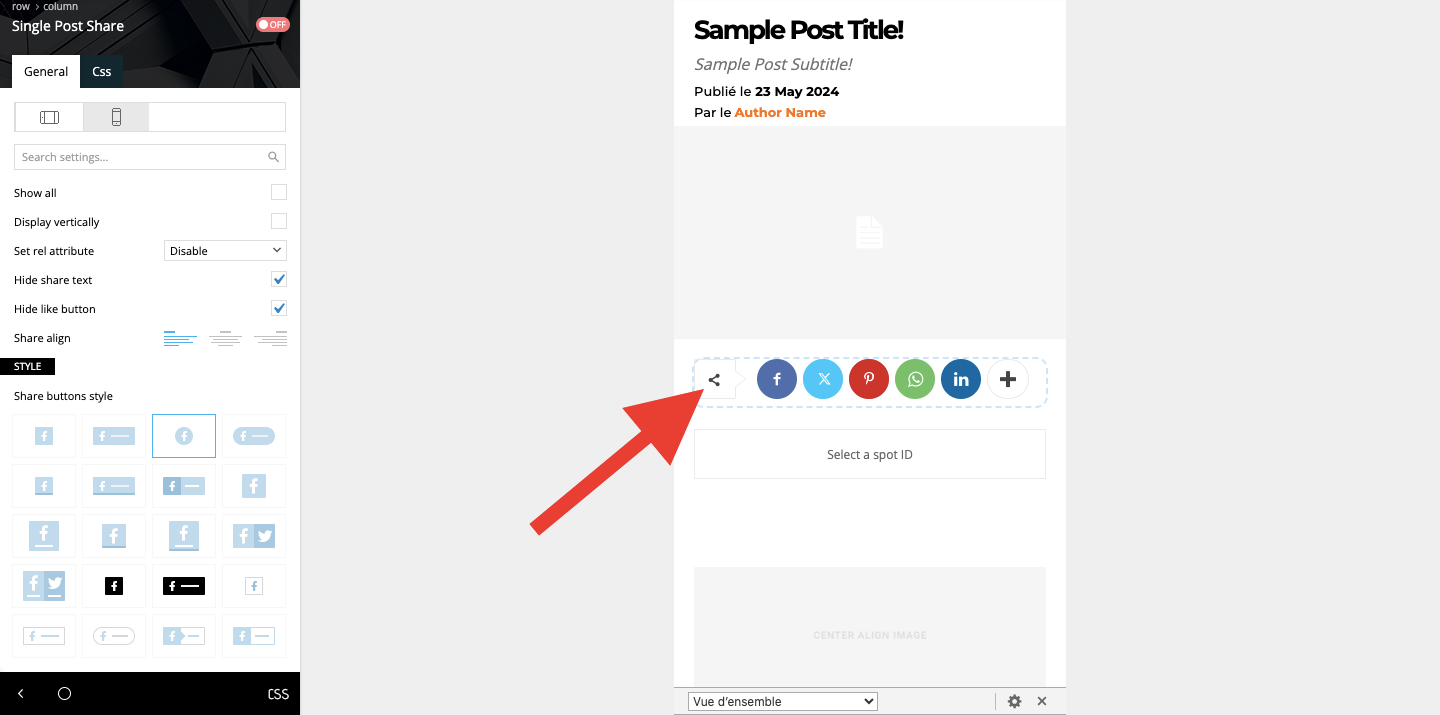
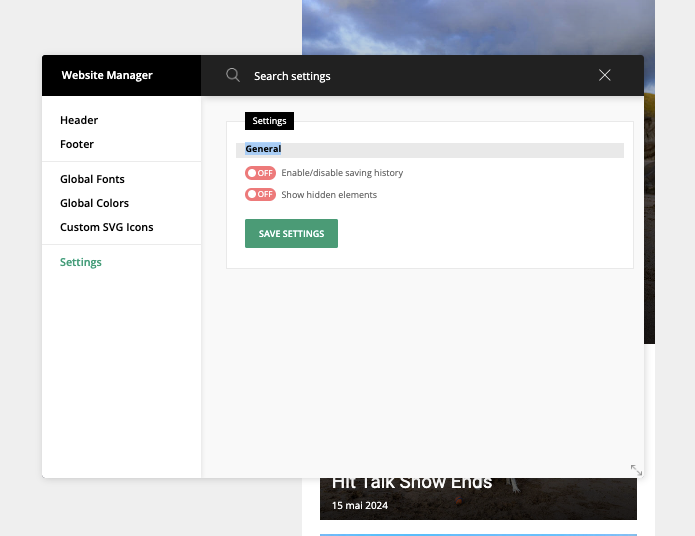
random123 I found the setting via the manager, which didn’t appear when on mobile.
random123 If you’d like to see what I’m talking about, here’s an article page: https://shorturl.at/Hhuk2
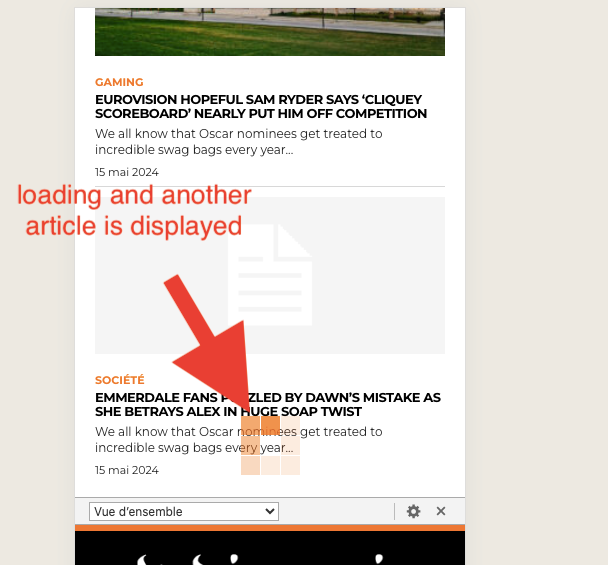
random123 I’m sorry, but I can’t figure out what to do with your screenshots. I have this behavior on both desktop and mobile articles. I’d really like to remove this loading at the bottom of the page. I don’t want other articles to be displayed when you scroll to the bottom.
random123 Thank you very much, it worked!
I have one more question.
On mobile, when I click on an article, I would like the article to be displayed and at the bottom there are related articles etc then the footer. However, currently, when I go to the very bottom, it loads and another article is displayed. How can I please stop this?
Thank you!
random123 Hello Bettina!
As i said before, i do not have this setting in the global settings.
Here is what i can do: 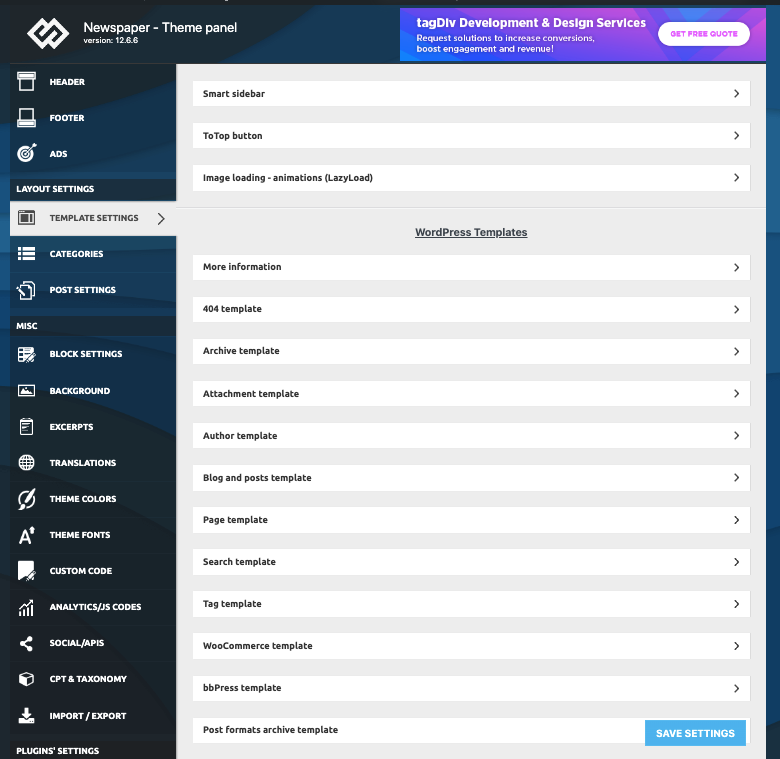
random123 I can’t, the element is not displayed. I don’t understand. 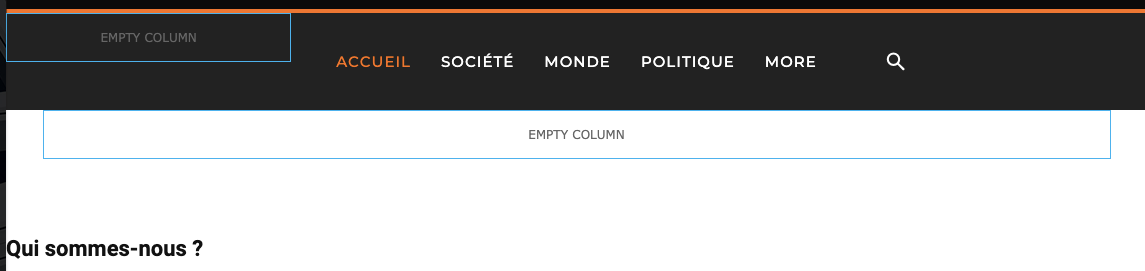
random123 Hello, thank you for your reply. I’m trying to remove the breadcrumb from a page but I can’t do it. Is there a default setting or do I need to add CSS as I’ve seen in your replies to other posts?
Here is the link of the page: https://shorturl.at/fzKcv
random123 Sorry, I think I misspoke. I would like the date (X days ago) to be located above the title of the article. How can i do that please?
random123 It worked perfectly, thank you Anamaria!
A quick supplementary question: do you know how to place the date “ago (number of days ago)” above the overall title? Its current location doesn’t work for me (it’s between the title and the subtitle).
random123 Thank you very much for your answer, it will help me. And regarding a simple way to display the author and publication date one below the other please?
random123 I’m sorry to ask you another question, but I’m spending a lot of time and I can’t find a way to do it. I just want to put the line “published on (date)” above the “author” line, but I can’t figure out how to do this simply. The block doesn’t move simply. Can you please help me?
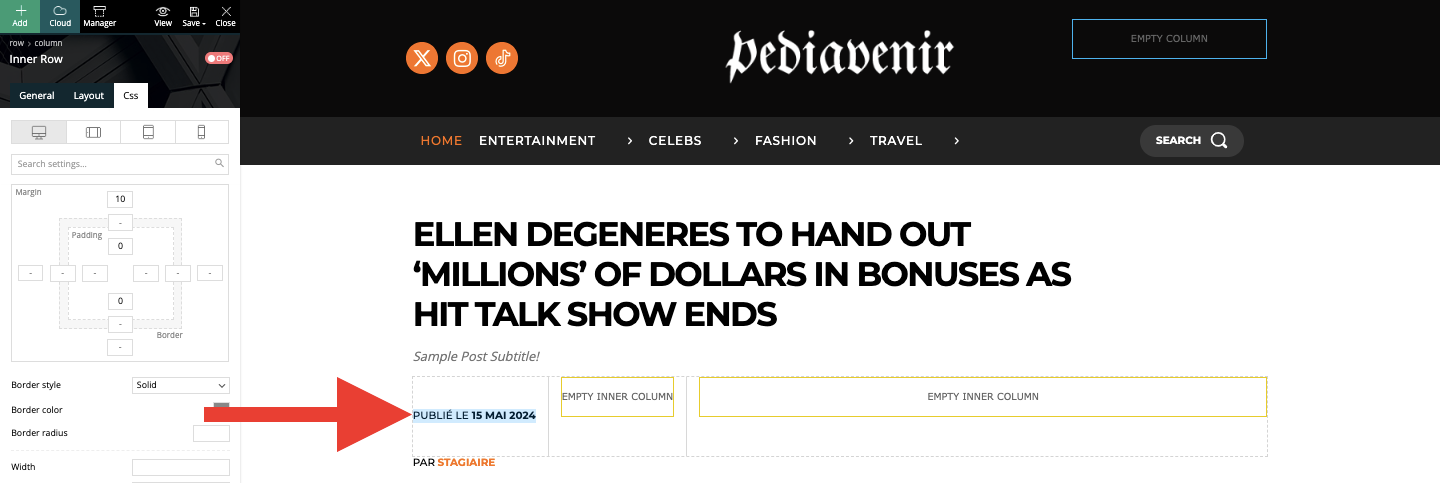
random123 I use Today News PRO theme and header

random123 Indeed it works, can you also help me with the look of my header please? About the color gradient, please.
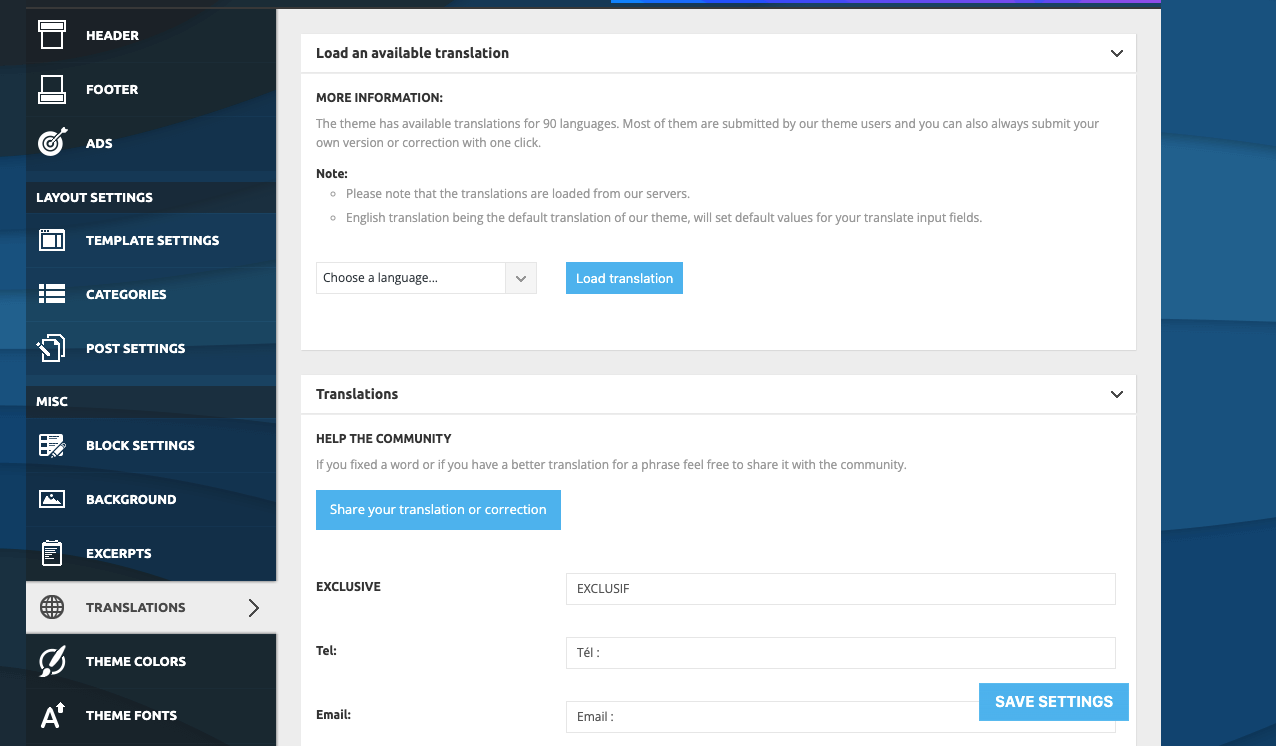
random123 I made the change from “theme panel”, but some basic elements like “published on” or “by” don’t seem to be translated (see screen). Do you know why? How do I go about it? I don’t think I can go back over every article I publish.

As for the gradient that runs through both the header and the menu, do you know how to do it please? I only see separate color configurations. I’d like to do a gradient across the entire header.
Thank you for your help.
random123 Thank you very much for your reply. I’ve managed to put my menu across the whole width and in French, although many elements are not translated.
However, I’ve noticed that the header I have on the home page is not the same as the one when I consult the articles. Do you know how to put the same header throughout the site, please?
Regarding the appearance of the header/menu, is it possible to use a gradient that runs through both the header and the menu? Not two separate gradients, the same for both.
Thank you very much!
