vampireprincess
 Thank you very much for your help, I solved it with your help, the problem caused the WP Super Cache plugin, when I am disable it, it is working as a charm <3
vampireprincess Thank you very much for the answer, it was assigned properly, it seem it needed time to adjust the mobile version, but when I checked today the mobile version was worked great on mobile, but then I tried to load the desktop version in incognito window and I found out the mobile homepage showing up on desktop. Then I deleted the cache, and it is started all over again. Now again the desktop version showing on mobile (but I can assure you it is assigned properly as on your tutorial). Its starting to be really crazy. I dont know what to try anymore.
https://www.loom.com/share/3901c90df4b74b32ba62e0ceebe103dd
vampireprincess Thank you very much
vampireprincess Thanks I did fixed the mobile look, WP Rocket created the problem but when I enabled the Separate cache files for mobile devices it fixed the problem.
Ok I see that I need to add the fixed count but the problem is I have few different template single, category, home … so I need to add to all of them separately or is it exist a global setting then if I change on one that is change that part on all of my templates?
vampireprincess I wish to mention that I still use the English language in the “Dashboard => Settings => General=> Site Lanugage” I just changed the translation on the Theme Panel. I really wish to continue to use the englis for the dashboard … or do I must to change it for google ads as well?
vampireprincess Hi most of the problems are taken care, for the time being I added a fixed count to twitter.
I have another problem at the moment my site has become extremely heavy, not the plugins but the newspaper theme itself, when I editing any page in tagDiv and I hit the save button, its endlessly saving it. So I need to check randomly is the page content already changed. I tried to cure this problem I deleted all the revisions in the WP Rocket, because I thought that the huge number of revisions created this problem, but emptying wont help. I have another website where I used the same template and I have the same problem with the save.
vampireprincess Hi I here is the link to website address to inspects what is wrong with the twitter followers https://slavija-info.com/
I have a few issues more
1. How can I hide from ALL Mega Menu the “All” Section
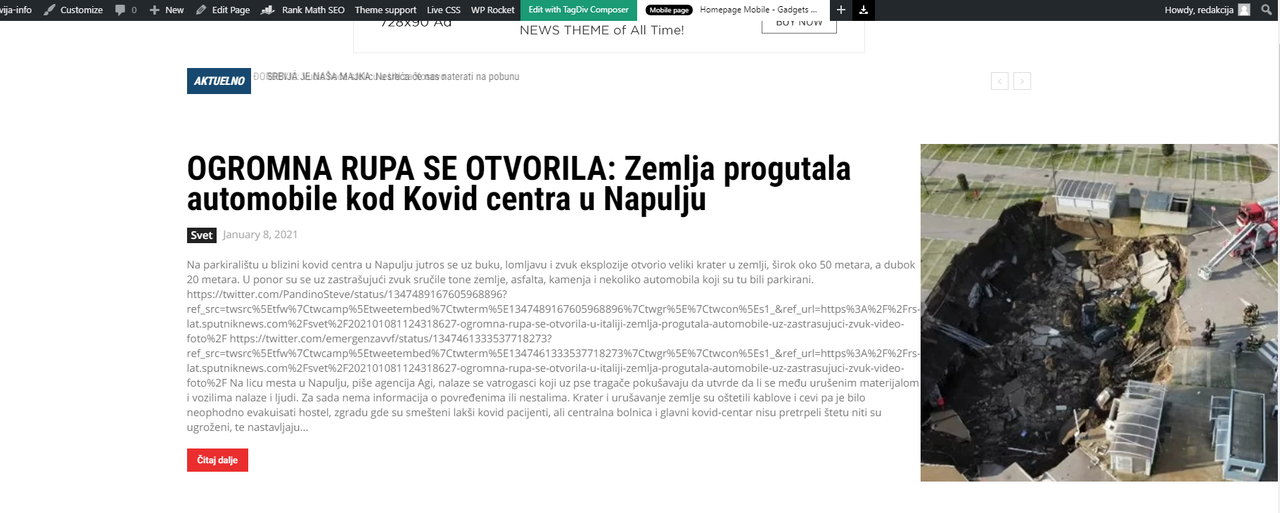
2. I have an issue with the Flex Block 1 on the main page
when we embed twitter tweets to a regular post … part of the text become codes
and it pushes the image to right. What would be the workaround for the flex block to
show only the regular text from the post, and not the gibberish codes.
This way its looking very ugly and unprofessional, and nowadays everybody embedding
tweets on the posts.
vampireprincess Hi I did all you told me and thank God the 2 and 4 are resolved but the problem number 3 still remains
I wish to ask you when my support expire will I be still able to see what other people asking and take a look on the answers, or I wont be able to even that.
vampireprincess 4. As well I have a problem with inner column
vampireprincess oh you was right, its working, I still cant see the change on the browser I working, but on every other browser working perfectly <3
vampireprincess vampireprincess Unfortunately I have 3 more problems, I did a video from all 3, I really hope that you can help me
Problem No1. Problem with page title
Problem No2. Problem with Mega Menu
Problem No3. Problem with sharing to different platforms
vampireprincess Hi I succeeded to solve half of the problem, but the other half is still unsolved, please watch the video where I explained what I dont know how to solve
vampireprincess Please give me an answer on the following issue:
I started from scratch the single post template now I wish to add a hand icon before the Page Title and in the Single Post Comments section before the LEAVE A REPLY. How can achieve to add the hand icon?
https://i.postimg.cc/L5j94Ggy/Artboard-1-2x-100.jpg
-
This reply was modified 6 years by
vampireprincess.
vampireprincess I successfully solved the problem with the Facebook
vampireprincess Thanks a lot for all the help I got from your company,
I achieved this
https://i.postimg.cc/wMHyNKs4/20.jpg
vampireprincess Hi, your team already contacted me and tried to solve the situation on the backed of my website, without luck, the come to the same conclusion that the tagDiv Standard Pack creating the problems on my website, and when its turned ON I getting black pages on my one-post page.The issue still remain when I turn on JUST the official plugins (without any other plugin). And as well when I install any plugins that your company recommending I got the same blank page, with almost every plugin. I urgently need to be resolved this problem, because I need to install some plugins to speed up my website, because it is loading extremely slow. Again I want to use just the plugins that you already tested with the Theme. So my question is would you like to I create backup with the duplicator, and send ti to you to test it??? Because its not the best idea to test my site till is up and running and I have frequent visitors.
Next problem: the Viber and whatsapp didn’t show on my one-post page, the rest of the social buttons working but this two doesn’t show up.
-
This reply was modified 6 years by
-
This reply was modified 6 years by
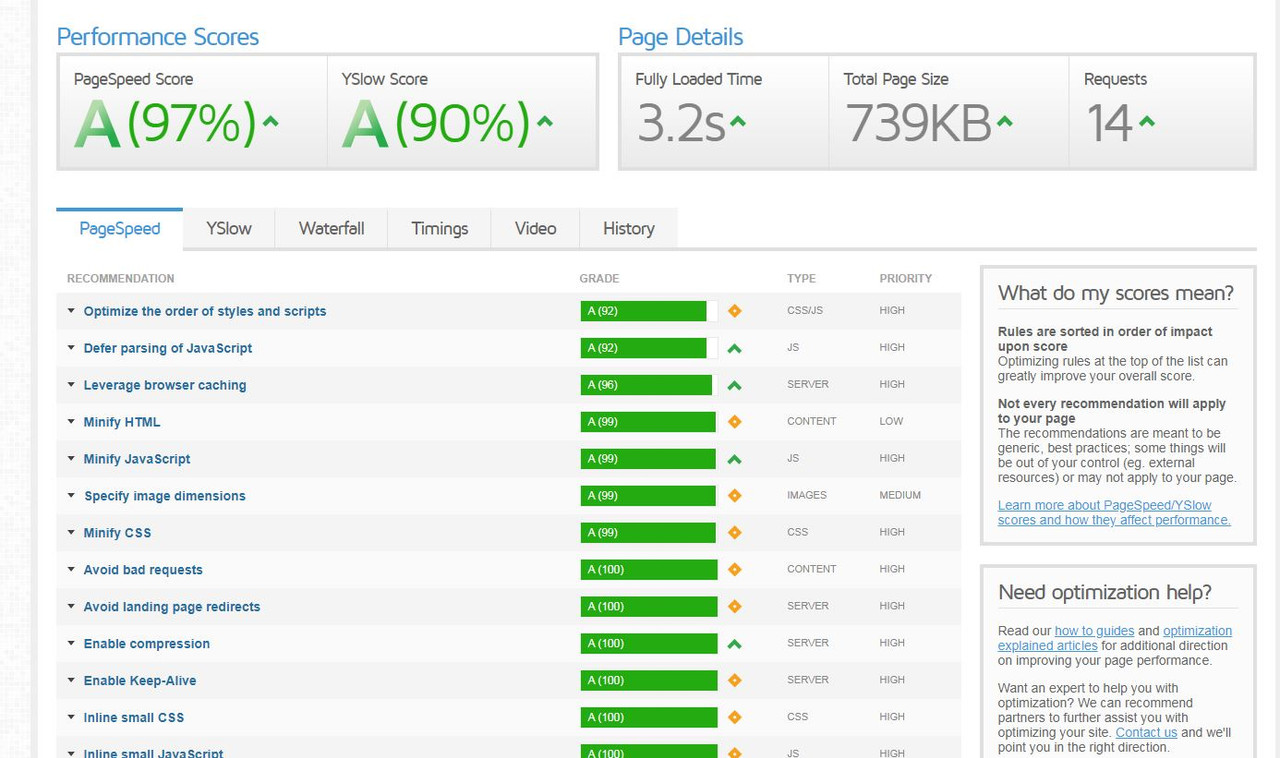
vampireprincess https://i.postimg.cc/NGtCtDf0/Fire-Shot-Capture-004-Latest-Performance-Report-for-https-ma.png
-
This reply was modified 6 years by
vampireprincess Cloud library dont work – Invalid reply from server endpoint.
vampireprincess I even dowloaded a sigle post template from the cloud
and I assigned it to all single posts but it just dont show up
vampireprincess Now when I tried again the only conflict is done by
tagDiv Standard Pack, when its on I have on few pages completely blank black page,
when I deactivate it most of the pages working OK except the single post, it gives error
vampireprincess How can I clear the cache?
I deactivated all and I think that WPForms Lite plugin caused the problem.
vampireprincess Thanks for the answers, are you planning to add in the future the accordion style menu?
4. I done exactly what you said I received the API key but I still dont have the option in the social network panel
https://i.postimg.cc/prKk3kvH/1.png
5. Yes I know that, but on the category page I dont have permission to edit the design or template.
I even tried to download a category page from the cloud, but when I change something from that design and applied it as template to my category page, the page become unresponsive it become pure black page (completely blank).
My Idea was to completely redesign the cloud template and use the redesigned one, but as I told earlier it become unresponsive.
So I need to have a way to create my own category page with my own design. I know how to design it but I dont know how to assign the newly designed page as a template to my category page. because the only option I have is to assign a design form the cloud. So how can I create my own design and upload it to cloud? Or how can I edit the main factory made category templates?
https://i.postimg.cc/QdXkqw8Q/2.png
New question how can I change the background image of this two styles, because
when I add this style it just become a pure solid color
https://i.postimg.cc/Bn2qg7vC/7.png
-
This reply was modified 6 years by
vampireprincess Thanks a lot <3