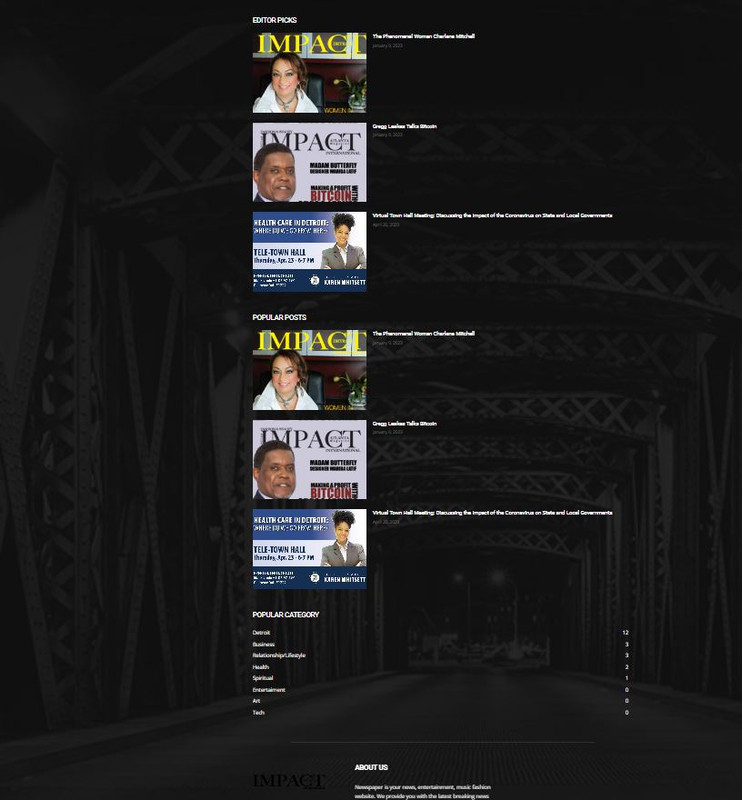
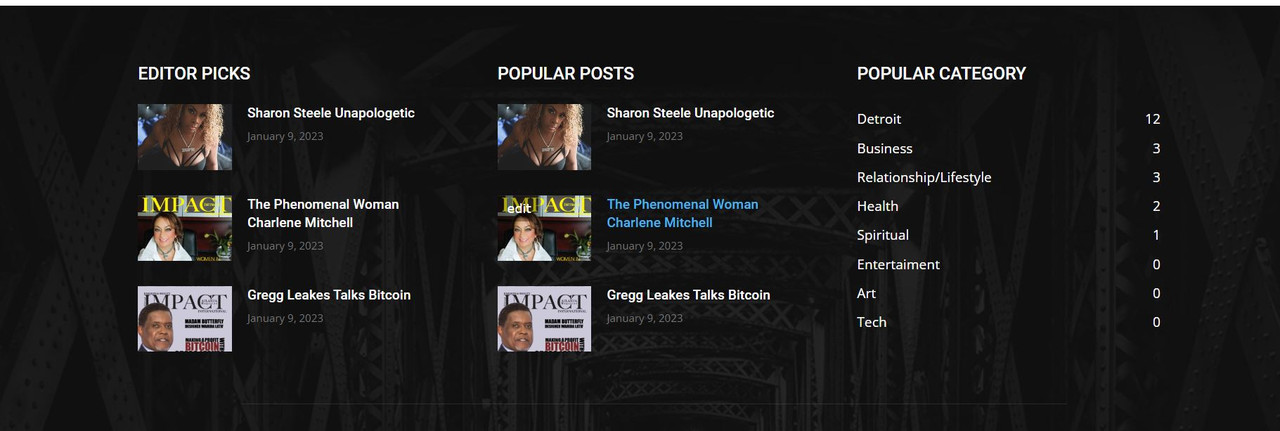
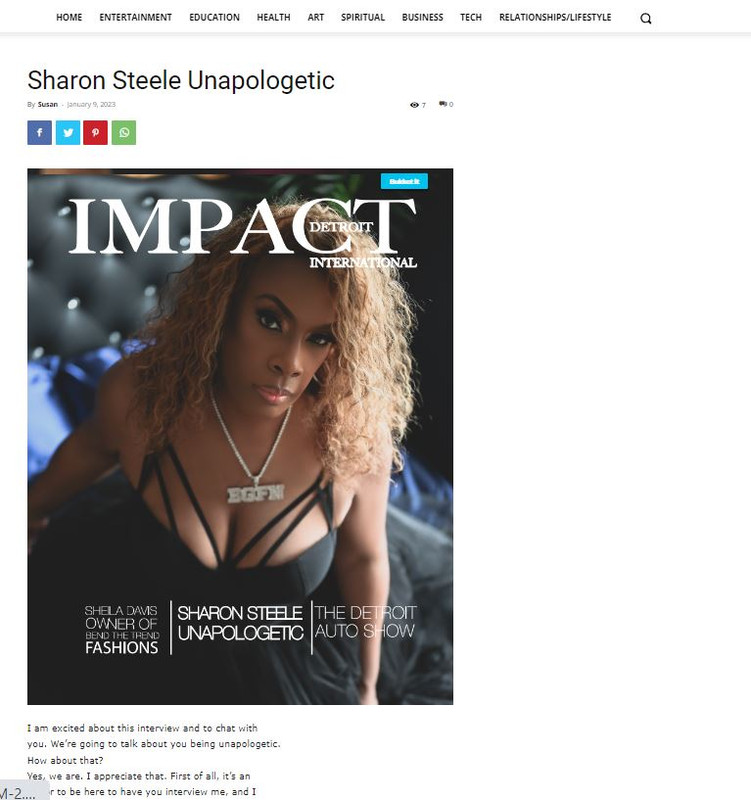
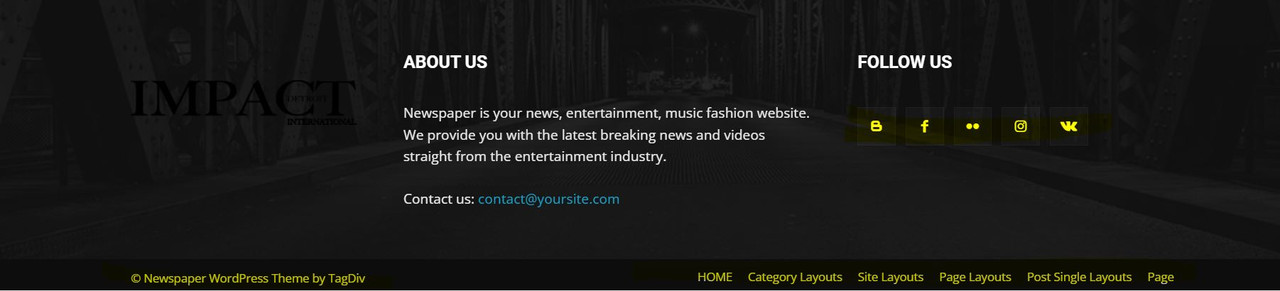
Cannot find areas to change top and bottom menus, background colors and elements. Default footer appears on home page but when I create a new page and select default footer, it does not work. On blog post single page, I cannot get sidebar to load and the post is not page width. Pics will show all. https://gjz.5cc.myftpupload.com/
Currently working on staging site.
https://i.postimg.cc/yx08YSnL/footer-new-pages.jpg
https://i.postimg.cc/WbnsWVyq/footer-want.jpg
https://i.postimg.cc/52KbJ3bx/blog-post.jpg
https://i.postimg.cc/hGHnztX6/top-menu.jpg
https://i.postimg.cc/D0c3MQx3/bottom-menu.jpg
Have used the tagdiv editor and theme panel and still cannot find solutions.
Thank You

Hello @dkempdesigns!
You need to edit the homepage with the TagDiv Composer by clicking on the green button while you access the homepage in your frontend. Also, you can find an option to edit your homepage with the TagDiv Composer in the Pages-> homepage(hover).
Click on the menus and you can choose which menu to display there. You can create a menu from Appearance -> Menus.
Remove the image from your footer background: https://imgur.com/bOSWxhr
We have 3 options for mobile versions that you can use:
1. Responsive version: A responsive version of your website looks similar to the desktop version. TagDiv Composer is used to edit the page.Click on the mobile viewport: https://www.screencast.com/t/XDQJedlggSB. There, you can see your mobile version and edit or adjust the elements to look better.
2. Mobile pages: https://tagdiv.com/newspaper-10-3-7-update-brings-customizable-and-fast-mobile-pages
3. Mobile theme plugin: The Mobile Theme is a performance-optimized theme included in the main Newspaper theme that only loads on mobile devices. It comes with its own templates and designs for pages, posts, categories, etc., so your current templates from the desktop theme will get converted to the mobile theme layout. Please see https://forum.tagdiv.com/the-mobile-theme/ and https://forum.tagdiv.com/mobile-theme-introduction/ for more information.
A full explanation is here: https://www.youtube.com/watch?v=SpGkOnJeNZY
If you need to use the mobile version 1 or 2, then you need to uninstall the Mobile Theme plugin.
We recommend to use cloud/PRO templates in order to have the possibility to edit them with the TagDiv Composer which contains a lot of functions and features, please check our tutorial here: https://forum.tagdiv.com/tagdiv-composer-tutorial/
More documentation about the cloud templates is here:
– https://forum.tagdiv.com/cloud-library-templates/
– https://forum.tagdiv.com/design-post-pages-using-cloud-library-templates/
– https://forum.tagdiv.com/cloud-library-category-templates/
Thank you!
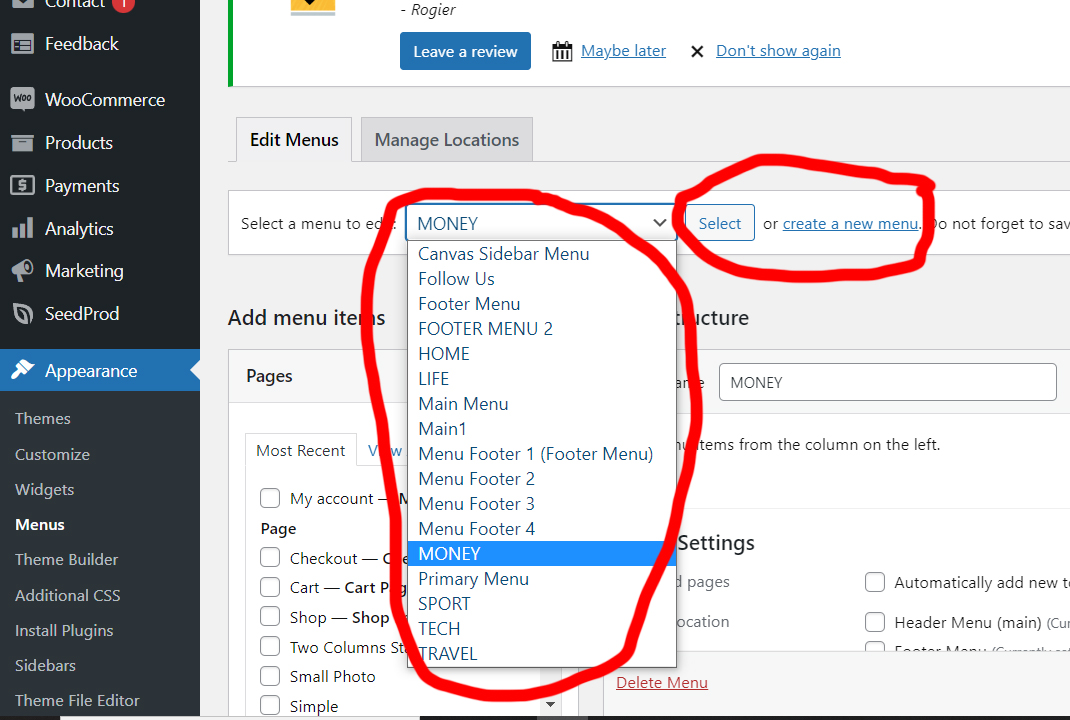
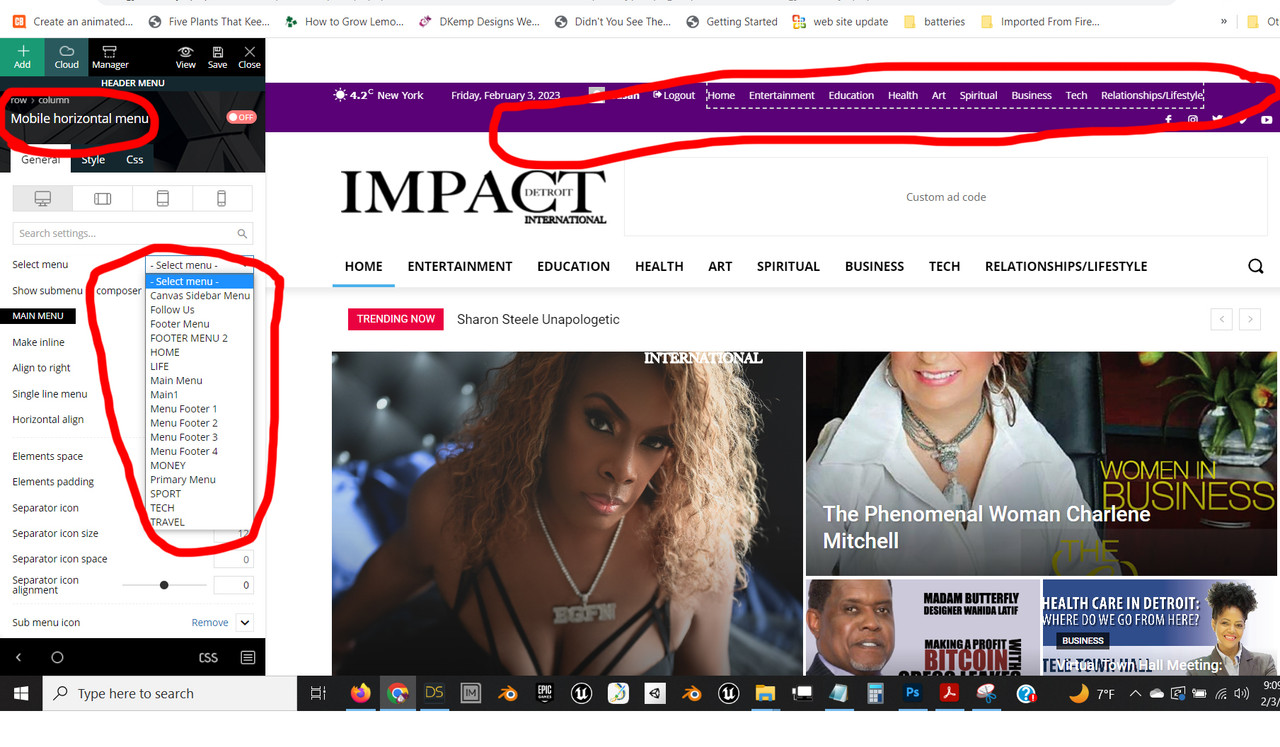
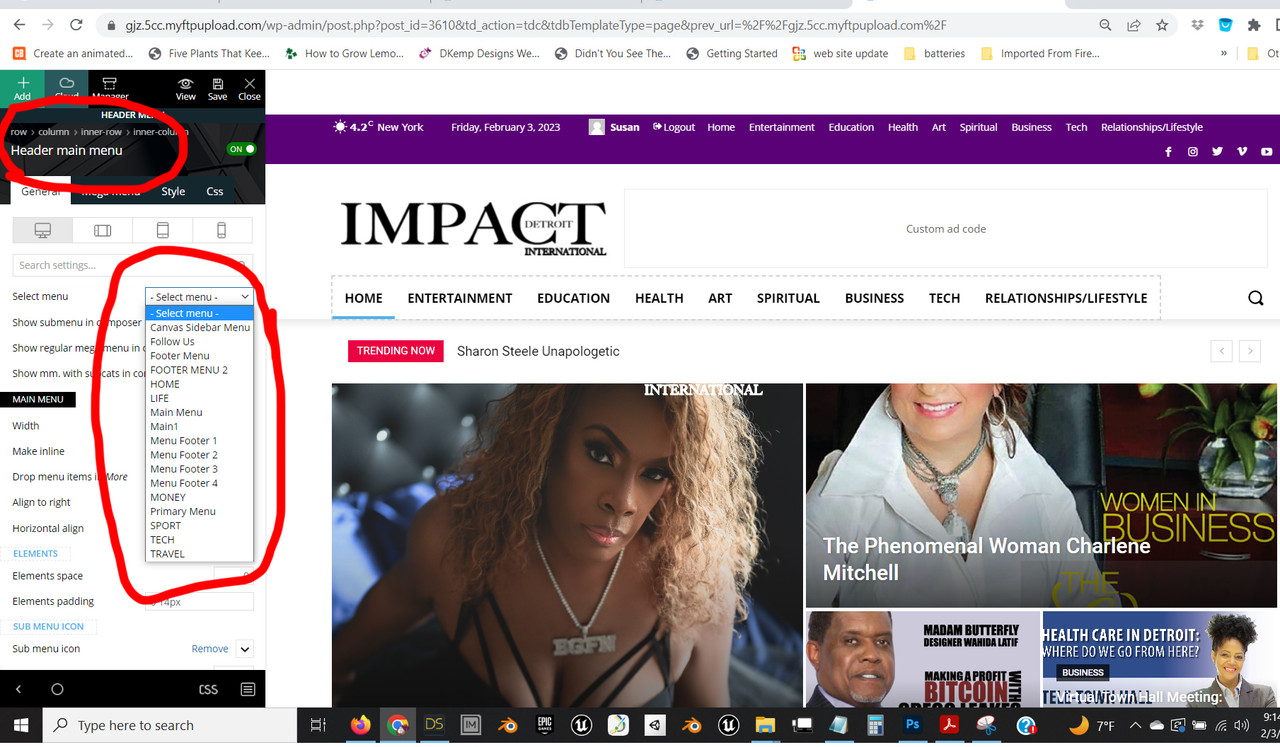
In the documentation there is no option to change the background color of the upper top menu which I sent an image for. I have used the green edit button and all other edit options and it is not there. Also I can create menus but the menus that are already there are what I want to access. I need to know what their names are as the names in the theme do not edit the existing menus I sent you pictures of.
I’m not using the mobile pages and plugin, I am using desktop. The blog page still does not have the sidebar (I chose the template with a sidebar) and the paragraph is shrunken and not full width under the featured image. I did include pictures and explain that I have used all your documentation. Please state clearly what each menu is called and where it is edited. State clearly why the template with sidebar for individual blog posts is not loading properly.
I did not ask to remove image from footer, I asked why the default footer would not load properly on new pages when it was assigned specifically.
Please address the actual issues I requested and not boilerplate referring me to documentation and videos I have already gone through.

Hi dkempdesigns,
Let’s try to take each subject in turn:
To change the background color for some rows, select the row and check the css tab – https://i.imgur.com/OJ8d9Kl.png – for element menus colors you can check in style tabs (if elements have this tab).
‘Also I can create menus but the menus that are already there are what I want to access. I need to know what their names are as the names in the theme do not edit the existing menus I sent you pictures of.‘ – the menus are made in appearance > menu – https://i.imgur.com/MoqB5OQ.png from there you can edit the current element from the menu (add/delete) or you can make new menus.
Now to assign the menu on your website you need to edit it with tagDiv Composer the header, this can be done from the homepage – https://i.imgur.com/DVOZkt7.png select the menu and choose the menu you want to use – https://i.imgur.com/eDeupRH.png
‘ The blog page still does not have the sidebar (I chose the template with a sidebar) and the paragraph is shrunken and not full width under the featured image. I did include pictures and explain that I have used all your documentation. Please state clearly what each menu is called and where it is edited. State clearly why the template with sidebar for individual blog posts is not loading properly.‘ – I believe you are referring to this https://gjz.5cc.myftpupload.com/sharon-steele-unapologetic/ here you have a default post template that will use the widget sidebar elements, just make sure that you have elements in the widgets sidebars – https://i.imgur.com/FvnKPfB.png also you can use a single post template from the cloud and you can edit it using the tagDiv Composer.
‘I did not ask to remove image from footer, I asked why the default footer would not load properly on new pages when it was assigned specifically.‘ – I believe this is a plugin conflict, usually this is happening when you are using cloud templates and wpbakery plugin, we recommend to not using them together.
If I miss something, please let me know!
Thank you!
Hello Calin
I am attaching more images to show that the list of menus you show and the menus available to me are not the same. Please note, the td-demo menus are not in the list of available menus that I have. This is the issue that is causing me to not be able to access the menu items and edit them. Please address why these menus did not import in the demo import.
Thanks
https://i.postimg.cc/GtkSDMqP/menus.jpg
https://i.postimg.cc/nLCR2V3h/menus2.jpg
https://i.postimg.cc/PxD6G3sG/menus3.jpg