
- TutorialsFrom WPBakery to tagDiv Composer
 Harutyun
 url: stylesoverdose.com
i have added modal popup here – https://ibb.co/sFBbfNw
this place is appealing in all pages included blog posts. – https://ibb.co/RgXsNyF
here how it works on homepage – https://ibb.co/99PbRKH
and here is blog post page with cloud template “Single Post Template 48 – Animals PRO” – https://ibb.co/Pc1XQr8 , https://ibb.co/ZNRzkr1 , https://ibb.co/YNVYGmr
 Montelent
 alessandro_tpp
 Thanks for your reply.
I would like to make the main news image of my website’s homepage to responsively fill in the browser window of every user’s device, whether it’s on desktop, mobile or iPad. You can see an example of this on https://www.thegentlemansjournal.com as the headline image fills the whole window of your browser even if you resize it. Please let me know if this is clear?
Is this something that can be achieved on the Newspaper theme?
 Calin
Calin Hi,
Is possible that the big grid from the homepage to fi sorted/filtered after a specific category and there are no posts in that category. What I suggest is to edit the homepage using tagDiv Composer – https://i.imgur.com/yUTb0Fy.jpg and check the grid settings – https://i.imgur.com/cNka4ky.jpg
Thank you!
alessandro_tppHello all,
For some unknown reason, on all pages on our website in the same area of the screen there is an invisible hyperlink that is clickable and it takes to the homepage. No matter how you scroll through the page, the hyperlink is always there on all pages in the same screen position. Please see screenshot below that shows an empty area being clickable:
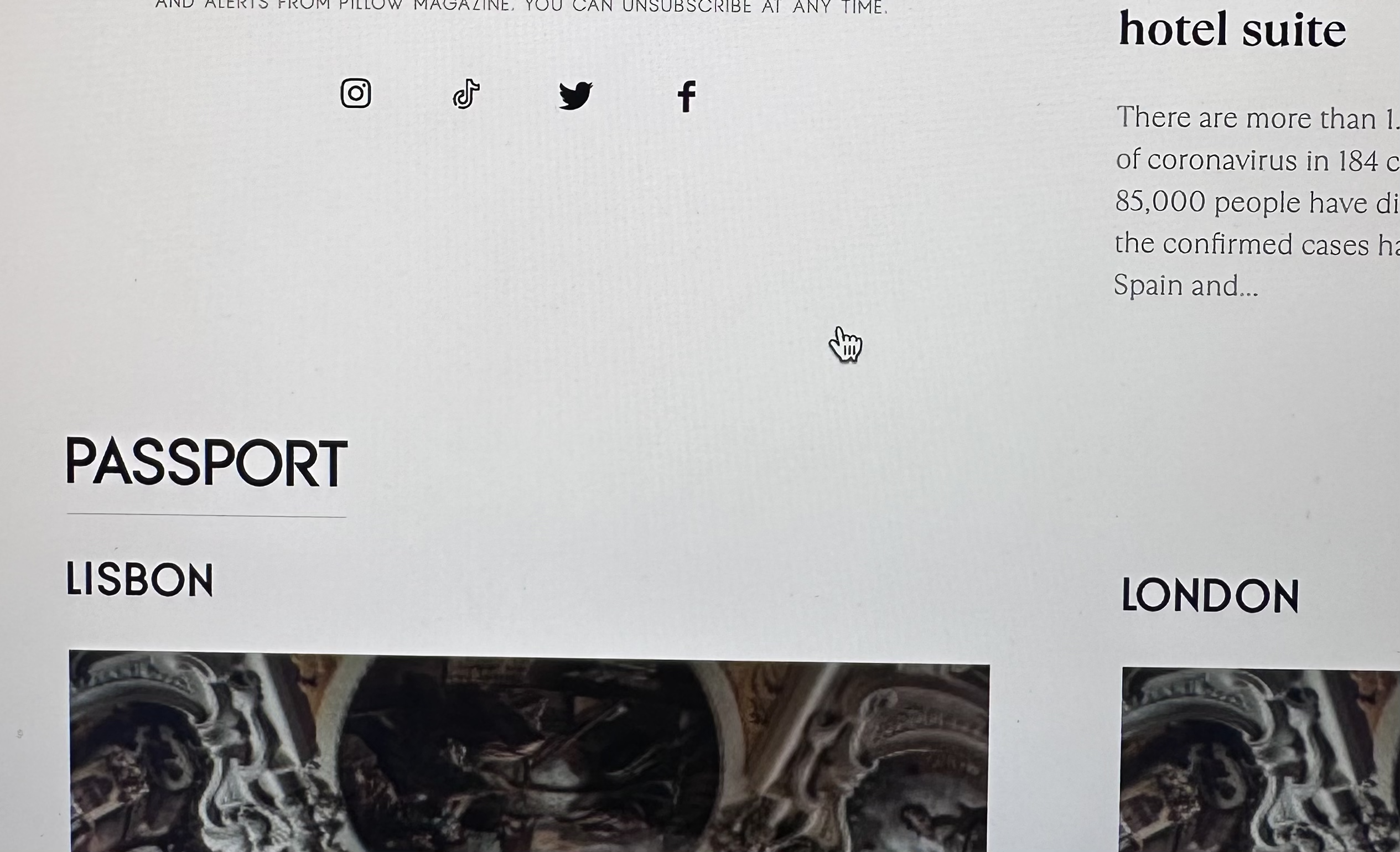
Does anyone have an idea of what might be causing this please, or how we can identify this link element and remove it?
Thanks so much
Alessandro
 eltasjobs
 My website maravipost.com not working on php 8.1 on desktop only. Blank page on homepage
 IT Webmedia
Hello,
I am using the Style News homepage.
The Instagram feed on the homepage is not working. I have been connecting a personal account which I also configures within the element settings. So far No results
Can you help?
All my best,
André
 mauta
mautaHi,after upgrade to the last version of newspaper our staging ambient is:
https://staging.nazioneindiana.com/
It’s possible downgrade newspaper to a precendent version?
and the function of wp for featured posts in homepage doesn’t work.
Best regards
 olaoluwaoluwasola@yahoo.com
I am having serious issues setting up mu categories
https://thetnbb.com/ is the site.
If you go to the homepage and scroll down you’ll see the number of posts in each category but when you go to the category page you don’t see all the posts
e.g https://thetnbb.com/index.php/category/economy/oil-gas/
Tried so many fixes, none has worked.
Please help me out.
Thanks
 Prateek
 Please check this section of the official documentation. They are mentioning only ?noamp=mobile and not &=1 after that. Is it hardcoded by tagdiv at the end of every link. Even when I click my logo, it goes to homepage.com/?amp=1. But I don’t use amp for homepage, so it redirects to homepage.com removing the amp part.
 Bettina
 Hello @D!
Please edit the homepage with the TagDiv Composer, click on the mobile viewport: https://www.screencast.com/t/XDQJedlggSB. There, you can see your mobile version and edit or adjust the elements to look better. Add your logo in your mobile header.
Thank you!
 Anamaria
 Hello,
To have the menu fro amp, you need to have selected mobile+ amp or amp.
Using our theme you can choose from 3 mobile versions
-> mobile responsive => https://www.screencast.com/t/oJ2ShOp47
-> mobile theme plugin => https://forum.tagdiv.com/the-mobile-theme/
-> mobile page => https://tagdiv.com/newspaper-10-3-7-update-brings-customizable-and-fast-mobile-pages/
If you created the mobile pages with tagDiv Composer, then when you install the Mobile Theme plugin, your pages will be overwritten by the plugin (the mobile theme comes with its templates for page, post, category, etc so your current templates from the desktop theme will get converted to the mobile theme layout, the page content is made without builders in mobile editor => https://www.screencast.com/t/xbgZG8kH also, the options that are provided to edit the mobile theme version are limited (this keeps the things simple)).
This is a video about Responsive Newspaper Theme, AMP & Mobile Theme, Mobile Pages & Templates -> https://www.youtube.com/watch?v=SpGkOnJeNZY
So, the mobile responsive is what you see then that you select the viewport on phone => https://www.screencast.com/t/matV17hH, so some settings may apply for each viewport(where is the border blue), and others are not(where the border is black).
The mobile page has the mobile templates from Cloud Library => https://www.screencast.com/t/YCcZ8rL8
Mobile responsive version of the theme and the mobile page editor can be edit with tagDiv Composer, the mobile theme plugin not.
For example, you can have the mobile theme plugin activate and use the mobile page/mobile responsive version for the homepage/pages, but for the categories pages/404 page you can’t use the mobile page/mobile responsive version if you have the mobile theme plugin activate.
So, if you want to design the pages with tagDiv Composer, you can use the mobile page or mobile responsive version.
Thank you!
Bettina Hello!
The header already has a sticky version: https://prnt.sc/5uFVdde55LWo
When you edit the homepage with the TagDiv Composer, just scroll down and you can see it.
Thank you!
 Natelie_Espaco
 Hi !
I have web stories and i need put this webstories in my homepage like a carrousel… i only found plugins for elementor, can u help me ?
Natelie_Espaco Hi i need put the web stories in homepage like carrousel… i only found plugin to use in elementor.
can u help plz
Bettina Hello!
We recommend using the Yoast SEO plugin. Edit your homepage with Gutenberg, scroll down to the settings, and there you’ll see the SEO settings that you need to apply: https://prnt.sc/63ZIzT6tc-C3
Thank you!
 acdcadaptor
Hi
how to change homepage title?
I got Homepage – Name site, I prefer only disply name site in the title bar of the browser.
Thank you
Anamaria Hi,
If your settings are not saved, please check this topic -> https://forum.tagdiv.com/topic/tagdiv-composer-does-not-save-only-content-of-homepage/ and try the suggestions. Also, please check the cache, and clear/purge all cache.
Thank you!
Anamaria Hi,
If your settings are not saved, please check this topic -> https://forum.tagdiv.com/topic/tagdiv-composer-does-not-save-only-content-of-homepage/ and try the suggestions. Also, please check the cache, and clear/purge all cache.
Also, to change the logo, please check this video and guide -> https://www.youtube.com/watch?v=HXQQygkCCJo ->
https://forum.tagdiv.com/add-logo-newspaper/
Thank you!
 sushmasmaurya@gmail.com
 Hi Anamaria,
I tried to implement the youtube channel to my homepage of the website digitalsushma.com, but not able to integrate it. I have also added the YouTube API Key. Sharing the screenshot for your reference. Can you please check from your end what is the issue?
and https://prnt.sc/wackNFn0fVMb
Kindly assist me on this.
Thanks.
-
This reply was modified 3 years by Anamaria.
Anamaria Hi,
If your settings are not saved, please check this topic -> https://forum.tagdiv.com/topic/tagdiv-composer-does-not-save-only-content-of-homepage/ and try the suggestions. Also, please check the cache, and clear/purge all cache.
Also, to change the logo, please check this video and guide -> https://www.youtube.com/watch?v=HXQQygkCCJo ->
https://forum.tagdiv.com/add-logo-newspaper/
Thank you!
 nicolaslavado
My website is using the Newspaper theme and I have installed the recommended plugins, including Tag Div Composer, which is necessary for the proper functioning of the theme.
For the past few weeks, I have noticed that when I enter the homepage of my website, it automatically redirects to an external website that I don’t know. After several tests, I have found that the issue is resolved when I deactivate the Tag Div Composer plugin, which leads me to believe that it is the cause.
I would greatly appreciate your help in resolving this issue. Could you please advise me on what steps I can take to fix this problem and prevent it from happening again in the future?
Thank you for your attention to this matter.
Bettina Hello @sp1!
Edit the homepage with the TagDiv Composer, and use a flex block and there you can choose the pagination you need: https://prnt.sc/VNGgaCDVcDB5
Thank you!
sushmasmaurya@gmail.com ok, it is asking to implement the YouTube API Key. I will do that one. Thanks.
And one more thing, I want to add a banner for one of my affiliate product in the homepage (https://digitalsushma.com/) between these two sections (screenshot attached). And I am not able to find any option from tagdiv composer to add an element. Kindly guide me how to do this.
 chrisfoxatx
 Hi Anamaria,
I’m not trying to change the category background color.
I’m trying to have the category title on the category page resemble the same as on the homepage: each category has a text color gradient on a transparent background.


