- TutorialsFrom WPBakery to tagDiv Composer
- TutorialsWhat is Ajax preloading?
 chaywood0896
 Thanks. What does “correctly” mean? The images are precisely the same size in every post. How could that help, given that this problem only shows up sometimes, on some posts? No individual edits have been made to any mobile page, yet the problem shows up unpredictably.
 Bettina
 Hello!
Make sure this option is enabled: https://app.screencast.com/tsqGya8uhcdGp
Click on that hamburger menu and choose a menu in the mobile viewport: https://prnt.sc/KM1WiaiJlPSD
Thank you!
 eventindustrynews
Hi
The mobile menu isn’t loading see the screenshot https://share.icloud.com/photos/0977AncQThFth7IKzeshsSf4A
We are on version 12.6.3
 lintas17
Hi tagdiv,
I want to make category/tag list appear horizontally like mobile horizontal menu feature. I have tried using inline element for Category/Tag List but it does not show the horizontal scrolling like in Mobile Horizontal Menu feature.
Is there any css code to add?
Thanks a lot!
Bettina Hello @chaywood0896!
Kindly use TagDiv Composer to change the mobile page and ensure that the feature image is positioned correctly.
Thank you!
 Anamaria
 Hi,
I don’t recommend to using amp, because it is deprecated -> https://developer.bigcommerce.com/docs/storefront/wordpress/platform-integration/enabling-amp
For mobile theme + Amp the content need to be added in Mobile Editor -> https://www.screencast.com/t/xbgZG8kH
Please check this topic where I explained each mobile version -> https://forum.tagdiv.com/topic/mobile-version-not-working-properly-2/ -> https://forum.tagdiv.com/topic/amp-pages-not-working-well-with-this-theme/ and choose what mobile version you want.
Thank you!
Bettina Hello @sabedott!
Check this thread: https://forum.tagdiv.com/topic/google-analytics-not-working-with-site-kit-on-mobile-theme/
Thank you!
Anamaria Hi,
Can you copy and paste the logo from the mobile menu into the header menu? And see if the issue persists.
Thank you!
 sangha9
 PLEASE IGNORE THIS! I figired out to add Mobile menu.
Thanks,
Robert
sangha9On Desktop, menu ( category menu ) is showing.
but on mobile, menu(category) is NOT showing. Is there a way to show menu(Category) on mobile?
on mobile, menu(category) not showing
Thanks,
Robert
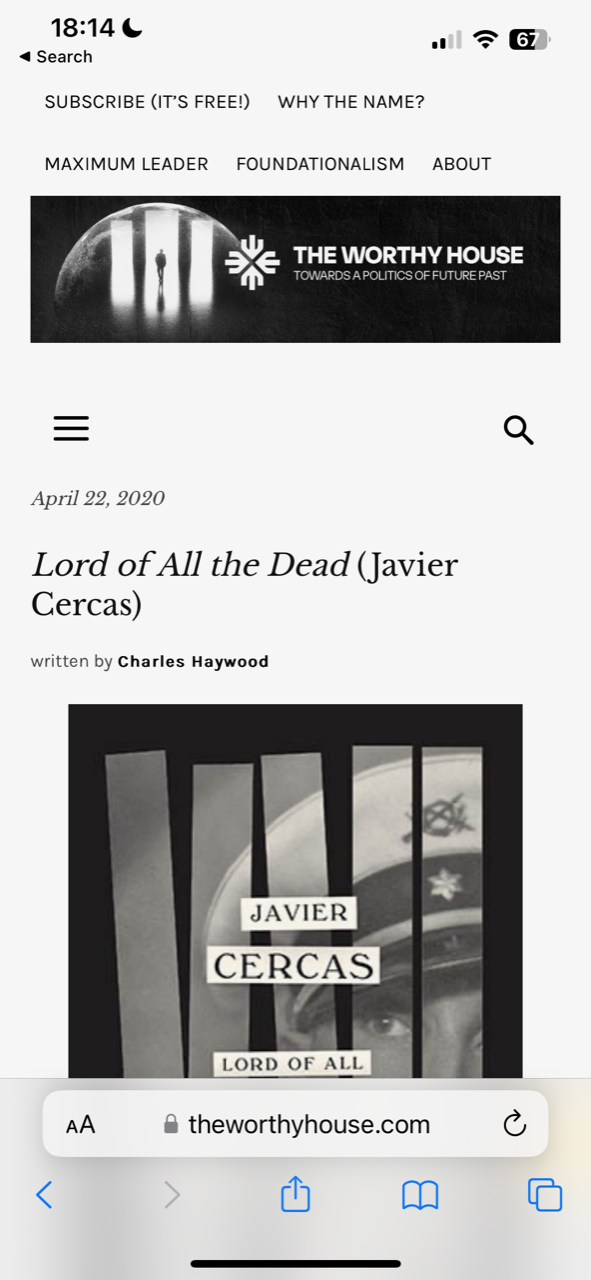
chaywood0896Mobile pages, across browsers and devices, are randomly showing up as misformatted, making some posts impossible to read on mobile. The site is http://www.theworthyhouse.com. It has nothing to do with cache; refreshing or clearing cache, etc., does not fix the problem. All posts are otherwise identical. However, it sometimes happens with one browser and not another (e.g., Safari/Brave)–but not consistently one browser or another. Examples:
Bad formatting: https://theworthyhouse.com/wp-content/uploads/2024/02/Incorrect-Formatting.png
Good (correct) formatting: https://theworthyhouse.com/wp-content/uploads/2024/02/Correct-Formatting.png
Thanks.
 bna
bnaSite: bicycles.net.au
Newspaper: 12.6.3
On a web browser (with responsive setting) the mobile menu appears when clicked as an overlay (slides in from the left).
On iOS (17.1.2) the hamburger menu is visible and when clicked, no overlay menu appears as is expected. The webpage size gets a bit smaller and has a drop shadow but the menu is not visible.
I have disabled .js file ‘minify’ (via the W3TotalCache). Any ideas why this is not working and the mobile menu is unavailable on the mobile device.
 andrea.turco
Hello,
I’m trying to set a SVG code for the header logo of my website (Center Magazine Pro template). I created an SVG logo with a vector image processor and copied the code into the SVG field of the tagDiv Composer. Furthermore, I set the proper width according with screen size. The logo is ok on mobile screens, but misses some pieces on bigger screens (desktop, pads, etc.).
How can I correct this problem?
You can reach the website here: https://nuovo.cronachedibirra.it/
Anamaria Hi,
You have the mobile theme plugin activated, please deactivate it.
When the mobile theme plugin is used, you need to set for pages the page content in the mobile editor using only the options from that editor – https://i.imgur.com/p8EqE1b.png. also, there is an option to disable the mobile theme from a page/post – https://i.imgur.com/d3kTBRf.png. This option appears in the Gutenberg editor. After you disable the mobile theme on the page, you can assign the mobile page.
Thank you!
 Calin
Calin Hi SP1,
Yes, those errors seems to be related to ads – https://i.imgur.com/zL6X6JI.png
The infinite load is only for responsive version (the mobile theme plugin does not offer this option).
Thank you!
 LeFrancophile Editors
 These are screenshots of Customiser page showing what should appear and a screenshot of mobile phone with actual content
https://imgur.com/a/VOrnS2Y
 SP1
SP1 Hi,
This is the error we get in the console.
As checked on two different article pages.
Also, is infinite load available in Mobile theme?
-
This reply was modified 2 years by
SP1.
 newslinker
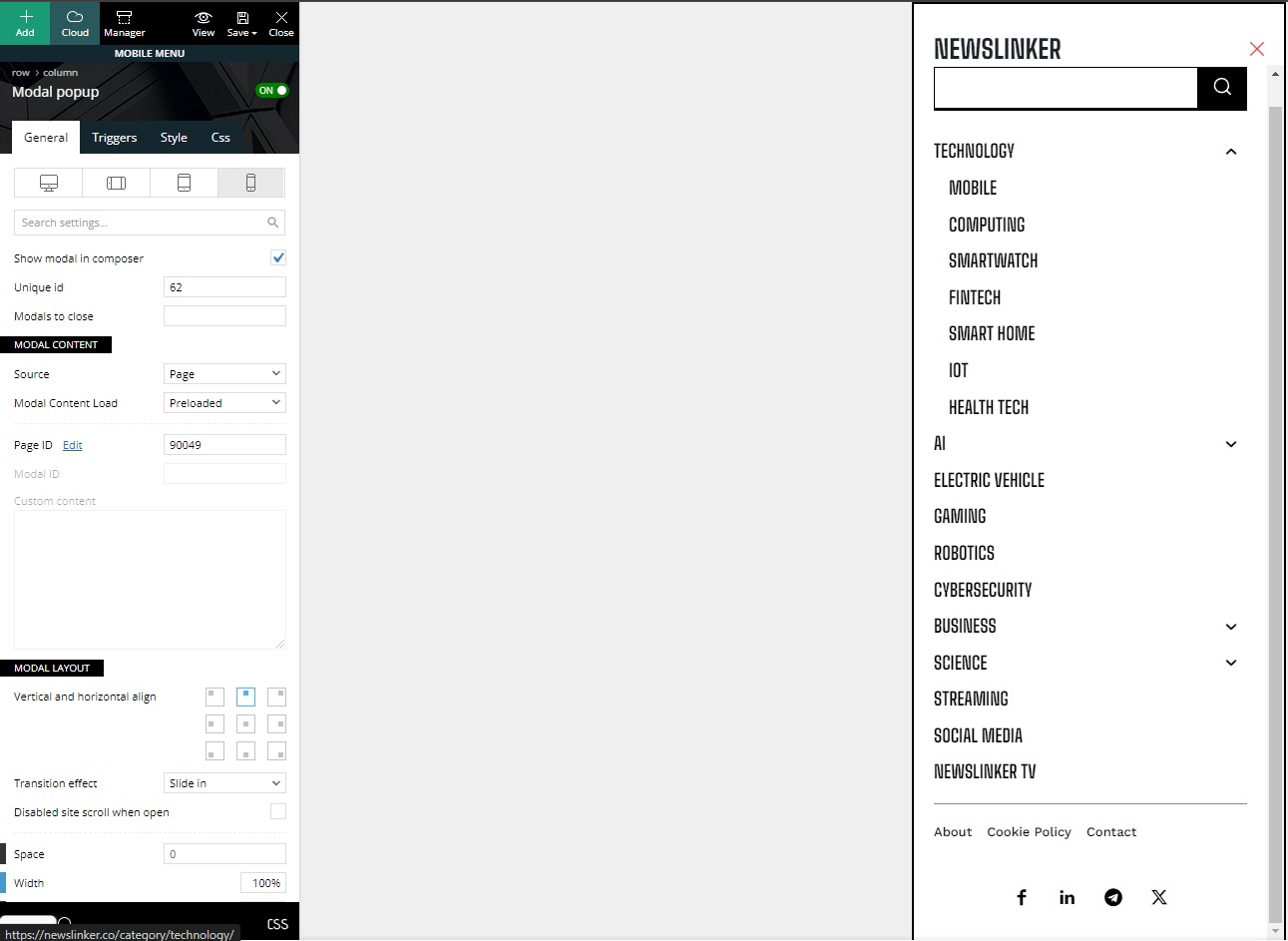
Hello. I can’t find where to edit the social media links in the screenshot. can you help me with this?
link: https://storage.googleapis.com/openscreenshot/q%2FT%2FY/nBavF2YTq.png
 starcambodia
I can’t edit the footer of my mobile page.

Anamaria Hi,
You have a mobile theme, and I see that you have some content here -> https://i.imgur.com/wwhqhCp.png. Please provide some screenshots.
Thank you!
LeFrancophile Editors Hi Anamaria, deactivated plugins and found conflict with images in the hummingbird plugin.Contacted the plugin support and this issue was fixed.However in the mobile site I have a problem with both the header and footer menus.Apart from the home and sign in pages which are custom links the other pages are not loading the content.
They are loading on a tablet and a mobile phone as well as in the customiser preview. I have deactivated plugins in an attempt to find a conflict but this did not highlight any issues.
 foresttree
I have a question about my website https://actuma.nl
when i am in mobile.. the menu get stuck for the overlay.
what is the solution?
Anamaria Hi,
To set ads for mobile you can use the ad box element and set it in the mobile header https://forum.tagdiv.com/ads-adsense-overview/ For this you need to use a cloud header -> https://forum.tagdiv.com/header-manager/
Thank you!
Bettina Hello @boerenooi!
Apply 1 module per row on the mobile viewport: https://app.screencast.com/mus50EYZKsCfc
Thank you!
 nhowarth
 Hi Anamaria
I may have solved the problem with the stretched image on mobiles:
At lines 724 – 727 of /td-composer/mobile/style.css, the code reads:
.alignnone img,
.aligncenter img {
width: 100%;
}
I believe this is what’s causing the stretched image problem. Editing the code to read:
.alignnone img,
.aligncenter img {
/* width: 100%; */
}
resolves the problem.
But I’m not sure if it causes different problems elsewhere.
Regards
Nigel