No search results were found in Documentation!
 franfar
Good morning, using the Big Grid Flex 1 on the homepage of a website we noticed that, on the builder preview it’s all ok, but navigating normally, the third column is not inline with the other 2, but goes on a second row.
Please take a look to these screenshots:
– builder preview
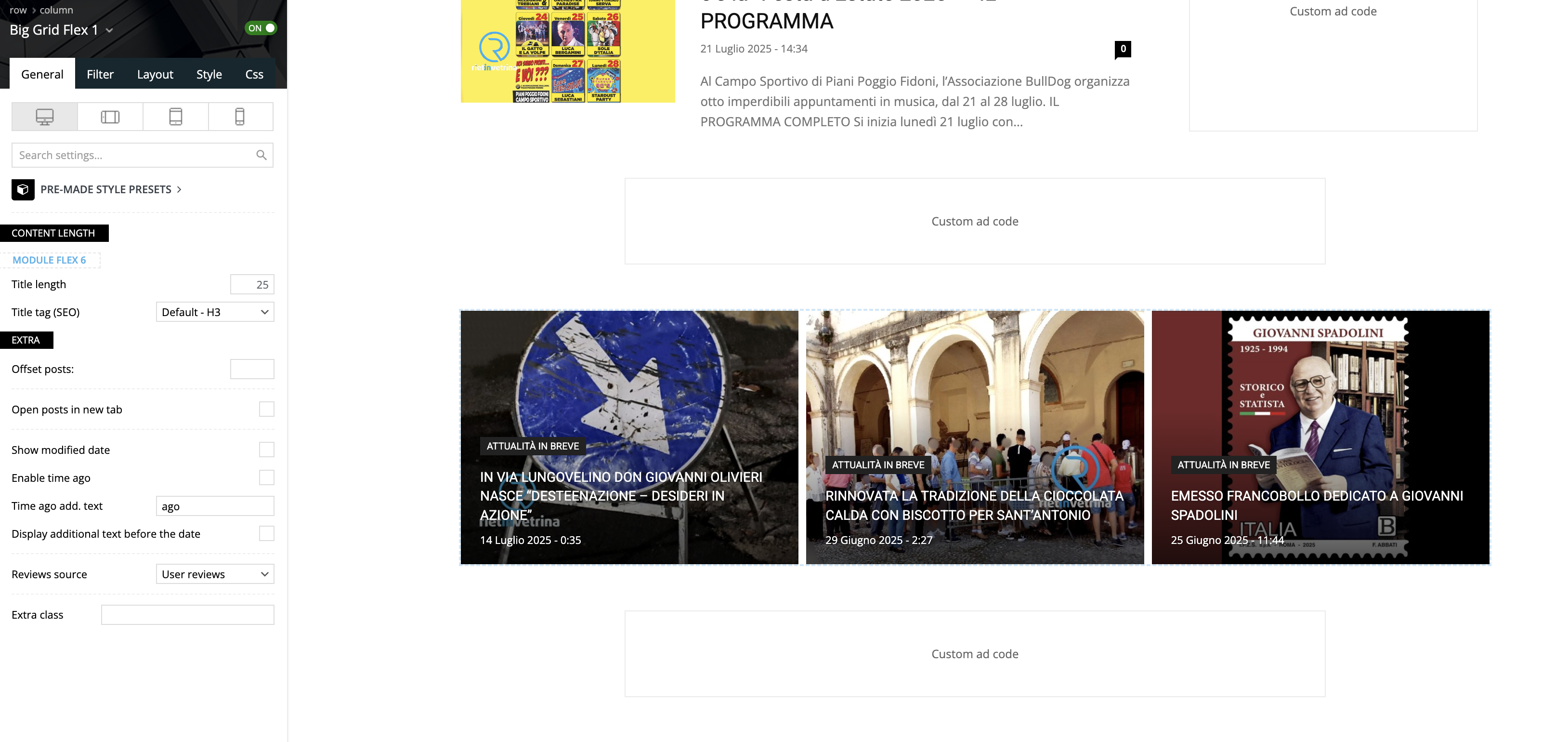
– website view
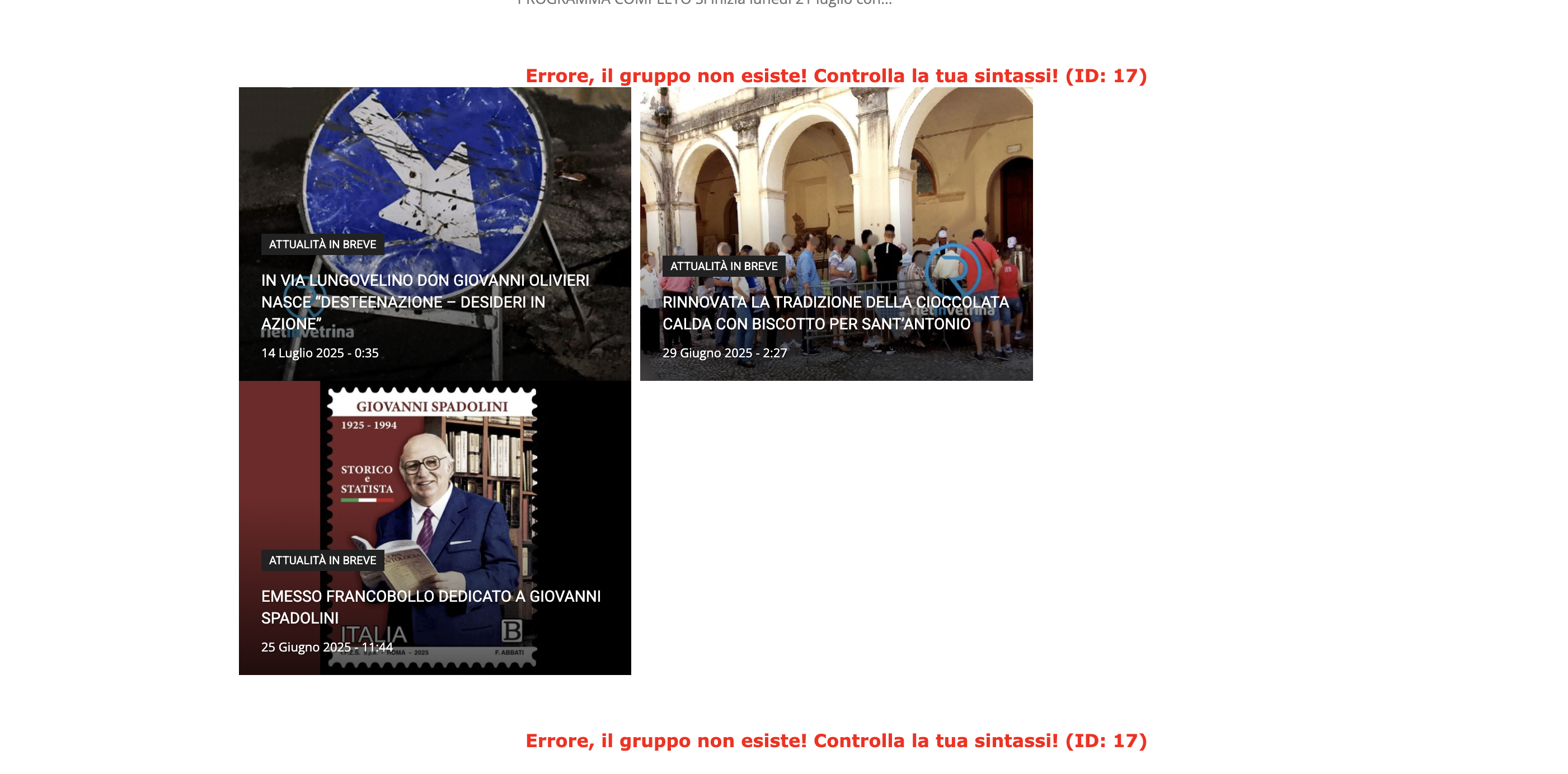
We tested on Safari and Chrome, using 2 different computers and deleting cache.
The website is reachable only by admin.
Can you please help?
Thank you!
 jparejaadmin
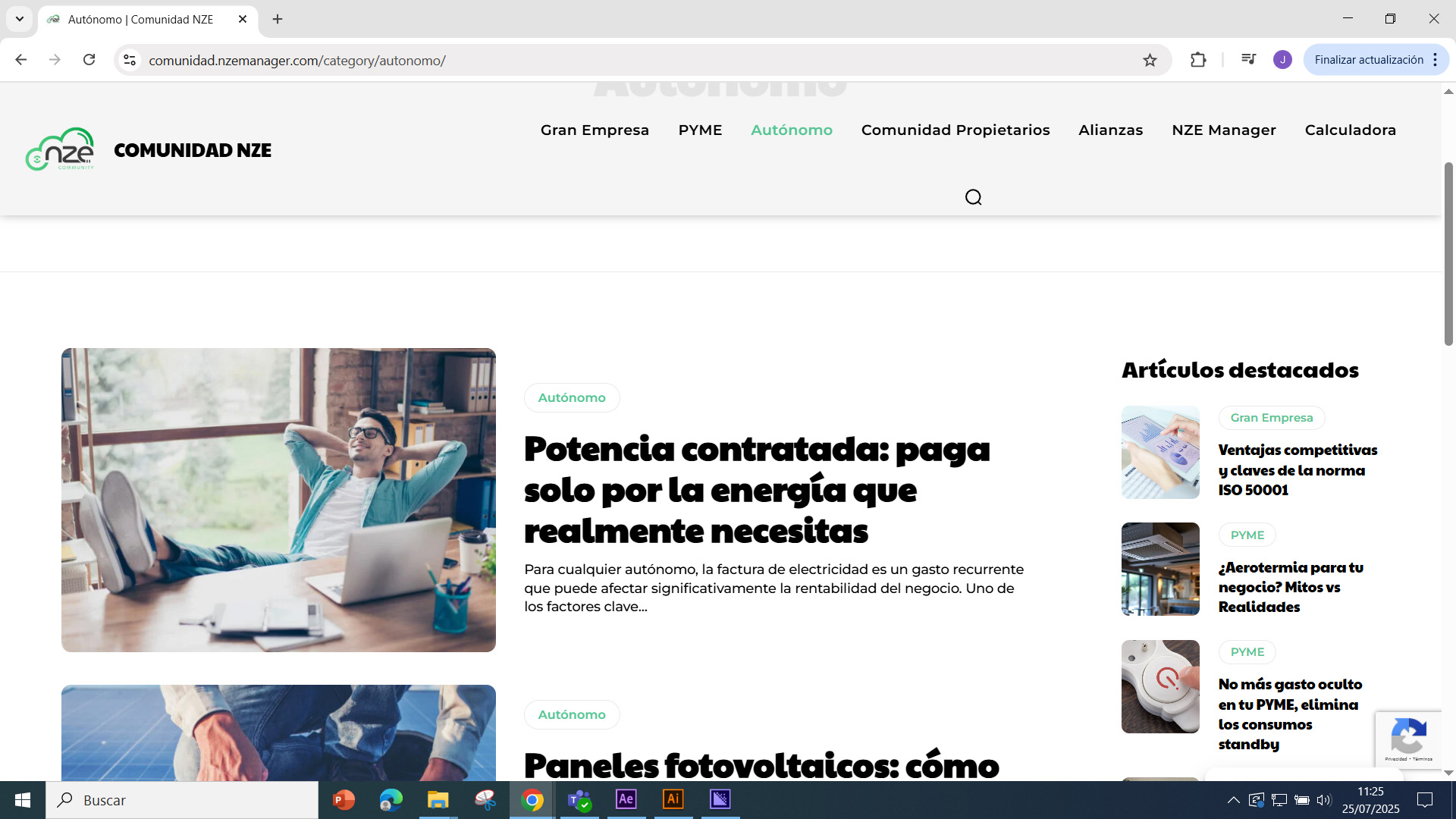
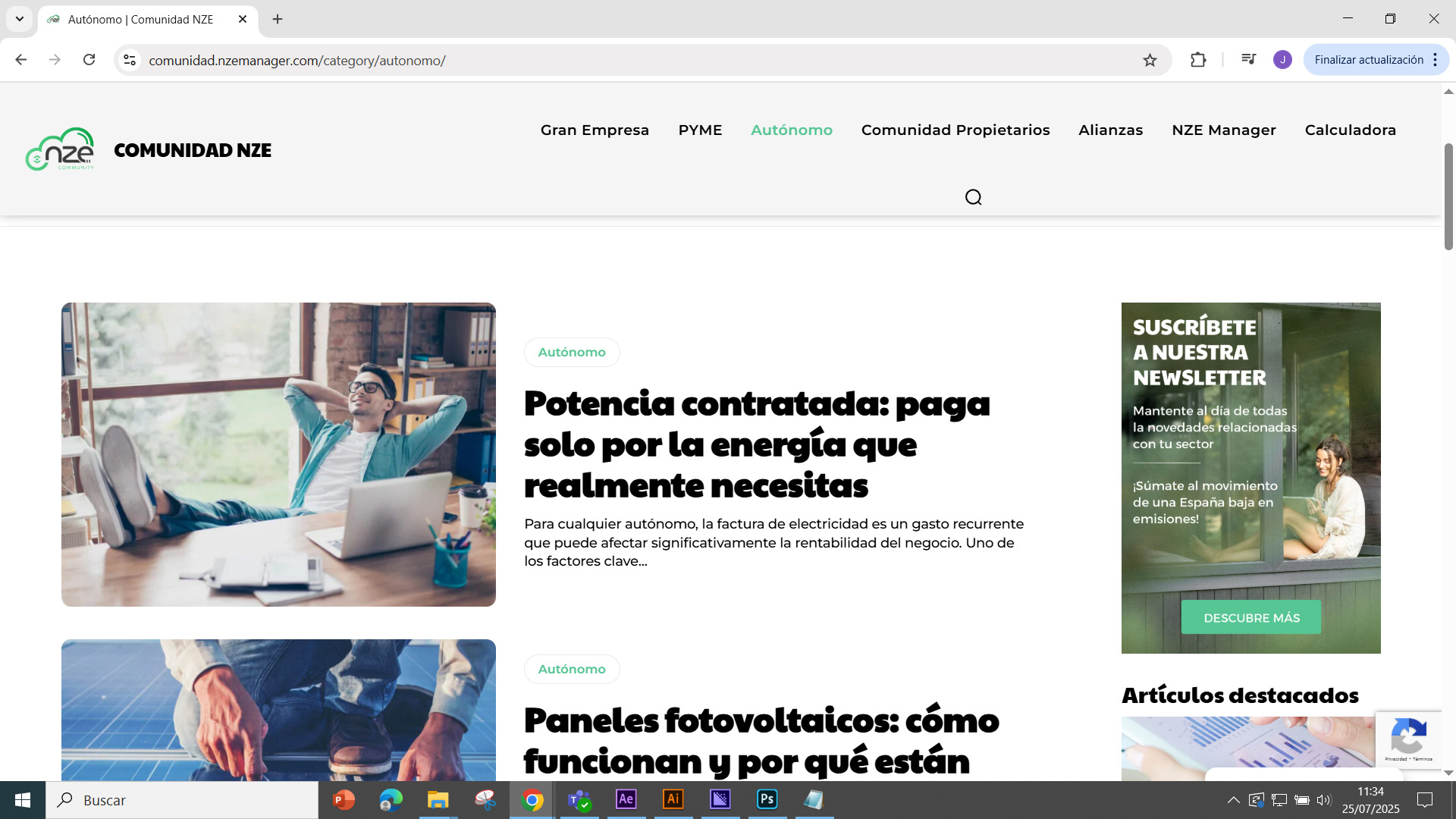
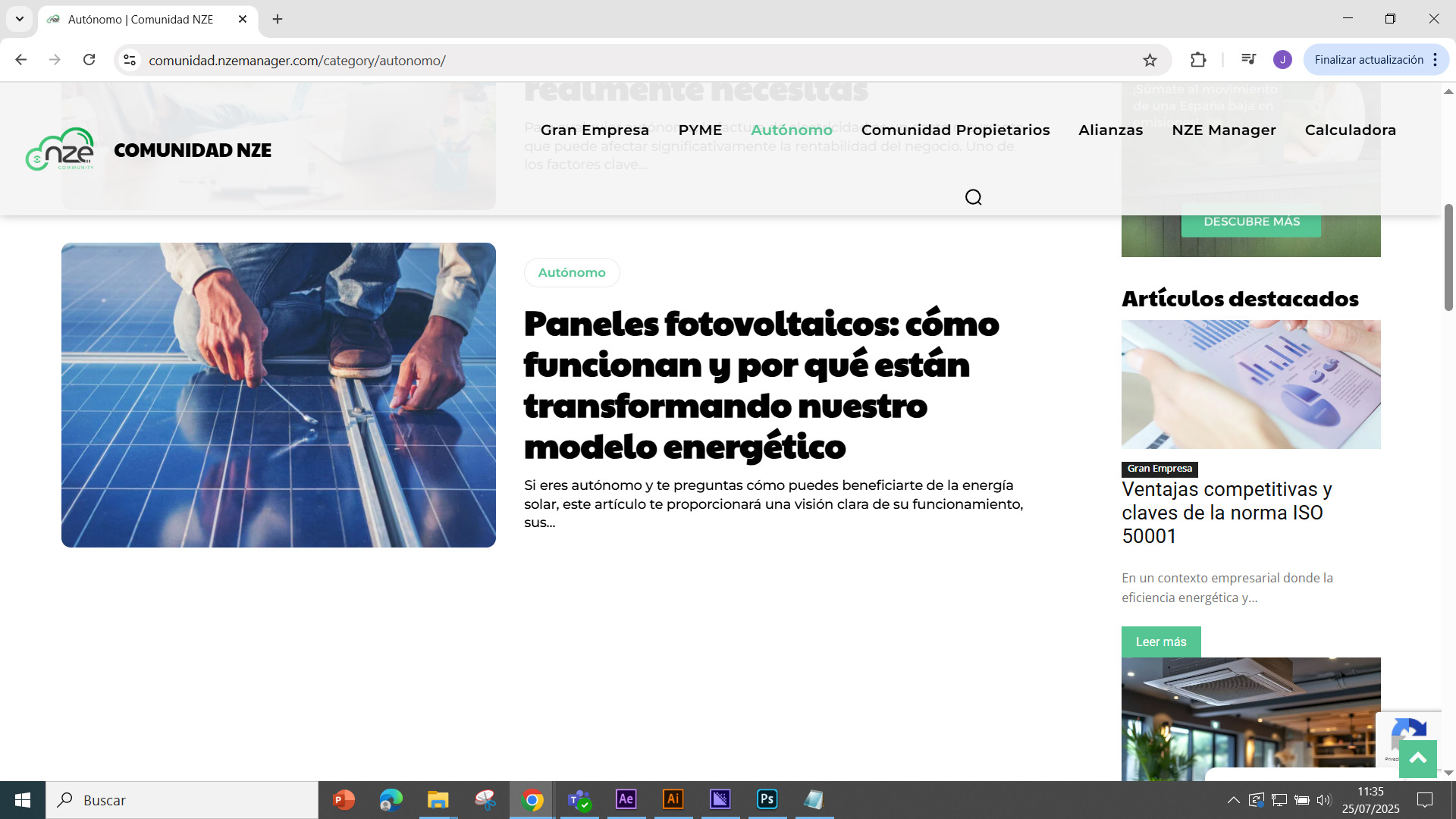
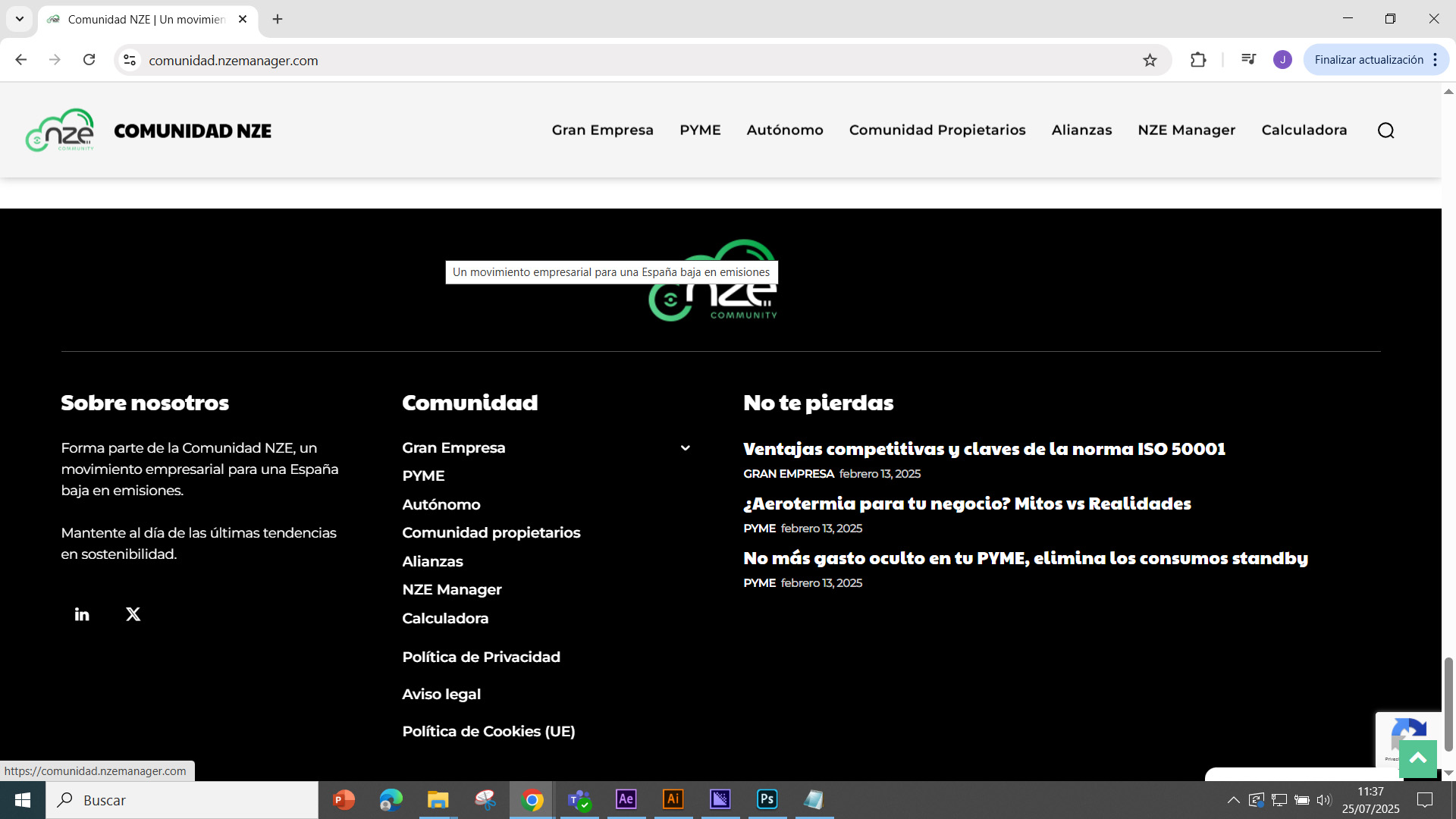
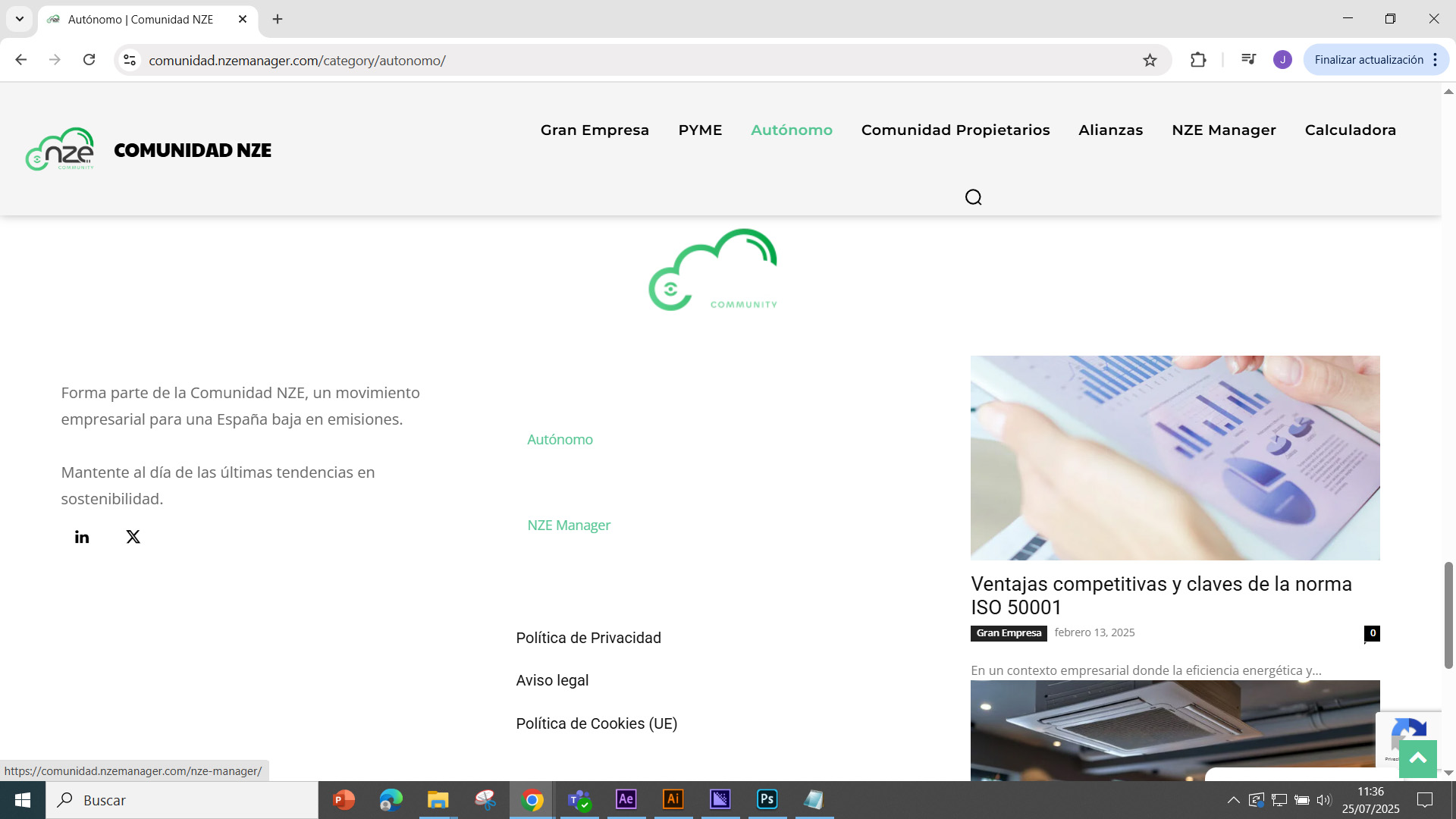
Good morning, I have placed a banner in all sections of the website (https://comunidad.nzemanager.com/category/autonomo/). I have placed it on the side of the website, just above the latest news section. The problem is that when I include the banner, all the styles of the latest news block are modified, including the footer, which causes the content and background to become misaligned, etc.
The banner is a simple image placed at the top.
Photo 1: Preview before inserting the banner
https://comunidad.nzemanager.com/wp-content/uploads/2025/07/preview-1.jpg
Photo 2: Preview of the banner
https://comunidad.nzemanager.com/wp-content/uploads/2025/07/Preview-of-the-banner.jpg
Photo 3: Preview of the changes after inserting the banner
https://comunidad.nzemanager.com/wp-content/uploads/2025/07/Preview-of-the-changes-after-inserting-the-banner.jpg
Photo 4: original footer
https://comunidad.nzemanager.com/wp-content/uploads/2025/07/Original-footer.jpg
Photo 5: changes in the footer
https://comunidad.nzemanager.com/wp-content/uploads/2025/07/Changes-to-the-footer.jpg
If you could tell me the cause of the style mismatch, I would appreciate it. Best regards.
Translated with DeepL.com (free version)
 gleloudas
 Hello, yes the issue comes when we do the following steps:
1)remove the background image in the row
2) apply the class in the row (the preview may be looking good)
3) save and see the frontend. it will have empty white spaces in left and right and the background wont be 100% of the row. that is what we need to achive for each row that has a background image …
 Calin
Calin Hi,
Could you please review the refund request submitted on ThemeForest?
Thank you!
 GentlemanJack
Hi,
i need (search) a flexblock for the sidebar with the TOP5 Reviews in on Categorie.
The block should contain five articles, one below the other, with small images and the text next to the small (round) image.
Which block and which settings should I use? I know how to display only the reviews.
Thanks in advance.
 David
DavidEnvironment
Newspaper 12.7.1 (fix claimed in 12.6.9)
WP 6.4.2, PHP 8.x
Permalinks: “/%category%/”
All caching/minification plugins disabled; server cache purged
Issue
On two independent sites, Posts Loop 2 still renders only a handful of posts on the front end—even though the Composer preview shows the full list.
Workaround
Switching to the Flex Loop Builder block surfaces all posts correctly.
Expected
Posts Loop 2 on category templates should output all posts exactly as shown in the preview.
—
Thanks for looking into restoring full loop support!
 thebackbenchers
this is my website – https://bookreviews.forum/
I need to change following 5 things but i am having problem don’t know why the settings dont works:
here are the 5 thing i want to change – https://prnt.sc/DL1NJK4koFEr
1) I want to change the logo icon TS to a book icon, i am attaching that icon here –
White – https://prnt.sc/0nn996xCMgYo
Black – https://prnt.sc/tcUmDYkY0INe
2) Phone number on top header
3) Day-time on top header
4) Location on top header
5) The background image from truck to books i am not finding the place where to change
here are my credentials – https://bookreviews.forum/wp-admin
Please help me
Calin Hi,
For that you should edit the page named Tab -Review” with tagDiv Composer – https://i.imgur.com/jRnMlpm.png – https://i.imgur.com/MZdPrXa.png https://forum.tagdiv.com/user-reviews/
 marlonk
 Thank You!
I have anothe question:
where can I edit review criteria on a Single Post User Reviews Form:

 damir.d
Dear All,
Early this morning I bought your theme Newspaper (https://themeforest.net/item/newspaper/5489609), and I must give you tons of compliments.
Newspaper theme is easy to use, content rich (especially for monetization options), scalable, and I believe I will enjoy building my business online.
But, now, I have immediately one question regarding license for using this theme. As my business will have 1 main website, and 2 complementary websites with its subdomains:
1. aionomist.com – main website, digital media outlet;
2. jobs.aionomist.com – subdomain, jobs for AI engineers, AI companies etc.,
3. tools.aionomist.com – subdomain, AI tools for everyone (brief information about AI tools, reviews, comments, tips to use them etc.).
However, if I want to activate one theme for the 2nd subdomain (tools.aionomist.com), theme doesn’t allow me, and I believe asks me for buying a new license.
Is there any option to activate Newspaper theme for subdomain tools.aionomist.com, without buying a new license of Newspaper theme?
Best regards,
Damir Prcic
 bts026
 I just noticed that only the homepage works without any issues, while every post actually leads to the same critical error. So it’s not just the preview — the issue affects all single posts.
I had to change PHP back to 7.4.
-
This reply was modified 1 year by
bts026.
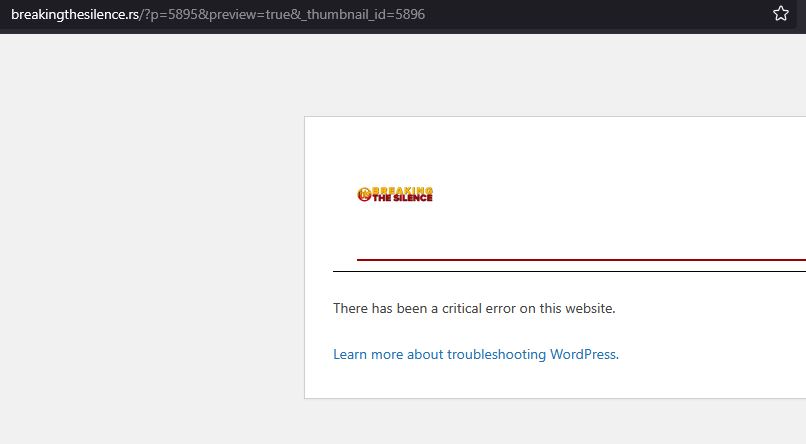
bts026The site was working without any issues on PHP version 7.4. When I switched to PHP 8.2, I started getting a critical error whenever I try to preview a post:
There has been a critical error on this website.
If I revert PHP back to 7.4, the error disappears and everything works normally. I’ve tried other PHP 8.x versions as well, but every 8.x version causes the same critical error.
All my plugins are up to date, and I’m using the latest version of the Newspaper theme — 12.7.1.
When I disable all other plugins, the error still appears. Only the following plugins are active, and the problem still occurs during post preview:
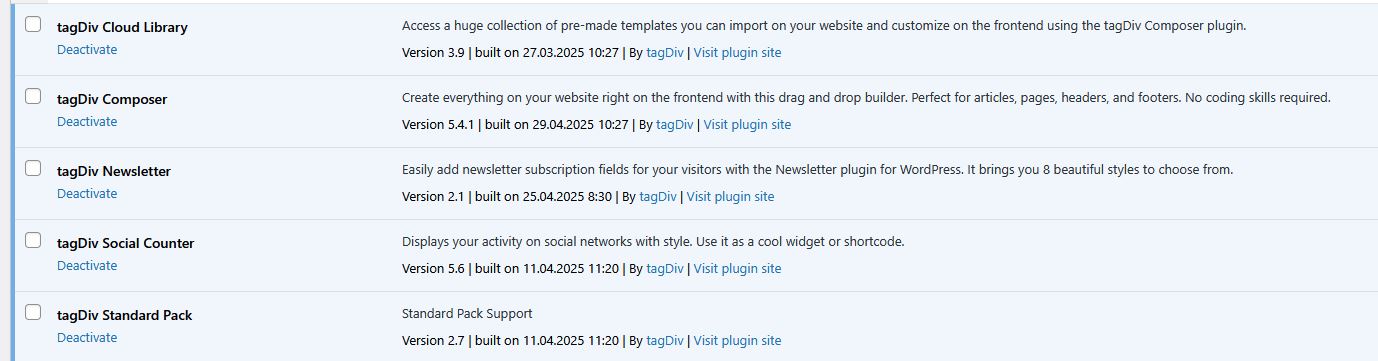
My site address is https://breakingthesilence.rs/
Calin Hi,
Now I understand what you mean.
Indeed, the siblings were working like that in previous theme versions 12.6.9, but since the last version, there have been some updates on the siblings and that functionality has been changed. I asked a developer to review it and provide a solution for this situation.
 okgngo
 My reply a few days ago was that there are still lots of things not working as shown in the demo.
1. there are two country fields in the Subscriber Checkout page.
2. When posting a listing, it doesn’t work, and its very confusing as to where those listings go for review and editing?
3. lots of broken links that just go to 404 Error..
4. Where are the events located?
Can you install a proper demo and show me where everything is located… and how I can charge businesses a monthly or annual fee and how I can add limits of number of listings or events.
 Horrormovies.gr
 Hello, yes you are correct. The issue is when there is a review in post. I have added the code to functions.php at the end but nothing changed.
 Simion C.
 Hi,
From what I see the posts that contain reviews don’t have the schema. Regular posts have it, like this one https://horrormovies.gr/news/neo-found-footage-film-tromou-erhetai-ioulio-house-of-eden/
I’m not yet quite sure why this happens. So far it looks like the theme removes the yoast schema when the post is a review. Forcing it seems to work, which could be considered a fix, at least until we get to the bottom of this issue. Try adding this line of code from here https://pastebin.com/AkzKpyWR in the theme functions file, or load it with a plugin like wp code or similar.
Please let me know if it works.
Horrormovies.grHello, I just installed Yoast SEO Premium, and I see that no schema is passing through nor breadcrumbs list.
In the Theme Panel the “enable article schema” is disabled, and in Yoast SEO I use the default article for all posts.
The URL of my post is https://horrormovies.gr/movies/final-destination-bloodlines-2025-review/.
I disabled all plugins also except the tagDiv Composer, tagDiv Cloud Library, and Yoast SEO. Nothing changed.
 perspektive
 hello, has there been any progress regarding this request?
it would be great if this could be implemented asap because otherwise everyone who uses newspaper theme could face legal problems if they can’t show the caption (e.g. with the creative commons license) in preview images.
kind regards
 teknobilimadami
Hello
There is a like button on the articles and content on my website. But when the like button is pressed, the button does not work? 🙁 You can review it. What do we need to do?
My Website : https://teknobilimadami.com
A sample post : https://teknobilimadami.com/apple-watch-dusuk-guc-modu-nedir-nasil-acilir/
 RENATO
 @Calin Help me, I have this cover image from the YouTube broadcast and it has this broken image, I tried everything to solve it but, from research I saw it was something related to the theme. I tried everything and couldn’t solve it.
as shown here https://ibb.co/tMg13Rbv
from this page https://glostv.com/abc13-houston/
another problem, which I tried everything to solve, sharing on social networks, the preview of the personalized cover doesn’t appear, I have to show it soon and description when I press share, and it doesn’t appear, I tried everything, to fix this, I downloaded several sharing plugins, I researched I saw that it is also a theme,
it appears like this, https://ibb.co/G4gDyj17
from this page.
https://glostv.com/abc13-houston/
 dscom
dscomHello,
We’re trying to use the “Public Post Preview” plugin to generate preview links for our draft articles. However, we’ve encountered an issue: the preview links are being 301-redirected to one of your tdb_templates.
We haven’t set any redirect rules that would cause this behavior. Interestingly, the redirect disappears when we disable your theme, which suggests there may be a conflict between the theme and the plugin’s URL structure.
Could you please let us know if your theme modifies URLs in a way that might interfere with this plugin?
You can reproduce the issue by clicking this link: https://www.travelstyle.gr/?p=324073&preview=1&_ppp=fcd78400a4
Thank you!
Calin Hi,
The extra h1 might be coming from the logo. Please edit the homepage using tagDiv Composer and disable the logo H1 tag – https://i.imgur.com/B8qyI57.png – https://i.imgur.com/GXauqr4.png
Check the main header, sticky header, footer logo, and also review it on mobile: mobile header logo and sticky logo – https://i.imgur.com/6J9sEwN.png
Thank you!
 Atithya
Hi Team,
We were reviewing the homepage of our site (https://www.electronicsforu.com/) and noticed that the <h1> tag is being applied to the site logo.
Could you please help me understand:
Why is the logo wrapped in an <h1> tag?
Is this being done by the theme or a plugin (e.g., header builder)?
What’s the best way to change this, so the <h1> tag is used for the main page heading instead of the logo?
From an SEO perspective, the <h1> should ideally be used for the primary heading of the page content, not the logo. Or is it normal?
Looking forward to your guidance on how to fix this.
Attached photo:
Calin Hi,
Can you please let me know some more details about this problem?
What pre-built website are you suing? Can you please let me know the updates you have made in the admin panel that are not reflecting on preview?
Thank you!
 borgelastreet
Hello,
I purchased this theme on June 10, 2025, at 11:47 PM. After saving updates in the admin panel, the changes aren’t appearing on the live preview. I’ve already cleared all caches, but the issue persists.
Can you please assist with this?
Thank you.