
- NewsmagSharing buttons
 Mimer
MimerI recently try to delete some custom code and i can’t save any option.
This is my website: bit.ly/4mDWeKI
https://drive.google.com/file/d/1jWzavMyMCq8RqsHnApnm0Wh-5GICwxoy/view?usp=sharing
Everything looks ok on the website… all works on the front-end and i’m able to make and save changes on the tagdiv editor…
I just need delete the custom html code but i can’t.
 Calin
Calin Thanks for sharing the source of the problem and how it can be fixed with our community!
 Hüdai
HüdaiHello,
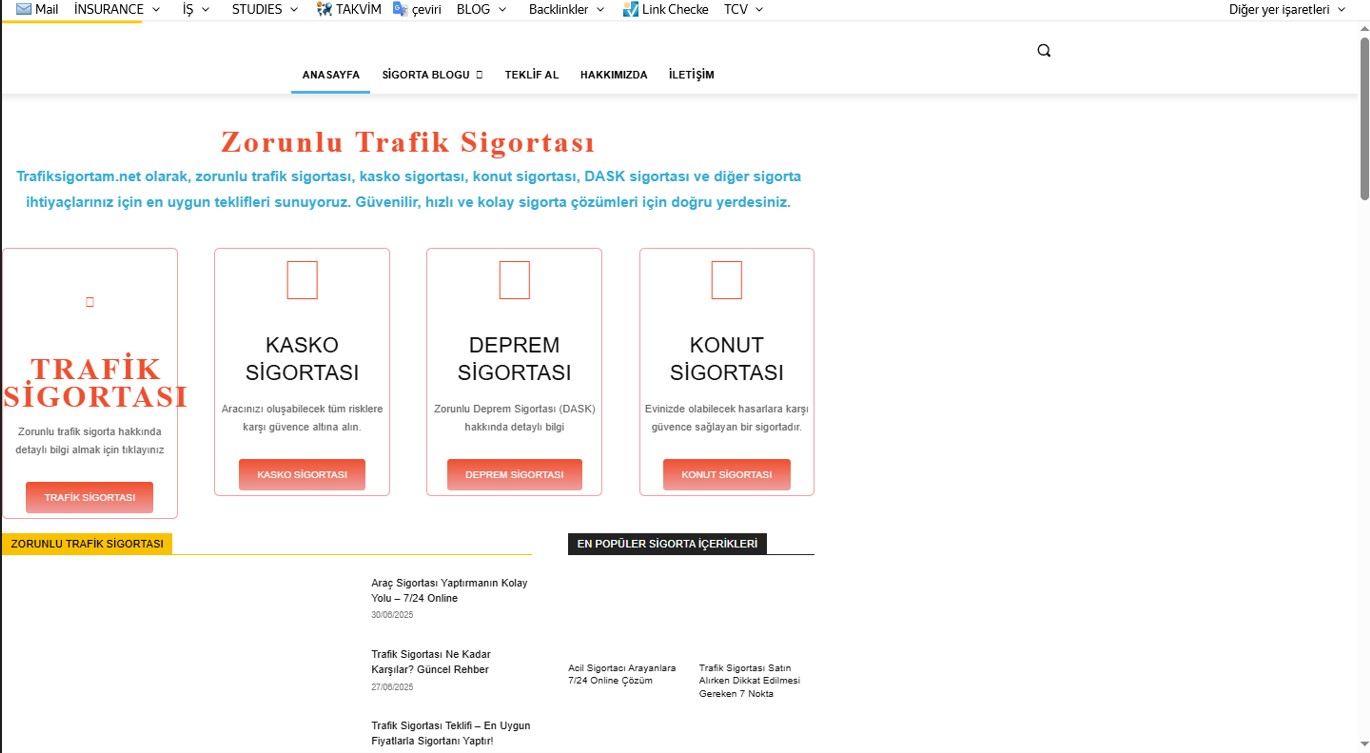
On my WordPress site (Newspaper theme), when I activate the LiteSpeed Cache plugin, the page layout shifts to the left. When I disable the plugin, the problem disappears completely, but then the site speed decreases.
I tried changing some CSS/JS optimization settings (CSS combine, async load, etc.) but couldn’t find the exact solution.
I’m sure the issue is related to LiteSpeed optimization settings, but I don’t know which setting I should adjust.
I’m sharing the screenshot in the attachment.
Has anyone faced this problem before? Which LiteSpeed settings should I modify to fix this issue?
Thanks in advance.
Calin Hi Steve,
Thank you for sharing the details and the page link. I’ve tested it as well, and unfortunately, this is not something that has a quick fix at the moment. The way the TagDiv Composer structures page content and the way the theme’s print stylesheet handles those elements conflict, which results in blank prints.
I’m really sorry about the inconvenience this is causing. At this point I don’t have a simple solution I can provide, and it looks like it will require a more complex adjustment in the theme/Composer code itself.
Thank you for understanding.
Calin Hello,
What I recommend is to ensure that you have an original image. Also you can use this tool https://developers.facebook.com/tools/debug/
https://forum.tagdiv.com/facebook-share/
https://developers.facebook.com/docs/sharing/webmasters/images/
Thank you!
 malmed_wp
 Description of the problem with image display on Facebook
When sharing content from the Malyn.Media website on Facebook, the main image of the post sometimes does not appear.
Problem details:
Occurs selectively: under the same conditions, some posts display the image while others do not.
The issue affects both new publications and previously published ones (where the image used to appear but later disappeared).
The site runs on WordPress and uses the Yoast SEO plugin.
Sometimes, in the desktop version of Facebook, the image is displayed, but in the mobile version it is not. The debugger does not help — it returns code 200, but the image is still missing. I have observed a similar issue on another website using the same template.
-
This reply was modified 1 year by
malmed_wp.
Calin Hi malmed_wp, can you please let me know some details about the problems you are facing? Do you have problems sharing articles on Facebook?
 moha
moha Thank you very much.. As for the shadow, I did not like it, so I disabled it.. and only kept the edges of the image.. but as for the gallery, there are no external edges applied.. Can you give me the code for the external edges of the gallery?
 Greg
Greg Hi Julie, hi Calin,
Thank you both so much for your quick and helpful replies – that was exactly what I needed!
@Julie – your tip about checking the Theme Panel → Background & Social Links was spot on. Really appreciate you sharing your workaround!
@Calin – the screenshots were incredibly helpful and guided me straight to the solution. I’ve now completely removed the background image and social icons from the mobile menu – all done cleanly via the Theme Panel, no extra CSS needed. Perfect!
Big thanks to the entire tagDiv team for your great support and such a flexible, powerful theme. Keep up the awesome work!
Best regards,
Greg
Calin Hi,
Pleae try the sugestion from this topic – https://forum.tagdiv.com/topic/issue-with-social-sharing-buttons-missing-major-networks/
Thank you!
Calin Hi Vlad,
The problem with icons is related to the CORS policy that blocks access https://i.imgur.com/dZT6Vp7.png. This problem can be solved using those guides:
– https://forum.tagdiv.com/topic/font-blocked-from-loading-by-cross-origin-resource-sharing-policy-no-access-co/
– https://stackoverflow.com/questions/25577981/font-from-origin-has-been-blocked-from-loading-by-cross-origin-resource-sharing
– https://webmasters.stackexchange.com/questions/71630/font-blocked-from-loading-by-cross-origin-resource-sharing-policy-no-access-co
 damir.d
Hi,
Can you give me help me in rectifying this bad visual of Mailchimp integration into newsletter on Newspaper theme?
Both of my websites are live now: https://www.aionomist.com and https://jobs.aionomist.com, and with both I have Mailchimp integration, that aesthetically I don’t like (I never had such issue, and I’d been working on WordPress websites for almost a 10 years; usually it is simple integration, and no any special tweaks, changes etc.).
Visitors, that visit these both of my websites, should have an easy, appealing subscription option to Newsletter. Just to add their emails, and only to pop-up short text message such as “You have successfully subscribed!”, but in case of jobs.aionomist.com, they have new webpage open (that I don’t like at all), and in case of “aionomist.com” a refresh/reload of page with black text on dark blue background message of subscription.
Please see images.
https://drive.google.com/file/d/1JKQX0CMXulXDuggBBO1_xnuGKmrPu2GQ/view?usp=sharing
https://drive.google.com/file/d/1IyGAIUQ86ZImsazo-nPzz3aonUp6Qgu0/view?usp=sharing
I hope this could be easily fixed, and aesthetically made appealing to users (visitors of the website).
Please note I use a lot of Mailchimp for marketing, and it is crucial for me that Mailchimp and newsletter functionalities work perfectly.
Thanks,
Damir
Calin Hi simchris, thank you for sharing this with our Newsmag community!
Calin Hi,
Facebook Messenger is not integrated with social sharing, but you can use the option available for Facebook to share on your Facebook page or profile. Also, our social sharing does not have the option to count how many times a certain article has been shared.
Thank you!
 ahmadrazamughal1
  prem
premI have a question regarding NewsTheme. Is it possible to publish a post and directly share it across all of the company’s social media platforms from within the theme itself, without having to manually copy and paste the URL?
I’m looking for a one-click solution that would automatically share the post to our connected social media handles (e.g., Facebook, Instagram, Twitter/X, LinkedIn, etc.). This would significantly reduce the time and manual effort currently required to distribute content after it’s published.
Does NewsTheme support this kind of integration or automation?
 theheritagelab
Hello, while editing a page or post template, my sidebar screen is not showing any icon for “undo”, “save” etc. I can add a row, but cannot see the icons for layout…console isn’t showing any issue and it was working yesterday just fine! Screenshot
 banglak19931
 Here is a screen capture I did it again and cleared the cache but it didn’t work
video
Please watch the video and check again for me
banglak19931I’m unable to use the ‘tagDiv Partial Locker’ feature. Specifically, I cannot hide a portion of the content beneath it.
video : video
 duck1970
Hello, I’m sharing my problem. I display a photo in the header of my website. This photo changes every hour depending on the schedule, always with the same dimensions. Thanks to the CSS code you gave me (which I attach to the Home page photo), it displays correctly on the PC version. However, if you view my Home page or any page from a mobile device, the header photo barely appears (home page photo). Can I add some code to correct this so it displays correctly on mobile devices without affecting the website code?
I hope I explained myself well. Thank you very much for your help. Best regards.
https://www.radiomarcabarcelona.com/goodnews-design/HOME-WEB.png
https://www.radiomarcabarcelona.com/goodnews-design/HOME-DEVICE.jpg
 Atithya
Hi, I have updated my website previous month, but after the update on mobile view website is shifting to right and there is a white space on full page. Also on pages, the text is not coming in full view, the text is coming left align, can you please check
 RENATO
 @Calin Help me, I have this cover image from the YouTube broadcast and it has this broken image, I tried everything to solve it but, from research I saw it was something related to the theme. I tried everything and couldn’t solve it.
as shown here https://ibb.co/tMg13Rbv
from this page https://glostv.com/abc13-houston/
another problem, which I tried everything to solve, sharing on social networks, the preview of the personalized cover doesn’t appear, I have to show it soon and description when I press share, and it doesn’t appear, I tried everything, to fix this, I downloaded several sharing plugins, I researched I saw that it is also a theme,
it appears like this, https://ibb.co/G4gDyj17
from this page.
https://glostv.com/abc13-houston/
 SVPrasad
Dear [Theme Support Team / Developer Name],
I’m currently using your theme on my website and I’ve encountered an issue with the social sharing options. The theme’s social sharing buttons are not displaying the major platforms like WhatsApp, Telegram, Instagram, Facebook, or Twitter.
Under the Theme Panel > Social / APIs > Social Networks, I can only see a limited list such as Naver, Flipboard, Copy URL, Kakao, Gettr, and Koo. These platforms are not widely used by my audience, and I require the ability to enable more common and widely used networks.
Issue Summary:
Required platforms not visible: WhatsApp, Telegram, Instagram, Facebook, Twitter
Currently available: Naver, Flipboard, Kakao, Gettr, Koo, etc.
Theme panel checked: Yes, under Social Networks/API section
Could you please advise how to enable the missing platforms or if any plugin/additional configuration is needed? If this is a limitation, kindly let me know if there’s a workaround or plan to support more social media networks in upcoming updates.
Calin Thank you for sharing with our community!
AtithyaHi Team,
We were reviewing the homepage of our site (https://www.electronicsforu.com/) and noticed that the <h1> tag is being applied to the site logo.
Could you please help me understand:
Why is the logo wrapped in an <h1> tag?
Is this being done by the theme or a plugin (e.g., header builder)?
What’s the best way to change this, so the <h1> tag is used for the main page heading instead of the logo?
From an SEO perspective, the <h1> should ideally be used for the primary heading of the page content, not the logo. Or is it normal?
Looking forward to your guidance on how to fix this.
Attached photo:



