coastaljax
 That seems to have fixed it… but won’t this be undone with any subsequent update?
And I’m still confused as to why this just started happening with the update. I’ve used the minification plugin for a while now. It seems like this is an issue created by the update.
 erikclae
Hello,
On my website: http://www.finanstider.se the number of likes on the social counter for Facebook is not correct. Why is it not updated? How do I update it? It says 3 likes, but I have 40 likes.
Thanks,
 mzirafos
 Updated that plugin and cleared cache – did not help.
Tag more is under ‘Lorem ipsum dolor sit amet, consectetur adipiscing elit. Vestibulum quis gravida mauris, gravida sollicitudin est. Cras elementum tellus’.
 Catalin
 Hello adamatpaymentscm.com,
Until now, we do not have any bad reports using the latest version of WordPress. You can update the WordPress and we will include it in our feature update. We cannot say for sure when exactly will be this because we hard working in this regard.
Thanks for your understanding!
 Bogdan B.
 Hi,
Do you use the latest version of the theme? If not, please update using this guide: https://forum.tagdiv.com/how-to-update-the-theme-2/
If the problem persists after the update, please provide a link so we can inspect it.
Thank you!
Catalin Hello valnyc2016,
Please ensure that you are using the latest version of the theme and required plugins (Newspaper 7.1.1 and Social Counter 4.1 and Visual Composer 4.11.2) via FTP according to our documentation here -> https://forum.tagdiv.com/how-to-update-the-theme-2/ , clear all your caches (server caches), purge CDN files if you are using the CDN system and install only the plugins that come bundled with our theme and rule out the conflicting plugins. The Visual Composer is fully tested with the latest version of the theme and works perfectly.
If your problem is still there after this, please try to make a new clean install with the latest version of theme and check how it will work.
Thanks for your message!
Catalin Hello benj0612,
Always we make improvements to our theme and we will consider this to following updates.
Thanks for the message!
Catalin Hello pixelonline,
Please ensure that you have fully downloaded the packet from Theme Forest with our latest update and then make sure if you have fully updated your theme only via FTP according to our documentation here -> https://forum.tagdiv.com/how-to-update-the-theme-2/ because this is the surest method in this regard. If your problem is still there, please try to make a new clean install from scratch with the latest version of theme and without any untested plugins and rule out the conflicting plugins.
Hope this helps and let us know how it goes!
Thanks.
Catalin Hello Lawzing,
Please ensure that you are using the latest version of the theme with the latest version of the required plugins and also, you have fully updated your theme only via FTP according to our documentation here -> https://forum.tagdiv.com/how-to-update-the-theme-2/ because this is the surest method in this regard. Try to disable all the active plugins, leave just Visual Composer to active, clear all your caches (and caches from your dedicated server -> contact your hosting provider if you do not have access), purge CDN files if you are using the CDN system and install only the plugins that come bundled with our theme and rule out the conflicting plugins. Also, if your problem will still there, please try to make a new clean install from scratch with the latest version of the theme and let us know how it goes.
Thanks for your understanding!
Catalin Hello mzirafos,
I have checked your website and I saw that you are suing an older version of Visual Composer (4.9.2) and the latest version of it with Newspaper 7.1.1 is 4.11.2. Please try to update you Visual Composer, clear all your caches and test it again. If your problem is still there, please provide more details and mention there about what is wrong.
Hope this helps!
Thanks.
Bogdan B. Hi,
Thank you for your suggestion. At the moment we have not tested this but maybe you could find a plugin that can do it. I will add your suggestion to our list for future updates and if the development team decide to do it, it will be implemented in a future version of the theme. I cannot promise anything though.
Thank you!
 Andrei L.
 Hi
It doesn’t matter how you update the theme, its settings will remain the same as they are saved in database, not in theme’s php files. And yes the customizatiopns made in php files will be lost so you will; have to re-add them again.
Hope this helps!
Thanks!
 pprinc
Just updated to V3 on a client site and the social icons aren’t looking good! The icons are now stretched out and look pretty bad. Is there a CSS change that causes this? If so, can you please show the CSS to get it back to perfectly round circles?
 Berbi
BerbiHi there,
This page http://www.emprunter-malin.com/le-guide/ has anchors. The page used to smooth scroll to the anchors after the user clicks on the link, but since I updated WP Backery, the following happens :
1- the page goes directly to the anchor, without any smooth scroll.
2- after the page has gone to the anchor, the header diseappears.
There are no other plugin in conflict, I have already checked.
I downloaded WP Backery from the patch patch_2.3.1_3.0.
What did I do wrong ?
Thanks in advanced.
 adamatpaymentscm.com
Can i upgrade to 4.5.3 without breaking anything? When is the next update out?
 tilakmarg
 Thanks. Will try that.
Just one query. If I manually update the (Newsmag) theme, will my customized settings in Theme Panel remain protected or I’ll have to start again customizing these settings (though I understand that custom changes made to PHP files may disappear with update)?
Regards
 newzzniper
 Hi,
Shoud I disable the plugins before the update process?
Thanks!
 benj0612
 Hi Catalln,
Thank you it works by desactivating the mobile theme plugin. BUT I loved it ! :):)
If you can put it into an update, would be super! In fact, even if it is minimalist, people will less “share” than “like”, speeder!
Best regards.
 djstine
 Greetings Catalin,
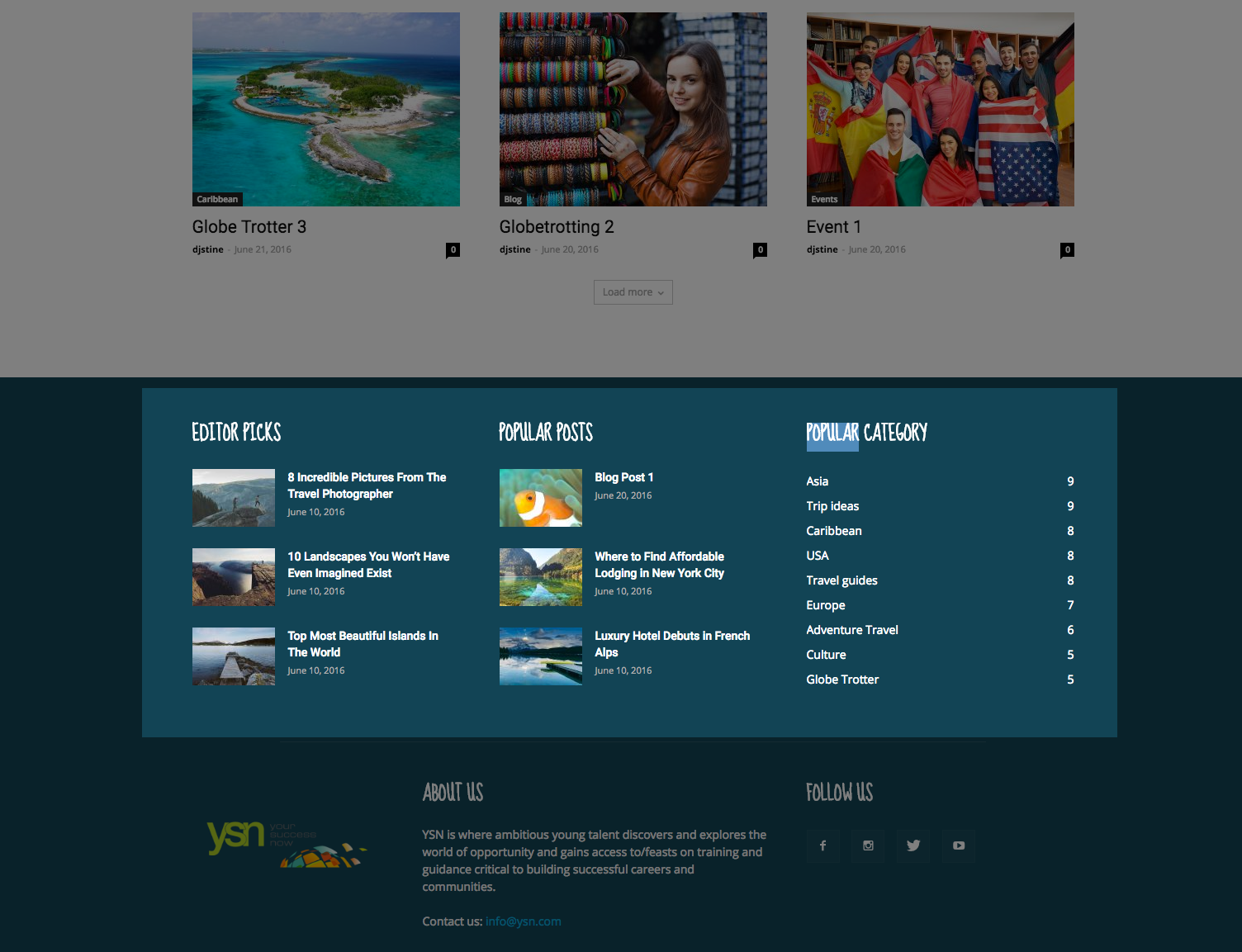
Thank you so much for such a quick response, I really appreciate your guidance. The answer to this is probably very simple. I may be using the incorrect terminology when I say footer. The area I am looking to change the titles of Editor picks, Popular Posts, and Popular Category.
Take a look at this image: http://davidjstine.com/Source/DevYSN_FooterScreenshot.png
Update: I think I have found the answer.
Thank you again, David Stine
-
This reply was modified 10 years by
djstine.
Andrei L. Hi
I’ve checked your site and noticed that you’re using an older them’s version. Try to update the theme at V 3.0 which is available in themeforet: https://forum.tagdiv.com/newsmag-how-to-update-the-theme/ clear all caches, deactivate the child theme then test again.
Let me know how it goes.
Thanks!
 paolobabaglioni
 yes, I did like you said but you are not updated . I used this procedure
Catalin Hello richardprins,
We will try to consider in future updates.
Thanks.
Catalin Hello paolobabaglioni,
After updated the theme, please ensure that you have deleted the old version of plugin from plugin area and then you will have to install in from the Premium Plugins from theme panel, like this -> http://screencast.com/t/pbySxrlIIxDV and then activate from here -> http://screencast.com/t/A8Ly3rhes7v
Hope this helps!
Thanks for your message!
 chand3g
 Hi Andrel,
Thank you for writing in.
Exactly, you got the point but it isn’t working. I have already tried this before opening the thread.
Also, I have downloaded VC from the envato which is Version 4.11.2 but the latest ver is 4.12 and I am getting notification to update the plugin. Let me know what I need to do.
Thank you.
Bogdan B. Hi,
The plugin cannot be activated as it’s a free version bundled with our theme. Please read this guide: https://forum.tagdiv.com/how-to-update-visual-composer-plugin/
Thank you!