
 morty
morty Resolved. I had gone Option %%excerpt%% the configuration of the plugin WP SEO announcement to update.
 gfran5
Hi,
So i posted about this not too long ago, the response was to use plugin Animated GIF Resize which is not being updated by the developer.
I think i may have found an alternative solution for this.. through this site distractify.com
Rather than loading the image thorugh img src attribute they use the image as a background instead and use CSS like – background-position: center; background-repeat: no-repeat; background-size: cover;
Can anybody guide me on how i could do something similar..
Regards,
Glenn
 Afterglow
 Thanks, Chris. I found it, but have to load the whole theme. Is there a tool in the admin panel of my site, which allows for the update to be applied by the push of a button? I do not seem to see one, in fact, whene I go to Themes under my site’s admin panel, the Newsmag theme does not say it has been updated.
Please advise.
Thanks,
Peter
 kiat87
whats is the best method to update the theme without changes the setting into default ?
 Mark
Mark I was told to just take a look at the Update Documentation: https://forum.tagdiv.com/how-to-update-the-theme-2/
And I think you can use this step to update automatically:
Download the envato wordpress toolkit from here: https://github.com/envato/envato-wordpress-toolkit
But check the update docs first.
 hkgirl11
Hi All,
I just realized I haven’t updated my theme in months. What’s the easiest and safest way to update from 4.6.3 to version 6 of newspaper?
Thanks in advance!
 WakeUpCallProject
 Hi guys,
This keeps on being removed every time the theme is updated.
It’s really frustrating.
Is there a way of putting it in the theme somewhere to put ads under the actually article?
It seems like such a stock standard thing on all the news wordless news/magazine themes.
I really like the newsmag theme otherwise but this seems like something that needs to be addressed with a permanent fix.
 ciupi2k4
I could not find a useful link with info on how to update the theme from version 6 to version 6.3. It’s just a simple copy of the new files over the existing ones? If so, aren’t some changes overwritten thus lost?
Since you advertise your theme on themeforest as “simple to use with no coding skills required” you should either:
a) create an update script in the theme panel in WP backend
b) have a forum topic written for everybody (including those with no coding skills). Step by step instructions for a no-brainer
Can you please tell me how I should update the theme from 6 to 6.3?
Thanks.
 orcn
orcnHello,
After 6 update, i have issue about photos. Sometimes they dont appear(you can see on screenshot below). When i refresh the page, it’ll be fine. But i don’t understand why it is happening. It is about me or themes ? (Before 6 update, i didnt have any issues like that)
 TechRanker
 I use the Yoast SEO plugin to strip “category” from the URL. On two occasions, a plugin update broke my categories. To resolve, I uncheck this setting, saved settings, re-check the setting, and then saved again.
Be sure to check a few posts and category pages after ever Yoast pluging update (and after any plugin update).
 n_thomas
Hi,
Since the update from 4.x to 6.2, the background color of a widget title is black (RSS feed).
The accent color is set to red.
The headers background color is set to red.
We also tried with CSS settings we found on this forum but it doesn’t work.
Any clue?
Thanks,
Thomas
 Alin [tagDiv]
 Hi,
You can try to backup your current child theme files, install the latest version provided with the theme files and see if you still have this issue, then add your customized files and see if it works. You will have to check the update log file and see what files were modified from the last version that you used. It is normal if a file was changed to have some issues if this is overwritten by child theme file.
In the latest version of the theme we changed the child theme system – http://screencast.com/t/XOJ975e6Mn and we decided to add better child theme support – https://forum.tagdiv.com/the-child-theme-support-tutorial/
Thanks!
Afterglow Hi, thanks, but this does not seem to be the case. I am logged into themeforest.net and the only option I have is to buy the theme. There is no option to download it (or an update) for free, given that I have already purchased the previous version a few months back.
Please advise.
Thanks,
Peter
AfterglowHello,
For my domain pavlikeni.com, am I eligible to get the updated version of the site’s theme from themeforest.net (or elsewhere), or do I have to pay again?
Thanks,
Peter
 Andrei L.
 Hi
When you purchase the theme from themeforest, the version you get is always the last one meaning when a new product it’s released the previous version it’s replaced and the user have the option to update. We still offer support for user who are using Newspaper 4 but setting up the site means custom work and we cannot offer it as we work hard on the development, updates, fixes and support. You can look for a developer from a site like http://studio.envato.com/ if you don’t know how to do it yourself.
Thanks!
Andrei L. Hi
Please update at the last version, you can find details here: https://forum.tagdiv.com/how-to-update-theme/ also update the plugins that come with the theme files, you can find them in the /plugins
Thanks!
Alin [tagDiv] Hi,
Thanks Chris!
@kartiknigam Please check documentation there is a guide how to install/update the theme – https://forum.tagdiv.com/install-via-ftp/ – https://forum.tagdiv.com/install-via-wordpress/
Thanks!
Alin [tagDiv] Hi,
The latest version of the theme is 6.3 and it has been approved today – http://screencast.com/t/7IQbAYNAmD with new implementations and fixes.
Please check documentation if you want to update your theme – https://forum.tagdiv.com/how-to-update-the-theme-2/ also if you want to update via FTP there is a video how to install/update the theme – https://forum.tagdiv.com/install-via-ftp/
Thanks!
Alin [tagDiv] Hi,
Unfortunately this was a small update just to fix SEO incompatibility issue and we forgot to change the theme version, but if you downloaded the latest version from themeforest then it is 6.2.1. Sorry for inconvenience!
To have also h1 and h2 to your pages just add a text block anywhere on the page(you can add it in the sidebar for example and use it on more pages) and add a title and a small description.
Thanks!
 pietro89
Dear Staff,
After the updated i lost several settings from the previous version of newspaper, i’m going to post 2 different pictures of my blog before and after the update in order to detect all the differences.


In addition, the sidebars in the posts don’t show up anymore and the blog is really slow.
Can you hep me?
 vakalaktika
I’ve had this issue for a while and I have been trying, unsuccessfully, to solve it myself and waiting for an update.
Have also been unsuccessful to find anything in the forum.
What could be causing this? has this been reported before?
Please help
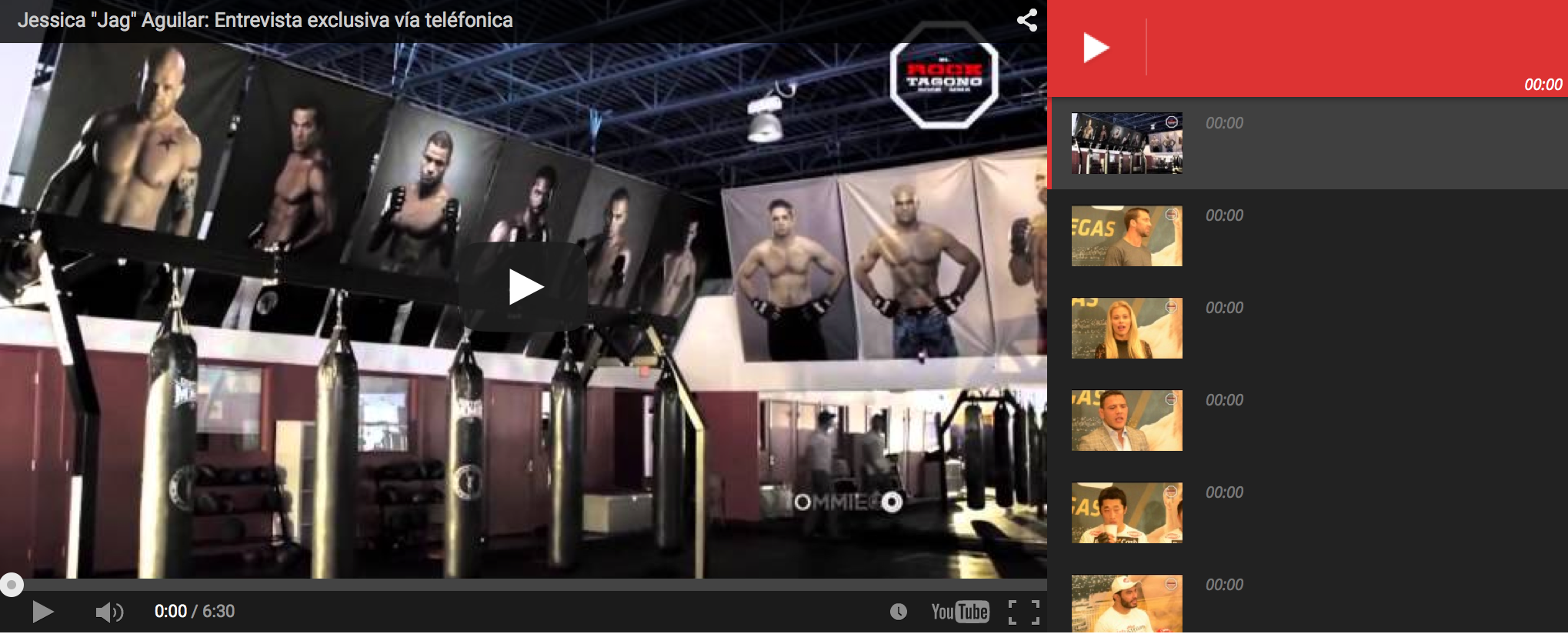
Here is an example of what the users see, the website is http://www.elrocktagono.com
thanks
Mark So I am still on v6.1, has everything been fixed? What is the best way to update now?
Any issues with the new version 6.2.1 now?
Thanks
 Lukao350
 Hello, I updated my website today. Although I am still learning some new settings, I did not find the rating post option. Only thing I found was on reviews, but then it comes to reviews of products and not the post or page (content), right?
website: http://www.techtube.com.br
Thanks again.
-
This reply was modified 11 years by
Lukao350.
 jk
jk hey, i have tried to swith the theme coz i am suing the child theme as you predicted. and yes it works.. how do i update childtheme without lose of code..
cheers
jan
Alin [tagDiv] Hi,
Do you use child theme? If you do please switch to the main theme and check this.
If you don’t have this issue anymore please make sure that you update the also child theme to version 2.0.
Thanks!
