Adeba
Adeba I have all plugins activated but also get in the editor:
DID YOU DISABLE ANY TAGDIV PLUGINS?
Schließen
We’ve got some errors at loading API files. It could happen because of a disabled TagDiv plugin!
After deleting the “more from this author field” this error is gone
Adeba That was the reason I posted this problem here.
ONE time could be my problem, but more times it’s a system problem
and it is very scary that I lost all my settings of the theme.
All my inputs are gone and yes all plugins things are updated every day.
I saw one more posting here in the forum with is similar to this.
Adeba Thank you.
Any news about vulnerability?
Any statements or solutions?
No?
Because I am quite sure it was a problem of the theme.
Only the settings of the theme were deleted.
Even my liscence key was deleted and all plugins were inactive.
Could be also update from tagdiv.
Adeba All my adds (code) were also deleted in the settings area. Could be this.
Adeba https://www.wordfence.com/blog/2020/11/large-scale-attacks-target-epsilon-framework-themes/
Was it you updating or the hackers, because theme is vulnerabel?
Adeba solved by myself
Adeba Thank you.But now there is also one more option.
Mobile Pages for each page.
Which seems to be a cool feature, but it’s now harder to understand what is the suggested “normal” way.
Adeba Everything was solved by the support!!!
I am very happy.
One conflict with an existing plugin and Gutenberg and mobile theme
Adeba url
magazin.adeba.de/?p=56235&preview=true
Adeba Only if you have installed:
tagDiv Standard Pack
Build your website fast and effortless without code. Perfect for beginners
Adeba I hope this posting will help.
So it’s quite complicated to understand what’s happen in the different views if you are not a programmer.
First of all I still have the feeling the views are jumping around.
No I figured out myself a little bit:
There is the mobile view which looks nice
and here is the amp mobile view which is very simple (to simple)
Mobile options:
Last setting (amp) (this looks best in my opinion, or?)
In the normal normal mobile view (probably just the responsive design)
the categories are with a dropdown which covers the first post.
Middle setting (amp+mobile)
In the amp mobile you may see NO DROPDOWN and limit of 2 categories because of space.
You see more but not all if you turn around mobile horizontal…..
You may see all categories if you add custom CSS
BUT!!!
Useless in the normal “custom Css”
There is a mobile custom CSS also ;).
So if you use this code
.td-category{
max-height: none;
}
you see in the mobile amp view all categories.
NOW.
How to see all categories in the mobile view without dropdown?
and what is the first position of options doing?
🙂
Adeba Just one tip.
I am using an online service which works on the fly.
No matter what I upload it’s optimized and there are even new modern formats possible.
You may even define cropping
So it’s converted from png to jpg automatic and also generates WebP Images.
Adeba On mobile the categories that do can not be display because the space will be display in dorpdown menu https://i.imgur.com/HwZSHQ4.png -> https://i.imgur.com/g1ruEcS.png
Now I changed as mentioned here:
https://forum.tagdiv.com/topic/mobile-layout-appearing-on-desktop/#post-323449
and face the problem which you show on your screenshot
the dropdown is always shown
https://i.imgur.com/g1ruEcS.png
over the article
Adeba I have the same problem.
So I deactivated Supercache
I switched :
PLUGINS’ SETTING
Use Mobile Theme for:
Select the option according to the desired behavior
to the last point -> amp
It seems to work now as wished.
I will test with cache on
In my opinion the problem was
I surved with mobile and an amp Version was generated
I surved 10 sec. later with my desktop computer and I gat this amp version even on my desktop computer
###
After deleting cache
I saw normal desktop version of the site
Adeba the drop down is not showing un the mobile view
Adeba Adeba I hope this was helpful !
No :-), because I wrote about importing design without demo content.
Thank you !
Thank you !
You Are Welcome?
You Are Welcome?
Adeba Same Problem on my site.
Adeba YEESSSSS 🙂
Adeba I did already to support but of course:
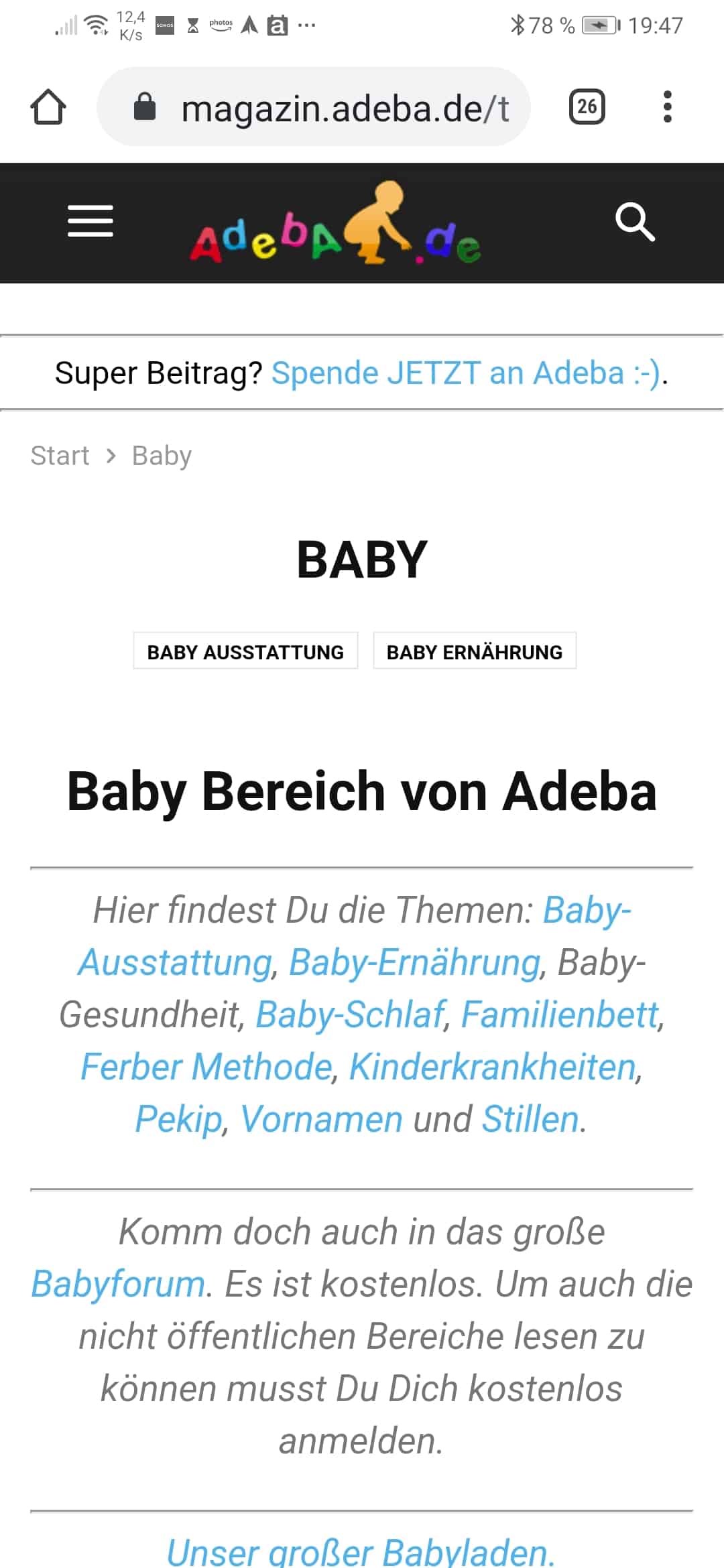
https://magazin.adeba.de/thema/baby/
Adeba I was finally updating by exporting my post and categories and after import the pro design importing post and categories.
Only thing which was corrpted was the site menu which was based also on the disapearing categories.
Adeba Thanks for helping me. My main problem is probably that I some how believed the promise of a 98 or 99 on your weppage without paying for the sercice extra or installing addons.
So I spend a lot of time instaling multible times the pro versions (as I told before I lost some categories when I did this) and have now a legal slow website.
For testing:
I deactivated everything except your Newspaper Theme and got a 53 on desktop for sitespeed google. Also not so impressive.
But of course I need my DGVO for beeing legal in europe and my VBSEO for beeing in google.
So I will live with my on mobile the speed number 5 because I am not paying the additional 200 Dolars for helping me with this case, because it’s a niche project for parents in german language :-).
For you nice to know I extended my licence today.
Adeba Translation in english:
I write it to you in Spanish, you have too many images not optimized on your website, in addition to that you have to optimize the js and the css, in case you can’t do it, I help you write me to the email therion250@gmail.com, I have a 92 in load.
Adeba No you understand me wrong.
This problem exist if I use no plugins and tagDiv mobile
Please help, because it is really annoying.
Whenever I use tagDiv mobile I can’t use page editor.
It is only when
tagDiv Mobile Theme
is activ
https://magazin.adeba.de/wp-admin/post-new.php?post_type=page
Der Link, dem du gefolgt bist, ist abgelaufen.
Adeba Still the problem.
All updates installed.
tagDiv Mobile Theme
Make your website lighter and faster on all mobile devices
Active
I can’t make a new site:
wp-admin/post-new.php?post_type=page
deactivate:
I can add a new site
I used:
Health Check & Troubleshooting
https://wordpress.org/plugins/health-check/
and only if I activate: tagDiv Mobile Theme
I have problems