

 Davidpinto
 I had the same problem and I contact my hosting provide to restore a backup of my website. After tried to install last update my header and footer have lost my edits. Now with the restore i resolved but for now i don’t update the theme. Any suggestions? thank you
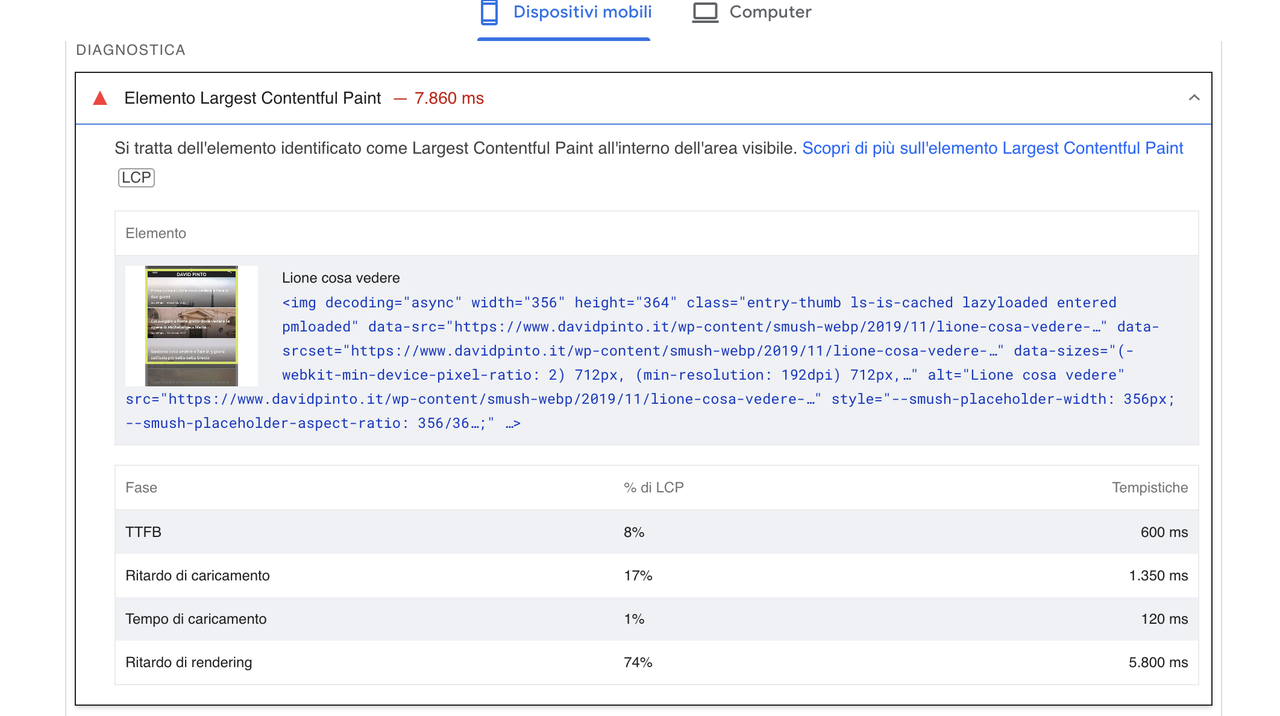
Davidpinto Thank you so much Bettina, I did it but nothing is changing:
Davidpinto Hi Bettina,
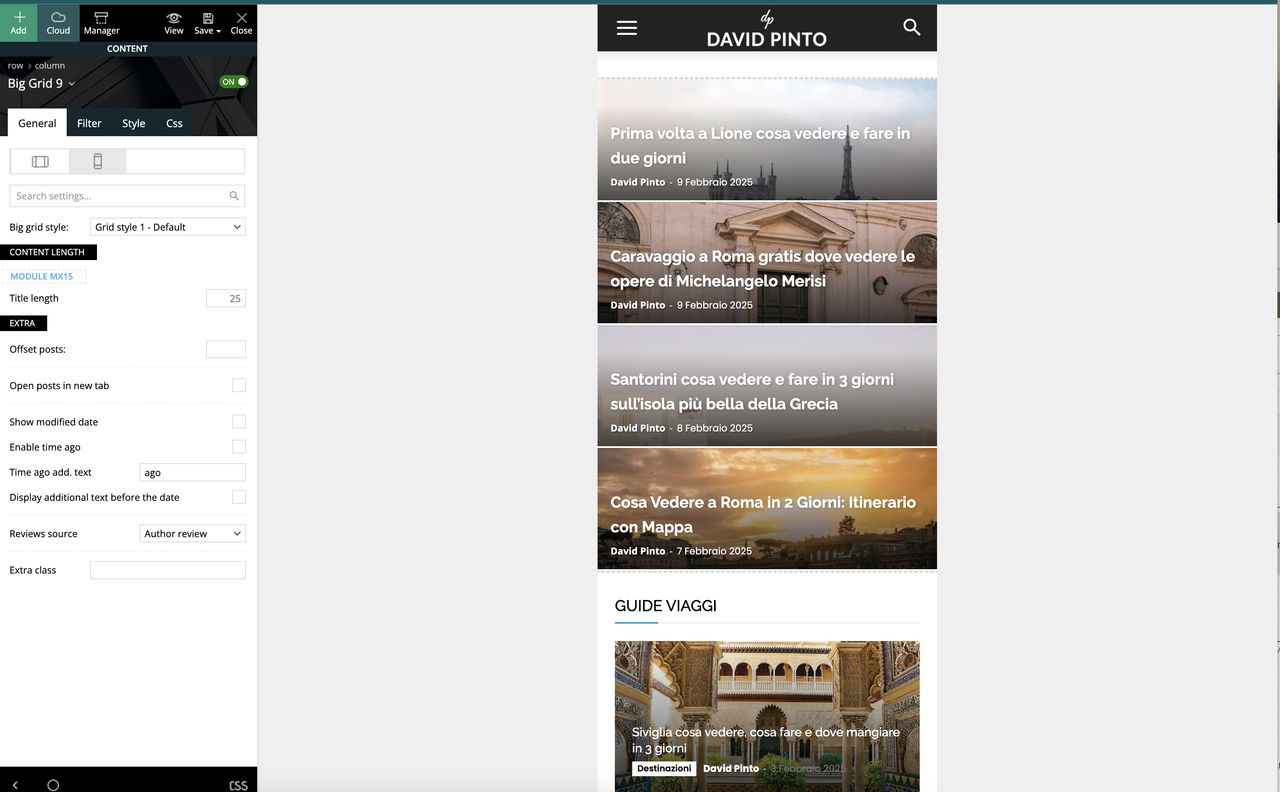
are you sure? I created the mobile page with Tagdiv composer.
Davidpinto Hi Bettina,
I don’t use more Mobile Theme and AMP Plugin, i’m using the mobile pages.
But I don’t lknow have this result the same…
Davidpinto Hi Anamaria,
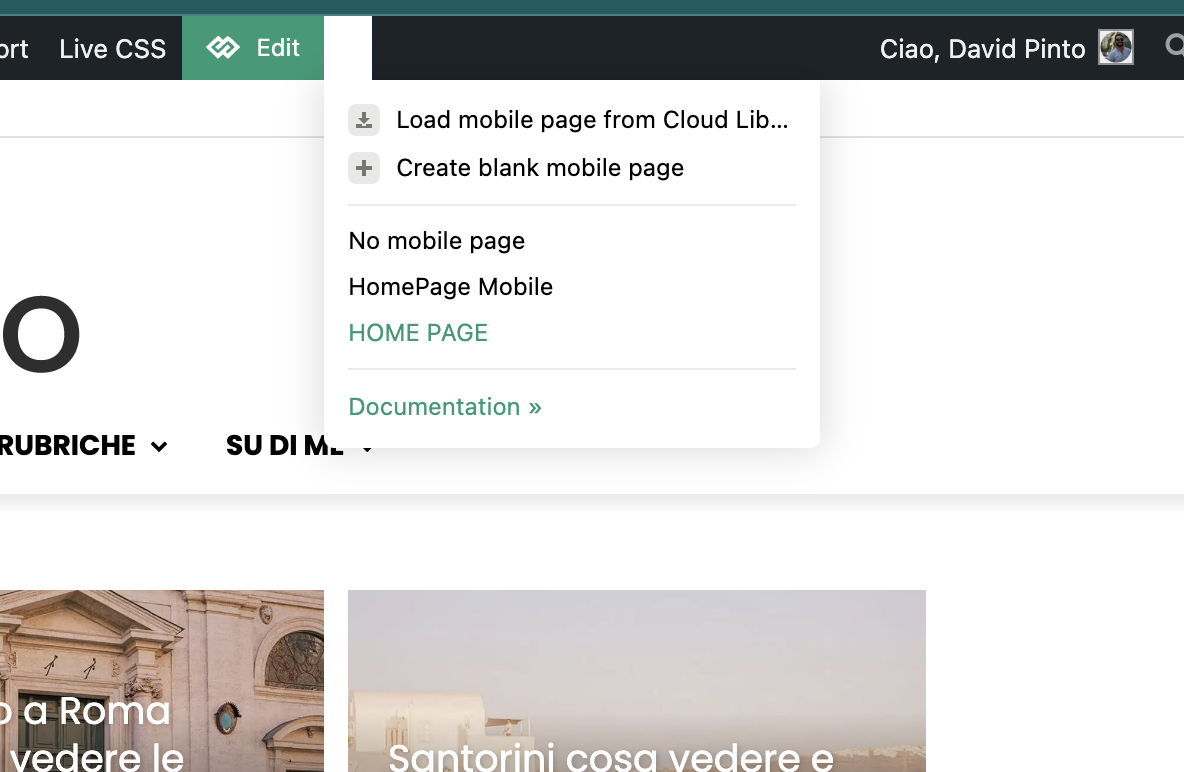
thank you so much, I’ve just now activated the option and now works. But I have a dubt. In the post page i selected the template for mobile and works well, instead in homepage I have this issue, why I don’t see the option specific for mobile template?
It’s correct what i see? This section is only for homepage mobile?
-
This reply was modified 1 year by
Davidpinto.
Davidpinto And I saw that if I have in “Single Post Template 3” mobile template version on yes, in desktop I see the mobile template version instead of “single post template 3 global version”.
Thank you
Davidpinto Ok I think the problem is on the setting…
On home page i saw this:
instead in the post page template is correct this view:
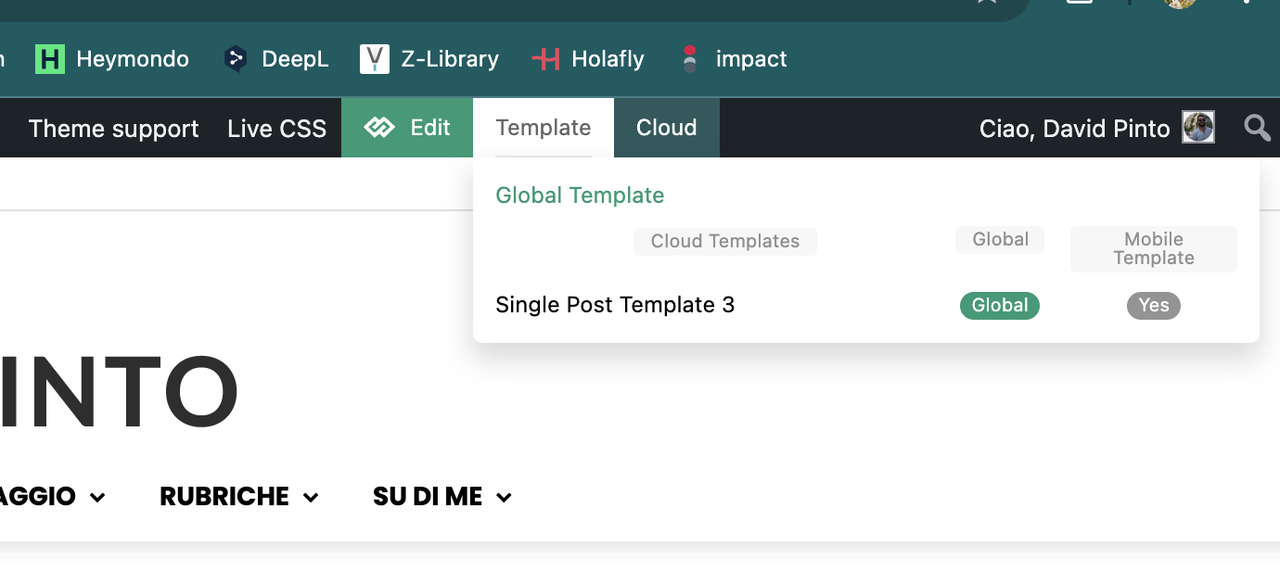
Why in the homepage I have that problem?
Thank you
Davidpinto Hi Anamaria,
I don’t use AMP, i use Mobile option in settings.
I resolve in translations, thank you
Davidpinto Ok I found a solution.
I paste the code of that box in the Mobile ADS article bottom AD.
Davidpinto Ok I’ve the plugin mobile theme active and when I deactivated the plugin I saw the site with template, but I really don’t like it. So I reactivated the mobile theme plugin.
In the desktop mode with the template I insert an element for a box newsletter like that:
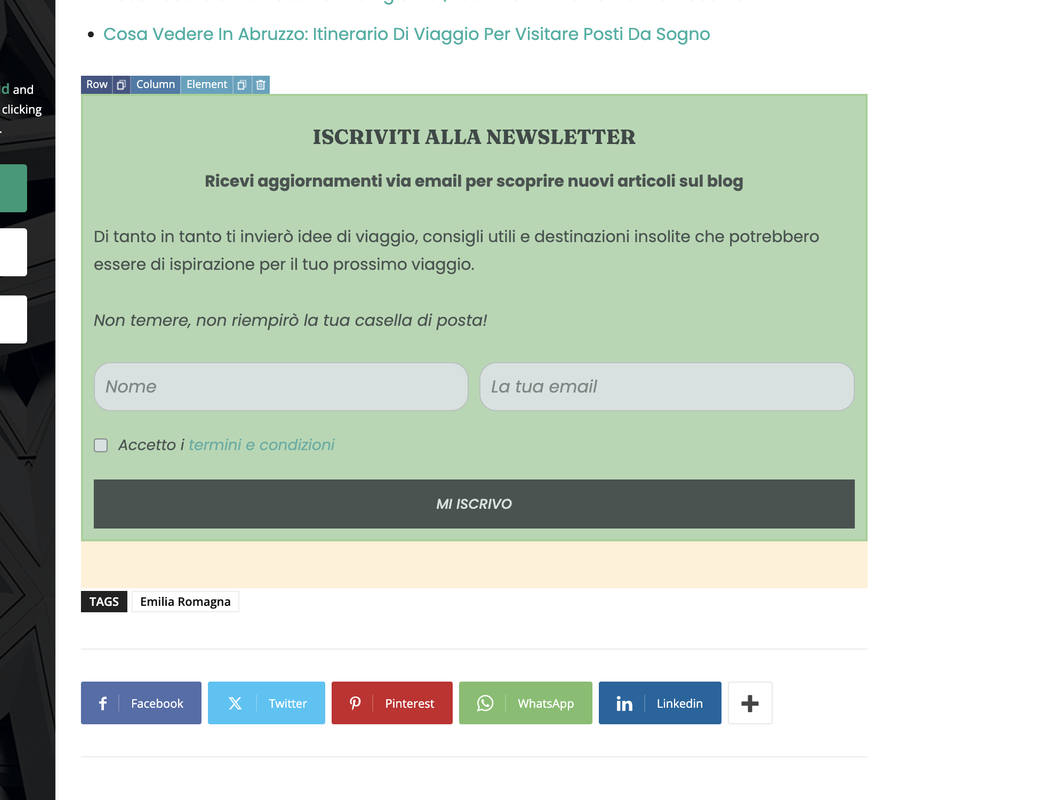
I need to put this bloc in the mobile site too, how can edit or add it inside the theme mobile plugin?
Thank you
Davidpinto here my site: https://www.davidpinto.it (blog page)
and here the page size with 1200px https://www.davidpinto.it/collaborazioni/
Thank yoy
Davidpinto Hi Bettina,
I did it!
Thank you
Davidpinto Hi Bettina,
Thanks a lot! It’s work not totally, I mean in the homepage is work but in the page article for example doesn’t work the menu slide doesn’t appear (also the search slide).
I’ve checked on iPhone with chrome/safari browser.
Thanks
Davidpinto Ok perfect!
I use now the 3rd solution with mobile theme plugin with the settings so how explain in the guide.
But I always a problem with menu and search. If i click on search icon or on menu icon they didn’t work.
🙁
thank you
Davidpinto Thank you Bettina,
so you suggest to delete the AMP Plugin? Right?
I deactivate the plugin and it show it: The tagDiv Mobile Theme now works best with the AMP plugin to provide a complete solution for your content on mobiles.
I’m confused now 😀
Davidpinto Hi Bettina,
yes I use AMP official plugin as also suggest on theme panel
And I’ve already activated the settings from the theme panel for mobile menu and mobile search.
But doesn’t works
Davidpinto So I did the downgrade and I want to know if is possible to upgrade the wordpress to 6.4 without problems
thank you
Davidpinto I did the downgrade but I have yet problems with AMP version on my site!
OMG
Davidpinto Same I have this problem with AMP version on my site 🙁 and I’m losting views.
Davidpinto Hi unfortunately I have a problem with the options of all the theme that doesn’t work. After i saved a change or option the doesn’t work and the option come back as before my new setting. So I think this is a general problem not only specific of the instagram footer section.
Let me know how can I resolve it, please 🙂
My site is: davidpinto.it
All the best
David
Davidpinto Hi Anamaria,
thanks I lot! I have resolve it, I had an old plugin
“AMP JSON Validation Error Workaround” that probably it was the cause of this problem.
Now it does work.
thank you
David
Davidpinto Ok i resolve it! I connect with personal account and not business account.
Davidpinto Hi Calin,
i set the code javascript of adsense only here:
https://ibb.co/dDJDLmV
but I have the same problem:
https://ibb.co/kykJNQK
Thank you
Davidpinto Hi Calin,
In my panel I don’t have in the voice “Google Adsense” in Mobile Ads.
Please check here: https://ibb.co/5s9xT1g
thank you
Davidpinto Thank you so much for supported me and sorry for the “up” message.
I have a problem with the java script for adsense amp.
here the screen-> https://ibb.co/NTw3041
thank you so much
