No search results were found in Documentation!
 Calin
Calin Hi,
Please make sure that you have only one cache plugin, in this way it will be more easily to track down the settings from cache plugin that provide the problem.
Thank you!
 SBA
SBA Here you are
https://tools.pingdom.com/#5bbfc651fb800000 – Plugin Deactivated
https://tools.pingdom.com/#5bbfc71678000000 – Plugin Activated, Cache Cleared after Plugin activation
 Vlad S
 Hello !
Please make sure that you deactivate the standard pack, and you clear your website cache, then test it. Also please provide a link to your website in order to inspect.
Thank you !
 gumball44
 I am using Cloudflare + wp super chache + autoptimize
Cloudflare and wp super cache are configured as you recommend in your tutorials.
So what is the problem ?
Vlad S Hello!
Please make sure that you do not have a plugin conflict, please deactivate ALL plugins except tagDiv ones, also if you are using child theme or cache plugin, deactivate them, clear all cache and try again.
Thank you !
Calin Hi,
Usually this is a cache problem, please deactivate all cache and all should look normal.
Usually we recommend WP Super Cache Plugin installation: ->https://forum.tagdiv.com/cache-plugin-install-and-configure/
Thank you!
Vlad S Hello !
Please clear your cache. We have tested your website and everything loads up fine.
Thank you !
Calin Hi,
A assuming that this problem appear on posts that have set infinite loading, please make sure that you do not have a plugin conflict, please deactivate ALL plugins except tagDiv plugins, also if you are using child theme or cache plugin, deactivate them, clear all cache and try again.
Thank you!
Calin Hi,
Is look that the footer page is different on this link https://jazzjournal.co.uk/2019/12/11/mcalmont-webb-the-last-bohemians/ -> https://i.imgur.com/pxiFF9f.png
Please make sure that you do not have a plugin conflict, please deactivate ALL plugins except tagDiv Composer, also if you are using child theme or cache plugin, deactivate them, clear all cache and try again.
Thank you!
 soportemkp
 Hi!
Thanks for response!
I do everything, i have installed and well configured wp super cache plugin but the problem persist. I see the desktop version on mobile device again when mobile theme is active.
I have varnish cache in the server, could it be the problem?
Thanks again!!
Calin Hi,
Please make sure that you do not have a plugin conflict, please deactivate ALL plugins except tagDiv Composer, also if you are using child theme or cache plugin, deactivate them, clear all cache and try again.
Thank you!
 wazm
wazm Site bağlantısı: viakep.com
Temayı ve eklentilerini tamamen silip tekrar yükledikten sonra bu sorunu görmeye başladım.
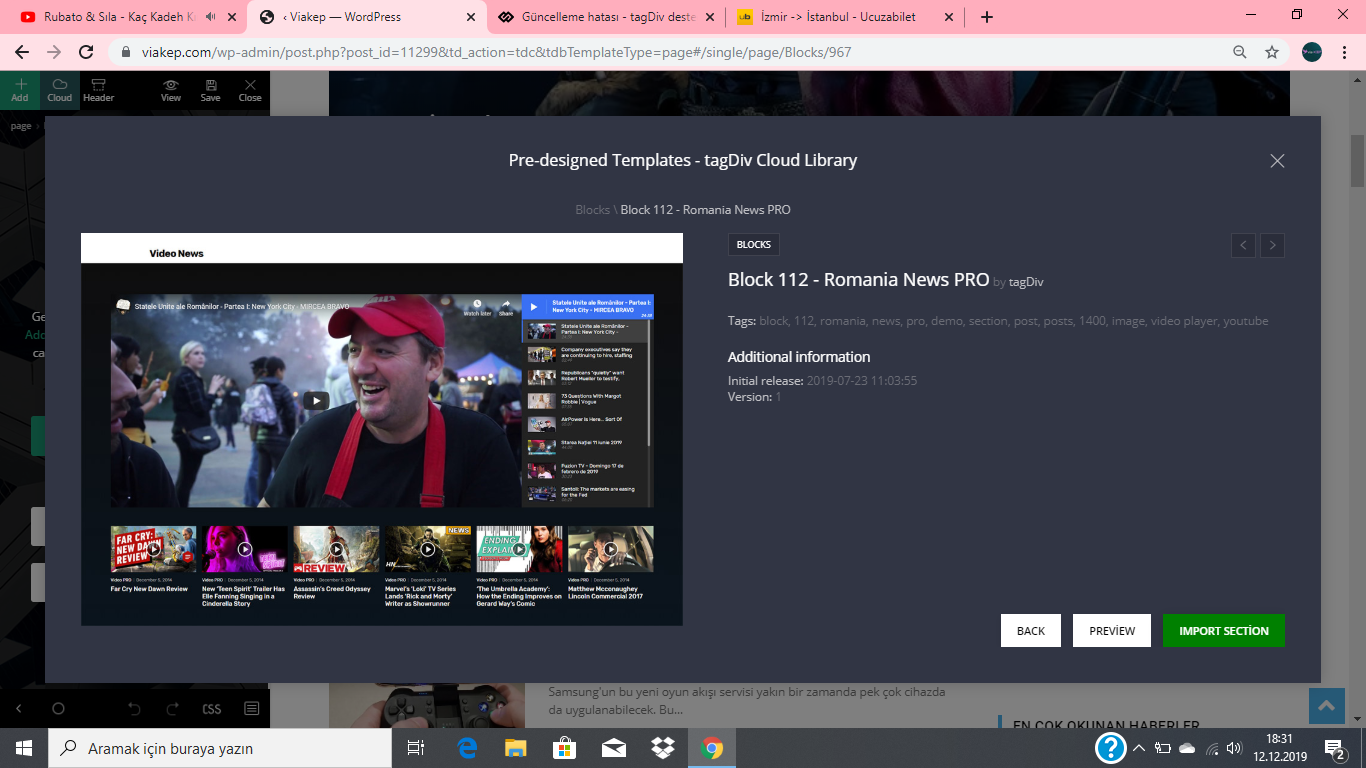
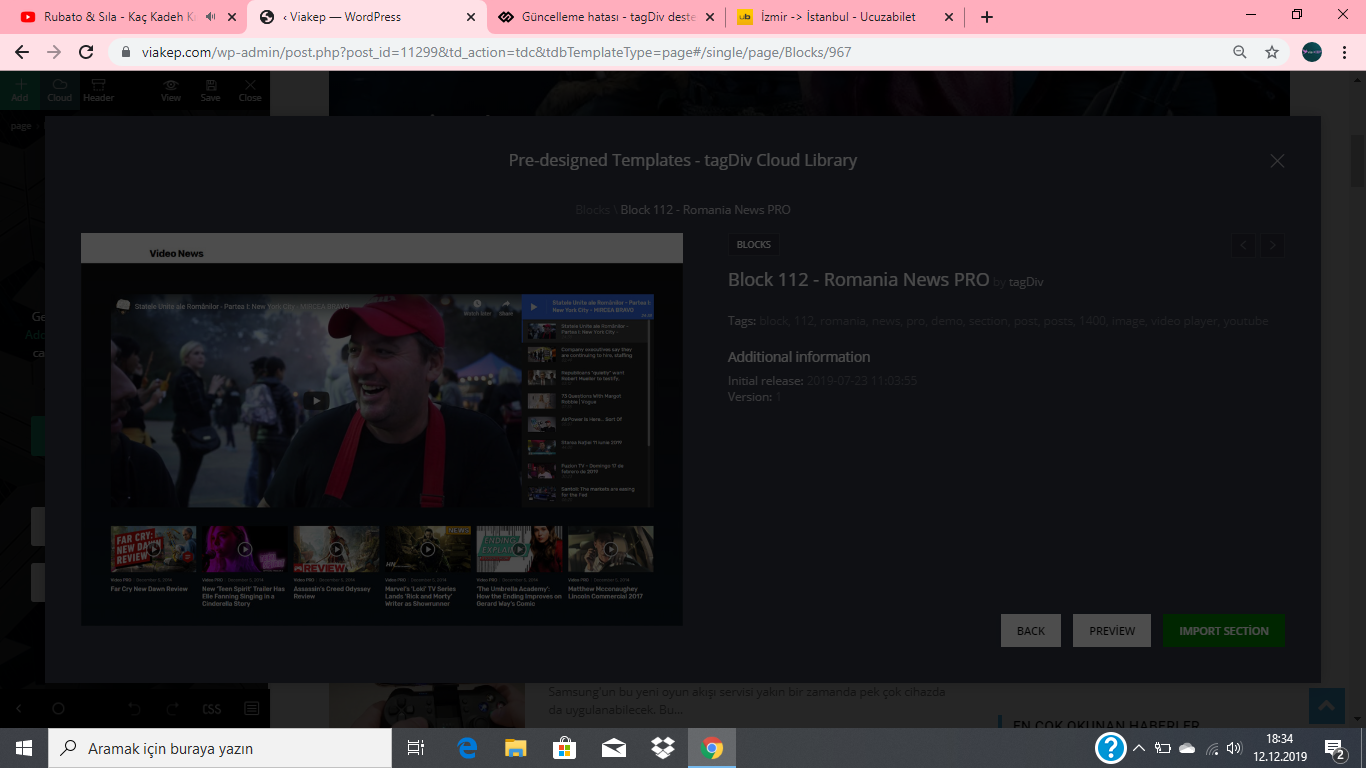
1- ımport section butonuna tıkladığımda ekran aşağıdaki gibi kararıyor içe aktarmıyor.
https://i.hizliresim.com/dL9PzV.png
https://i.hizliresim.com/5Njgrj.png
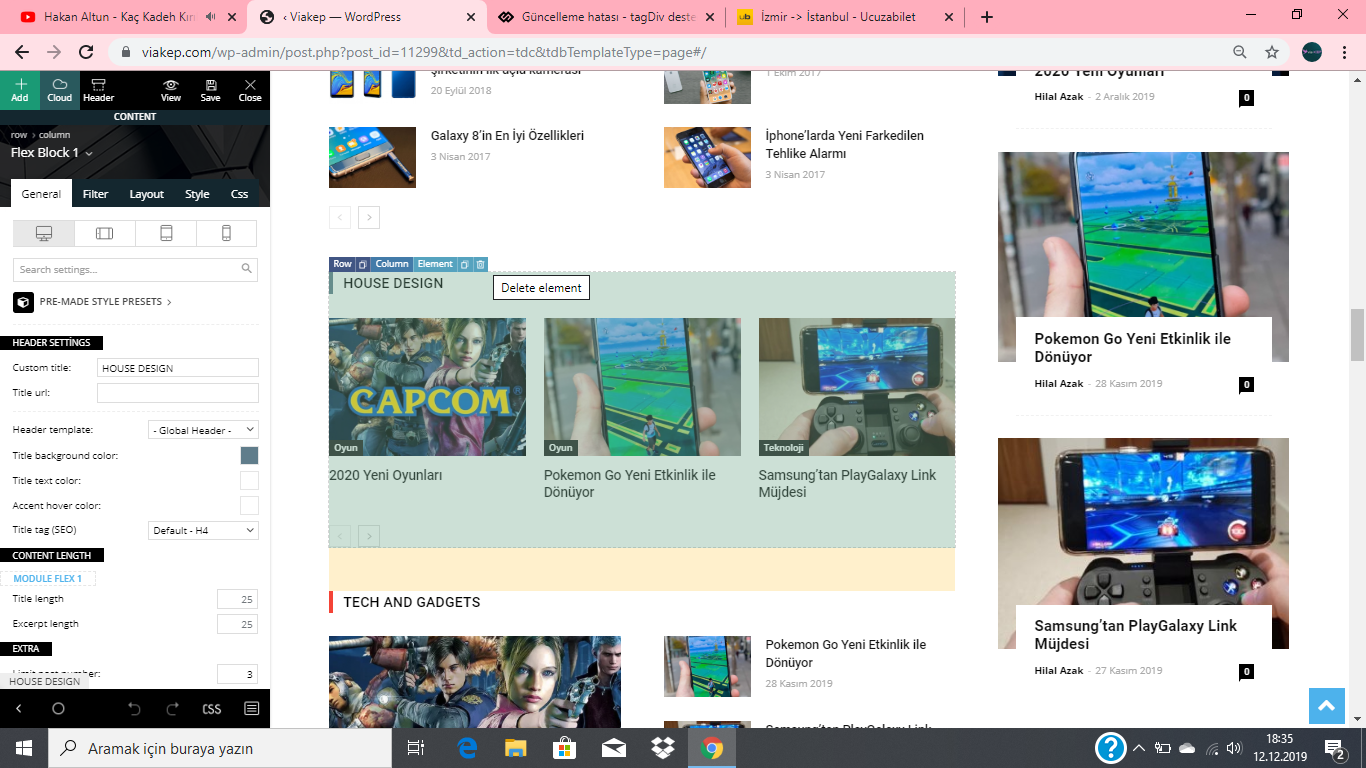
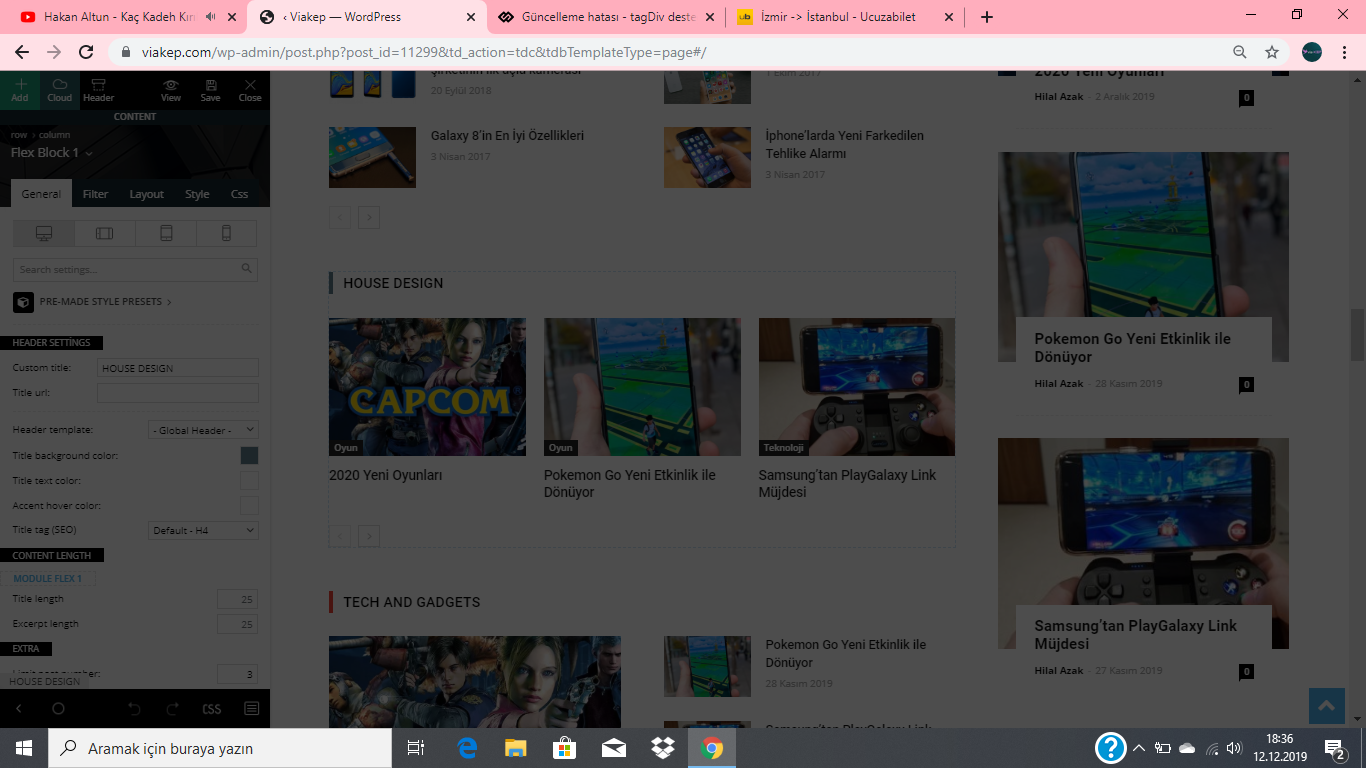
2- Bir şey silmek istediğimde aynısı gibi ekran kararıyor silinmiyor.
https://i.hizliresim.com/AOjLQp.png
https://i.hizliresim.com/0031j9.png
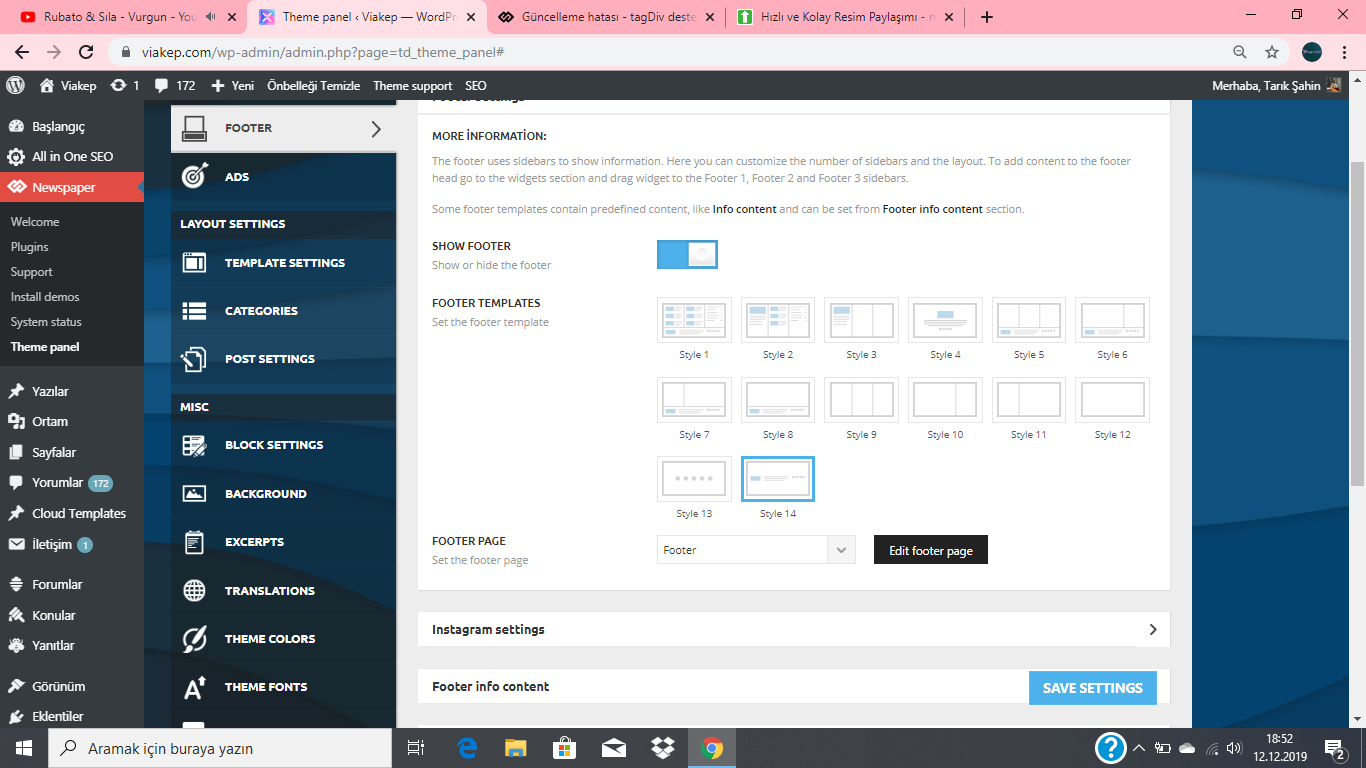
3- Theme panel üzerinden yaptığım değişiklikler aktif olmuyor(cache eklentisini kapatıp denedim).
gumball44Hi,
so I’m facing a problem on tablets, I want the desktop version for tablets visitors. And it shows a weird amp version when I go to my homepage, sometimes articles pages are using desktop version sometimes weird amp version.. and I don’t understand why. I now use wp super cache with after following your tutorial, I only use autoptimize but many people on this forum use it and haven’t got problems. I deactivated Agregate JS, because I thought my problem came from here, but I can say now, it’s not..
screenshot has been taken from a samsung tablet
I want you to find this problem asap please, that’s make me really nervous.. I’m wasting my time..
I will send you my login by email and link of this topic !
kind regards
 vv2005
 This is usually cache problem and mostly happens when cache plugin isn’t configured properly. Newspaper theme recommends using WP Super Cache Plugin, and they have a guide with all important configuration settings. Here is the link to the guide -> https://forum.tagdiv.com/cache-plugin-install-and-configure/
Calin Hi,
Usually this is a cache problem, please deactivate all cache and all should look normal.
Usually we recommend WP Super Cache Plugin installation: ->https://forum.tagdiv.com/cache-plugin-install-and-configure/
Thank you!
Calin Hi,
Yes, usually this problem is made by the cache plugin, we recommend WP Super Cache Plugin -> https://forum.tagdiv.com/cache-plugin-install-and-configure/
Thank you!
Calin Hi,
Please make sure that you do not have any plugin conflicts, please deactivate all non theme plugins, clear all cache and try again.
Please make sure that the theme system status is configured as mentioned in the requirements guide. Please follow the guide carefully
– https://tagdiv.com/newspaper-theme-requirements/
and please increase all requirements that are lower, and follow all steps;
Also please check our documentation for When tagDiv Composer is not working -> https://forum.tagdiv.com/tagdiv-composer-not-working/
If there is still a problem, you can send us an email at contact@tagdiv.com and provide admin login, as well as cPanel or FTP if possible. We will take a look. Include a link to this topic in the email.
Thank you!
Vlad S Hello!
Please make sure that you do not have a plugin conflict, please deactivate ALL plugins except tagDiv ones, also if you are using child theme or cache plugin, deactivate them, clear all cache and try again.
Thank you !
Vlad S Hello!
Please make sure that you do not have a plugin conflict, please deactivate ALL plugins except tagDiv ones, also if you are using child theme or cache plugin, deactivate them, clear all cache and try again.
Thank you !
Calin Hi,
The cache do not delete the content from your website, so there must be something else, please provide some more details and some screenshots.
Also all the templates and sections from tagDiv Cloud Library can be edit with tagDiv Composer.
Take the Tour to Explore the New Header Manager.
Thank you!
Vlad S Hello !
This seems to be directly hosting issue, as you can see most of the website loaded from my cache memory and it still took 5 seconds to load: https://www.screencast.com/t/Kqsse9KU
We suggest you to contact your host regarding this matter.
Thank you !
Thank you !
Vlad S Hello !
Hello!
Please make sure that you do not have a plugin conflict, please deactivate ALL plugins except tagDiv ones, also if you are using child theme or cache plugin, deactivate them, clear all cache and try again.
Thank you !
Vlad S Hello!
Please make sure that you do not have a plugin conflict, please deactivate ALL plugins except tagDiv ones, also if you are using child theme or cache plugin, deactivate them, clear all cache and try again. We are running standard pack on even php 7.3
Thank you !
Vlad S Hello !
For autoptimize you have to enable ONLY Optimize javascript, HTML, CSS. The aggregate options will affect your cache.
Thank you !
Vlad S Hello!
Please make sure that you do not have a plugin conflict, please deactivate ALL plugins except tagDiv ones, also if you are using child theme or cache plugin, deactivate them, clear all cache and try again.
Thank you !