Calin
Calin Hi qzconsulting,
I think that when you edited the homepage you set the content in header and main content, please make sue that the header elements are set in header zone because these will be display for the whole website -> https://i.imgur.com/CqsIAMl.jpg -> page content -> https://i.imgur.com/Sywz5hw.jpg
So if you have set a footer cloud like this -> https://i.imgur.com/e9lLIpG.png you need to open the homepage and edit it with tagDiv Composer -> https://i.imgur.com/URD07tP.jpg after the frontend editor is open scroll down to the footer and edit it how you want -> https://i.imgur.com/fNhc8k0.png
If there is still a problem with the footer, just let me know!
Thank you!
Calin Hi,
This problem usually appear on the pages where is set a youtobe plailist, for this is need to set in theme panel an api key.
Please deactivate the tagDiv Composer and tagDiv Cloud Library, delete theme and install theme again from Newspaper > Plugins -> https://i.imgur.com/rUum5nb.png after that follow the steps from this documentation -> https://forum.tagdiv.com/youtube-api-key/ after the api key is set there should be no problems.
Let me know the results!
Thank you!
Calin Hi,
Please note that this plugins -> https://pl.wordpress.org/plugins/newsletter/ is different from this one -> https://i.imgur.com/B9CMket.jpg this is a theme plugin -> https://forum.tagdiv.com/the-newsletter-plugin/
You can achieve that using a single post template from tagDiv CLoud Library, edit the it with tagDiv Composer -> https://www.screencast.com/t/8jLnhZT5
-> https://www.screencast.com/t/jdwF99utfjHS
If you want to set it in sidebar post you can set the code for Mailchimp that you set in newsletter in a custom html https://www.screencast.com/t/L1gXiWkp7n3n -> https://www.screencast.com/t/pIZ7vAb96hIk -> https://www.screencast.com/t/pQft8xFSXI9f
Thank you!
Calin Hi,
Please make sure that you have the latest version of Newspaper, v10.3 and if the problem persist please deactivate the tagDiv Composer and tagDiv Cloud Library, delete theme and install theme again from Newspaper > Plugins -> https://i.imgur.com/rUum5nb.png
Please make sure that you do not have a plugin conflict, please deactivate ALL plugins except tagDiv Composer, also if you are using child theme or cache plugin, deactivate them, clear all cache and try again.
Let me know the results!
Thank you!
 dmasony
 Thanks, but the whole thing is setup locally. I just ended up creating a page that I am using as the footer. I will say that everytime i try using the cloud custom footer, I have issues. I was abvle to do a header no problem. With the footer, it never lets me save – it just spins and I lose any changes. When I close and then check it shows a save copy but it says it was not created using tagdiv and it is blank. I have found a work around, but there is definitely something conflicting somewhere. i will reach back out if it pops up again and move it over to a staging site for review.
Calin Hi,
Is possible that the code to not be set in the right place, using Newspaper theme there are three headers.php if you are using standard pack and a standard header the code need to be set in this header file -> wp-content/plugins/td-standard-pack/Newspaper/header.php if you are using a cloud header from tagDiv Cloud Library you need to set the code in this header file -> header.php adn if the tagDiv Composer is not enable the theme will use this header file -> wp-content/themes/Newspaper/header.php
Hope this will help you!
Thank you!
 beingamirmalik
I successfully installed and activated theme but it was not connecting to cloud library so i did a reset to purchase key now it is not accepting it and error is “Purchase key is not valid”.
Solution?
Calin Hi,
That menu bar is a snap menu, this can be set/edit from theme panel> header if you are using a standard header -> https://i.imgur.com/Ms7972z.png if you are using a cloud header, then you can edit it using tagDiv Composer as in our tutorial video from here -> https://www.youtube.com/watch?v=HXQQygkCCJo
The second problem is related to a plugin conflict, tagDiv Cloud Library and WPBakery, you can use only one of them, please deactivate the WPBakery and the sidebar should work again.
Let me know the results!
Thank you!
Calin Hi,
Please make sure that you have the latest version of Newspaper, v10.3 and if the problem persist please deactivate the tagDiv Composer and tagDiv Cloud Library, delete them and install again the plugin from Newspaper > Plugins -> https://i.imgur.com/rUum5nb.png
Let me know the results!
Thank you!
 Dani Medina
When i create a new post, the is not more displayed the option to use one of my cloud templates for the post. What is happened? Any idea??
 rsiderov
When i try to preview post before publishing i get this error – Fatal error: Uncaught Error: Call to a member function format() on bool in /home/setlansb/public_html/wp-content/plugins/td-cloud-library/state/single/tdb_state_single.php:777
I meet all the requirments, i’m using version 10.3 and i have disabled article schema. I also restarted cloud library, but nothing changed. Can you help me?
My site is setlansbg.com
 Vlad S
 Hello !
As you can see here your post template was coming from the cloud library which means that is fully editable using the tagDiv composer: https://www.screencast.com/t/yVsAWiqvw ; For the second problem you will be able to translate them in tagDiv Composer: https://www.screencast.com/t/8sMA7MBfujj
I hope this was helpful !
Thank you !
Calin Hi,
That is way your homepage is not the same as in our demo, if you want you can import a homepage from tagDiv Cloud Library -> https://i.imgur.com/l3vUwmZ.png -> https://i.imgur.com/LvoxrBK.jpg or you can create it using tagDiv Composer.
Also you mast change the latest post from here -> https://i.imgur.com/h1kgbYa.png on static page -> https://i.imgur.com/vckiGun.png
If you choose to import the demos with the content you’ll have imported the homepage too -> https://tagdiv.com/newspaper-theme-installing-demos/
Hope this will help you!
Thank you!
Calin Hi,
Hi,
Sorry, but you can not create templates for custom post types using cloud, this can be done only with standard templates.
The files from tagDiv Cloud Library for the single can be found on this path wp-content/plugins/td-cloud-library/shortcodes/single
Also please check the documentation for child theme too -> https://forum.tagdiv.com/the-child-theme-support-tutorial/
Thank you for your understanding!
Calin Hi,
You can achieve this using the tagDiv Composer to edit the cloud header from tagDiv Cloud Library -> https://i.imgur.com/XoliAXC.png
Also you can achieve this using a custom css -> https://i.imgur.com/dqYkLjp.jpg
.td-g-rec-id-header {

  text-align: center;

}
The code need to be set in theme panel> custom code> custom css
Hope this will help you!
Thank you!
 itgrcapitallink
 Hi Calin,
I don’t have Cloud Flare.
Will be an issue with the child theme?
Do you want to give you access on the wp-admin?
Also your theme has minimum requirement for the server set up?
ex. php7, nginx etc.
Calin Hi,
504 Gateway Time-out is a problem from the server -> https://support.cloudflare.com/hc/en-us/articles/115003011431#502504error
Unfortunately I do not have access to your website -> https://i.imgur.com/mGpXrH0.png
For the header and footer problem, make sure that you do not have a plugin conflict, please deactivate ALL plugins except tagDiv Composer, also if you are using child theme or cache plugin, deactivate them, clear all cache and try again.
Let me know the results!
Thank you!
Calin Hi,
I’m not sure, but I think that you are referring to top bar -> https://i.imgur.com/dJYSiqe.png if yes, then for the l’historie demo you need to add it because this demo do not have the top bar, for this you’ll need to edit the cloud header from tagDiv Cloud Library using tagDiv Composer -> https://i.imgur.com/CYHrIbk.png -> add anew row where you want to have the top bar -> https://i.imgur.com/BBXsGtV.png and set the elements you want in it https://i.imgur.com/j6d4daG.png -> https://i.imgur.com/93NTY1N.png ->
Thank you!
Calin Hi,
You need to check in theme panel > footer > footer settings -> https://i.imgur.com/z3JQNuU.png there can be three options, you can have set a footer template from tagDiv Cloud Library -> https://i.imgur.com/r5DInHz.png or you can have set a footer page -> https://i.imgur.com/V8gU4MB.png or a standard footer styles -> https://i.imgur.com/rb4GIOm.png
I think that you are using footer style 1, if yes, this is a premade footer and it can not be edited -> https://i.imgur.com/a2Cnksj.png therfore you can not edit the Popular Categories from that footer style, also that block will not display all the categories and only the most popular, if you want to edit the footer you can choose an empty footer and set the widgets you want in it -> https://i.imgur.com/dhVshoH.png -> https://i.imgur.com/WnezpeD.png or you can use a footer page.
Hope this will help you!
Thank you!
 codeofarms
Hello,
We are looking to be able to inject HTML-based ad code on the category archive template (style 4) after N posts. Is this something that can be done in the theme panel or do we need to use the blank category template from the Cloud templates library?
thank you.
 Hannahelw
I used the cloud templates plugin to create templates I want to use on custom post-types. My plan was to find the php file generated, download it, and upload it to the child theme so I can use it for other post types I have. I can not find the php file of the Cloud Template or a way to do this within the plugin itself.
 sobelarry
 Hi!
Yes I followed the instruction when there was an ad that was duplicated a month ago, by deactivating all plugins including wprocket cache plugin, turn off cloudflare cache, switch to parent theme, but the ad was still displayed twice.
I gave another shot few minutes ago, same as last time, I still see the social media icons displayed twice. Note that I did not deactivate the super socializer plugin because I need to produce the error, however, I know it’s not this plugin causing issue because I didn’t have this plugin activated when I see the ad was displayed twice last time.
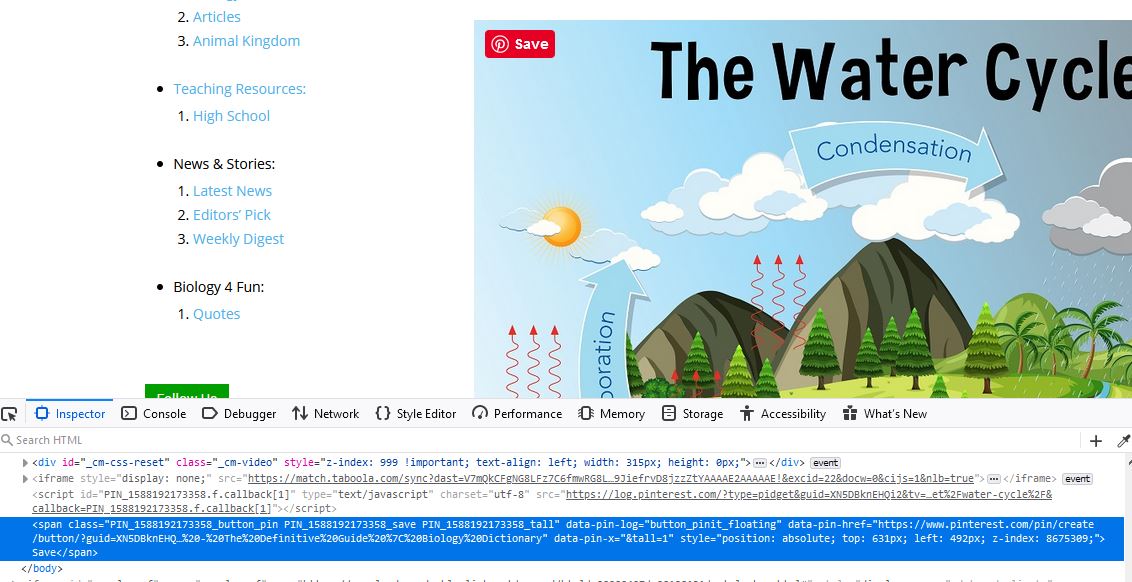
See the screenshot here: https://biologydictionary.net/1.JPG
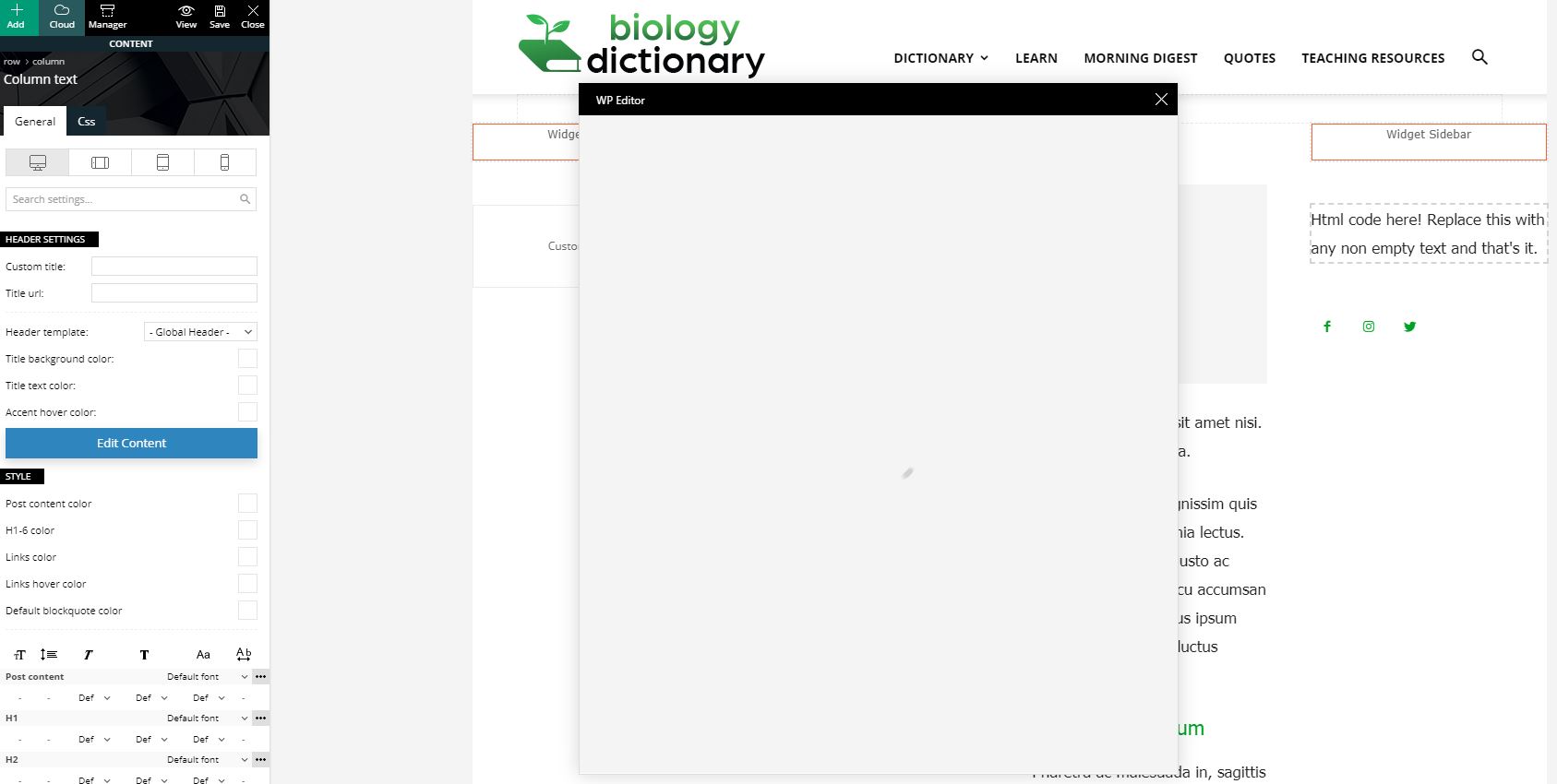
I also found that when I try to edit content in “column text”, it keeps loading. (after all plugins deactivated, cached cleared). Screenshot: https://biologydictionary.net/2.JPG
Here is the html of the page that has duplicated items. This html is fetched when all plugins deactivated, cache cleared. https://biologydictionary.net/3.txt
 Sebastian Escobar
Hi, I want to have the simple post design of the demo style of l’history layout, with sidebar, but my posts don’t have a sidebar, although I can see the in Cloud Templates, the Single cloud template (for posts) with a sidebar. But in front this is not noticeable. I don’t know why this happens.
In addition, when “uploading” in the post (with scroll or mouse) a module (tb-module-meta-info, in black square) is suddenly shown with the title of another post, which covers the entire height of the page, no metadata, no image. It’s very strange.
Calin Hi,
For footer you can choose one of those standard templates -> https://i.imgur.com/KRw1gmx.png or you can set a footer page that can be edited with tagDiv Composer -> https://i.imgur.com/TUYVfWp.png or you can choose a footer template from tagDiv Cloud Library -> https://i.imgur.com/eBOjQkr.png
Thank you!
Calin Hi,
The problem seems to be related to tagDiv Cloud Library and sometimes on footer page, so our developers are trying to separate the format of clod header from the post content, in this way the problem will be solved, unfortunately for the moment this is not available in current version of Newspaper, sorry!
Thank you!