No search results were found in Documentation!
 zambrastaff
Hey guys, i see a demo called igosip on the site, but cannot find it on the theme to install. how can i find it? im talking about the newspaper theme.
 BorislavBigi
I like a lot zoom hover effect with animation on fast news demo on Big grid,how to set effect like this?
Second question, how to create effect of pop up articles like this http://prntscr.com/lwmypj and is it possible to make this on block 11 or 12? thanks
 Alan Fermin
Hello, I exported the newsmagazine demo (newspapertheme), but it is placed with the full width. How do I place it such as the demo?
 miltonrodas
 Hello, the newspaper status paremeters match your documentation, the only thing that my host won’t do is raise max_execution_time to 60 (limit for shared hosting is 30) –
I currently have:
max_input_vars = 5000
max_execution_size = 30
post_max_size = 50M
upload_max_filesize = 50M
memory_limit = 128M
There seems to be a disconnect between this demo theme (voice report) and the newspaper Theme panel. Examples: 1) The social network counts are not updated even though I put in my social networks in the theme panel (how does it grab the counts?) 2) also, the instagram feed at the bottom of the homepage…it won’t update and there seems to be no way of updating it within Theme panel.
Here are the screenshots for the menus not showing as you requested:
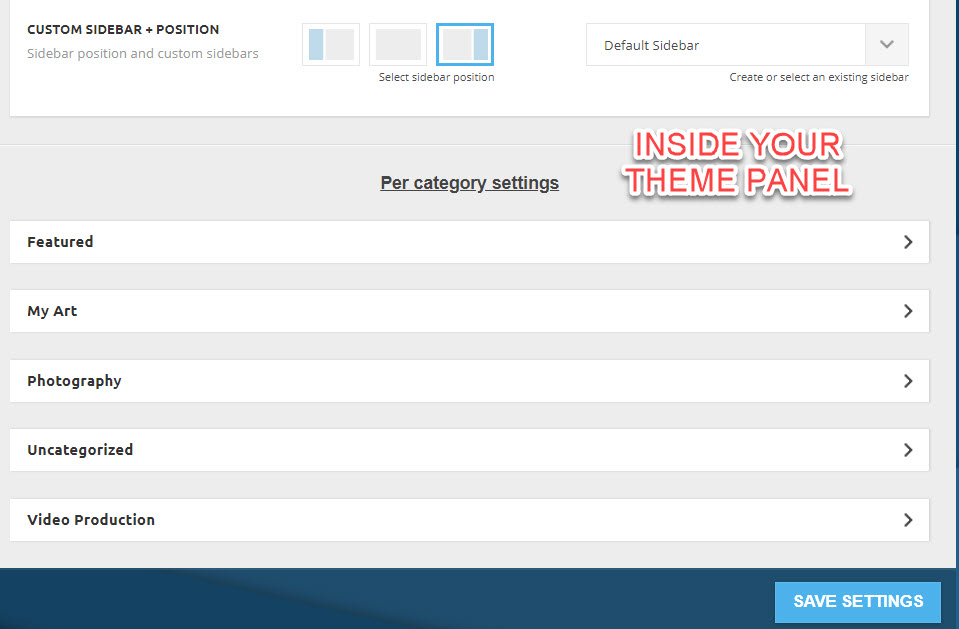
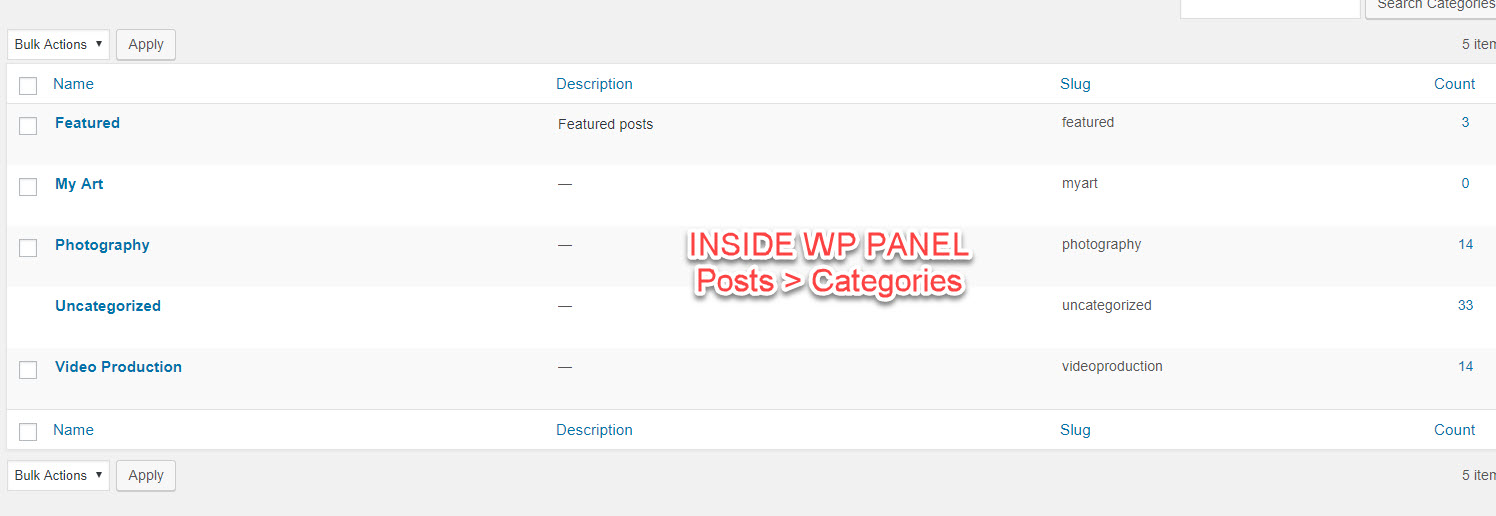
domain is: miltonrodas.com
 Simion C.
 Hi,
Stretched rows containing default blocks can produce these results. The predefined blocks use the same thumbnail size at all times.
For full width results use flex blocks, these have options to load a bigger thumbnail
– http://prntscr.com/lwifiy
Here are block designs created by us based on flex blocks (each can be previewed and edited)
– https://affiliate.tagdiv.com/#/load/Blocks
We will add designs for the flex grids as well in the future.
There are also full width grids (10 types) – https://demo.tagdiv.com/newspaper/full-big-grid-1/
These elements would be more suited for wider or full width results.
Thanks
 Calin
Calin Hi,
I do not quite understand the problem, you want to change the font for all blockquote.
If you want to change the fonts for blockquote in theme file, there are a lot of file, depend on the demo you have install and so on, i think will be more easy to add a custom css in Newspaper>Theme panel>Custom code>Custom css\
https://www.screencast.com/t/Zkfh4trhDtA
.td-post-content blockquote p{

    font-size: 25px;

    line-height: 30px;

    font-weight: 400;

}
Hope this will help you.
Thanks.
 Catalin
 Hi rihtak,
If you want to change the background image, you should edit and change the URL from that code from here ->
.white-popup-block:before {

background-image: url(https://demo.tagdiv.com/newspaper/wp-content/uploads/2016/05/login-mod.jpg);

}
This code should have to be added in Theme panel -> Custom CSS Area.
Thanks.
Calin Hi,
Yes there is a problem with the module 4 on that demo.
For quick fix please add this custom css in Newspaper>Theme panel>Custom code>Custom css
@media (max-width: 767px){

.td-post-template-4 .td-post-header-holder {

    top: 30px;

    padding-top: 0;

}

}
If there are more problems please let us know.
Thank you.
Calin Hi,
Our server was down for some changes, and after we turn it on and we clear cache to our live demo the Instagram worked, this was in our case ( in some cases the theme can not get the data from Instagram, in other cases are some conflicts with others plugins ).
You can make a full backup first, and if you are not comfortable with sending an admin/login you can change the password after we fix the problem, or you can create a user with admin role and delete it after we fix it.
Thank you for your understanding.
Simion C. Hi,
The number of posts that appear in category pages is picked from here
– http://prntscr.com/lweipe
It looks like currently you have a value of one there.
The visual design of the black demo will be imported and applied only if the demo is installed.
Thanks
Calin Hi,
For this demo you need to insert the ads in template, in order to do that, please go in Cloud Templates, and edit the template for single Gossip
https://www.screencast.com/t/79W8tpKQ
After that click on Single post content , change from general to ads and set the ads there
https://www.screencast.com/t/ikoftopbR7
Hope this will help you.
Thank you..
 git
gitbreadcrumbs link doesn’t work in iphone even demo site.
https://demo.tagdiv.com/newspaper_week/2018/01/17/td-post-trump-eases-emigration-rules-intended-to-help-civilians-in-the-us/
why? how do i fix it?
 innobound
Hey guys, I’m struggling to figure out how to change the font on the side box on pages on the News Week demo.
Do I have to go to “Theme Panel” and make changes there? Thanks for your help.
 renrico
 Not exactly comfortable with sending an admin/login over email. Since this is a problem that has appeared multiple times, including a fix you made on the live demo, can you not share what the fix is?
renrico Not exactly comfortable with sending an admin/login over email. Since this is a problem that has appeared multiple times, including a fix you made on the live demo, can you not share what the fix is?
 kesuma
if I choose one of the categories in the install demo newspaper theme, the display will be like this.
http://www.screencast.com/t/TndfsEIeQVrS
but what I made was like this, how to make it look like in the category like installing the demo
http://www.screencast.com/t/gZdZtqp4
 radon
radon Hello Bogdan, thanks for you help!
But in my case there is no image I can click on.
Look at the screenshots I provided:
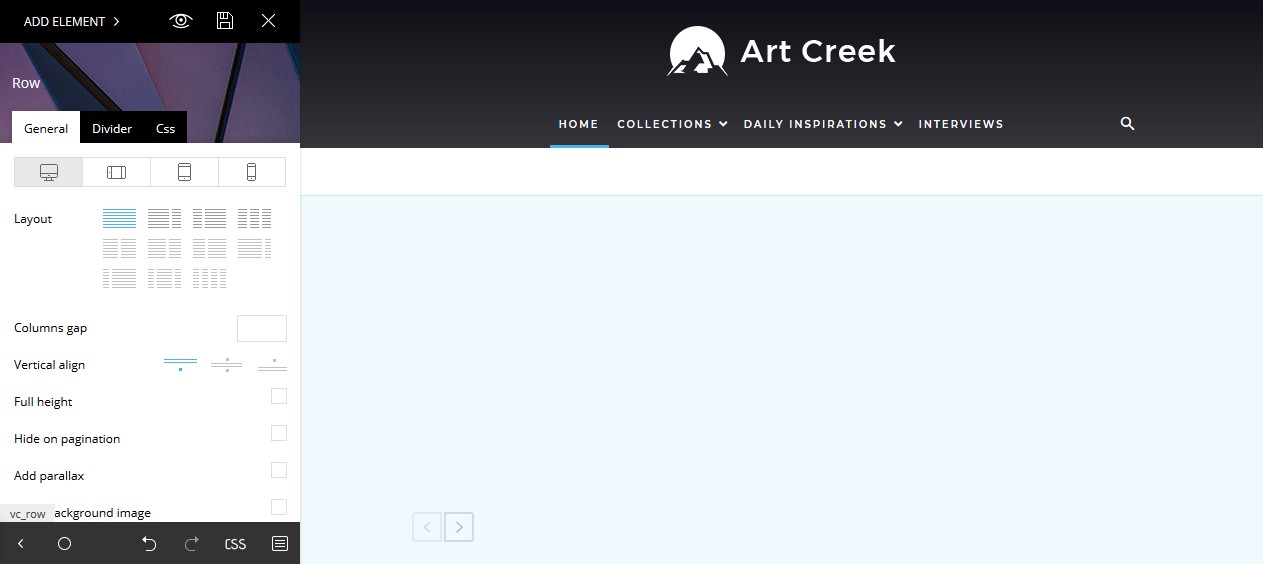
1. In the tagDiv Composer the top background image ist suddenly hidden: https://s15.directupload.net/images/181216/hs7v7t5i.jpg
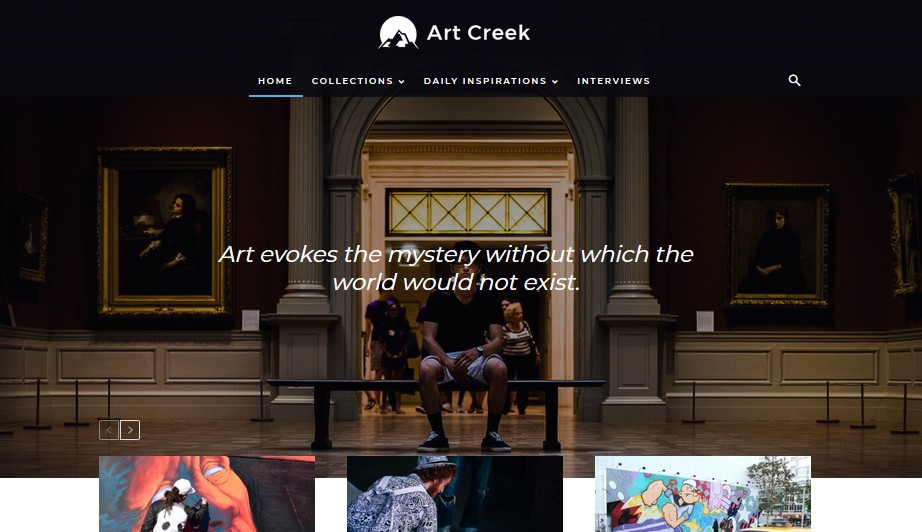
2. But the design looks normal on the page: https://s15.directupload.net/images/181216/3w5ncz6z.jpg
The page looks normal but in the tagDiv Composer the background ist white.
Tried to reinstall the demo, but it is still the same.
Take a look at this screen capture video I made, there you can see pretty well what I mean: https://www.youtube.com/watch?v=aRD0li0vCYM
-
This reply was modified 7 years by
radon.
Catalin Hi,
1)What kind of filters do you want? Provide more details so I can understand your request.
2)You should use the code below and place it in Theme panel custom CSS area. For this, you should try using the Big Grid Slide element. -> https://demo.tagdiv.com/newspaper/big-grid-slide/ and then, apply that custom code.
.td-big-grid-slide .td-icon-left{

opacity: 1;

}

.td-big-grid-slide .td-icon-right{

opacity: 1;

}
The result is here -> https://www.screencast.com/t/uyOqekJZKb7
Thanks.
 dstechtips
 I am using style 5 with fast news demo
thanks
 Bogdan B.
 Hello,
You can install a demo both with or without content. Please read this guide: https://forum.tagdiv.com/installing-demos/
Install the demo with content to get the homepage, categories and posts. If you only want the homepage, you can use get just the homepage from any demo using the cloud library plugin https://forum.tagdiv.com/tagdiv-cloud-library-plugin/
You can import a premade homepage from the homepages tab.
Thank you!
Simion C. Hi,
@awilbanks I have tested multiple times on my end, with various IDs, for example
– http://prntscr.com/lw1nlm
– http://prntscr.com/lw1nrr
Please send us an email at contact@tagdiv.com and provide admin login so we can take a look. If possible before doing this, please make a quick test and deactivate all plugins except theme plugins then clear all caching. Let us know if you did this in the email.
@renrico There were some issues with the live demos, now everything should be alright
– http://prntscr.com/lw1q0h
Thanks
Bogdan B. Hello,
The art creek demo uses an image box element for the top image. You can change it like so: https://www.screencast.com/t/UAxgYUfaGf3
Thank you!
Bogdan B. Hello,
In order to see the revolution slider element properly, you first have to install revolution slider: https://forum.tagdiv.com/how-to-install-revolution-slider-v5/ and then import the demo slider: https://forum.tagdiv.com/import-revolution-sliders-on-demos/
Thank you!
Catalin Hi,
It is possible because this is an optional plugin with this functionality! Notice that if you want to use this functionality for another demo, you can do this with this plugins but the style will be style will be different.
Thanks for the message!
Catalin Hi,
We have tested our demo with Google Page Speed Insights and we bring this score -> https://www.screencast.com/t/P18UTcCg
Please notice that the speed of your website depends on how well your site is optimized. Lately, the Google Page Speed Insight seems to change the layout and is not always reliable. You should follow our useful guide in that case from here -> https://forum.tagdiv.com/how-to-make-the-site-faster/
Thanks for your understanding!