
- NewspapertagDiv Composer – Website Manager
- NewspaperHeader Builder
- NewspaperHeader styles
- NewspaperHow to Add a Logo in Newspaper
- NewspaperWhen tagDiv Composer is Not Working
- NewspaperFont Customization
- NewspaperFooter Builder
- NewspaperMain Menu
- NewspaperTop bar templates
 SalsaMonkey2
Hey – I’m using a custom cloud library template for my header and would like to disable the sticky menu for desktop and mobile but can’t figure out how to do that. In Header Manager, both are indicated as off, but are still enabled. I’ve tried various combinations of toggling that setting, but nothing changes.
 Vlad S
 Hello !
When using Cloud Template header the sticky header must be edited with tagDiv Composer Header Manager and erased the content of it as you can see here: https://www.screencast.com/t/Bzi8kbneOKQc
Thank you !
 Calin
Calin Hi,
From what I can see your menu icons are black -> http://prntscr.com/pj0hai
If you want to change the colors, you can use this custom css -> http://prntscr.com/pj0hz6
#td-top-mobile-toggle i.td-icon-font.td-icon-mobile {

    color: #12ea56 !important;

}

.td-header-style-10 .header-search-wrap .td-icon-search {

    color: #f112f4!important;

}
The code need to be set in theme panel> Custom code> Advance > css
Also if you want to have more control over header layout on desktop and mobile too, you can use a header template from tagDiv Cloud Library, use tagDiv Composer with header manager to edit it how you want.
Thank you!
Calin Hi,
If that social icons are set in top bar on a header template please check these settings -> http://prntscr.com/piyo1p if you are using a default header, then you’ll need to use custom css to change the position for the social icons.
Thank you!
Vlad S Hello !
When using Cloud Template header the sticky header must be edited with tagDiv Composer Header Manager and erased the content of it as you can see here: https://www.screencast.com/t/Bzi8kbneOKQc
Thank you !
Vlad S Hello !
I suggest using a Cloud library header and insert the elements you want there because the layout of the header that you are currently using it forces the logo to be smaller. Find out how to import a cloud library header here: https://forum.tagdiv.com/header-manager/
Thank you !
Calin Hi,
That is a custom menu made with custom work, also this can be achieve using the header manager and set on mobile layout a mobile horizontal menu -> http://prntscr.com/pixbg5 also in order to add icons on menu, please check our documentation from here -> https://forum.tagdiv.com/how-to-add-icons-in-menu/ you’ll be indicate to have a different menu on mobile.
Thank you!
Calin Hi,
You have set a header from tagDiv Cloud Library , you need to edit that header template using header manager -> https://www.screencast.com/t/FkAe80JsuCo check the sticky menu, scroll until you see the sticky menu and click the menu, logo ( or element that you want to change ) -> https://www.screencast.com/t/o6Z8zoJoWbFY
Thank you!
Vlad S Hello !
When using Cloud Template header the sticky header must be edited with tagDiv Composer Header Manager and erased the content of it as you can see here: https://www.screencast.com/t/Bzi8kbneOKQc
Thank you !
 kurungele
When i try do this:
https://tagdiv.com/newspaper-theme-customize-the-header-manager/
I get a black screen and do nothing
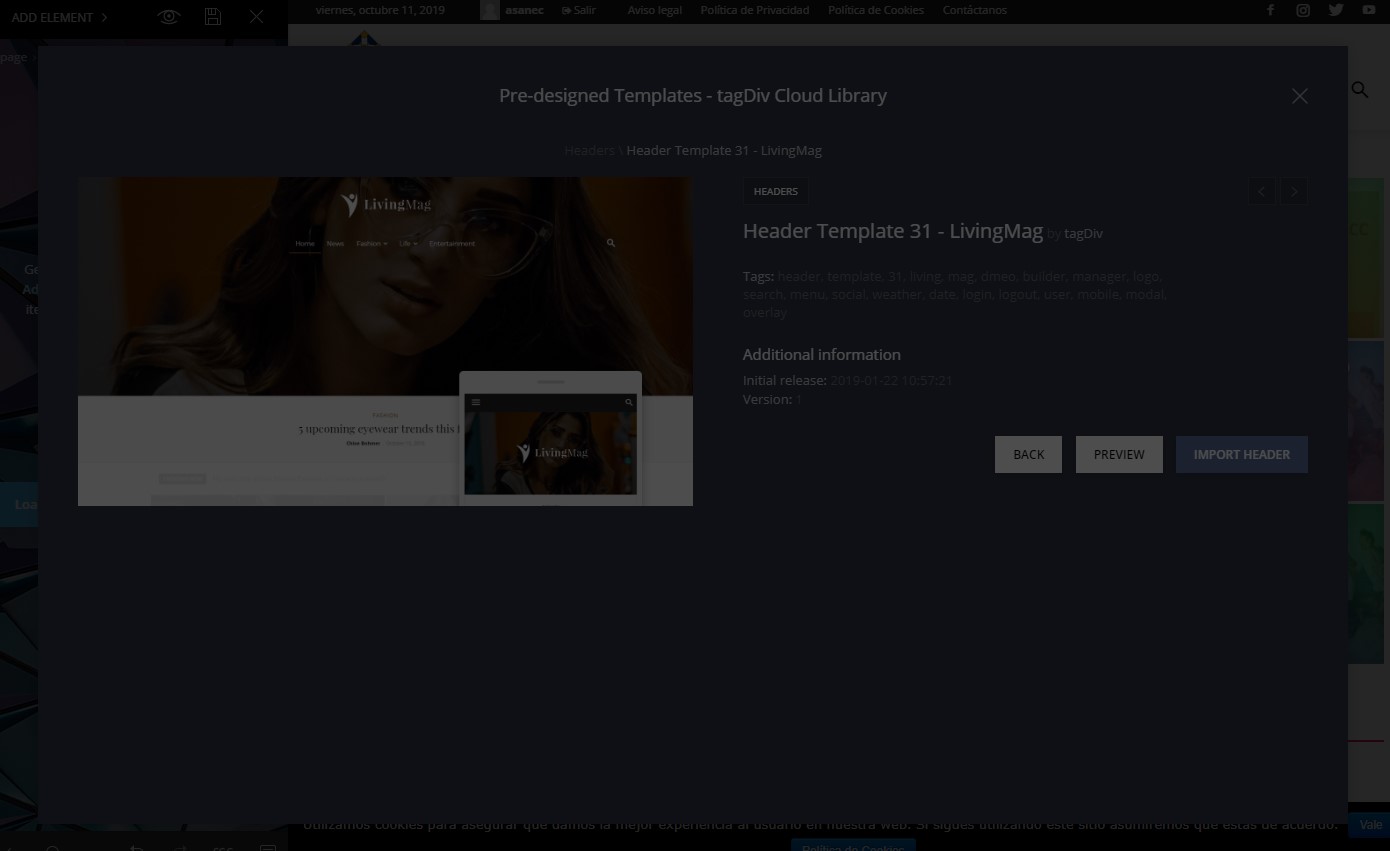
NewsPapper 9.8
THX
Calin Hi,
So you’ll need to create some pages -> http://prntscr.com/phreys after you made the page you’ll need to go in Appearance > Menus, select the menu for footer or create one -> http://prntscr.com/phrfa5 after that you can add the link of page in a custom link -> http://prntscr.com/phrfzq or you can add the page -> http://prntscr.com/phrfqj save the menu and make sure that you set that footer menu on footer page -> https://forum.tagdiv.com/main-menu/
If you have set a header from tagDiv Cloud Library , you need to edit that header template using the header manager -> https://www.screencast.com/t/FkAe80JsuCo check the sticky menu, scroll until you see the sticky menu and click the menu and logo, replace the logo and logo text -> https://www.screencast.com/t/o6Z8zoJoWbFY
Thank you!
Calin Hello,
In order to change that gradient from Fast News demo, you’ll need to import the header for Fast News from tagDiv Cloud Library and edit it withe the tagDiv Composer and header manager.
Thank you!
Vlad S Hello !
The header is full editable using the tagDiv Composer.
You will have to edit it using the Header Manager. Find out more about it here: https://forum.tagdiv.com/header-manager/
Thank you !
Vlad S Hello !
The influencer header is full editable using the tagDiv Composer.
You will have to edit it using the Header Manager. Find out more about it here: https://forum.tagdiv.com/header-manager/
Thank you !
Calin Hello,
If you are using a classic header style all the settings that you can do to change the menu colors are in theme panel -> http://prntscr.com/pgrjhh also you can use a header template from tagDiv Cloud library, this can be adjust how you need with the header manager -> http://prntscr.com/pgrlq2
Thanks.
Vlad S Hello !
You can create a custom header from the Cloud Library and fully edit it using the tagDiv Composer as you can see here: https://forum.tagdiv.com/header-manager/
Thank you !
 LG
LGHi,
I’ve installed the Construction demo and would like to use the same header template for new pages. However, I can’t see how to edit the existing header or apply it to new pages. It’s not listed under templates in the header manager or in the Cloud templates library. The closest I’ve found is ‘Header Template 25 – Overlay’, but it’s not quite the same. Shouldn’t the demo header template have downloaded with the demo or do I need to recreate it myself?
Many thanks!
Calin Hello,
So after you install the demo -> https://forum.tagdiv.com/installing-demos/ ( make sure that you check our documentation for this ).
All the pages and templates can be edit using the tagDiv Composer, we recommend to make your own posts and pages, because if you edit these that comes with the theme and you’ll uninstall/change the demo, you’ll lose all your work .
Also you can use the header manager and you can get templates from tagDiv Cloud Library.
Homepage – How to build and set it -> https://forum.tagdiv.com/homepage-how-to-build-and-set-it/
Thank you!
Calin Hello,
So in order to create a mega menu you can use the default theme headers, but if you want to style the mega menu then you need to use a header template from tagDiv Cloud Library and edit it using the header manager.
Thank you!
Vlad S Hello !
When using Cloud Template header the sticky header must be edited with tagDiv Composer Header Manager and erased the content of it as you can see here: https://www.screencast.com/t/Bzi8kbneOKQc
Thank you !
Vlad S Hello !
That is a sticky header. That can be modified by activating it in the header manager and modify it using the tagDiv Composer as you can see here: https://www.screencast.com/t/Bzi8kbneOKQc
Thank you !
Calin Hello,
This can be achieve only with custom css, but you can use the tagDiv Cloud Library and the header manager to build/edit cloud headers how you want.
Here is the custom css:
.td-header-style-2 .td-banner-wrap-full {

    display: none;

}
You’ll need to set it Theme panel> Custom code> Custom css
Thank you!
 pink_pepper
Hi,
I have a lot of questions:
#1. I’d like to change thebackground image of the version of the newspaper theme i’d actually use.
But there is no possibility to change it. Can you help?
#2. How can I delete categories I don’t need? (I’ve imported the demo version)
#3. And another really urgent question: Why am I not able to see any of my articles? It’s always written:
Fatal error: Uncaught Error: Call to undefined function darpan_wpb_set_post_views() in /home/.sites/26/site4137491/web/wp-content/plugins/rs_framework/rs-framework.php:53 Stack trace: #0 /home/.sites/26/site4137491/web/wp-includes/class-wp-hook.php(286): darpan_wpb_track_post_views(4124) #1 /home/.sites/26/site4137491/web/wp-includes/class-wp-hook.php(310): WP_Hook->apply_filters(NULL, Array) #2 /home/.sites/26/site4137491/web/wp-includes/plugin.php(465): WP_Hook->do_action(Array) #3 /home/.sites/26/site4137491/web/wp-includes/general-template.php(2745): do_action(‘wp_head’) #4 /home/.sites/26/site4137491/web/wp-content/plugins/td-composer/legacy/Newspaper/header.php(11): wp_head() #5 /home/.sites/26/site4137491/web/wp-content/plugins/td-composer/td-composer.php(127): require_once(‘/home/.sites/26…’) #6 /home/.sites/26/site4137491/web/wp-includes/class-wp-hook.php(286): {closure}(”) #7 /home/.sites/26/site4137491/web/wp-includes/class-wp-hook.php(310): WP_Hook->apply_filters(”, Array) #8 /home/.sites/26/site4137491/we in /home/.sites/26/site4137491/web/wp-content/plugins/rs_framework/rs-framework.php on line 53
#4. If I’d like to use the header manager, it’s not working? Although I can choose a template it’s not possible to implement it.
Please help 🙁
Kind regards,
Julia
Calin Hello,
Unfortunately this cannot be achieve with Newsmag theme only with Newspaper theme, using the header manager.
Thank you for your understanding!
Vlad S Hello !
That can be done by using a Header Manager and importing a Header from the Cloud Library. Find out more about it here: https://forum.tagdiv.com/header-manager/
Thank you !
