
- NewsmagHomepage – How to build and set it
- NewsmagtagDiv Composer Tutorial
- NewsmagNewsmag documentation
- NewsmagMain menu
- NewsmagLogo & Favicon
- NewsmagPage templates
 khairulalambd
Hi,
My TD composer not working to delete blocks.
The login info is
https://www.dainikjugeralo.com/wp-admin/
Please never doing anythings on Homepage (This is live), create a new page and test it.
Thanks
 gooma2
 Was there a solution to this as I’m having the same problem. When I go into the Page to edit, I’m able to edit every other aspect of my homepage, but when I get to the Latest Articles section at the bottom, I’m unable to do anything. I can’t find anything like the screenshot either.
No ‘Page Settings’ will come up like the screen shot.
 Simion C.
 From what I can see the mobile theme is loading everywhere except the homepage
– http://prntscr.com/n0z1rq – http://prntscr.com/n0z1zd – http://prntscr.com/n0z26j
AMP works as well – http://prntscr.com/n0z2jh
So the mobile theme works, but not in the homepage for some reason.
 Calin
Calin Hi,
If you want to remove the footer only from homepage you’ll need to use a custom css; set this code in Newspaper>Theme Panel>Custom code>Custom css
.home .td-footer-wrapper{

  display: none;

}
If you want to remove the footer entire website please check the settings from Newspaper>Theme panel>Footer > Footer settings -> https://www.screencast.com/t/z6NVymhN
Thank you!
 ethosmedia.eu
Hello,
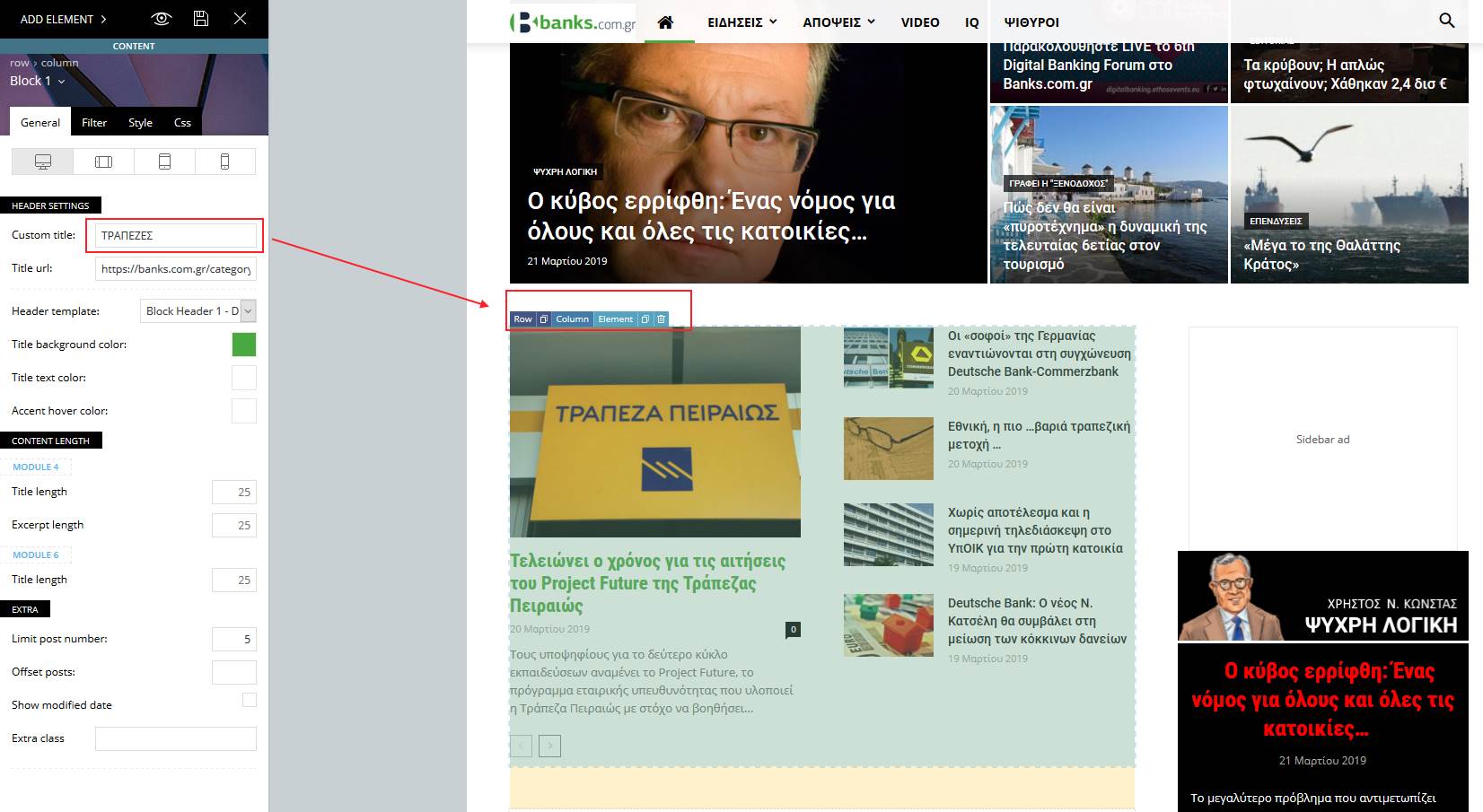
After update to 9.6.1, I lost the categories tabs on top of all my news sections in homepage. It works well on my stage, but not on live.
 valeedkhan
I want to remove footer from the HomePage.
https://screenshots.firefox.com/bmgWI3GDbaQO3Vmw/minkholdings.com
Kindly help me to remove the footer only from Home Page.
Thanks
 EarnSaveMoney
 I have attempted to do this and click global template, however, when i try and see if it works on the main site it only changes the homepage and no other page.
 folksmx
hola, como puedo quitar las ultimas entradas en mi pagina principal (home page), ya he intentado desde herramientas- lectura y no es posible. AYUDA!!
 tausifkhan
I added video playlist from youtube but no video show all is blank at my homepage
please guide me
Simion C. Looks alright now – http://prntscr.com/n0gm8i
From what I can see it is the homepage from the fast news demo
– https://demo.tagdiv.com/newspaper_fast/
It is a page that uses flex grids and flex blocks and stretched rows. if you want to use that page it is provided in the cloud library section – http://prntscr.com/n0gnwo
Simion C. Hi,
I tried creating a link in the mobile editor, seems to work alright
– http://prntscr.com/n0fu45 – http://prntscr.com/n0fu97
But I see there is a fatal error in your website homepage – http://prntscr.com/n0fv1c also in all posts. Does this go away if you deactivate the mobile theme plugin? Did you make any modifications to theme files or mobile theme files? Or added code in the theme files?
I suggest that you reinstall the theme – https://tagdiv.com/how-to-install-newspaper-theme/
Delete all the theme plugins and reinstall them from here – http://prntscr.com/n0fzs1
Also deactivate all non-theme plugins, clear all caching and purge CDN. Then check if it works properly. Let us know.
Thanks
Simion C. Hi,
So the new posts you publish do not appear in the homepage elements. I currently see it like this – http://prntscr.com/n0ei76 currently there are posts from the 19th of march in the homepage, also in category pages.
If the blocks and grids are set for example to display content sorted by latest from all categories, posts you publish should appear right after publishing. If this is not happening, it is usually caused by caching. Either a caching plugin or browser cache.
Thanks
 khurki
I am trying to implement Ads between the blogs on homepage blog list after every 4th blog item. How do I achieve it.
My homepage is thecureforcancer.com
Please let me know how can I achieve this.
khurkiHi,
I am trying to embed more than one Adsense units into the mobile homepage blog list and I can only see that option for 1 ad is provided. I wish to show an ad after every 4th Blog on my mobile homepage blog list.
please look into this and guide me in the right direction.
Regards!
My website is : thecureforcancer.com
 Catalin
 Hi,
Unfortunately, please notice that the only way for achieving the wide website is to edit your templates, using the TD Composer and stretch all of the ROWs when you are using some elements. Unfortunately, the theme does not have any such a general functionality or a simple button like (normal website or wide website). You need to edit each template and make it be wide if you want to achieve good results. Notice that’s not a hard task. For example, for your homepage, you have to edit it with TD Composer and stretch the rows and for your post pages, you need to import from Cloud Template a single post template, customize it as you wish with TD Composer and then, apply it for the whole of your posts. It’s not necessary to edit each post page. That’s the Cloud Library functionality.
I hope that you understand this behavior and hope this helps!
Let us know how it goes!
Thank you!
 meri
meri Hi Simion,
It wasn’t broken when I looked at it yesterday.
What I meant is that the whole website, header but also the blocks on the homepage and the content in posts/pages, were 100% width. I wondered how he managed to do it.
Simion C. Hi,
@seanhelmes Displaying the same content on both desktop and mobile is possible, if the mobile theme plugin is deactivated.
Posts, categories, author pages etc these will have a predefined template on mobile with the mobile theme, regardless of what is set on desktop. These predefined templates are simple, this is why the mobile theme is faster than the responsive version (non mobile theme). The homepage will show a couple of predefined elements, the rest of the pages will require content in the mobile editor or they will be empty. Currently this is how it works.
Gradually we will add more settings and options for this plugin, and improve it. In this stage we are noting every suggestion provide by users.
Simion C. Hi,
1/2. This is alright, you are doing it properly in posts.
3. Initially you mentioned that you want to add videos in the homepage. The option to edit pages with the composer should appear in a few places
Pages screen – http://prntscr.com/n0cp73
Add new page screen – http://prntscr.com/n0cpfg
In the admin bar when viewing a page – http://prntscr.com/n0cq45
All these should be available when the composer plugin is active, and allow you to create pages with it. If none of these options appear then there is a problem. If you want us to take a look, send us an email at contact@tagdiv.com and provide admin login. Please include a link to this topic in the email.
4. This can also be done with the composer, you can place as many ads as you want in pages. There are ad box elements in the composer – http://prntscr.com/n0ctv4
Let us know.
Thanks
Catalin Hi,
Unfortunately, I do not exaclty understand what you want to achieve. Do you want to have only the Balck Version Homepage for your website? If you want to have that layout on your website, you need to install the Black Version demo, as I saw you did. Also if you want to have more control over the Video Section, Social Media, and the Sidebar, you need to edit your page via TD Composer. Also, the Footer Instagram can be changed from the Theme panel, Footer section, from here -> https://www.screencast.com/t/TbATCh5d If is not what you mean, provide more details so I will be able to provide a more accurate response.
Thank you!
Catalin Hi,
If you want to hide the page header section for this section, you need to use the code below and place it in Theme panel -> Custom CSS area.
.page-id-610 .td-page-header{

display:none;

}
The result is here -> https://www.screencast.com/t/YLXFjYC2ocZ
Also, if you do not want to section, you can change the page template to default. Now, you are using the Pagebuilder title.
If you want to add Trending Now element, you sohuld add it via TD Composer, when you edit your homepage. For more information about our page builder plugin, please check here -> https://forum.tagdiv.com/tagdiv-composer-tutorial/
Thank you!
 Coterranea
Hi guys, I need a different solution to AdRotate since it is buggy and I’m not getting the right support from them to make it work.
WHAT I NEED
– Display image based banners from my gallery
– I won’t use to use Google AdWords
– I use 1 size for desktop and and another size for mobile
– I only display banners in the homepage
– I have 5 different zones to place 5 different banners
Any other suggestions?
Thanks,
EarnSaveMoneyHow to change head for the whole website and not just the homepage?
EarnSaveMoneymy website just goes straight to my content but only text when i try to load it up. Doesn’t have any theme integrated things and looks completely broken. Can you tell me why this is?
 jornalcidade
 I’ve had some problems with menu in mobile theme. Sometimes in home page it just simply not work. But accessing the post the menu works normally. I think that depends on wich post is showed in homepage, maybe related with post category.
 TomChen25
 Hi Calin,
I did manage to install the theme, however, I have so many unclear issues. First, the theme is different than the one in the demo. How can I design it similarly to the demo? Can I insert the four posts template at the homepage as it is on the demo? How can I find the video section and insert videos that are displayed on different posts? I get many categories that are not relevant to my site (recipes, lifestyle, etc). I want the theme to synchronized with my data. Another issue that I have is that the posts are displayed randomly and not according to the latest publication. Instagram is not updating, the author box appears in the middle of the homepage, your social icons and weather are not updating.
Please, I will appreciate if you can help me with that, I have traffic on my site so I have to fix these issues as soon as possible.
Thanks,
