
No search results were found in Documentation!
 elmi
elmi I see, Can the logo be modified? Now it’s showing the default logo which is white and it isn’t showing well on the email header logo.
elmiHi, I am new here, how do I modify the email template sent by the newspaper theme? I want to add a footer and change the website logo shown on the emails.
 Alex
AlexHi Calin,
In addition to the previously reported bug with the Webp option in theme panel, I have found another bug.
Environment:
1. Theme version: 12.6.6
2. Webp format is generated by Ewww Image Optimizer as per your guide. – All images become Webp and all are lazyloaded.
4. For CWV / speed, we must disable lazyload for the first image (in the first flex or any block / logo is text). For this we use define( ‘EIO_LAZY_FOLD’, 1 ); in wp-config as per Ewww’s guide – under Exclude Images header.
5. The result is that the first image on the page converts to Web but is not lazyload – so this is correct. The Theme’s option Use Webp Format is meant to show this first image in Webp, because it exists on the server.
Issue:
The theme stops using the webp file for the first image when any caching system is on. This includes the “Cache block results” option on the block, WP super cache as per your guide.
How to test:
1. Make sure you have caching enabled – WP super cache as per your guide. Also can enable “Cache block results” on the actual block.
2. If you are logged-in, you will see a webp. If you are logged out – the theme will also be showing webp for some time, but a little later – once the cache is generated – the theme will start showing jpg (despite having webp on the server).
– I have tested this on various websites and demo sites. On the dev sites that do not have caching, there is no problems.
(!) As previously discussed, this post is only for Calin.
Other TD team members, please do not respond.
Thank you.
 vijay_pathania
Theme panel saves nothing. I would like to change some settings and logos but after changing and apply save settings. It show saved. But after reload the page nothing is saved.
 marcusdoc
 There were still issues with the mobile page printing and I had difficulty identifying what exactly was changed so I restored the website.
In LiveCSS, I added the following code:
@media print {
.tdb-logo-text-wrap {
display: none !important;
}
body {
margin-left: auto;
margin-right: auto;
}
}
by adding the !important flag it places the CSS at a higher priority and thus it actually works !!!
Result:
Desktop printing: perfect
Mobile printing: it still wants to print the background header image … how do I hide that image (I can’t find the CSS name)?
I also tried placing the new working CSS within Newspaper’s
Theme Panel – Custom Code – Custom CSS
however, the !important flag was flagged by the panel and the end result did not work

 Ericky
 Oh okay. I’m not going to use them then. So how can I remove the ”subscriptions” page area on ”Menu Login” element? When I hover to login I see the subscriptions text at that element. I just want to use it for login/logout and account info.
 Bettina
 Hello!
Check this guide: https://forum.tagdiv.com/header-manager/; use the tagdiv Composer to edit your header and change the logo or add a new logo element in the header.
You should click on the menu element and choose a menu already created from that drop-down setting.
Thank you!
 Wedding Punjab
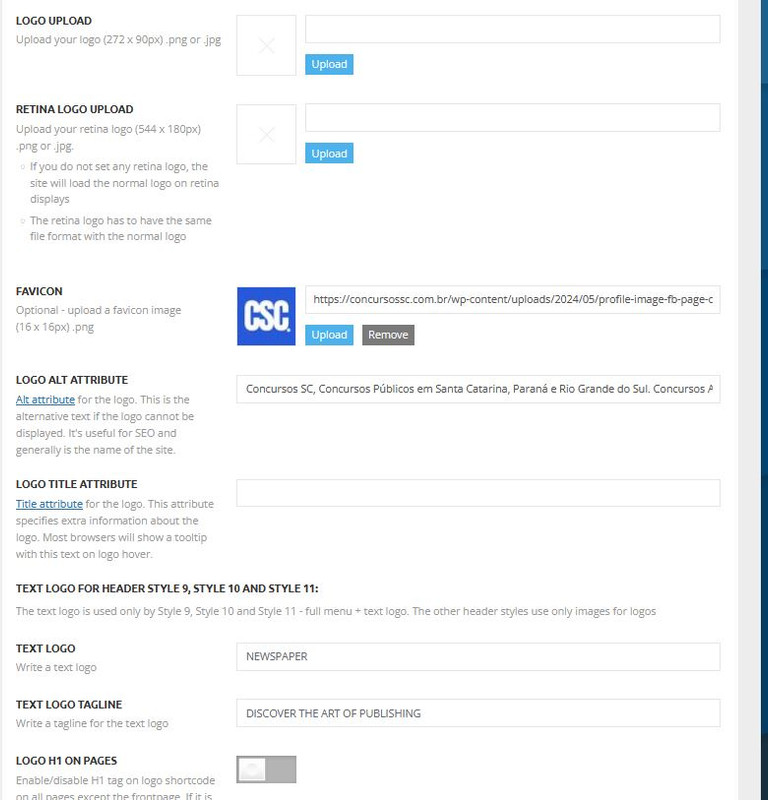
I am not able to add my logo in the header section and menus as well.
 sabedott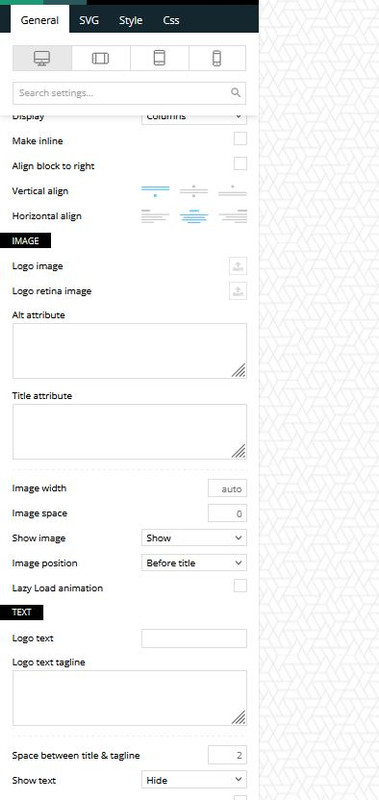


 DocDigit
Hi team,
I see that the Mastodon logo/social share link @ Theme Panel -> Social Network still is missing.
Can you pls add in the next Newspaper update? Thanks!
 Anamaria
 Hello,
I just checked the website now and it seems that you managed to solve the issue -> https://i.imgur.com/Ll02YW0.png https://i.imgur.com/aDcptTq.png
The only issue remains with the logo on the mobile. Did you have a mobile template for the single post template?
Thank you!
Anamaria Hello,
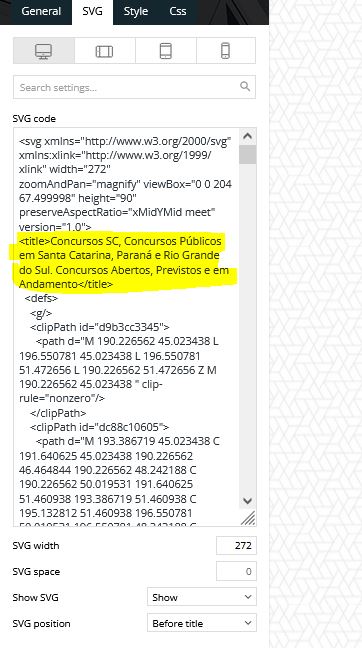
Please delete the SVG code and text logo text.
Thank you!
 conbrio
 Sorry, but it doensn’t work.
I changed mobile version logo but it’s still got chained logo
Maybe because i’m using mobile template.
Can you give me extra advise?
-
This reply was modified 2 years by
conbrio.
Anamaria Hello,
This is strange. Did you set the width of the logo in the CSS tab? Please try to add the logo element again and check if the issue persists.
Thank you!
marcusdoc tried tdb-logo-text-title within your CSS and no change
marcusdoc Thank you for the quick reply, but the latest code does nothing (both logos are present when printing; unchanged).
Any other suggestions?
marcusdoc It now removes BOTH logos when printing; how can I just remove the mobile logo text?
Anamaria Hello,
You need to change the logo for each viewport. Please check this video -> https://www.youtube.com/watch?v=HXQQygkCCJo and guide -> https://forum.tagdiv.com/add-logo-newspaper/
Thank you!
Anamaria Hello,
The issue is that you have a desktop, the logo is an image, and for the mobile, it is a text, and somehow those are added both .
Thank you!
conbriohttps://con-brio.co
This is a original logo. when i maximize the window.
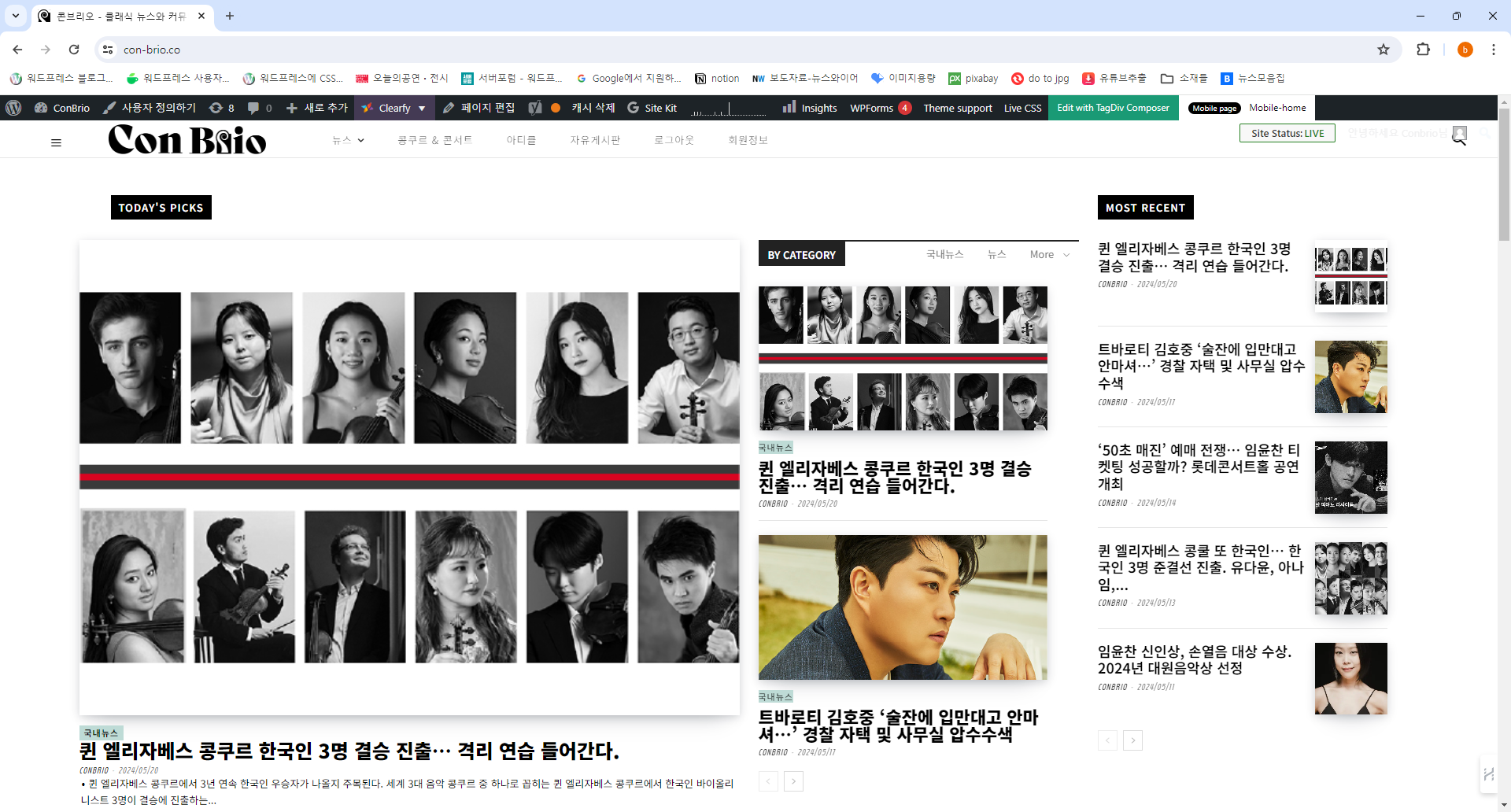
when i make the window small. there’s a chained logo

And after i update newspaper. The description of picture’s has been moved from left to center. but i cant move it back to left
 stefanegirard
Hi there
I have jut updated to version 12.6;5 and now the header shows a code. Excerpt:
[tdb_header_logo align_vert=”content-vert-center” media_size_image_height=”78″ media_size_image_width=”400″ image=”4929″ show_icon=”none” show_tagline=”none” show_title=”none” align_horiz=”content-horiz-center”]
[tdb_header_search results_msg_align=”content-horiz-center” image_floated=”float_left” image_size=”td_324x400″ show_btn=”none” show_date=”” show_review=”none” show_com=”none” show_excerpt=”none” show_author=”none” meta_padding=”0 0 0 16px” all_modules_space=”eyJhbGwiOiIxMHB4IiwibGFuZHNjYXBlIjoiMTBweCIsInBvcnRyYWl0IjoiMTBweCJ9″ form_padding=”eyJhbGwiOiIzMHB4IiwibGFuZHNjYXBlIjoiMjBweCIsInBvcnRyYWl0IjoiMjBweCJ9″ form_border=”0″ form_align=”content-horiz-right” results_padding=”eyJhbGwiOiIwIDMwcHggMzBweCIsImxhbmRzY2FwZSI6IjAgMjBweCAyMHB4ICIsInBvcnRyYWl0IjoiMCAyMHB4IDIwcHgifQ==” results_border=”0 0 1px 0″ results_msg_padding=”eyJhbGwiOiIxMHB4IDAiLCJsYW5kc2NhcGUiOiI2cHggMCIsInBvcnRyYWl0IjoiNHB4IDAifQ==” modules_divider=”” modules_divider_color=”rgba(127,127,127,0.1)” h_effect=”” image_height=”100″ meta_info_horiz=”content-horiz-left” meta_info_align=”” results_msg_color=”#000000″ f_title_font_size=”eyJhbGwiOiIxNSIsImxhbmRzY2FwZSI6IjE0IiwicG9ydHJhaXQiOiIxMiJ9″ f_title_font_weight=”700″ modules_category=”above” mc1_el=”16″ f_title_font_line_height=”1.1″ btn_icon_size=”12″ btn_padding=”eyJhbGwiOiI2cHggNnB4IiwicG9ydHJhaXQiOiI2cHggMTZweCJ9″ btn_icon_space=”10″ input_border_color=”rgba(0,0,0,0.05)” btn_shadow_shadow_color=”rgba(0,0,0,0.39)” btn_icon_pos=”after” inline=”yes” input_padding=”0″ title_txt_hover=”#dd3333″ form_width=”eyJhbGwiOiI3MDAiLCJwb3J0cmFpdCI6IjUwMCJ9″ f_input_font_family=”438″ f_placeholder_font_family=”438″ f_title_font_family=”438″ f_title_font_transform=”” cat_txt_hover=”#000000″ image_width=”27″ tdicon=”td-icon-search” icon_color_h=”#000000″ arrow_color=”#d6d6d6″ ex_txt=”#a5a5a5″ mc1_tl=”16″ toggle_txt_pos=”” toggle_txt_color=”#000000″
Please help.
I am now back to 12.6.4 but no return to normal
 nolandolce
The header logo is set to 100 pixels on mobile, both for the logo that appears on load, as well as for the logo that re-appears in it’s place on scroll. When inside designer, and looking at the mobile view, everything looks fine. However, on my mobile device, the landing page logo is 3x the size it should be. The second logo that replaces it on scroll is fine. Any ideas? This is not occurring on the homepage, just all other pages.
https://rareparenting.com/early-signs-of-a-neurological-disorder/
Thanks!
Anamaria Hi,
Please let me know if you added the logo in theme panel-> header -> logo; if yes, please delete and check after
Thank you!
Anamaria Hello,
I recommend installing only design of the prebuilt website and after it will show your content https://forum.tagdiv.com/installing-demos/
– If you install with content, it will import demo posts, menus, logos, categories, the homepage, custom design where available, theme panel settings.
– If you install without content, it will import only the design and theme panel settings.
Thank you!
 jeevankumar0514
Hi Team unable to edit clod template with Td Composer, Getting error 404 and unable to change the logo.
Kindly help on this.


