- NewsmagSmart list ads
- NewsmagIntroduction
- NewsmagMain menu
- NewsmagLogo & Favicon
- NewsmagHeader ads
- NewsmagSmart sidebar
- NewsmagSharing buttons
- NewsmagCategory tag on modules/blocks
- NewsmagBackground introduction
- NewsmagTheme colors introduction
 azinus
Greeting,
After updating wordpress to version 6.4.1 it caused me the following problem:
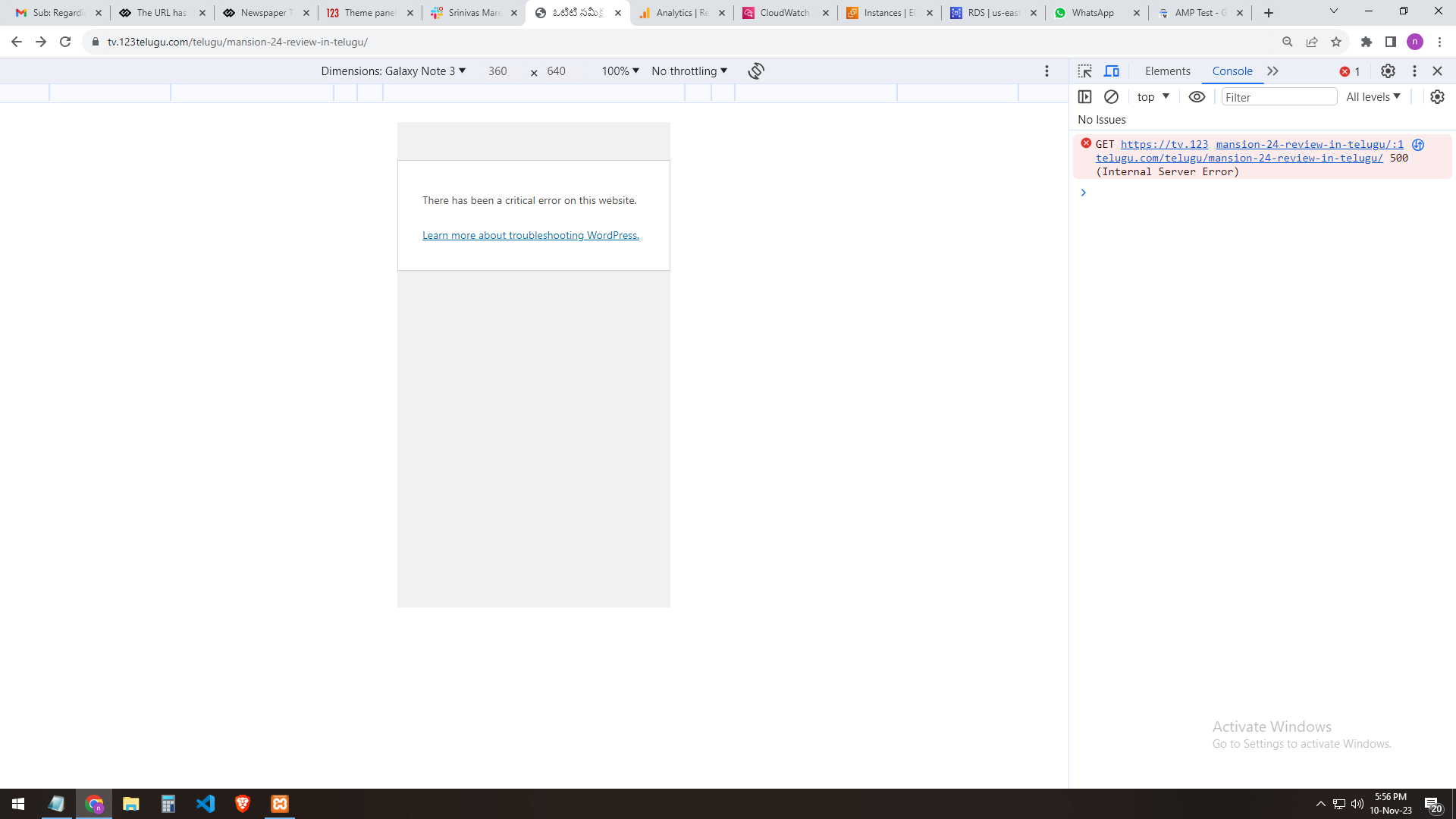
When I set the mobile + AMP option in the theme, the display on the desktop version is normal, but on the mobile version it gave me a critical error. Today, however, it works normally, but one part of the image in the header is missing and the number of views is missing for the posts. It is activated in the theme so that it is displayed as well as the name of the author and the number of views, but the system simply does not accept it. It’s just that who doesn’t recognize the command to display the number of views below the post.
System status: everything is green and everything is set up well, I even changed the cache plugin that was recommended to me by the topic.
 nagi
nagiRespected Sir/Mam,
I am a developer at Mallemaala Entertainments, located in Hyderabad. We have a few requirements for our movie review website, 123telugu.com. I am hereby mentioning our requirements.
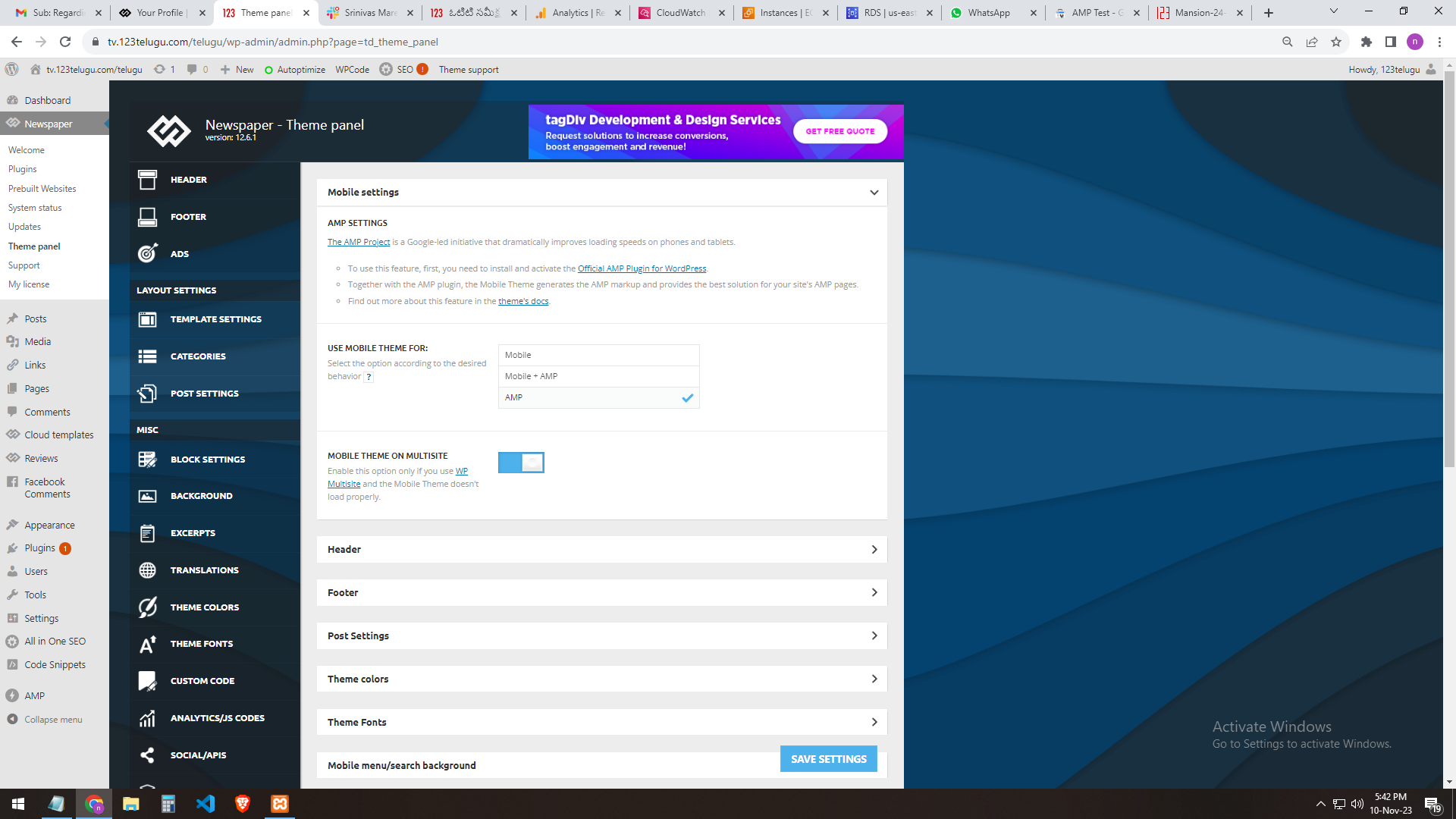
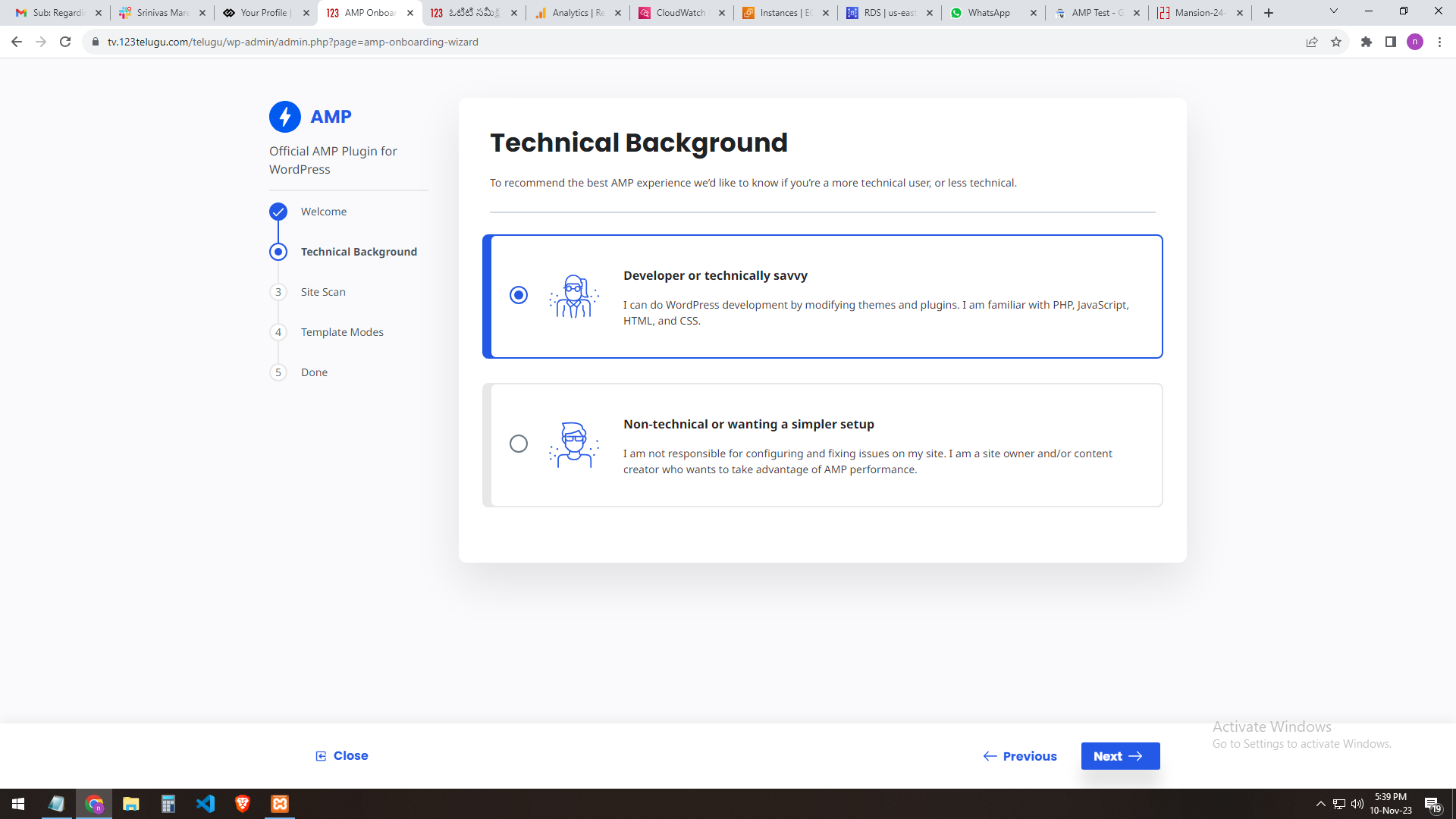
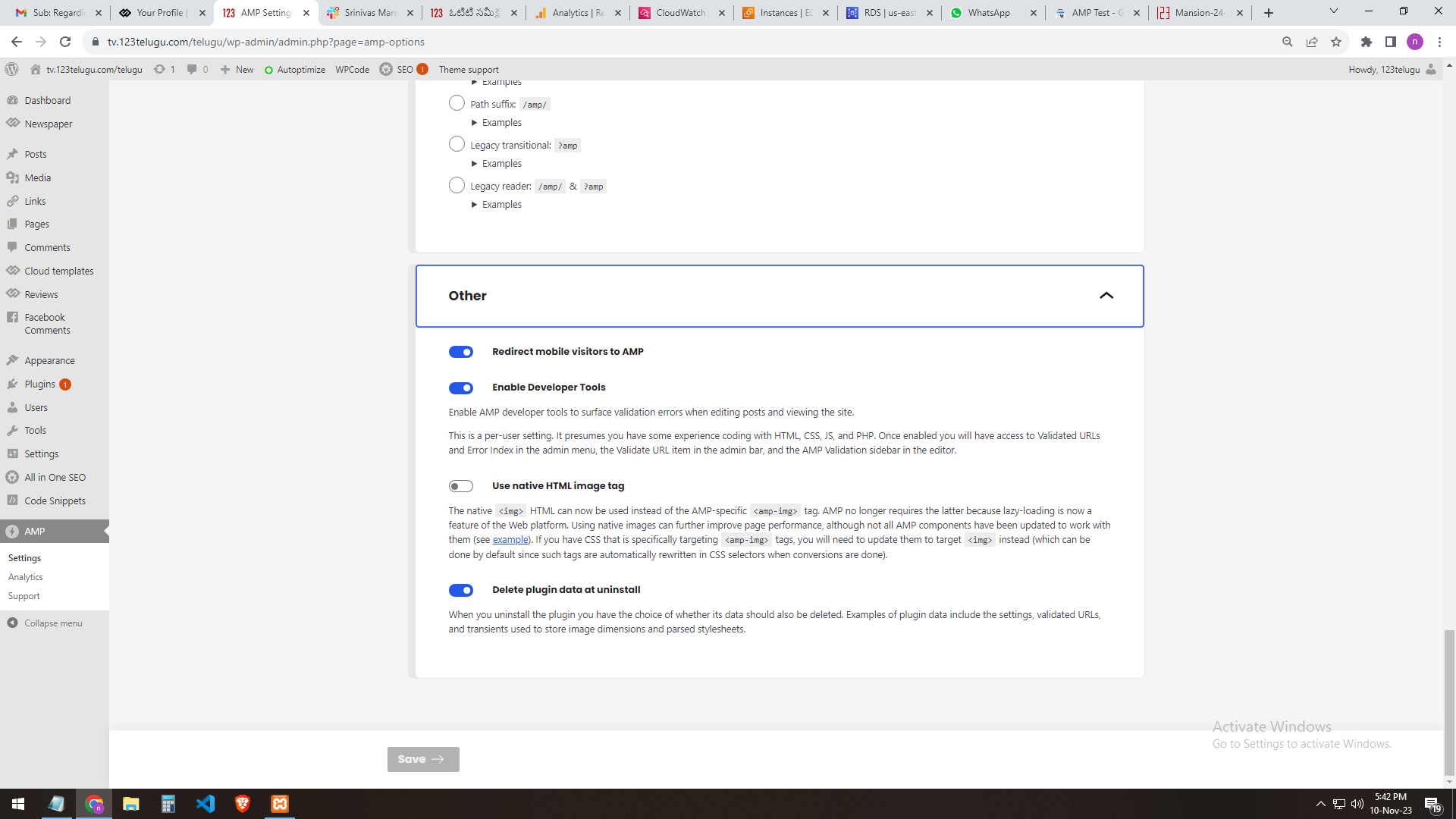
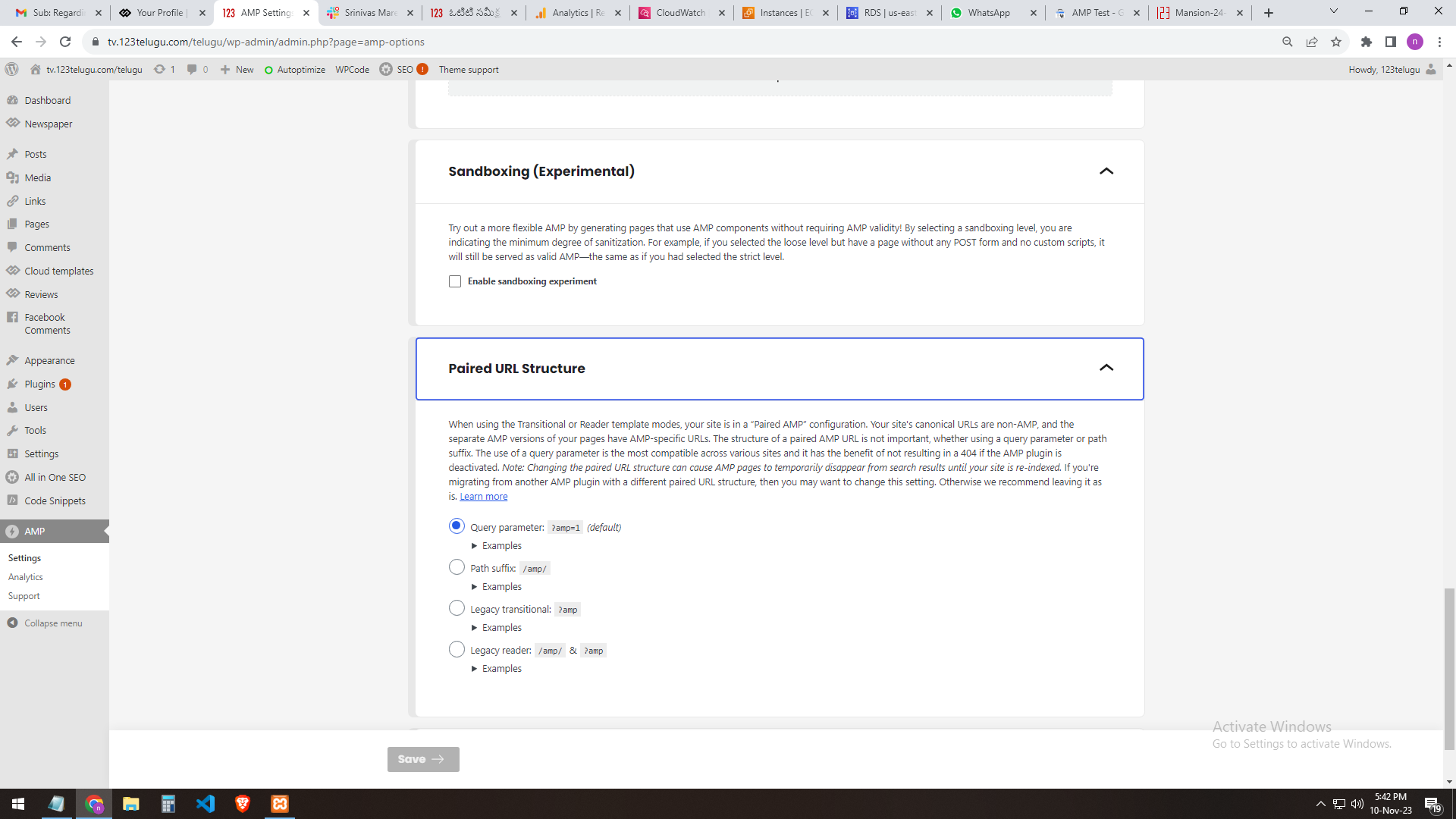
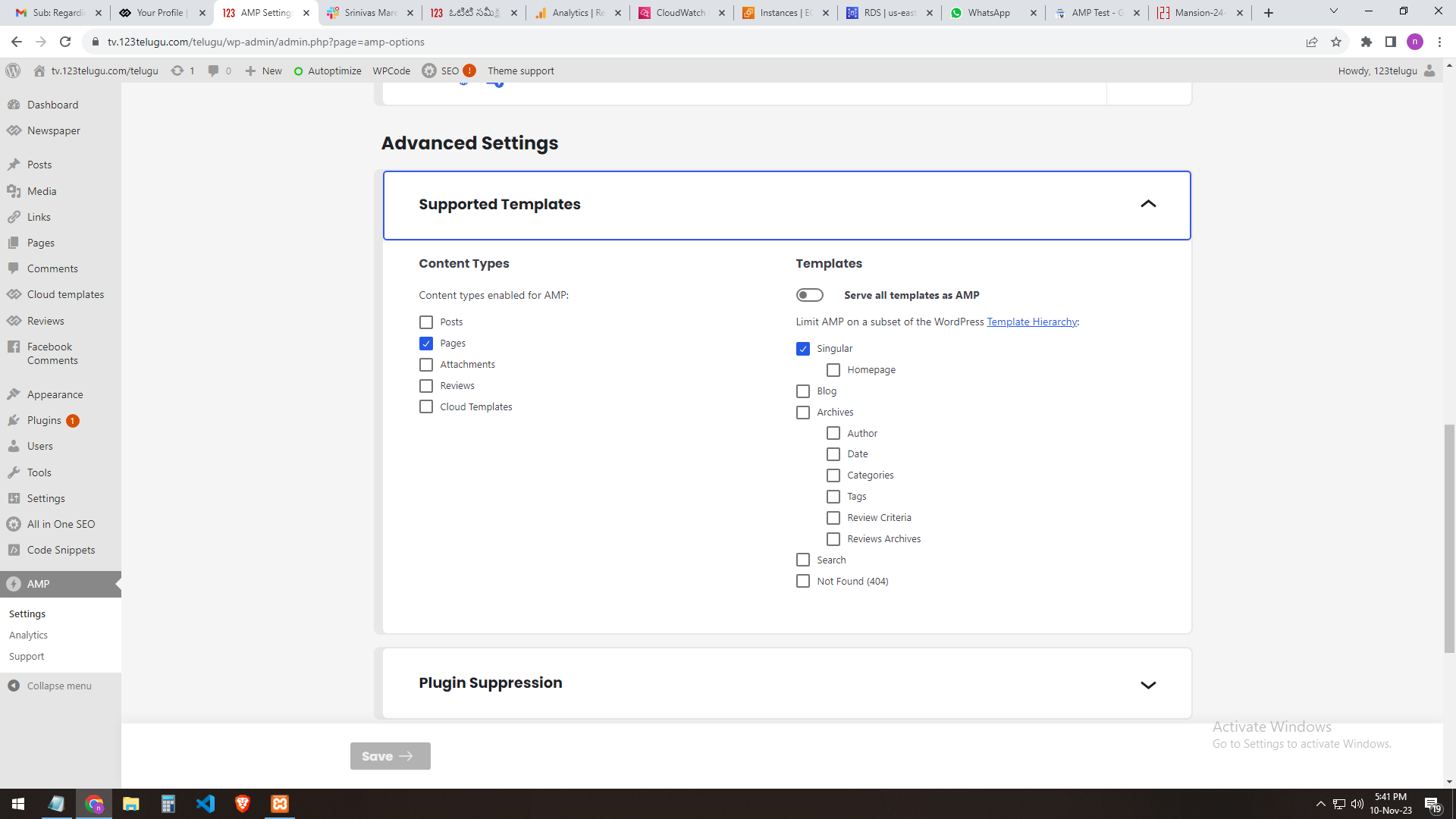
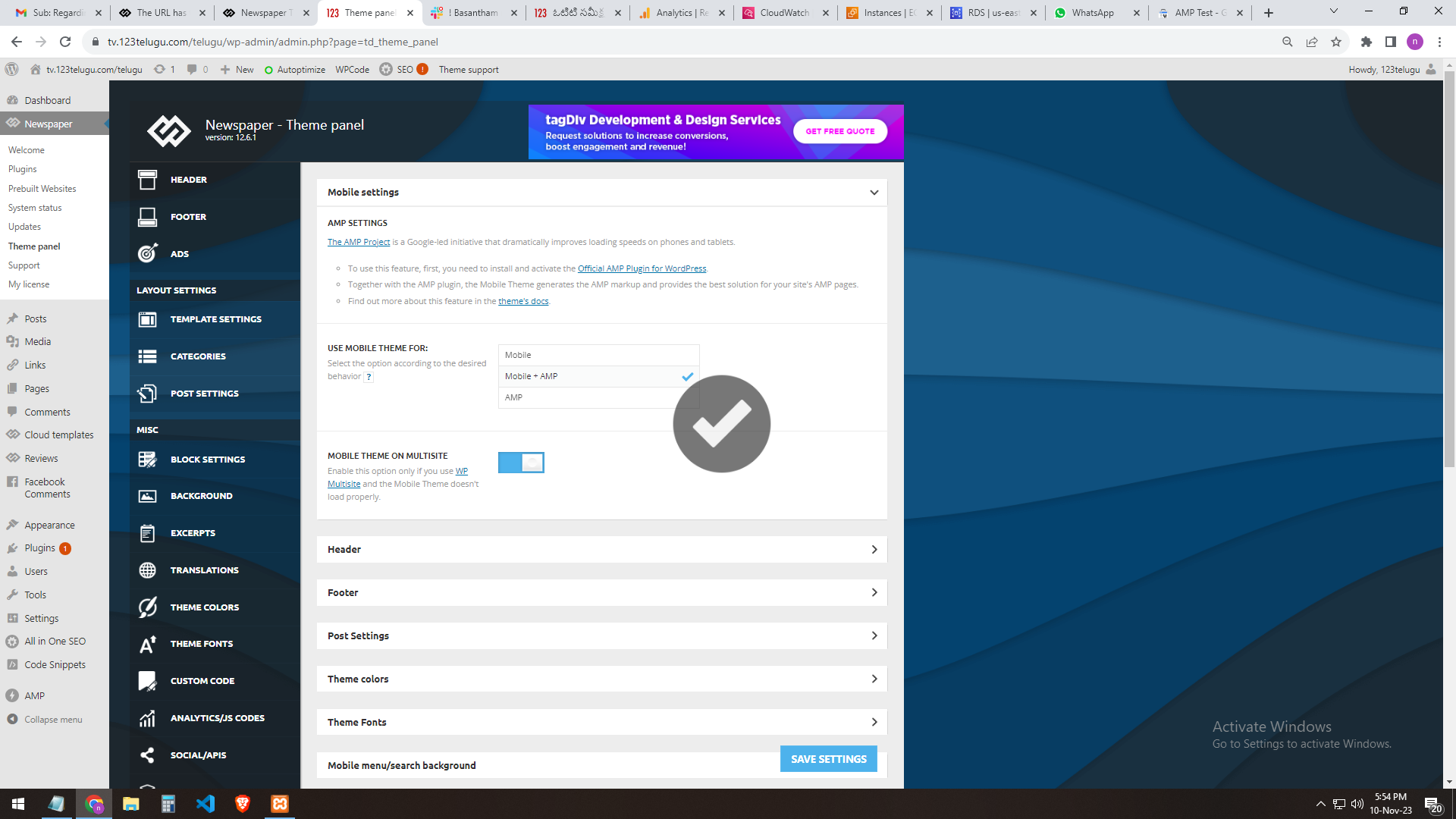
We need AMP validation. We are sending you the AMP changes (screenshots) that we did through the URL. In the mobile settings of the Newspaper theme panel, we are getting the mobile page only when we add AMP.
The plug-ins installed in the theme are the Tagdiv mobile theme and the official AMP for WP.
We installed these two plugins.
We need the best settings for AMP. Please send them step by step clearly.
In our 123telugu.com website, we have an AMP. We wanted to create an AMP with your theme.
my settings ONLY AMP
———
https://gallery.123telugu.com/images/theme_test/image2.png
https://gallery.123telugu.com/images/theme_test/image1.png
https://gallery.123telugu.com/images/theme_test/image3.png
https://gallery.123telugu.com/images/theme_test/image4.png
https://gallery.123telugu.com/images/theme_test/image5.png
my 2nd settings AMP+ MOBILE AFTER error
—————
https://gallery.123telugu.com/images/theme_test/image9.png
https://gallery.123telugu.com/images/theme_test/image10.png
Thanking you,
Regards,
Narendra.
 foresttree
Hi i have the website http://www.actuma.nl and when i am at different articles i have the option to log in to leave a comment. But when i click that button my screen go’s white and blurry and that modal popup doenst appear.
Any solutions for that?
 rahuldas
When attempting to access my category page on mobile, I encountered an error, whereas on a PC, it opens without any issues.
Website- https://trendofox.com/
 aleister
 There is no delete button for TagDiv mobile theme 🙂
 Anamaria
 Hello,
So, if the settings are not saved, please check the console https://i.imgur.com/0ex2unk.png and check the suggestion from here https://forum.tagdiv.com/topic/newspaper-theme-panel-settings-are-not-being-saved/
Please set the mobile theme +amp and check afterif works the modal imag workse.
Thank you!
 Calin
Calin Hi maxcrandale, the curl error was caused by WordPress, that problem has been fixed in WordPress c6.4.1
Hi halloway, please make sure that you disable and delete the tagDiv Composer and tagDiv mobile theme and after that reinstall them from Newsmag > plugins, this should resolve the problem.
Thank you!
Calin Hi maxcrandale, there were some problems with WordPress 6.4 please update to 6.4.1 and also, please disable and delete tagDiv Composer (and mobile theme plugin if you are using), after that please reinstall that plugin from Newsmag > plugins.
Thank you!
Anamaria Hi,
To set the menu on the element, you need to edit with tagDiv Composer, select the viewport on the phone select the mobile menu and set the menu -> https://i.imgur.com/13785vs.png; You can use the mobile horizontal menu https://i.imgur.com/rHs2IOn.png
Thank you!
 ThrustMedia
 I just noticed the URL is going to livelovelocalmi.com/tds-login-register/ when I click on Subscribe Now on my mobile site? How and why?!
I have the same exact settings for mobile that I do on the desktop for the subscribe button and plan option. How is this going to a blank login-register?
 fcolabbe
Notice: La función amp_has_paired_endpoint ha sido llamada de forma incorrecta. Se llamó a la función mientras que AMP estaba desactivado mediante el filtro amp_is_enabled. The service ID “paired_routing” is not recognized and cannot be retrieved. Por favor, ve depuración en WordPress para más información. (Este mensaje fue añadido en la versión 2.1.1). in /home/cronistadiario/public_html/wp-includes/functions.php on line 6031
 thalesbrandao
goodnight.
Is there an option to change the page passage from arrows to numbers? If so, how can I make this change? reinforcement that it must be made for desktop and mobile. see attached. https://imgur.com/kiW5POK
http://www.cidademarketing.com.br
thanks
 Maurizio
I activated Mobile Plugin from Newspaper Theme Panel and posting new articles from mobile dashboard raises a critical error on WordPress frontend. Disabling the Mobile Plugin from Newspaper Theme Panel doesn’t raise any error. Any idea? Thankyou.
2023/11/09 14:25:04 [error] 202539#202539: *361864 FastCGI sent in stderr: “PHP message: PHP Warning: require_once(/home/XXXXX/wr/wp-content/themes/Newspaper/legacy/common/wp_booster/td_css_res_compiler.php): Failed to open stream: No such file or directory in /home/XXXXX/wr/wp-includes/template.php on line 790; PHP message: PHP Fatal error: Uncaught Error: Failed opening required ‘/home/XXXXX/wr/wp-content/themes/Newspaper/legacy/common/wp_booster/td_css_res_compiler.php’ (include_path=’.:/usr/share/php’) in /home/XXXXX/wr/wp-includes/template.php:790
Stack trace:
#0 /home/XXXXX/wr/wp-content/plugins/td-composer/legacy/common/wp_booster/td_autoload_classes.php(42): load_template()
#1 [internal function]: td_autoload_classes->loading_classes()
#2 /home/XXXXX/wr/wp-content/plugins/td-composer/legacy/common/wp_booster/td_global.php(780): class_exists()
#3 /home/XXXXX/wr/wp-content/plugins/td-composer/legacy/common/wp_booster/td_wp_booster_functions.php(1184): td_global::reset_theme_settings()
#4 /home/XXXXX/wr/wp-includes/class-wp-hook.php(324): hook_wp_head()
#5 /home/XXXXX/wr/wp-includes/class-wp-hook.php(348): WP_Hook->apply_filters()
#6 /home/XXXXX/wr/wp-includes/plugin.php(517): WP_Hook->do_action()
#7 /home/XXXXX/wr” while reading response header from upstream, client: 91.227.109.3, server: ontuscia.it, request: “GET / HTTP/2.0”, upstream: “fastcgi://unix:/run/php/site-fpm.sock:”, host: “www.ontuscia.it”, referrer: “https://www.ontuscia.it/wp-admin/post-new.php”
 halloway
 I get a critical error as well on mobile. Any fix for this except for deleting and re-installing the mobile theme?
 kalacosolutions
I am looking for a way to display what is in the Header Menu Zone on mobile. On mobile, it shows hamburger icon, logo, description and search icon. There is a second menu on the site that I would like to be on mobile.
https://www.bylocalnews.com
kalacosolutionsI am looking for a way to display what is in the Header Menu Zone on mobile. On mobile, it shows hamburger icon, logo, description and search icon. There is a second menu on the site that I would like to be on mobile.
 DocDigit
I recently read that Google’s AMP is winding down it’s support and it’s looking likely that AMP will be retired soon. Can you tell if your team is aware of this and how can we bypass this to keep Newsletter fast for mobile use?
 maxcrandale
 in my situation even i dissable caches and naked wordpress i got curl error while installing again mobile team. i try with clean install on other domain for test. Any other suggestion?
 besthomegear
 and by default, i see that the Disable Module image on Mobile is enabled in post settings.
general module image is Not Enabled.
besthomegear couldnt afford to have mobile theme corrupted, so i deactivated the mobile theme plugin, for now…welcome Any Suggestions!
thanks
 manjunatha
 Hi Anamaria,
I’ve updated the Newspaper theme to version 12.6.1, and both mobile and AMP pages are now working properly.:)
I have tested it on mobile devices, and they are all loading quickly and displaying correctly.
Thank you for your time.
Manjunatha
besthomegear returned to WP dashboard, then returned to Mobile theme in Newspaper, tried AMP (only) box, save, and same thing – cursor spinning, wont update mobile theme.
Went to AMP Test validator, AMP is not on my site??
besthomegear Anamaria
I realized my Mobile theme setting “Use For” wasnt marked Mobile + AMP so i checked that boxed, saved settings, now the page is “spinning” going on 10 minutes, should i abandon my WP admin to cancel and start over?
Kevin
besthomegear Anamaria,
Also – The home page in IOS view is ok, however open any Post, than view in mobile to see corrupted page, header, footer, and no “menu” working (3 dashed lines top left of any page) have disappeared.?
Kevin
besthomegear Anamaria
disregard the screenshot showing Google search console indexing (mistake). Here is a screenshot of the mobile view (corrupted)
Incidentally, the previous screenshot shows my mobile theme option – which indicates Moble Header with Mobile menu and search enabled. is it possible these should be disabled?