
No search results were found in Documentation!
 siobhan110
 Very strange things happening with all my posts too. Plus, in the theme panel I seem to be missing lots of the settings I used to have for posts (e.g. different templates, font settings etc). Plus, all my Flex Blocks with posts curated by theme stopped working properly … but after redoing them all, it’s only now that I notice that the issue is likely with the post settings etc.
Following your post with interest!
 knthdgd
Hi!
This is kind of strange.
I designed a header using tagDiv Composer, and it works great on my desktop in different browser window resolutions. Works perfectly.
But when I visit the website on my iPhone it is a completely different design showing?
Live at desktop:
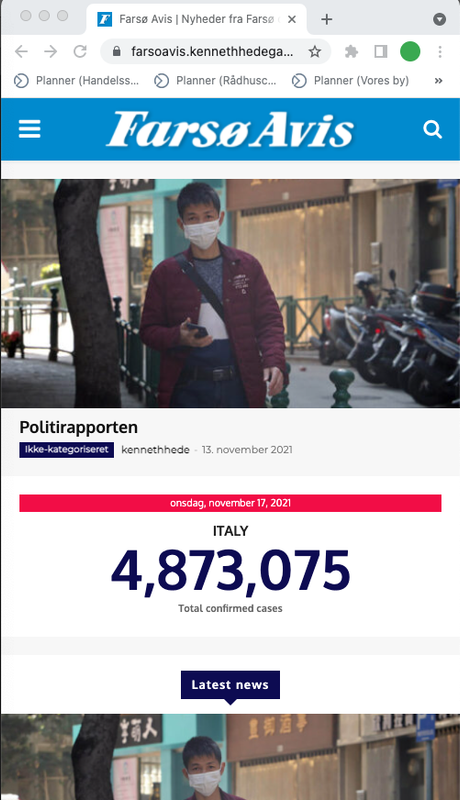
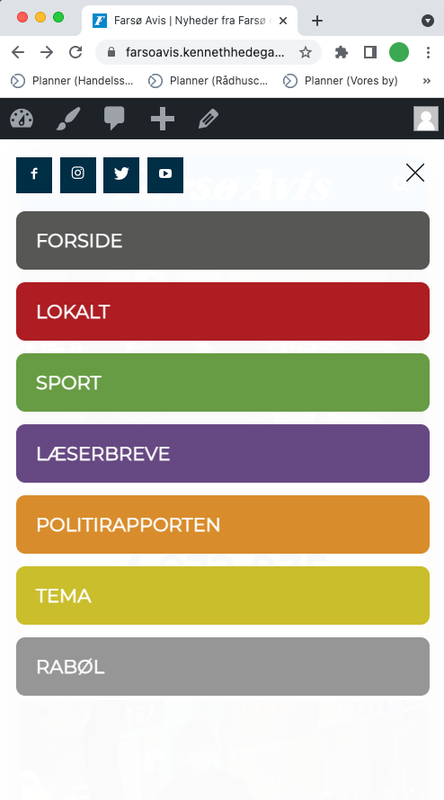
Live on mobile:
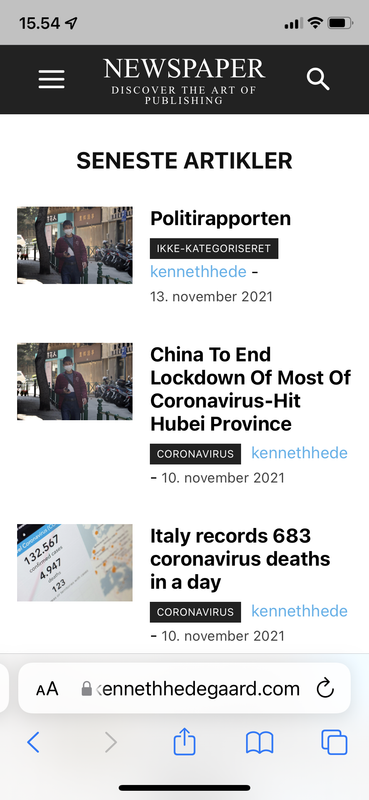
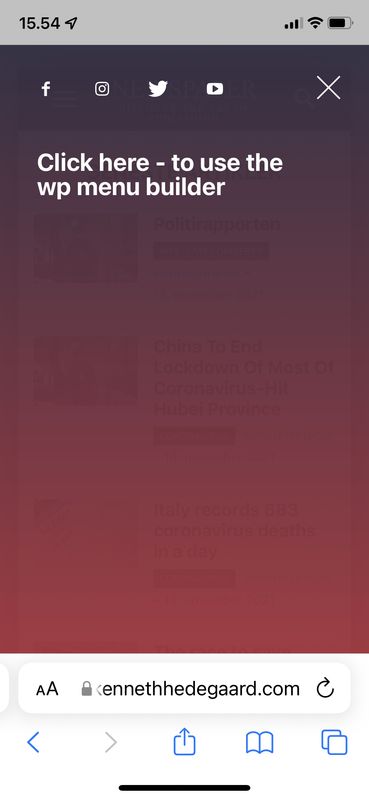
Heeeelp 🙁
 Anamaria
 Hello Martin,
This is a strange issue, and we need to investigate it.
If you agree please make a full backup to all files and databases and contact us via email at contact@tagdiv.com and provide wp-admin, so we can investigate this issue. Also, paste a link to this topic so we can easily identify you.
Thank you!
Anamaria Hello,
This is a very strange issue. Please let me know if you use Yoast Seo PREMIUM
Also, if you agree we would like to investigate this issue and find out what is the cause, please make a full backup to all files and database and contact us via email at contact@tagdiv.com and provide the following:
– wp-admin URL and credentials
– a link to this topic to identify you
Our team will take a look!
Also during the investigation to know that we will disable the other non tagDiv plugins
Thank you!
Anamaria Hello,
This error is quite strange and I don’t know how I could replicate this error, because it doesn’t occur to me, but if you agree I would like to investigate this issue and find out what is the cause, please make a full backup to all files and database and contact us via email at contact@tagdiv.com and provide the following:
– wp-admin URL and credentials
– cPanel URL and credentials
– a link to this topic in order to identify you
Thank you!
 costinr
Hi,
My site displays a strange black page with “Newspaper unregistered, contact tagdiv”.
Even “coming soon” plugin does not display anything else so I was forced to change temporarily the active theme.
Site: https://danvoiculescu.net/blog
My registered envato account: costin.rizescu@gmail.com
Please help!
 yvrmark
 Strange thing is I have a second website running the theme. After updating to the latest version of WordPress it did not give me the same error.
 grochu
I have strange issue with page loading. On some browsers site opens in mobile view.
Screen for Safari and Firefox. When I wipe site data in browser setting everything backs to normal… for some time. It happend on my browsers and user’s browsers.
Is there any option to force open Desktop view on computers / notebooks or landscape view on tablets?
Screenshot https://prnt.sc/1ys2hg3
 Bettina
 Hello!
It’s strange because if you buy the license once, then you should have it for life how you mentioned. While you have the code, then it could be reactivated again.
If the problem is solved now and for the next update you will face the same issue, please contact us and we will take a look to see from where this problem appears.
Thank you for understanding!
Bettina Hello!
It’s strange because they should work together. Check the configuration from here: https://forum.tagdiv.com/cache-plugin-install-and-configure
Thank you!
Anamaria Hello,
I saw you use the full image size on the blocks, but you can use thumbs https://forum.tagdiv.com/theme-thumbs/ and after you set the thumbs on the blocks, you need to regenerate them https://forum.tagdiv.com/thumbnails-fix-strange-looking-images-on-blocks/
Also, unfortunately, I can’t help you with a function to optimize the images because I do not have the necessary knowledge to do this, but you can make a request to the custom work team-> https://tagdiv.com/web-development-services/ and they can help you.
Thank you!
 vasite
something strange, i cannot edit any cloud tempalte because there is no option to edit with tagDiv Composer
 Redlemon
I am experiencing a strange issue with my page, where when I display inline ads on mobile, minor parts (a paragraph or two) or the majority of my articles (the remainder of the article after the first ad) is hidden. The only workaround I’ve found is to not use inline ads, which of course is not an acceptable solution, but I’d rather not show ads than not show content. I need your assistance in order to troubleshoot this frustrating issue. Please advise.
 willkar
Some of my blog sections are not showing the pop up ads. Instead is showing a video modal alert, below video.
Image link example: https://imgur.com/a/NdUgrpJ
Please check this page example: https://gamingnovato.com/ and you can scrool for example to the section “PC Gaming” and try to select a reseult, from the blog posts list on the right like this –> https://imgur.com/lJ6xyWx
The strange thing is that it is only showing on this sections type.
 matteorossi
I have a problem with single images.
All images uploaded as single are not displayed in the public version.
The problem seems strange because they disappeared for no reason (no updates were made or other), while in the Visual Composer the images are present.
The problem does not concern all those images that are background or related to the articles but only those uploaded as single.
I’ll attach the screenshots. https://imgur.com/a/8NzyfEm
Thank you in advance for your support, the site is https://www.casentino2000.it
willkar Hello.
I can see that. But it’s strange because i continue with the same problem. I’ve tested different browsers and the one that does not give me problem is samsung broswer on mobile.
I’ve clean broswer cache and cloudflare and plugin cache and nothing hummm
Anamaria Hello @Avispa Midia,
This seems a strange situation if you agree we’ll like to investigate it.
Please contact us at contact@tagdiv.com and provide wp-admin and cPanel credentials also make sure that you have a full backup for your website and database. Also please add the link of this topic in the email to can identify you.
Thank you!
Bettina Hello!
That’s strange. Please make a full backup, send an email at contact@tagdiv.com and provide wp-admin, so we can investigate this issue and let you know what can be done. Also paste a link to this topic so we can easily identify you.
Thank you!
 Calin
Calin Hi,
I’m not quite sure if I understand the problem, but I think that you are referring that the images are not cover the entire space from the Big Grid modules, if is so this can be fixed using our guide from here https://forum.tagdiv.com/thumbnails-fix-strange-looking-images-on-blocks/
If this is not what you mean, please let me now!
Thank you!
Calin Hi,
When you add the featured image for a product, you’ll select the image and then the theme will automatically check the image thumbs and in case that those are not existing will display the default image size. Also on woo loop element you can set with tagDiv Composer on block the thumb size that you want to be used -=> https://i.imgur.com/ha48tB6.png
Now to make thumbs in case that those are not yet made by the theme, you need to generate them, for this please use our guide from here https://forum.tagdiv.com/thumbnails-fix-strange-looking-images-on-blocks/
Thank you!
 Widebody News
Hello, I’m looking to buy a second license for a new website but I was never able to figure out the mobile theme. I just want a simple listing of the latest news and some menus, nothing fancy. Since it’s different from the desktop layout, am I supposed to go for the route where I delete the apps and create the mobile page? Right now, I have that done with a mobile theme from the cloud installed, but it’s not showing the correct way.
https://widebodynews.com/
Also, I have a question about AMP. It seems to disable my lightbox and google search console showed links with /amp in them at the end, so it was seeing two types of links which I thought was strange. If I don’t want amp I’m supposed to go the mobile page rout?
https://widebodynews.com/muscle-cars/hot-rodder-cant-buy-his-old-dodge-charger-daytona-builds-this-instead/?amp=1
(note, I have watched “Let’s go Mobile!” ten times. Please tell me what is the ideal solution to my situation).
 kewalsmulti
I keep getting this message when trying to submit a support ticket:
Our system detected some kind of strange traffic from your ip. This error was logged and if our system is broken we will fix it asap.
~ tagDiv team ~
Message from the server (enter the captcha to access the site):
::CAPTCHA_BOX::
::IM_UNDER_ATTACK_BOX::
Help!
 Guardado Rapdio
Hi there,
I have a strange error with my web page (www.guardadorapido.com) and the menu we have in the header. The subcategories that should appear under the ANALISIS and VIDEOS sections so users can easily browse to them do not appear unless you are logged into the website (which is not what we want) or if you are already into one of our reviews (https://www.guardadorapido.com/analisis-hot-wheels-unleashed-xbox-series/). We do not understand why this (and also the search box) works sometimes and sometimes does not. Strangely, it works all the time when used from mobile.
It seems to be a problem associated to permissions, can you give me a clue on where to look for the solution?
Calin Hi,
This is quite strange to have the envato account locked.
About the problem, we need to investigate this via email, for this please contact us at contact@tagdiv.com and provide wp-admin and cPanel also include the license certification or at least the license key. We’ll check this problem as soon as possible/
Thank you!
Calin Hi, this seems a strange situation, if you agree we’ll like to investigate it.
Please contact us at contact@tagdiv.com and provide wp-admin and cPanel credentials also make sure that you have a full backup for your website and database. Also please add the link of this topic in email to can identify you
Thank you!

