Hi,
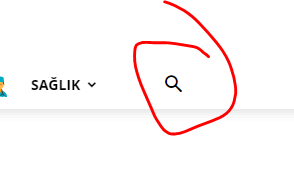
In the 1st picture, the call time of the server is 10 to 15 seconds with the search but Aram butuno.
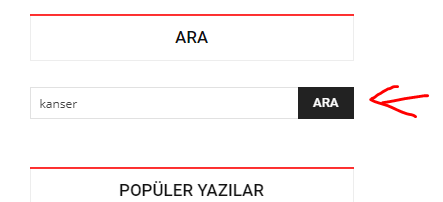
When you make a call with the search button in the 2nd picture, the response time of the server is between 3 and 5 seconds. I think there is a problem with the theme.
1. https://i.hizliresim.com/PGYEW9.png
2. https://i.hizliresim.com/XlDYR7.png
Thanks.

Hi,
The first one is a live search this need some more resource to make the search in real time in database, therefore you need to have a good host and all the theme settings and optimizations to be set correctly.
If you want you can test it on localhost, there it should work more faster.
The second search is the normal search only after you click on search will make the request to database, the live search make the request on released button.
Thank you!
Hi,
The search roots in the 1 and 2 images I mentioned above do not work simultaneously. the time to answer between the two call sets is too long. 1st picture responds in 10 seconds, 2nd picture responds in 5 seconds.
Hi,
For us the search is working mach better, but this depend on the internet connection an host -> https://www.screencast.com/t/epYah4gE -> https://www.screencast.com/t/qnvvw1Zvr -> https://demo.tagdiv.com/newspaper/?s=ac
If you want you can make a test on localhost.
Please make sure that all the settings are like in our requirements, please follow the guide carefully
– https://forum.tagdiv.com/requirements-for-newspaper/
and please increase all requirements that are lower, and follow all steps.
What you can do is to try to optimize your website, if you want you can check these topics: -> https://tagdiv.com/how-to-increase-page-loading-speed/
-> https://forum.tagdiv.com/topic/optimize-script-to-improve-site-speed/
Thank you!
Hi,
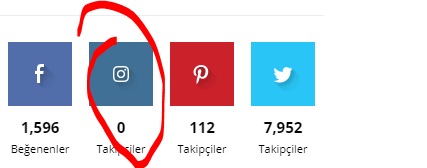
Is there a problem with the social media plugin? Instagram does not show the number of followers.
Hi,
No, the Instagram counter is working -> https://i.imgur.com/jG3NQIo.png please make sure that you set right the id and you have the latest version of the Newspaper theme, v10.3
Social counter styles on Newspaper -> https://forum.tagdiv.com/social-counter-styles-on-newspaper/
If there is still a problem, let me know!
Thank you!
Hi,
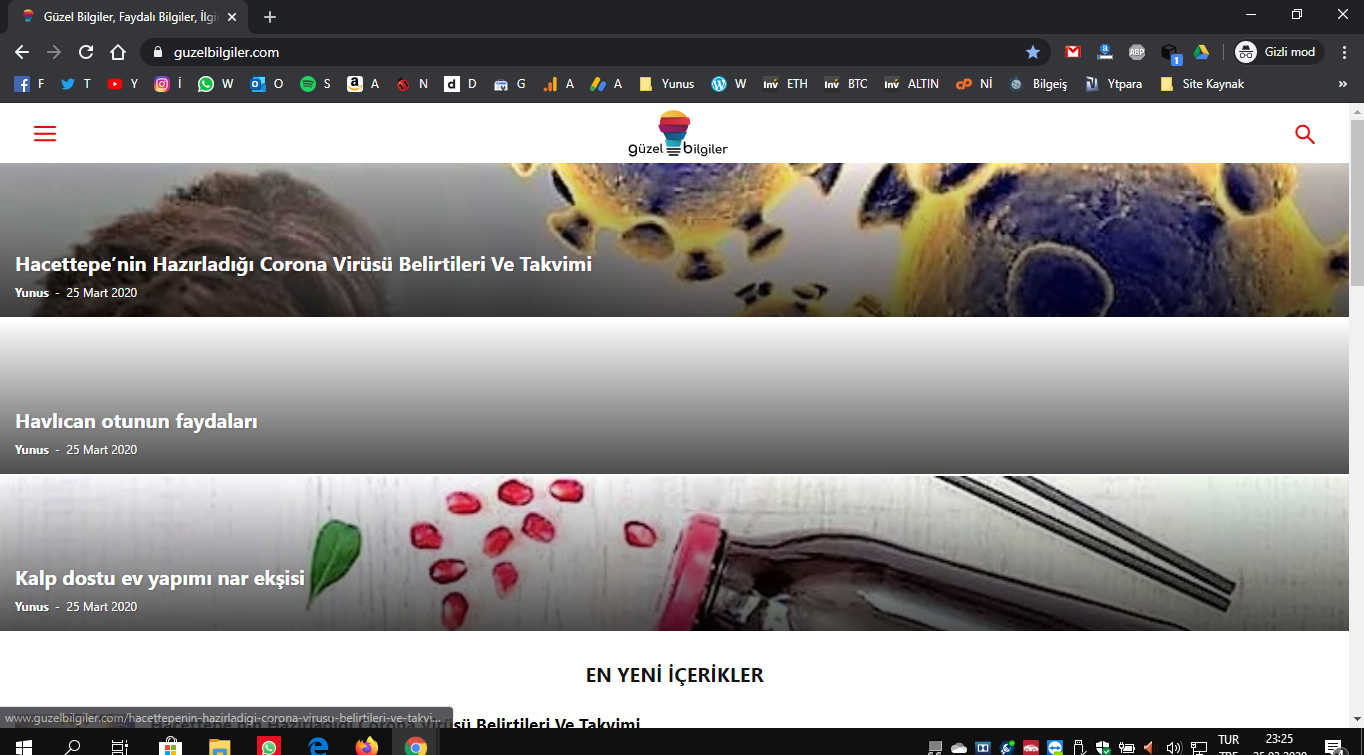
mobile theme is active. the design changes like this when I check it from the desktop. it gets better after a certain time. what is the reason of this?
Hi,
When the mobile version is displaying on desktop is a cache problem, we recommend to use WP Super Cache we the settings from our guide -> https://forum.tagdiv.com/cache-plugin-install-and-configure/ also if you are using other cache plugins please deactivate theme and make a test.
Let me know the results!
Thank you for your understanding!
Hi,
I am using wp fastest cache Do you have any suggestions for this?
Hi,
Unfortunately, this plugin has not been tested with our theme, therefore we do not know what settings are required to work properly with our theme, but in most cases the problems that you are facing are from minify the css or js.
Thank you for your understanding!
Hi,
unfortunately I am having big problems with speed. Although I use the caching plugin, there is an incredible speed issue.
Thanks.
Hi,
Although the number of comments is closed, it looks like this when clicking on the categories when searching, as shown in the picture below Is there a way to turn this off?
https://hizliresim.com/e5QRX0
Hi,
Please note the the page speed is not covered by the theme support, if you want, you can check this similar topic for more solutions: -> https://forum.tagdiv.com/topic/optimize-script-to-improve-site-speed/ https://forum.tagdiv.com/topic/score-100100-pagespeed-with-newspaper-wordpress-theme/page/4/ most of the tips from users for page speed are provided in this topic.
If you want help with speed optimization you can make a request here -> https://tagdiv.com/web-development-services/
If you want to remove the show comments from modules/blocks all you need to do is to go in Newspaper>Theme panel> Blocks Settings > Meta tag on Modules/Blocks and deactivate the “Show comment count”.
-> https://www.screencast.com/t/P64OrKwQ
Thank you for your understanding!
Hi,
How can I show the author picture next to the name of the author in the attached picture? 2. My problem is how can I color the written text in the picture?
Thanks.
Hi,
The author image can be set only if you are using a single post template from tagDiv Cloud Library, you need to edit it with tagDiv Composer -> https://i.imgur.com/CNaaHbu.jpg.
The category colors can be set from theme panel, like this -> https://i.imgur.com/Ia4X0lE.png set on each category the color -> https://i.imgur.com/Imvv8EI.png
Hope this will help you!
Thank you!

Hi,
You can remove jetpack, it slows down the site a lot.
Also, you should not use Facebook like button
I can also see a javascript from DMCA badge running, better remove it too.
Remove contact for 7.
Disable the use of emojis through the cache plugin settings.
Use Cloudflare.
Let me know, this should give a nice boost to page speed.
Hi,
@abhishekmbd and @calin
thanks for your suggestions. Since the theme is an ocean, I learn something different every day 🙂
Hi,
The words on the page you clicked on my page on fotter via mobile do not appear. is this a technical mistake?
Thanks.
Hi,
If you are referring to the footer content on mobile, then you can set it here -> https://i.imgur.com/8WKK1t7.png if this is not what you mean, please provide some more details.
Thank you!
Hi,
no, that’s definitely not it. I mean. Text showing that you will click your 1st marking is not visible. valid for mobile.
https://hizliresim.com/xSqEAU
https://hizliresim.com/Z9oeJF
Thanks.
I also installed the cache plugin you recommended and made the cache settings. Unfortunately, there has not been the slightest improvement in the speed of my site for 4 months. it also opens very slowly. The method I have not tried has not been set.
Hi,
The page do not appear because you are using the mobile theme plugin -> https://forum.tagdiv.com/the-mobile-theme/ -> https://i.imgur.com/DN78zT0.png what you can do is to display the responsive version of the page using the mobile options from Gutenberg editor -> https://i.imgur.com/ONNw2Co.png and the pages will appear on mobile too.
If you are referring to page speed, the speed of your website depends on how well your site is optimized, if you follow the steps which are presented in this tutorial here -> https://tagdiv.com/how-to-increase-page-loading-speed/ you’ll be able to increase the speed of your website.
Also you can check this similar topic for more solutions: -> https://forum.tagdiv.com/topic/optimize-script-to-improve-site-speed/ -> https://www.infophilic.com/get-almost-100-pagespeed-newspaper-theme/
– https://forum.tagdiv.com/topic/a-few-tips-for-newspaper-x-speed-high-cpu-usage-issues/
Let me know the results!
Thank you!
Hi,
The pages are open to mobile design, but I still cannot access the content of the pages in the mobile application.
I also installed the WP Super Cache plugin you suggested. I deleted the previous plugin from my WP Fastest Cache server. but unfortunately the speed rate has dropped 50% compared to the previous plugin.
There is nothing more I can do. I’ve been dealing for 3 months now. I would like you to connect with the team viewer and arrange for you.
Thanks.
Hi,
I have nothing more to do. Lastly, I replaced the one you suggested with the previous one in the presentation image.
Hi,
I just checked these pages with my mobile and these are steel not displaying the responsive version, make sure that you disable the mobile theme on these pages, also the options for disable the mobile theme is only in Gutenberg editor.
If there is still a problem with these pages, you can send us an email at contact@tagdiv.com and provide admin login, as well as cPanel. We will take a look. Include a link to this topic in the email.
Please note that we offer support only on forum and email.
Also please notice that the pages speed optimization is not covered by the theme support, if you want us to optimize your website, you can make a request here -> https://tagdiv.com/web-development-services/ and one of our developers will check your website.
Thank you for your understanding!
Hi,
I chose a different homepage template. A picture appears at the bottom of the homepage template and slows the loading of the page. How can I disable the image I mentioned on my server?
https://www.guzelbilgiler.com/wp-content/uploads/2020/04/20180620791b8eda-0fda-e8de-a72d-c5ee3edfe55e.jpg
The image in this link allows my page to load late in the gtmetrix test.