

 danna
danna Hi Calin,
could your developers program a plugin or something similar, or set this up in a sustainable way with matomo (paid of course)?
All the best,
Daniel
danna The only thing that works is disabling the mobile search in the theme panel — but then it doesn’t work on mobile anymore either.
danna Okay, we’ve now disabled the search in the theme panel, so the problem is solved.
danna Okay, I don’t think it’s in the register/login section after all, but I don’t know where it is. I completely removed the search function from the mobile menu, but it’s still in the code. I have no idea where it’s coming from.
danna Alright thx, i just deleted the search form from the mobile menu and it turned out that the missing form label seemes to be in the register/login section that is deactivated:
<!– register/login section –>
</div><div class=”td-search-background” style=”visibility:hidden”></div>
<div class=”td-search-wrap-mob” style=”visibility:hidden”>
<div class=”td-drop-down-search”>
<form method=”get” class=”td-search-form” action=”https://raiffeisenzeitung.at/”>
<!– close button –>
<div class=”td-search-close”>
<span><i class=”td-icon-close-mobile”></i></span>
</div>
<div role=”search” class=”td-search-input”>
<span>Suche</span>
<input id=”td-header-search-mob” type=”text” value=”” name=”s” autocomplete=”off” />
</div>
</form>
<div id=”td-aj-search-mob” class=”td-ajax-search-flex”></div>
</div>
</div>
How can we completly remove it / solve the issue?
All the best,
Daniel
danna Hi,
i checked that, now it doesn’t load but the problem still occures.
All the best,
Daniel
danna Done, thanks!
danna Hello, just to try it out? Because using another plugin is no option for us as we do everything with advanced ads as oud ads management system.
All the best,
Daniel
danna Hello,
already tried that, that doesn’t work as well.
All the best,
Daniel
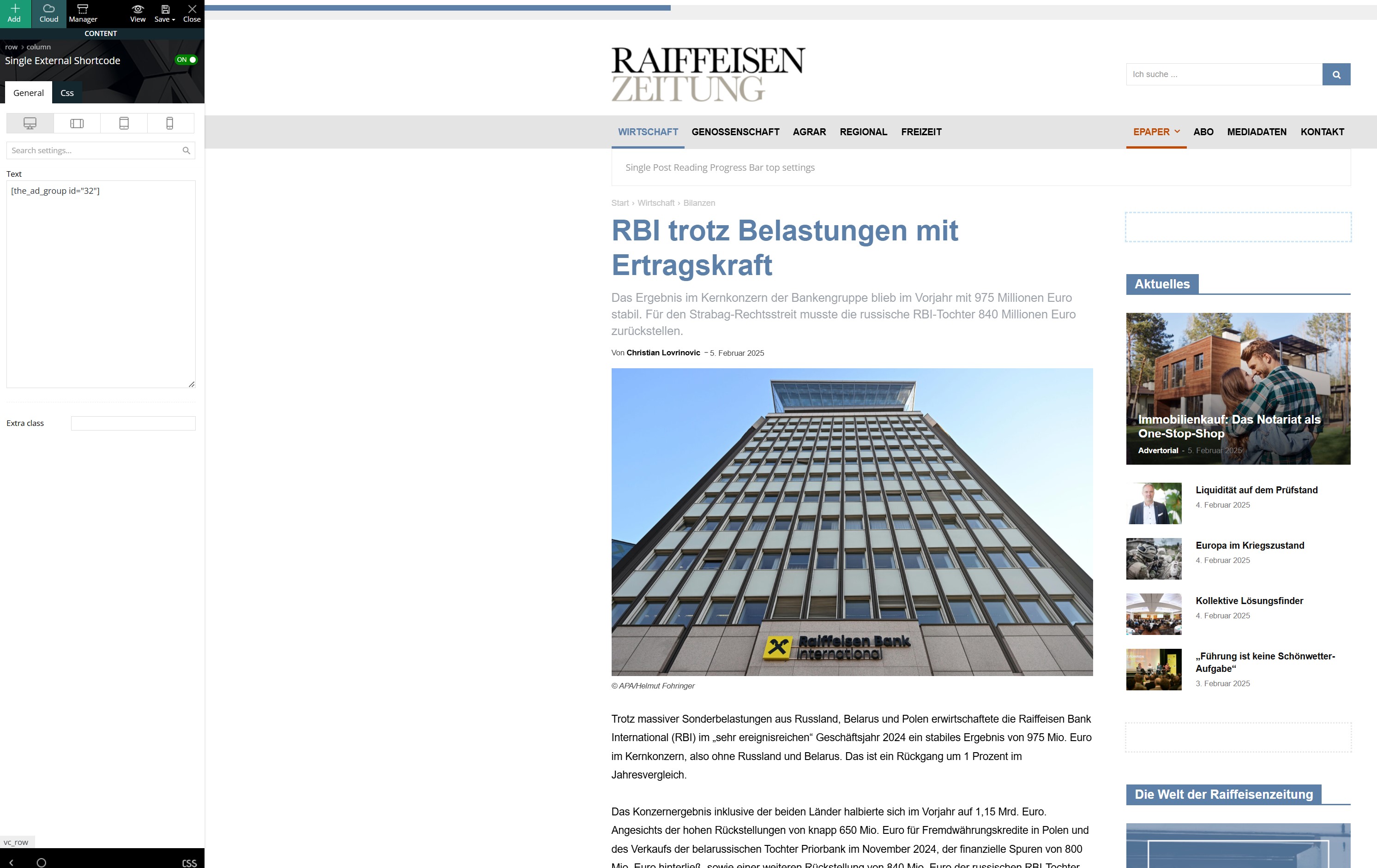
danna I inserted this shortcode directly into the sidebar like this:
danna Hello,
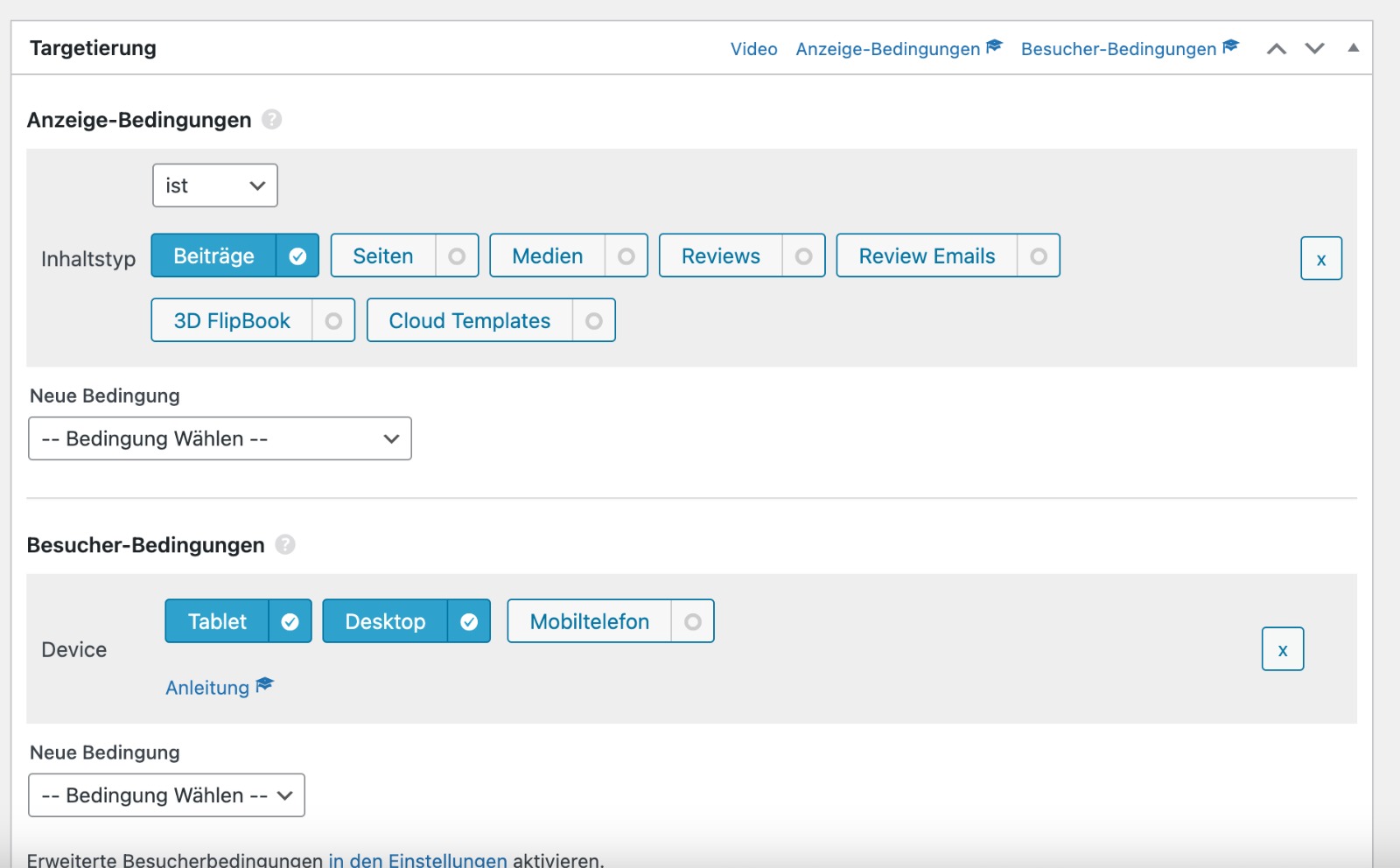
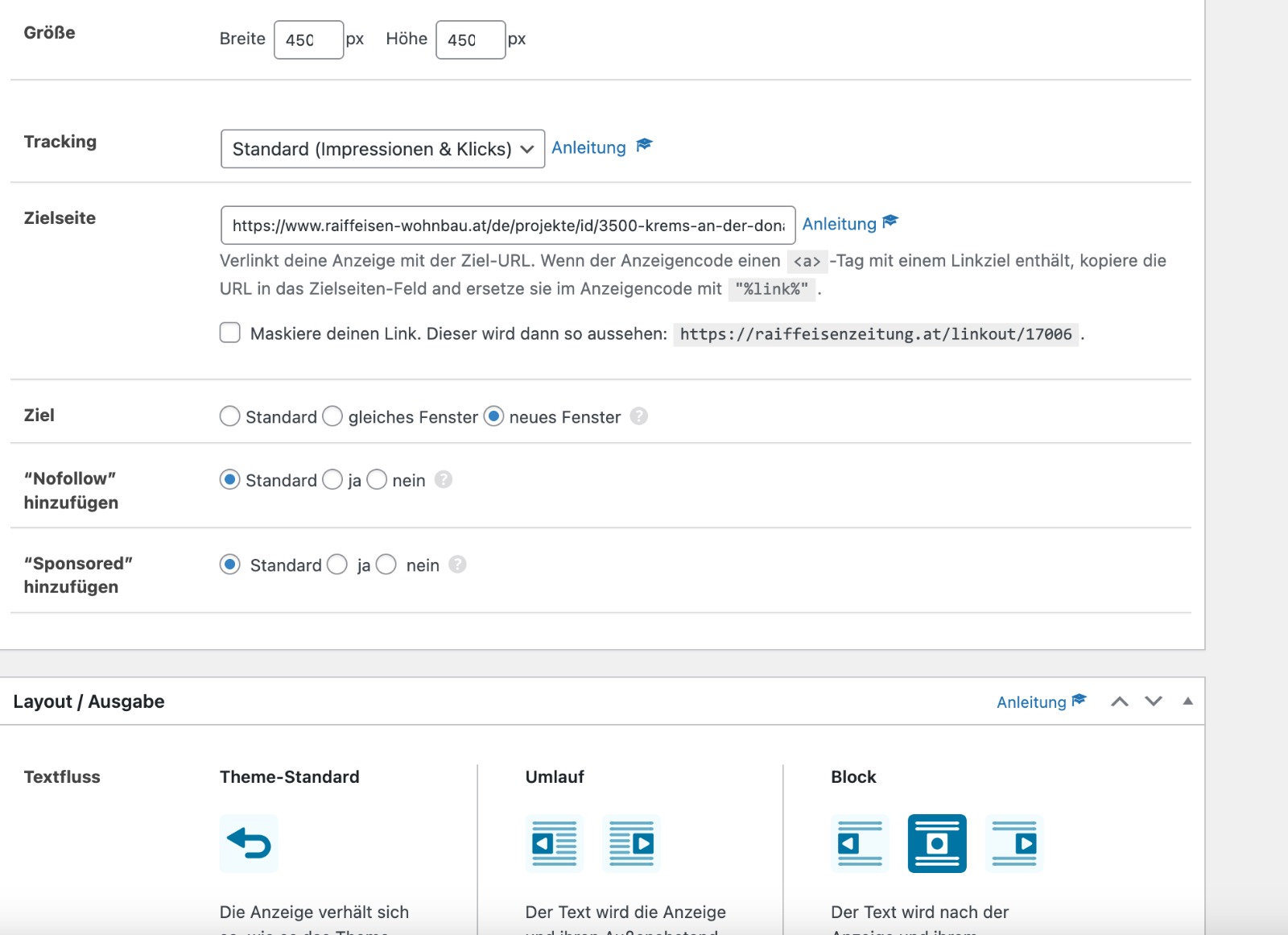
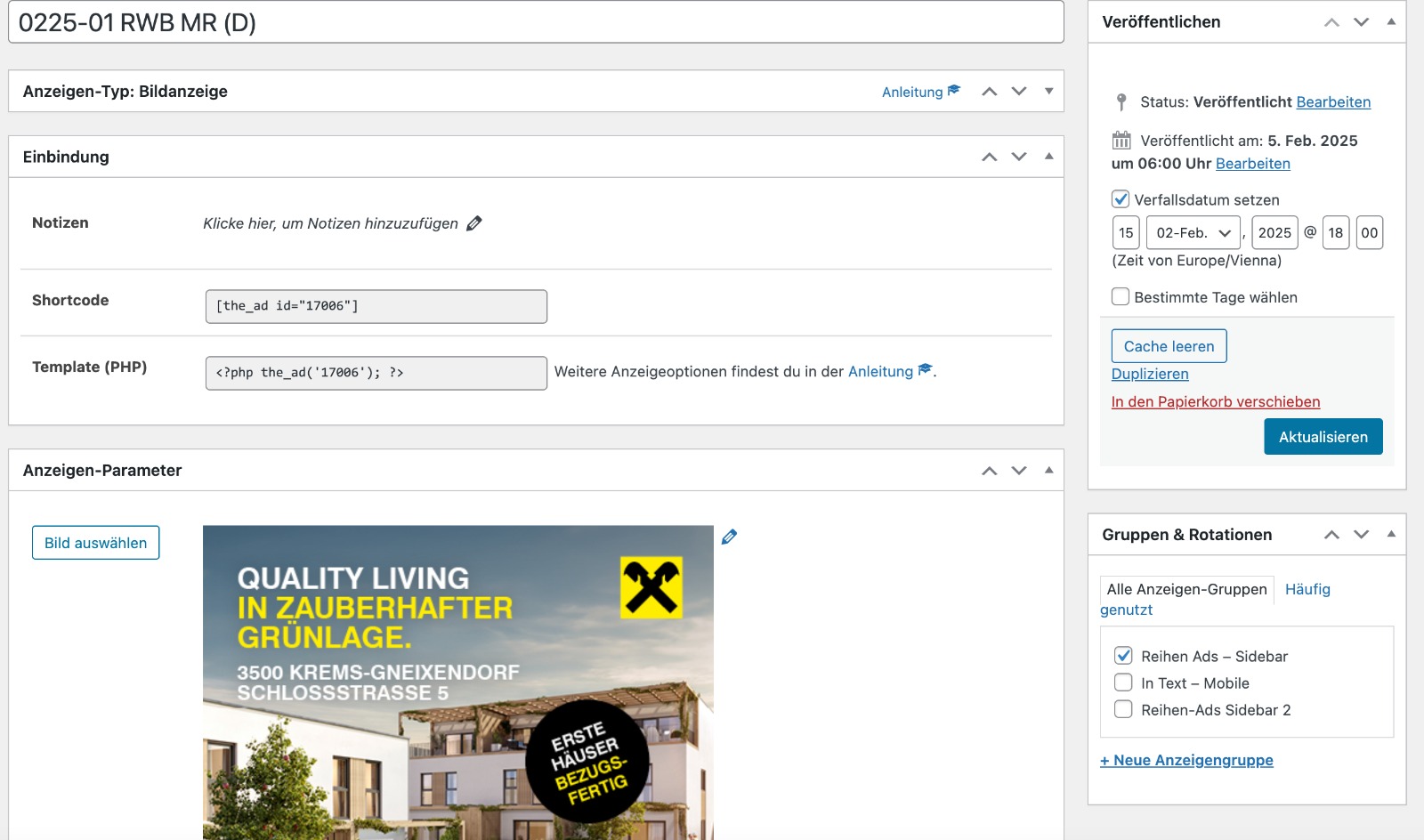
So, it’s an ad, and I have placements in the content area as well as in the sidebar. The rotation of the same ad works when I insert it into the content area of a post, but not in the sidebar. Here are the screenshots:
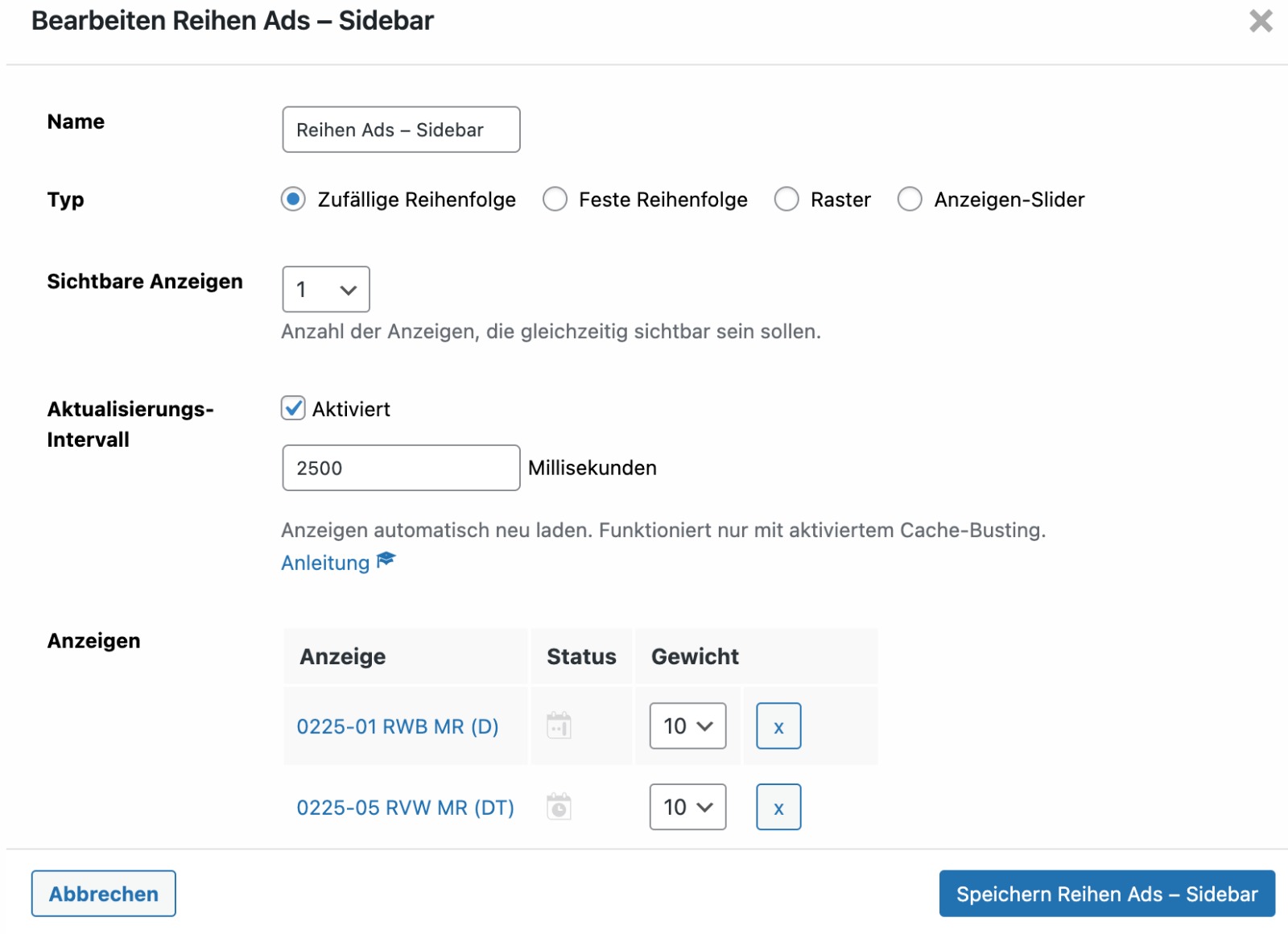
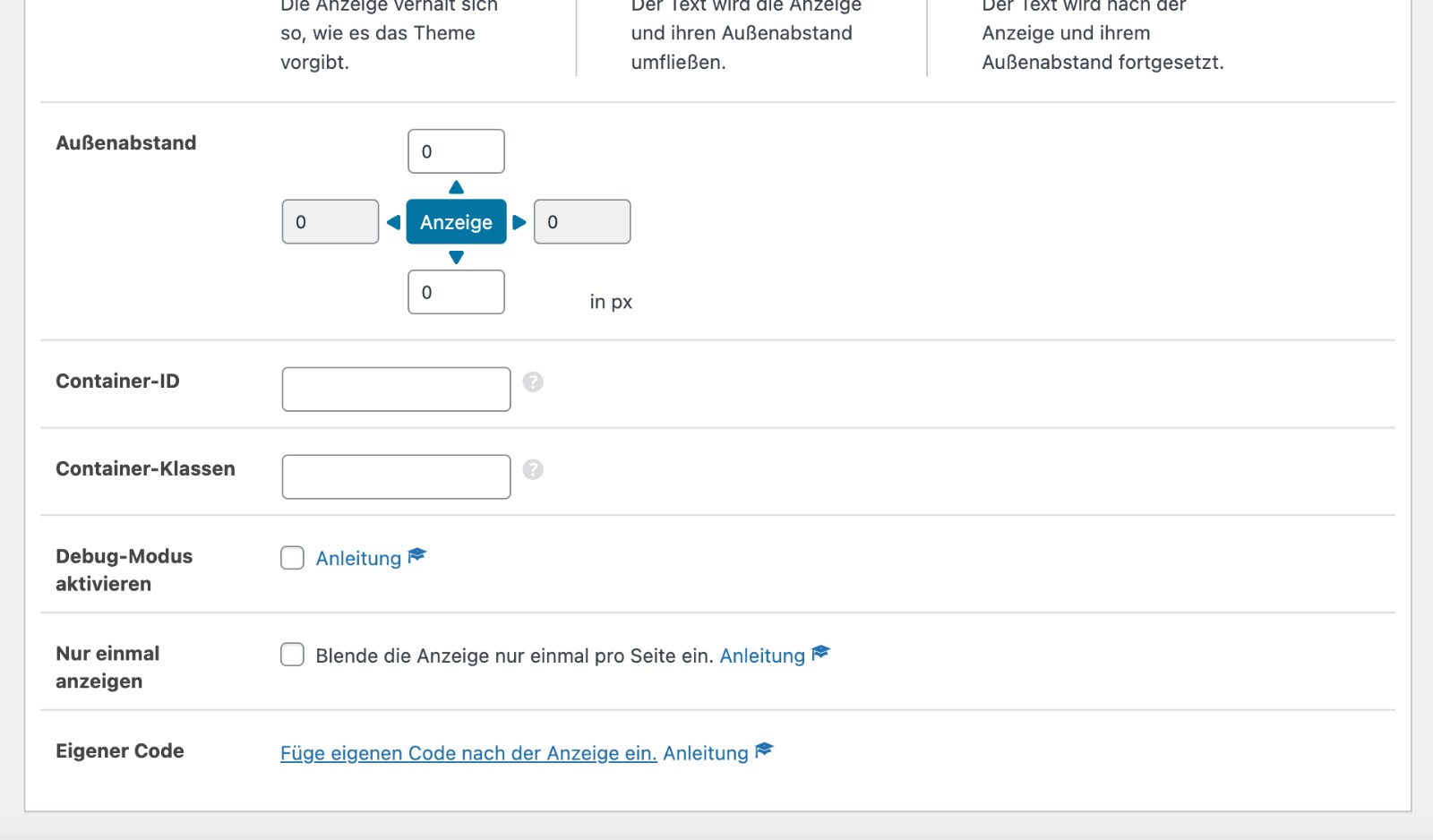
All the best, Daniel
danna Hello,
thanks! We will try that.
All the best,
Daniel
danna Hello,
thanks for getting back. I know the filters. But is there a Block that has this tab function like here: https://raiffeisenzeitung.at/der-traum-vom-einfamilienhaus/
All the best,
Daniel
danna Hello!
The Code isn’t working anymore. Do you have another fix?
All the best,
Daniel
danna No, that code just delays the loading of the filter.
danna Maintaining the scroll position after the reload would also be an option. Is that possible?
danna Thank you for the response, but unfortunately, it has nothing to do with my problem. I want to prevent the page from reloading and jumping to the top when applying a filter. Instead, I want the filter to behave like an Ajax filter. Is that somehow possible?
I would like to add a header image to the page. To reach the filters, one has to scroll down. When a filter is applied, the page reloads, jumps to the top, and you have to scroll down past the header image again to see the results / apply another filter.
danna Thanks for getting back. So there is no way to make the pictures sharp in some default blocks? Quality is good enough.
All the best,
Daniel
danna Will there be a fix for that in the next version of the theme?
danna Is there already a global fix for that? The Smart Sidebar is also not working on my page:
https://raiffeisenzeitung.at/zierpflanzen-made-in-austria/
All the best,
Daniel
-
This reply was modified 2 years by
danna.
danna Hello,
there are only backups from the last hour. But there is a lot of code in the “EXPORT THEME SETTINGS” but it seems like this doesn’t do anything.
All the best,
Daniel
danna Gave it display: inline; that fixed it. Thanks.
All the best,
Daniel
danna Thanks i can see them now!
Is there a way to make some kind of padding or margin if the overflow is visible? Because there is now no space between the “overflow sibling” and the .td-category-description. If i give the .td-category an extra margin, the space is too big, if there is now “overflow sibling”.
All the best and thanks,
Daniel
danna It depends on the screen size. If the screen is small and the siblings need two rows, the second row isn’t displayd.
danna Hello,
that solved it thanks!
Was a copy – paste mistake.
Checked everything except from that …
All the best,
Daniel
