
- ApiPractical example – How to add a new Block and Module
- Apitd_api_top_bar_template::delete
- Apitd_api_top_bar_template::update_key
- Apitd_api_top_bar_template::update
- Apitd_api_top_bar_template::add
- Apitd_api_single_template::delete
- Apitd_api_single_template::update_key
- Apitd_api_single_template::update
- Apitd_api_single_template::add
- Apitd_api_footer_template::delete
- Apitd_api_footer_template::update_key
- Apitd_api_footer_template::update
- Apitd_api_footer_template::add
- Apitd_api_smart_list::delete
- Apitd_api_smart_list::update_key
- Apitd_api_smart_list::update
- Apitd_api_smart_list::add
- Apitd_api_thumb::delete
- Apitd_api_thumb::update_key
- Apitd_api_thumb::update
 Bettina
 Hello @sympan!
Yes, because you use AMP. From my point of view, if you don’t use the Mobile Theme plugin, then there is no reason or benefit to AMP. Unfortunately, AMP is not working with the cloud templates because the AMP’s layout is not fully customized.
The AMP version works best with default templates and not cloud templates. That’s why we integrated it with the Mobile theme plugin.
The feedback from our clients about AMP was negative and it is not used anymore, that’s why we didn’t add more customization options. We no longer recommend using AMP because it is deprecated https://developer.bigcommerce.com/docs/storefront/wordpress/platform-integration/enabling-amp
You can uninstall the AMP plugin and check if the featured image shows again in your mobile viewport.
Thank you!
 maryano
 Hi,
From the code, it seems that the breadcrumbs are generated using the functions:
-get_category()
-get_title()
The structure is fine as it is, but I would like to replace the “get_category()” function to show custom pages instead of the category.
This is because my categories are called in custom pages. I have made the categories noindex to not show them to visitors, and I have transformed some pages into categories by inserting a block that calls the articles of that category. However, when I access an article and click on the breadcrumb, it takes me to the category, which I want to avoid.
I probably need to associate each category with the corresponding page also through a script, for example:
Category Windows –> Page Windows
Category macOS –> Page macOS
etc…
My question is: Is the right way to do this by modifying the “get_category()” function? If so, where can I find it to modify it?
To make it clearer:
This is the custom page that I transformed into a category: https://i.ibb.co/zstP4hf/Pagina-Windows.png
This is the category, which I cannot customize and want to avoid showing to visitors: https://i.ibb.co/cQHfBh6/Categoria-Windows.png
-
This reply was modified 2 years by
maryano.
 Stephan
 Thank you for your response, Bettina!
I’m not sure if I explained it correctly before. I have a menu in my header with categories like City, State, and International. When I click on these, the pages are empty. But, I want the relevant posts to show up when I click on these categories. For example, clicking on International should display the posts I assigned to the International category. This isn’t working yet.
Could it be that I didn’t understand your solution, or is my issue different? Sorry for the confusion.
StephanHello,
I am currently setting up a news website with various categories. One category is for posting news about my city, another for news about my state, and a third for international news. When I create a new post in WordPress, I want the post to appear on the homepage, which works fine. However, the problem I am encountering is ensuring that the post also appears automatically in the appropriate category and only in that category.
For example, if I have 20 posts, with 5 dedicated to my city and 15 to international news, I want each category to display only the relevant posts. I am struggling with setting this up correctly in WordPress so that when I create a post, it automatically appears in the designated category. Could you please help me with this?
Thank you!
Steph
 Calin
Calin Hi,
You need to edit the post template files that you want to use, for example if you are using post template 1 you’ll need to edit the file wp-content/plugins/td-composer/legacy/Newsmag/parts/single/loop-single-1.php you should edit this line of code – https://i.imgur.com/bQzzqqa.png
Thank you!
Bettina Hello @ramiz1819 !
Can you please let me know what you need to achieve? If you need to use the Mobile theme and AMP, please check point 3 from above and install the two plugins.
Thank you!
 Anamaria
 Hi,
We don’t longer recommend to using amp, because it is deprecated -> https://developer.bigcommerce.com/docs/storefront/wordpress/platform-integration/enabling-amp
Also, check this topic where I explained each mobile version -> https://forum.tagdiv.com/topic/mobile-version-not-working-properly-2/
Thank you!
Bettina Hello @Ericky !
Please make sure you have the latest update of the theme, plugins, WordPress and PHP version.
Check these guides: https://www.wpbeginner.com/wp-tutorials/what-is-google-inp-score-and-how-to-improve-it-in-wordpress/ -> https://web.dev/articles/inp
We have 3 options available for mobile versions that you can use:
1. Responsive version: A responsive version of your website looks similar to the desktop version. TagDiv Composer is used to edit the page.Click on the mobile viewport: https://www.screencast.com/t/XDQJedlggSB. There, you can see your mobile version and edit or adjust the elements to look better.
2. Mobile pages: https://tagdiv.com/newspaper-10-3-7-update-brings-customizable-and-fast-mobile-pages
3. Mobile theme plugin: The Mobile Theme is a performance-optimized theme included in the main Newspaper theme that only loads on mobile devices. It comes with its own templates and designs for pages, posts, categories, etc., so your current templates from the desktop theme will get converted to the mobile theme layout. Please see https://forum.tagdiv.com/the-mobile-theme/ and https://forum.tagdiv.com/mobile-theme-introduction/ for more information.
A full explanation is here: https://www.youtube.com/watch?v=SpGkOnJeNZY
If you need to use mobile version 1 or 2, then you need to uninstall the Mobile Theme plugin and AMP.
Try to optimize your website and increase the page speed score.
Please check the tutorials from Google Pagespeed Insights and I’m sure you can increase the page speed.
Please note that page speed is not covered by the support team: https://forum.tagdiv.com/newspaper-theme-support/
Please also follow this thread’s advices: https://forum.tagdiv.com/topic/technical-issues-with-shop-theme-and-poor-performance/
Thank you!
Anamaria Hello,
Please check with the tagDiv Composer and disable the H1. For example, H1 from logo(header, footer, mobile, sticky): https://forum.tagdiv.com/topic/6-h1-tags-on-front-page-bing-have-deindexed-my-site/
Thank you!
Calin Hi muktipolice, I just checked the website and right now I no longer see to have a logo.
Pour theme set the H1 on logo for posts articles titles and pages, no in some situations the h1 from tags can be disable, for example if the page template is set on “Page builder + page title”. Now in case that you want that all the time the H1 from logo to be disabled, then you need to edit the theme files and set theme in a child theme.
Theme files that needs to be edited are:
– wp-content/plugins/td-composer/legacy/Newsmag/parts/header/logo-h1.php
– wp-content/plugins/td-composer/legacy/Newsmag/parts/header/header-menu-h1.php
– wp-content/plugins/td-composer/legacy/Newsmag/parts/header/logo-mobile-h1.php
The child theme structure for those files should be:
– wp-content/themes/Newsmag-child/parts/header/logo-mobile-h1.php ….
I hope this will help you!
Anamaria Hi,
Please disable the mobile theme and amp plugins.
Using our theme, you can choose from 3 mobile versions
-> mobile responsive => https://www.screencast.com/t/oJ2ShOp47
-> mobile theme plugin => https://forum.tagdiv.com/the-mobile-theme/
-> mobile page => https://tagdiv.com/newspaper-10-3-7-update-brings-customizable-and-fast-mobile-pages/ The option that you need to use.
Suppose you created the mobile pages with tagDiv Composer. In that case, when you install the Mobile Theme plugin, your pages will be overwritten by the plugin (the mobile theme comes with its templates for page, post, category, etc, so your current templates from the desktop theme will get converted to the mobile theme layout, the page content is made without builders in mobile editor => https://www.screencast.com/t/xbgZG8kH also, the options that are provided to edit the mobile theme version are limited (this keeps the things simple)).
This is a video about Responsive Newspaper Theme, AMP & Mobile Theme, Mobile Pages & Templates -> https://www.youtube.com/watch?v=SpGkOnJeNZY.
So, the mobile responsive is what you see when that you select the viewport on phone => https://www.screencast.com/t/matV17hH, so some settings may apply for each viewport(where is the border blue), and others are not(where the border is black).
The mobile page has the mobile templates from Cloud Library => https://www.screencast.com/t/YCcZ8rL8
The Mobile responsive version of the theme and the mobile page editor can be edit with tagDiv Composer, the mobile theme plugin cannot.
For example, you can have the mobile theme plugin activated and use the mobile page/mobile responsive version for the homepage/pages, but for the categories pages/404 page, you can’t use the mobile page/mobile responsive version if you have the mobile theme plugin activated.
So, if you want to design the pages with tagDiv Composer, you can use the mobile page or mobile responsive version.
Thank you!
 ramiz1819
https://jkjobalerts.com/
I did follow all steps but none of them are working kindly help me thanks
 nolandolce
Is there a way to include a page into the blocks that round up our posts? For example, we created a reader survey which lives on a page. I would like to feature it on the homepage, but it seems all the options only pull in posts, not pages. Thanks!
 Ericky
The INP values on the mobile version of my website are really high. How can I optimize this?
Tagdiv Mobile theme and AMP almost completely destroy the site design so I don’t use them. Is there any way to lower the INP?
 Beaniesta
First of all Video Playlist is awesome product on our video site https://ridingon.com/. Thank you!
We have two playlists on our homepage. Everything was working well until yesterday when one videoplaylist keeps giving us the following error message “Playlist does not exist or does not have videos”. The playlist (https://www.youtube.com/watch?v=PDeG1AOWTks&list=PL-g0HUClWPRpzKPwaV_9QU8UELJSa3HH0) has 126 videos.
Any suggestions how to fix the problem?
Thank you.
 VeriArtem
Hello
Author page where all post and Author details are:
I couldn’t find this in WordPress back end I would like to remove author from
veriartem.com/author/example-contributor so to look veriartem.com/example-contributor
the best option would be veriartem.com/author/@example-contributor
Regards
alex
 Abder Fath
Hello,
I would like to remove the link from CPT author box (author name & image). I’m currently using CSS to do it and I activated the nofollow tag in the settings. But I in the code source, the <a tag is still visible so search engines still goes to the author page. Is there a way to remove the hyperlink totally from “CPT Author Box”.
Thank you!
 gc2522734
 But many publishers using it. How they aee doing this. I have lot of examples
gc2522734 I attached two screenshots for your understanding. Anyway I am saying that normally breadcrumbs structure follow – Home – Catagory – Article Title. But we want to use Home – Category – Article URL ( we are Bengali website so we use article title in Bengali (for readers) but our url is English), means we want to keep URL instead of article title. Besides we want to keep Focus keyword ahead of article title. For example see image, here ‘Mamata Banerjee’ is focus keyword, that means article regarding ‘Mamata Banerjee’. So they kept ‘Mamata Banerjee’ above of the title in English. Hope you will understand this time.
Anamaria Hello,
Can you please provide more details about having the post URL in the breadcrumb and not the title of the post? Also, for keywords, please provide examples of what you mean.
Thank you!
gc2522734Hi team
We want to use Post URL instead of post title in the breadcrumbs and also we want to add a post topic (focus keywords) ahead of headline. Is it possible in newspapers theme? If possible then please help me by providing any codes or something like that. Many regional big publishers doing this. I am giving you two example. Please visit the image links –
 smarthomeadvies
Hi,
I would like to have the header within the image.
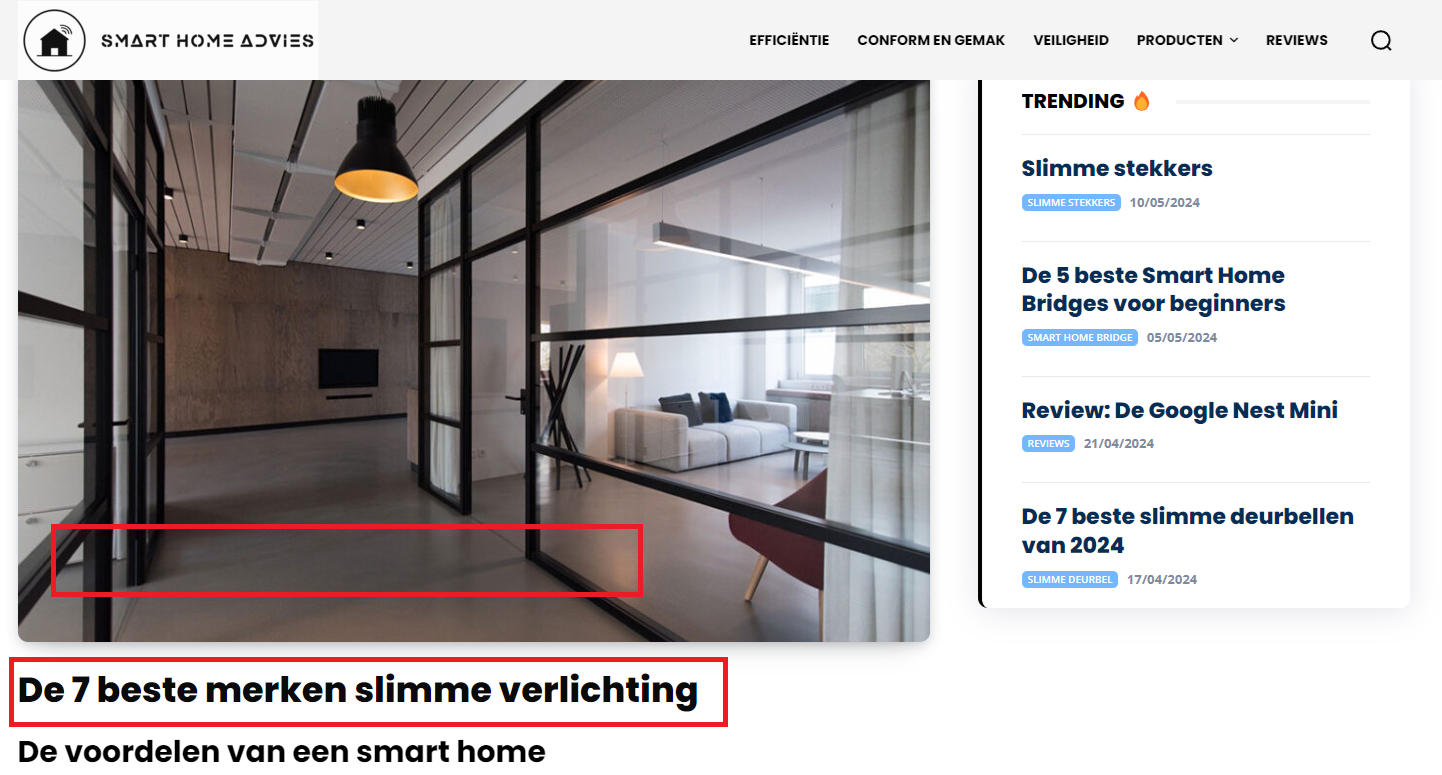
I’ve seen it somewhere before but can’t find it.
How do I do this?
Thanks!
 Amit
AmitHello,
I would like to know if it’s possible to hide additional text for a single post-taxonomy block if no taxonomy is assigned to the post. Currently, the additional text is displayed on every single post, regardless of whether a taxonomy is assigned or not.
Check an example here – https://www.techexplorist.com/blood-test-detects-potentially-fatal-heart-condition-children/85047/
Refer: https://imgur.com/a/ezkrZin
 bxp331
We have a news website running the Newspaper theme. It features many photo galleries using shortcodes like this:
[gallery size="medium" td_select_gallery_slide="slide" ids="#, #, #, #"]
We’re in the process of launching another non-news website––this one not running the Newspaper theme––and would like to export some of the photo galleries from to the non-news site. The easiest way to do this would be to use the same tagDiv photo gallery software and call the galleries using the same shortcodes.
Is it possible to install the TagDiv photo gallery software on a site not running the Newspaper theme? If so, what tagDiv plugin would I install? And is there a best practices for exporting photo galleries from one site to another?
FYI: This is an example of a photo gallery on our site running the Newspaper theme:
https://foodtradenews.com/2024/04/22/sju-future-food-industry-leaders-training-conference/
 ertugrulyaman
Error:
/wp-admin/admin-ajax.php?td_theme_name=Newspaper&v=12.6.6
Request Method:
POST
Status Code:
403 Forbidden
Remote Address:
—-
Referrer Policy:
same-origin



