- NewspaperWP Rocket and Newspaper Theme: Optimization Guide
- TutorialsWhat is Ajax preloading?
 Calin
Calin Hi,
Please make sure that you do not have a plugin conflict, please deactivate ALL plugins except tagDiv Composer, also if you are using child theme or cache plugin, deactivate them, clear all cache and try again.
Please make sure that all the settings are like in our requirements, please follow the guide carefully
– https://forum.tagdiv.com/requirements-for-newspaper/
and please increase all requirements that are lower, and follow all steps.
If there is still a problem, please provide some more details and some screenshots.
Hope this will help!
Thanks.
Calin Hi,
In the most cases this is a plugin conflict with untested plugins, please deactivate ALL plugins except tagDiv Composer, also if you are using child theme or cache plugin, deactivate them, clear all cache and try again to see if the login is working.
Thank you!
Calin Hi,
The dashboard should look like this -> https://i.imgur.com/PKpMpgi.png also the composer should be like this -> https://i.imgur.com/Em1QH30.png
Please make sure that you do not have a plugin conflict, please deactivate ALL plugins except tagDiv Composer, also if you are using child theme or cache plugin, deactivate them, clear all cache and try again.
If there is still a problem, please provide some more details and some screenshots.
Hope this will help!
Thanks.
Calin Hi,
If the homepage was build using tagDiv Composer then you should be able to edit the page and make the right changes, because this can be change only with tagDiv Composer.
In the most cases this is a plugin conflict with untested plugins, please deactivate ALL plugins except tagDiv Composer, also if you are using child theme or cache plugin, deactivate them, clear all cache and try again to see if the login is working.
In order to change the category on the flex block or block, you need to click on it and check the filter tab -> https://i.imgur.com/qwcrk1e.png
If there are still problems with tagDiv Composer, please let us know and provide as more details you can and some screenshots.
Thank you!
 spurt
spurt Ok. Does that mean that user don’t see what I see? That user experience is ok for users of mye site? I experience this error when I clear browser (Chrome)
I use Litespeed cache, because I’m on a Litespeed server. That’s the best alternative. I also use mobile version, because this is much faster. I there a workaround here?

 Vlad S
 Hello !
99% of this cases the mobile theme is rendered on desktop because of the Cache plugin. We recommend using the WP Super Cache: https://forum.tagdiv.com/cache-plugin-install-and-configure/
Thank you !
Calin Hi,
In the most cases this is a plugin conflict with untested plugins, please deactivate ALL plugins except tagDiv Composer, also if you are using child theme or cache plugin, deactivate them, clear all cache and try again to see if the login is working.
Let me know the results!
Thank you!
Calin Hi,
504 Gateway Time-out is a problem from the server -> https://support.cloudflare.com/hc/en-us/articles/115003011431#502504error
Unfortunately I do not have access to your website -> https://i.imgur.com/mGpXrH0.png
For the header and footer problem, make sure that you do not have a plugin conflict, please deactivate ALL plugins except tagDiv Composer, also if you are using child theme or cache plugin, deactivate them, clear all cache and try again.
Let me know the results!
Thank you!
Calin Hi,
Please make sure that you do not have a plugin conflict, please deactivate ALL plugins except tagDiv Composer, also if you are using child theme or cache plugin, deactivate them, clear all cache and try again.
Please make sure that all the settings are like in our requirements, please follow the guide carefully
– https://forum.tagdiv.com/requirements-for-newspaper/
and please increase all requirements that are lower, and follow all steps.
If there is still a problem, please provide some more details and some screenshots.
Hope this will help!
Thanks.
 sobelarry
 Hi!
Yes I followed the instruction when there was an ad that was duplicated a month ago, by deactivating all plugins including wprocket cache plugin, turn off cloudflare cache, switch to parent theme, but the ad was still displayed twice.
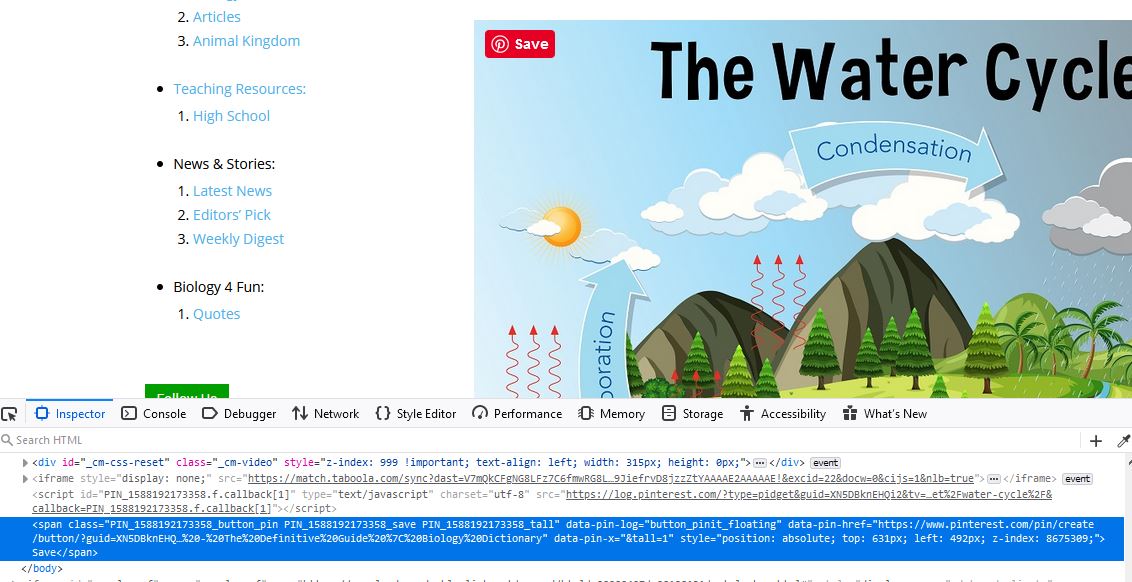
I gave another shot few minutes ago, same as last time, I still see the social media icons displayed twice. Note that I did not deactivate the super socializer plugin because I need to produce the error, however, I know it’s not this plugin causing issue because I didn’t have this plugin activated when I see the ad was displayed twice last time.
See the screenshot here: https://biologydictionary.net/1.JPG
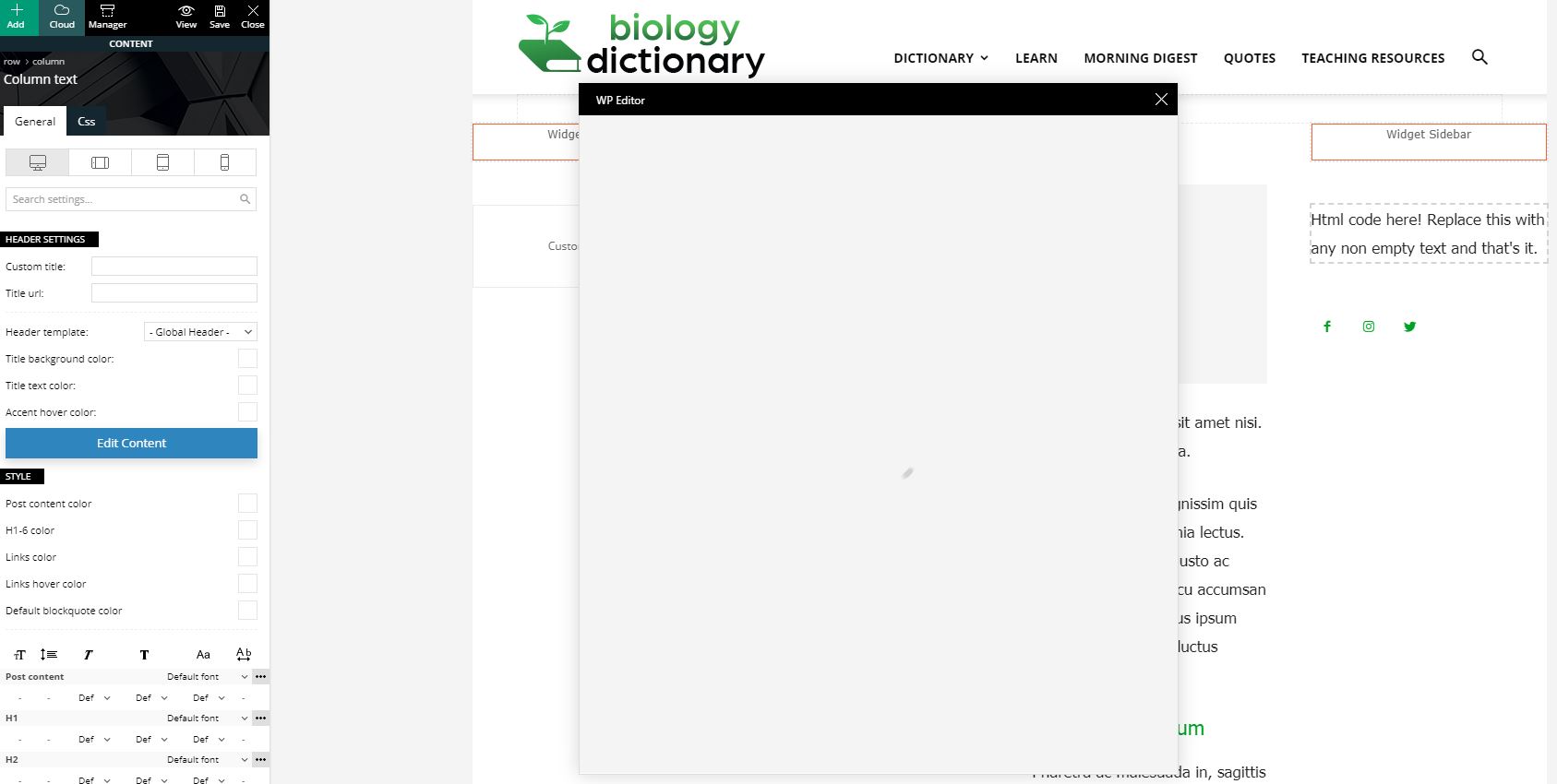
I also found that when I try to edit content in “column text”, it keeps loading. (after all plugins deactivated, cached cleared). Screenshot: https://biologydictionary.net/2.JPG
Here is the html of the page that has duplicated items. This html is fetched when all plugins deactivated, cache cleared. https://biologydictionary.net/3.txt
Calin Hi,
Please make sure that you do not have a plugin conflict, please deactivate ALL plugins except tagDiv Composer, also if you are using child theme or cache plugin, deactivate them, clear all cache and try again.
Please make sure that all the settings are like in our requirements, please follow the guide carefully
– https://forum.tagdiv.com/requirements-for-newspaper/
and please increase all requirements that are lower, and follow all steps.
If there is still a problem, please provide some more details and some screenshots.
Hope this will help!
Thanks.
Vlad S Hello !
Please make sure that you do not have a plugin conflict, please deactivate ALL plugins except tagDiv ones, also if you are using child theme or cache plugin, deactivate them, clear all cache and try again.
You can create a sidebar using the tagDiv Composer on a ROW layout as you can see here and add column text element in it: https://www.screencast.com/t/trsw6Q5w
Thank you !
Calin Hi,
Please make sure that you do not have a plugin conflict, please deactivate ALL plugins except tagDiv Composer, also if you are using child theme or cache plugin, deactivate them, clear all cache and try again.
Make sure that you have the latest version of the theme, Newspaper 10.3 and WordPress 5.3.2 also make sure that all theme requirements are set as in our guide from here -> https://forum.tagdiv.com/requirements-for-newspaper/
Let me know the results!
Thank you!
Calin Hi,
The mobile version appear on desktop when is a cache problem, so if you are using some cache or plugin for optimization, please deactivate them and try again.
We recommend using the WP Super Cache: https://forum.tagdiv.com/cache-plugin-install-and-configure/
Let me know the results!
Thank you!
Calin Hi,
Please make sure that all the settings are like in our requirements, please follow the guide carefully
– https://forum.tagdiv.com/requirements-for-newspaper/
and please increase all requirements that are lower, and follow all steps.
As I can see your website is in 500 error -> https://i.imgur.com/nCWa16I.png
In what circumstances do they happen? Generally 500 errors are internal server errors – https://www.wpbeginner.com/wp-tutorials/how-to-fix-the-internal-server-error-in-wordpress/
– https://wordpress.stackexchange.com/questions/312292/how-to-stop-a-500-error-on-the-wordpress-theme-folder
– https://wordpress.org/support/topic/google-search-console-reporting-a-500-error-on-my-theme-folder/
-> https://forum.tagdiv.com/topic/wp-supercache-causes-500-internal-error-and-cannot-deactivate/
Please make sure that you do not have a plugin conflict, please deactivate ALL plugins except tagDiv Composer, also if you are using child theme or cache plugin, deactivate them, clear all cache and try again.
Let me know the results!
Thank you!
Vlad S Hello !
Please make sure that you do not have a plugin conflict, please deactivate ALL plugins except tagDiv ones, also if you are using child theme or cache plugin, deactivate them, clear all cache and try again.
Thank you !
Vlad S Hello !
Please make sure that you do not have a plugin conflict, please deactivate ALL plugins except tagDiv ones, also if you are using child theme or cache plugin, deactivate them, clear all cache and try again.
Thank you !
Vlad S Hello !
Please make sure that you do not have a plugin conflict, please deactivate ALL plugins except tagDiv ones, also if you are using child theme or cache plugin, deactivate them, clear all cache and try again.
Thank you !
Vlad S Hello !
Please make sure you have cleared your cache. As you can see here this works fine on our side: https://www.screencast.com/t/hUOqxwxr
Thank you !
Vlad S Hello !
Please make sure that you do not have a plugin conflict, please deactivate ALL plugins except tagDiv ones, also if you are using child theme or cache plugin, deactivate them, clear all cache and try again.
Thank you !
Vlad S Hello !
Please first clear your cache. Also note that you will have to recreate your pages into the Mobile editor or completely disable the mobile theme.
If the mobile theme is disabled then the desktop version should be displayed on your screen perfectly.
Please provide a link to your website.
Thank you !
Calin Hi,
Please make sure that you do not have a plugin conflict with untested plugins, please deactivate all non theme/tested plugins, also if you are using child theme, clear all cache and try again.
Also make sure that all the settings are like in our requirements, please follow the guide carefully
– https://forum.tagdiv.com/requirements-for-newspaper/
and please increase all requirements that are lower, and follow all steps.
Let me know the results!
Thank you!
Calin Hi,
Make sure that the mobile theme plugin is enable and you are using one of these options -> https://i.imgur.com/YTG9c4R.png if the problem persist, make sure that you do not have a plugin conflict with untested plugins, please deactivate all non theme/tested plugins, also if you are using child theme, clear all cache and try again.
Thank you!
Calin Hi,
In the most of the cases it is a plugin conflict, with untested plugins, please deactivate all non theme/tested plugins, also if you are using child theme, clear all cache and try again.
If there is still a problem, jut let us know!
Thank you!
Calin Hi,
Please make sure that you do not have a plugin conflict with untested plugins, please deactivate all non theme/tested plugins, also if you are using child theme, clear all cache and try again.
Also make sure that all the settings are like in our requirements, please follow the guide carefully
– https://forum.tagdiv.com/requirements-for-newspaper/
and please increase all requirements that are lower, and follow all steps.
Let me know the results!
Thank you!