
- NewsmagtagDiv Composer Tutorial
- NewsmagHow to use the Visual Composer plugin
- NewsmagHow to update a plugin
- NewsmagWhat’s included in Newsmag theme package
- NewsmagRequirements for Newsmag
- NewsmagInstall via WordPress
- NewsmagInstall via FTP
- NewsmagBlock settings tutorial
- NewsmagtagDiv Social Counter tutorial
- NewsmagHow to update the WPBakery plugin
- NewsmagPage Menu
- NewsmagCustom ad spots
- NewsmagSmart sidebar
- NewsmagVideo playlist
- NewsmagPage templates
- NewsmagHomepage – How to build and set it
 Utetrend-no
Hei have tried all your totrials, keep getting nowhere.
What to do..
 Acsac
AcsacHi. I like very newspaper it is a user friendly theme, user friendly, and I really appreciate and respect your work. You are well done and real talents. But there are some unclear moments.
tag div composer is certainly cool. But what about the pages of the store, forum and others? I read a lot of topics offered some complex schemes with page builder to others, but I would like to still at least these pages can be added row and column with the size and insert shortcode. I couldn’t find, and judging by the responses in the topics it not: creating row and column, and paste there the shortcode of any plugin content. Now the site is set up, and the store looks excuse me how very strange it if to put it mildly.
2 an important point is the mobile theme and the problems with it. I tried to set up on the site and what I saw. 1. It’s not customizable. In fact, the settings are displayed in the mobile field, but why if I can configure the display of blocks in the “mobile resolution” icon with the tag div composer, it actually loses its meaning. Need or setup what to show in mobile more convenient, or even what is it then? Another point is the display of blocks at mobile resolution, some blocks especially promo Big grid simply does not respond to mobile permissions, leaving part of the screen view. Why?
3 is a detail of Woocommerce support – in fact she barely made. There are no particular styles, although it would be possible to make them much better. The same as for the Bbpress forum – it is also barely made when it is a long time and it would be worth as a store for a long time to take note.
4 important question – SEO parameters. Are everywhere important in H3 tags and similar others, should be given an opportunity like that in General to manage and edit on a simple span example no H tag at all. But not poking in each block, namely in General to make the setting.
Thank you in advance for your answers.
 criticalgg
Hey everyone, when trying to preview a post with Disqus Conditional Load plugin activated, I get this error:
[29-May-2019 14:58:59 UTC] PHP Warning: require(/var/www/html/wp-content/plugins/td-composer/legacy/Newspaper): failed to open stream: Success in /var/www/html/wp-includes/comment-template.php on line 1510
[29-May-2019 14:58:59 UTC] PHP Fatal error: require(): Failed opening required ‘/var/www/html/wp-content/plugins/td-composer/legacy/Newspaper/’ (include_path=’.:/usr/share/php’) in /var/www/html/wp-includes/comment-template.php on line 1510
What’s the fastest way to fix this?
 Bintmusic
 A patch folder for the td-composer would also be absolutely necessary, since now all the files are in there. Who made the changes how do you know what to change and send to the server?
It would be a good idea to make life easier for developers and not the other way around.
Thank you!
 be2name
 It’s in
/wp-content/plugins/td-composer/legacy/common/wp_booster
 Calin
Calin Hi,
1. I check this on may install an for me this is working -> https://www.screencast.com/t/85gM9vYft
This can be a plugin conflict, please make sure that you do not have a plugin conflict, please deactivate all non theme plugins, also if you are using child theme or cache plugin, please deactivate them, clear all cache and try again.
2. You need to go in Newspaper>Theme panel>Block settings -> https://www.screencast.com/t/LT0C9njSq
3. If that All is set on a block you need to edit it using tagDiv Composer -> https://www.screencast.com/t/lzm82feApL
Thank you!
Calin Hi,
The h1 is set on logo if the page template do not have a title, if the page have a title, then the title will have the h1, you can check those files in wp-content/plugins/td-composer/legacy/Newspaper/parts/header/logo-h1.php and wp-content/plugins/td-composer/legacy/Newspaper/parts/header/logo.php
Thank you!
Calin Hi,
Since Newspaper v9.7 the td_wp_booster_functions.php file was moved in tagDiv Composer plugin, the file can be found now in wp-content/plugins/td-composer/legacy/common/wp_booster/td_wp_booster_functions.php
Thank you!
Hope this will help you!
Thanks.
Calin Hi,
I think that this problem can be fixed by changing a line of code in wp-content/plugins/td-composer/mobile/header-amp.php
Replace:
<html <?php language_attributes(); ?>>
-> https://www.screencast.com/t/Fj94HAommH
With:
<html <?php language_attributes(); ?> amp>
-> https://www.screencast.com/t/yIjgHPfpB
Please make sure that you do not have a plugin conflict, please deactivate all non theme plugins, also if you are using child theme or cache plugin, please deactivate them, clear all cache and try again.
Thank you!
 ecarshu
 Really? I don’t want to install a another plugin….
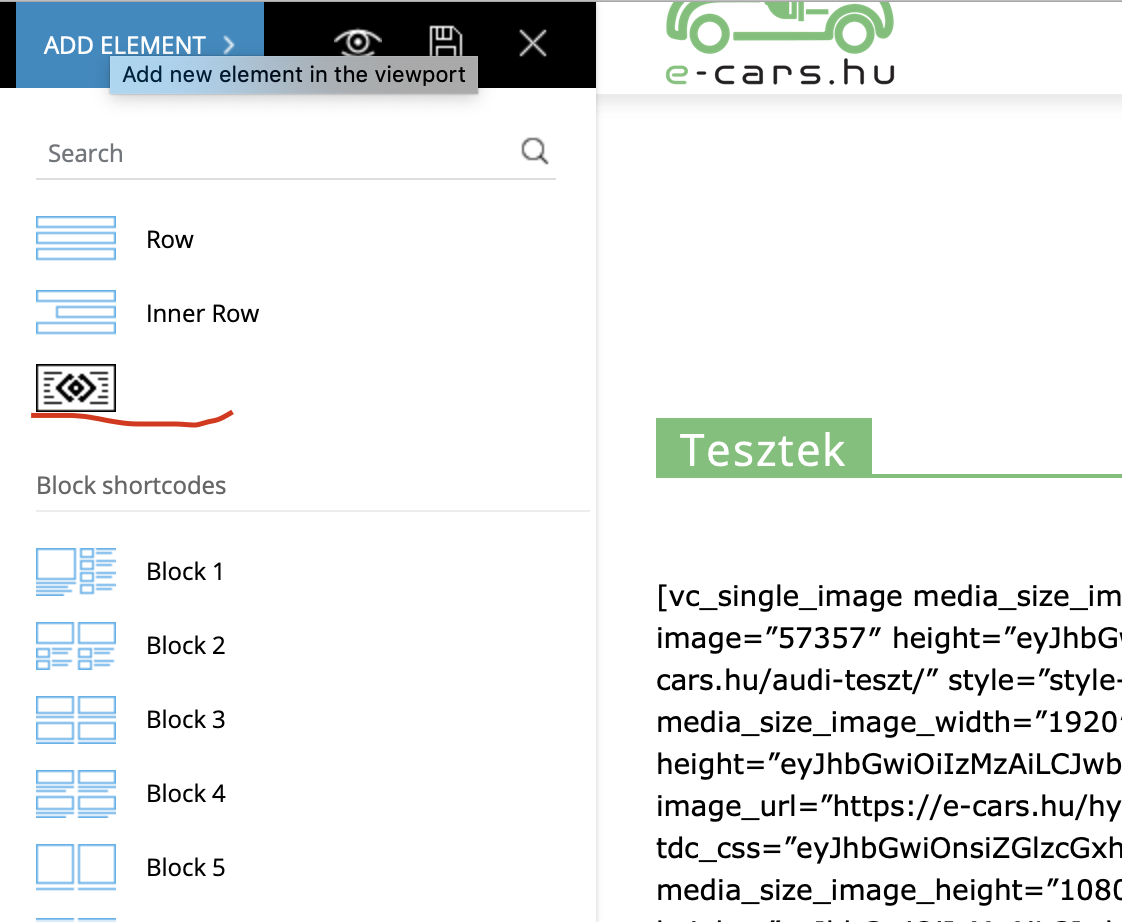
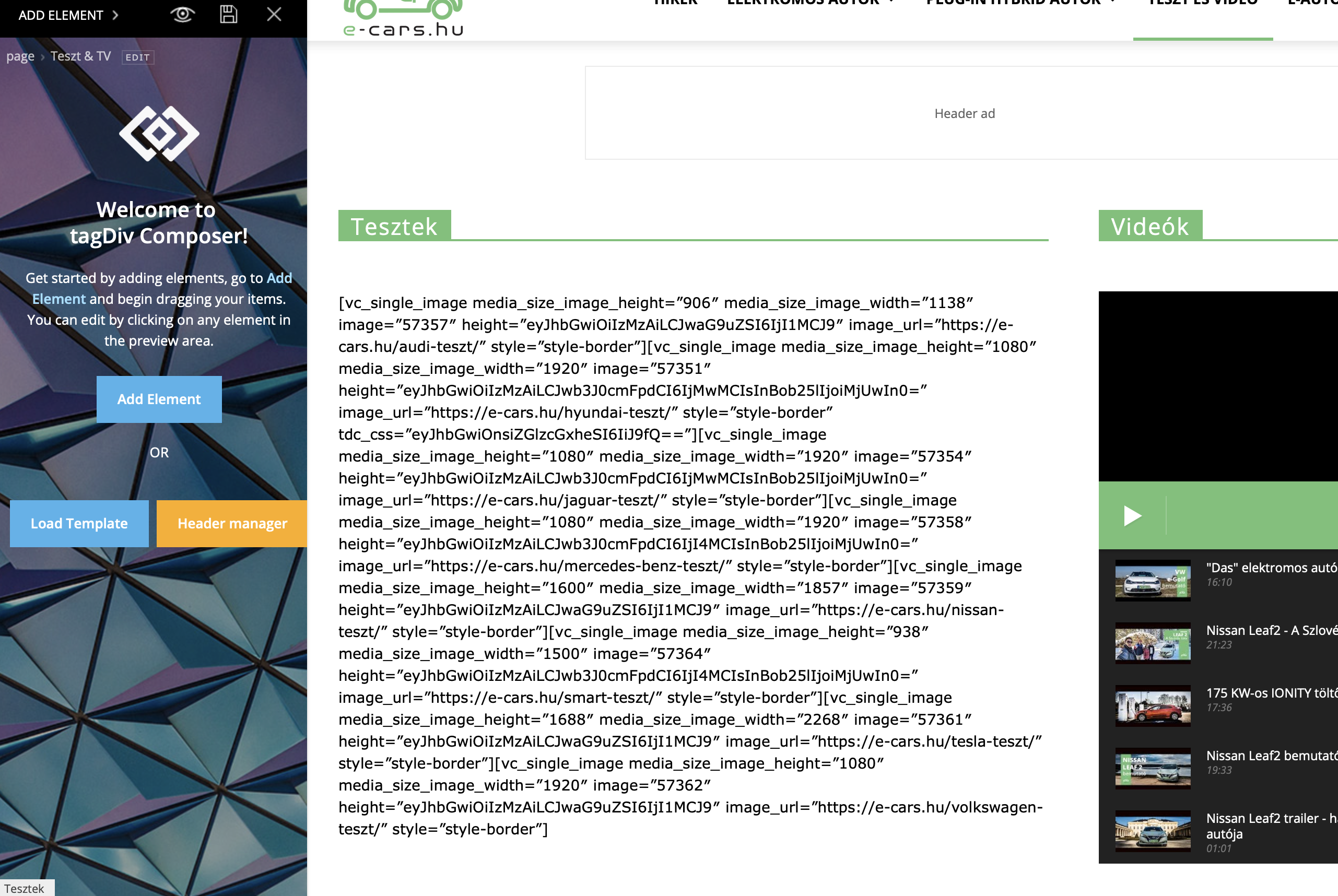
I receive a lot of errors when I want to edit with TD Composer
 Vlad S
 Hello !
I think you can achieve this. If you can’t find any templates that matches your taste you can add a blank single template and add what elements you want usign the tagDiv Composer. You can find more about it here: https://tagdiv.com/customize-articles-with-single-post-templates/
Thank you !
Vlad S Hello !
The files moved into the plugin due to new Envato reglementations. The changes from the child theme are still there but you will need to re-edit all your changes into the composer plugin: https://tagdiv.com/updating-the-core-of-tagdiv-themes/ So all of your modifications are still active but our plugin overwrites them.
Thank you !
Calin Hi @ekreator,
Please make sure that you install correctly the theme, without overwrite the old one;
Since Newspaper v9.7 the mobile folder was moved from theme in tagDiv Composer plugin.
-> https://www.screencast.com/t/reUJZ4xcbqJ
Hi amandajholden@me.com
Please make sure that you do not have a plugin conflict, please deactivate all non theme plugins, also if you are using child theme or cache plugin, please deactivate them, clear all cache and try again.
Thank you!
Calin Hi,
This can be a plugin conflict, please make sure that you do not have a plugin conflict, please deactivate all non theme plugins, also if you are using child theme or cache plugin, please deactivate them, clear all cache and try again.
Most of the theme files were moved into the tagdiv composer plugin as per the requirements of envato: https://help.author.envato.com/hc/en-us/articles/360000472383-WordPress-Theme-Requirements.
We wrote an article on the subject here: https://tagdiv.com/updating-the-core-of-tagdiv-themes/
Moving forward with such requirements, a child theme will only work with functions.php, and style.css as there are very few files left in the main theme as envato requires all functionality to be added through plugins.
Thank you!
Calin Hi @akshem,
Since Newspaper v9.7 the td_wp_booster_functions.php file was moved in tagDiv Composer plugin, the file can be found now in wp-content/plugins/td-composer/legacy/common/wp_booster/td_wp_booster_functions.php
Thank you!
Calin Hi,
The td_module_single_base.php was moved in tagDiv Composer plugin, you can find it in -> wp-content/plugins/td-composer/legacy/common/wp_booster/td_module_single_base.php
Hope this will help you!
Thanks.
 ananas
Is it possible to enclose content in tagdiv composer with a shortcode?
I would like to use a shortcode to display 2 different contents for 2 different user groups on one page.
These contents are embedded in elements of the tagdiv Composer.
I can now put the shortcode around it in the normal WordPress page editor, but then I can’t edit the page in the tagdiv composer anymore.
That’s why I wanted to know if there is a way to add these shortcuts within the tagdiv composer?
 mario118
 The problem is that everytime I try to update the plugins either using the theme dashboard or the plugins page it gives me this error:
PCLZIP_ERR_BAD_FORMAT (-10) : Unable to find End of Central Dir Record signature
Td composer had also disabled itself and won’t enable again. Other people seem to be having this exact issue. Also, the desktop version now has the formatting of the mobile theme. There’s something wrong with the delivery of the update.
Vlad S Hello !
Please deactivate all non-theme related plugins, delete the tagdiv plugins from the plugins section and then reinstall them from the Newspaper – Plugins. Make sure they are installed, updated and active. You MUST have tagDiv composer activated all time.
Take a look at our documentation regarding installing the theme and plugins: https://tagdiv.com/how-to-install-plugins-and-update-plugins/ ; https://tagdiv.com/how-to-install-newspaper-theme/
Thank you !
 aditya58singh
 Not with wocommerce.. I have made a normal page and showed all the products using the tag composer… and that page is not visible because of mobile theme…
How Can I show that page if I am using tag composer?
Calin Hi,
Please make sure that all the settings are like in our requirements, please follow the guide carefully
– https://forum.tagdiv.com/requirements-for-newspaper/
and please increase all requirements that are lower, and follow all steps.
When tagDiv Composer is not working -> https://forum.tagdiv.com/tagdiv-composer-not-working/
This can be a plugin conflict, please make sure that you do not have a plugin conflict, please deactivate all non theme plugins, also if you are using child theme or cache plugin, please deactivate them, clear all cache and try again.
Thank you
Calin Hi,
Please notice that is not save to make changes in theme files; for fonts you can check the Font customization -> https://forum.tagdiv.com/font-customization/ or using the tagDiv Composer -> https://www.screencast.com/t/5cGnRk7H
Create custom code with the browser’s Inspector or the Live CSS Box -> https://tagdiv.com/how-to-create-custom-code-in-newspaper-theme/
Thank you!
 JKLFab
 I am receiving the same error. I’ve never used Newspaper. I got it installed and when I got to the step for installing the plugins via the WordPress interface, everything just stopped working. I can’t even log into the WordPress admin anymore, I get this error:
Fatal error: Allowed memory size of 103809024 bytes exhausted (tried to allocate 786432 bytes) in /nfs/c07/h03/mnt/102529/domains/tallahasseefoodies.com/html/wp-content/plugins/td-composer/td-multi-purpose/td-multi-purpose.php on line 10427
The site is experiencing technical difficulties. Please check your site admin email inbox for instructions.
Also, my main page now has this error:
Fatal error: Allowed memory size of 103809024 bytes exhausted (tried to allocate 196608 bytes) in /nfs/c07/h03/mnt/102529/domains/tallahasseefoodies.com/html/wp-content/plugins/td-composer/includes/tdc_map.php on line 1250.
My hosting company is saying I can’t use your theme. Here are my php.ini settings:
; Rename this file to php.ini and uncomment or add directives.
; For a complete list of valid directives, visit:
; http://us2.php.net/manual/en/ini.php
[PHP]
; We highly recommend that you leave this options enabled
cgi.fix_pathinfo=1
extension=curl.so
; Increase maximum post size
post_max_size = 99M
memory_limit = 99M
upload_max_filesize = 198M
; Increase execution time
;max_execution_time = 300
; pull in EGPCS [Environment, GET, POST, Cookie, Server] variables as globals
;register_globals = true
; For performance reasons, (mt) does not load all of the modules that are available
; into PHP. You may uncomment any one of the following “extension” lines to enable
; the desired module
; Salblotron XSLT
;extension=xslt.so
; save in local tmp
session.save_path=/home/102529/data/tmp
ananasI’m currently trying to create my own author template with tagdiv composer cloud template and have the following questions:
how can I display meta data of my users? For example, I have stored in the metadata in which position the user works in which company and would like to display this on my author page. How is this possible?
I would also like to output all posts of a custom post type created by the author. Where can I filter that only the posts of the author are displayed without specifying a specific author? I want to be able to use this template for all my authors.
Vlad S Hello !
I pressume you mean to have a full width page. That you can achieve by using the tagDiv Composer, selecting the row you want to stretch and select the stretch method you want like here: https://www.screencast.com/t/yVyvk8yTQCCO And for the header you can do it here: https://www.screencast.com/t/xf56tQN0. In order to stretch post pages you will have to add a template from the cloud templates to it and then modify it. You can add the template only on the posts you want.
Thank you !
