
No search results were found in Documentation!
 Bettina
 Hello Adrian!
Edit the homepage with TagDiv Composer, access Website Manager, click on main menu, and there you should find a shadow option in the element’s settings. You need only to delete the value from there.
Thank you!
 Anamaria
 Hello,
I just checked your website and seems for post the AMP is working, if you want to have the AMP version on the homepage you need to go in AMP -> Settings -> Supported Templates -> and check the homepage => https://www.screencast.com/t/p35CYRtY
Hope this helps you!
Thank you!
 Calin
Calin Hi DJ Promotion, normally, the mobile theme plugin with amp should work on mobiles without problems. Indeed some times it can be problems from cache plugins if those do not have mobile support (to be able to separate the mobile cache from desktop cache).
As I can see the settings are set correctly, the mobile version should look like this on homepage ->https://i.imgur.com/8SWFrXJ.png
If you want, I can take a look at your website.
Thank you!
 reihyun
Hello, Newspapar.
I need to your help.
I made homepage using Newspaper and Fitness theme.
and i made category for POSTs.
category id——-1——2——3
—————————————
100 location
101 L top
102 L middle
103 L bottom
104 universie
105 L earth
106 L mars
107 subject
108 L world
109 L west
110 L east
111 L fourseason
112 L spring
113 L summer
114 L feeling
115 L happy
116 L smile
1 POST has 1 location / 1 universe / 1 subject.
EX)
post title categoey
THE WORLD 1 top, earth, world, west
THE WORLD 2 middle, mars, world, east
THE WORLD 3 bottom, mars, world, east
THE WORLD 4 top, earth, forseason, spring
I want to show a list of POST as “related posts” in the post detail view.
For example, if the selected “THE WORLD 1”, the POST has an “world-west” category.(ignore the “location” and “universe”)
SO, I want to only the POSTs to appear in the list in “world”. (NOT subject)
that result is “THE WORLD 1”, “THE WORLD 2”, “THE WORLD 3”.
If am i click “THE WORLD 4”, this POST as “related posts” is NOTHING.
so. I try to use filter.
https://forum.tagdiv.com/flex-block-settings-guide/
2. Filter > Multiple categories filter
However, the desired result did not come out.
1) -100 : NOTHING
2) 109 : subject all
3) 110,111,~119 : same to 2).
so How can I make only other posts in the category of the selected post appear?
thank you
Lee.
 PiccolaBottegaDigitale
I manage the website of a local newspaper that is always online.
Sometimes it is important to view the article not only in classic preview, but also on the homepage loop to understand how the featured image looks or to adjust the length of the title. It would be useful to understand if there is a method, only visible to administrators and editors, to view the draft posts in the homepage loop before publication.
 Andreazanetti
Hi guys. I added a pic on the homepage and added the url in the single image setting, but when i save, the image is not clickable. Any idea why? This is the link to the homepage: https://earth2italia.net The image is the telegram one under the social link
Thanks
Andrea
 blogdeforeo
Hi Guys,
I’m trying to edit my new blog using newspaper, but I’m running into an issue.
I could design the homepage and the header using tagdiv, but I can’t design single post template. I upload a blank template or an existing template, but I can’t edit it (see screenshot)
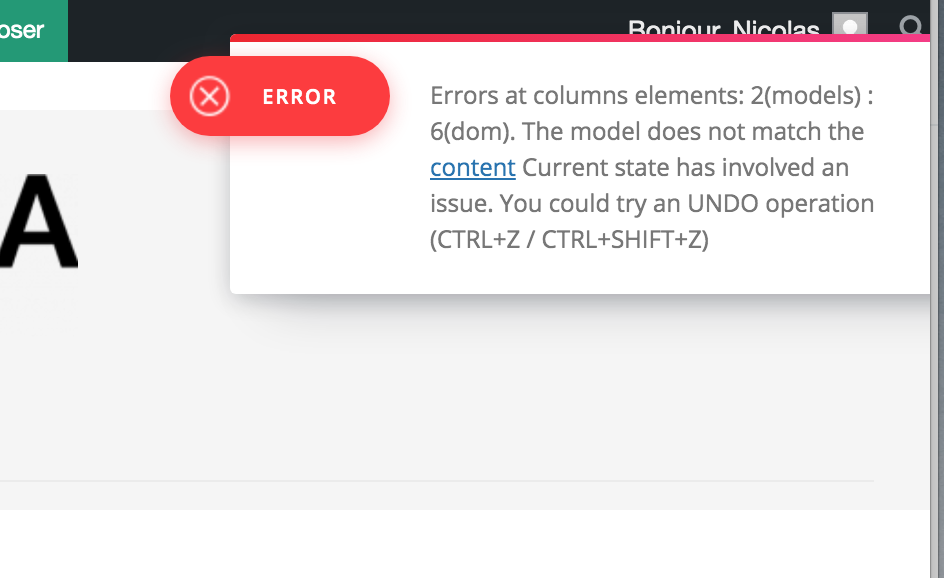
And also when I try to edit the name of the template I have this error :
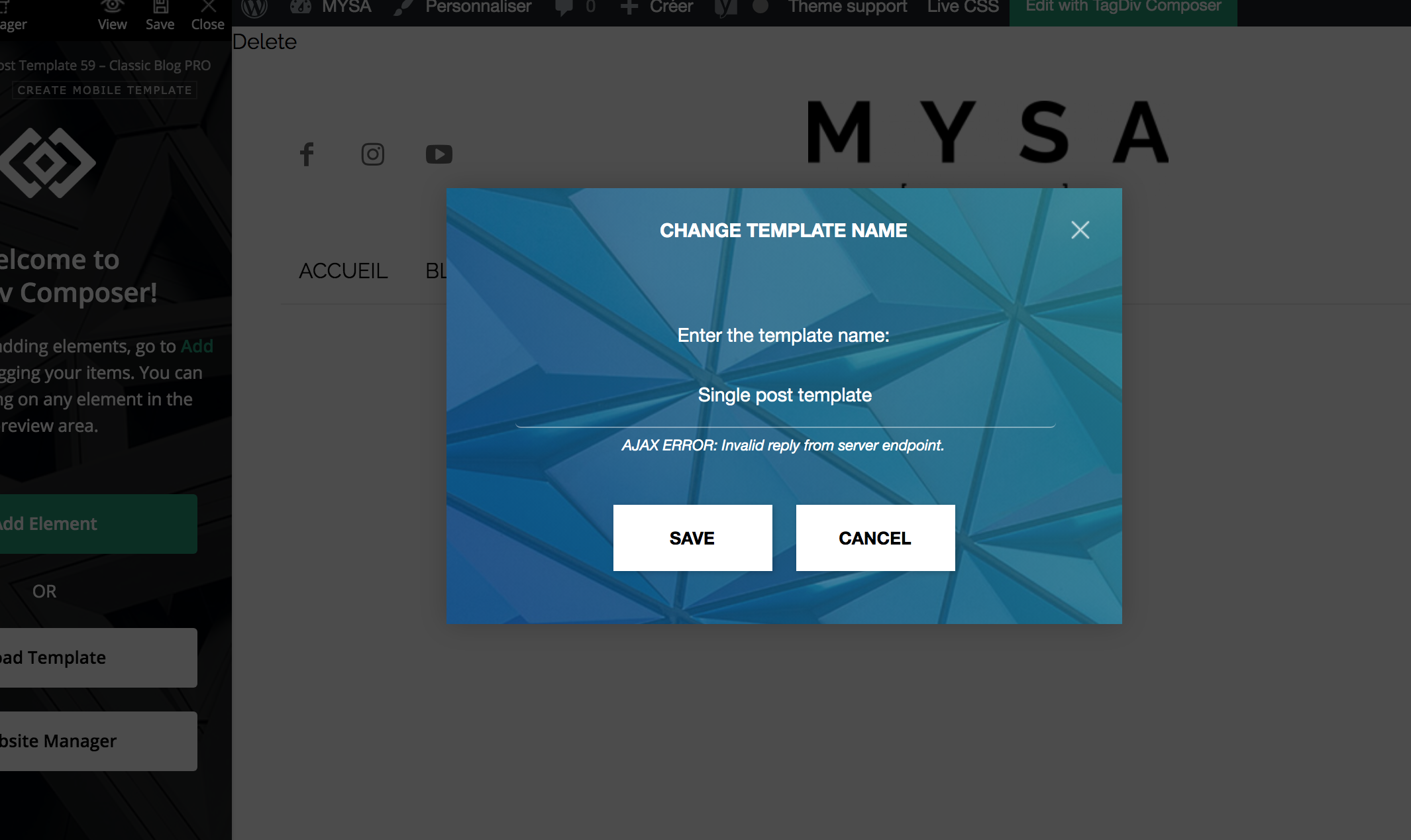
You can find the url of a single post here https://dev.foreo.com/fr/blog/foreo-sadresse-aux-entreprises-du-monde-entier-fabriquez-des-produits-pour-durer-pas-pour-se-casser-rapidement/
Thanks for your help,
Nicolas
 anshul
Hi,
I can see the blog posts populating in a few cateogaries whereas skipping other’s.
For example the gaming cateogary in the link below has no blog posts:
https://www.heapooh.com/category/gaming/
But,when you open the blog post it does show it up as the cateogary path
https://www.heapooh.com/pubg-mobile-new-state-india-will-launch-soon/
Also, it takes time and mostly needs me to purge server cache to show the blog post on the mobile homepage.
Any help?
 squallhajime
Dear Support,
Are there any settings or ways to remove/hide all the #respond icons, which are displaying on homepage, category pages, 404 pages…

I am using Default Pro template
https://bit.ly/3t43rY5
https://bit.ly/3eLl3Tt
https://bit.ly/3aQaFZu
Please help
Regards.
 Breinblik
 Suddenly my footer disappeared, i don’t if this happend because i assigned a ‘Mobile Page’ to my homepage.. i see the footer when i open the TagDiv composer but i don’t see it when testing live.. Please help:
https://test.circulaireconsumptiegoederen.nl/
 SamRe
SamReHello, i ve got a problem using litespeed and newspaper. Every page works properly, eccept the home page in mobile version (i need two different layout so i need that mobile page). If i use litespeed ot seems overwrite the mobile page version amd from any mobile device all that i can see is the desktop page in mobile version not the right mobile page setted in tagdiv. As soon i deactivate litespeed the mobile page reappears and work properly. Any clue? Thankyou.
 sgobin
 I have the same problem here, none of the options of the filters are working on homepage.
 Anthony43
Hello,
I’ve juste updated my theme to 10.4 version, but now my homepage is displaying the source code, as if the tagdiv composer was desactivated, but the others pages are working fine.
Can you help me please ? thank you
https://www.lesclesdelagriculture.com/
 nouransaid
 Hello sir, I did your step, and now the web not open
https://www.engineering-society.com/
also I want to make my main home page on this domain not have another title like word home https://www.engineering-society.com/
when someone searches by my domain https://www.engineering-society.com open the home direct without adding word home in a domain like you want me to do
I wish u understand me so please this is the data to sign in to my website please solve the problem and u have all permissions
like someone search about amazon.com open the homepage direct without adding word home to the domain
-
This reply was modified 5 years by Anamaria.
 byothe
 And another weird thing is that TagDiv composer doesn’t work anymore… while it was working fine yesterday… I cannot add new elements anymore…
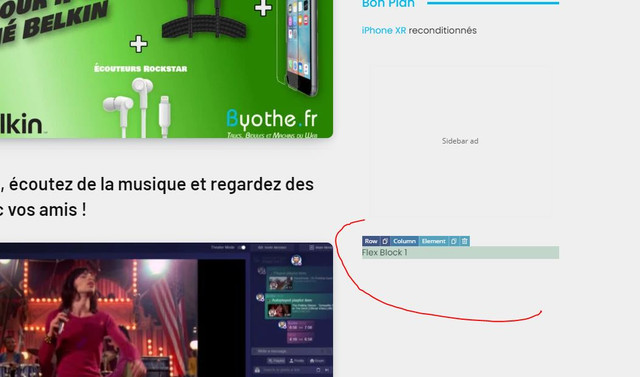
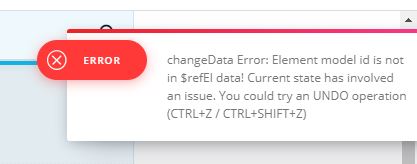
All this was working yesterday since I made some changes on my homepage… I even downloaded a new footer from the cloud library
And this error appears when I try to do something

 Masudul Alam
Hi!
I am a happy user of Newspaper theme. Today, I have faced a issue that latest published post not showing at Homepage when I logout. But, when I logged in, it works perfectly. I faced this kind of issue for very first time.
To solve this issue, I deactivate and delete tagDiv Composer plugin and again reactivate. But it did not works. Then, I deactivate all plugin, except tagDiv plugins. But it also did not works.
My website is https://cscsbd.com/, MY latest post is https://cscsbd.com/3846
Now, how to solve this issue?
Anamaria Hello,
If you have installed a demo with content it will be exactly like in the demo.
For your problem, I think you have set this option from WordPress -> Settings -> Reading => https://www.screencast.com/t/MxL2uDiDnj80, so please set the option to A static pages, and for Homepage, you need to assign a page => https://www.screencast.com/t/TaXfGsZU2X ->https://forum.tagdiv.com/homepage-how-to-build-and-set-it/
Hope this helps you!
Thank you!
 kevin.lema
 Aha! Yes, indeed I did. Thank you, if I would have known that it would have saved me a lot of time.
Seems like a bug?
One follow-up question; homepage on desktop and mobile looks the same now, except for the ad block just below the menu. It appears on desktop version, but not on the mobile version. Strangely, if I add the advertisement block in ‘mobile’ mode it appears twice on desktop and only once on mobile. Any idea why that block specifically is not shown on both layouts, but only on desktop?
 Vlad S
 Hello !
Can you provide a link to see your blurry image ?
The latest Newspaper Version is Newspaper 10.4. Also for homepage there is most likely that this is a conflict. Please contact us via email at contact@tagdiv.com and provide the following:
– admin url and credentials
– A link to this topic in order to identify you
Our team will take a look !
Thank you !
 comms
comms I am unable to disable the mobile view template for pages imported from Cloud Library. Only for regular created pages.
I already assigned a mobile page for the homepage, works great, footer & header showing off properly.
However, assigning the same footer & header for a single post/category template doesn’t apply.
I have looked over the videos.
If you can assist more, we can talk on the phone, I’m local.
Thanks!
-
This reply was modified 5 years by
comms.
 thefeedski
I’ve just noticed that tonight, my homepage has randomly started looking like the following:
https://gyazo.com/e10e6bff5c063f14e6eb7617de7d1025
When it use to look like this:
https://gyazo.com/6809f47c878be1dead579e7da39f3a35
Articles look fine but the homepage is reconfigured. The only thing I’ve done today was turn off infinite scroll. It looks like it’s trying to put my mobile theme onto desktop? Do you know why this might be or what is causing this issue?
 patrickschua
Hi,
I am having a problem on why I suddenly have this extra texts right below the footer. I have tried to check my mobile page and edited it using tag div but it doesn’t appear there. https://imgur.com/6YUBepN it happens both in mobile safari and mobile home whenever you access the homepage. https://insideios.com
Please help. Thank you.
kevin.lemaThe desktop version of my website https://www.happyinshape.com looks the way I want it to look and looks the way I’ve configured it through the TagDiv composer, but when opening my website on a mobile device (iPhone 11) it looks way different:
– no header menu
– no logo
– no ad below the menu
– very different footer than desktop
It’s really confusing me since I didn’t add a ‘mobile page’, also the design looks good in the composer when selecting the mobile device and I don’t have a clue where the mobile variant of my website gets the current footer from since it differs completely from what I’ve configured.
In short: what page is loaded when my website is visited on a mobile device and how can I make it look like the desktop version I’ve configured? I just want it to have the same blocks, order and content on both devices.
Reproduction possible by visiting the mentioned URL on desktop / laptop and on mobile and compare the homepage.
 zarpe77
  dharmendra11
 Ok Thanks
Currently in Hero section on Homepage (in Mobile View) https://imgur.com/a/mcBdcYE
When I click on text then the post will open.
Is there any option that I click on a particular banner then the post will open?
Best
Ansh

