No search results were found in Documentation!
 av
avI am using the doctor search pre-built website and I uploaded a favicon photo. That favicon is also appearing next to the logo in the header. I would like to disable that without using a CSS override. Is this possible?
 canindia1
I am using Newspaper – News & WooCommerce WordPress Theme
1) I The header template 6 and unable to change the background strip color where the logo displays. Presently it is black by default and want to change it to red.
2) On post I am using cloud template – Single Post Template 1. The pageview counter is not registering pageviews
 Anamaria
 Hi,
You have H1 on the logo for desktop and mobile, so please edit the header template and disable the h1 https://i.imgur.com/kxF9v1Y.png also on the sticky header.
Thank you!
Anamaria Hi,
You can add a new row there under the logo and button to set the menu https://we.tl/t-X2GKzDMiID
Thank you!
Anamaria Hi,
The size of the logo causes the problem. What I can recommend is to redesign the header.
Thank you!
 libertylens
 I’m also not able to add the ‘column text’ element or a container to “Header Template – Default Pro”. I’m trying to add a leaderboard ad space into the header under the logo.
Is there a recommended browser that you advise people to edit in? (We are Mac users.)
Thanks,
Ken
Anamaria Hello,
Please check with the tagDiv Composer and disable the H1. For example, H1 from logo(header, footer, mobile, sticky): https://forum.tagdiv.com/topic/6-h1-tags-on-front-page-bing-have-deindexed-my-site/
Thank you!
 Vairao
Hello,
I updated manually (file transfert) the theme from v9.7 to latest and my header template (made from dentist demo) disapeared.
I tryed to rebuilt it from another cloud template but the Tagdiv editor seems have many issues. All plugin are up to date.
For example, i changed the logo image but still display the template logo
Also, i can’t create a new element on the header with Tagdiv composer
please see this capture : https://ibb.co/qCYhFjD
Here is a capture of the header i’d like back : https://ibb.co/t8fnFbp
Here is what i have now : https://ibb.co/5r6qbZc
Thanks for your help,
 samnash68
hi
I am using bdpress and youzify for the login and members users
I am trying to change or redirect the login button and not use the default login modal you have.
I want to use the user icon without the login/logout button next to it.
it is strange the user icon directs users to bdpress page however the login/logout directs to your default modal login!!!
I also want to delete the “log in to leave to comment” in the single post comment element. because it keeps directing users to the default login modal whereas I want it to direct to the bdpress and youzify login page
is this possible?
thanks
Sam
 simchris
For those who still have some oooold sites still running NM3, good time to move to NM5.
Various recent WP updates, codebase, latest PHP7x, etc. caused footer widgets to disappear or load wrong items. Going to appearance, widgets, the footer elements (e.g., 3 columns blank) would get reset and might even be empty, even though footers showing. Some sites all three columns just gone.
In our case, seems like the widgets were old text boxes, with HTML, and not modern HTML boxes.
(before doing anything, copy text on visible site for each box, if something like site description; copy text out of any widgets actually working)
THEN:
Simple fix ::
go to theme panel > footer > and change to ‘style 6’ (in our case) vs ‘style 2’
go back to widgets, and one or more text boxes will “be back” — then paste in the missing text, or code, into a ‘new’ Custom HTML box vs text box widget.
Something changed in PHP, WP core, widget logic, etc., which “broke” the footer element on NM3.
In one case we also had the main navbar at top reset to the above logo menu.
Obviously, updating to NM5 is advisable if not done yet. May need to redo home page layout, and reset some widgets for sidebars, but otherwise not too painful to update.
Hope that helps somebody. Kinda thought we got hacked, but we had not, just changes to core WordPress, PHP, etc., along with “old” method of putting HTML in text box widgets vs HTML box widgets that just borked the elements entirely.
🙂
 Bettina
 Hello @unit45host!
Please edit the homepage with the TagDiv Composer and change all the logos.
Thank you!
 Southview92
When i load the following page https://www.in2town.co.uk/birmingham-news/deputy-headteacher-who-had-sexual-relationship-with-former-pupil-is-banned-from-teaching-for-life/ where my logo is, a square box shows first and then the page moves up and my logo appears. I think this is going to slow my page down, and it makes the page look silly. how do i solve this
 unit45host
I several times changed the text logo content from “Blockchain” to “Crypto Link Partners” but its looks like not global – and site-wide.. and when I click on another page or menu item its changing back to “BlockChain” demo title..
Why?
How to make it permanent and global the changes I make on the site?
Thx
 Santy
Santy This message by clicking on the Twitter logo in a news item to share, mainly this :@Noticias de Paracuellos de Jarama
Autobús Cruz Roja para donación de sangre en Paracuellos de Jarama https://noticiasparacuellosdejarama.es/ayuntamiento/autobus-cruz-roja-para-donacion-de-sangre-en-paracuellos-de-jarama/ a través de @Noticias de Paracuellos de Jarama
thank you
-
This reply was modified 2 years by
Santy.
Anamaria Hello,
The options from the Theme Panel are for the standard template, but you have a Pro Prebuilt website and this uses cloud templates, which can be edited with tagDiv Composer ->https://www.screencast.com/t/UeBGkaYuundl, and select the element you want to edit => https://www.screencast.com/t/3vhZ5v4k and change the description.
The same steps are for all templates -> https://forum.tagdiv.com/footer-templates/
Our theme is a frontend theme for most of the elements and changes, you’ll need to use the tagDiv Composer to edit the pages and templates for posts/categories, etc => https://i.imgur.com/I3OUYxr.jpg -> https://i.imgur.com/mMrEufY.jpg from the frontend, no in the code -> https://www.screencast.com/t/LDdokrHPl
Also, this is a video on how to change the logo -> https://www.youtube.com/watch?v=HXQQygkCCJo -> https://forum.tagdiv.com/add-logo-newspaper/
More documentation about the cloud templates is here:
– https://forum.tagdiv.com/cloud-library-templates/
– https://forum.tagdiv.com/design-post-pages-using-cloud-library-templates/
– https://forum.tagdiv.com/cloud-library-category-templates/
Thank you!
 freakkz
Hi there,
When I see my desktop and mobile versions are very different, like the header, the logo isn’t updated, and other things.
So my question is, How can I sync desktop into mobile? as I do not want to make 2 changes in each version.
Every change is made on the desktop to appear on mobile.
Thank you!
Bettina Hello @joeyfatstat !
It could be a caching issue, a plugin conflict, or you did not set the mobile logo in the right place.
Thank you!
Anamaria Hi,
1. For the logo, it is not necessary to use custom code css; you can find the settings for logo text here -> https://i.imgur.com/s4ktoe2.png
Please let me know if you want to have the website black, like this -> https://demo.tagdiv.com/newspaper_black_pro/
2. Please provide more details about what you want to achieve. Normally, you shouldn’t need to write custom CSS code, as all design changes are made using the TagDiv Composer to alter the design.
3. You can stretch the row -> https://tagdiv.com/flexibility-rows-columns-newspaper-theme/ and set the width and height on it -> https://i.imgur.com/t4JC9gk.png
4. The live css is the pace where custom code css is saved, but you must ensure that the code works and applies.
Thank you!
 twhitfield27
1 What is the custom CSS to do this.
On Home page, Header LOGO Text = MY WEBSITE
make MY the color RED
make WEBSITE the color black.
2 Where does custom CSS go? The documentation for this is OUT OF DATE and shows a Template settings which no longer exists.
3 Or how can the space in the header area be increased so that a decent sized Image will fit?
4 for the record, LIVE CSS is a POS and does not work. Of course, documentation is incorrect.
 rimivtech
I have installed the following version for my new website https://staging.softwaregala.com
Newspaper version: 12.6.3
Theme: APP FIND PRO
My brand logo is not getting updated. I tried uploading both the standard logo and retina size logo from the theme panel and also tried editing using Tagdiv composer.
Please help me solve this problem.
https://drive.google.com/file/d/1MCsBixxIJegtvZ5OZzluXLsE5umX8KUj/view?usp=sharing
https://drive.google.com/file/d/1MCSKYJ2_v5ab5VbSlNh0HnaykaLNJzGL/view?usp=sharing
https://drive.google.com/file/d/1M8Ui49xanhgK2zOI8fhb_wPiV_TzBlOK/view?usp=sharing
 joeyfatstat
 Sweet! Ill work on optimizing mobile based on what you wrote… BUT why is my logo showing for a brief second and then disappearing on mobile? Whats up with that
joeyfatstatbangor.today
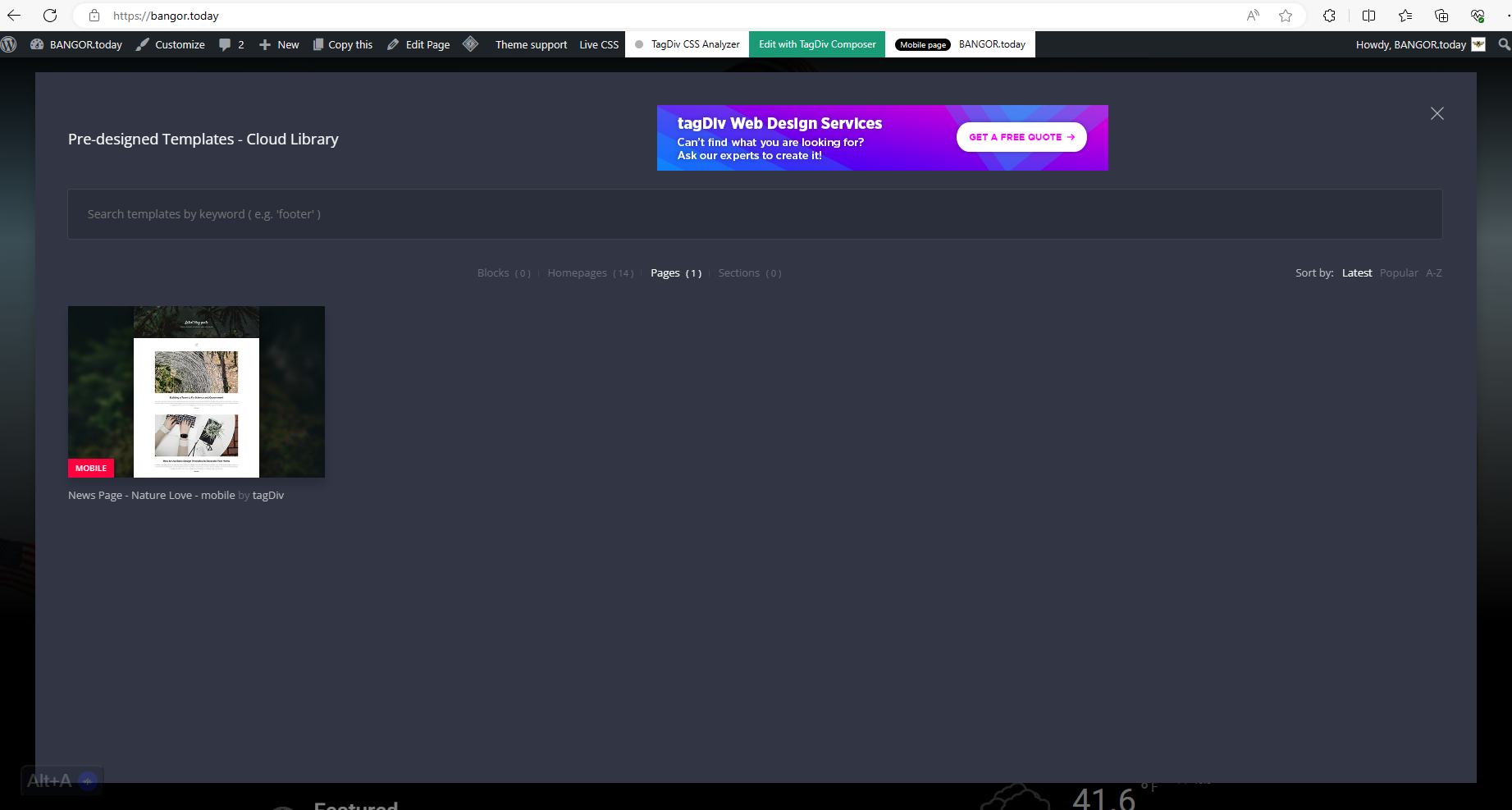
I have these cloud templates Blocks ( 0 )Homepages ( 14 )Pages ( 1 )Sections ( 0 ) I cannot find out where sections or blocks are because they are not showing up in my pop up. see here: https://bangor.today/wp-content/uploads/2023/12/aa33.png
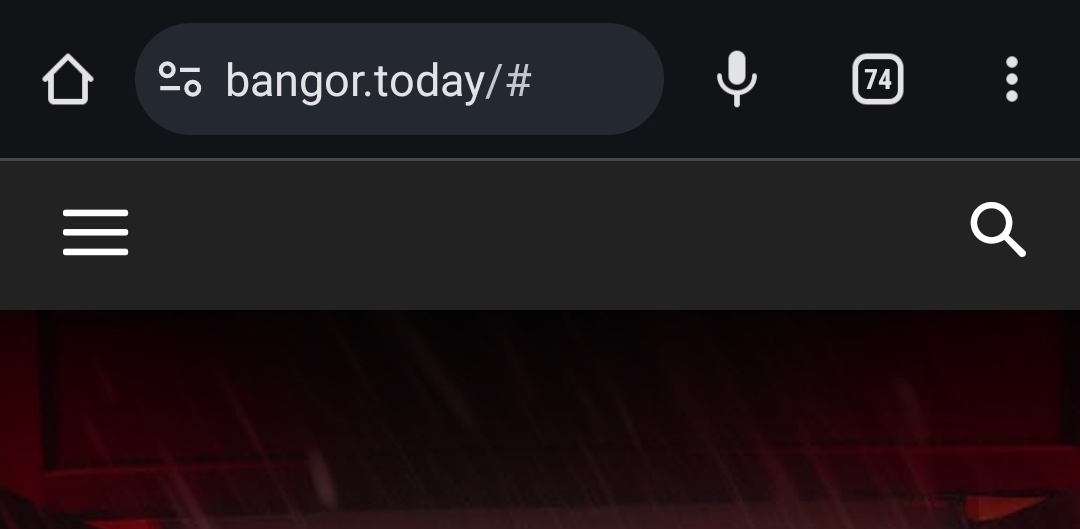
I also cannot seem to get the Logo to display. It will display for a second and then disappear. as seen here https://bangor.today/wp-content/uploads/2023/12/Screenshot_20231226_124908_Chrome.jpg
And I have to initiate Amp in order to use TagDiv mobile?!?! As you see here 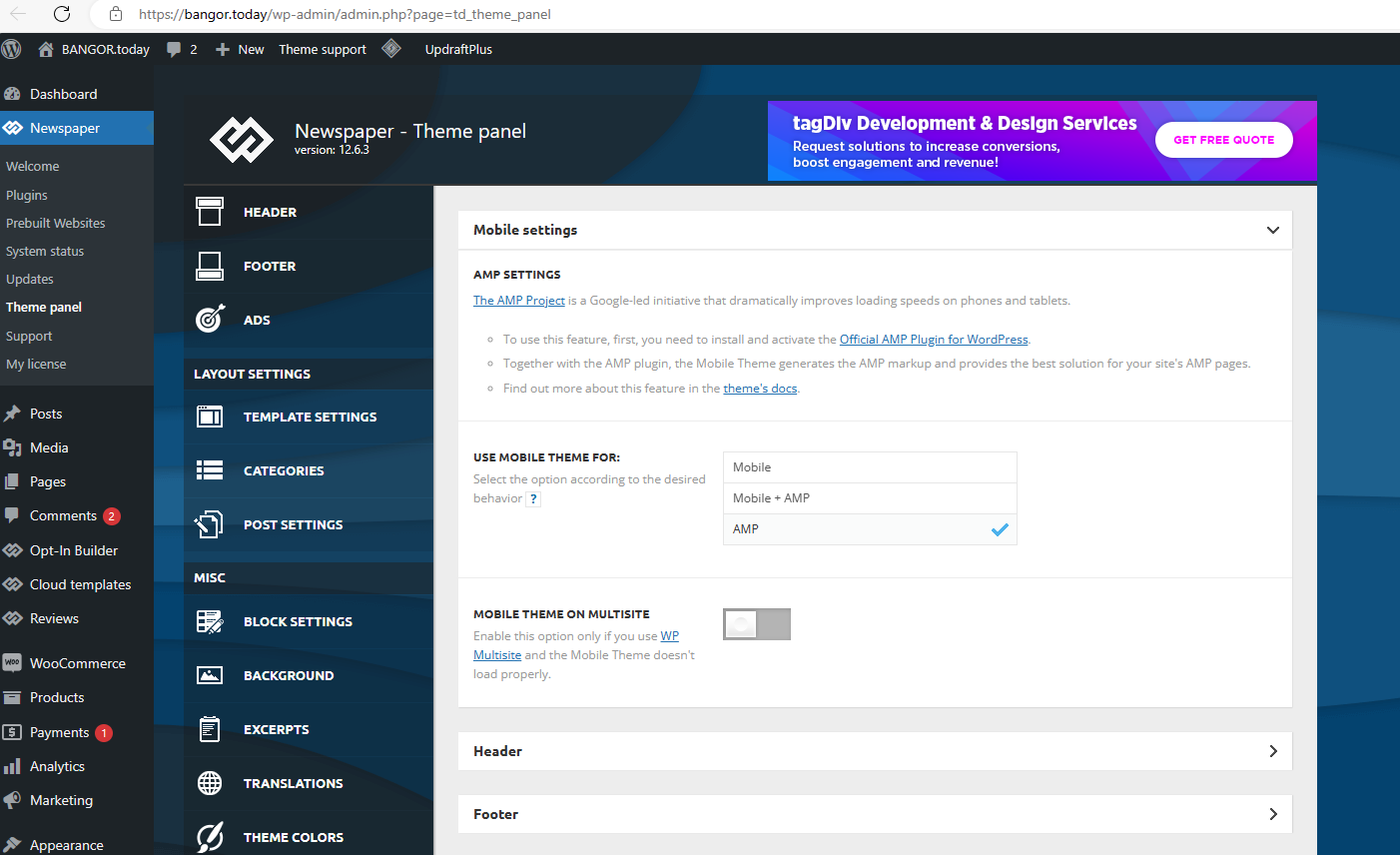
 Phearak
Hi team,
I was wondering if you could help to fix the header for the mobile view as it showed: “This type of header is not editable with tagDiv Composer. Please use a cloud header template!”
so I could not find the place where to edit the logo and even the footer page as well
Thank you so much!
 djalejo
So I have a Flex Loop Filter in my home page and I noticed sometimes when I leave that browser tap on my phone to go say read the news in another tab, when I come back to my site after a few minutes the filters are not responding any more.
Reloading the page by pulling down from the top of the screen doesn’t work.
I also tried changing the query parameter manually and refreshing the page and nothing, nada. Filter is completely unresponsive.
The only way to fix it is by launching the site on a new browser tab or by clicking on the logo of the website to go back home
Anyone experiencing this issue?
Anamaria Hello,
You can create the pages as you want.
If you are referring to having posts without any ads, then you can duplicate the single post template, delete the code for ads, and assign it to the posts that you want without ads.
Check this topic: https://forum.tagdiv.com/topic/different-logo-in-categorypage/; The same steps are to duplicate any template.
Thank you!