
- NewsmagUsing other ads
- NewsmagSidebar ads
- NewsmagImport / Export theme settings
- NewsmagRequirements for Newsmag
- NewsmagNewsmag documentation
- NewsmagHow to update the theme
- NewsmagBlock settings tutorial
- NewsmagIntroduction
- NewsmagPage Menu
- NewsmagMega menu
- NewsmagLogo & Favicon
- NewsmagFooter templates
- NewsmagTheme thumbs
- NewsmagBackground introduction
- NewsmagVideo playlist
 it@pushstudio.com.ar
Hi, I’ve tried to set up excerpts from my post to show in the blocks on home, bit i can’t see the option in the post edition page…
I attach a screenshot. I’ve saw this picture in another post here in the support forum (https://www.screencast.com/t/4dvRHKTTj1H), bus i have not this option..

I do have the subtitle option, inside the theme post settings of the theme… But i dont know if its possible to show it like the excerpt in the block settings.
Tks in advance.
 luanacenter
ads are not working I’m using another one is not google I called emresa uol affiliates and they detected that the theme is modifying the code of the page I’ll send one showing that it’s right and when it enters the page it’s wrong this is barring me from receiving ads on my site help me urgently
This is the image link showing that it’s right. https://imgur.com/a/gfDM8
This was the message the company gave me:
The tag on the site is wrong because the </ script> tag’s attributes are out of standard. The right one that is generated by affiliates is:
<script language=”JavaScript1.1″ src=”https://t.dynad.net/script/?dc=5550002445;ord=1506702289657;idt_product=15;idt_url=325213;idt_category=48;click=”></script>
What’s on the site is:
<script language=”JavaScript1.1″ data-rocketsrc=”https://t.dynad.net/script/?dc=5550002445;ord=1506205322498;idt_product=15;idt_url=325213;idt_category=48;click=” type=”text/rocketscript” data-rocketoptimized=”true”></script>
My site is http://www.bhshow.com.br
 chunc
chunc Hello Simion,
Thanks for your reply. I bought the template for 4 different clients and in the other 3 webs it works as is stablece in the control panel in the Ads tab.
Thank you
Best Regards
P.D.: please delete this post after the review
-
This reply was modified 9 years by
 Simion C..
 deereport
After installing and configuring Fast Velocity Minify, chrome loads my site but other browsers and mobile phones give white page. I changed the theme and the browsers loaded well, is there any help please. Thank you
 spinnakernordic
Hi all
We installed Newspaper theme on wordpress a couple of days ago and we can’t manage to get the TagDiv Composer to show the front page as everybody else sees it.
We’ve tried deactivating plugins and reinstalling the theme 3 times. at the end we installed the theme on another site to see if something was wrong with the theme – it worked perfectly fine – so is it just http://www.finans-avisen.dk which is broke?
Heres links to show images how we see it:


I could just delete everything on the ftp and just start over – but it will take a huge amount of time to insert the articles again…
 franck77
Hello,
Newspaper theme, latest version.
The site shows only page 1. When I click on page 2, it reloads page 1. Idem for page 3, 4, 5 …
Impossible to go further. And normally, there are 43 pages in the website.
Any idea ?
Thank you.
The website : http://dirprod.fr
 Juan
JuanHello, tagDiv team. To start, great work with Newspaper 8, it’s full of features and so easy to use. Love it.
I added some responsive Adsense ad codes within the paragraphs of my posts and the ads are overlapping with the sidebar. Sometimes when you refresh the page, the ads display properly but most of the time the ads overlap.
So far, I haven’t had any other issues anywhere else on the website.
Here is a link to my website, JuanMTech and here is a link for one of the posts with the issue, Getting started with the Raspberry Pi 3
The other question that I had is, is there a shortcode to implement one of the custom ads inside of a post instead of having to enter the whole Adsense ad code?
Here is a screenshot of the issue https://imgur.com/eWMOAp2
 simchris
 Why not simply EDIT the header.php file to insert a div and then your Adsense code, or your AdRotate code, or your static banners? That’s what I did. 5 minutes and done. Common WordPress practice, and simplest solution if you’re lost with other solutions!
( my opinion only; I do NOT work here … )
 Catalin
 Hello miltros,
You can try using to add some ads with another plugin but notice that we do not have any tested plugin in this case, sorry! As a hint, you can try using the AdRotate plugin.
Thanks for your understanding!
 PAPPACLART
Hello, Great theme by the way 🙂
I have a few questions if anyone can help.
There is allot of white space between content displayed on TD article blocks. Is there a way to reduce this?
Additionally, if I have a TD article block in a column and next to another column, there is also allot of white space in between. I can reduce this by changing margins in Visual composer to stretch the column, or I can stretch the whole Row but the content thumbnails/images then do not fit in their containers as everything is stretched.
I have marked in green some of the White Space areas I would like to reduce.
If anyone has any suggestions it would be greatly appreciated.
Thanks
 acko_fon
 Hi,
I’m not using cache plugin so that its not the problem. About the other two things that you mention I tried but still is not showing the ads from the theme panel but its showing the ads with html ot text widget. The codes are the same. You can check on homepage and in a post.
Thanks,
Alex
 miltos
 Thanks for your reply
You mean that I can not place ads with another plugin or even if I place it will not have a counter?
Catalin Hello miltos,
1)If you want to use other ads, you should check the following useful manual here -> https://forum.tagdiv.com/newsmag-using-other-ads/ Unfortunately, our theme does not have any such an option that allows you and impression click counter, sorry!
2)This problem might be happening due to your untested plugins. Check your plugin’s list and if you have some untested plugins, try to disable all of them, clear all the caches and check the results.
Thanks for your understanding!
acko_fonHi,
I have problem with ads part on the theme panel. When I put adsense code in the panel, the ad is not showing. But when I put the same code in widgets or in text, there is not a problem, the ads are showing.
Also this codes I’m using on another websites and they are working without problem.
So can you tell me what is the problem with the ads on theme panel?
My website is> http://aktuelno24.com.mk/
Thanks in advance,
Alex
 planetcappe
I’m having a problem with the Slide element: when loading it shows the first slide correctly, and the second shows a blank space.
It happens both with Visual Composer in Newspaper 7 and with the new Tagdiv Composer in Newspaper 8, here is a screenshot. One example is https://www.calcionews24.com and another http://www.milannews24.com.
Do you have any ideas? Thanks.
Simion C. Hi,
Unfortunately I don’t fully understand what you mean. Besides the ad sections the mobile theme has, you could only display an ad by maybe inserting the ad code directly in the page content
– https://www.screencast.com/t/RBh19FLiiGa
– https://www.screencast.com/t/rZXvaQ4fXhxD
Try it this way, if you want to display another ad in the homepage, besides header, footer, and loop ads.
Thanks
 MamasLT
 Hi there.
Unfortunately I cannot provide the login details at this point, due to the fact that this project is very delicate.
But maybe these images will help you understand what I am talking about.
This is the simple Embed that I can do native with wordpress by adding media to post, uploading video file to my uploads (through media tab):
https://s26.postimg.org/anonpkn1l/embed1.jpg
This is the Post Template 11, with Youtube video added to featured Video:
https://s26.postimg.org/eg865b2jt/embed2.jpg
The question is/was, is it possible in some way to use LOCALLY hosted video file the same way as this Youtube video is used with Post Template 11 (video templates)?
I just want to see my local video in the same spot where this Youtube video is within that Newspaper theme Post Template 11 style (or any other video style for that matter).
Thanks
 Guims
Guims Well, after hours of research, I found some leads. I hope to retrieve my blog as it was before!
I will detail my research and hope you can tell me if my research is sufficient.
1-
in the wp-includes folder, I have 3 more files than in version 4.8.2 of wordpress (I put its files online in version .txt)
wp-includes/class.wp.php ==> click here
wp-includes/wp-vcd.php ==> click here
wp-includes/wp-feed.php ==> click here
I do not know the coder language but I think I understood that its files try to create a user in my database with administrator rights and then insert code into my themes files. am I right ?
I can delete the 2 users registered on my blog and I checked my database in the table users and usermeta, I think it is good. I think ….
To search further, I installed the Quttera Web Malware Scanner plugin and I performed an internal scan of the entire blog. in addition to its 3 files it tells me that there are other suspicious files (I also join them as a precaution):
/wp-content/themes/Newspaper/includes/wp_booster/wp-admin/panel/td_view_update_newspaper_6.php ==> click here
Severity: 	enMaliciousThreatType

File: 	/wp-content/themes/Newsp/.../td_view_update_newspaper_6.php

File signature: 	814e64bc5a2f806f056be20e6426d120

Threat signature: 	9632714c466ed4838165e9057dfb18c5

Threat: 	<?php if (empty(

Details: 	Malicious PHP Script
/wp-content/themes/Newspaper/js/tagdiv_theme.js ==> click here
Severity: 	enPotentiallySuspiciousThreatType

File: 	/wp-content/themes/Newspaper/js/tagdiv_theme.js

File signature: 	6de7782788357b741a2703a368cf4f0a

Threat signature: 	dce48b63cbaf409a3bd5edb9042e7628

Threat: 	'Y-m-d\\TH:i:sP'.rep

Details: 	Suspicious obfuscated JavaScript threat
After all his research and removal / replacement of infected files, I still get this message:

 jabal3amel
 Sorry to bother you over and over.. i have just made it and worked fantastic! however it takes really about 10sec for the header of sub-cat to load after the whole page has been loaded, knowing that the contents are loaded fast, only the header delayed.. is there any issue causing the header late to loads?
Thanks for your great support as usual…
A screenshot for your reference: https://www.screencast.com/t/nXozFSYnu
-
This reply was modified 9 years by
jabal3amel.
 biznizat
 I think this is bad support. The Support answer is very customer unfriendly. I bought many of your theme and these answers shock me.
You should consider at least saying that you guys will add it to the will-do list.
This REGISTER/LOGIN feature is very important to many users and clients and i think there should be another way to answer. don’t forget that people pay for support too . and support make clent loyal clients and buy more.
why you don’t consider at least adding ads-on for your theme
for example :
better login form or registration / subscribe form
people will buy it
many topics around here have the same answer template :
Give me a break
Simion C. Hi,
If you use the mobile theme plugin, ads can be entered in the mobile ad sections provided in the Theme panel->Mobile theme.
There are no other options to display ads besides this possibility. Maybe try using ad codes directly in the Mobile editor and see if they display properly.
Thanks
Simion C. Hi,
If you use Google Adsense ads, these can be responsive. More useful information here
– https://support.google.com/adsense/answer/3213689?hl=en
– https://support.google.com/adsense/answer/3543893?hl=en
– https://forum.tagdiv.com/ads-adsense-overview/
If different ads are used, you can display for example particular ads for desktop, and other ads on mobile devices, optimized in that way
– https://forum.tagdiv.com/using-other-ads-non-adsense-ads/
Please note that if you use the mobile theme plugin, ad codes have to be entered in the mobile theme section
– https://forum.tagdiv.com/the-mobile-theme/
Thanks
 Scott
Scott Thank you, Catalin.
The site does indeed seem to be working now. Not sure what caused the favorable turn, to be honest. It just began looking and operating properly after I had stepped away from it for a few hours.
I am, however, now having the same problem at my other site (www.FireBreathingChristian.com) where I just went through the same process. Additionally, I am having trouble getting my theme activation to process properly.
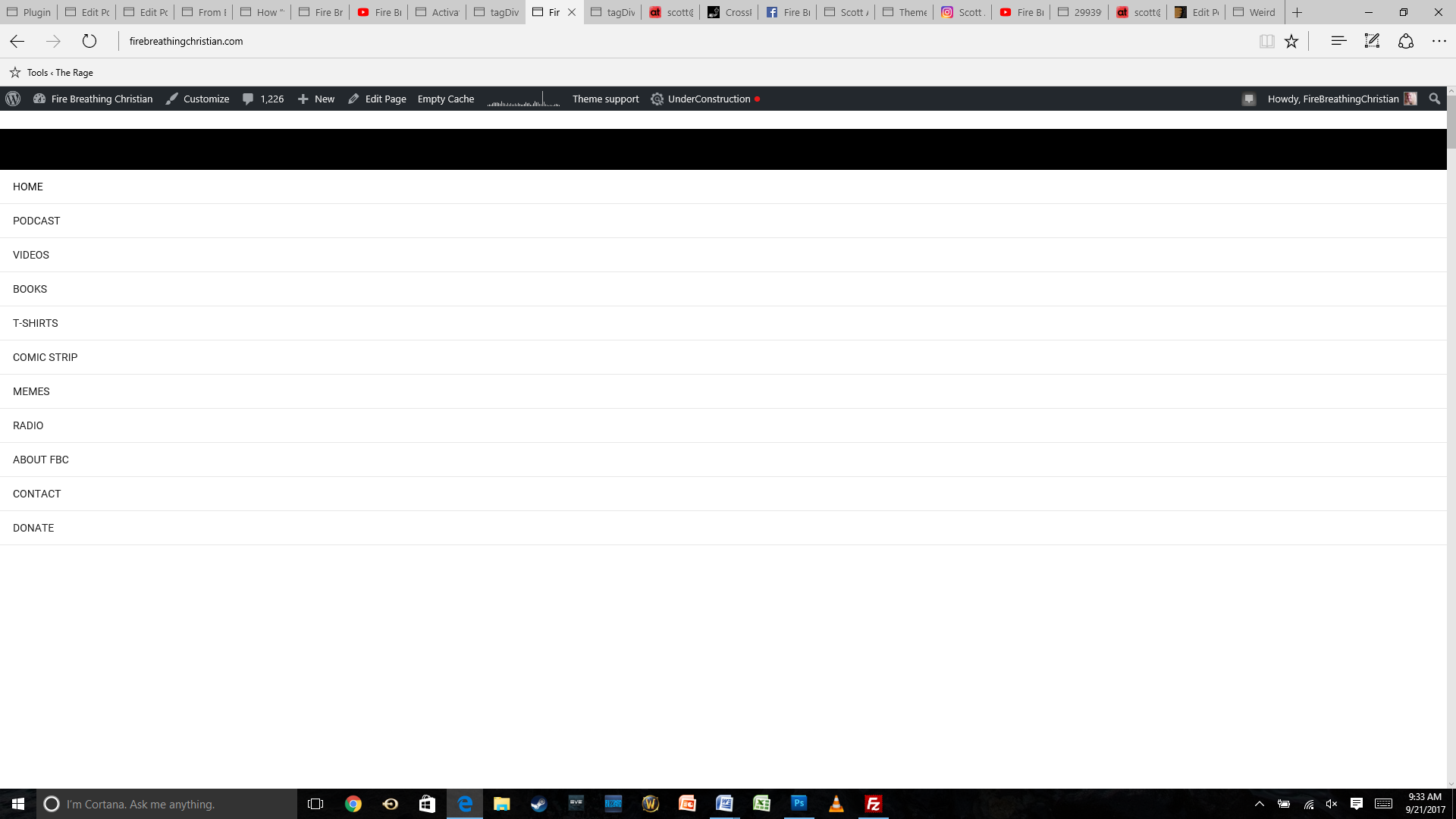
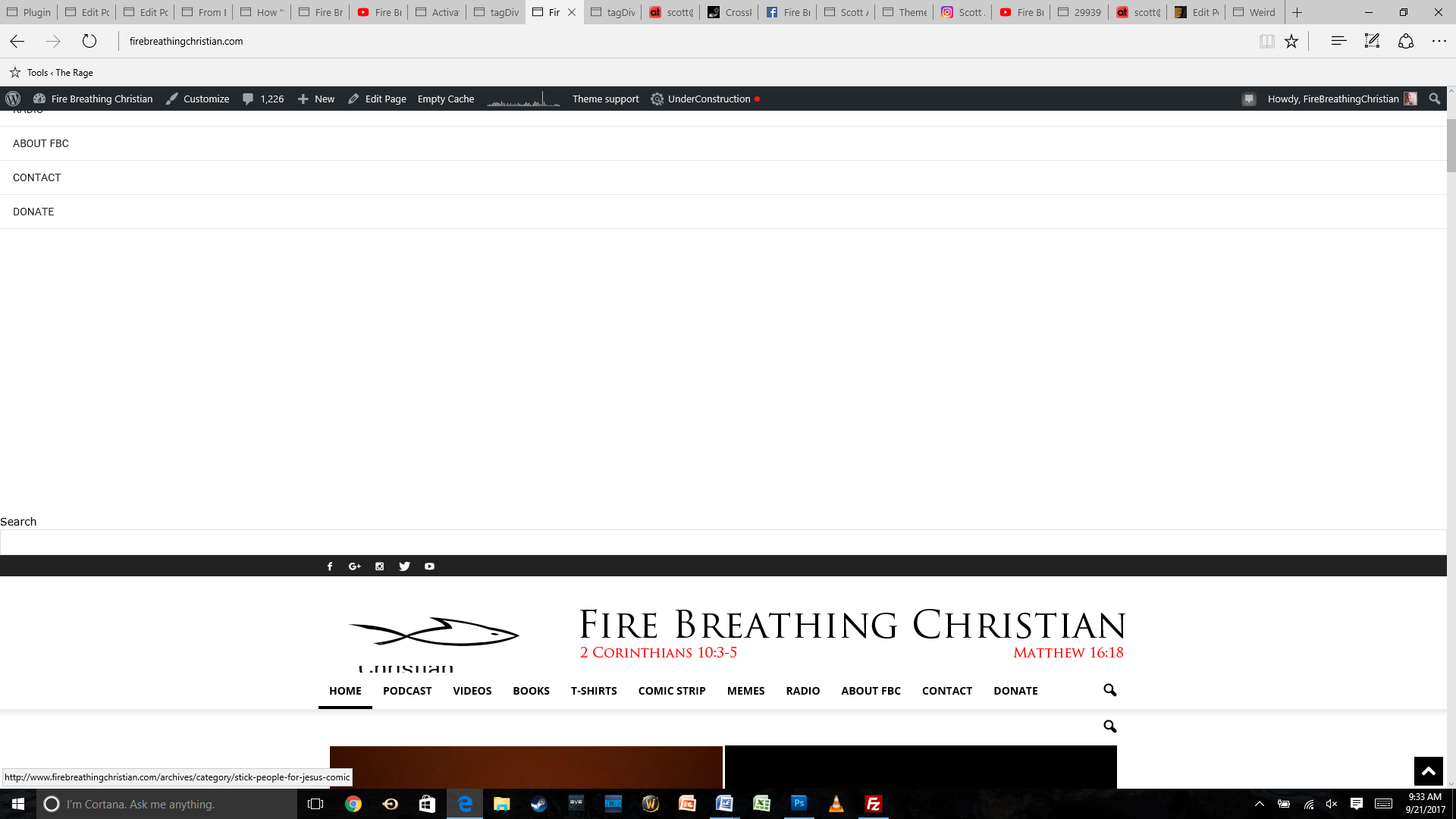
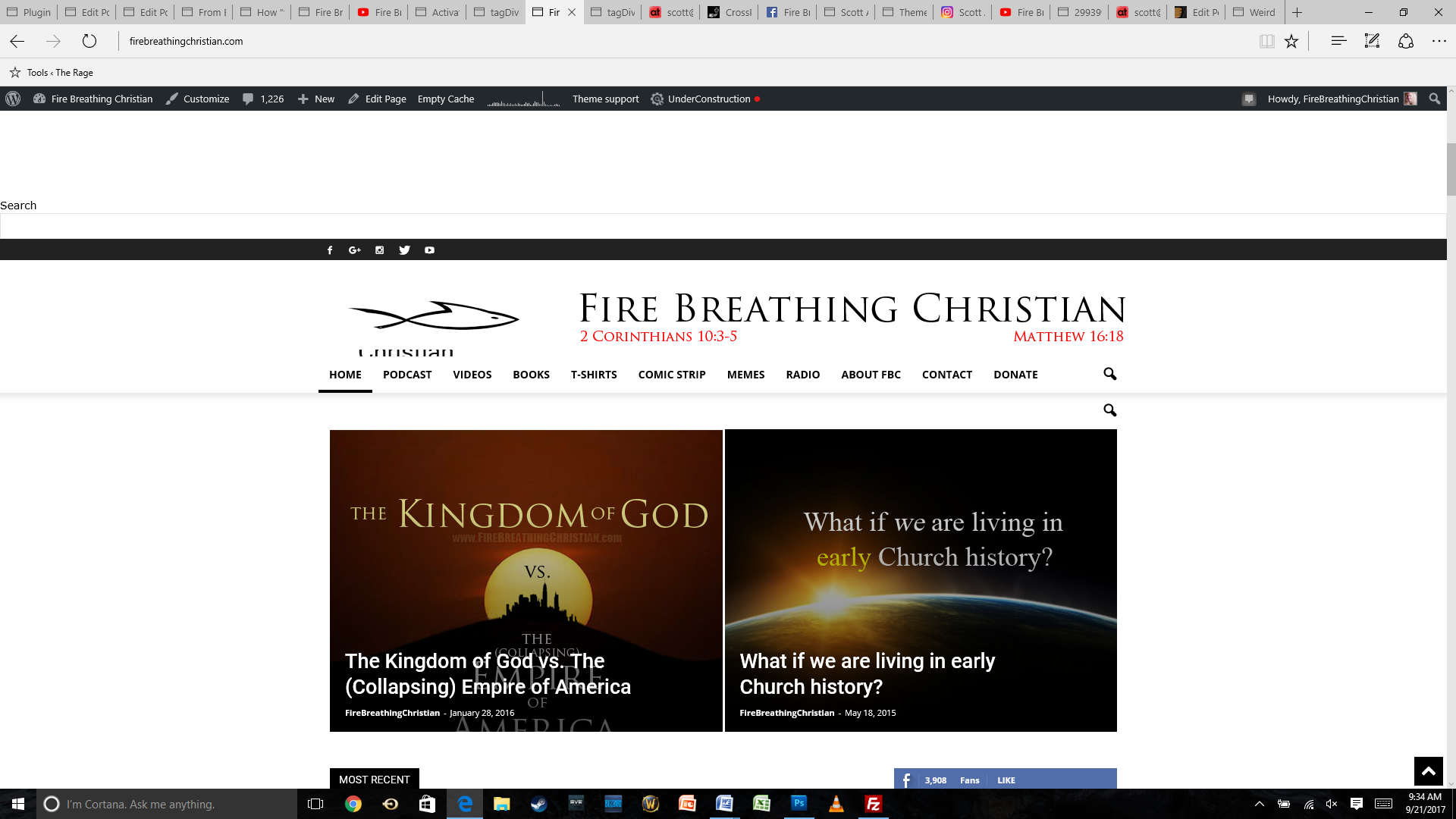
The main problem is the look of the site, though, with the same weird menu items showing up at the top of the page.
Here are a few screenshots (starting from the top of the home page as it looks now after the theme update):
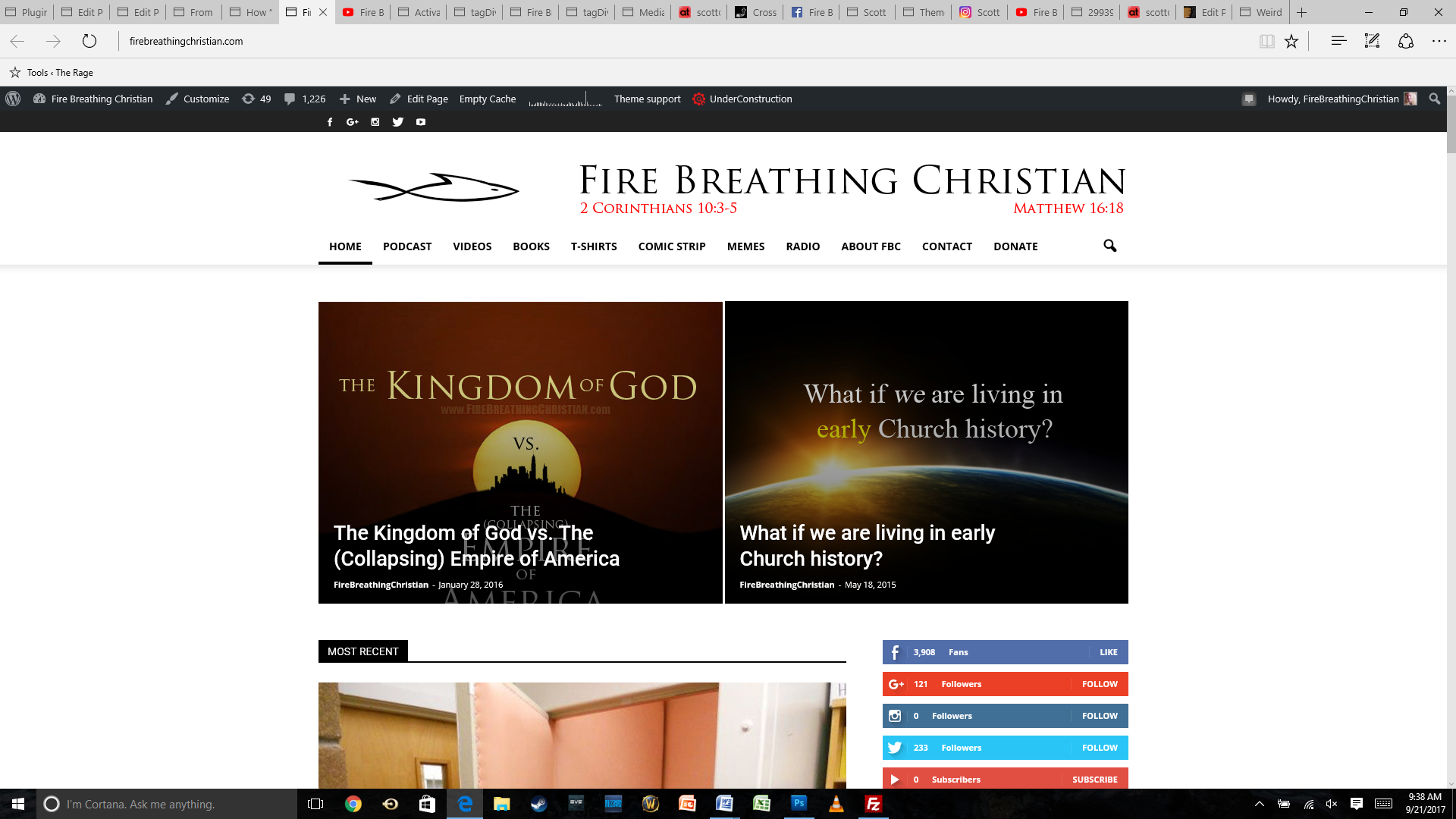
And here’s how the same home page looked before the update:
Any help or insight you can offer will be much appreciated. Thank you for your time and assistance!
 Afterglow
 Hello Catalin,
Thanks for your response.
I am not sure I understand the point of your “Note that is the maximum size for ads in our theme” comment. This is exactly what I want in terms of size, so again, I do not understand why you say this. It is not like I want or seek a larger size. Regardless, we are clear on this one.
That 2nd link you have sent shows you calling an IMAGE of the ad size, not the ad itself. What code / short code do I have to put in place of you calling the image of the ad size, in order to show an actual ad?
Nobody is saying I will use 2 ads in the header. Why do you assume that? I would much rather display a 970×250 or 970×90 ad than a smaller one right of the logo – it pays better! You should be concerned with providing EVERY meaningful ability for your theme’s users to EARN MONEY, especially given the fact we pay you money for your theme. Right? Your theme is not just a browsing tool, but for many of us, it is a monetizing tool, which helps us earn our living!
Another point I have been trying to make with tagDiv for a very long time – why do you restrict the size of the logo your users can have. This is obvious by you allowing only 728×90 ads right of the logo. What if the logo is wider and only a 468×60 ad would work, or a smaller one?
You are doing a good job, but a few things, like this header ad problem I have been bringing up, are left not well thought through.
Please specify where do I have to add short code (and what that short code is), which will display a 970×250 or 970×90 ad below the MAIN MENU in the header.
Thank you very much, and please try to find the rational thought I have attempted to defend and bring to your attention above – you should NOT restrict logo size in the world of infinite options when it comes to creativity and individuality.
I look forward to receiving a response on where do I have to add short code (and what that code is), which will display a 970×250 or 970×90 ad below the MAIN MENU in the header.
Thanks,
Peter
Catalin Hi Dinesh,
1)Notice that we have a bit list of Footer template, as you can see here -> https://forum.tagdiv.com/newsmag-footer-templates-2/ If you want to have your own Footer template, you should try using Footer Template Style 5.
2)Check the Translations section and make your desired translations from there -> https://www.screencast.com/t/Ss81HpnK24PL Clear all the caches and check the results.
3)You should check here -> https://forum.tagdiv.com/newsmag-using-other-ads/
4)The theme does not have any such an option that allows you to Ad a Notification Popup, sorry! Try using such a plugin for this.
Thanks.



