- TutorialsDefault Block Settings Guide
 reloaded
Hi, i recently did some test with cloud library.
Everything looks fine but the background look smaller than the one you showed in the preview of Magazine Pro.
I’ll let my website here for comparison: MyTechnology
I don’t see any “zoom option” in the theme panel
 besthomegear
Please provide simple steps to Add Users’ Review Ratings for each Post, Site-Wide. The “Reviews” in the dashboard, or Tagdiv Composer, or Classic Editor?
Or if this is a Code Snippet, where/what is it?
thanks
Kevin
 nagi
nagiRespected Sir/Mam,
I am a developer at Mallemaala Entertainments, located in Hyderabad. We have a few requirements for our movie review website. I am hereby mentioning our requirements.
1. We have installed the Newspaper theme on the test server (https://tv.123telugu.com/telugu/) We have three issues:
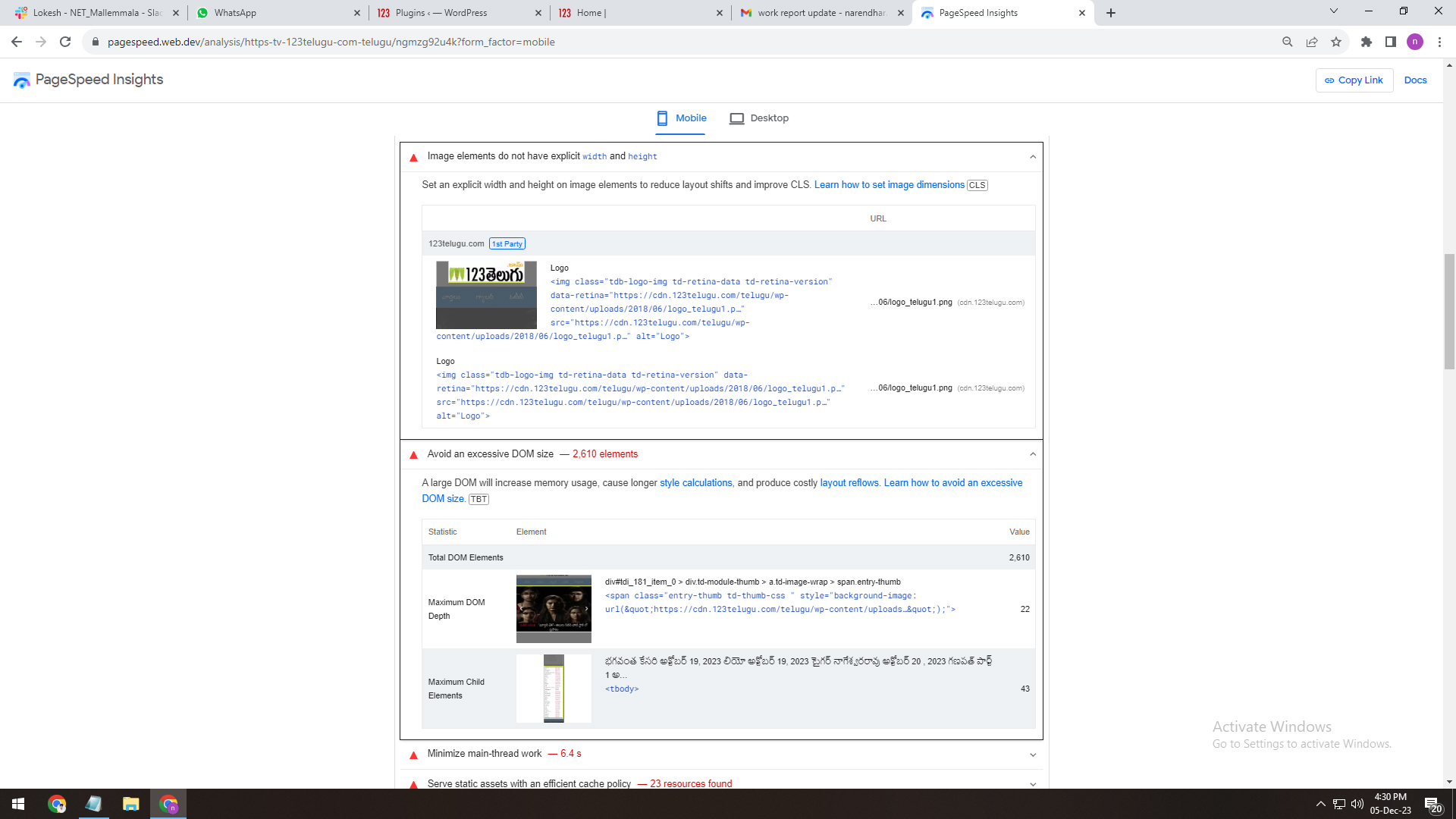
DOM size (Document Object Model)
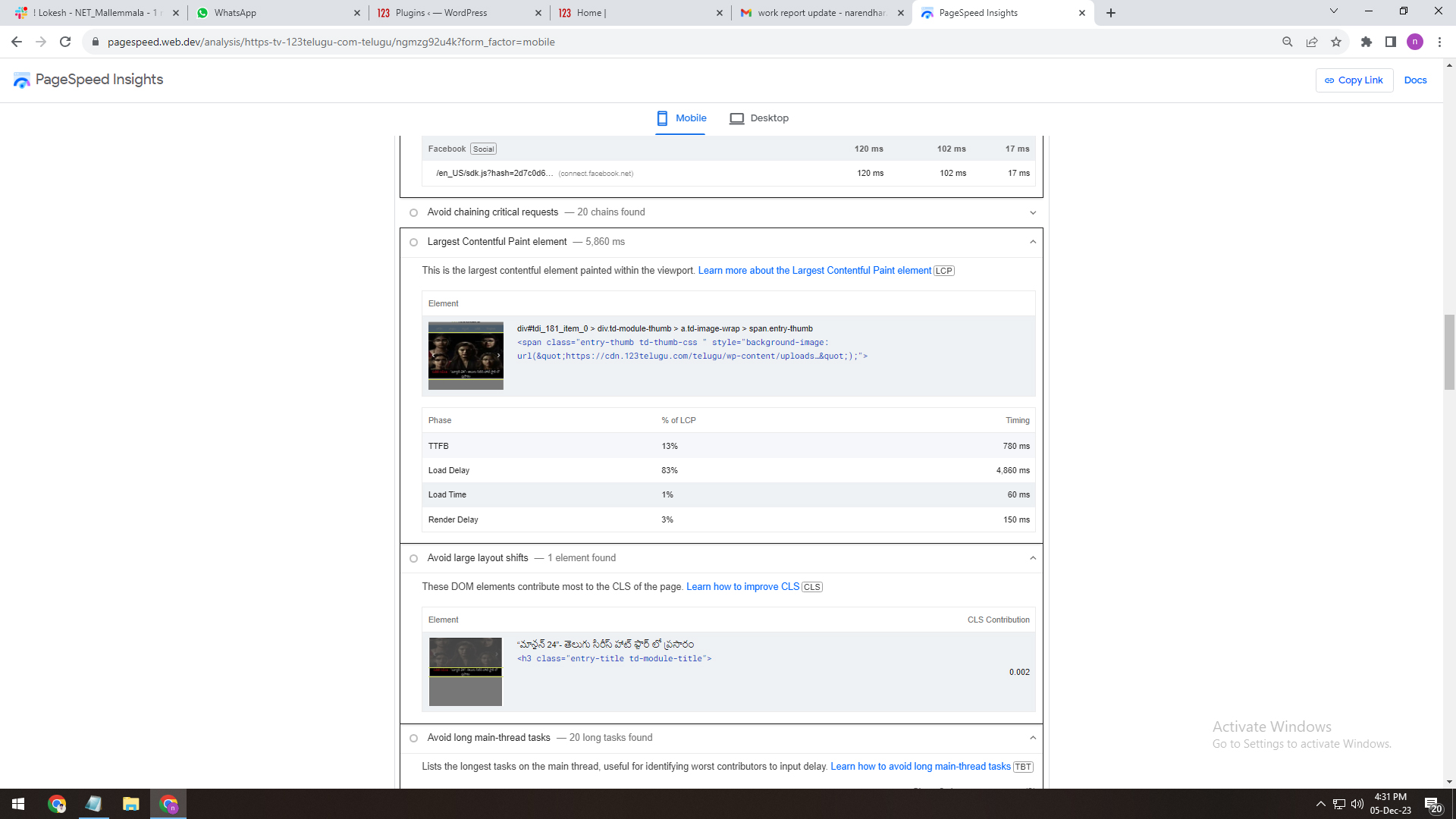
First Contentful Paint (FCP)
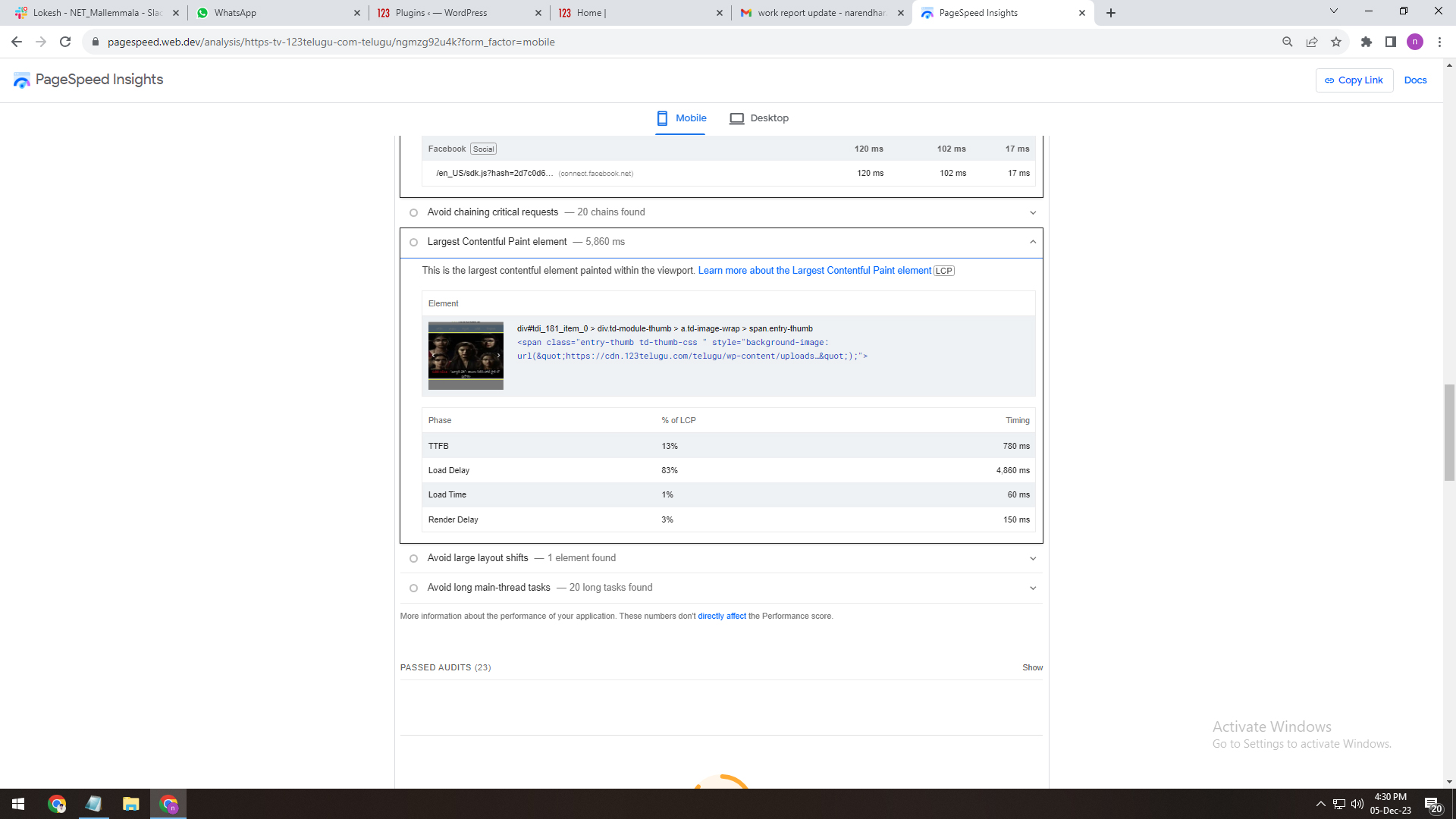
LCP (Largest Contentful Paint)
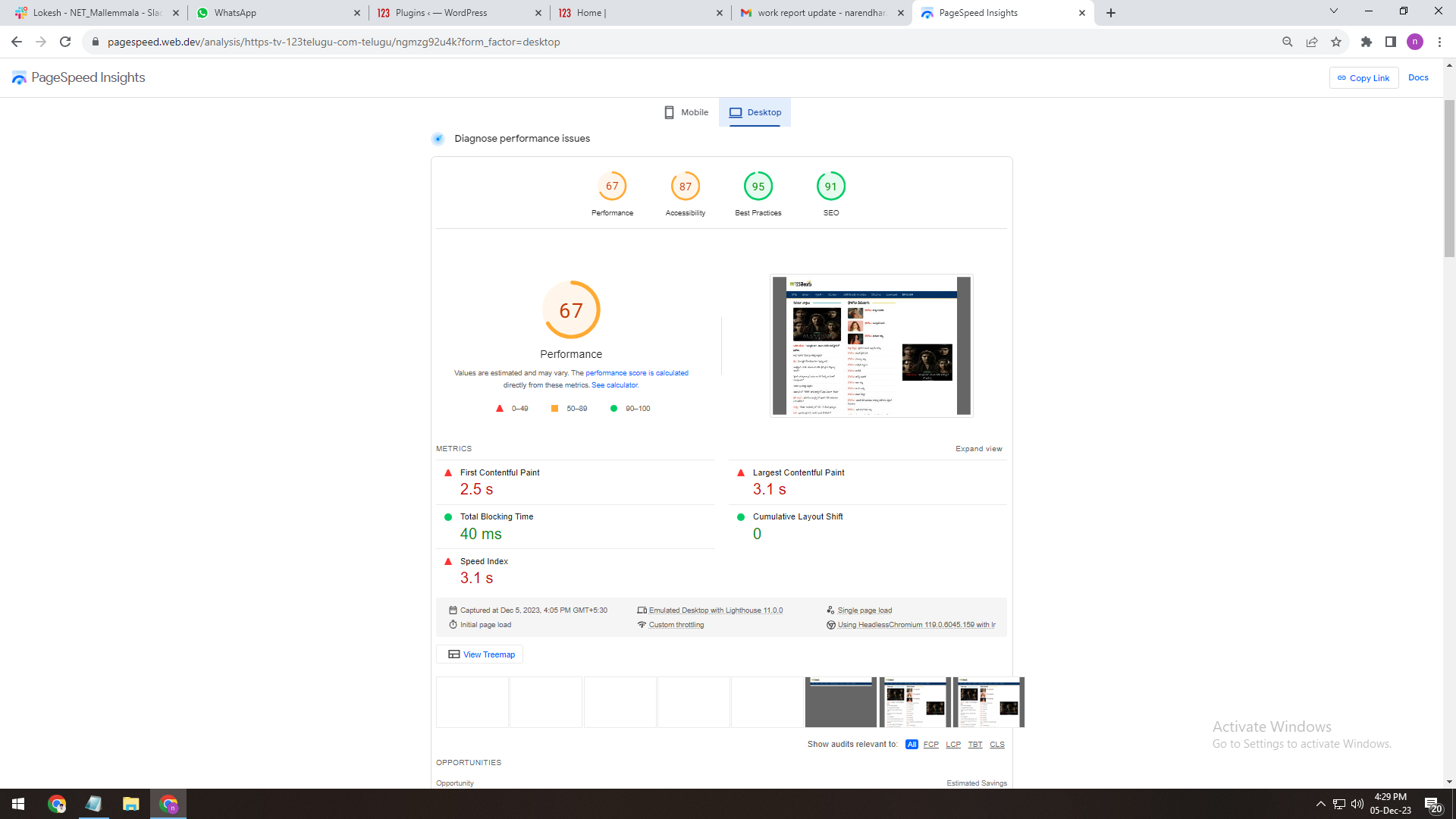
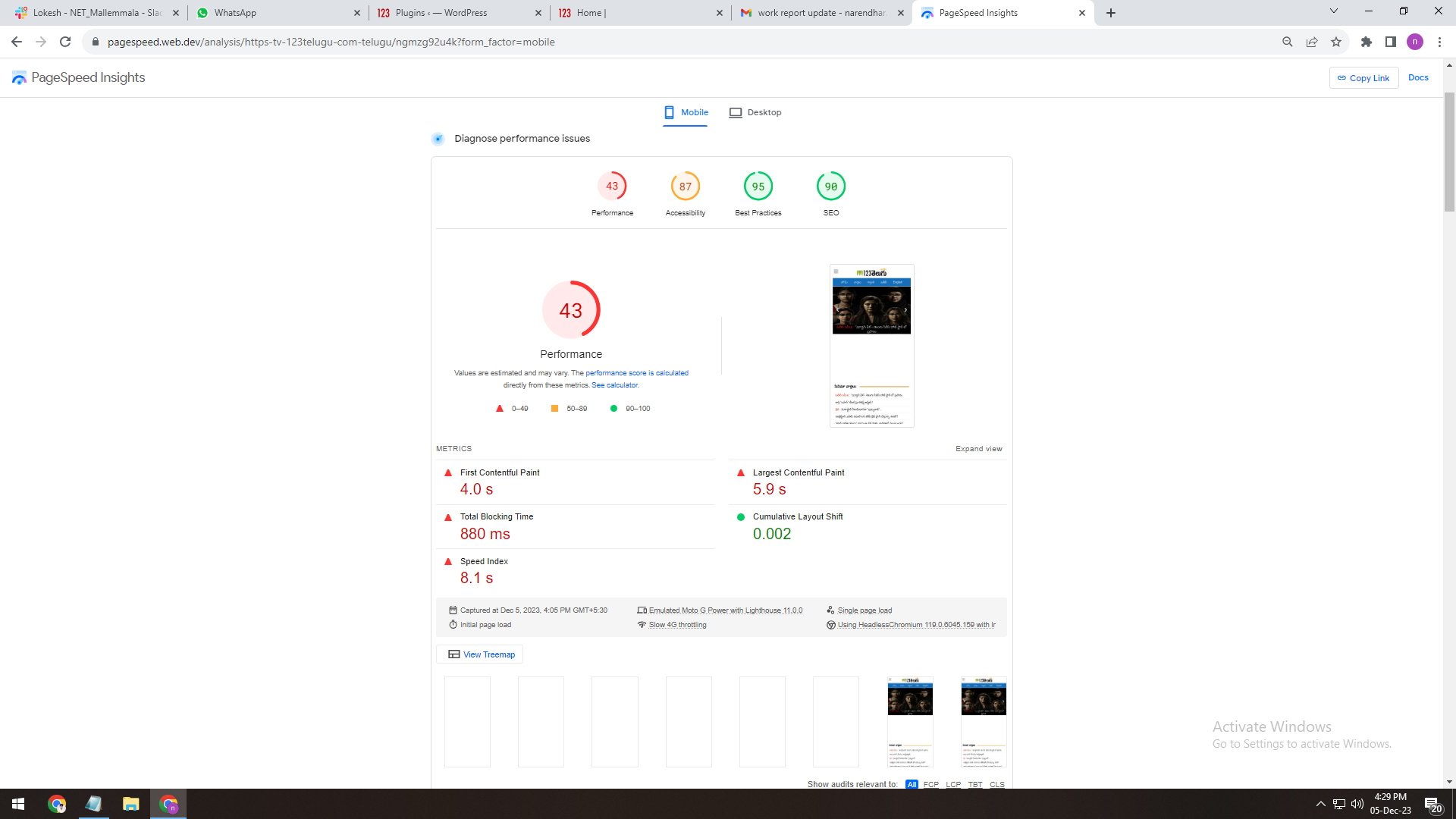
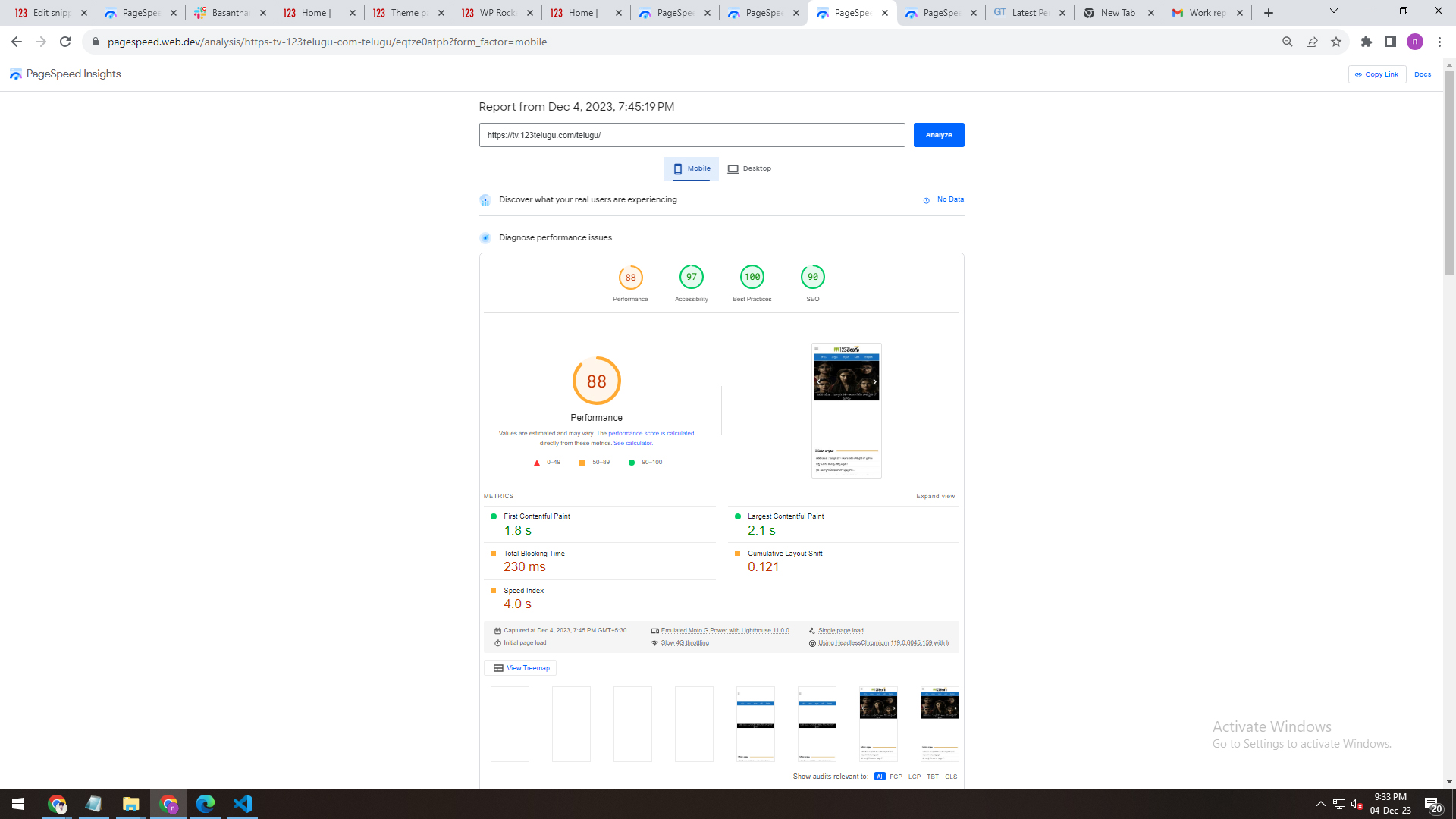
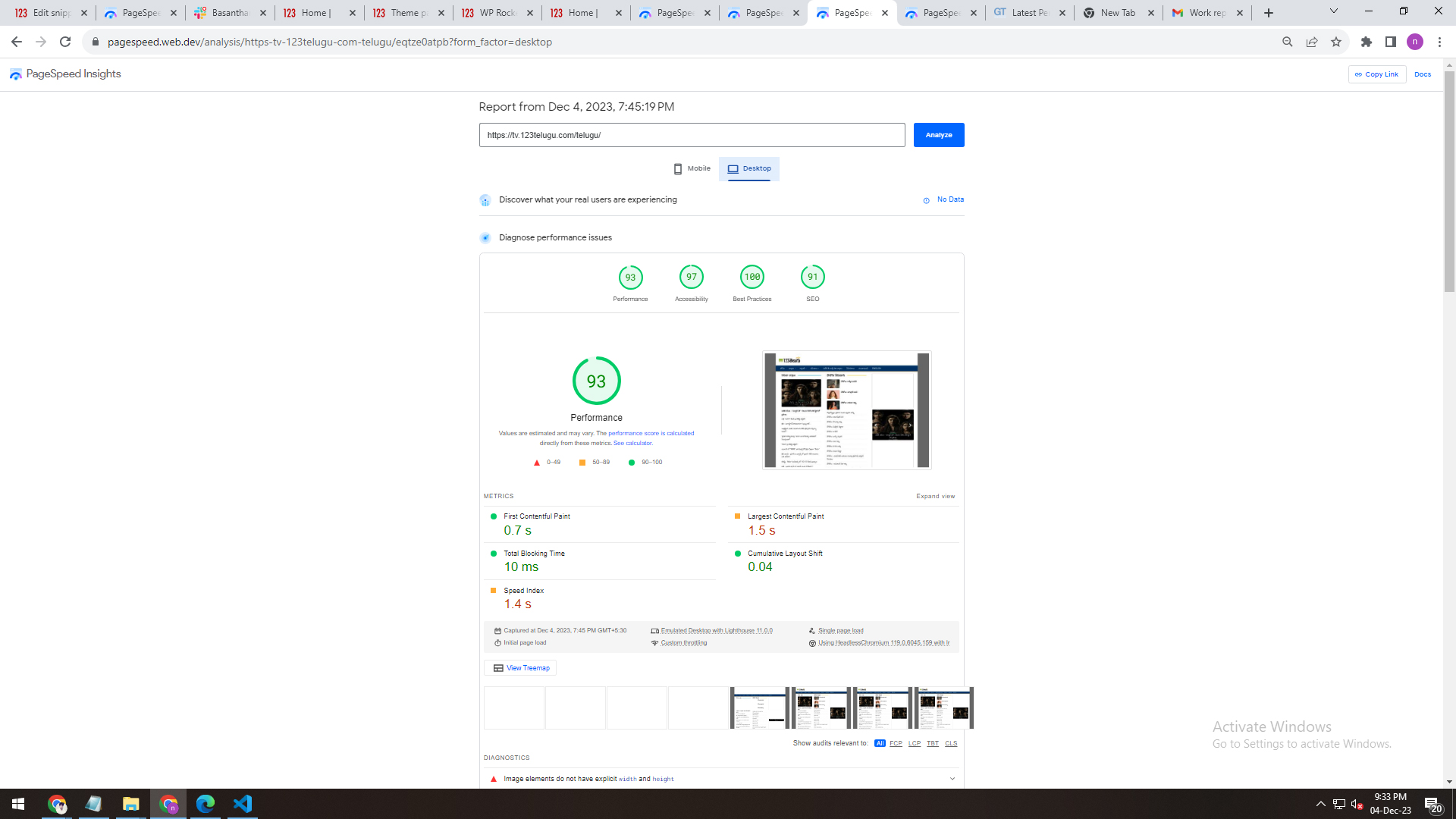
2. We installed the WP Super Cache Plug-in on the Newspaper theme. We are having issues with its speed. We are attaching the screenshots depicting the Plug-in’s speed. We are sending the details through links. Please give us recommendations on how to improve the speed.
WP Super Cache Plug
——————-
https://gallery.123telugu.com/images/theme_test/Narender12-05-3.jpg
https://gallery.123telugu.com/images/theme_test/Narender12-05-4.jpg
3. We have also installed the WP Rocket Pro Plug-in for better speed. We are having issues with its speed. We are sending the details through links. Please give us recommendations on how to improve the speed.
wp rocket plugin speed
————-
https://gallery.123telugu.com/images/theme_test/Narender12-05-2.jpg
https://gallery.123telugu.com/images/theme_test/Narender12-05-1.jpg
https://gallery.123telugu.com/images/theme_test/Narender12-05-7.jpg
https://gallery.123telugu.com/images/theme_test/Narender12-05-6.jpg
https://gallery.123telugu.com/images/theme_test/Narender12-05-5.jpg
 Raj Kumari
 I want to remove these pages from the website so please guide me how to remove these pages:
https://www.iacquireexpert.com/tdc-review/
https://www.iacquireexpert.com/tdb_templates/footer-urban-observer/
https://www.iacquireexpert.com/tdb_templates/header-template-urban-observer/
https://www.iacquireexpert.com/tdb_templates/single-post-template-urban-observer/
https://www.iacquireexpert.com/tdb_templates/category-template-urban-observer/
https://www.iacquireexpert.com/tdb_templates/search-template-urban-observer/
https://www.iacquireexpert.com/tdb_templates/author-template-urban-observer/
https://www.iacquireexpert.com/tdb_templates/404-template-urban-observer/
https://www.iacquireexpert.com/tdb_templates/tag-template-urban-observer/
https://www.iacquireexpert.com/tdb_templates/date-template-urban-observer/
 ludyma
 Hello, I wanted to tell you that after reviewing the web part and the mobile part more carefully, I see that the advertising that is seen without a problem is the one with external urls and the internal ones do not load, both on the web part and in the mobile part, I say this to provide more information to the support team.
 Max
MaxHi,I have this problem, I created some custom fields and I would like to show them inside the post previews is it possible?
Image -> https://ibb.co/MsdRk6k
 maronici
Hi.
We utilize the TagDiv Newspaper theme, However, we are encountering an issue where the ‘save settings’ process is endlessly loading. I have thoroughly reviewed all the information available on your support forum, but the problem persists (maybe a 403 problem in the ajax….who knows?). Could you please provide assistance in resolving this?
 Anamaria
 Hello,
Please check the console when you open edit content; if there is an error like this, please go to the Network tab, select the error, and select Preview -> https://i.imgur.com/iiBOHwP.png
Maybe the problem is caused by the server host
I think you will have a 403 or 404 error, so please check this topic -> https://forum.tagdiv.com/topic/wp-editor-for-text-with-title-and-column-text-not-updating-content/ and try the suggestions. Also, please check the cache, clear/purge all cache.
Thank you!
 PolyMoly
https://demo.tagdiv.com/newspaper_chained_news_pro/
Other theme ex.) Bridge you can click some buttons to import your Select Theme from the various demo contect Live Preview examples.
How can I import to appear like this demo?
Thank you
 idove
idoveHello community,
We recently underwent a server change and updated our theme to the latest version. However, we are encountering a problem with the Featured Image display on Single page post preview. When clicking on the Featured Image on the top of post page, it doesn’t show the image; instead, it displays a blank screen.
Has anyone else faced a similar issue after a theme update? We’d appreciate any guidance on where to look for a solution or if there are specific steps to troubleshoot this problem. Unfortunately, we couldn’t find relevant information in the forum archive.
Thank you for your help!
Anamaria Hi,
You need to select the error to see the preview tab.
Thank you!
 Vairao
 Sorry, i can’t find any Preview tab in Network tab : https://ibb.co/LNFPD0B
May i ask you to have a look directly on the page editor from my admin WP dashboard ?
WHich email can i send you credentials safely ?
Cheers
Vairao I can’t find any “preview” button in the console. Wich browser are you using ?
Anamaria Hi,
Please go to inspect -> console -> select the error in the tab network -> preview to see the issue. https://i.imgur.com/SKgs2IT.png -> https://forum.tagdiv.com/general-options-may-interfere-newspaper-theme/
Thank you!
 masterabbott
 Hi Calin,
I double checked using your instructions. I was editing the correct post ID. I tried another post just in case, but the result was the same. I checked the article using incognito mode: no success. Changing the score in WordPress’ editor successfully changes the td_review_key value in the database, but not the other way around. You can see the result here: https://imgur.com/a/4fM3FNs
 c386
c386 Has there been an update on how review schema has progressed?
We were seeing Google pick up review ratings correctly for a while, but it seems to have stopped working again following recent updates. We do have ‘Reviews System’ disabled in the theme admin panel as we don’t have a need for user reviews, but I presume this wouldn’t affect schema.
 pkrn
pkrnI started with Classic demo theme without media. I want to create post without sidebar but I couldn’t find a way to remove it completely. There’s a block in sidebar column that cannot be removed. So I implemented pre-design template from cloud library, https://cloud.tagdiv.com/spa-and-wellness-resorts-are-amazing-for-your-health/. In editor mode, I can see pictures in envira gallery block but when preview or publish it-there’s no content but it did show up when use original template.
 ApnaTime
I am not getting install button only preview button is there want to install prebuild theme
 eduardo
I would like to know if it is possible to remove the preview of the post text that appears when I view posts from any category, an example: https://mobilidadesampa.com.br/category/estradas/
image example: https://imgur.com/VYlbcQs
masterabbott I are running into a very strange issue with td_review_key in my test environment on Local using mySQL. Saving a review score in WordPress will correctly update meta_value for td_review_key. However, if I update the score using the td_review_key’s meta_value, nothing happens. When I checked the database queries using Query Monitor, I noticed the post with the review is not querying the td_review_key meta_value at all.
You can see the updated value in this image, but no change in WordPress in this screenshot.
I have cleared the browser cache multiple times, used a new browser, and incognito mode to confirm updating database scores are not being reflected on the posts.
Please let me know how I should proceed
 mundgefuehl
 Hi Anamaria,
I managed to remove the reviews from the comment section – this was in fact linked to the WP Recipe Maker Plugin, there was an option to remove this from the comments.
Thank you again.
May I ask another related question – is there a way to remove the website field from the comment section, as I do not want to include any external links in my comments?
Many thanks
Betty
Anamaria Hi,
With right-click -> inspect -> console -> select the error in the tab network -> preview, you can see the cause.
Thank you!
mundgefuehl Thanks a lot for checking Anamaria,
I assume that the reviews which I am seeing are directly linked to the plugin, so it should work. Will try it out.
Kind regards, Betty
 Zeeshan Rasheed
 i have the same issue and in the end, an error comes up saying that Invalid reply from the server endpoint. they are ignoring us; how can we work on our site if we can’t even use predesigns? I really disappointed. I’m just waiting for one day more as I already contacted my hosting provider, and everything is good from the hosting side as my other sites are working fine, and then I will review on Themeforest,
Anamaria Hi,
I understood it incorrectly the first time. You can add the comments element to the single post template without any issue because it doesn’t contain a reviews section https://i.imgur.com/eIuMmy5.png
Thank you!