- NewsmagCustom Post Type Support
 emmalabbe
Hi, my website has been hacked, I’ve noticed this morning that one of my pages has a redirection to some strange website (or 502 bad gateway, as per Safari error message). I’ve read on another request that there was a vulnerability issue on Newspaper V12.7 and the last update V12.7.1 has fixed it. I didn’t have installed the last update yet, so I assume the malware could have come from that vulnerability.
My questions are :
– Do you recommend to clean it first or to update Newspaper to V12.7.1 ?
– To remove the malware, do you have any info that could help ?
– When such vulnerability is suspected, why don’t you send an emailing to all your contacts that bought your template to tell them to update quickly to the new version ?
Thank you.
Emma
 Maneek
I see something strange in my site https://shippingandfreightresource.com.. When I DISABLE Mobile Theme for Newspaper, the site looks and behaves ok on MOBILE.. But when I activate Mobile Theme, sometimes it works and shows https://shippingandfreightresource.com/about which is the default home page but sometimes it goes to the “articles” page and keeps redirecting to the articles page even if I select the About page on its own from the menu..
Then when I go to https://www.shippingandfreightresource.com/hariesh-manaadiar/ – the mobile shows a blank content page but has the footer.. When I do this, the menu background and colors seem different..
Am not sure what’s happening.. Any suggestions..??
Right now for sake of my sanity I have disabled the mobile theme..
 Bettina
 Hello!
Strange! Make a test and deactivate ALL plugins except tagDiv ones. Also, if you are using a cache plugin, deactivate it, clear all cache, and try again.
Let me know the results!
Thank you!
Bettina Hello Mark!
Strange! I’ve tested on my end, and it is working great! Please check in another browser.
Thank you!
 SpotStudio
Hello,
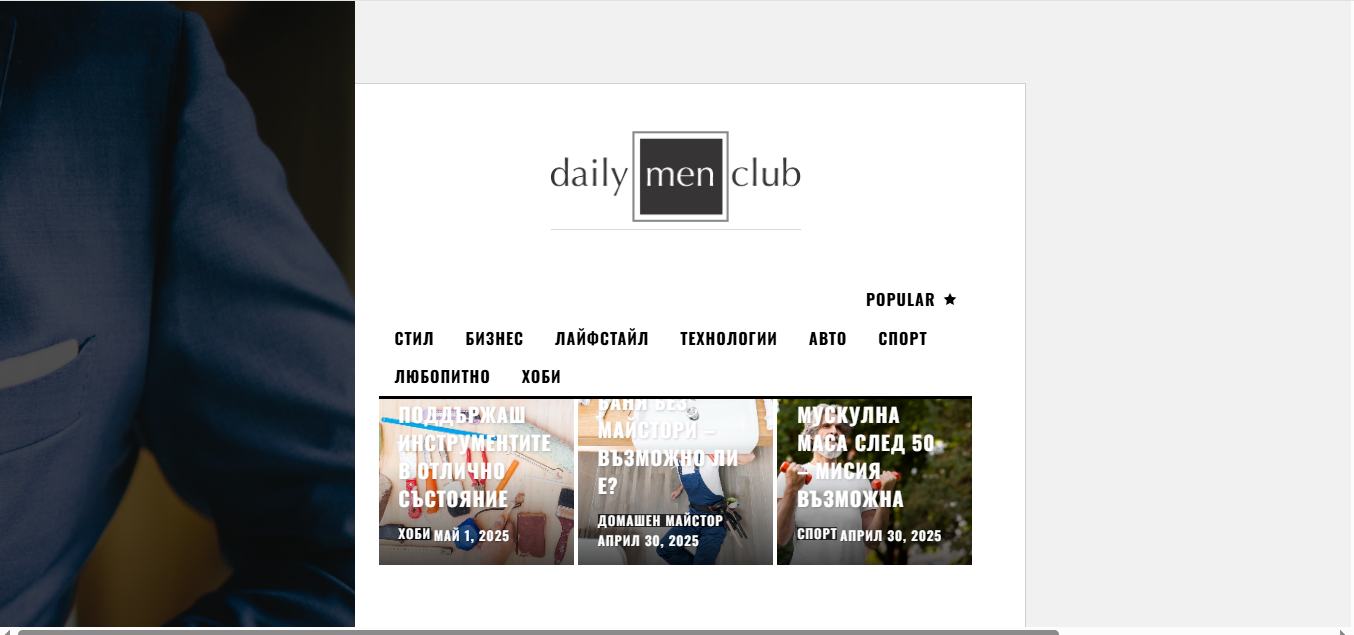
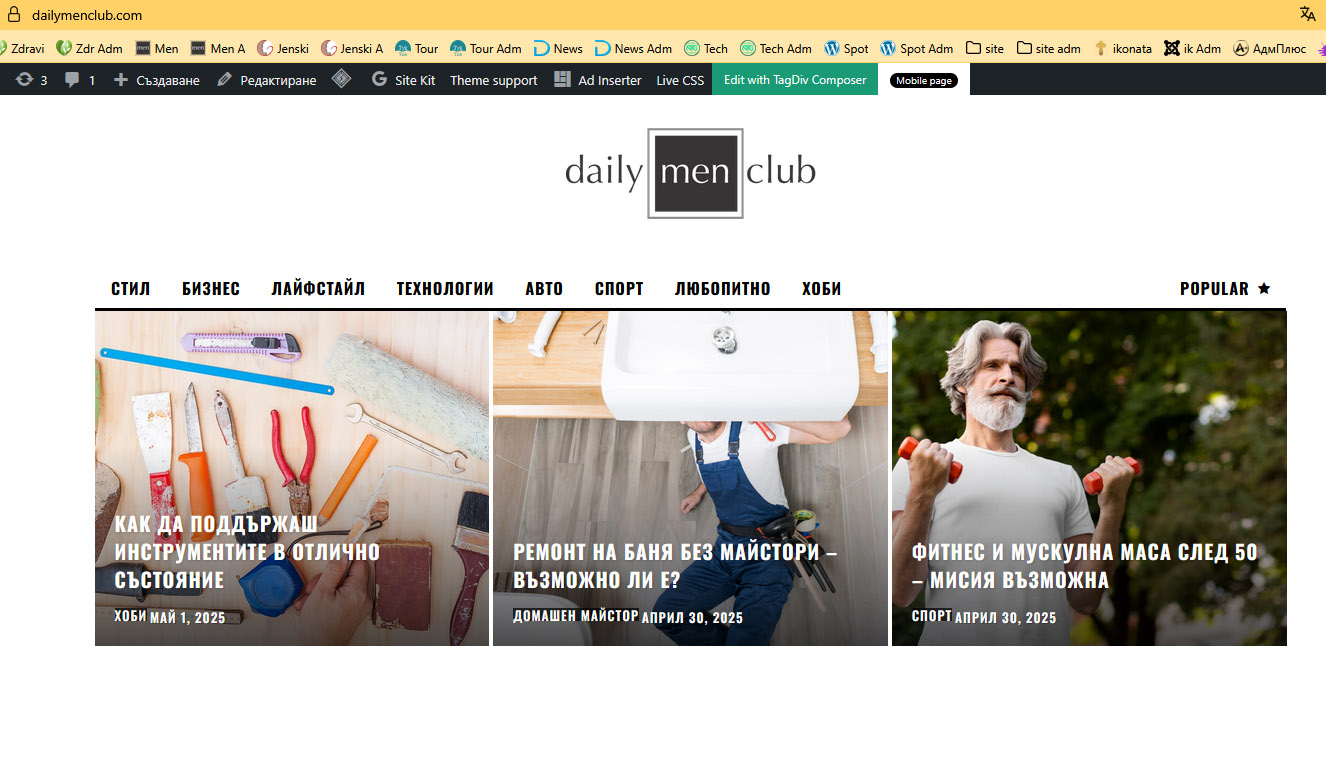
I have some strange problem with Newspaper for WP Version: 12.7.1
1. In some laptop view – the responsive design is damage
See here
https://dailymenclub.com/wp-content/uploads/laptop_newspaper.png
The normal view is like this
http://dailymenclub.com/wp-content/uploads/laptop_normal.jpg
Give me a decision on the problem?
Regards
Bettina Hello!
Make sure your homepage SEO Title is set correctly in Yoast: In WordPress, go to Yoast SEO → Search Appearance → General. Check the Homepage title settings.
If you have a static page set as homepage, go to Pages → Edit Homepage → Yoast SEO section, and set the SEO title. Your SEO title should be something like:
Home – My Awesome Site
Google decides what to show even if you set it correctly in Yoast. Sometimes they: Ignore your SEO title if they think another text is clearer.
Temporarily show the URL if the page title or content is missing/broken.
Again, check the live page using Google’s URL Inspection Tool and Request Indexing.
If you have wrong or strange redirects, Google might get confused about which page to show. In Yoast, make sure no weird canonicals are set manually.
Chekc this guide to see how you should set the homepage: https://forum.tagdiv.com/homepage-how-to-build-and-set-it/
Thank you!
 beatle72298
I disabled sticky on all sidebar elements in the tagDiv editor, as I’m trying to place some better logic for it using Theia Sticky Sidebar, but SOMETHING IN THE THEME IS MAKING IT STAY STICKY. I can tell because of this: https://drive.google.com/file/d/13hKZrLG4Ind_OqRCE4JBGFoAf3XvLb0Z/view?usp=sharing
The .wpb_wrapper element with all these strange data-sticky-enabled-on= and data-sticky-offset= attributes STAYS ON THE PAGE. Also, I see the target element which I gave a class .sidebar keeps the class .td-is-sticky DESPITE IT BEING TURNED OFF IN THE EDITOR.
I AM LOSING MY MIND. THIS THEME SHOULD NOT BE THIS DIFFICULT TO WORK WITH.
Here is an example page to inspect for yourself:
https://staging.gayety.com/jeremiah-brent-grabs-the-queer-eye-baton-from-bobby-berk
Bettina Hello!
Strange! Please get in touch with us via email at contact@tagdiv.com and provide the following:
– admin URL and credentials
– cPanel URL and credentials
– a link to this topic to identify you
Thank you!
Bettina Hello!
Strange! Please get in touch with us via email at contact@tagdiv.com and provide the following:
– admin URL and credentials
– cPanel URL and credentials
– a link to this topic to identify you
Thank you!
 Nagarig
 @Bettina Strange!😓 I didn’t touch other settings, no extra CSS code.
Bettina Hello!
Strange! Please get in touch with us via email at contact@tagdiv.com and provide the following:
– admin URL and credentials
– a link to this topic to identify you
I’ll check and try to help you!
Thank you!
Bettina Hello!
Strange! Please get in touch with us via email at contact@tagdiv.com and provide the following:
– admin URL and credentials
– cPanel URL and credentials
– a link to this topic to identify you
I’ll check and try to help you!
Thank you!
 regio-online
 Update: I tried reinstalling theme and plugins, but that did not solve the current issue. Then I remembered I am using the the Newspaper Child-theme. I activated the main theme and deactivated the child theme. Now it seems to work both in backend and frontend.
I can not find anything strange in the childtheme, only some settings for RankMath SEO plugin that I know are there.
Still could use your professional advice dough regarding the database issue.
Sorry for the long read!
Bettina  yanaguita
Hello!
I’m having trouble uploading logo files through the theme panel…
After uploading the file and clicking “save settings”, everything seems to be fine. But when I refresh the page, strangely, the file address appears incorrect, with a “web” after the “.com.br” ending of the domain. This causes the address to be incorrect and the image to not be displayed on the page.
Can you help me solve this problem? What could be happening?
Bettina Hello Amit!
It’s displaying this message now: You have reached your limit of choices for parent’s total Number of Rooms. Increase your limit. If I choose less option there, this message appears: Some required fields have been left blank.
I don’t understand how you’ve built it there and which option you chose for those fields. It’s strange! It seems to be anything else than the Opt-in builder.
Thank you!
 Anamaria
 Hello,
This is strange. Have you checked for a plugin conflict? Please deactivate ALL plugins, including WP Bakery, except tagDiv ones. Also, if you use a child theme or cache plugin, deactivate them, clear all cache, and try again.
Also, please delete the Redis cache a few times.
Thank you!
Bettina Hello!
Strange! Please get in touch with us via email at contact@tagdiv.com and provide the following:
– admin URL and credentials
– a link to this topic to identify you
I’ll check and try to help you!
Thank you!
Anamaria Hello @Joe,
This is strange. I did a few tests, and this issue has not happened to me.
Have you checked for a plugin conflict? Please deactivate ALL plugins, including WP Bakery, except tagDiv ones. Also, if you use a child theme or cache plugin, deactivate them, clear all cache, and try again.
Thank you!
Bettina Hello!
Strange! Please get in touch with us via email at contact@tagdiv.com and provide the following:
– admin URL and credentials
– cPanel URL and credentials
– a link to this topic to identify you
I’ll check and try to help you!
Thank you!
 Tangerine
 The screen suddenly becomes strangely exposed. Why is this happening?

Bettina Hello!
Strange! Please get in touch with us via email at contact@tagdiv.com and provide the following:
– admin URL and credentials
– cPanel URL and credentials
– a link to this topic to identify you
I’ll check and try to help you!
Thank you!
Bettina Hello!
Strange! But I’m glad you found the issue.
Have a lovely weekend!
Bettina Hello!
Strange! Please get in touch with us via email at contact@tagdiv.com and provide the following:
– admin URL and credentials
– cPanel URL and credentials
– a link to this topic to identify you
I’ll check and try to help you!
Thank you!
 detlev
 Hello Anamaria,
thank you very much for your support. That’s strange. Have you ever scrolled through all the pictures via forward-backward? The images are also displayed in normal text, but if you click on an image to see it in enlargement, then it doesn’t matter with which browser I want to view it, it doesn’t work. Among other things, I also use the DuckDuckGo browser without any intermediate storage. The same thing happens there. Can you please check that again?
Many thanks and greetings Detlev