
- Apitd_api_top_bar_template::update_key
- Apitd_api_top_bar_template::update
- Apitd_api_single_template::update_key
- Apitd_api_single_template::update
- Apitd_api_footer_template::update_key
- Apitd_api_footer_template::update
- Apitd_api_smart_list::update_key
- Apitd_api_smart_list::update
- Apitd_api_thumb::update_key
- Apitd_api_thumb::update
- Apitd_api_category_top_posts_style::update_key
- Apitd_api_category_top_posts_style::update
- Apitd_api_category_template::update_key
- Apitd_api_category_template::update
- Apitd_api_module::update_key
- Apitd_api_module::update
- Apitd_api_block::update_key
- Apitd_api_block::update
- Apitd_api_header_style::update_key
- Apitd_api_header_style::update
 luxechicago
Is version 5.1 visual composer ready to be updated? Or is the tagdiv team still testing?
If it is ready….where do I go to download the update?
 mangup
After update to 7.8 link on background image does not work. Before update, everyting worked corectly.
 Stefan
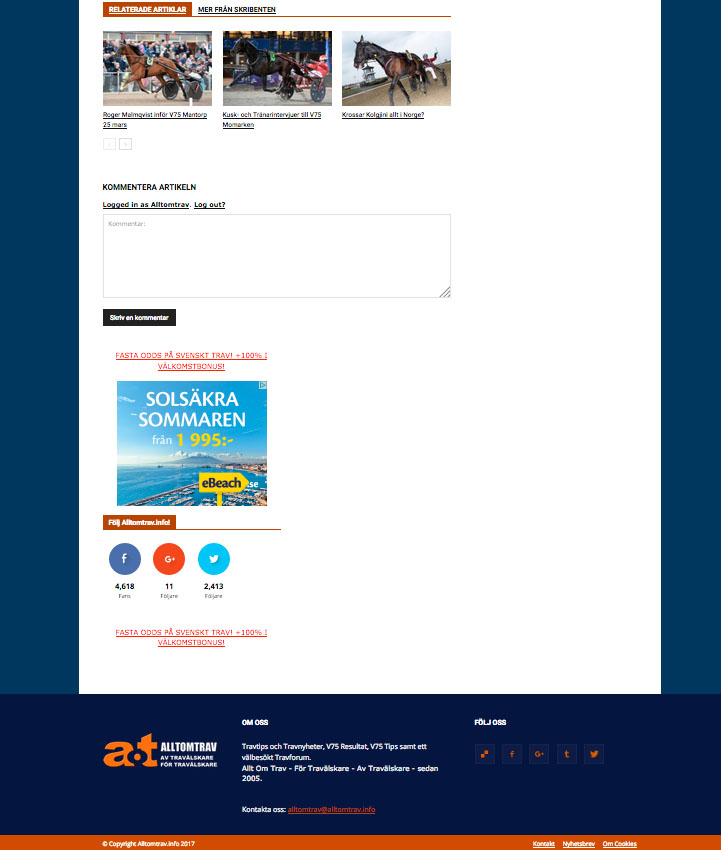
 Update. The sidebar is BELOW the content and the footer is stretched and not boxed.
NOT on start page or pages. Just in POSTS.
See screenshot
http://www.alltomtrav.info/alltomtrav.jpg
 Simion C.
 Hi,
At the moment for the category pages the only available option is to have a different background image for the page, per category – https://forum.tagdiv.com/how-category-settings-work/
Maybe some additional features in this regard will be added in a future update but I can not say for sure when and if exactly this will happen.
Thank you for understanding!
Simion C. Hi,
If you would like to align the sub categories in the mega menu to the left, you could do it like this – https://www.screencast.com/t/X4w7g668Kt4U
At the moment these are the available capabilities of the mega menu, there could be improvements made in the future in this regard. Please understand that with each update, the intention is to further improve the theme and the features. There are many suggestions and recommendations, and each one is taken into account when the time comes.
This is the code used, you must enter it in Theme panel->Custom Css
.menu-item-165 .td_mega_menu_sub_cats {

text-align: left;

}
Thanks
 WonderOfWander
 Thank You Bogdan B.
How often are updates issued?
Simion C. Hi,
I see that you have managed to make your Facebook profile public – https://www.screencast.com/t/UQsFpqd159 Now you should try to do a cache clear. Please note that there may be some delay for the data to synchronize, so you should wait a while before it refreshes. The Facebook counter should work properly now. Also make sure you have the latest version of the social counter from the theme package, and update it if necessary.
Thanks
StefanThe sidebar is placed BELOW the posts after latest update of theme. Disabled all plugins except VC but the problem is still there! HELP!! OK on start page but all posts is fucked up
Example:
Stefan Same here! The sidebar is placed BELOW the posts after latest update of theme. Disabled all plugins except VC but the problem is still there! HELP!! OK on start page but all posts is fucked up
 Arved007
 But the update also messes the VC block with stretch row desing, it doesnt work anymore, its always boxed.
Arved007 Demo is quite useful to see the changes in live before rushing to update.
 adamatpaymentscm.com
 Hi – I’ve turned off the plugins like you suggested but it hasn’t worked – this issue happened before i updated to the latest version of the theme.
Can you please help me out with it?
Adam
 Catalin
 Hello subiko,
Please keep in mind that you must buy any license for Visual Composer because this plugin comes bundled with the theme packet. For more information about this plugins, please consult the guide here -> https://forum.tagdiv.com/how-to-update-visual-composer-plugin/
Thanks for your understanding!
Catalin Hello Meranda Devan,
I feel sorry if you have these thoughts regarding on our theme product, sorry! Notice that our theme is permanently updated when a new version of WordPress or Visual Composer has been released. If you want to have the latest version of theme, you should download it from Theme Forest, using your member account.
Thanks for your understanding!
 fxdavidd
 Dear Catalin,
Thankyou very much for your fast response, i just checked my adsense account & weird, my account under reviewed again. In the meantime, i’ll just wait, and i’ll keep you guys updated, if there are any issues. Once again, thankyou.
 portuga
 It’s rather shameful that I have to be editing the code to solve something that work well.
If it ain’t broke, don’t fix it!!!
It was a really bad update. You messed it up this time.
 Bogdan B.
 Hello,
This is no bug. It is a simple check we added to prevent the use of the big grids on 2 columns.
The big grids were designed to work on 3 columns. They were never intended to be used on 2 columns.
Here is another topic with an explanation and a solution if you still prefer to use them on 2 columns:
https://forum.tagdiv.com/topic/bad-update/
Thank you!
 Isee
Isee Updated to latest version of Newspaper this morning and my sidebar has disappeared as well. Deactivated all plugins (except Visual Composer) – made no difference.
Bogdan B. Please use this guide to properly update your theme: https://forum.tagdiv.com/how-to-update-the-theme-2/
The FTP method is the safest way to update.
Thank you!
Bogdan B. Hello,
The update could have gone wrong. Please make sure you update the theme by changing all the files. Once file could have been left out when updating. Create a back-up beforehand and then use this guide to update: https://forum.tagdiv.com/how-to-update-the-theme-2/
Thank you!
 Hari
Hari I’m using contact form 7 and there are no confirmation emails being sent to the users filling out the form. You can try it out yourself at http://www.theaccelerator.in/coaching page.
Here is what the hosting people have to say on this.
“Here, I could see that the main reason for mail bounceback is the mails being sent to non existent email addresses and our server is rejecting the mail. Here you are trying to send mail to the mail ID kristytolmer7067@goooogle.igg.biz which is invalid. Refer the screen shot : http://prntscr.com/emjnn6
Hence please send the mail to valid and genuine email addresses. Also, please modify the subject line of the mail and then try to send the mail.
Please avoid sending mails to non existent email addresses and send mails only to valid and genuine users. Also, please tweak or modify the scripts before sending mails and make sure that the scripts are up to date.
Once these preventive measures are taken, please update us so that we can observe the changes made and activate the mail functionality.”
Error log:
http://support-tools.com/?9607aeda6e6c8118#iBJumKYxbCseP5lpXRUlO3WBBDPVB+q+SPznks4LEFE=
-
This reply was modified 9 years by
Hari. Reason: Additional information
Simion C. Hi,
At the moment the Newspaper demo is running version 7.7 and it will be updated as soon as possible. You can take a look at the new features and the latest release changelog here – https://themeforest.net/item/newspaper/5489609
If you have any more questions, we will be more than happy to answer them.
Thanks
 subiko
 Meranda Devan
 Most themes I have dealt with allow you to update right on wordpress. Why is this theme so advanced, yet doesn’t offer updates right on wordpress? How long can you go before you have to update? Do I need to update it every time a new update comes out?
 Satwik
 You can find the Theme Update logs at the bottom of the theme description. If you have already downloaded the latest update, check the text file named “update_log”.
